Best Translation Software in 2026: 7 Tools Compared
WLWPLegible EditorsLast verified 22 Nov 2026How we rank9 min read
★ Short answer
Weglot is our top translation software pick for multilingual websites, with automatic translation, a visual editor and a free plan covering 2,000 words. Localazy is better for software localization teams managing source strings, while GTranslate offers a free language selector and paid translation editing starting at $12 per month.
How we make this list: we compare pricing pages, product documentation and public user reviews, then re-check every price before each update. No product paid for a place. Disclosure.
Weglot starts at $170 per year for 10,000 translated words and one additional language, with a 4.7/5 G2 rating from 825 reviews.
Localazy's Professional plan costs $408 annually and includes 1,000 source keys and 12,000 AI-translated words.
GTranslate has 900,000+ active WordPress installs and a 4.9/5 rating, with paid translation editing from $12 per month.
ConveyThis includes 10,000 translated words in its free plan, while Starter costs $120 annually for 60,000 words.
Phrase offers a Freelancer plan at $27 per month billed annually, while Smartcat starts at $1,200 per year.
Lokalise starts at $149 per month, making it a more substantial investment for teams managing continuous software localization.
What to look for in translation software
Translation software covers several different jobs. Some products translate website pages automatically, while others help professional translators, developers and localization managers work together on multilingual content.
Start by choosing between machine translation, website translation and translation management. Website tools focus on publishing translated pages. Translation management platforms organize source content, translators, terminology, reviews and updates.
Look closely at how each vendor measures usage. Website translation tools may charge by translated words and languages, while software localization platforms commonly limit source keys, managed words or AI translation credits.
A glossary, translation memory and human review controls become increasingly useful when the same terminology appears across products and documents. Automatic output is a starting point, but important public-facing or technical content still benefits from review.
Finally, compare the regular subscription cost with the features available in the entry plan. A lower starting price may cover only a language selector, a small word allowance or basic translation management.
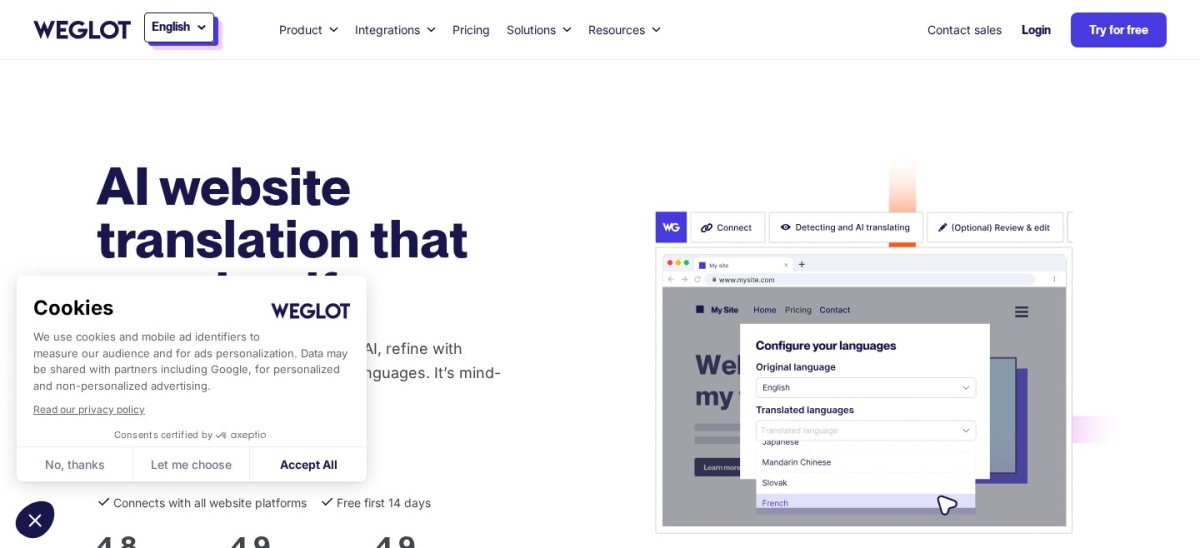
Weglot is a website translation platform that combines automatic translation with manual editing and multilingual publishing. Its free plan covers 2,000 translated words, one additional language and five team members, with features including a visual editor, glossary and translated-page SEO controls.
The trade off is the fixed translated-word allowance. Starter costs $170 per year for 10,000 words and one additional language, so larger websites may need a higher plan. It suits site owners and marketing teams that want translated pages published without building a separate localization workflow.
What we like
Automatic translation with a visual editor
Multilingual SEO and language-specific URLs
Free plan includes glossary and editing tools
Works with different website platforms
Watch out for
Starter supports only one additional language
Word allowance can become restrictive as content grows
Not designed primarily for professional document translation
Starter increases the word allowance and adds access to professional translatorsVisit weglot.com
02
Localazy
4.8/5on G2 (78 reviews, checked Nov 2026)
Starts at$34/mo
Best for software and app localization
Entry planProfessional
Source keys1,000
AI translation12,000 words included
Annual cost$408, billed yearly
localazy.com
Localazy homepage, captured Nov 2026.
Localazy is a localization management platform for translating applications, websites and other structured content. Its Professional plan includes 1,000 managed source keys, 12,000 words translated with Localazy AI, translation memory, glossaries and developer integrations through its API, CLI and SDKs.
The trade off is the source-key limit and additional AI usage costs. Professional costs $34 per month billed annually, or $408 per year, and projects exceeding their included capacity may need an upgrade or extra translation credits. It suits software teams that regularly publish updates in multiple languages.
What we like
Translation memory and terminology management
Developer-friendly API and CLI
Supports structured localization workflows
AI translation and human collaboration in one workspace
Watch out for
Source-key limits require planning
Additional translation credits can increase spending
More technical setup than a basic text translator
Professional adds managed source-key capacity, AI words and collaboration featuresVisit localazy.com
03
GTranslate
4.9/5on WordPress.org (4,965 reviews, checked Nov 2026)
Paid from$12/mo
Best budget option for website translation
Free planLanguage selector widget
Paid translationAI translation
Entry restrictionBilingual
Paid planCustom, $12/mo
gtranslate.io
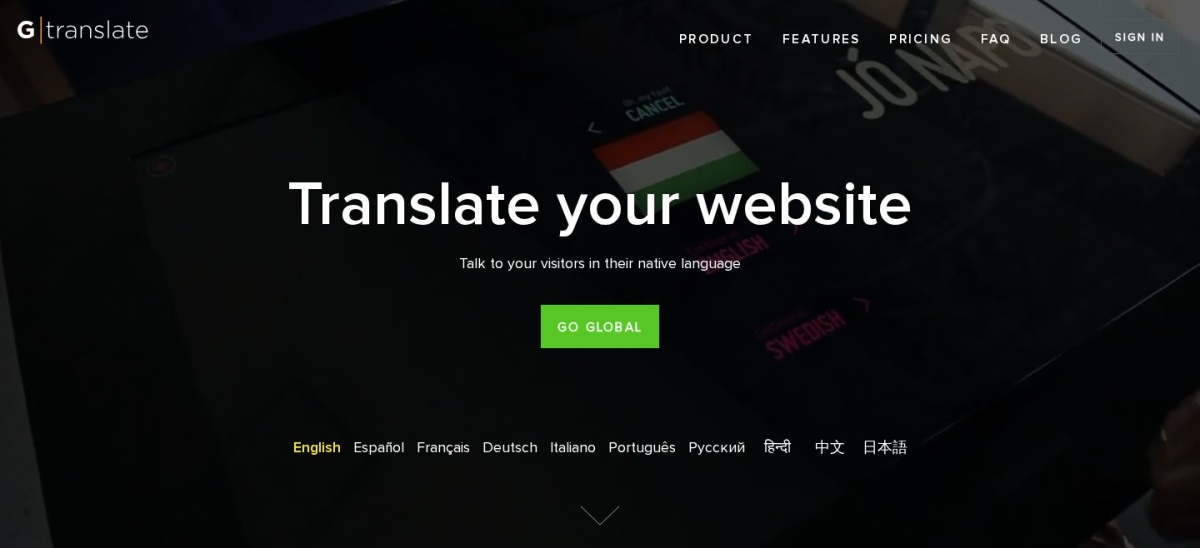
GTranslate homepage, captured Nov 2026.
GTranslate is a website translation service with a WordPress plugin used on more than 900,000 active installations. Its free version provides a language selector, machine translation and unlimited words and pageviews, while paid plans add editable AI translations and search engine indexing.
The trade off is that the free widget does not provide indexed translated pages or manual translation editing. The Custom plan costs $12 per month and is limited to bilingual translation, with advanced URL translation and language hosting reserved for higher tiers. It suits budget-conscious website owners who want a simple multilingual starting point.
What we like
4.9/5 WordPress.org rating
Free language selector and machine translation
Unlimited words and pageviews on published plans
Paid plans support editing and search indexing
Watch out for
Free translations are not search-indexed
Entry paid plan is bilingual
Translated URLs require a higher plan
Custom adds AI translation, commercial use, search indexing and manual editingVisit gtranslate.io
04
ConveyThis
4.4/5on WordPress.org (145 reviews, checked Nov 2026)
Paid from$120/yr
Best for multilingual website content
Free words10,000
Starter words60,000
Languages1 on Starter
Annual cost$120
conveythis.com
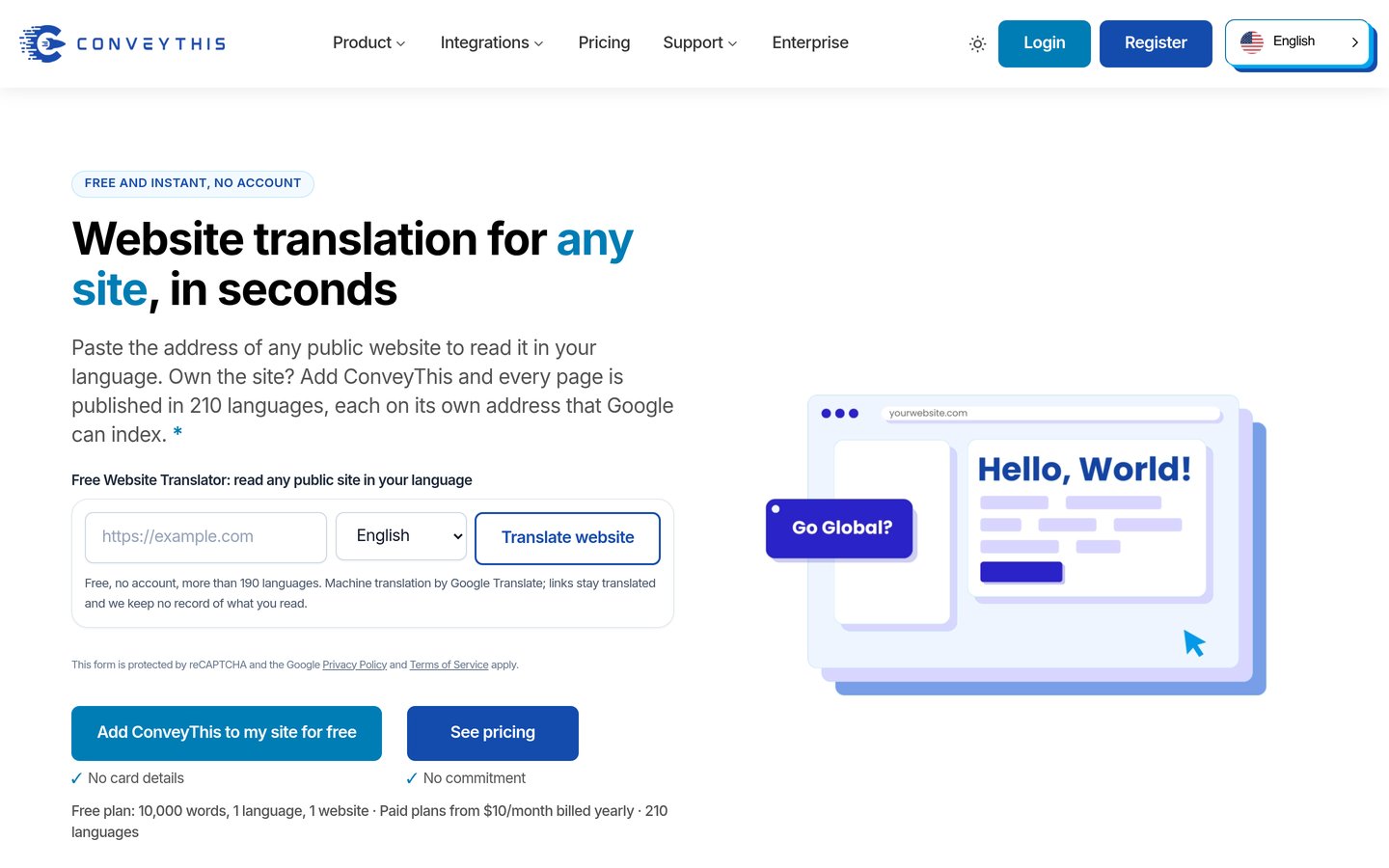
ConveyThis homepage, captured Nov 2026.
ConveyThis is an AI-assisted website translation platform that detects page content and supports multilingual publishing. Its free plan includes 10,000 words, one language, one domain and 2,500 monthly pageviews, with access to automatic website translation.
The trade off is that usage allowances apply to words, languages and pageviews. Starter costs $120 annually for 60,000 words, one language, one domain and 15,000 monthly pageviews. It suits small websites that need editable translations and a defined subscription budget.
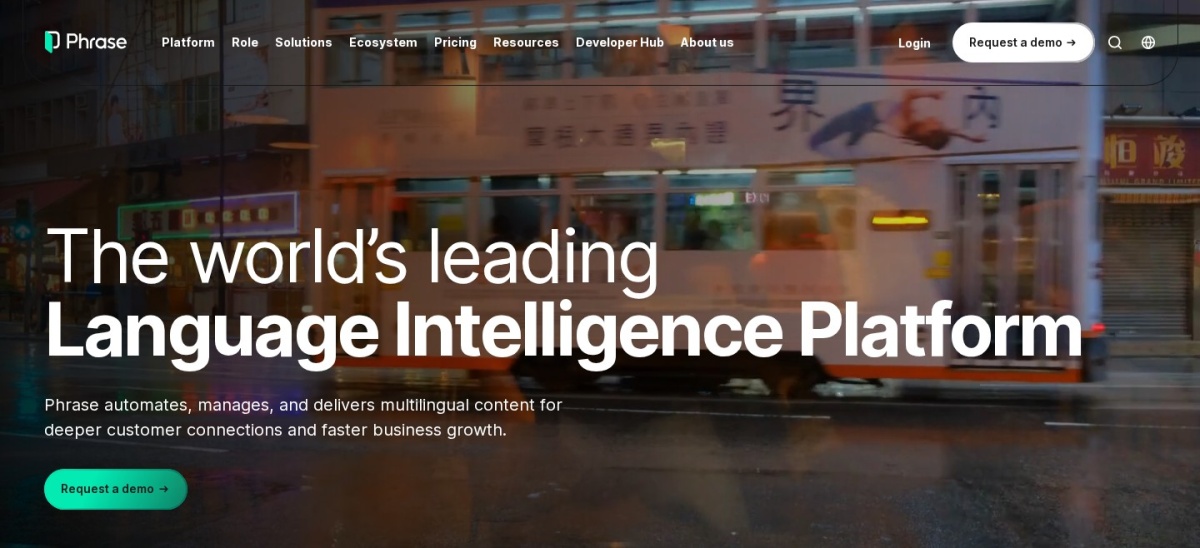
Phrase is a translation management and language technology platform for professional localization work. Its Freelancer plan includes one translation management seat, computer-assisted translation features, quality assurance, translation memories, term bases and integrations with development repositories.
The trade off is that the $27 monthly Freelancer plan, billed annually, does not include Phrase Strings seats, limiting its suitability for collaborative app-string localization. Higher plans add broader team and vendor management capabilities. It suits professional translators and organizations that need structured translation review.
What we like
CAT features and translation memory
Terminology management and quality assurance
Developer repository integrations
Advanced team plans for localization management
Watch out for
Freelancer has only one TMS seat
Entry plan has no Strings seats
Full platform capacity costs considerably more
Professional adds team seats, vendor management, reporting and advanced workflowsVisit phrase.com
06
Smartcat
4.6/5on G2 (176 reviews, checked Nov 2026)
Starts at$1,200/yr
Best for AI-assisted business translation
Entry planAdapt
UsersUnlimited
ContentAll content types
Annual priceStarts at $1,200
smartcat.com
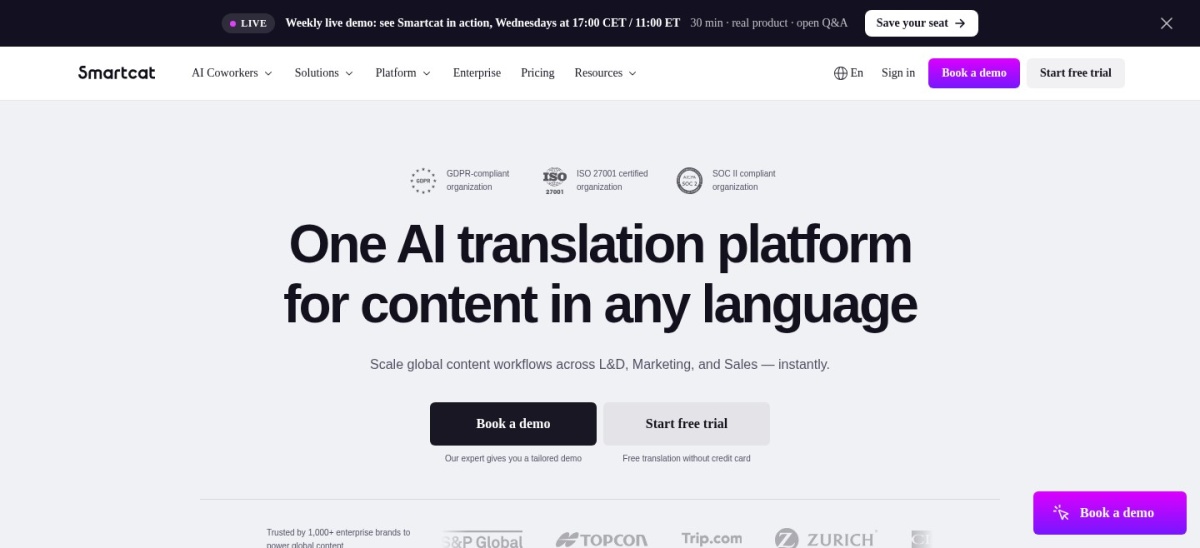
Smartcat homepage, captured Nov 2026.
Smartcat is an AI-based translation and content localization platform that helps businesses coordinate multilingual content production. Its Adapt plan starts at $1,200 annually and includes unlimited users, a Content Translator Coworker, a Content Creator Coworker, support for different content types and linear workflows.
The trade off is its higher starting commitment and modular pricing structure. The $1,200 annual Adapt plan provides an entry into Smartcat's AI coworker model, while higher tiers with reviewer coordination and additional workflow controls use custom pricing. It suits businesses translating recurring documents, training content and marketing materials.
What we like
Unlimited users on the entry plan
AI-assisted content translation
Supports multiple business content types
Higher tiers offer expert and reviewer collaboration
Watch out for
Higher starting price than simpler translation tools
Advanced workflows require higher plans
Custom-priced upgrades make long-term costs harder to estimate
Accelerate adds reviewer collaboration, marketplace access and priority serviceVisit smartcat.com
07
Lokalise
4.6/5on G2 (802 reviews, checked Nov 2026)
Starts at$149/mo
Best for collaborative product localization
Entry planExplorer
Free trial14 days
FocusSoftware and content localization
Entry price$149/mo
lokalise.com
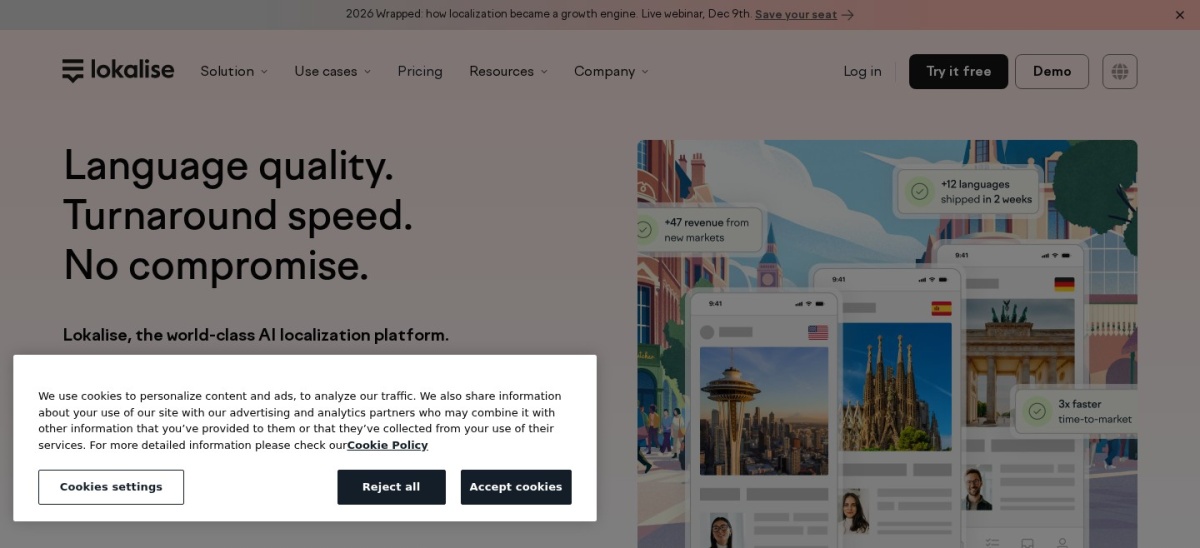
Lokalise homepage, captured Nov 2026.
Lokalise is a localization management platform for applications, websites and digital products. Its Explorer plan starts at $149 per month and provides an entry into centralized translation management, while the platform supports integrations with development repositories, design tools and content systems.
The trade off is subscription cost and the need to choose a plan matching your team's workflow requirements. Explorer starts at $149 per month, while Growth costs $379 per month and provides broader automation and control. It suits product teams that coordinate translation work across designers, developers and content managers.
What we like
Centralized localization management
Development and design tool integrations
Supports ongoing software translation workflows
Free trial available before subscribing
Watch out for
Higher entry price than smaller localization platforms
Machine translation vs translation management software
Machine translation converts source text into another language automatically. It is useful for drafts, routine content and high-volume translation tasks, but important terminology and nuanced writing can require human review.
Website translation platforms add publishing features such as language switching, translated URLs, visual editing and search engine metadata. Weglot, GTranslate and ConveyThis focus on this kind of workflow.
Translation management systems organize translation projects rather than simply converting text. Localazy, Phrase and Lokalise support workflows involving source strings, terminology, review, collaboration and updates.
Smartcat combines AI-assisted content workflows with translation management and collaboration. The right category depends on whether your goal is to translate a document, publish a multilingual website or maintain software in several languages.
How translation software pricing works
Subscription prices alone do not show the full cost of translation software. Vendors may limit translated words, languages, users, source keys, pageviews or AI usage credits.
For website translation, estimate how much original content needs translation and how many additional languages you want. A translated-word allowance can cover a small site but become restrictive when the content library expands.
For software localization, count unique source strings and consider how frequently they change. Translation memory may reduce duplicate work, while API integrations can help teams keep translations aligned with product releases.
Compare annual and monthly billing separately. Some vendors offer a lower annual commitment, while others show a monthly subscription price or a quote-based contract. Professional translation services and additional AI credits may be billed separately.
How we chose
We built this shortlist from established translation platforms serving website owners, software developers, professional translators and business teams. We considered publicly documented product capabilities, translation management features, supported workflows, public reviews and available pricing information.
The article carries a 22 Nov 2026 editorial date. Official pricing pages and public review listings were opened for verification on 24 Nov 2026, including WordPress.org listings for applicable plugins and G2 listings for SaaS products. Prices represent published entry plans rather than promotional discounts, and annual equivalents are calculated from the displayed billing terms.
We excluded products without sufficient public review or adoption evidence, unavailable pricing information, and WordPress plugins that did not meet the maintenance requirement. We did not rank products by rating alone because document translation, website translation and software localization solve different problems. No vendor paid for a place, and we do not claim testing for this list.
How to choose the right translation software
Identify the content you need to translate, then compare the tools against your publishing process, team requirements and expected usage.
Define your translation workflow. Decide whether you need document translation, a multilingual website or an ongoing localization process. Website owners should prioritize publishing and SEO features, while product teams may need translation memory, source-string tracking and developer integrations.
Calculate your translation volume. Estimate your translated words, source keys and required languages before comparing subscriptions. Check whether the advertised allowance is a fixed total, a recurring quota or an additional usage charge.
Check editing and review controls. Look for glossaries, manual editing, translation memory, quality assurance and reviewer permissions where they matter. Important legal, medical, technical or customer-facing material should receive appropriate human review before publication.
Compare the full recurring cost. Use the regular price rather than a temporary introductory offer. Include billing frequency, translated-content allowances, extra credits, higher-tier integrations and any professional translation services your workflow requires.
FAQ
What is the best translation software in 2026?
Weglot is our top choice for automatic website translation because it combines translation, visual editing and multilingual publishing. However, the right tool depends on the job. Localazy is better suited to software localization, while Phrase focuses on professional translation management.
What is the best free translation software?
GTranslate provides a free website language selector with machine translation, while Weglot offers a free plan covering 2,000 translated words. ConveyThis includes 10,000 words on its free plan. These products have different publishing and editing restrictions, so compare the free features before choosing.
What is the difference between translation software and localization software?
Translation software converts text between languages. Localization software supports the broader process of adapting products and content for different audiences, including terminology, formatting, reviews and publishing. Translation management platforms such as Lokalise and Localazy help teams coordinate these recurring tasks.
Can translation software replace professional translators?
Automatic translation can reduce the time needed to prepare multilingual content, especially for routine material. It does not guarantee that terminology, cultural meaning or technical details will be correct. Professional review remains important for sensitive content, legal documents, specialized instructions and high-visibility marketing copy.
How much does translation software cost?
Pricing varies widely by use case. GTranslate lists a paid plan from $12 per month, Weglot Starter costs $170 annually, and Localazy Professional costs $408 annually. Larger translation management platforms can cost more, especially when teams need additional users, automation or content capacity.
Which translation software is best for websites?
Weglot is a strong choice for website owners who want automatic translation, visual editing and multilingual SEO features. GTranslate is useful for a lower-cost starting point, while ConveyThis offers a defined free word allowance and paid plans with larger translation limits.
Which translation software is best for software developers?
Localazy and Lokalise are designed for maintaining translated software content. Their localization workflows support structured content and integrations with development tools. Phrase is another option for professional translation management, but its entry Freelancer plan does not include Phrase Strings seats.
What is translation memory?
Translation memory stores previously translated text so teams can reuse matching translations in future work. It can improve terminology consistency and reduce repeated translation effort. It is particularly valuable when applications, technical documentation and product content contain recurring language.
Should I choose monthly or annual translation software billing?
Annual billing can provide a lower effective monthly rate, but it requires a longer commitment. Monthly billing provides flexibility when translation volume changes. Compare regular renewal terms, usage limits and cancellation conditions before paying for a full year.