Best Agile Scrum Software in 2026: 7 Tools Compared
WLWPLegible EditorsLast verified 22 Nov 2026How we rank11 min read
★ Short answer
Jira is the best agile scrum software in 2026, offering native sprint backlogs, story points, and velocity charts free for up to 10 users. Choose Linear for fast keyboard-first engineering cycles or ClickUp when you want sprints bundled with docs and dashboards.
How we make this list: we compare pricing pages, product documentation and public user reviews, then re-check every price before each update. No product paid for a place. Disclosure.
Jira covers every Scrum ceremony out of the box, starting free for 10 users and $8.48/user/mo on Standard.
Linear strips out configuration overhead for engineering cycles, starting free for 2 teams and $10/user/mo on Basic.
ClickUp bundles sprints, docs, and whiteboards in one workspace, starting free forever and $9/user/mo on Core.
YouTrack delivers full agile boards and query search free for 10 users, then $4.50/user/mo on annual billing.
Shortcut balances Jira structure with lighter setup, starting free for 10 users and $8.50/user/mo on Team.
What to look for in agile scrum software
True Scrum tools do more than display columns on a Kanban board. Look for dedicated product backlogs, time-boxed sprint planning, story point estimation, and automatic burndown or velocity charts that calculate team capacity across iterations.
Pricing scales per seat on almost every platform, so free tier caps matter. Several leading tools support 5 to 10 users at no cost, while entry paid tiers range from $4.50 to $10.99 per user per month on annual billing.
Consider how closely your sprint board needs to connect to code repositories, pull requests, and release pipelines. Engineering-focused platforms link commits directly to stories, whereas cross-functional tools prioritize visual roadmaps and stakeholder reporting.
Core Scrum toolsBacklogs, sprints, story points, velocity
Automation limit150/mo free; 400/user/mo Standard
atlassian.com
Jira homepage, captured Nov 2026.
Jira is Atlassian's agile project tracker built around backlogs, sprints, story points, and custom issue workflows. Its free plan covers up to 10 users with unlimited spaces, timeline views, and 150 monthly automation steps.
The trade off is administrative complexity, as deep workflow and permission settings take time to configure, and Standard starts at $8.48 per user monthly on annual billing. It suits software teams that need strict Scrum reporting and deep developer integrations.
What we like
Complete native Scrum support with burndown, burnup, and velocity charts
Free forever for up to 10 users with unlimited work items
Massive integration library across Git, CI/CD, and Confluence
Watch out for
Steep initial setup and crowded screens for new users
Cross-team capacity planning requires the $15.56/user/mo Premium tier
Standard adds 250 GB storage, user roles, and 400 automations per user monthly.Visit atlassian.com
Git integrationNative GitHub and GitLab issue sync
linear.app
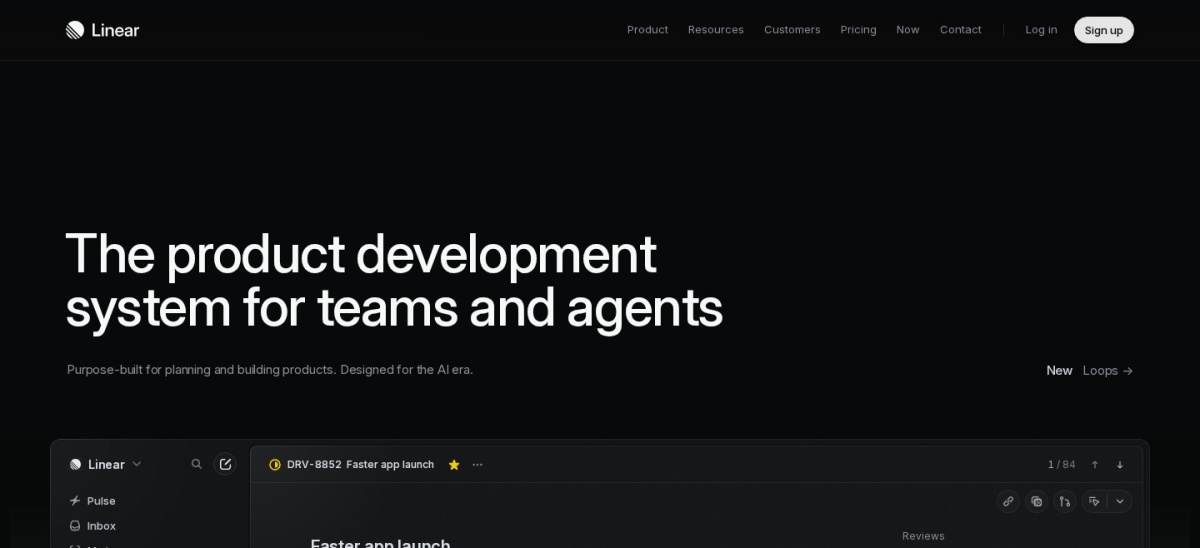
Linear homepage, captured Nov 2026.
Linear is an opinionated issue tracker designed for speed, replacing heavy configuration with automated sprints called cycles. The free plan supports unlimited members across 2 teams and up to 250 active issues.
The trade off is rigid workflow customization compared to Jira, and the Basic plan starts at $10 per user monthly billed annually ($12 monthly) to unlock unlimited issues. It suits product and engineering teams that prioritize fast daily execution.
What we like
Keyboard-driven interface with near-instant navigation
Automated cycle rollovers and clean Git pull-request syncing
Unlimited members on the free tier for small projects
Watch out for
250-issue cap on the free plan fills up quickly
Insights, SLAs, and private teams require the $16/user/mo Business tier
Basic removes the 250-issue limit and expands workspaces to 5 teams.Visit linear.app
03
ClickUp
4.6/5on G2 (15,881 reviews, checked Nov 2026)
Paid from$9/mo
Best for combining sprints with docs and dashboards
ClickUp is an all-in-one work platform that pairs dedicated Scrum sprint folders and point tracking with docs, chat, and whiteboards. Its Free Forever tier supports unlimited members with core task views and 100 MB of storage.
The trade off is interface density and a learning curve caused by its huge feature set, with Core starting at $9 per user monthly billed annually ($12 monthly). It suits cross-functional teams consolidating multiple tools into one hub.
What we like
Combines sprint boards, product specs, and whiteboards under one roof
Highly customizable task statuses, fields, and sprint point systems
Unlimited free members on the entry tier
Watch out for
100 MB total storage cap on Free Forever
Can feel overwhelming to configure and standardize across squads
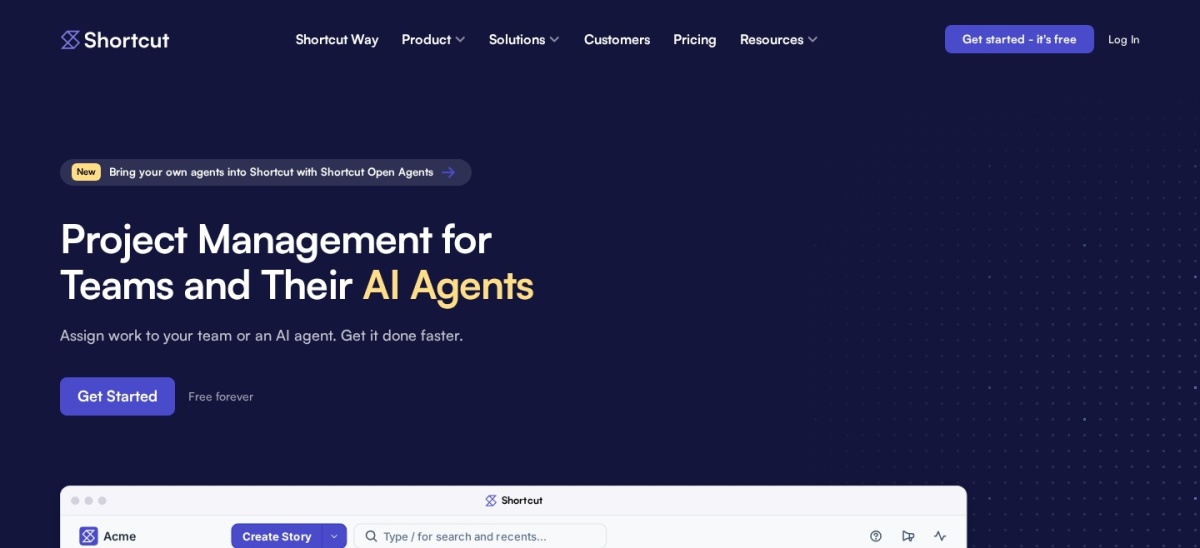
Shortcut is a software project management tool structured around Milestones, Epics, Stories, and time-boxed Iterations. Its free plan covers up to 10 users with Kanban boards, basic iterations, and Git integrations.
The trade off is lighter reporting depth than Jira, and the Team plan starts at $8.50 per user monthly billed annually ($10 monthly) for WIP limits and full reports. It suits growing product squads wanting clear hierarchy without heavy admin overhead.
What we like
Clean hierarchy connecting high-level milestones down to daily stories
Fast onboarding with minimal configuration required
Built-in Docs link directly to epics and stories
Watch out for
Free plan limits workspaces to 10 users
Smaller third-party marketplace than Atlassian
Team unlocks unlimited users, Work In Progress limits, and full agile reporting.Visit shortcut.com
Core Scrum toolsScrum boards, backlogs, burndown, time tracking
DeploymentCloud or self-hosted Server options
jetbrains.com
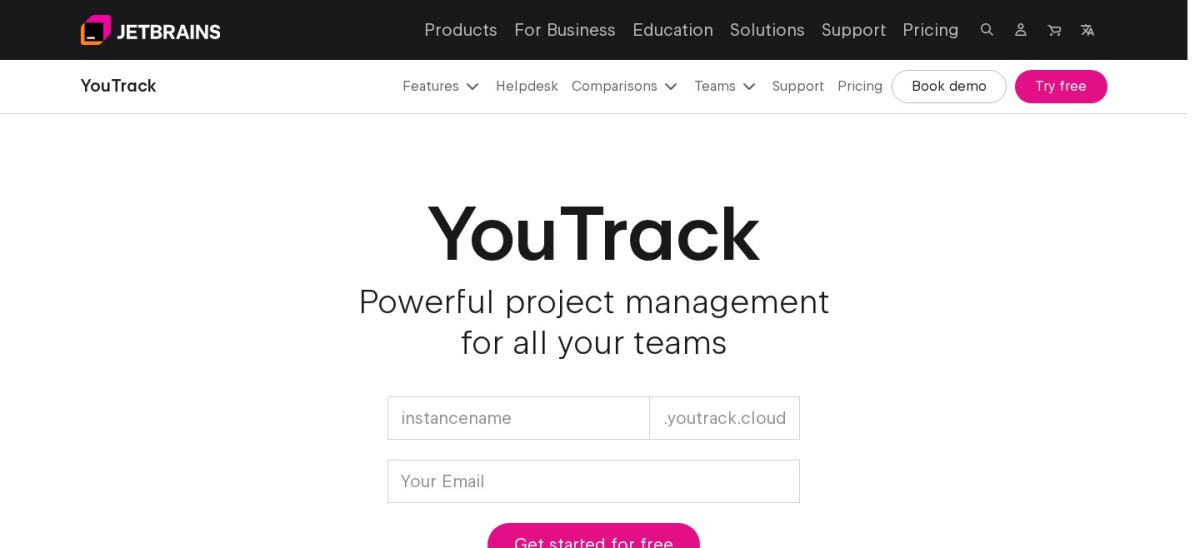
YouTrack homepage, captured Nov 2026.
YouTrack is JetBrains' issue tracker featuring customizable Scrum boards, backlog management, burndown charts, and command-based search. Its free plan includes every core feature and 30 GB of storage for up to 10 users.
The trade off is a denser, developer-centric interface, with paid subscriptions starting at $4.50 per user monthly billed annually ($5.40 monthly) once you pass 10 users. It suits budget-conscious engineering teams and JetBrains IDE users.
What we like
All features unlocked on the 10-user free plan including 30 GB storage
Lowest per-seat paid starting price among full-featured dev trackers
Available in both cloud and self-hosted Server editions
Watch out for
Interface feels utilitarian for non-technical stakeholders
Smaller ecosystem of external integrations than Jira
Paid plans scale beyond 10 users with volume discounts as headcount grows.Visit jetbrains.com
monday.com is a visual work management platform with dedicated sprint boards, backlog lists, and bug-tracking templates through its monday dev and work products. Its free plan covers up to 2 seats and 3 boards.
The trade off is seat-based minimums and gated features, as Basic starts at $9 per seat monthly billed annually (3-seat minimum) while timeline views and automations require Standard at $12. It suits teams sharing sprint progress with non-technical stakeholders.
What we like
Highly visual, color-coded boards that non-engineers grasp immediately
Strong no-code automations and cross-board status dashboards
Dedicated monday dev workflows connect sprints to product roadmaps
Watch out for
Free plan is capped at 2 seats
Automations, integrations, and timeline views require the $12/seat Standard plan
Goal alignmentProject milestones and portfolio tracking
asana.com
Asana homepage, captured Nov 2026.
Asana is a structured work management platform that supports sprint boards, backlog sections, custom story-point fields, and milestone tracking. Its Personal free plan supports up to 2 users with unlimited tasks and board views.
The trade off is lighter native agile analytics than dedicated dev tools, and Starter begins at $10.99 per user monthly billed annually ($13.49 monthly). It suits marketing, operations, and product teams running lightweight Scrum cycles.
What we like
Clean interface with fast day-to-day adoption across departments
Dependency mapping and timeline views keep sprint handoffs clear
Strong link between daily sprint tasks and company-level goals
Watch out for
Lacks built-in velocity and burndown charts out of the box
Workload capacity planning requires the $24.99/user/mo Advanced tier
Starter unlocks Timeline and Gantt views, Workflow Builder rules, and unlimited dashboards.Visit asana.com
Dedicated Scrum tools vs. flexible work hubs
Purpose-built developer trackers like Jira, Linear, Shortcut, and YouTrack model sprints, story points, and code commits natively. They calculate velocity automatically and keep engineering ceremonies structured without manual workarounds.
Flexible work platforms like ClickUp, monday.com, and Asana excel when designers, marketers, and operations staff share the same workspace. They trade deep native agile metrics for broader visual views, docs, and cross-departmental reporting.
How we chose
We evaluated leading agile project management platforms used by software and product teams, focusing on native support for product backlogs, time-boxed sprints, estimation fields, and progress reporting.
All G2 ratings, review counts, free tier caps, and regular annual per-user prices were verified directly from vendor pricing pages and G2 profiles on 22 Nov 2026.
We excluded platforms without transparent published entry pricing, discontinued legacy trackers, and basic checklist apps that lack sprint or backlog structures. No vendor paid for a place, and we do not claim testing for this list.
How to choose agile scrum software
Match your team size, ceremony depth, and developer workflow to the right tool in four steps.
Audit your mandatory Scrum ceremonies. If your team relies on story points, sprint velocity, and burndown charts every two weeks, pick a native tracker like Jira, YouTrack, or Shortcut rather than building custom fields in a general task app.
Check free tier user and issue caps. Teams of 10 or fewer can run free on Jira, Shortcut, or YouTrack, while Linear allows unlimited members up to 250 issues. Calculate the annual per-seat jump before your team outgrows the free limit.
Verify Git and CI/CD integration depth. Ensure pull requests and commits automatically update ticket statuses in your tracker. Linear, Jira, and Shortcut offer native bi-directional syncing with GitHub and GitLab.
Factor in non-technical stakeholders. If product managers, executives, or clients need roadmap visibility without learning developer terminology, consider ClickUp, monday.com, or Asana for cleaner stakeholder dashboards.
FAQ
What is the best free agile scrum software?
Jira and YouTrack offer the strongest free tiers for small Scrum teams, supporting up to 10 users with native backlogs, sprints, and agile reporting. Linear is also free for unlimited members up to 2 teams and 250 issues.
Is Jira still the standard for Scrum teams?
Yes, Jira remains the most widely adopted Scrum platform because it supports every agile ceremony, custom workflow, and velocity report out of the box. Smaller teams often choose Linear or Shortcut when they want faster setup with fewer configuration menus.
Can Asana or monday.com be used for Scrum?
Both Asana and monday.com support Scrum workflows using Kanban columns, custom story-point fields, and sprint sections. They work well for cross-functional teams, though they offer lighter built-in velocity and burndown reporting than Jira or YouTrack.
How much does agile scrum software cost per user?
Most paid entry plans cost between $4.50 and $10.99 per user per month when billed annually. YouTrack starts at $4.50/user/mo, Jira at $8.48/user/mo, Shortcut at $8.50/user/mo, ClickUp and monday.com at $9/user/mo, Linear at $10/user/mo, and Asana at $10.99/user/mo.
What is the difference between Linear and Jira?
Linear prioritizes speed and opinionated simplicity with automated cycles and minimal settings, while Jira offers deep workflow customization, granular permissions, and extensive enterprise reporting. Linear is faster to adopt; Jira scales better for complex multi-team governance.