Best PDF Markup Software in 2026: 7 Tools Compared
WLWPLegible EditorsLast verified 22 Nov 2026How we rank11 min read
★ Short answer
Adobe Acrobat is the best PDF markup software overall, with commenting, highlighting, text editing, and document sharing in Acrobat Standard at $14.99 per month on an annual commitment. Foxit PDF Editor is a strong alternative for professional editing, while PDFescape is better for basic browser-based annotations without paying.
How we make this list: we compare pricing pages, product documentation and public user reviews, then re-check every price before each update. No product paid for a place. Disclosure.
Adobe Acrobat leads for everyday document review, with a 4.5/5 G2 rating from 5,791 reviews and Standard priced at $179.88 per year.
Foxit PDF Editor costs $129.99 yearly and has a 4.6/5 rating from 3,784 G2 reviews.
PDFescape offers free browser-based annotations and a Premium upgrade at $2.99 monthly when billed annually.
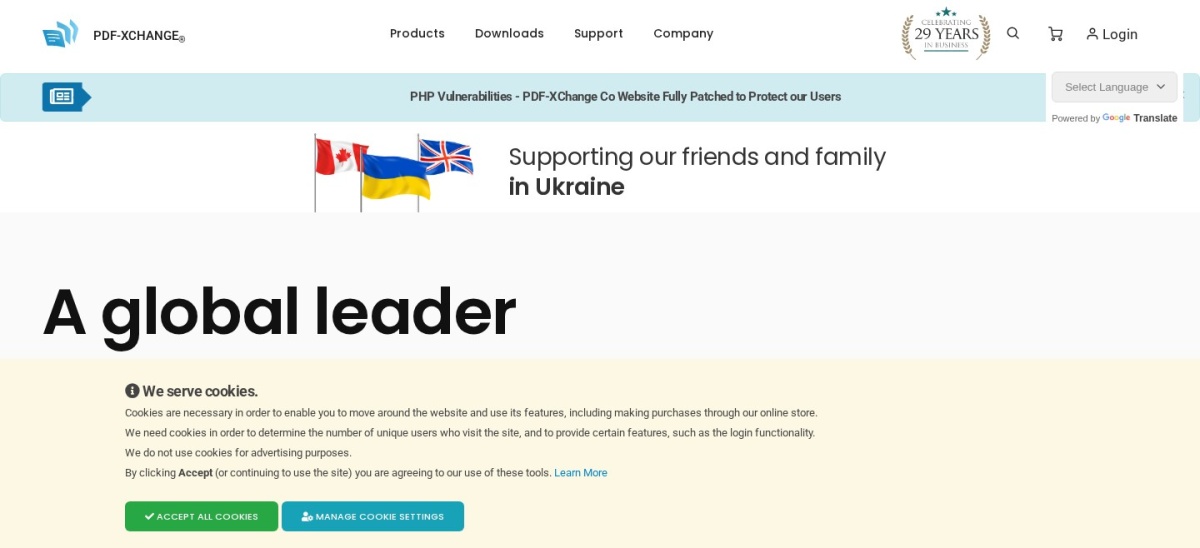
PDF-XChange Editor starts at $62 for a perpetual license, with optional maintenance for future updates.
Bluebeam Basics costs $260 per user annually and focuses on construction drawing markups and measurements.
Drawboard PDF supports free digital ink and cloud sharing for 10 documents, with a 40 MB limit per document.
What to look for in PDF markup software
PDF markup software lets you highlight passages, insert comments, draw shapes, add signatures, and communicate changes without rebuilding the original document. The right choice depends on the documents you review and how other people participate.
For general office work, prioritize highlighting, sticky notes, text comments, drawing tools, and reliable exports. If your workflow includes correcting existing PDF text, check whether the entry plan includes editing rather than annotation alone.
Collaboration becomes important when multiple reviewers comment on the same document. Look for shared files, synchronized annotations, review permissions, and a clear way to preserve comments in downloaded PDFs.
Technical drawings demand different capabilities. Architects, engineers, and contractors may need calibrated measurements, reusable markup symbols, revision comparisons, and specialized drawing management.
Compare the full cost before buying. Some applications have free annotation tools, others require subscriptions, and perpetual licenses may charge separately for future software updates.
For construction drawings and technical PDF markups
$260/yr
No free plan
4.6/5
Price ladder: cheapest paid plan per year
List prices, USD, checked Nov 2026
PDFescapeFREE$36
PDF-XChangeFREE$62
DrawboardFREE$84
FoxitFREE$130
AcrobatFREE$180
Nitro$180
Bluebeam$260
The 7 best PDF markup software tools
01
Adobe Acrobat
4.5/5on G2 (5,791 reviews, checked Nov 2026)
Paid from$14.99/mo
Best for everyday PDF markup and editing
Free optionAcrobat Reader
Markup toolsComments, highlights, drawing
Text editingStandard subscription
Paid planStandard, annual commitment
adobe.com
Adobe Acrobat homepage, captured Nov 2026.
Adobe Acrobat is a PDF editing and review platform for creating, commenting on, signing, and sharing documents. Free Acrobat Reader supports everyday markup, while Acrobat Standard adds text and image editing, conversion, document organization, and signature workflows across desktop, web, and mobile.
The trade off is a recurring subscription: Acrobat Standard costs $14.99 monthly with an annual commitment, totaling $179.88 yearly. Some advanced features, including broader document comparison and redaction capabilities, require Acrobat Pro. It suits professionals who regularly review contracts, reports, and business documents.
What we like
Established PDF annotation and review tools
Free Reader for everyday comments and highlighting
Editing, conversion, and signatures in Standard
Desktop, browser, and mobile access
Watch out for
Standard requires an ongoing subscription
Advanced editing and review features require Pro
Annual commitments can involve cancellation fees
Standard adds PDF text editing, conversion, organization, and signature workflows.Visit adobe.com
02
Foxit PDF Editor
4.6/5on G2 (3,784 reviews, checked Nov 2026)
Paid from$129.99/yr
Best for professional PDF editing and review
Free optionFoxit PDF Reader
Markup toolsComments, highlights, stamps
OCRIncluded in PDF Editor
Paid planPDF Editor, annually
foxit.com
Foxit PDF Editor homepage, captured Nov 2026.
Foxit PDF Editor is a professional PDF application combining annotation, text editing, OCR, document conversion, forms, and security tools. Its separate free PDF Reader supports basic annotation and form filling, while PDF Editor adds advanced document operations and includes Foxit DMS with cloud storage.
The trade off is that professional editing requires a paid license starting at $129.99 per user yearly, while the broader Editor+ plan costs more. It suits document-heavy teams that want detailed PDF tools without making Acrobat their default.
What we like
Professional annotation and editing features
OCR and document conversion included
Free Reader available for basic markup
Perpetual license option available
Watch out for
Free Reader does not provide the full editor
Advanced mobile and e-signature features require Editor+
Professional features take time to learn
PDF Editor adds OCR, text editing, forms, document security, and cloud document management.Visit foxit.com
03
PDFescape
4.2/5on G2 (70 reviews, checked Nov 2026)
Paid from$2.99/mo
Best for free browser-based PDF markup
Free optionOnline PDF editor
Free file limit10 MB per file
Free storage10 files, 7-day history
Paid planPremium, billed yearly
pdfescape.com
PDFescape homepage, captured Nov 2026.
PDFescape is a browser-based PDF editor that offers free annotations, form filling, basic form creation, and document downloads. The free service handles files up to 10 MB and includes storage for 10 files with a 7-day history. Its markup tools work without installing desktop software.
The trade off is that editing existing text and images, merging documents, and larger file allowances require Premium at $2.99 monthly billed yearly, or $35.88 annually. It suits occasional reviewers who need straightforward PDF markup without a large software subscription.
What we like
Free PDF markup in a browser
No desktop installation required
Free form filling and basic form creation
Low-cost paid upgrade
Watch out for
Free files limited to 10 MB
Existing text editing requires Premium
Less suitable for detailed technical drawings
Premium adds desktop editing, larger file limits, conversion, and an ad-free workspace.Visit pdfescape.com
04
PDF-XChange Editor
4.6/5on G2 (151 reviews, checked Nov 2026)
Paid from$62 one-time
Best for desktop PDF markup with a perpetual license
Free optionUnlicensed Editor features
PlatformWindows 10 and later
LicensePerpetual
Paid planEditor, one-time purchase
pdf-xchange.com
PDF-XChange Editor homepage, captured Nov 2026.
PDF-XChange Editor is a Windows PDF application with free document viewing, commenting, annotation, and editing features. Its licensed Editor edition starts at $62 and unlocks restricted functionality without evaluation watermarks. The vendor offers a separate Editor Plus edition with enhanced OCR and advanced form features.
The trade off is Windows-focused availability and a distinction between free functions and licensed tools, which can add evaluation watermarks. A $62 perpetual license allows continued use of the purchased version, while future updates beyond maintenance coverage may cost extra. It suits frequent desktop PDF reviewers.
What we like
Perpetual license rather than mandatory subscription
Broad selection of annotation tools
Free functionality available indefinitely
Optional maintenance for future updates
Watch out for
Windows-focused desktop application
Some unlicensed functions apply evaluation watermarks
Enhanced OCR requires Editor Plus
The paid license removes restrictions from licensed Editor functions; Plus adds enhanced OCR and form tools.Visit pdf-xchange.com
05
Drawboard PDF
4.3/5on G2 (40 reviews, checked Nov 2026)
Paid from$83.92/yr
Best for stylus markup and visual review
Free optionEssential markup tools
Free cloud storage10 documents
Free file limit40 MB per document
Paid referencePro Plus regular annual price
drawboard.com
Drawboard PDF homepage, captured Nov 2026.
Drawboard PDF is a document annotation platform focused on handwriting, digital ink, and collaborative reviews. Its free tools include text review, shapes, signatures, bookmarks, and cloud sharing for 10 documents, each limited to 40 MB. It supports stylus, touch, and mouse annotation across supported devices.
The trade off is that larger document workloads and additional professional tools require a subscription. Drawboard identifies $83.92 yearly as the usual Pro Plus price, although its public page does not fully expose every current entry-tier price. It suits visual reviewers who prefer writing directly on PDF pages.
What we like
Natural handwriting and digital ink features
Useful free annotation functionality
Real-time synchronization and document sharing
Supports touch and stylus workflows
Watch out for
Free cloud storage has document limits
Advanced tools require a subscription
Current entry-tier pricing is not fully exposed publicly
Pro subscriptions add professional review tools and expanded cloud document allowances.Visit drawboard.com
06
Nitro PDF
4.4/5on G2 (441 reviews, checked Nov 2026)
Starts at$15/mo
Best for office-style PDF editing workflows
Free optionTrial available
Markup toolsAnnotations and comments
EditingText, images, conversion
Paid planPDF Standard, annually
gonitro.com
Nitro PDF homepage, captured Nov 2026.
Nitro PDF is a document editing platform with annotation, conversion, signing, and PDF security capabilities. Nitro PDF Standard supports everyday PDF work and document sharing, with an interface organized around familiar office-style controls. It also offers administration features for managing users.
The trade off is that Nitro PDF Standard costs $15 per user monthly, billed as $180 annually, and advanced enterprise administration requires higher-tier arrangements. It suits teams that regularly edit and review business documents and prefer an interface similar to traditional office software.
PDF Standard provides full editing, annotation, conversion, sharing, and administrative features.Visit gonitro.com
07
Bluebeam
4.6/5on G2 (500 reviews, checked Nov 2026)
Starts at$260/yr
Best for construction drawings and technical PDF markups
Entry planBasics
Markup toolsDrawing annotation and measurement
PlatformsRevu desktop, web, mobile
Paid planBasics, annually
bluebeam.com
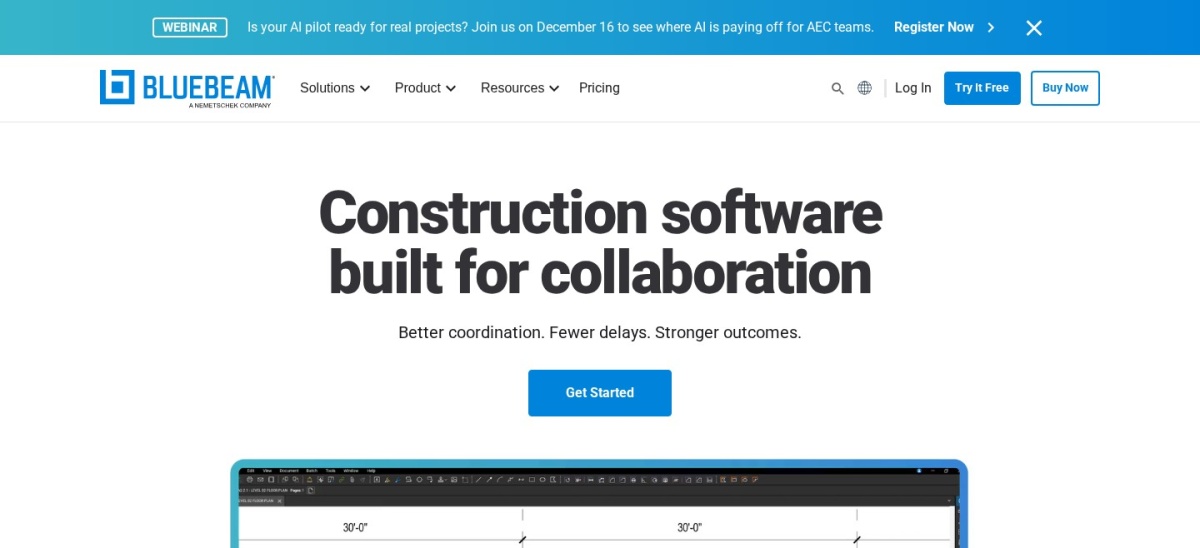
Bluebeam homepage, captured Nov 2026.
Bluebeam is a construction document platform that combines PDF markup, drawing management, measurements, and collaboration. Its Basics plan includes PDF creation, editing, annotations, length and area measurements, and participation in existing Studio collaborations. Subscribers receive Revu desktop access alongside web and mobile tools.
The trade off is the $260 yearly Basics price and limited advanced measurement and collaboration controls. Hosting Studio Sessions, specialized measurements, and CAD workflows require Core at $330 yearly. It suits construction professionals who work with plans and technical drawings rather than ordinary office PDFs.
What we like
Designed for technical drawings and construction review
Length and area measurements in Basics
Studio collaboration participation included
Desktop, browser, and mobile access
Watch out for
More expensive than general-purpose PDF editors
Basics cannot host Studio Sessions
Advanced measurements and CAD integrations require Core
Core adds advanced measurements, drawing comparison, CAD integrations, and Studio hosting.Visit bluebeam.com
PDF markup vs. PDF editing: what is the difference?
PDF markup adds information around existing content. Highlights, sticky notes, arrows, shapes, handwritten annotations, and review comments help communicate changes while preserving the original text.
PDF editing changes document content itself. It may involve replacing text, rearranging pages, changing images, converting file formats, or correcting scanned documents with OCR.
Many free PDF applications handle annotations but reserve advanced editing for paid plans. Choose markup-first software when feedback is the goal, and a full editor when the document itself needs revisions.
Subscriptions vs. perpetual PDF licenses
Subscriptions provide continued access to paid functionality while payments remain active. They may include updates, online services, cloud collaboration, and support depending on the vendor and plan.
Perpetual licenses allow continued use of a purchased software version without renewing a subscription. However, major upgrades and maintenance after the included period may require additional payments.
For occasional annotations, start with a free tool. For frequent desktop editing, compare perpetual licensing against several years of subscription costs before committing.
How we chose
We assembled this comparison from established PDF editing and annotation products with publicly documented markup capabilities. The shortlist covers browser-based annotations, desktop PDF editors, digital handwriting, general document review, and technical drawing workflows.
The article uses a reference date of 22 Nov 2026. Vendor pricing and independent ratings were checked against accessible pages on 23 Nov 2026. We compared regular published prices where identifiable, annualized monthly charges, and separated free features from paid functionality.
We excluded products when a reliable public review count or sufficiently clear vendor pricing was unavailable. Country-specific prices, temporary discounts, and unverified customer claims were not used. No vendor paid for a place, and we do not claim testing for this list.
How to choose PDF markup software
Match your PDF markup software to your review workflow, document types, and budget before selecting a plan.
Identify the annotations you use most. Check whether you need basic highlights and comments, handwritten ink, signatures, reusable stamps, technical shapes, or calibrated measurements. A simple browser editor may be sufficient for occasional document reviews.
Decide whether you also need PDF editing. Annotation and document editing are not interchangeable. Confirm whether your selected plan can modify existing text, organize pages, convert documents, or recognize scanned text with OCR.
Check how documents move between reviewers. Look for sharing permissions, preserved annotation layers, synchronized comments, and suitable file-size limits. Teams reviewing the same PDF should also evaluate whether simultaneous collaboration requires an additional subscription tier.
Compare regular long-term costs. Calculate annual subscription charges and consider whether a perpetual license meets your needs. Check renewal conditions, device restrictions, premium feature limitations, and the cost of future updates.
FAQ
What is the best PDF markup software overall?
Adobe Acrobat is the strongest general-purpose choice for everyday document review, highlighting, commenting, editing, and signing. Acrobat Reader handles basic annotations for free, while Acrobat Standard adds broader PDF editing and conversion. Foxit PDF Editor is a useful alternative for professional document workflows.
Can I mark up a PDF for free?
Yes. Adobe Acrobat Reader, Foxit PDF Reader, PDFescape, PDF-XChange Editor, and Drawboard PDF provide free annotation capabilities. Features differ, and some tools limit storage, document sizes, or advanced editing. Free markup generally covers highlighting, comments, and basic drawing without requiring a complete PDF editor.
What is the difference between PDF annotation and markup?
The terms are often used interchangeably. Annotation commonly refers to comments, highlights, notes, and text feedback. Markup can also include handwritten drawings, arrows, measurement symbols, shapes, and revision indicators. Both methods help reviewers communicate changes without directly rewriting the underlying document.
Which PDF markup software is best for construction?
Bluebeam is designed for construction and technical document workflows. Its Basics plan supports drawing annotations and length and area measurements, while Core adds advanced measurements, drawing comparisons, and Studio collaboration hosting. Drawboard PDF is another option for teams emphasizing handwritten annotations and visual feedback.
Is Foxit PDF Editor cheaper than Adobe Acrobat?
Based on the published entry plans compared here, Foxit PDF Editor costs $129.99 annually, while Adobe Acrobat Standard costs $179.88 over an annual commitment billed monthly. The difference is $49.89 per year. Compare the included features before deciding, since individual editing and collaboration requirements may differ.
Does PDF markup software change the original document?
Annotations typically add comments or graphical information rather than replacing existing document text. However, annotations may become permanent when a PDF is flattened, and some applications allow direct content editing. Preserve an unmodified copy when you need the original document for records or future revisions.
Can multiple people annotate the same PDF?
Yes, but collaborative functionality varies. Some tools support shared cloud documents and synchronized annotations, while others rely on downloading and exchanging updated copies. Check whether simultaneous editing, guest access, comment tracking, and review session hosting are included in your chosen plan.
Is a perpetual PDF editor license better than a subscription?
A perpetual license can make sense for frequent desktop work when you do not need continuously updated cloud features. PDF-XChange Editor offers this licensing model. Subscriptions may be preferable when ongoing updates, mobile access, cloud collaboration, and centrally managed accounts are important.