Best OCR Translation Software for Uzbek Language in 2026: 7 Tools Compared
WLWPLegible EditorsLast verified 23 Nov 2026How we rank11 min read
★ Short answer
Adobe Scan is the best OCR translation tool for Uzbek, rated 4.8/5 on G2 and free to use. Google Translate suits everyday camera translation, while DeepL gives the most accurate text translation at $8.74 a month.
How we make this list: we compare pricing pages, product documentation and public user reviews, then re-check every price before each update. No product paid for a place. Disclosure.
Adobe Scan leads at 4.8/5 on G2 and is free, though its rating rests on only 2 reviews.
Google Translate and Microsoft Translator are free and support Uzbek, while CamScanner adds free phone scanning with OCR.
DeepL is the most accurate text translator here at $8.74 a month billed annually, but Uzbek has no glossaries or tone controls.
ABBYY FineReader PDF is the only true OCR tool here at $99 a year, but it does not translate — pair it with a translator.
Lingvanex is the only tool with an Uzbek focus beyond the big names, but its consumer pricing is not published.
What OCR translation software for Uzbek should cover
Uzbek comes in two scripts: Latin, used in Uzbekistan today, and Cyrillic, still common in older texts. A good OCR translation tool should handle both, or say clearly which one it supports.
Camera translation and document OCR are different jobs. Google Translate reads Uzbek text through a phone camera, while CamScanner and ABBYY FineReader PDF scan printed pages into editable text.
No single tool does both jobs well for Uzbek. The usual setup is an OCR app to read the page, then a translator such as DeepL or Google Translate for the text.
The 7 best OCR translation software tools for Uzbek
01
Adobe Scan
4.8/5on G2 (2 reviews, checked Nov 2026)
PriceFree
Best OCR app for Uzbek documents
Camera OCRYes
Uzbek supportYes
Document exportPDF
Starting priceFree
adobe.com
Adobe Scan homepage, captured Nov 2026.
Adobe Scan is a free mobile app that turns a phone camera into a scanner, with OCR that reads printed text into searchable PDF. It supports Uzbek text in scanned documents, and the app itself costs nothing.
The trade off is the thin rating and the paid extras. Adobe Scan scores 4.8 out of 5 on G2 from only 2 reviews, and premium scan features need Acrobat Premium. It suits anyone who needs to scan Uzbek pages on a phone.
What we like
Free app with camera OCR
Scans become searchable PDFs
Rated 4.8 out of 5 on G2
Watch out for
G2 rating rests on only 2 reviews
Premium features need Acrobat Premium
Free app; premium scan features need Acrobat PremiumVisit adobe.com
02
Google Translate
4.6/5on G2 (580 reviews, checked Nov 2026)
PriceFree
Best free Uzbek translator
Camera translationYes
Uzbek supportLatin and Cyrillic
Offline modeYes, download
Starting priceFree
translate.google.com
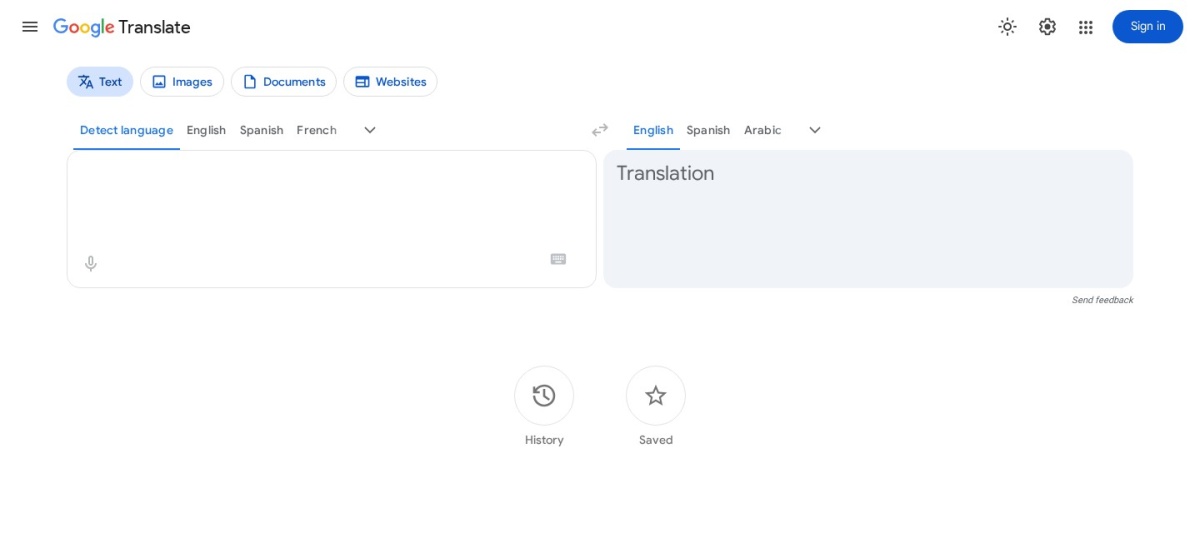
Google Translate homepage, captured Nov 2026.
Google Translate is a free translator for text, voice, documents and camera input, with Uzbek among its 130-plus languages. Its camera mode reads Uzbek signs and pages live, and it works offline with a downloaded language pack.
The trade off is accuracy. Machine translation of Uzbek is weaker than for major European languages, so check important text with a human. It suits everyday Uzbek translation on a phone, free.
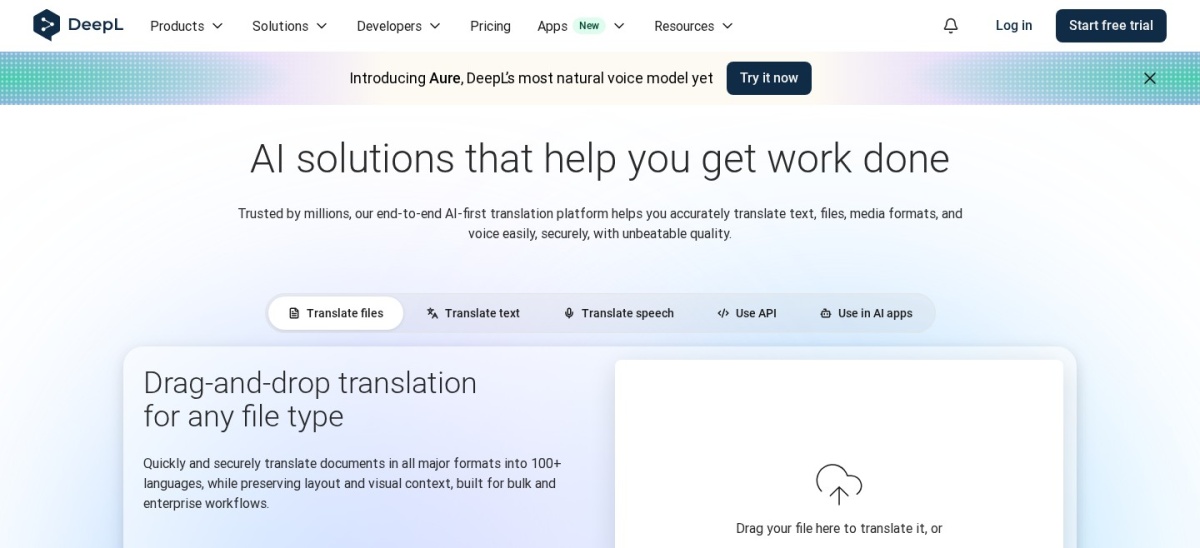
DeepL is a neural machine translator known for natural-sounding results, with a free plan and a Pro Starter plan at $8.74 per user a month billed annually. Uzbek is supported by its next-generation model for text translation.
The trade off is that Uzbek is a newer language for DeepL, so glossaries, tone controls and alternatives are not available for it. It suits users who want the most accurate Uzbek text translation and can pay $8.74 a month.
ABBYY FineReader PDF is desktop OCR software that turns scanned pages and PDFs into editable text, with support for more than 190 languages including Uzbek in both Latin and Cyrillic scripts. The Standard edition for Windows is $99 a year.
The trade off is that FineReader does OCR only; it does not translate, so pair it with Google Translate or DeepL for Uzbek translation. It suits anyone who needs accurate OCR of printed Uzbek pages.
What we like
Best OCR accuracy in this list
Supports Uzbek Latin and Cyrillic
Rated 4.5 out of 5 from 297 G2 reviews
Watch out for
Does not translate; OCR only
Windows Standard is $99 a year
Standard edition for Windows; Mac pricing differsVisit abbyy.com
05
Lingvanex Translator
4.4/5on G2 (17 reviews, checked Nov 2026)
PricingQuote/yr
Best for offline Uzbek translation
Offline modeYes
Uzbek supportYes
PlatformsWindows, Mac, mobile
Starting priceCustom quote
lingvanex.com
Lingvanex Translator homepage, captured Nov 2026.
Lingvanex Translator is a translation app that works offline, with support for Uzbek and more than 100 other languages. It covers text, voice and document translation on Windows, Mac and mobile.
The trade off is pricing. Lingvanex does not publish consumer pricing, and its on-premise server starts around €200, so a buyer must contact the vendor. It suits users who need offline Uzbek translation.
What we like
Works fully offline
Uzbek support across platforms
Rated 4.4 out of 5 on G2
Watch out for
No published consumer price
Only 17 G2 reviews, so the rating is thin
Consumer pricing is not published; on-premise servers start around €200Visit lingvanex.com
06
Microsoft Translator
4.3/5on G2 (95 reviews, checked Nov 2026)
PriceFree
Best free Microsoft translator
Text translationYes
Uzbek supportLatin script
Conversation modeYes
Starting priceFree
microsoft.com
Microsoft Translator homepage, captured Nov 2026.
Microsoft Translator is a free translator for text, voice and conversation, with Uzbek (Latin) among its languages. It works on the web, on mobile and inside Microsoft 365 apps.
The trade off is script coverage. Microsoft lists Uzbek in Latin script for text and document translation, with no Cyrillic listed. It suits free Uzbek translation inside Microsoft tools.
CamScanner is a phone scanner app that turns paper pages into PDFs and pulls the printed text out with OCR in 41 languages, then translates the extracted text inside the editor. It scans multi-page documents, crops and straightens them automatically, and exports PDF, Word or TXT.
The trade off is that Uzbek is not its focus, so pair a CamScanner scan with Google Translate for the translation step, and the free plan adds a watermark to exports. It suits readers who need a quick phone scan of Uzbek pages before translating the text elsewhere.
We started from the translation tools with a G2 rating that list Uzbek support, then kept seven that cover camera OCR, text translation or both.
Prices come from each vendor's pricing page and G2 listing, checked on 23 November 2026. Ratings and review counts come from G2 on the same day. Where a vendor shows a sale, the list shows the regular price.
We left out tools with no G2 rating, including iTranslate, Google Lens and Tesseract. No vendor paid for a place, and this list is based on pricing, docs and reviews, not on using the tools ourselves.
How to choose OCR translation software for Uzbek
Start with the script and the source — a printed page, a sign or typed text — then pick the tool that fits.
Check the script first. Uzbek Latin is standard today, but older texts use Cyrillic; ABBYY and Google cover both, while Microsoft lists Latin only.
Match the tool to the source. Use a camera app for signs and pages, desktop OCR for printed documents, and a text translator for typed Uzbek.
Pair OCR with a translator. No tool here does both jobs well for Uzbek, so scan with Adobe Scan or FineReader, then translate with DeepL or Google.
Test accuracy on real text. Translate a paragraph you already know and check the result before you rely on the tool.
FAQ
What is the best OCR translation software for Uzbek?
Adobe Scan is the best pick for scanning Uzbek pages, rated 4.8 out of 5 on G2 and free. For text translation, DeepL is the most accurate at $8.74 a month, while Google Translate is the best free option.
Does Google Translate support Uzbek?
Yes. Google Translate supports Uzbek in Latin and Cyrillic scripts for text, voice, documents and camera translation, and it works offline with a downloaded language pack.
Can I translate Uzbek with a camera?
Yes. Google Translate reads Uzbek text through a phone camera, and Adobe Scan turns Uzbek pages into searchable PDFs, which you can then translate. CamScanner also scans pages and pulls the text out with OCR.
Does DeepL support Uzbek?
Yes, for text translation through its next-generation model. Uzbek has no glossaries, tone controls or alternatives in DeepL yet, and DeepL has no camera OCR.
Is there free OCR translation software for Uzbek?
Yes. Adobe Scan, Google Translate, Microsoft Translator and CamScanner all have free plans. ABBYY FineReader PDF is the only paid OCR tool here at $99 a year.
What is the difference between OCR and translation?
OCR reads printed text from an image or scan into editable text, while translation turns that text into another language. For Uzbek you usually need both: an OCR app first, then a translator.