Best WordPress Translate Plugins in 2026: 7 Tools Compared
WLWPLegible EditorsLast verified 22 Nov 2026How we rank6 min read
★ Short answer
Polylang leads for WordPress-native multilingual sites with 900,000+ active installs and unlimited languages in its free version. TranslatePress suits front-end visual editing on 400,000+ sites, while Loco Translate handles local theme and plugin file translation with 1M+ active installs.
How we make this list: we compare pricing pages, product documentation and public user reviews, then re-check every price before each update. No product paid for a place. Disclosure.
Polylang runs on 900,000+ sites with a 4.7 rating from 3,010 reviews and supports unlimited languages on the free tier.
TranslatePress holds a 4.7 rating from 1,672 reviews on 400,000+ installs and starts at €99/yr for Personal.
Weglot has 50,000+ active installs with a 4.8 rating from 1,944 reviews and starts at $170/yr on annual billing.
GTranslate averages 4.9 from 4,962 ratings across 900,000+ installs with paid plans starting at $120/yr.
Loco Translate reaches 1M+ active installs with a 4.8 rating from 453 reviews and keeps its core plugin free.
What to look for in a WordPress translate plugin
WordPress translate plugins fall into two main models: local database or file storage versus cloud-hosted translation delivery. Local tools keep translated strings on your own server, whereas cloud services process and cache translations externally.
Check how a plugin handles multilingual SEO, including separate language URLs, translated slugs, and hreflang tags. Some free tiers only support manual translation or a single extra language, while machine or AI translation often carries word quotas or separate API costs.
Consider how your team edits text and how WooCommerce or page builders behave. A front-end visual editor helps non-technical editors spot layout overflow, while PO/MO file editors focus on theme and plugin strings.
4.7/5on WordPress.org (3,010 reviews, checked Nov 2026)
Paid from$110/yr
Best for WordPress-native multilingual sites
Active installs900,000+
WP.org rating4.7 (3,010)
Entry paid plan€99/yr (~$110)
Last updatedNov 2026
polylang.pro
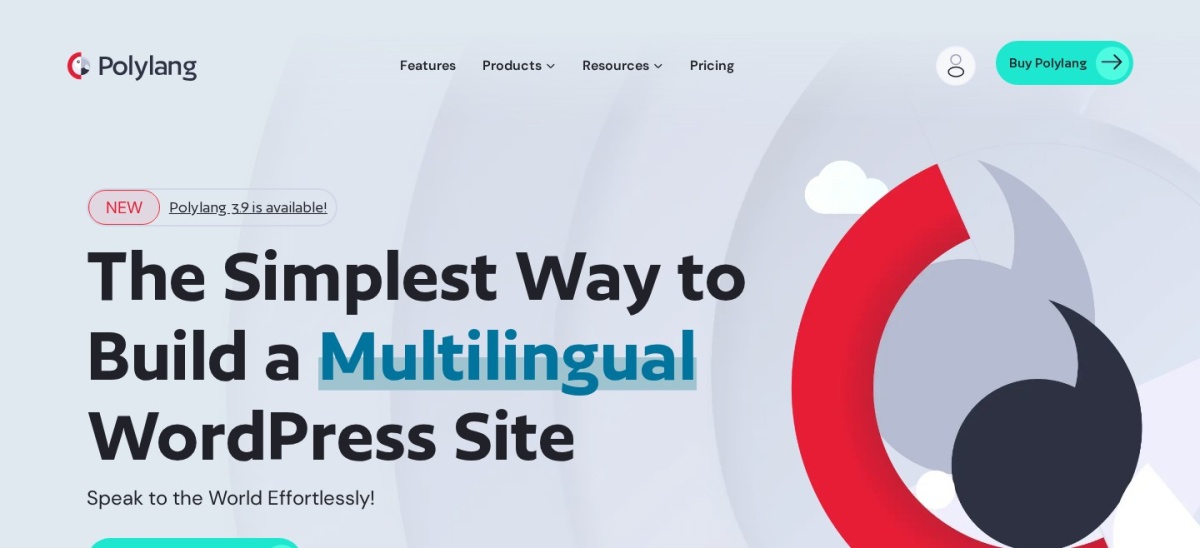
Polylang homepage, captured Nov 2026.
Polylang is a WordPress multilingual plugin used on 900,000+ sites with a 4.7 rating across 3,010 reviews. Its free version supports unlimited languages, posts, pages, media, categories, and hreflang tags using WordPress taxonomies.
The trade off is that Polylang Pro starts at €99/yr (around $110/yr) for 1 site, and automatic DeepL translation or URL slug translation sit in paid tiers. It suits site owners who want structured WordPress-native content control and clean performance.
What we like
Supports unlimited languages on the free version
Uses built-in WordPress taxonomies without extra database tables
Includes hreflang tags and multiple URL layout options
Actively maintained with releases into November 2026
Watch out for
No front-end visual translation editor
WooCommerce support requires a separate add-on or bundle
DeepL machine translation requires Pro and a DeepL API key
Polylang Pro adds DeepL machine translation, URL slug translation, and dedicated support.Visit polylang.pro
02
TranslatePress
4.7/5on WordPress.org (1,672 reviews, checked Nov 2026)
Paid from$108/yr
Best for visual front-end editing
Active installs400,000+
WP.org rating4.7 (1,672)
Entry paid plan€99/yr (~$108)
Last updatedNov 2026
translatepress.com
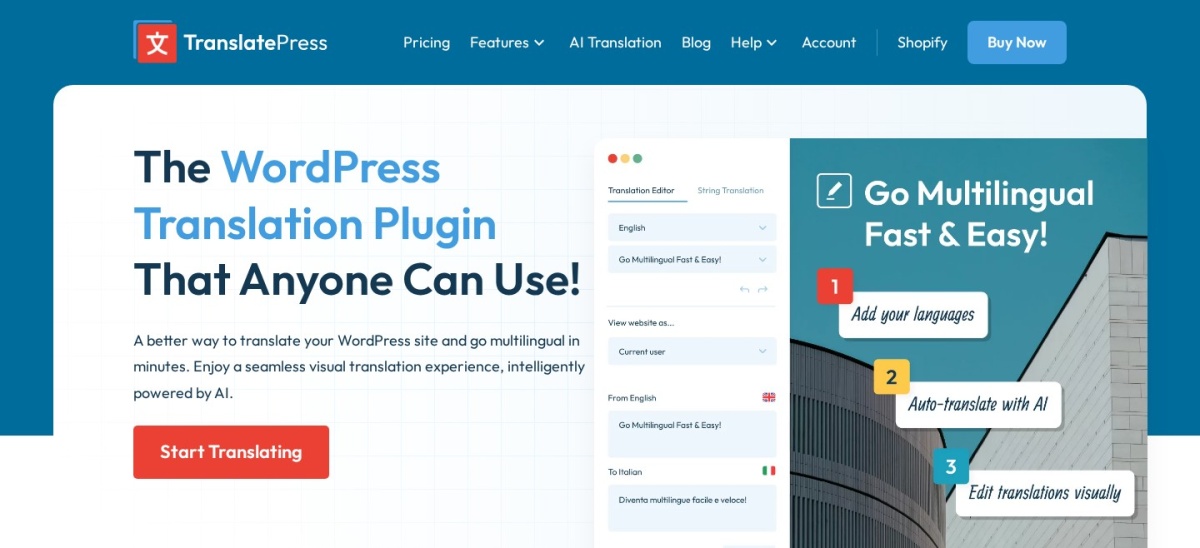
TranslatePress homepage, captured Nov 2026.
TranslatePress is a visual translation plugin with 400,000+ active installs and a 4.7 rating from 1,672 reviews. Its free plugin lets you translate pages directly from the front end and supports one secondary language plus 2,000 free AI words.
The trade off is that the Personal plan starts at €99/yr (around $108/yr) for 1 site with 50,000 AI translated words. It suits editors who prefer clicking text on the live page and storing translations locally.
What we like
Edits page content visually from the WordPress front end
Stores translations locally in your own site database
Works with WooCommerce products and dynamic strings
Includes a free tier with one extra language
Watch out for
Free version limits you to one additional language
AI word allowances cap automatic translation volume on paid tiers
Storing many translations in the local database increases database size
Paid plans add extra AI word allowances, multiple languages, and pro add-ons.Visit translatepress.com
03
Weglot
4.8/5on WordPress.org (1,944 reviews, checked Nov 2026)
Paid from$170/yr
Best for fast cloud setup and visual review
Active installs50,000+
WP.org rating4.8 (1,944)
Entry paid plan$170/yr (€150/yr)
Last updatedOct 2026
weglot.com
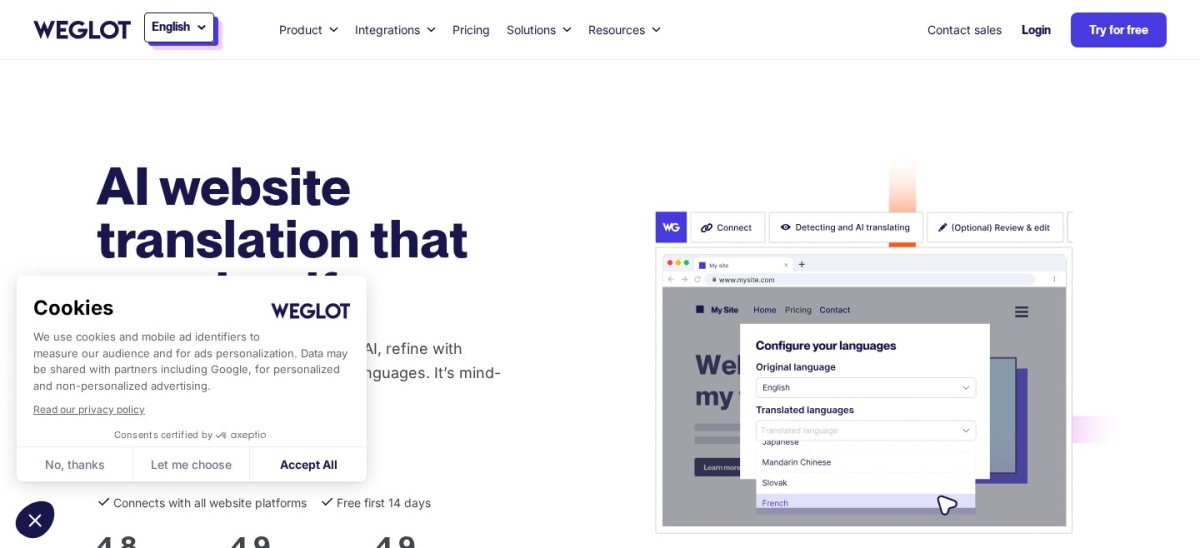
Weglot homepage, captured Nov 2026.
Weglot is a cloud-hosted translation platform with 50,000+ active WordPress installs and a 4.8 rating from 1,944 reviews. Its free plan covers up to 2,000 translated words and 1 language with automatic detection and visual editing.
The trade off is that Starter costs $170/yr (billed annually at €150/yr) for 10,000 words, and translated pages rely on an active Weglot subscription. It suits teams that want quick setup without managing local translation files.
What we like
Fast cloud setup with a visual editor and glossary tools
Handles hreflang tags, metadata, and SEO URL structures
Supports 110+ languages and WooCommerce stores
Watch out for
Free plan stops at 2,000 translated words
Pricing scales by translated word count and languages
Stopping your subscription ends hosted translation delivery
Paid plans expand word allowances, add more target languages, and unlock team features.Visit weglot.com
04
GTranslate
4.9/5on WordPress.org (4,962 reviews, checked Nov 2026)
Paid from$120/yr
Best for instant automatic translation across 100+ languages
Active installs900,000+
WP.org rating4.9 (4,962)
Entry paid plan$120/yr
Last updatedOct 2026
gtranslate.io
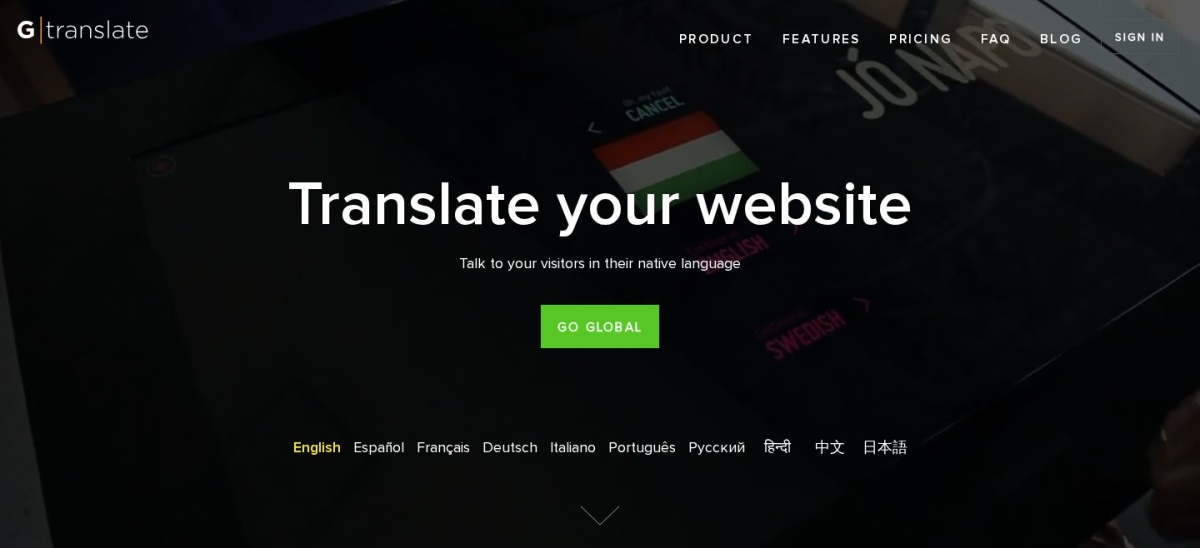
GTranslate homepage, captured Nov 2026.
GTranslate is an automatic website translation plugin with 900,000+ active installs and a 4.9 rating across 4,962 reviews. Its free version adds a language selector widget and automatic translations without charging per word.
The trade off is that search engine indexing requires a paid plan starting at $120/yr (Custom plan billed yearly), and raw machine translation may need manual review. It suits sites that want fast automatic coverage across many languages.
What we like
High 4.9 rating across nearly 5,000 WordPress.org reviews
No word or pageview limits on automatic translations
Supports over 100 languages and multiple switcher styles
Watch out for
Free version does not provide multilingual SEO indexing
Machine-translated copy can miss nuance on technical pages
4.8/5on WordPress.org (453 reviews, checked Nov 2026)
PriceFree
Best for translating theme and plugin strings
Active installs1,000,000+
WP.org rating4.8 (453)
Entry paid planFree plugin
Last updated2026
localise.biz
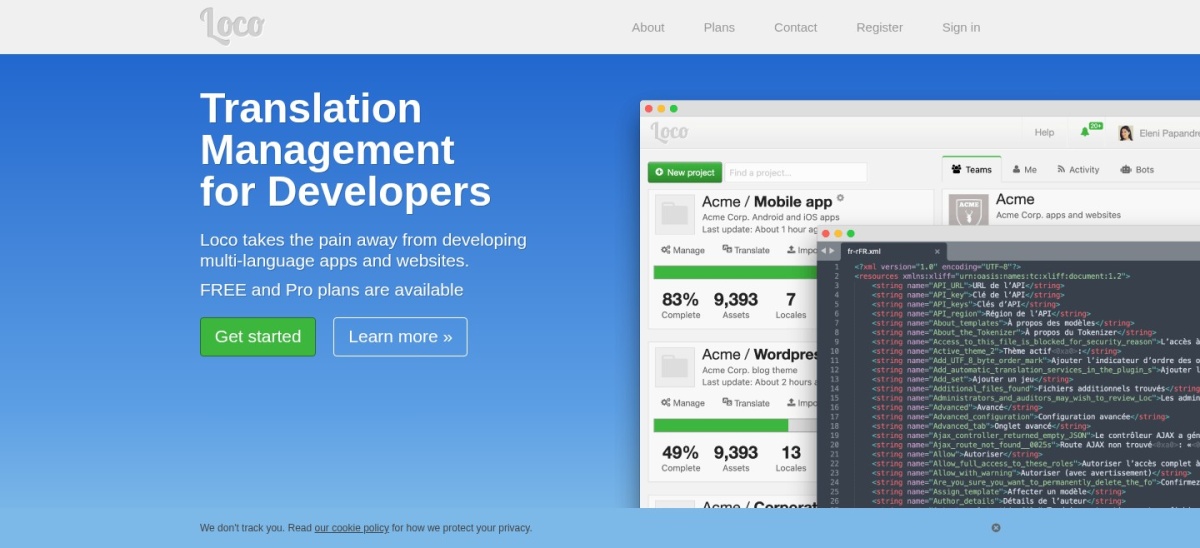
Loco Translate homepage, captured Nov 2026.
Loco Translate is a WordPress plugin editor with 1M+ active installs and a 4.8 rating from 453 reviews. It lets you create, edit, and compile PO, MO, and JSON translation files for themes and plugins directly inside wp-admin for free.
The trade off is that it focuses on theme and plugin localization rather than managing full multilingual post or page content, with no paid plugin tier. It suits site owners fixing or translating interface strings.
What we like
Free plugin with no subscription fee for file editing
1M+ active installs and a 4.8 rating on WordPress.org
Includes PO source view, string extraction, and backups
Watch out for
Not built to manage full multilingual articles or pages
Third-party translation APIs require your own account and keys
The WordPress plugin has no paid tier; external API usage is billed separately by providers.Visit localise.biz
06
WP Multilang
4.3/5on WordPress.org (100 reviews, checked Nov 2026)
PriceFree
Best for free single-post multilingual editing
Active installs10,000+
WP.org rating4.3 (100)
Entry paid planFree plugin
Last updatedNov 2026
wordpress.org
WP Multilang homepage, captured Nov 2026.
WP Multilang is a free multilingual plugin with 10,000+ active installs and a 4.3 rating across 100 reviews. It supports unlimited languages, multisite networks, custom fields, and block themes without adding extra database tables.
The trade off is a lower 4.3 review score and smaller install base than top alternatives, with no paid plugin tier listed on WordPress.org. It suits WordPress builders who want a free setup.
What we like
Free core plugin with unlimited languages and multisite support
Avoids creating extra database tables or duplicate posts
Works with block themes, ACF, and SEO plugins
Watch out for
Smaller user base (10,000+) and 4.3 rating
Requires manual setup and configuration for custom fields
4.9/5on WordPress.org (33 reviews, checked Nov 2026)
Paid from$120/yr
Best for unlimited-word automatic translation
Active installs1,000+
WP.org rating4.9 (33)
Entry paid plan€120/yr (~$120)
Last updatedNov 2026
wplingua.com
wpLingua homepage, captured Nov 2026.
wpLingua is a WordPress translation plugin with 1,000+ active installs and a 4.9 rating from 33 reviews on WordPress.org. Its free tier offers one translated language with unlimited words and visual editing for non-commercial sites.
The trade off is a minimal review count on WordPress.org and an annual Starter plan at €120/yr for one commercial language. It suits commercial sites that want unlimited word counts without per-word quotas.
What we like
No word-count limits on plans
Includes an on-page visual editor and slug translation
Offers a free tier for non-commercial websites
Watch out for
Only 1 rating recorded on WordPress.org
Commercial sites require a paid annual license
Paid plans cover commercial websites and expand support to up to 24 languages.Visit wplingua.com
Local storage vs. cloud delivery
Plugins like Polylang, TranslatePress, and WP Multilang keep translation data tied to your WordPress site. That gives you direct ownership of translated content without relying on an external service to serve every page.
Cloud-based services such as Weglot and GTranslate process and serve translations through external infrastructure. They simplify setup and offloading, though ongoing access depends on an active subscription.
How we chose
We gathered active WordPress translation plugins from the WordPress.org plugin directory and checked each vendor's official pricing page.
All active install counts, ratings, review totals, update dates, and starting paid prices were verified on 22 Nov 2026.
We excluded plugins with fewer than 1,000 active installs or closed listings, and omitted any product whose pricing could not be confirmed from a verified source. No vendor paid for a place, and we do not claim testing for this list.
How to choose a WordPress translate plugin
Follow four practical steps to match a translation plugin to your site and budget:
Decide between manual, AI, or mixed translation. Choose a manual or taxonomy-based setup if native accuracy matters most, or an AI-assisted tool if you want fast first drafts.
Check how translated content is stored. Prefer local storage if you want translations kept in WordPress, or a hosted service if you want external delivery.
Verify SEO URL and metadata handling. Confirm support for separate language URLs, hreflang tags, and translated metadata before publishing.
Estimate word volume and language count. Compare free limits and annual paid tiers against your total page count and number of target languages.
FAQ
Which free WordPress translate plugin is best for multiple languages?
Polylang supports unlimited languages on its free version and runs on 900,000+ sites with a 4.7 rating from 3,010 reviews. TranslatePress is another strong free option if you want visual front-end editing for one additional language.
Do WordPress translation plugins hurt site speed?
Performance depends on how translations are stored and how many languages or dynamic strings are processed. Plugins using WordPress taxonomies or caching avoid extra database overhead, while heavy uncached queries can slow busy pages.
What happens to translations if I cancel a paid plan?
With local database plugins like Polylang and TranslatePress, translations stored in your site stay in your database. With cloud services like Weglot, translated pages stop being served if your subscription ends.
Can I translate WooCommerce products with these plugins?
Several plugins here support WooCommerce, including TranslatePress, Weglot, GTranslate, and wpLingua. Polylang supports WooCommerce through a paid add-on or bundle, while Loco Translate focuses on theme and plugin strings.
Why do some translation plugins charge by word count?
Hosted and AI-powered services incur compute or API costs per translated word or character. Word count limits typically measure total translated words across your selected languages rather than single-page length.
Should I translate a theme or plugin with Loco Translate or a multilingual plugin?
Use Loco Translate when you need to translate or edit PO, MO, or JSON strings inside a theme or plugin. Use a multilingual plugin like Polylang or TranslatePress when you are translating posts, pages, and site content into multiple languages.