TranslatePress Alternatives in 2026: 7 Best Tools Compared
WLWPLegible EditorsLast verified 22 Nov 2026How we rank12 min read
★ Short answer
Polylang is our top TranslatePress alternative for WordPress-native multilingual content, with 900,000+ active installations and a free version supporting unlimited languages. Weglot is better for automatic cloud translation, while GTranslate offers a free language switcher and paid search-indexable translations starting at $12/month.
How we make this list: we compare pricing pages, product documentation and public user reviews, then re-check every price before each update. No product paid for a place. Disclosure.
Polylang is our overall pick for manual multilingual publishing, with 900,000+ active installations, a 4.7/5 rating and Pro starting at €99/year.
Weglot has 50,000+ active installations and a 4.8/5 rating; Starter costs $170/year for 10,000 translated words.
GTranslate has 900,000+ active installations and a 4.9/5 rating, with paid search-indexable translations starting at $12/month.
ConveyThis provides 10,000 words on its free plan and 60,000 words on Starter at $120/year.
Linguise offers 200,000 translated words and unlimited languages on its $165/year Start plan.
Loco Translate has 1M+ active installations and free theme and plugin string editing, but it does not replace full multilingual content management.
What to look for in a TranslatePress alternative
TranslatePress lets WordPress users translate website content through a visual interface. Its alternatives differ in translation workflow, language management, search visibility and whether translations remain in WordPress or depend on an external service.
Start by deciding between manual and automatic translation. Polylang gives editors direct control over translated posts and pages. Weglot, GTranslate, ConveyThis and Linguise emphasize automated translation with editing tools available through their respective plans.
Next, consider multilingual SEO. Language-specific URLs, translated metadata, hreflang tags and indexable translated pages matter when you want search engines to discover different language versions. Free translation widgets often do not provide those features.
Translation allowances also vary. Some services charge according to translated word counts, while others offer unlimited words with restrictions on languages or features. Check how the vendor counts translations before committing to a subscription.
Finally, consider portability and ownership. WordPress-native plugins generally keep more translation information in your website, while cloud services manage translations externally. Understand what happens to translated pages if you stop paying or change providers.
List prices in each vendor's currency, checked Nov 2026
WPML€43
LocoFREE$71
PolylangFREE€109
GTranslateFREE$120
ConveyThisFREE$120
Linguise$165
WeglotFREE$170
The 7 best TranslatePress alternatives
01
Polylang
4.7/5on WordPress.org (3,011 reviews, checked Nov 2026)
Paid from€99/yr
Best overall for WordPress-native multilingual websites
Free languagesUnlimited
Active installations900K+
Translation storageWordPress database
Pro annual price€99
polylang.pro
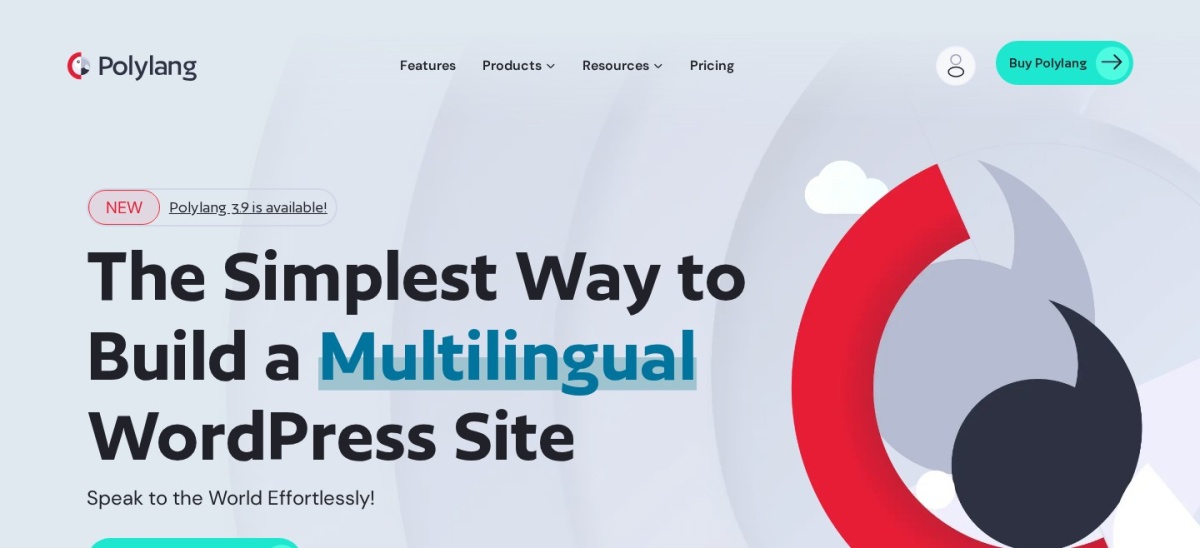
Polylang homepage, captured Nov 2026.
Polylang is a multilingual WordPress plugin that lets editors create translated posts, pages, categories and other content using native WordPress functionality. Its free version supports unlimited languages and includes a language switcher. WordPress.org reports 900,000+ active installations and a 4.7/5 rating from 3,011 reviews.
The trade off is that manual translation requires editorial work, while DeepL integration and advanced compatibility features require Pro. Polylang Pro costs €99/year, approximately $108.56 at the checked exchange rate. It suits publishers and businesses that want direct control over translations rather than depending primarily on cloud automation.
What we like
Unlimited languages in the free version
Translations stored within WordPress
Manual control over translated content
SEO-friendly language-specific content
Large established installation base
Watch out for
Automatic DeepL translation requires Pro
Manual translation takes additional editorial time
WooCommerce translation requires a separate premium product
No visual frontend editor like TranslatePress
Pro adds DeepL integration, translated URL slugs and advanced editor compatibilityVisit polylang.pro
02
Weglot
4.8/5on WordPress.org (1,944 reviews, checked Nov 2026)
Paid from$170/yr
Best for automatic translation and multilingual SEO
Free allowance2,000 words
Starter words10,000 total
Starter languages1 translated language
Annual price$170
weglot.com
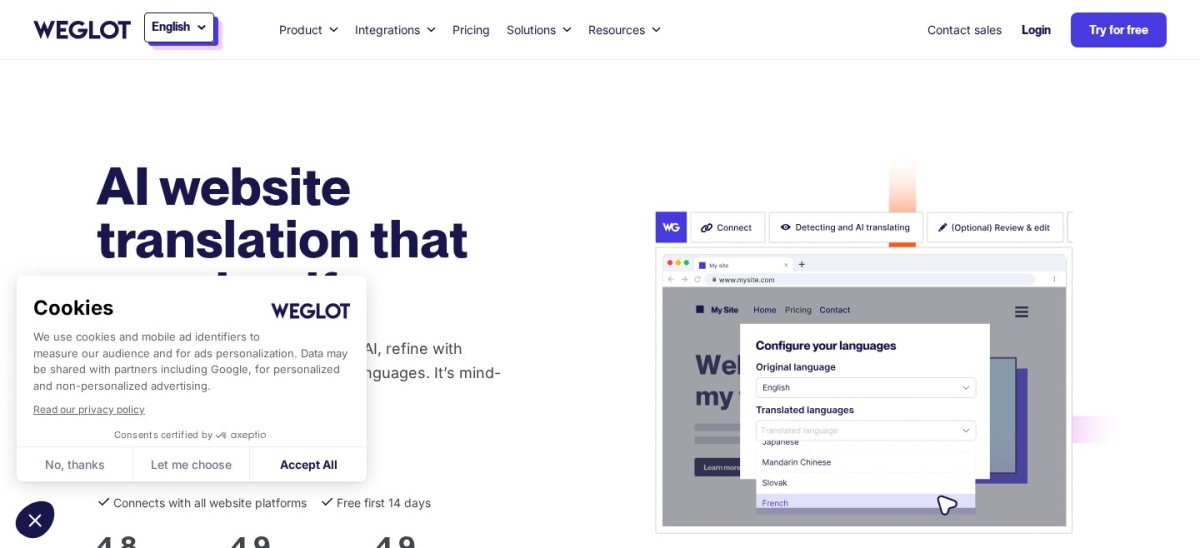
Weglot homepage, captured Nov 2026.
Weglot is a cloud translation platform that automatically translates WordPress websites and provides tools for editing translated content. Its free plan supports 2,000 translated words, while Starter includes 10,000 total translated words and one additional language. WordPress.org reports 50,000+ active installations and a 4.8/5 rating from 1,944 reviews.
The trade off is its fixed translated-word allowance and dependence on an external translation service. Starter costs $170/year, compared with $17/month on monthly billing. It suits businesses that want automatic translation, language-specific URLs and a managed editing workflow without maintaining separate translated posts.
What we like
Automatic website translation
Visual editor and glossary controls
Language-specific URLs and multilingual SEO
Compatible with WooCommerce
Cloud-based translation management
Watch out for
Starter supports only one additional language
Translated-word allowance does not renew monthly
Translations depend on an external service
Costs increase with larger multilingual websites
Starter adds 10,000 translated words, multilingual SEO and translation editingVisit weglot.com
03
GTranslate
4.9/5on WordPress.org (4,965 reviews, checked Nov 2026)
Paid from$120/yr
Best for a free language switcher
Free translationMachine translation
Free word allowanceUnlimited
Paid SEO indexingCustom plan
Entry paid price$12/mo
gtranslate.io
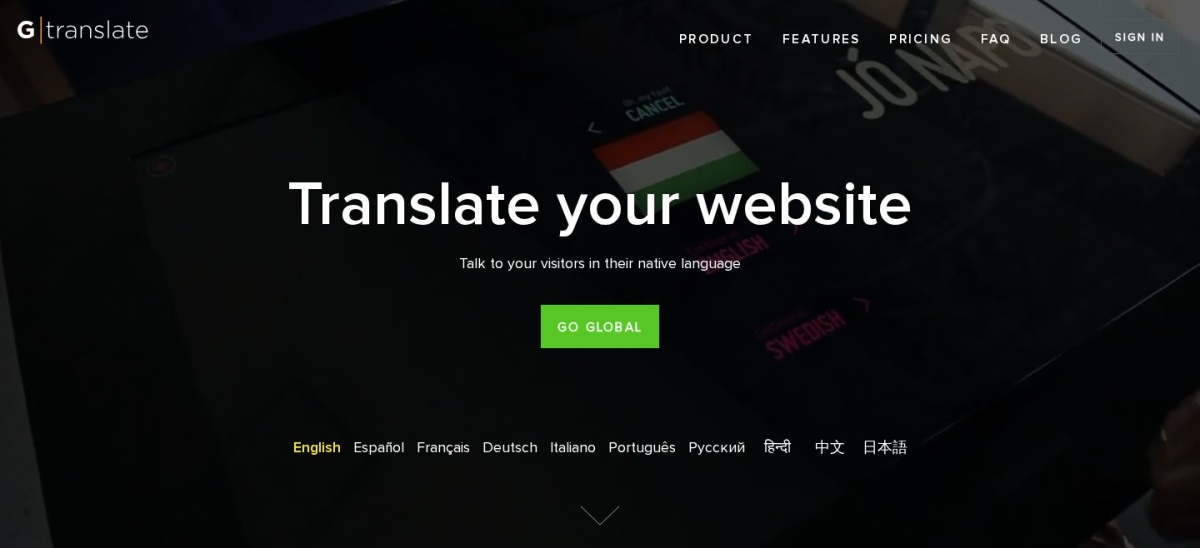
GTranslate homepage, captured Nov 2026.
GTranslate is a WordPress translation plugin offering a free language selector with automatic machine translation and unlimited words. Paid plans use its Translation Delivery Network to serve translated pages. WordPress.org reports 900,000+ active installations and a 4.9/5 rating from 4,965 reviews.
The trade off is that the free widget does not include search-engine indexing, translation editing or commercial-use rights under the published free-service terms. Custom starts at $12/month, or $120/year with yearly billing, with bilingual translation and indexing. It suits websites wanting a simple language switcher or affordable hosted translation.
What we like
Free language switcher
Unlimited free translation words
Large WordPress.org user base
Paid plans support indexed translations
Paid translation editing available
Watch out for
Free translations are not search-indexable
Free service has commercial-use restrictions
URL translation is not included in the base Custom configuration
Paid translations depend on cloud delivery
Custom adds AI translation, search indexing, editing and commercial-use supportVisit gtranslate.io
04
ConveyThis
4.4/5on WordPress.org (145 reviews, checked Nov 2026)
Paid from$10/mo
Best for affordable cloud translation
Free translated words10,000
Starter translated words60,000
Starter page views15,000/mo
Annual price$120
conveythis.com
ConveyThis homepage, captured Nov 2026.
ConveyThis is a cloud-based WordPress translation plugin combining automatic translation, editing tools and multilingual SEO features. Its free plan supports 10,000 words, one additional language and 2,500 monthly page views. WordPress.org reports 1,000+ active installations and a 4.4/5 rating from 145 reviews.
The trade off is that language, word and page-view limits depend on the subscription tier. Starter costs $10/month billed annually, or $120/year, and includes 60,000 translated words with 15,000 monthly page views. It suits small business websites that want managed translation with a predictable entry price.
What we like
Free plan without a time limit
Automatic and AI-assisted translation
Translation editing and glossary tools
Multilingual SEO functionality
Clear word and page-view allowances
Watch out for
Starter supports only one additional language
Page-view and word limits apply
Translation management depends on the vendor service
Smaller WordPress user base than Polylang
Starter increases translation capacity to 60,000 words and monthly page views to 15,000Visit conveythis.com
05
Linguise
4.9/5on WordPress.org (32 reviews, checked Nov 2026)
Starts at$165/yr
Best for large automatic translation allowances
Free trial1 month
Start translated words200,000
LanguagesUnlimited
Start annual price$165
linguise.com
Linguise homepage, captured Nov 2026.
Linguise is a cloud translation service that automatically translates WordPress content and provides frontend editing tools. Its one-month trial allows translation of up to 600,000 words, while Start includes 200,000 translated words and unlimited languages. WordPress.org reports 1,000+ active installations and a 4.9/5 rating from 32 reviews.
The trade off is that Linguise requires an ongoing subscription after its trial, and translation allowances depend on the plan. Start costs $165/year for one website, while unlimited translated words require the higher Large plan. It suits content-heavy websites seeking automatic translation across many languages.
What we like
Automatic cloud translation
Unlimited languages on paid plans
200,000 translated words on Start
Frontend translation editing
SEO-friendly translated pages
Watch out for
No permanent free plan
Translations depend on a hosted service
Word allowance applies to the entry plan
Additional websites require separate plans
Start provides ongoing cloud translation, multilingual SEO and frontend editingVisit linguise.com
06
WPML
3.1/5on G2 (26 reviews, checked Nov 2026)
Starts at€39/yr
Best for structured multilingual content management
Entry planMultilingual Blog
Manual translationIncluded
AI translationCMS plan and above
Entry annual price€39
wpml.org
WPML homepage, captured Nov 2026.
WPML is a premium WordPress multilingual plugin for creating and managing translated website content. Its Multilingual Blog plan supports standard translation controls through the WordPress editor, while higher plans add advanced translation workflows and AI credits. G2 lists a 3.1/5 rating from 26 reviews.
The trade off is that the €39/year Blog plan excludes the Advanced Translation Editor and AI translation. The entry price is approximately $42.77 at the checked exchange rate, while Multilingual CMS costs €99/year. It suits publishers who prefer a structured WordPress editing workflow and can upgrade for advanced translation management.
What we like
Native WordPress content translation
Manual translation controls
Separate plans for blogs and larger websites
Advanced translation editor on CMS
WooCommerce translation support on eligible plans
Watch out for
No free version of the main plugin
Entry plan excludes AI translation
Advanced features require the more expensive CMS plan
Lower G2 rating than several alternatives
Multilingual CMS adds advanced translation editing and 22,500 AI translation wordsVisit wpml.org
07
Loco Translate
4.8/5on WordPress.org (454 reviews, checked Nov 2026)
Paid from$5.95/mo
Best for translating theme and plugin strings
Free pluginYes
Translation formatPO and MO files
Loco service free quota2,000 translations
Loco service Pro$5.95/mo
localise.biz
Loco Translate homepage, captured Nov 2026.
Loco Translate is a WordPress localization plugin for editing theme and plugin translation files directly from the dashboard. The plugin includes an in-browser translation editor and connections to automatic translation services. WordPress.org reports 1M+ active installations and a 4.8/5 rating from 454 reviews.
The trade off is that Loco Translate does not create separate translated versions of WordPress posts or pages. The companion Loco translation service offers 2,000 translations free, with Pro at $5.95/month, or $71.40/year. It suits developers and site owners translating interface strings rather than building complete multilingual websites.
What we like
Free WordPress translation-file editor
Supports theme and plugin localization
Large established installation base
Works with standard translation files
Companion service supports translation collaboration
Watch out for
Not a full multilingual website solution
Does not create translated post archives
Companion service is separate from the plugin
Automatic translation may involve additional provider costs
Loco service Pro increases the translation quota to 5,000 and adds advanced project controlsVisit localise.biz
WordPress-native translation versus cloud translation
WordPress-native multilingual plugins organize translated content within your WordPress installation. Polylang and WPML use WordPress content structures, allowing editors to manage translated pages alongside their original versions.
Cloud translation services such as Weglot, ConveyThis and Linguise process and manage translations through external infrastructure. They can reduce initial translation work, but their pricing and continued availability depend on the service.
GTranslate offers both a basic translation widget and a paid hosted delivery system. Its free widget differs substantially from its search-indexable paid translation features.
Loco Translate serves another purpose: translating WordPress theme and plugin interface strings. It can complement a multilingual plugin, but it does not replace the functionality needed to publish separate language versions of website content.
What happens when you switch from TranslatePress?
Switching translation plugins is not always equivalent to switching themes. Different translation products store translated content, language settings and metadata in different ways.
Before removing TranslatePress, back up your database and record existing translated URLs. Check whether your replacement supports importing your current translations or requires rebuilding them.
Pay attention to language-specific URLs, hreflang tags, translated titles and internal links. If URLs change, configure appropriate redirects to protect existing search visibility.
For cloud translation services, review the provider's export and cancellation policies. Confirm how translated content is delivered and what visitors will see if the subscription ends.
Complete the migration on a staging site where possible, then review representative pages, menus, forms and checkout workflows before publishing the new language setup.
How we chose
We selected established WordPress translation solutions covering manual multilingual publishing, automatic website translation, cloud localization and theme or plugin string editing. The comparison uses WordPress.org listings, official product documentation and independent software reviews where no WordPress.org listing is available.
Prices, ratings, review counts and installation figures were checked on 22 Nov 2026 using official vendor pages, WordPress.org and G2. We used regular published prices rather than temporary promotions. Euro-denominated licenses retain their vendor prices, with approximate USD equivalents calculated using a checked rate of 1 EUR to 1.0966 USD.
We excluded abandoned plugins, products without a confirmable official price and smaller solutions without sufficient adoption evidence. We also distinguished full multilingual website tools from translation-file editors to avoid presenting them as equivalent. No vendor paid for a place, and we do not claim hands-on testing for this list.
How to choose the right TranslatePress alternative
Identify how you want to translate, publish and maintain your multilingual website before comparing products.
**Choose manual or automatic translation.** Select Polylang or WPML when editorial control matters most. Consider Weglot, GTranslate, ConveyThis or Linguise when you want automatic translation. Loco Translate is appropriate when your main task is localizing interface strings.
**Check multilingual SEO requirements.** Look for language-specific URLs, hreflang tags, translated metadata and indexable pages. A free language widget may let visitors read translated text without providing separate pages that search engines can index.
**Estimate translation volume and ongoing costs.** Measure the size of your website and count the languages you intend to publish. Compare word allowances, page-view limits and annual subscriptions. Remember that some services count translated words across all additional languages.
**Plan for ownership and future migration.** Determine where translations are stored, whether they can be exported and what happens if you cancel. Choose a workflow that your editors can maintain and that accommodates future changes to your website.
FAQ
What is the best alternative to TranslatePress?
Polylang is our top choice for publishers who want multilingual content stored and managed within WordPress. Its free plugin supports unlimited languages and has 900,000+ active installations. Weglot is a strong alternative for automatic translation, while GTranslate provides a simple free language switcher.
Is there a free alternative to TranslatePress?
Yes. Polylang offers free manual multilingual content management, while GTranslate provides a free machine translation widget. Weglot and ConveyThis have limited free translation allowances. Loco Translate is also free, but it is designed for translating theme and plugin strings rather than entire multilingual websites.
Is Polylang better than TranslatePress?
Polylang is attractive when you prefer managing language-specific content through WordPress posts, pages and taxonomies. TranslatePress emphasizes visual frontend translation. Polylang may suit structured editorial workflows, while TranslatePress can appeal to editors who want to review translated text directly on the page.
Which TranslatePress alternative is best for automatic translation?
Weglot is a strong option for managed automatic translation and multilingual SEO. Linguise offers a larger entry-level translated-word allowance, while ConveyThis provides a lower-priced hosted subscription. Compare their translation limits, editing controls and recurring costs before deciding.
Which alternative is best for WooCommerce translation?
WPML offers WooCommerce multilingual functionality through eligible plans, while Polylang provides a separate WooCommerce translation product. Weglot, ConveyThis and Linguise also support multilingual ecommerce websites. Verify product attributes, checkout text, emails and currency requirements before choosing a specific integration.
Can I switch from TranslatePress to Polylang?
Yes, but existing translations may require migration work because the products store and organize multilingual content differently. Back up your site and check whether your current translations can be imported. Preserve language-specific URLs where possible, and verify translated pages and metadata before replacing the existing setup.
Do translation plugins help with multilingual SEO?
They can, provided they create indexable translated pages with appropriate language signals. Features such as translated URLs, metadata and hreflang tags help search engines understand multilingual content. A basic browser translation widget usually does not offer the same SEO capabilities as a dedicated multilingual publishing system.
Is Loco Translate a replacement for TranslatePress?
Not for complete website translation. Loco Translate focuses on interface strings in WordPress themes and plugins, including translation files used for localization. TranslatePress handles frontend website content and multilingual page presentation. Loco is useful when translating buttons or plugin messages rather than whole articles.
What happens if I cancel a cloud translation subscription?
The result depends on the provider's delivery model and cancellation rules. Services that host translated pages may stop serving those pages after a subscription expires. Before migrating to a cloud solution, confirm export availability, translated URL behavior and what happens to content when billing ends.