Best WordPress Language Translation Plugins in 2026: 7 Tools Compared
WLWPLegible EditorsLast verified 22 Nov 2026How we rank12 min read
★ Short answer
TranslatePress is the best WordPress language translation plugin for most websites, with 400,000+ active installations, visual front-end editing and 2,000 free AI-translated words. Polylang is better for manually managed multilingual content, while Weglot suits businesses that want cloud-based automatic translation and multilingual SEO features.
How we make this list: we compare pricing pages, product documentation and public user reviews, then re-check every price before each update. No product paid for a place. Disclosure.
TranslatePress has 400,000+ active installations, a 4.7/5 rating and 2,000 free AI-translated words, with paid plans starting at €99/year.
Polylang has 900,000+ active installations and a 4.7/5 rating, with unlimited languages in its free version.
Weglot supports more than 110 languages and offers a free plan; Starter costs $170/year with annual billing.
GTranslate has 900,000+ active installations and a 4.9/5 rating; its Custom paid plan starts at $12/month.
Loco Translate has more than 1 million active installations and provides free theme and plugin string editing; its separate Loco cloud service starts at $5.95/month.
ConveyThis supports 200+ languages, while Linguise offers a $15/month Start plan with a 200,000-word translation allowance.
What to look for in a WordPress language translation plugin
A WordPress language translation plugin helps visitors read website content in different languages. Depending on the product, it may translate posts, pages, menus, WooCommerce products, custom fields, theme strings and other website elements.
Start by choosing between manual translation, automatic translation and a combination of both. Manual translation offers more editorial control, while machine translation reduces the work required to launch additional languages. Many plugins let you automatically translate content and refine the results.
Multilingual SEO is another important consideration. Search-friendly translated pages need accessible language-specific URLs, appropriate hreflang tags and translated metadata. A language switcher alone does not guarantee that search engines can index translated content.
Check how the plugin handles new content. Automatically translating an entire website is useful, but you also need a process for updating translations when articles, product descriptions, navigation labels or page templates change.
Finally, compare the complete pricing model. Some plugins charge annual license fees, while cloud services charge based on translated words, languages, websites or subscriptions. Check whether translation quotas are permanent, renewable or subject to additional usage charges.
List prices in each vendor's currency, checked Nov 2026
LocoFREE$71
TranslatePressFREE€99
PolylangFREE€99
ConveyThisFREE$120
GTranslateFREE$144
WeglotFREE$170
Linguise$180
The 7 best WordPress language translation plugins
01
TranslatePress
4.7/5on WordPress.org (1,672 reviews, checked Nov 2026)
Paid from€99/yr
Best overall WordPress translation plugin
Active installs400,000+
Free AI quota2,000 words
Translation editorVisual front-end
Paid planPersonal, 1 site
translatepress.com
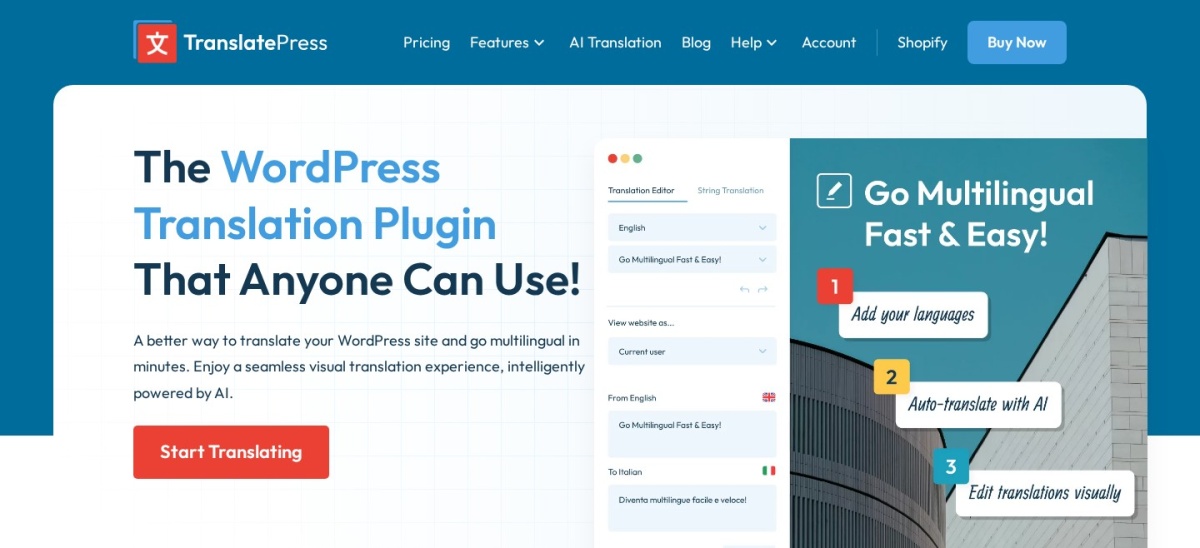
TranslatePress homepage, captured Nov 2026.
TranslatePress is a visual WordPress translation plugin with 400,000+ active installations and a 4.7/5 rating from 1,672 reviews. Its free version supports front-end translation editing, WooCommerce content, a language switcher and 2,000 AI-translated words. It also integrates with Google Translate using your own API key and stores translations on your WordPress website.
The trade off is that additional languages, translated URL slugs and advanced multilingual SEO require the Personal plan at €99/year. Personal includes 50,000 AI-translated words and licenses one website. It suits blogs, business websites and online stores that want to review translated content directly on the page.
What we like
Visual front-end translation editor
2,000 free AI-translated words
WooCommerce and page-builder compatibility
Self-hosted translation storage
Paid plan includes multilingual SEO features
Watch out for
Free version has limitations on additional languages
Multilingual SEO features require a paid plan
AI translation allowance depends on the selected plan
Personal adds multiple languages, translated URL slugs, SEO tools and 50,000 AI-translated words.Visit translatepress.com
02
Polylang
4.7/5on WordPress.org (3,011 reviews, checked Nov 2026)
Paid from€99/yr
Best for manually managed multilingual websites
Active installs900,000+
Free languagesUnlimited
TranslationManual content management
Paid planPolylang Pro
polylang.pro
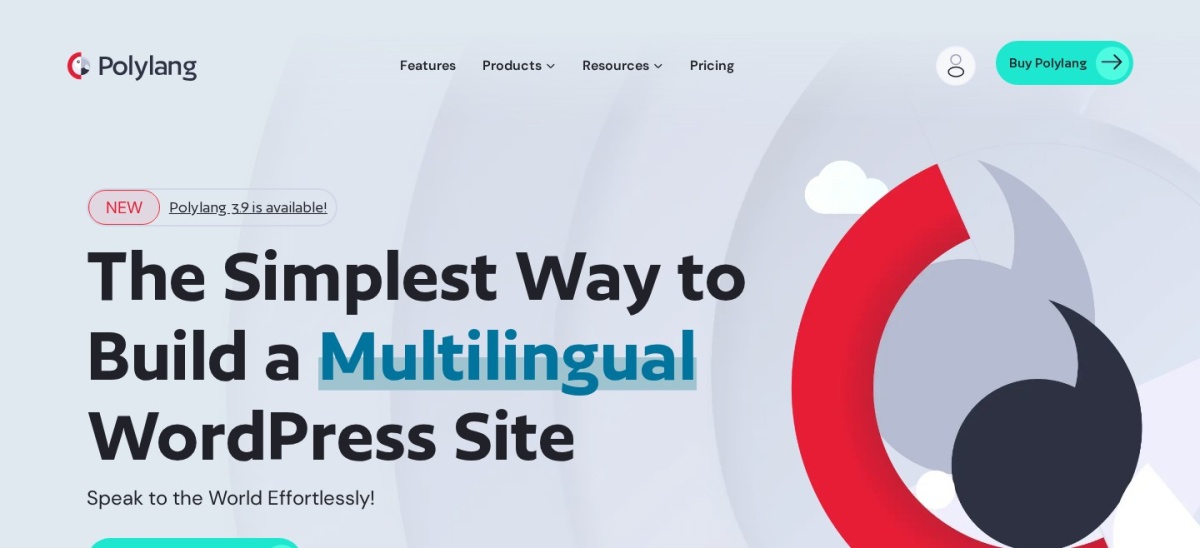
Polylang homepage, captured Nov 2026.
Polylang is a WordPress multilingual content plugin with 900,000+ active installations and a 4.7/5 rating from 3,011 reviews. Its free version supports unlimited languages, translated posts, pages, categories, custom post types and taxonomies. It also provides language switchers, language-specific URLs and compatibility with common WordPress SEO tools.
The trade off is that Polylang primarily manages translations rather than automatically creating every translated page. Polylang Pro starts at €99/year and adds DeepL integration, improved block-editor support, translated URL slugs and content synchronization. It suits publishers and organizations that prefer controlled, manually reviewed multilingual content.
What we like
Unlimited languages in the free version
Established WordPress installation base
Translates posts, taxonomies and custom content
Language-specific URLs
Pro supports DeepL and content synchronization
Watch out for
Manual translation requires editorial time
Some block-editor features require Pro
WooCommerce-specific integration may require another product
Pro adds DeepL integration, translated slugs, content synchronization and expanded Site Editor support.Visit polylang.pro
03
Weglot
4.8/5on WordPress.org (1,944 reviews, checked Nov 2026)
Paid from$170/yr
Best for automatic translation and multilingual SEO
Active installs50,000+
Supported languages110+
Starter words10,000 total
Paid planStarter, 1 language
weglot.com
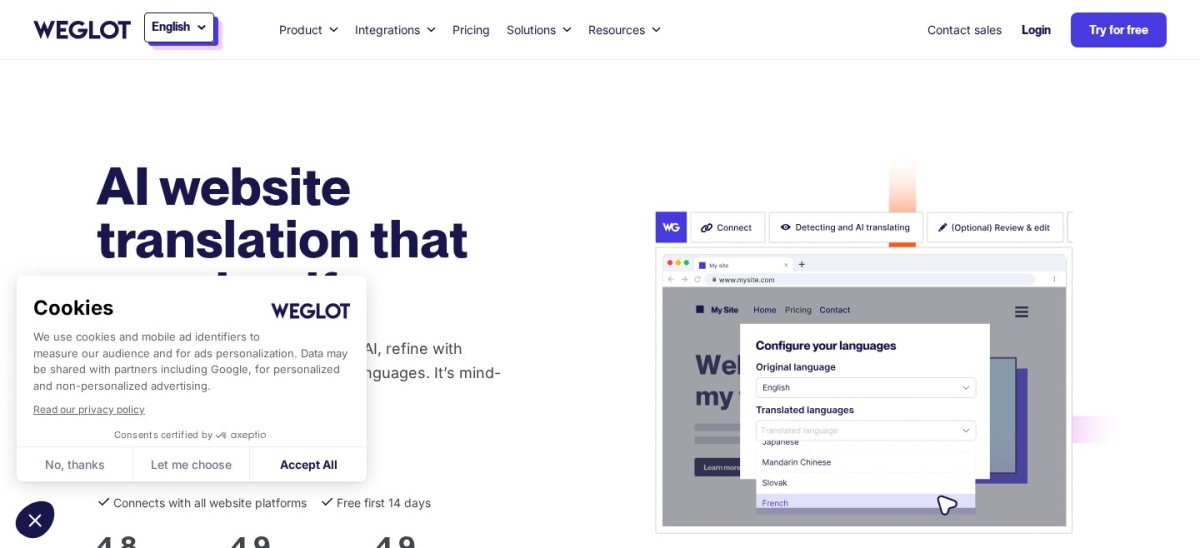
Weglot homepage, captured Nov 2026.
Weglot is a cloud-based WordPress translation plugin with 50,000+ active installations and a 4.8/5 rating from 1,944 reviews. It supports more than 110 languages and combines automatic translation, a visual editor and a translation dashboard. Its free plan serves small websites, while paid plans include multilingual SEO and translation management.
The trade off is a subscription model with word and language limits. Starter costs $170/year with annual billing, or $17/month, and includes 10,000 total translated words and one translated language. It suits businesses that want automatic translation, editorial review and managed multilingual SEO without maintaining translations directly in WordPress.
What we like
Automatic translation across 110+ languages
Visual translation editor
Multilingual SEO and hreflang management
WooCommerce compatibility
Centralized cloud translation dashboard
Watch out for
Translated word limits apply
Cloud subscription required for larger websites
Translations depend on an external service
Starter adds paid translation capacity, multilingual SEO features and managed translation workflows.Visit weglot.com
04
GTranslate
4.9/5on WordPress.org (4,965 reviews, checked Nov 2026)
Paid from$12/mo
Best for affordable automatic language switching
Active installs900,000+
Supported languages103
Free translationMachine translation
Paid planCustom, bilingual
gtranslate.io
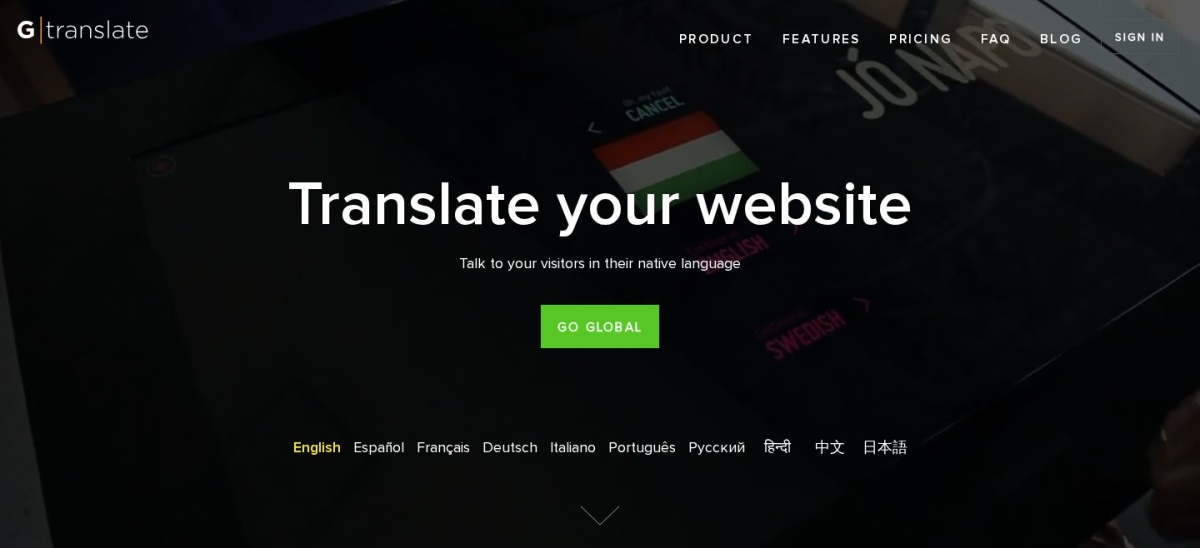
GTranslate homepage, captured Nov 2026.
GTranslate is a WordPress automatic translation plugin with 900,000+ active installations and a 4.9/5 rating from 4,965 reviews. It supports 103 languages using Google's translation technology and provides a language selector. Its free service allows unlimited translated words and pageviews for permitted noncommercial use.
The trade off is that commercial use, editable translations and search engine indexing require a paid subscription. The Custom plan starts at $12/month and supports bilingual translation with unlimited words and pageviews, but translated URL features require higher tiers. It suits websites that prioritize automatic translation and predictable subscription pricing.
What we like
900,000+ active installations
103 available languages
Unlimited machine-translated words
Paid plans support search indexing
Cloud delivery reduces local translation processing
Watch out for
Free service does not permit commercial use
Search indexing requires a paid plan
Translated URLs and language hosting require higher tiers
4.8/5on WordPress.org (454 reviews, checked Nov 2026)
Paid from$5.95/mo
Best for translating WordPress theme and plugin strings
Active installs1 million+
EditorPO and MO files
WordPress pluginFree
Separate cloud planLoco Pro, $5.95/mo
localise.biz
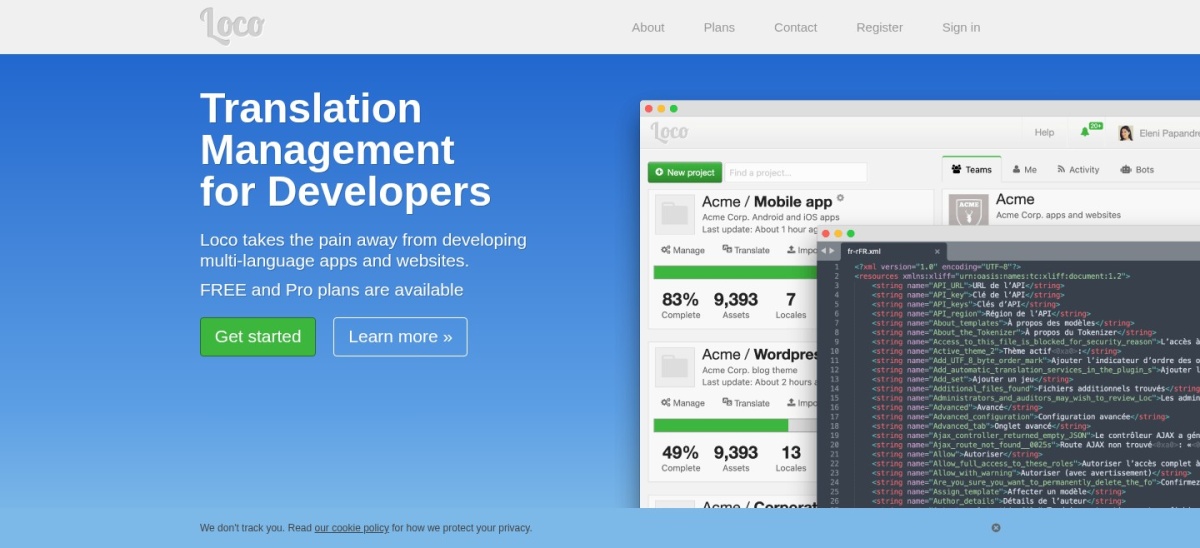
Loco Translate homepage, captured Nov 2026.
Loco Translate is a WordPress localization plugin with more than 1 million active installations and a 4.8/5 rating from 454 reviews. Its free plugin edits theme and plugin translation files directly inside WordPress and supports PO, MO and JSON localization formats. It also connects to translation providers including DeepL, Google, Microsoft and OpenAI.
The trade off is that Loco Translate primarily translates interface strings rather than managing multilingual posts and pages. The WordPress plugin remains free, while the separate Loco cloud platform offers Pro at $5.95/month with a 5,000-translation allowance. It suits developers and site owners correcting theme labels, plugin messages and interface text.
What we like
Free WordPress theme and plugin string editing
More than 1 million active installations
Supports PO, MO and JSON files
Integration with external translation APIs
Protected translation file storage
Watch out for
Not a complete multilingual page management system
Automatic translation providers may charge separately
Cloud subscriptions are separate from the WordPress plugin
The optional Loco cloud Pro service adds larger translation allowances and hosted localization management.Visit localise.biz
06
ConveyThis
4.4/5on WordPress.org (145 reviews, checked Nov 2026)
Paid from$120/yr
Best for multilingual business content
Active installs1,000+
Supported languages200+
Free translation10,000 words
Paid planStarter, 1 domain
conveythis.com
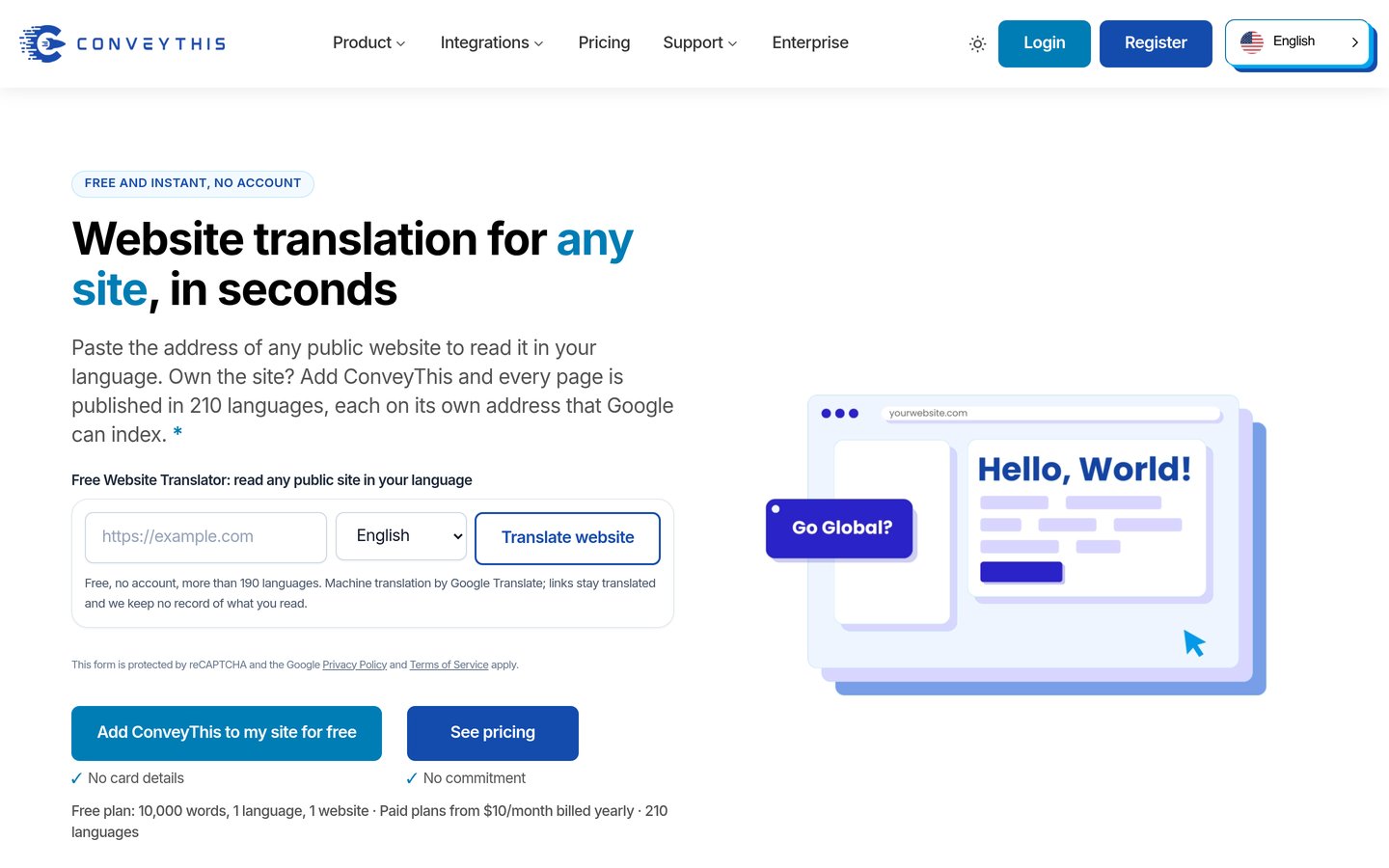
ConveyThis homepage, captured Nov 2026.
ConveyThis is an automatic WordPress translation plugin with 1,000+ active installations and a 4.4/5 rating from 145 reviews. It supports more than 200 languages, machine translation, AI-assisted editing and multilingual SEO features. Its free plan includes one translated language, 10,000 words, one domain and 2,500 monthly pageviews.
The trade off is that translated words, pageviews and available languages are limited by subscription tier. Starter costs $120/year and includes 60,000 words, one language and 15,000 monthly pageviews. It suits smaller business sites that want automatic translation with a clear upgrade path as content and traffic grow.
What we like
Supports more than 200 languages
Free plan with 10,000 translated words
AI-assisted translation and manual editing
WooCommerce content translation
Multilingual SEO capabilities
Watch out for
Word and pageview limits apply
Free plan supports limited language coverage
Cloud translation depends on an active service
Starter increases the word allowance to 60,000 and monthly pageviews to 15,000.Visit conveythis.com
07
Linguise
4.9/5on WordPress.org (32 reviews, checked Nov 2026)
Starts at$15/mo
Best for high-volume automatic translation
Active installs1,000+
Supported languages85+
Start allowance200,000 translated words
Paid planStart, 1 website
linguise.com
Linguise homepage, captured Nov 2026.
Linguise is a cloud-based WordPress translation plugin with 1,000+ active installations and a 4.9/5 rating from 32 reviews. It supports more than 85 languages, automatic AI translation, live editing, translated URLs and multilingual SEO. Its trial includes up to 600,000 translated words during the first month without requiring a credit card.
The trade off is that Linguise does not offer a permanent free translation service. Start costs $15/month and includes 200,000 translated words, unlimited languages and unlimited pageviews for one website; annual billing costs $165. It suits publishers and content-heavy websites that want large translation allowances without purchasing individual language packages.
What we like
Unlimited languages on paid plans
200,000-word Start allowance
Translated URLs and multilingual SEO
Live front-end translation editing
One-month free trial
Watch out for
No permanent free plan
Translation quotas apply to lower tiers
Requires an external cloud service
Start provides ongoing cloud translation, SEO-ready language pages and a 200,000-word allowance.Visit linguise.com
Manual vs automatic WordPress translation: which is better?
Manual translation gives editors direct control over language, terminology and brand voice. It works well for important sales pages, technical documentation and content where accuracy matters more than publishing speed.
Automatic translation uses machine learning or language models to generate translated content. It is useful for large websites and frequently updated content, but machine-generated text may need human review for specialized terminology and context.
TranslatePress combines automatic translation with visual editing. Polylang provides structured multilingual content management, while Weglot, ConveyThis and Linguise emphasize automated translation workflows.
For many websites, a hybrid approach works best. Generate an initial translation automatically, then review navigation, product descriptions, calls to action and important landing pages before publishing.
What makes a WordPress translation plugin SEO-friendly?
An SEO-friendly multilingual website should provide accessible URLs for translated content. Search engines need to discover and understand the language versions rather than relying only on browser-side language switching.
Hreflang annotations help communicate relationships between alternate language pages. Translated titles, meta descriptions, URL slugs and internal links can improve the relevance and usability of each language version.
The plugin must also handle canonical URLs, translated navigation and content updates correctly. Duplicated content, broken language links and missing translations can create problems even when the translation itself reads naturally.
Polylang supports language-specific URLs, while TranslatePress provides additional SEO tools in its paid version. Weglot, ConveyThis, Linguise and paid GTranslate plans also offer search-oriented translated pages.
How we chose
We selected established translation products from the WordPress.org plugin directory and official vendor documentation. We compared translation workflows, manual editing, automatic translation, supported languages, WooCommerce compatibility, multilingual SEO, hosting models and publicly available customer reviews.
Prices, ratings, review counts, active installations and update information were checked against WordPress.org listings and official pricing pages on 22 Nov 2026. We used published entry-plan prices rather than temporary promotional offers, and distinguished annual subscriptions from monthly billing and separate cloud translation services.
We excluded closed or outdated plugins, products without enough public adoption and translation tools whose paid pricing could not be confirmed. We also distinguished theme-string localization tools from complete multilingual website solutions and identified free trials that are not permanent free plans. No vendor paid for a place, and we do not claim testing for this list.
How to choose the best WordPress language translation plugin
Identify your translation workflow, then compare language support, search visibility, editing controls and ongoing subscription costs.
**Decide how translations will be created.** Choose Polylang when editors will manage language versions manually. Consider TranslatePress for visual editing and automatic translation in the same workflow. Weglot, ConveyThis and Linguise are more suitable when you want an external service to generate translations automatically.
**Check your multilingual SEO requirements.** Confirm that translated pages have indexable language-specific URLs, appropriate hreflang annotations and translated metadata. Review whether these features are included in the free version. GTranslate, for example, reserves search indexing for paid plans.
**Review content and WooCommerce compatibility.** Check whether the plugin translates product pages, checkout labels, forms, navigation, dynamic content and custom fields. A translation plugin may handle ordinary posts correctly while requiring additional configuration for ecommerce or page-builder content.
**Estimate translation volume and ongoing costs.** Count your website's words and identify how frequently content changes. Compare language limits, translation quotas and subscription terms. A fixed plugin license may be easier to budget for, while cloud services can simplify translation management at an ongoing cost.
FAQ
What is the best WordPress language translation plugin?
TranslatePress is the best overall choice for many WordPress websites because it combines a visual translation editor, automatic translation and WooCommerce compatibility. Its free version includes 2,000 AI-translated words, while paid plans add multiple languages, SEO features and higher translation allowances.
Can I translate a WordPress website for free?
Yes. Polylang supports manually managed translations across unlimited languages, while TranslatePress includes a free visual editor and a limited AI translation allowance. GTranslate also has a free translation service, but its terms restrict commercial use and search indexing.
Which WordPress translation plugin is best for SEO?
TranslatePress, Polylang and Weglot are strong options when multilingual search visibility matters. Compare language-specific URLs, hreflang handling, translated metadata and URL slug support. Some SEO features require paid licenses, so verify the exact capabilities of the plan you intend to use.
What is the difference between TranslatePress and Polylang?
TranslatePress emphasizes visual front-end translation and integrates automatic translation into its editing workflow. Polylang manages separate language versions of WordPress content and offers unlimited languages in its free version. TranslatePress is convenient for visual editing, while Polylang suits structured manual translation.
Which WordPress translation plugin supports automatic translation?
TranslatePress, Weglot, GTranslate, ConveyThis and Linguise provide automatic translation capabilities. They differ in whether translations are stored locally or served through a cloud service, how translations are edited and which usage limits apply.
Can I translate WooCommerce products and checkout pages?
Yes. TranslatePress supports WooCommerce content, while Weglot and ConveyThis provide automatic translation for ecommerce pages and related text. Polylang offers a separate WooCommerce integration. Always confirm support for dynamic cart messages, checkout fields and third-party payment plugins.
Does Loco Translate make a website multilingual?
Loco Translate primarily edits WordPress theme and plugin language files. It is useful for translating interface labels, buttons and messages, but it does not replace a complete multilingual content management system. Use Polylang, TranslatePress or another multilingual plugin when visitors need translated versions of full pages.
Will automatic WordPress translation slow down my website?
Performance depends on the plugin architecture, caching and how translated content is delivered. Cloud services can reduce local translation processing, while self-hosted translation plugins keep content within WordPress. Optimize caching, avoid unnecessary scripts and verify translated pages on mobile devices.
How much does a WordPress translation plugin cost?
Several plugins provide free versions. TranslatePress and Polylang offer paid plans starting at €99/year, while Weglot Starter costs $170/year with annual billing. GTranslate starts at $12/month, and Linguise starts at $15/month. Translation quotas and included SEO features vary by product.