Best Project and Resource Management Software in 2026: 7 Tools Compared
WLWPLegible EditorsLast verified 22 Nov 2026How we rank12 min read
★ Short answer
Teamwork is our top pick for combining project delivery with resource management, starting at $9.99 per user monthly billed annually and offering a free plan for 5 users. Productive is better for agencies tracking budgets and profitability, while Float specializes in visual scheduling and capacity planning from $7 per scheduled person monthly.
How we make this list: we compare pricing pages, product documentation and public user reviews, then re-check every price before each update. No product paid for a place. Disclosure.
Teamwork Basics starts at $9.99 per user monthly billed annually, with 300 projects, time tracking and AI-assisted project workflows.
Productive Essential lists a $12 monthly per-user rate, combining resource planning, project tasks, budgets, reporting and time tracking.
Float Starter starts at $7 per scheduled person monthly, while Pro costs $12 and adds time tracking, project cost estimates and advanced reports.
Resource Guru Grasshopper costs $5 per person monthly with annual billing; Blackbelt adds timesheets, reports and project budgets for $8.
monday.com Basic starts at $9 per seat monthly billed annually, while Standard costs $12 and provides broader project automation.
ClickUp Core has a regular price of $12 per user monthly billed annually, while Runn Lite starts at $7 per resource seat monthly.
What to look for in project and resource management software
Project management software organizes tasks, milestones, deliverables and deadlines. Resource management software focuses on the people, equipment, budgets and available working hours required to complete those projects.
Combining these capabilities helps managers understand whether scheduled work can realistically be completed. A project may appear on track while the people assigned to it are already overbooked across other commitments.
Prioritize capacity planning, workload visibility, scheduling and resource availability. Teams handling client projects may also need utilization tracking, billable hours, project profitability and financial forecasts.
Consider how resources are represented. Some vendors charge for every scheduled person, including employees without login access. Others charge for active application users or use packages with minimum seat requirements.
Finally, distinguish detailed project execution from high-level resource forecasting. Scheduling-focused products may work alongside an existing task manager, while broader platforms can replace several disconnected systems.
Best overall for client projects and team resources
Entry paid planBasics, $9.99/user/mo
Free plan5 users and 5 projects
Basics project limit300 projects
AI allowance1,000 credits/month
teamwork.com
Teamwork homepage, captured Nov 2026.
Teamwork is a project and professional services management platform combining tasks, client delivery, time tracking and AI-assisted workflows. Its free plan supports 5 users and 5 projects, while Basics costs $9.99 per user monthly billed annually and supports up to 300 projects. Basics also includes billable time tracking, portfolio health reporting and 1,000 monthly AI credits.
The trade off is that more advanced capacity management and resource forecasting sit in higher editions, with Accelerate costing $24.99 per user monthly billed annually. Basics is therefore better for project coordination than comprehensive staffing forecasts. It suits client-facing teams that need project execution, time tracking and a path toward integrated resource planning.
What we like
Combines client projects and time tracking
Free plan supports small teams
Basics includes AI project assistance
Offers portfolio and project health reporting
Higher editions support capacity and resource planning
Professional services features may exceed internal team needs
Accelerate adds more advanced capacity management, resource planning and AI allowances.Visit teamwork.com
02
Productive
4.7/5on G2 (108 reviews, checked Nov 2026)
Starts at$12/mo
Best for agency project profitability and resource planning
Entry paid planEssential
Listed monthly rate$12/user
Project managementTasks, budgets and documents
Resource capabilitiesPlanning, time off and utilization
productive.io
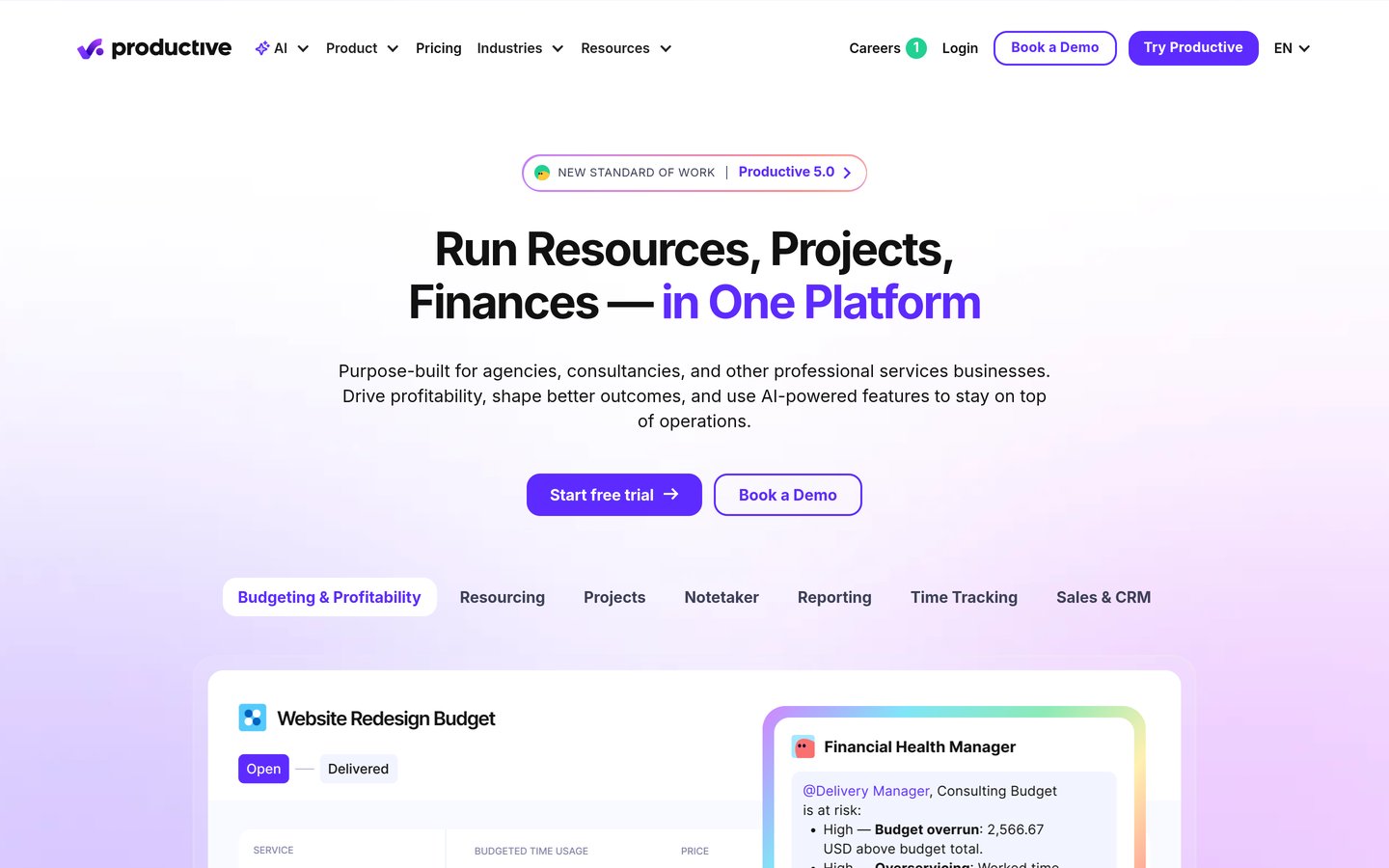
Productive homepage, captured Nov 2026.
Productive is a professional services management platform combining projects, resource allocation, budgets, time tracking and financial reporting. Its Essential edition lists a $12 monthly per-user rate and includes resource planning, project and task management, budgeting, documents, expense management and reporting. The platform also provides AI assistance for selected operational workflows.
The trade off is that setup requires attention to project budgets, rates and resource data, while advanced profitability and forecasting capabilities may require higher editions. Its pricing page displays different billing configurations, so confirm the actual subscription total at checkout. It suits agencies and consultancies connecting staff assignments to project financial performance.
What we like
Combines resource planning with financial management
Best for visual resource scheduling and team capacity
Entry paid planStarter, $7/person/mo
Advanced editionPro, $12/person/mo
Core featuresScheduling and capacity
Trial30 days
float.com
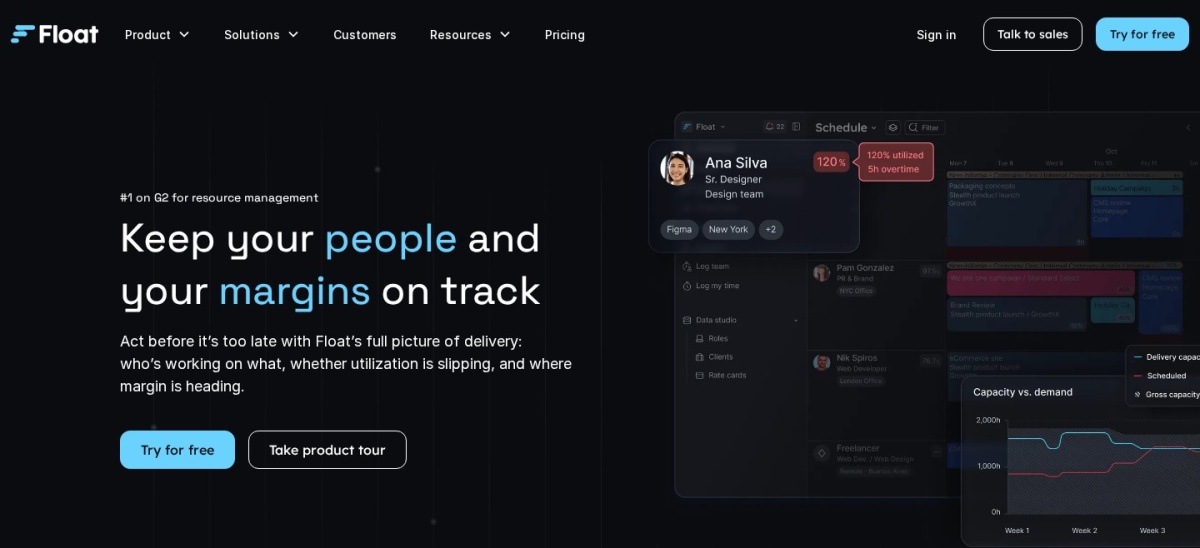
Float homepage, captured Nov 2026.
Float is a resource scheduling platform for allocating people across projects and tracking available capacity. Starter costs $7 per scheduled person monthly and includes scheduling, capacity management, time-off tracking, project scoping, role suggestions and API access. Its visual schedule helps managers see assignments and identify workload conflicts.
The trade off is that Float emphasizes staffing and scheduling rather than detailed task execution, while time tracking and advanced financial reporting require Pro at $12 per scheduled person monthly. Every scheduled person contributes to subscription costs. It suits agencies and project teams that already have task management software but need clearer resource allocation.
What we like
Clear visual scheduling across projects
Supports capacity and time-off planning
Project scoping included in Starter
Integrations and API access available
Pro adds project cost and utilization reporting
Watch out for
Not a full task management replacement
Time tracking requires Pro
Billing is based on scheduled people
Advanced financial analysis costs extra
Pro adds time tracking, AI people profiles, project cost estimates and advanced reporting.Visit float.com
04
Resource Guru
4.6/5on G2 (506 reviews, checked Nov 2026)
Starts at$5/mo
Best for affordable resource booking and availability
Entry paid planGrasshopper, $5/person/mo
Reporting editionBlackbelt, $8/person/mo
ProjectsUnlimited
Additional resources$2.50/month annually
resourceguruapp.com
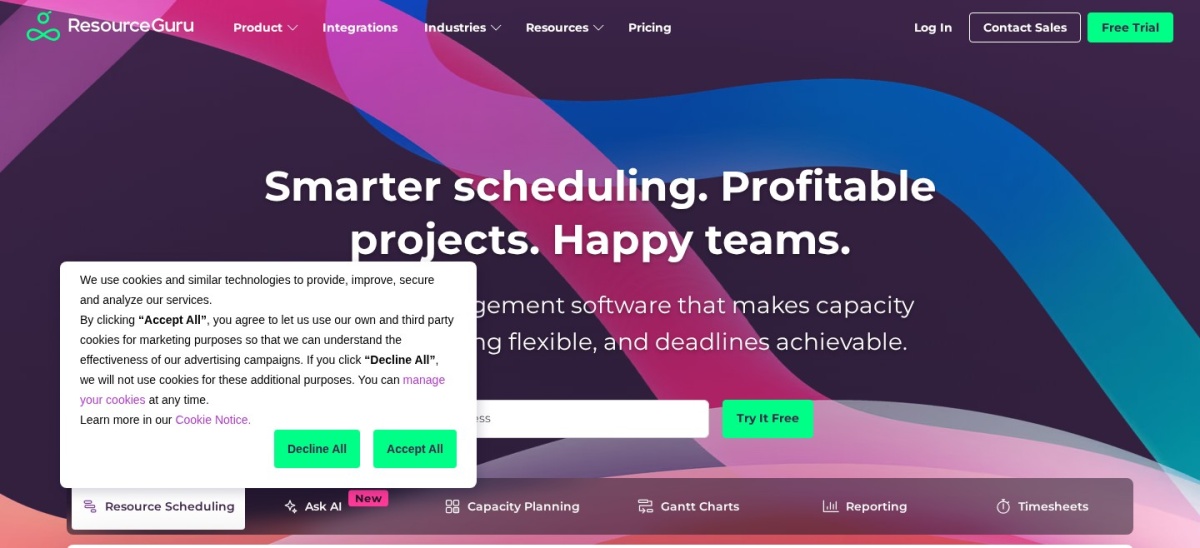
Resource Guru homepage, captured Nov 2026.
Resource Guru is a scheduling and resource management platform for coordinating people, equipment, rooms and projects. Grasshopper costs $5 per person monthly billed annually and includes unlimited projects, client scheduling, personalized dashboards, calendar synchronization and availability management. The platform helps prevent overlapping bookings and manage time off.
The trade off is that Grasshopper excludes customizable reports, timesheets and project budgets, which require Blackbelt at $8 per person monthly billed annually. Non-human resources also carry separate charges. It suits teams that primarily need affordable scheduling, booking conflict detection and visibility into resource availability.
What we like
Low entry price for resource scheduling
Unlimited projects and clients
Supports people and equipment bookings
Helps identify scheduling conflicts
Includes time-off and calendar management
Watch out for
Grasshopper excludes advanced reports
Timesheets and project budgets require Blackbelt
Additional equipment and rooms have separate charges
Best for customizable projects and resource workflows
Entry paid planBasic, $9/seat/mo
Free plan2 seats
Broader workflow editionStandard, $12/seat/mo
Standard AI2,000 credits/month
monday.com
monday.com homepage, captured Nov 2026.
monday.com is a customizable work management platform for organizing projects, assignments, schedules and team workflows. Its free plan supports 2 seats, while Basic starts at $9 per seat monthly billed annually and includes unlimited items and AI-assisted features. Teams can organize project information through boards, dashboards and connected workflows.
The trade off is that Basic does not provide the full range of workload, capacity and portfolio capabilities, while Standard costs $12 per seat monthly billed annually and adds broader automation. More advanced resource management may require additional editions or configuration. It suits organizations that prioritize flexible project coordination and customizable workflows.
What we like
Highly customizable project boards
Free plan for small teams
Supports AI-assisted workflows
Broad integration and automation options
Can organize multiple departments and projects
Watch out for
Resource planning capabilities vary by edition
Advanced reporting requires higher plans
Workspace configuration can become complex
Seat-based subscriptions increase team costs
Standard adds expanded workflow automation, AI credits and additional collaborative features.Visit monday.com
06
ClickUp
4.6/5on G2 (15,880 reviews, checked Nov 2026)
Paid from$12/mo
Best for flexible task and workload management
Entry paid planCore, regular $12/user/mo
Advertised discount$9/user/mo annually
Core automations1,000/month
AI trialClickUp Brain
clickup.com
ClickUp homepage, captured Nov 2026.
ClickUp is a work management platform combining tasks, project timelines, documents, dashboards and workflow automation. Its Free Forever edition includes unlimited tasks and members, while Core has a regular price of $12 per user monthly billed annually. Core adds unlimited Gantt charts, custom fields, goals, dashboards and 1,000 monthly automations.
The trade off is that advanced workload planning and ongoing premium AI features may require higher editions or additional licensing. The advertised $9 Core rate is discounted rather than the regular price. It suits teams needing detailed task management with customizable project views and basic resource visibility.
What we like
Free edition includes unlimited tasks
Combines tasks, documents and dashboards
Core includes Gantt charts and automation
Supports customizable project workflows
Can connect resource planning to task assignments
Watch out for
Advanced capacity views require higher editions
Premium AI access is limited on Core
Complex workspaces require configuration
Not as specialized as dedicated resource schedulers
Business expands reporting, workload management, automation and AI capabilities.Visit clickup.com
07
Runn
4.8/5on Capterra (33 reviews, checked Nov 2026)
Starts at$7/mo
Best for capacity forecasting and resource scenarios
Entry paid planLite, $7/resource/mo
Standard plan$11/resource/mo
Trial30 days
Core planningCapacity and utilization
runn.io
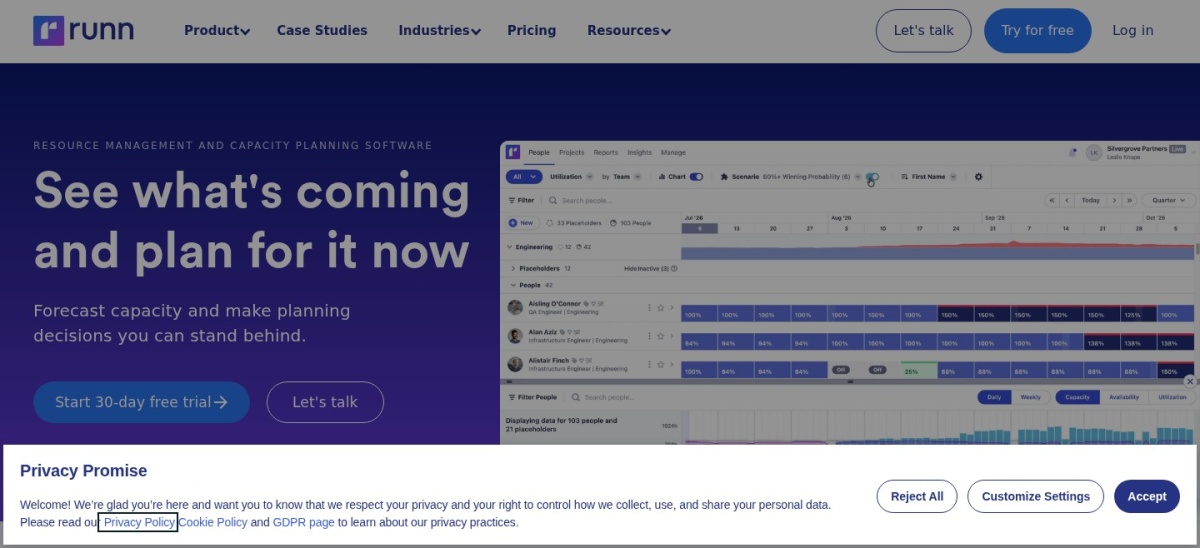
Runn homepage, captured Nov 2026.
Runn is a project resource planning platform focused on staffing demand, capacity, utilization and project financial forecasting. Its Lite edition lists $7 per resource seat monthly and includes scheduling, tentative projects, capacity charts, skills, tags and project financial information. Managers can model upcoming assignments before committing team availability.
The trade off is that Lite lacks timesheets, advanced integrations and the audit log included with Standard at $11 per resource seat monthly. It also focuses on high-level planning rather than detailed task management. It suits consulting and professional services teams that need forward-looking staffing forecasts across several projects.
What we like
Designed for forecasting resource demand
Supports tentative project planning
Tracks capacity and utilization
Includes project financial visibility
Offers skills-based staffing information
Watch out for
Detailed task management is limited
Timesheets require Standard
Advanced integrations require a higher edition
Smaller public review history than major competitors
Standard adds timesheets, custom fields, integrations, API access and an audit activity log.Visit runn.io
Project management vs. resource management: what is the difference?
Project management focuses on what must be completed. It organizes tasks, deadlines, dependencies, deliverables and progress reporting. ClickUp and monday.com provide extensive tools for coordinating project execution.
Resource management focuses on who or what is available to complete the work. It handles staff schedules, resource bookings, capacity, time off and utilization. Float, Resource Guru and Runn emphasize these capabilities.
Some platforms combine project execution and resource planning with financial information. Teamwork and Productive are particularly relevant for client services organizations coordinating deliverables, employee time and project budgets.
The correct approach depends on the existing software stack. Teams already satisfied with their task manager may only need a dedicated resource scheduler rather than replacing every project workflow.
Why project and resource management pricing differs
Resource scheduling platforms often bill by scheduled person. Float Starter lists $7 per scheduled person monthly, Resource Guru Grasshopper costs $5 with annual billing, and Runn Lite lists $7 per resource seat monthly.
General project management products commonly charge by application user. Teamwork Basics costs $9.99 per user monthly billed annually, while monday.com Basic starts at $9 per seat monthly billed annually.
Resource features also vary between editions. A low-priced project management subscription might not include workload balancing, utilization reports or detailed capacity forecasts.
Compare licensing for employees without login access, project managers, clients, contractors and equipment. The least expensive per-user subscription is not necessarily the cheapest system for the complete team.
How we chose
We researched established project and resource management products covering task execution, capacity planning, staff scheduling, utilization, time tracking and financial management. The shortlist combines broad project management platforms with dedicated resource scheduling and professional services applications.
Official pricing pages and G2 or Capterra review listings were checked on 24 Nov 2026 using the 22 Nov 2026 editorial reference date. Published prices reflect entry-level plans, with regular rates used instead of promotional discounts. Per-user and per-resource billing models are distinguished, and annual equivalents are calculated from the displayed monthly rates.
We excluded products without adequate independent review histories, tools lacking meaningful project or resource management capabilities and vendors whose prices could not be supported by official documentation. We compared documented features, pricing and public feedback rather than measured implementation performance. No vendor paid for a place, and we do not claim testing for this list.
How to choose project and resource management software
Identify your biggest scheduling and delivery problems, then compare products using these four steps.
Determine whether projects or resources are the main problem. Choose a broader project management platform if the team needs better tasks, dependencies and deadlines. Prioritize dedicated resource scheduling when existing projects are organized but staffing conflicts and availability remain difficult to manage.
Evaluate capacity and workload visibility. Check whether managers can view current assignments, upcoming availability, time off and utilization. Consider skills-based scheduling and tentative project planning when demand changes frequently.
Review reporting and financial requirements. Client services teams may need billable utilization, rate cards, project budgets and profitability reports. Internal teams may prioritize workload balance, deadlines and operational capacity instead.
Calculate costs across all scheduled resources. Compare billing for active users, scheduled employees and non-human resources. Include higher editions needed for reports, approvals or integrations, and evaluate the software using realistic project and staffing scenarios.
FAQ
What is the best project and resource management software?
Teamwork is our top overall recommendation for teams managing client projects, employee assignments and billable work. Productive is an alternative for agencies emphasizing budgets and profitability. Float is better for organizations that primarily need visual resource schedules and capacity planning.
What is the difference between project management and resource management?
Project management organizes tasks, deadlines, deliverables and progress. Resource management determines which employees, equipment or other resources are available to complete that work. Combining both helps managers understand whether planned commitments match actual capacity and whether projects are adequately staffed.
Which software is best for resource scheduling?
Float and Resource Guru are strong options for scheduling people across projects. Float emphasizes visual capacity planning and staffing assignments, while Resource Guru includes resource booking and clash management. Runn is particularly useful for forecasting future resource demand and testing tentative assignments.
How much does project and resource management software cost?
Entry prices vary by billing unit. Resource Guru starts at $5 per person monthly with annual billing, Float starts at $7 per scheduled person, and Teamwork Basics costs $9.99 per user monthly billed annually. Advanced reporting and resource planning may require higher editions.
Is there free project and resource management software?
Teamwork offers a free edition for 5 users and 5 projects. monday.com provides a free edition for 2 seats, while ClickUp offers a Free Forever plan with unlimited tasks. Dedicated resource scheduling platforms commonly provide time-limited trials instead of permanent free editions.
Which project management tool is best for agencies?
Productive and Teamwork are especially relevant to agencies because they connect project execution with time tracking and resource planning. Productive emphasizes budgets and financial performance, while Teamwork supports client delivery and AI-assisted project coordination. Compare profitability reporting and resource scheduling features by edition.
Can resource management software prevent employee overbooking?
Resource scheduling tools can display existing assignments, available capacity and conflicts before work is allocated. Resource Guru offers clash management, while Float and Runn provide workload and capacity views. Accurate results depend on managers maintaining current schedules, time-off records and project estimates.
What is resource utilization in project management?
Resource utilization measures how much available working capacity is assigned to productive or billable activities. It helps teams identify employees who are overallocated or underused. However, high utilization alone does not guarantee successful projects, and organizations should preserve time for training, administration and unexpected work.
Should I use separate project and resource management tools?
Separate tools can work well when an organization already has established task management but lacks reliable staffing visibility. An integrated platform may reduce duplicated records and reporting work. Evaluate integration quality, financial requirements and the cost of changing existing processes before choosing either approach.