Best Business Instant Messaging Software in 2026: 7 Tools Compared
WLWPLegible EditorsLast verified 22 Nov 2026How we rank10 min read
★ Short answer
Slack is the best business instant messaging software for most teams, pairing organized channels and huddles with over 2,600 app integrations starting at $7.25 per user/month billed annually. Pumble suits budget-conscious teams with unlimited free message history and $2.49/user/month paid plans, while Microsoft Teams fits Microsoft 365 organizations starting at $4/user/month.
How we make this list: we compare pricing pages, product documentation and public user reviews, then re-check every price before each update. No product paid for a place. Disclosure.
Slack Pro starts at $7.25/user/month billed annually ($87/yr per user) and unlocks unlimited history across 2,600+ integrations.
Pumble offers unlimited users and unlimited chat history on its $0 plan, with Pro upgrades at $2.49/seat/month billed annually ($29.88/yr).
Microsoft Teams Essentials starts at $4.00/user/month paid yearly ($48/yr) for standalone chat and video meetings.
Chanty keeps small teams under 5 members free forever, while Business plans run $3/user/month billed annually ($36/yr).
Google Chat comes bundled inside Google Workspace Business Starter at $7/user/month ($84/yr) with custom business email included.
What to look for in business instant messaging software
Business instant messaging replaces slow internal email threads with searchable channels, direct messages, and quick audio or video calls. The right platform keeps project conversations separated by topic so staff only follow the channels relevant to their work.
Pricing scales per active user, which makes annual seat costs the biggest long-term factor. Free tiers often restrict message history, cap team size, or limit third-party app connections, forcing growing companies onto paid plans sooner than expected.
Before choosing a standalone chat app, check what your office suite already includes. Companies paying for Microsoft 365 or Google Workspace already have access to native messaging tools that sync directly with existing calendars, cloud drives, and user permissions.
Entry paid planPro at $7.25/user/mo (billed annually)
Integrations2,600+ apps in Slack App Directory
External chatSlack Connect (1:1 free, multi-org on Pro)
slack.com
Slack homepage, captured Nov 2026.
Slack is a channel-based team messaging platform built around searchable threads, quick audio-video huddles, and deep third-party software connections. Its free plan supports unlimited users with 90 days of searchable message history, up to 10 app integrations, and 1:1 audio or video huddles.
The trade off is per-seat cost as your headcount grows, since Pro runs $7.25 per user/month billed annually ($8.75 monthly, with introductory discounts sometimes offered for the first 3 months) to unlock full message history and group huddles. It suits fast-moving teams that rely on connecting daily tools like Jira, Salesforce, and Google Drive directly into chat.
What we like
Over 2,600 native integrations in the Slack App Directory
Fast thread organization and granular channel search filters
Drop-in audio and video huddles with screen sharing
Slack Connect allows external collaboration with client workspaces
Watch out for
Free plan hides messages older than 90 days
Costs add up faster than budget competitors for large teams
Pro removes the 90-day history cap, unlocks group huddles, and allows unlimited app integrations.Visit slack.com
02
Pumble
4.5/5on G2 (200+ reviews, checked Nov 2026)
Paid from$2.49/mo
Best free plan with unlimited history
Free planUnlimited users, unlimited chat history
Entry paid planPro at $2.49/seat/mo (billed annually)
Storage10 GB/workspace free, 10 GB/seat on Pro
Meetings1:1 calls free, group meetings on Pro
pumble.com
Pumble homepage, captured Nov 2026.
Pumble is a team communication app by CAKE.com that mirrors the channel-and-thread layout of Slack without locking past messages behind a paywall. Its free tier includes unlimited users, unlimited message history, 1:1 voice and video calls, and 10 GB of shared workspace storage.
The trade off is a much smaller third-party app ecosystem and a 1:1 cap on free calls, requiring the Pro plan at $2.49 per seat/month billed annually ($2.99 monthly) for group video meetings, screen sharing, and 10 GB storage per user. It suits startups and remote teams wanting persistent chat history on a tight budget.
What we like
Unlimited users and unlimited searchable chat history for $0
Lowest entry paid pricing among full-featured team chat apps
Deactivated members do not occupy paid seats
Includes native integrations with Clockify and Plaky
Watch out for
Smaller integration directory than Slack or Microsoft Teams
Free plan restricts video calls to 1:1 conversations
Guest access requires upgrading to the Business tier
Pro adds group video meetings, screen sharing, up to 10 app integrations, and 10 GB storage per seat.Visit pumble.com
03
Microsoft Teams
4.3/5on G2 (15,000+ reviews, checked Nov 2026)
Paid from$4.00/mo
Best for Microsoft 365 workplaces
Free planUnlimited chat, 60-min group calls, 5 GB storage
Entry paid planTeams Essentials at $4.00/user/mo (yearly)
Suite bundleMicrosoft 365 Business Basic at $7/user/mo
Cloud storage10 GB/user on Essentials, 1 TB on Business Basic
microsoft.com
Microsoft Teams homepage, captured Nov 2026.
Microsoft Teams is an all-in-one chat, video conferencing, and file collaboration hub built directly into the Microsoft ecosystem. A standalone free edition supports unlimited chat and 60-minute group calls for up to 100 participants, while Teams Essentials starts at $4.00 per user/month paid yearly for extended meetings and 10 GB of cloud storage.
The trade off is a heavier interface and administrative setup compared to lightweight chat-first apps, and full Office web apps require stepping up to Microsoft 365 Business Basic at $7 per user/month billed yearly. It suits organizations already standardizing on Outlook, OneDrive, and SharePoint.
What we like
Direct integration with Word, Excel, PowerPoint, and OneDrive
Strong video meeting controls with live captions and transcripts
Enterprise-grade data encryption and admin compliance tools
Affordable standalone Essentials plan at $4/user/month
Watch out for
Interface feels dense for small teams wanting simple text chat
Separate personal and work account versions can confuse new users
Custom business email requires a full Microsoft 365 bundle
Teams Essentials extends meeting limits, adds phone/web support, and provides 10 GB cloud storage per user.Visit microsoft.com
04
Google Chat
4.4/5on G2 (2,500+ reviews, checked Nov 2026)
Paid from$7.00/mo
Best for Google Workspace teams
Free accessIncluded with personal Google accounts
Entry paid planWorkspace Business Starter at $7/user/mo
Meeting capacity100 participants in Google Meet on Starter
Workspace toolsIncludes custom Gmail, Drive, Docs, and Meet
workspace.google.com
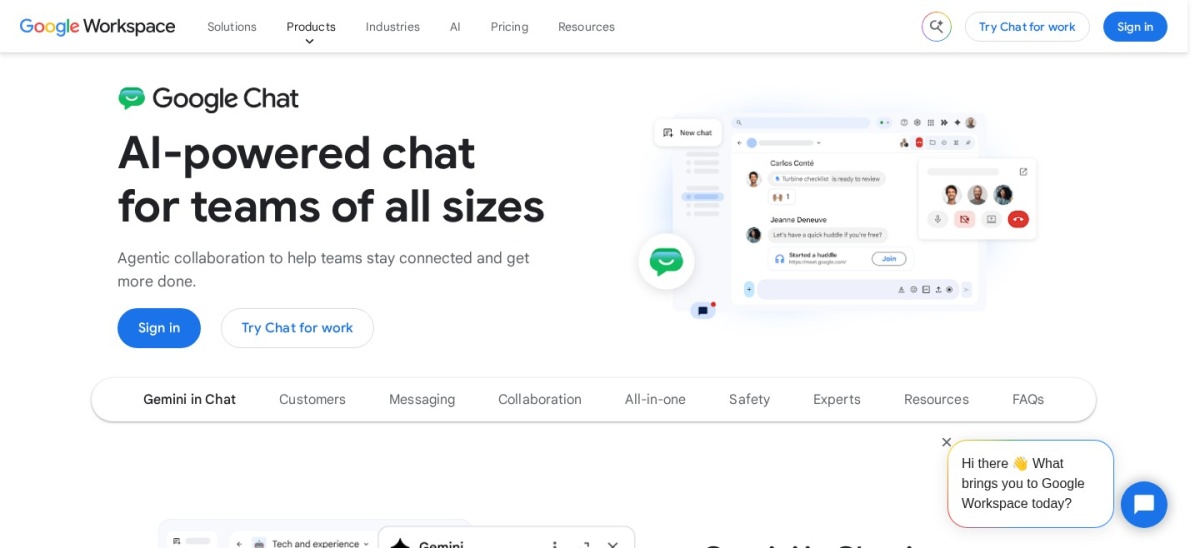
Google Chat homepage, captured Nov 2026.
Google Chat is a streamlined messaging tool embedded directly inside Gmail and Google Workspace, organizing team discussions into direct messages and topic-based Spaces. Personal Google accounts get basic chat for free, while business deployment starts with Google Workspace Business Starter at $7 per user/month on an annual commitment.
The trade off is the absence of a standalone business-only tier and fewer third-party workflow bots than Slack, since you buy the entire Workspace productivity suite. It suits companies already running on Gmail and Google Drive that want zero extra software logins.
What we like
Zero-friction access inside the Gmail sidebar and mobile app
Instant file sharing and permission syncing with Google Drive
Bundled with custom domain email, Calendar, and Google Meet
Fast search powered by Google indexing across messages
Watch out for
No standalone paid business tier outside Google Workspace
Fewer third-party integrations and custom bots than Slack
Gemini AI features in Chat require higher Workspace tiers
Google Workspace Business Starter adds custom business email, admin controls, 100-person Meet calls, and pooled Drive storage.Visit workspace.google.com
05
Chanty
4.4/5on G2 (40+ reviews, checked Nov 2026)
Paid from$3.00/mo
Best for built-in task management
Free planUp to 5 team members, unlimited chat history
Entry paid planBusiness at $3/user/mo (billed annually)
Storage20 GB per team on Free plan
Guest policy1 guest free, 3 guests per paid seat on Business
chanty.com
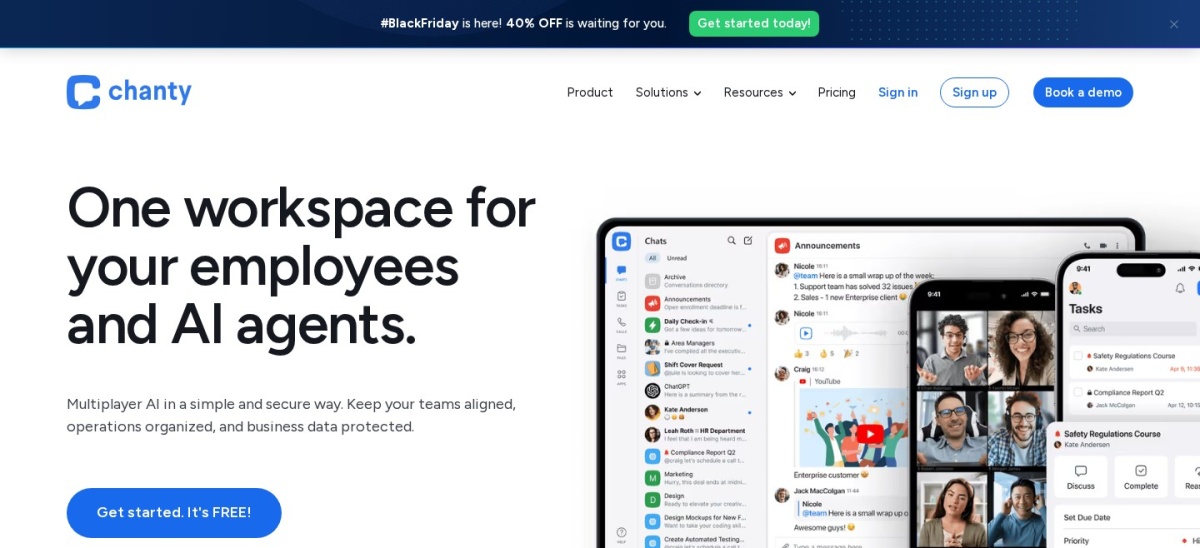
Chanty homepage, captured Nov 2026.
Chanty is a team chat app that lets users turn any message into an assignable task with a built-in Kanban board view. Its free plan covers up to 5 team members with unlimited public and private chats, searchable history, 1:1 audio calls, and 20 GB of team file storage.
The trade off is a strict 5-person ceiling on the free tier and no group video calls until you upgrade to Business at $3 per user/month billed annually ($4 monthly). It suits small agencies and project teams that want lightweight task tracking inside their chat app.
What we like
Convert any chat message directly into a tracked task
Unlimited message history even on the 5-user free plan
Includes 3 free single-conversation guests per paid Business seat
Low $3/user/month annual pricing for growing teams
Watch out for
Free plan stops at 5 total team members
Multi-person video calls and screen sharing require Business
Smaller native app ecosystem than enterprise chat platforms
Business removes the 5-member cap and unlocks group video calls, screen sharing, and unlimited integrations.Visit chanty.com
06
Lark
4.5/5on G2 (150+ reviews, checked Nov 2026)
Paid from$12.00/mo
Best all-in-one messenger and docs suite
Free planStarter free for up to 20 users, 100 GB storage
Entry paid planPro at $12/user/mo (billed annually)
Automation1,000 runs on Starter, 50,000 runs on Pro
MeetingsGroup calling up to 500 attendees on Pro
larksuite.com
Lark homepage, captured Nov 2026.
Lark combines instant messaging with collaborative documents, calendars, email, and workflow automation inside a single workspace. Its free Starter plan supports up to 20 users with 100 GB of cloud storage, 1,000 monthly automation runs, and built-in message translation.
The trade off is a steeper jump to self-serve paid tiers, as the transparent Pro plan costs $12 per user/month billed annually for up to 500 users (while Basic at $6/user/month may require contacting sales). It suits distributed teams looking to consolidate chat, docs, and meetings into one subscription.
What we like
Generous 20-user free tier with 100 GB of shared cloud storage
Built-in real-time message translation for multilingual teams
Combines chat, docs, spreadsheets, and video meetings natively
Includes automated workflow triggers without third-party connectors
Watch out for
Self-serve Pro tier jumps to $12/user/month billed annually
All-in-one workspace layout takes longer to learn than pure chat tools
Basic tier purchasing can require sales contact
Pro expands storage to 15 TB, raises automation runs to 50,000, and supports group calls up to 500 attendees.Visit larksuite.com
07
Discord
4.7/5on G2 (400+ reviews, checked Nov 2026)
Paid from$2.99/mo
Best for always-on voice channels
Free planUnlimited users, text channels, and voice rooms
Entry paid planNitro Basic at $2.99/mo (individual perk upgrade)
Voice roomsPersistent drop-in audio and screen sharing
HistoryUnlimited searchable message history on Free
discord.com
Discord homepage, captured Nov 2026.
Discord organizes servers into persistent text channels and drop-in voice rooms where remote coworkers can talk without scheduling formal meetings. Its core platform is completely free for unlimited team members, offering unlimited message history, group voice chat, and multi-user screen sharing.
The trade off is the lack of business admin controls like SAML SSO, compliance exports, or centralized billing, while optional individual Nitro Basic upgrades cost $2.99/month for larger file uploads. It suits small creative studios, developer teams, and startups that prefer casual, always-on voice collaboration.
What we like
Low-latency, always-on voice channels feel like a virtual office
Free tier includes unlimited users, message history, and group calls
Supports simultaneous multi-user screen sharing in voice rooms
Granular role-based channel permissions out of the box
Watch out for
No enterprise admin controls, SSO, or centralized seat management
Informal gaming-oriented interface does not suit client-facing work
Free file upload limits require Nitro upgrades for large media
Nitro Basic raises file upload limits and adds custom emoji perks for individual accounts.Visit discord.com
Bundled suite chat vs standalone messaging apps
Before paying for a separate chat subscription, audit your existing software licenses. If your company already pays for Microsoft 365 or Google Workspace, Microsoft Teams or Google Chat is already covered in your monthly bill and inherits your existing user directory and security policies.
Standalone apps like Slack and Pumble make sense when cross-tool integrations or external client channels matter more than bundle savings. Slack connects with over 2,600 external services, whereas bundled suite tools focus primarily on their own native document and calendar ecosystems.
How we chose
We built this list by comparing established business instant messaging platforms across three categories: dedicated team chat apps, office suite messengers, and voice-first collaboration tools. We prioritized platforms with transparent public pricing, active development, and documented user ratings.
All pricing tiers, free plan limits, and review ratings were verified directly against vendor pricing pages and public G2 software profiles on 22 Nov 2026. Where vendors offer both monthly and annual billing, we listed the regular annual per-user rate alongside the annualized yearly cost.
We excluded self-hosted tools that hide commercial pricing behind custom enterprise quotes, legacy on-premise messengers without cloud tiers, and SMS marketing platforms built for bulk customer texting rather than internal team chat. No vendor paid for a place, and we do not claim testing for this list.
How to pick the right business instant messaging software
Check four practical buying criteria before rolling out a chat platform across your team.
Check your existing office suite first. If you already pay for Microsoft 365 or Google Workspace, test Microsoft Teams or Google Chat before adding a second per-seat bill.
Calculate your 12-month seat cost. Multiply the annual per-user rate by your projected headcount next year, and check whether guest accounts require paid licenses.
Audit free-tier history and call limits. Verify whether the free plan hides messages after 90 days (like Slack) or caps team size at 5 members (like Chanty).
Confirm must-have workflow integrations. List the project trackers, CRM tools, and helpdesk apps your staff check daily to ensure native notifications work without paid middleware.
FAQ
What is the best free instant messaging software for business?
Pumble offers the most generous free tier for growing teams, giving unlimited users and unlimited searchable chat history at $0. If your team has 5 or fewer people, Chanty also provides unlimited message history and built-in task boards for free.
Is Slack still worth paying for in 2026?
Slack Pro costs $7.25 per user/month billed annually and remains the strongest option if your team relies on third-party workflow automations across its 2,600+ app integrations or collaborates with external partners via Slack Connect.
How much does Microsoft Teams cost for a small business?
Microsoft Teams offers a standalone free plan with 60-minute group calls, while paid business plans start with Teams Essentials at $4.00 per user/month paid yearly. Bundled Microsoft 365 Business Basic starts at $7 per user/month yearly.
Can you use Google Chat without buying Google Workspace?
Personal Google accounts can use Google Chat for free, but business administration, custom domain email, and organizational security controls require a Google Workspace plan starting with Business Starter at $7 per user/month.
What is the cheapest paid team chat app per user?
Pumble Pro is the lowest-priced dedicated business chat upgrade at $2.49 per seat/month billed annually ($29.88 per year), followed by Chanty Business at $3.00 per user/month billed annually ($36 per year).