Best Tools for Reducing Support Response Time in 2026: 9 Tools Compared
WLWPLegible EditorsLast verified 24 Nov 2026How we rank8 min read
★ Short answer
Freshdesk is the best tool for reducing support response time for most teams. Its Growth plan costs $19 per agent a month and includes SLA timers, automations and 500 AI sessions. Pick Intercom for AI-first replies and Zendesk for large omnichannel teams.
How we make this list: we compare pricing pages, product documentation and public user reviews, then re-check every price before each update. No product paid for a place. Disclosure.
Freshdesk gives the most response-time tooling per dollar: SLA timers, automations and AI sessions from $19 per agent a month.
Intercom's Fin AI answers routine questions instantly, but every resolution costs $0.99 on top of the seat price.
Zendesk's cheapest plan is email only; chat and voice need Suite Team at $55 per agent a month.
Help Scout is free for 5 users and Zoho Desk starts at $7 per user a month, the cheapest seats here.
Gorgias charges per ticket, not per seat, so a Shopify store pays for volume, not headcount.
Why replies slow down, and what fixes it
Most slow replies are not a staffing problem. They are a routing problem: messages sit in a shared inbox nobody owns, or the same question gets answered from scratch every time.
The tools in this list fix that in three ways. SLA timers flag tickets that are about to breach, canned replies and AI drafts cut typing time, and a shared queue shows who owns each conversation.
Start with the channel that carries most of your volume. If email dominates, a ticket desk like Freshdesk or Help Scout matters most. If chat dominates, a chat-first tool like LiveChat or Intercom pays off faster.
The 9 best tools for reducing support response time
01
Freshdesk
4.4/5on G2 (3,773 reviews, checked Nov 2026)
Paid from$19/agent/mo
Best overall for faster first replies
First replySLA timers and alerts
AI help500 Freddy AI sessions
ChannelsEmail, portal, chat
Paid planGrowth, $19/agent/mo
freshworks.com
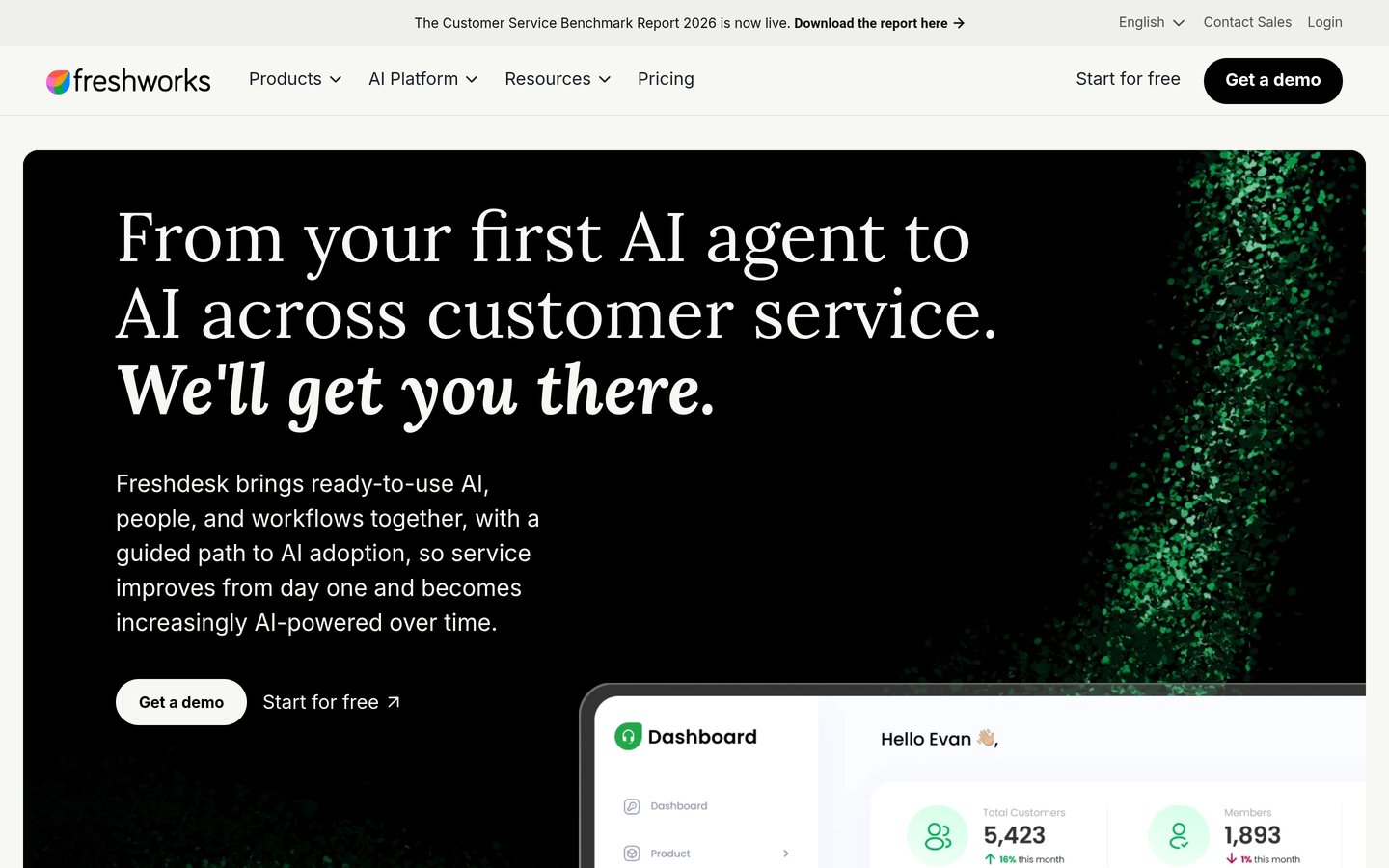
Freshdesk homepage, captured Nov 2026.
Freshdesk is a help desk from Freshworks that turns email, chat and social messages into tickets with SLA timers, collision alerts and automations that push the oldest ticket to the top of the queue.
The trade off is chat and phone need the Omni upgrade from $29 an agent a month, and the AI Copilot add-on costs $29 extra on Pro and Enterprise. It suits small teams that want a full desk with response-time SLAs at a low seat price..
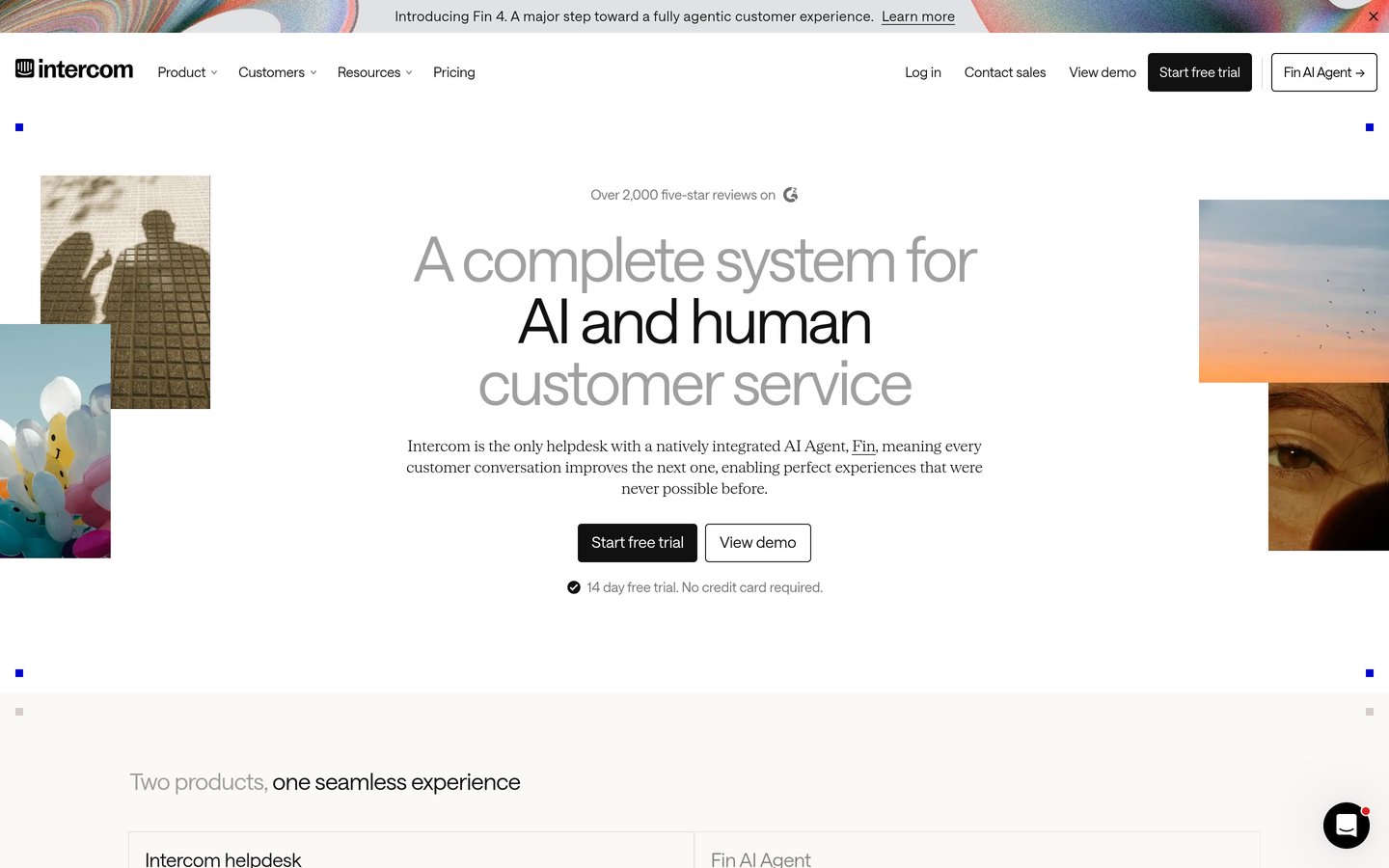
Intercom is a customer messaging platform whose Fin AI agent answers common questions instantly, so human agents only see the conversations that need a person, with live chat, a shared inbox and ticketing in one place.
The trade off is every AI resolution costs $0.99 on top of the seat price, and the entry plan has no free Lite seats for colleagues who only read tickets. It suits product-led teams that want AI to clear the queue before humans step in..
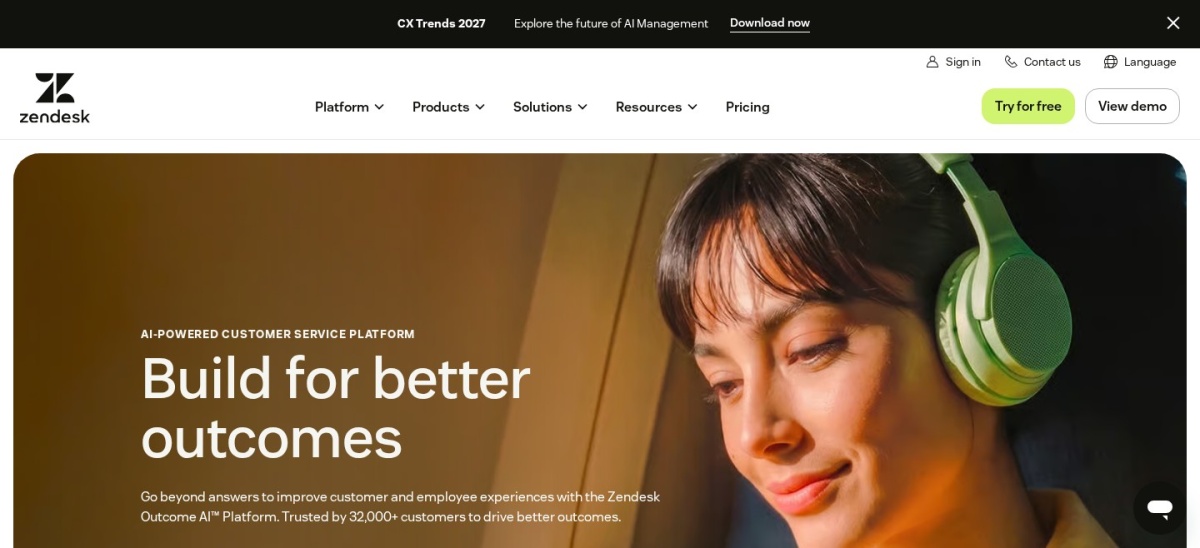
Zendesk is the most widely used help desk, turning email, chat, voice and social messages into tickets with routing, macros, triggers and prebuilt dashboards, plus AI agents on every plan.
The trade off is the entry Support Team plan covers email only, so live chat and voice need Suite Team at $55 an agent a month, and extra AI resolutions cost $1.50 to $2 each. It suits large teams that need proven routing and reporting across every channel..
What we like
Largest help desk ecosystem and integrations
AI agents included on every plan
Strong reporting and macros
Watch out for
Chat and voice need the $55 Suite Team plan
Per-agent pricing adds up fast at scale
Suite Team adds chat, voice and a help center at $55 a monthVisit zendesk.com
04
Help Scout
4.4/5on G2 (431 reviews, checked Nov 2026)
Paid from$25/user/mo
Best for email-first teams
Free plan5 users, 1 inbox
AI helpAI Answers, $0.75/resolution
ChatBeacon live chat
Paid planStandard, $25/user/mo
helpscout.com
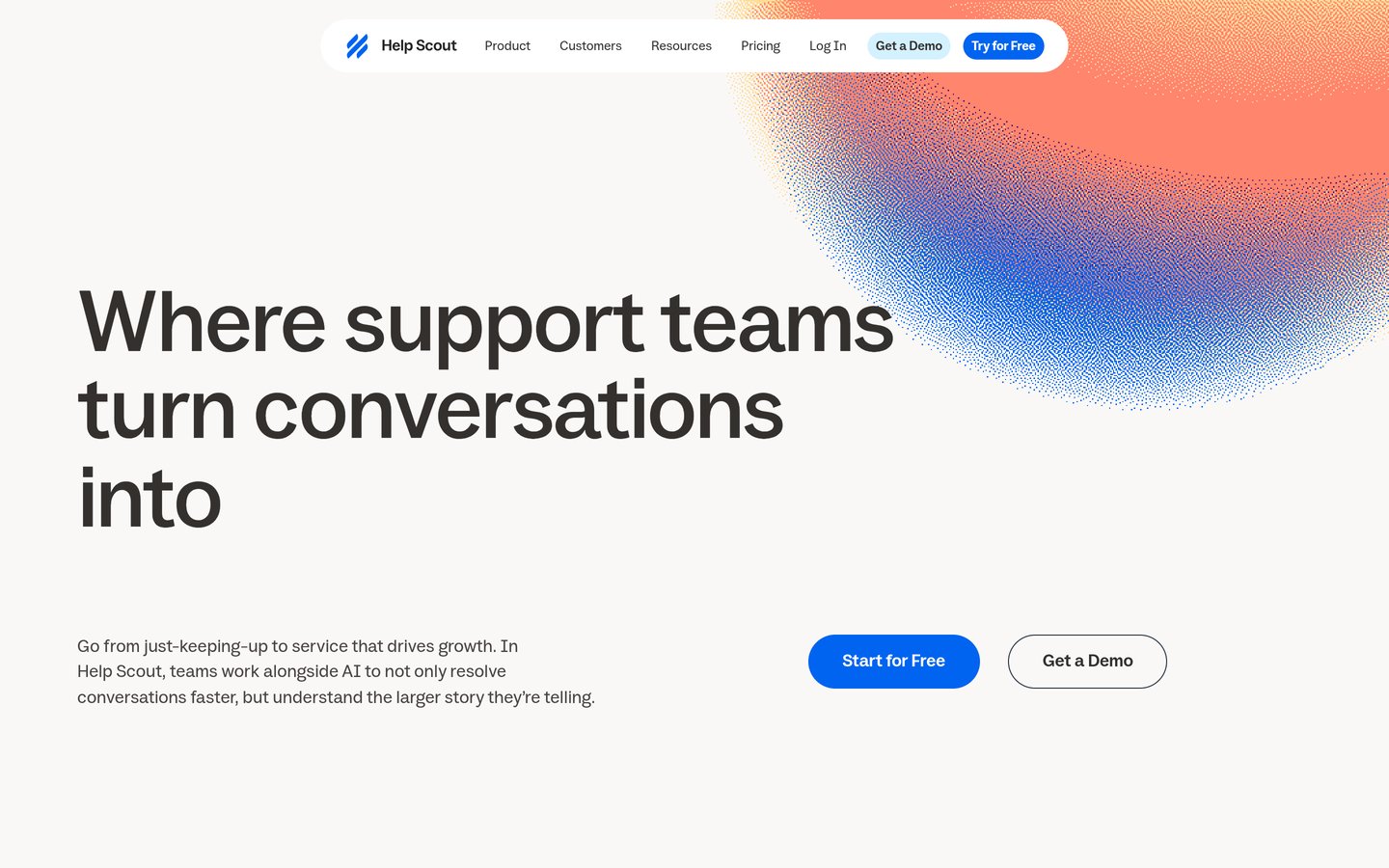
Help Scout homepage, captured Nov 2026.
Help Scout is a shared inbox that keeps support looking like plain email, with assignments, collision detection, saved replies and a Docs knowledge base, plus Beacon live chat on paid plans.
The trade off is phone support is not built in and needs an integration, and the deeper reporting and AI features sit on the $45 Plus plan. It suits small teams that live in email and want replies out fast without a heavy desk..
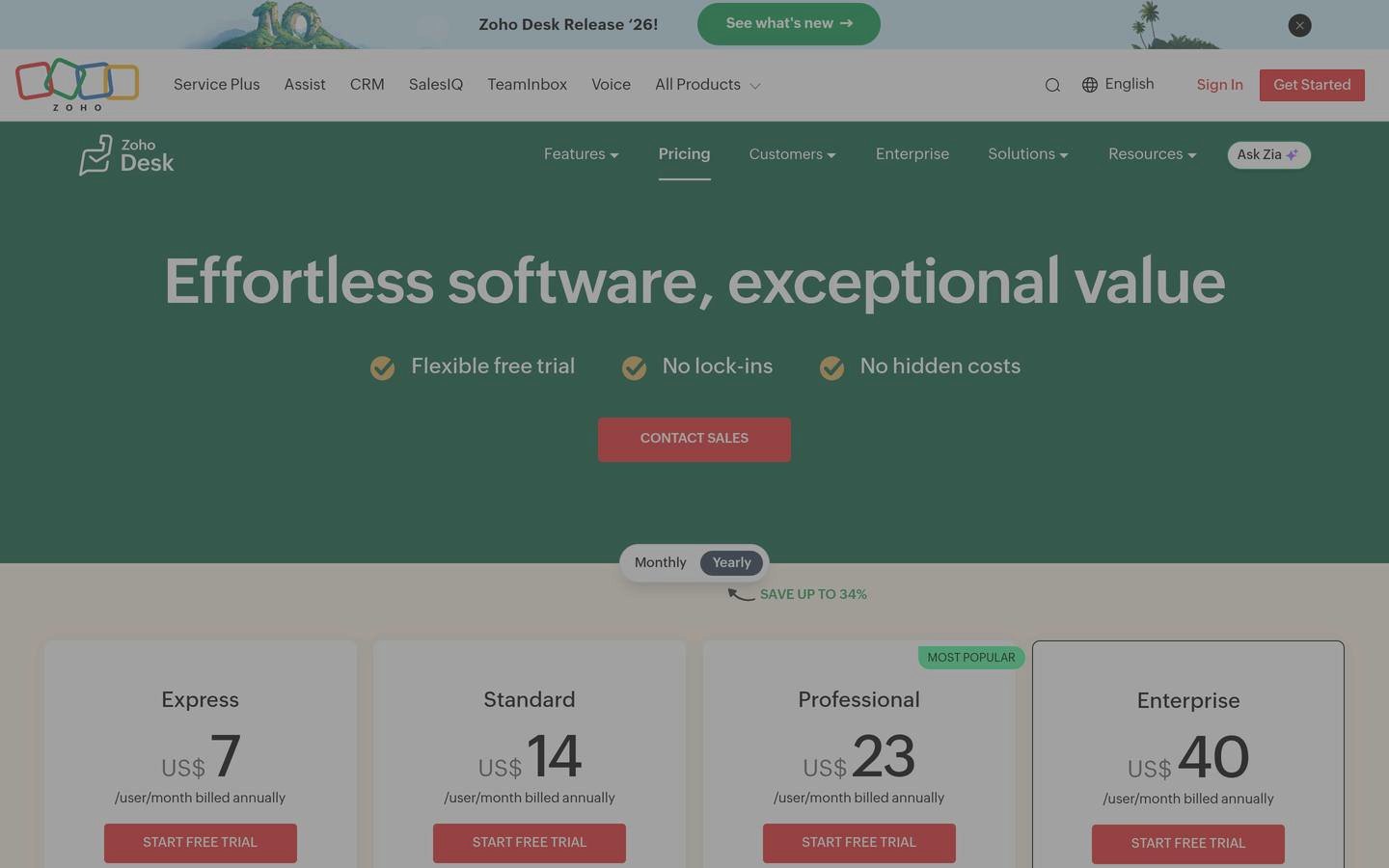
Zoho Desk is Zoho's help desk, with ticket management, a customer portal, a knowledge base and multi-channel support, plus Zia AI to suggest replies and tag tickets automatically.
The trade off is the cheapest Express plan is light on automation and reporting, so teams that need SLAs and custom dashboards should budget for Standard at $14 a user a month. It suits budget teams already using Zoho apps that want the cheapest real desk..
What we like
Lowest seat price in this list
Free plan for up to 3 users
Works well with other Zoho apps
Watch out for
Express plan has limited automation
Interface feels busy next to Help Scout
Standard adds SLAs and automation at $14 a monthVisit zoho.com
06
HubSpot Service Hub
4.4/5on G2 (3,018 reviews, checked Nov 2026)
Paid from$20/seat/mo
Best for teams on HubSpot CRM
Free plan2 users
TicketingPipelines and SLAs
AI helpAI chatbots and summaries
Paid planStarter, $20/seat/mo
hubspot.com
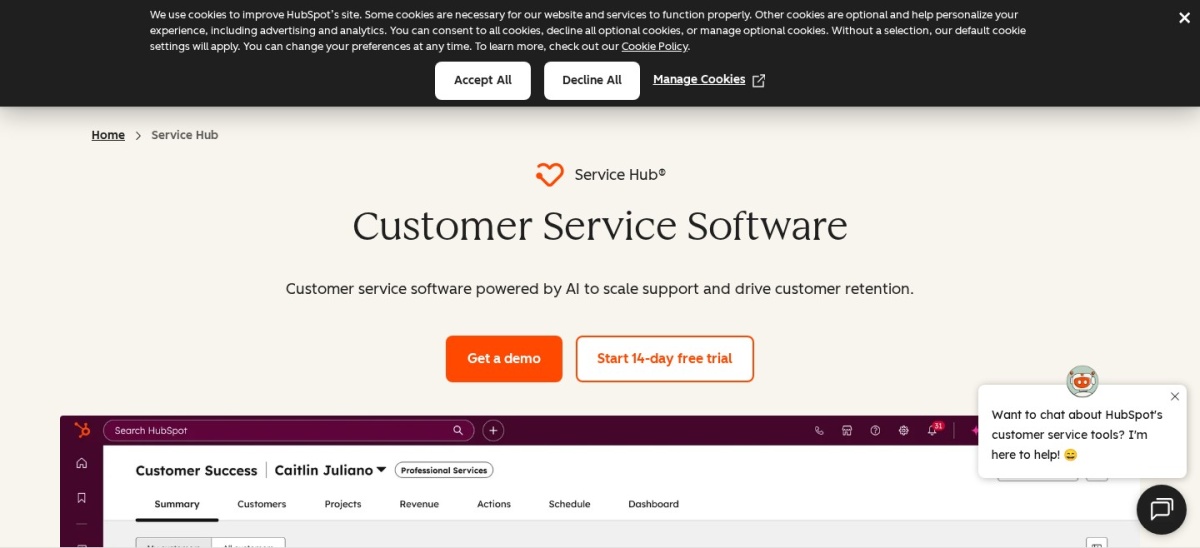
HubSpot Service Hub homepage, captured Nov 2026.
HubSpot Service Hub is HubSpot's service hub, which puts tickets, live chat, a knowledge base and customer feedback on the same CRM record as sales and marketing, so agents see the full customer history.
The trade off is the free plan covers only 2 users, and the useful automation, SLAs and playbooks need Professional, which costs far more than Starter. It suits teams already running HubSpot CRM that want support in the same system..
What we like
Tickets sit on the CRM record
Free plan for 2 users
Strong knowledge base and feedback tools
Watch out for
Automation needs the pricey Professional tier
Per-seat pricing grows with the team
Professional adds automation and SLAs at a higher seat priceVisit hubspot.com
07
LiveChat
4.5/5on G2 (813 reviews, checked Nov 2026)
Starts at$19/seat/mo
Best for instant chat replies
Chat speedCanned responses, typing view
TargetingProactive chat invites
ReportsChat ratings and history
Paid planStarter, $19/seat/mo
livechat.com
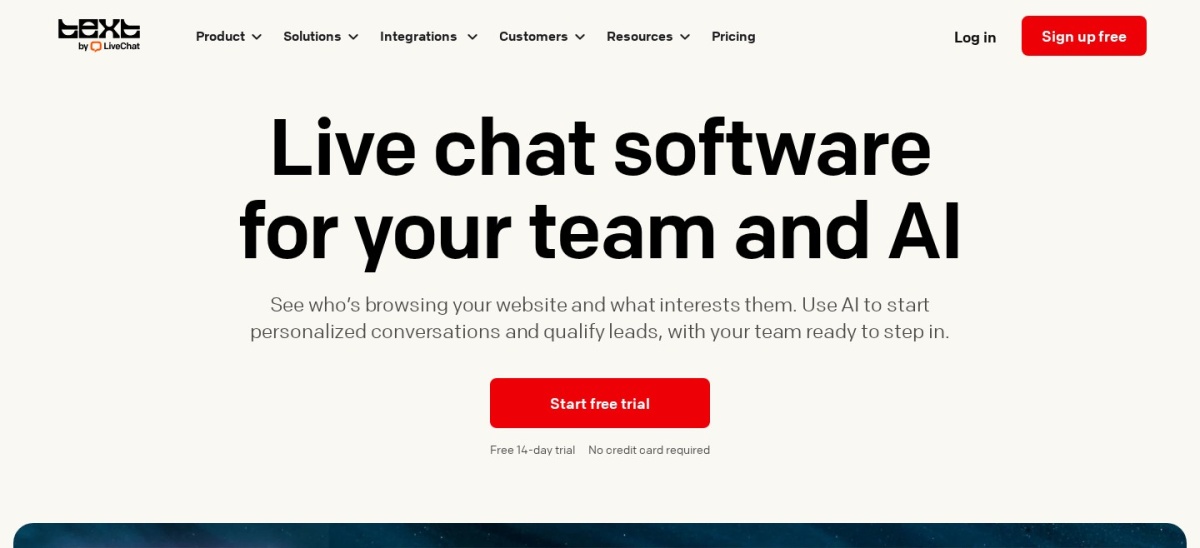
LiveChat homepage, captured Nov 2026.
LiveChat is a dedicated live chat tool that puts a chat widget on your site, with canned responses, message sneak peeks, chat ratings and proactive invites that start conversations before visitors leave.
The trade off is it is chat only, so email tickets and a help center need another tool, and Starter keeps only 60 days of chat history and tracks 100 visitors. It suits stores and sites where a fast chat answer turns visitors into buyers..
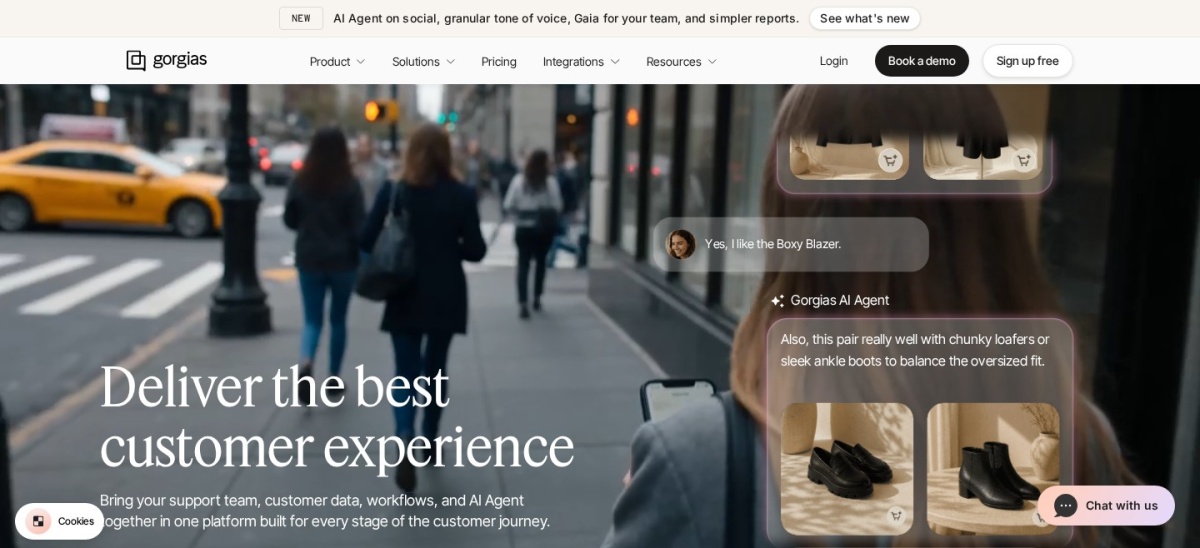
Gorgias is a help desk built for ecommerce, where agents see Shopify order data, refunds and shipping status inside each ticket and can edit orders without leaving the inbox.
The trade off is you pay per ticket, so a busy month costs more than the $10 headline, and Starter covers only 50 tickets and 3 seats. It suits Shopify stores where order questions are most of the queue..
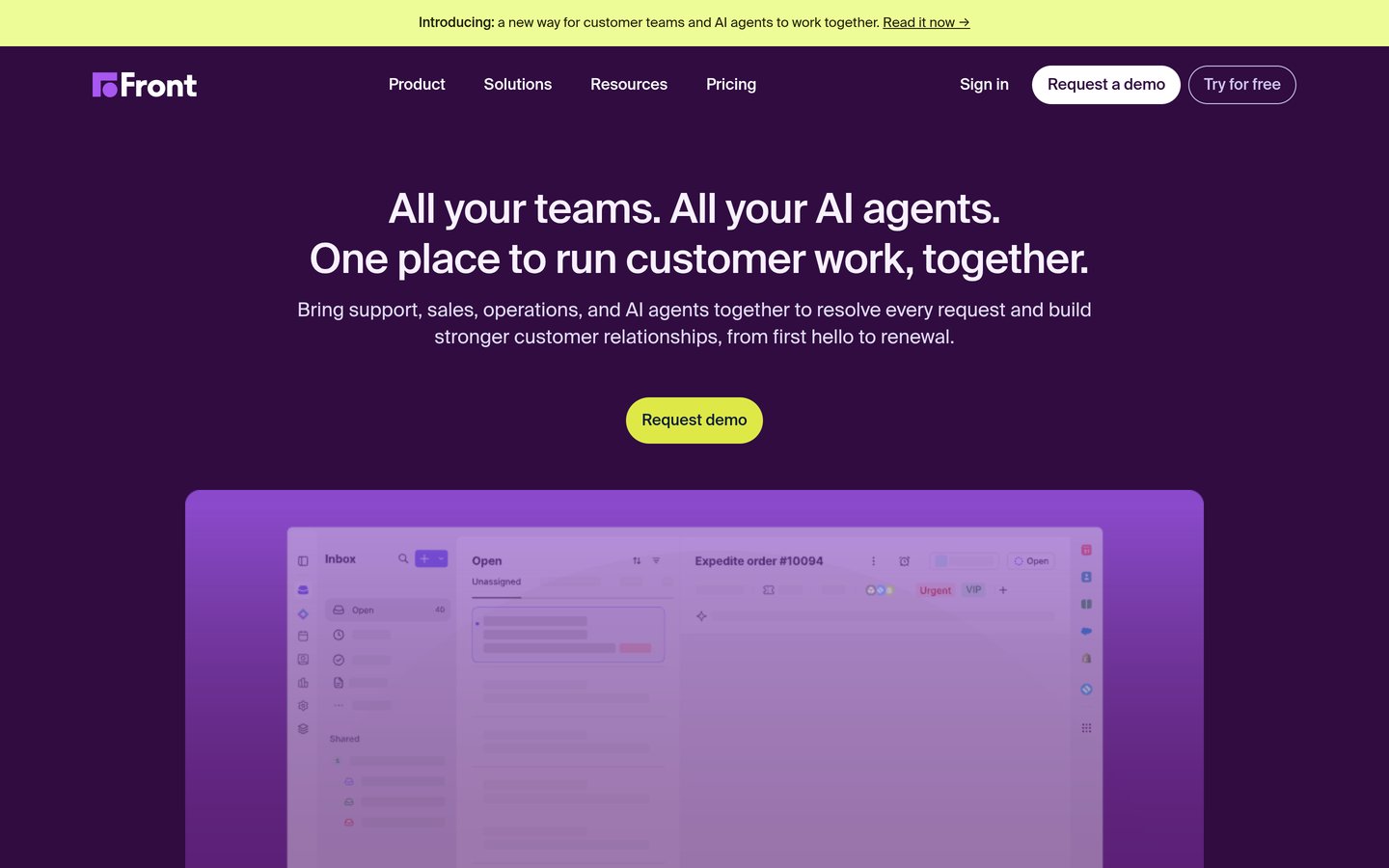
Front is a collaborative inbox that merges email, chat, SMS and social messages into one queue, with internal comments, assignments and rules that route each message to the right person.
The trade off is at $29 a user a month it costs more than Help Scout for similar inbox work, and the deeper automation and analytics need the $65 Growth plan. It suits teams that handle support across email and chat in one shared queue..
AI agents are fastest on repeat questions: order status, password resets, opening hours. They answer in seconds and never sleep.
Human agents still win on complaints, refunds and anything with judgement. The best setup lets AI clear the routine queue and hands the rest to a person with full context.
Watch the AI bill, not just the seat price. Intercom charges $0.99 per Fin outcome and Freshdesk charges $49 per 100 AI sessions after the free allowance.
How we chose
We started from the help desks that appear most often in G2's customer service category and in support roundups, then kept the nine with a clear response-time feature and a public G2 rating.
Prices come from each vendor's pricing page, checked on 24 November 2026. Freshdesk Growth costs $19 per agent a month, Intercom Essential $29 per seat a month and Zendesk Support Team $19 per agent a month, all billed annually. Ratings and review counts come from G2 on the same day.
We left out tools with no public rating or no published price. No vendor paid for a place, and we do not claim hands-on testing for this list.
How to choose a tool that cuts response time
Start with your slowest channel, then pick the tool that fixes that queue first.
Measure your current first response time. Check how long first replies take today, by channel. The tool should cut the worst number, not the average.
Pick one queue, not five tools. One shared inbox beats a chat tool plus an email tool plus a spreadsheet. Agents answer faster when everything lands in one place.
Set an SLA before you buy. Decide the target first reply time, then check the plan includes SLA timers and alerts. Entry plans sometimes leave them out.
Trial it with real tickets. Run the free trial on live conversations for a week. Watch first response time and agent clicks, not the feature list.
FAQ
What is a good first response time for support?
Most customers expect a first reply within an hour on email and within minutes on live chat. Aim for under 60 minutes on email and under 2 minutes on chat, then tighten the target as the queue clears.
Does AI really cut response time?
Yes, on repeat questions. An AI agent answers instantly and never queues, which clears the routine tickets so humans reach the hard ones faster. It does not help with complaints or refunds.
Is Freshdesk cheaper than Zendesk?
Yes at the entry level for a full desk. Both start at $19 per agent a month, but Freshdesk Growth includes SLAs and a knowledge base, while Zendesk needs Suite Team at $55 for chat and voice.
Can a free plan cut response time?
Yes, for a tiny team. Help Scout is free for 5 users and Zoho Desk is free for 3, and both include assignments and saved replies. A free plan stops working once volume grows.
Should I pay per seat or per ticket?
Per seat suits steady teams with predictable headcount. Per ticket, like Gorgias, suits stores where a few agents handle bursts of tickets. Compare your busiest month, not your quietest.
Do I need SLAs to reply faster?
SLAs do not make agents faster, but timers and breach alerts stop tickets from sitting unseen. They are the single most useful response-time feature in this list.