Best Free Helpdesk Software in 2026: 7 Tools Compared
WLWPLegible EditorsLast verified 22 Nov 2026How we rank6 min read
★ Short answer
Zoho Desk leads for teams wanting a free email ticketing desk with 3 user licenses, holding a 4.4 rating across 8,117 G2 reviews. Help Scout suits small teams needing 5 free users, while SupportCandy fits WordPress sites that want unlimited tickets and agents on a free self-hosted plugin.
How we make this list: we compare pricing pages, product documentation and public user reviews, then re-check every price before each update. No product paid for a place. Disclosure.
Zoho Desk offers a free edition for 3 user licenses and starts at $7 per user/month ($84/yr) on Express billed annually.
Help Scout includes up to 5 free users and 100 contacts/month, with Standard starting at $25 per user/month ($300/yr) billed annually.
SupportCandy provides unlimited tickets and agents on WordPress for free, with paid plans starting at $79/yr on Personal.
Fluent Support runs as a self-hosted WordPress plugin with 10,000+ active installs and paid plans starting at $129/yr.
Crisp offers a free plan for 2 seats and 100 profiles, while paid plans start at $45/mo ($540/yr) per workspace on Mini.
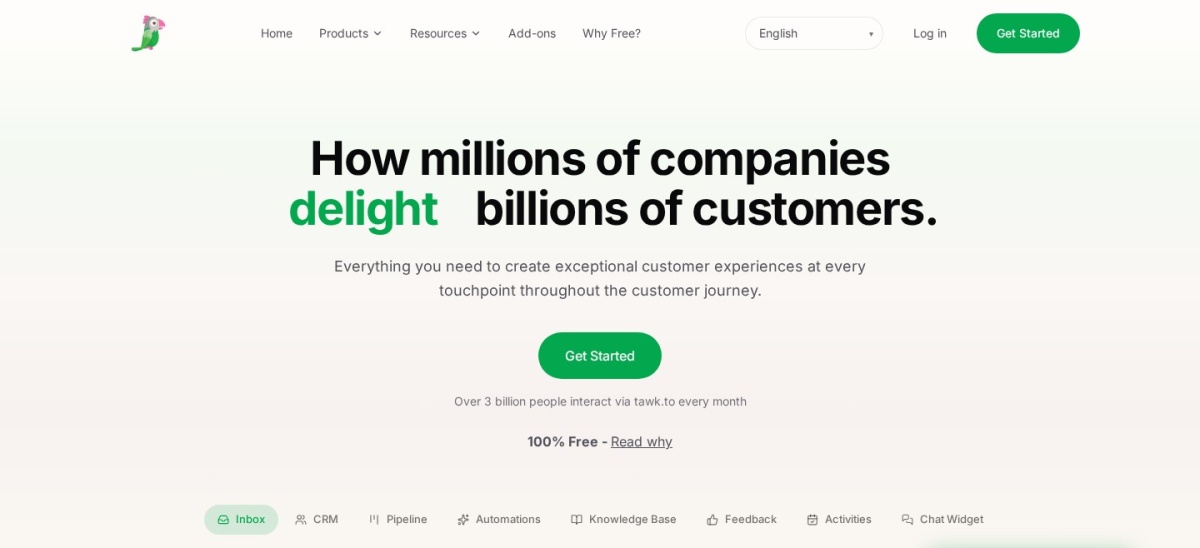
tawk.to keeps its core live chat and ticketing platform free, charging $29/mo ($348/yr) for software add-ons like AI Assist or Whitelabel.
What to look for in free helpdesk software
Free helpdesk plans usually cap either agent seats, monthly conversations, or contact volume. Before choosing a tier, check whether the free plan covers your primary support channel, such as email tickets, a shared inbox, or live chat.
Many hosted tools restrict workflow rules, SLAs, and AI automation to paid plans. Even when AI assistants are mentioned, they may require your own API key or carry per-resolution fees on top of seat pricing.
WordPress plugins store tickets in your own database and often avoid per-agent seat fees, though you handle hosting and updates yourself. Hosted SaaS tools manage infrastructure for you, while billing per seat or per workspace.
For combining live chat and ticketing with up to 10 seats
$348/yr
Free plan
4.8/5
Price ladder: cheapest paid plan per year
List prices, USD, checked Nov 2026
SupportCandyFREE$79
Zoho DeskFREE$84
Fluent SupportFREE$129
Help ScoutFREE$300
tawk.toFREE$348
TidioFREE$348
CrispFREE$540
The 7 best free helpdesk software
01
Zoho Desk
4.4/5on G2 (8,117 reviews, checked Nov 2026)
Paid from$84/yr
Best for free email ticketing on small teams
Free tier3 user licenses
Entry paid planExpress ($7/user/mo annual)
AI tierZia on Professional ($23/user/mo)
Trial15-day free trial
zoho.com
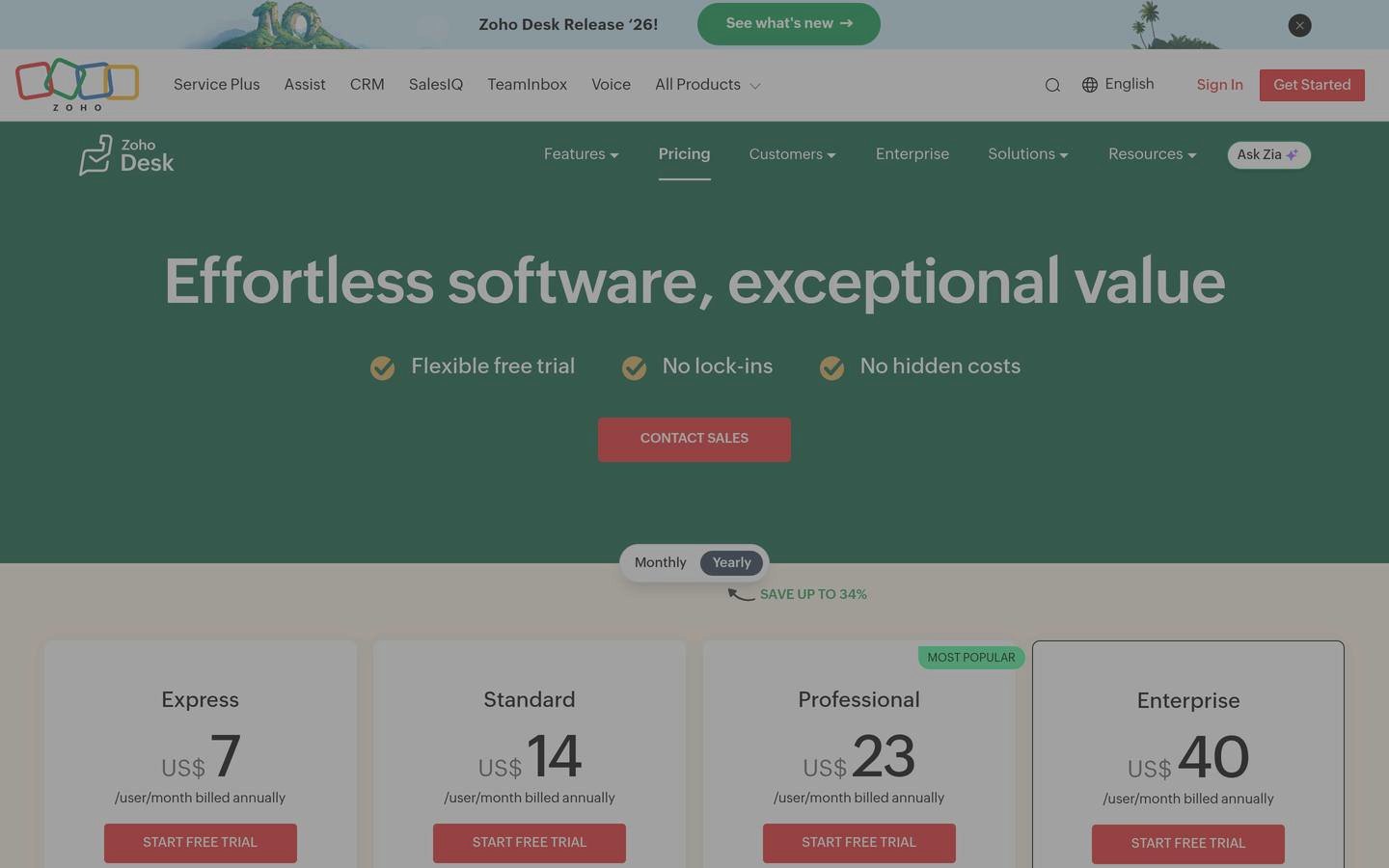
Zoho Desk homepage, captured Nov 2026.
Zoho Desk is a cloud helpdesk with a free edition for 3 user licenses that includes email ticketing, a help center, and basic reports. Paid plans start at $7 per user/month billed annually on Express, scaling up to $40 per user/month on Enterprise.
The trade off is that the free tier omits automation, SLAs, and AI features, and monthly billing costs more than the $84/yr annual Express rate. It suits small teams running email-led support on a tight budget.
What we like
Permanent free tier supports up to 3 user licenses for email ticketing.
Express starts at $7 per user/month billed annually with workflows and social channels.
15-day trial of paid plans drops back to Free without locking tickets.
Watch out for
Free edition excludes automation rules, SLAs, and AI tools.
Interface can feel dense and takes time to configure.
Paid plans add workflows, multi-channel messaging, SLAs, and Zia AI across higher tiers.Visit zoho.com
02
Help Scout
4.4/5on G2 (437 reviews, checked Nov 2026)
Paid from$300/yr
Best for email-first teams up to 5 users
Free tierUp to 5 users, 100 contacts/mo
Entry paid planStandard ($25/user/mo annual)
AI chatbotEnvoy at $0.75 per resolution
Extra inbox$10/mo billed annually
helpscout.com
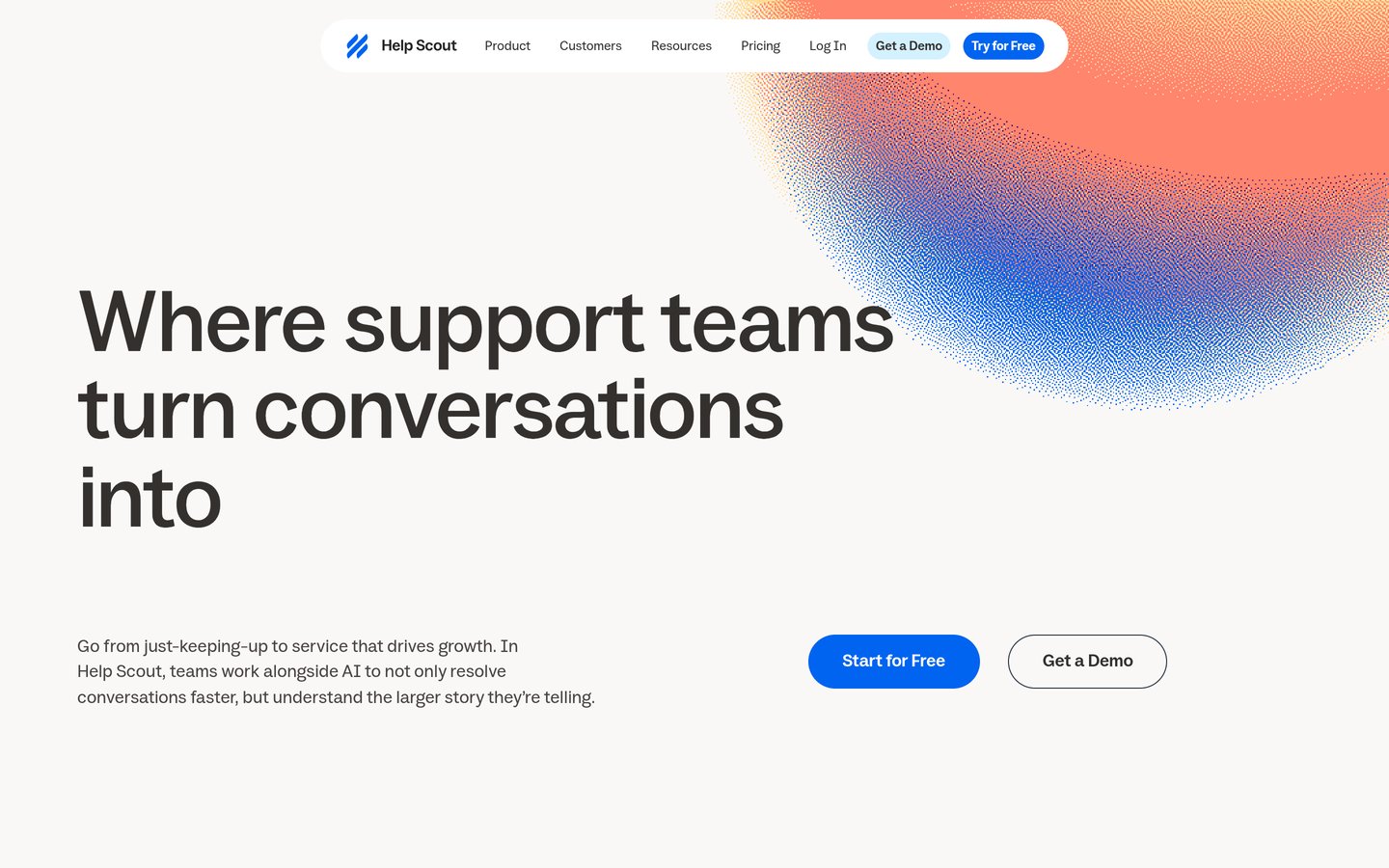
Help Scout homepage, captured Nov 2026.
Help Scout is an email-focused shared inbox platform whose free plan covers up to 5 users, 1 Inbox, 1 Docs site, and 100 contacts/month. Standard starts at $25 per user/month billed annually, with Plus at $45 and Pro at $75.
The trade off is the 100-contact/month cap on the free plan and the $300/yr per-user entry cost on annual Standard, plus $0.75 per Envoy AI resolution. It suits small support teams that prefer a clean, email-style shared inbox.
What we like
Free plan includes up to 5 users, 1 Inbox, and 1 Docs site.
Standard plan removes the free contact cap and adds live chat and AI Assist.
Watch out for
Free plan is capped at 100 contacts/month and lacks live chat.
Envoy AI chatbot bills at $0.75 per resolution on top of seat fees.
Standard adds unlimited contacts, 2 inboxes, live chat, basic SLA tracking, and AI Assist.Visit helpscout.com
03
SupportCandy
4.9/5on WordPress.org (289 reviews, checked Nov 2026)
Paid from$79/yr
Best for unlimited agents and tickets on WordPress
Active installs10,000+ on WordPress.org
Free pluginUnlimited tickets and agents
Regular entry planPersonal at $79/yr (1 site)
AI optionBring your own OpenAI or Gemini key
psmplugins.com
SupportCandy homepage, captured Nov 2026.
SupportCandy is a self-hosted WordPress ticketing plugin with 10,000+ active installs and a 4.9 rating across 289 WordPress.org reviews. The free core plugin allows unlimited tickets, agents, and customers with Gutenberg and Elementor support.
The trade off is that add-ons like email piping and advanced workflows sit on paid tiers, with Personal listed at $79/yr regular price. It suits WordPress site owners who want no per-agent fees and full data control.
What we like
Unlimited tickets, agents, and customers in the free WordPress plugin.
4.9 out of 5 rating across 289 reviews with 10,000+ active installs.
Personal license has a regular price of $79/yr for 1 site.
Watch out for
Email piping and several operational add-ons require paid plans.
Self-hosted setup means you manage WordPress hosting and updates.
Paid plans and add-ons unlock email piping, SLA controls, reporting, and extra workflows.Visit psmplugins.com
04
Fluent Support
4.6/5on WordPress.org (69 reviews, checked Nov 2026)
Paid from$129/yr
Best for fast WordPress ticket management
Active installs10,000+ on WordPress.org
Free pluginSelf-hosted ticket portal in WP
Regular entry planSingle Site at $129/yr
ArchitectureVueJS and REST API inside WordPress
fluentsupport.com
Fluent Support homepage, captured Nov 2026.
Fluent Support is a self-hosted WordPress support ticket plugin built on VueJS and REST APIs, holding 10,000+ active installs and a 4.6 rating from 69 reviews. It lets customers submit tickets and track replies inside your WordPress site without sending data to a third-party SaaS.
The trade off is that email piping, workflows, and AI features require Pro, whose Single Site license is $129/yr regular price. It suits WordPress site owners who want a modern ticket UI inside their dashboard.
What we like
Runs inside WordPress with a VueJS single-page interface and REST API.
Keeps ticket data self-hosted in your own WordPress installation.
10,000+ active installs and a 4.6/5 rating on WordPress.org.
Watch out for
Email-to-ticket piping and automation workflows require Pro.
Single Site regular price of $129/yr covers one domain.
Pro adds email piping, automation workflows, saved replies, and AI assistance.Visit fluentsupport.com
05
Crisp
4.5/5on G2 (207 reviews, checked Nov 2026)
Paid from$540/yr
Best for free live chat with 2 seats
Free tier2 seats, 100 customer profiles
Entry paid planMini at $45/mo per workspace
AI credit on Mini$5 included (about 90 chats)
Free trial14-day trial on paid plans
crisp.chat
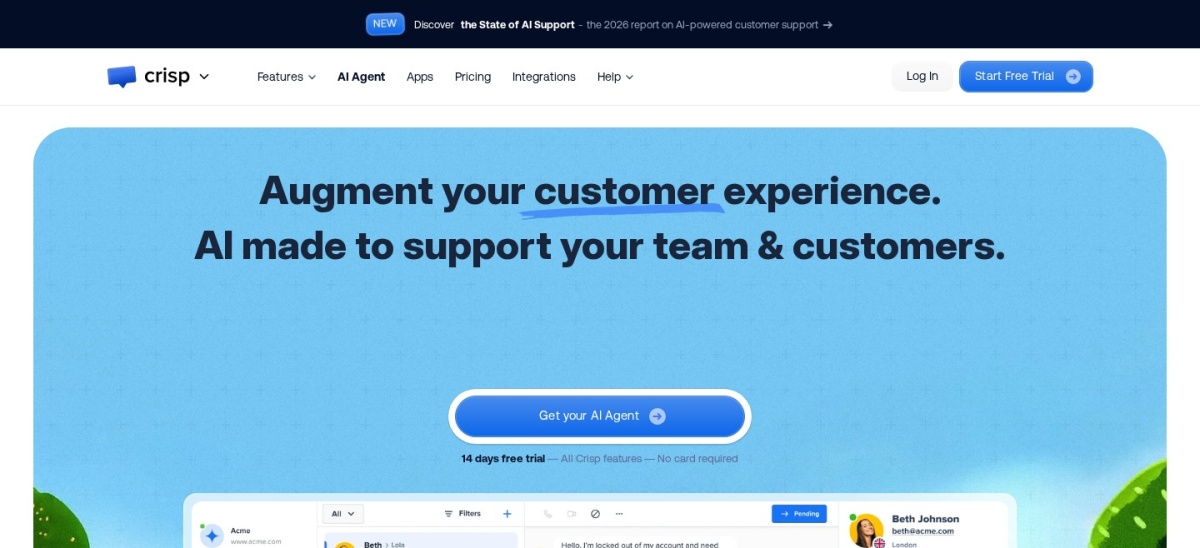
Crisp homepage, captured Nov 2026.
Crisp is a shared-inbox and live chat platform whose Free plan includes a website chat widget, 2 agent seats, and up to 100 customer profiles. Paid plans start at $45/mo ($540/yr) per workspace on Mini, which expands to 4 seats and 5,000 profiles.
The trade off is that the free tier caps seats at 2 and profiles at 100 with no AI credit, while Mini costs $540/yr. It suits small teams starting with a live chat widget before adding shared email and automation.
What we like
Permanent free tier includes a website chat widget and 2 seats.
Workspace pricing bundles seats instead of charging per individual agent.
Holds a 4.5 out of 5 rating across 207 reviews on G2.
Watch out for
Free plan is limited to 2 seats, 100 profiles, and $0 in AI credits.
Jump to Mini at $45/mo is steep if you only need minor upgrades.
Mini adds a shared email inbox, 4 seats, 5,000 customer profiles, shortcuts, and $5 AI credit.Visit crisp.chat
06
tawk.to
4.5/5on G2 (202 reviews, checked Nov 2026)
Paid from$348/yr
Best for free live chat with optional paid add-ons
Core platformFree with optional paid add-ons
AI Assist add-on$29/mo ($348/yr)
Whitelabel add-on$29/mo ($348/yr)
Voice Agents add-onFrom $49/mo + usage
tawk.to
tawk.to homepage, captured Nov 2026.
tawk.to provides a live chat and messaging platform that keeps its core chat software free without seat-based subscription walls. Its lowest-priced recurring software add-ons are AI Assist and Whitelabel, each listed at $29/mo ($348/yr).
The trade off is that removing tawk.to branding or adding AI Assist costs $29/mo ($348/yr), and its interface feels utilitarian. It suits businesses that want zero-cost live chat and only pay when turning on optional add-ons.
What we like
Core live chat platform stays free with optional modular add-ons.
AI Assist and Whitelabel add-ons each start at $29/mo.
4.5 out of 5 rating across 202 reviews on G2.
Watch out for
Free setup includes tawk.to branding unless you pay $29/mo for Whitelabel.
Interface design is basic compared with newer support suites.
Paid add-ons cover AI Assist ($29/mo), Whitelabel branding removal ($29/mo), Voice Agents, and Data Enrichment.Visit tawk.to
07
Tidio
4.8/5on WordPress.org (395 reviews, checked Nov 2026)
Paid from$348/yr
Best for combining live chat and ticketing with up to 10 seats
Active installs70,000+ on WordPress.org
Free tierUp to 10 seats, 50 chats/mo
Monthly Starter$29/mo ($348/yr) for 100 chats
AI trial50 one-time Lyro AI chats
tidio.com
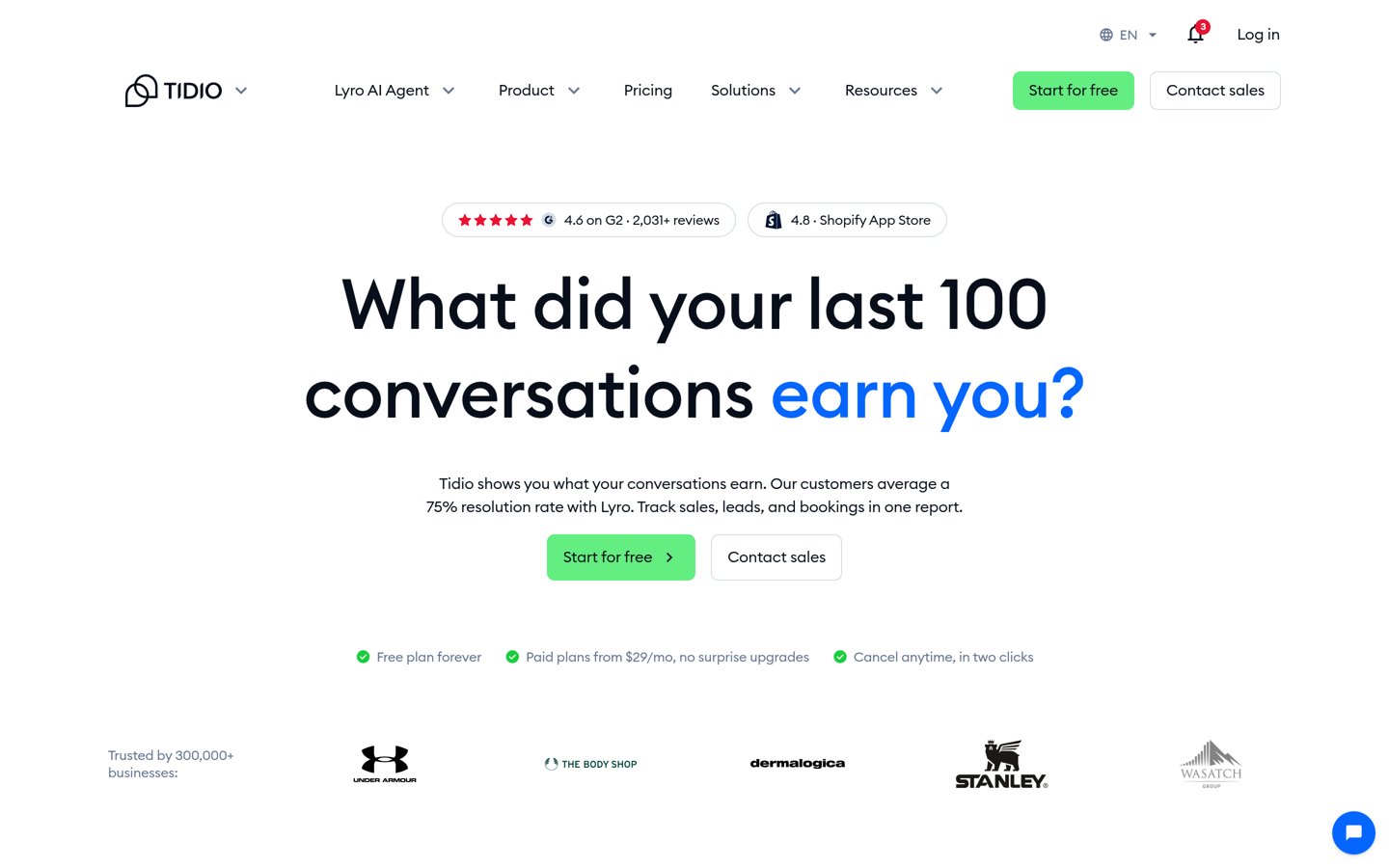
Tidio homepage, captured Nov 2026.
Tidio combines live chat, ticketing, and a shared inbox, holding 70,000+ active installs and a 4.8 rating from 395 WordPress.org reviews. Its Free plan covers up to 10 seats and 50 billable conversations/month, while Starter is $29/mo ($348/yr) monthly for 100 conversations.
The trade off is the 50-conversation/month cap on the free plan and separate pricing for Lyro AI and Flows add-ons. It suits small sites and stores that want live chat and basic ticketing in one inbox.
What we like
Free tier supports up to 10 seats with live chat, ticketing, and a shared inbox.
70,000+ active installs and a 4.8/5 rating on WordPress.org.
Includes 50 one-time Lyro AI conversations to test automated answers.
Watch out for
Free plan caps volume at 50 billable conversations per month.
Lyro AI conversations and Flows automation add-ons cost extra beyond base tiers.
Starter raises the limit to 100 billable conversations/month, while paid AI and Flows add-ons expand automation.Visit tidio.com
How we chose
We built this list from established helpdesk platforms and WordPress ticketing/chat plugins that offer a free tier or free core download and remain actively maintained.
All ratings, review counts, active install buckets, and regular paid pricing figures were checked on 22 Nov 2026 from WordPress.org, G2, and vendor pricing pages.
We excluded tools without an ongoing free option, products lacking verified pricing details, and plugins with low adoption or stale maintenance. No vendor paid for a place, and we do not claim testing for this list.
How to choose a free helpdesk
Follow four steps to pick a free helpdesk that fits your support volume without surprise upgrades.
Check seat and conversation limits first. Compare how many agents and monthly tickets or conversations the free plan allows before your team hits a wall.
Match the inbox to your main channel. Pick an email-first desk if most requests arrive by email, or a chat-led tool if visitors message you live on your site.
Decide between WordPress and hosted SaaS. Use a WordPress plugin if you want tickets stored in your own database without per-seat fees, or hosted software if you prefer external infrastructure.
Price out the first paid step early. Look at regular annual or monthly entry prices and AI add-on fees so you know what upgrading will cost later.
FAQ
Which free helpdesk is best for a very small team?
Zoho Desk is a strong starting point for email ticketing with up to 3 free user licenses. If you need up to 5 users and prefer a simple email-style shared inbox, Help Scout offers a free plan for 5 users and 100 contacts per month.
Are WordPress helpdesk plugins better than hosted SaaS tools?
WordPress plugins keep tickets in your own database and often avoid per-agent monthly charges, which suits site owners managing their own stack. Hosted SaaS tools run on vendor servers and fit teams that want external infrastructure and mobile apps out of the box.
Do free helpdesk plans usually include AI chatbots?
Most free plans limit or exclude ongoing AI automation. Some tools offer a one-time AI trial quota, require your own API key, or charge per AI resolution or monthly add-on credits on paid tiers.
Why do annual plans cost less per month than monthly billing?
Vendors often discount annual commitments compared with month-to-month billing. Always check whether a quoted monthly rate requires annual prepayment before budgeting for your team.
What happens when you exceed a free plan limit?
Depending on the tool, you may hit a cap on monthly conversations, contacts, or active seats until you upgrade or adjust your workflow. Checking those limits upfront prevents interruptions during busy support periods.
Can a free live chat tool replace a full ticketing system?
A free live chat widget works well for quick pre-sales questions and real-time visitor chats, especially for small teams. If you handle complex multi-reply cases, SLAs, or detailed ticket tracking, a dedicated ticketing helpdesk is usually a better fit.