Best Customer Service Chatbots in 2026: 7 Tools Compared
WLWPLegible EditorsLast verified 22 Nov 2026How we rank5 min read
★ Short answer
Tidio is our top pick for customer service chatbots, holding a 4.8 out of 5 rating across 395 WordPress.org reviews and combining live chat with Lyro AI support. AI Engine suits WordPress site owners who want to bring their own AI API keys, while Chaty fits multi-channel messaging buttons.
How we make this list: we compare pricing pages, product documentation and public user reviews, then re-check every price before each update. No product paid for a place. Disclosure.
Tidio holds a 4.8/5 rating from 395 WordPress.org reviews and starts at $390/yr on annual billing for Starter.
AI Engine has 90,000+ active installs and a 4.9/5 rating from 880 reviews, with Pro starting at $59/yr.
Chaty carries 300,000+ active installs and a 5.0/5 rating from 1,247 reviews, with Pro starting at $59/yr.
Crisp offers a free shared inbox and starts its Mini plan at $45/mo per workspace, rated 4.6/5 across 73 reviews.
WPBot offers a free WordPress plugin with 124 reviews at 4.7/5, and Starter yearly starts at $39/yr.
What to look for in a customer service chatbot
Customer service chatbots range from lightweight WordPress plugins that connect to external AI providers to hosted helpdesks with shared inboxes and automated ticket routing. Before choosing one, decide whether your priority is deflecting repetitive questions automatically, handing chats smoothly to human agents, or routing visitors to apps like WhatsApp and Messenger.
Pricing structures vary widely across support tools. Some charge per seat or per workspace, while others meter AI conversations, resolutions, or message credits on top of a base subscription. Checking how overages and add-ons work helps prevent surprise bills as traffic grows.
For WordPress sites, pay attention to where data and AI processing live. Bring-your-own-key plugins keep prompts and knowledge bases tied to your own provider account, whereas hosted platforms run chat widgets and inboxes on vendor infrastructure.
Human handoff matters as soon as a visitor asks about a custom order, billing edge case, or account issue. Look for tools that preserve chat context when transferring a thread from automated replies to a support agent.
For hosted AI agents trained on uploaded docs and sites
$1,440/yr
No free plan
4.5/5
Price ladder: cheapest paid plan per year
List prices, USD, checked Nov 2026
WPBotFREE$39
AI EngineFREE$59
ChatyFREE$59
HubSpotFREE$240
TidioFREE$390
CrispFREE$540
Chatbase$1,440
The 7 best customer service chatbots
01
Tidio
4.8/5on WordPress.org (395 reviews, checked Nov 2026)
Paid from$390/yr
Best for small sites and stores combining live chat with AI
WordPress rating4.8/5 (395)
Active installs70,000+
Free tierYes
Entry paid plan$390/yr (Starter)
tidio.com
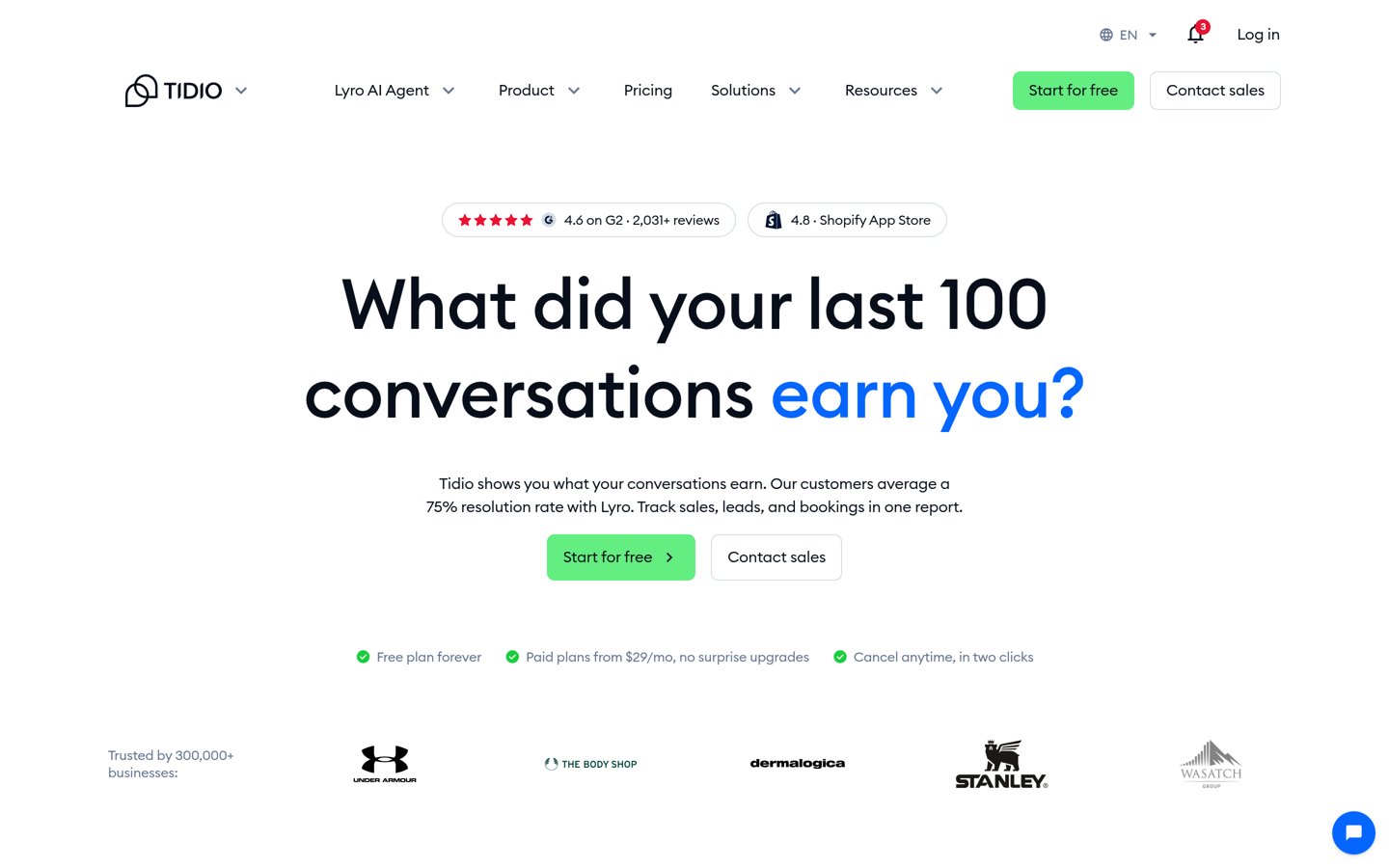
Tidio homepage, captured Nov 2026.
Tidio is a live chat and AI chatbot platform with 70,000+ active WordPress installs and a 4.8 out of 5 rating from 395 reviews. Its free plan includes basic live chat and limited conversation allowances so small teams can start without an upfront fee.
The trade off is that paid plans start at $390/yr on annual billing for Starter, and higher AI conversation quotas or add-ons cost more as volume rises. It suits small businesses and online stores that want live chat and AI automation in one inbox.
What we like
Combines real-time live chat with automated AI support in one dashboard
4.8/5 rating across 395 WordPress.org reviews
Free tier available to test setup before upgrading
Supports mobile and desktop apps for team replies
Watch out for
AI conversation tiers and add-ons increase monthly costs at higher volume
Annual billing is required for the $390/yr Starter rate
Paid plans raise conversation limits, add team workflows, and expand AI and automation capacity.Visit tidio.com
02
AI Engine
4.9/5on WordPress.org (880 reviews, checked Nov 2026)
Paid from$59/yr
Best for WordPress sites using their own AI API keys
WordPress rating4.9/5 (880)
Active installs90,000+
Free tierYes
Entry paid plan$59/yr (Starter)
meowapps.com
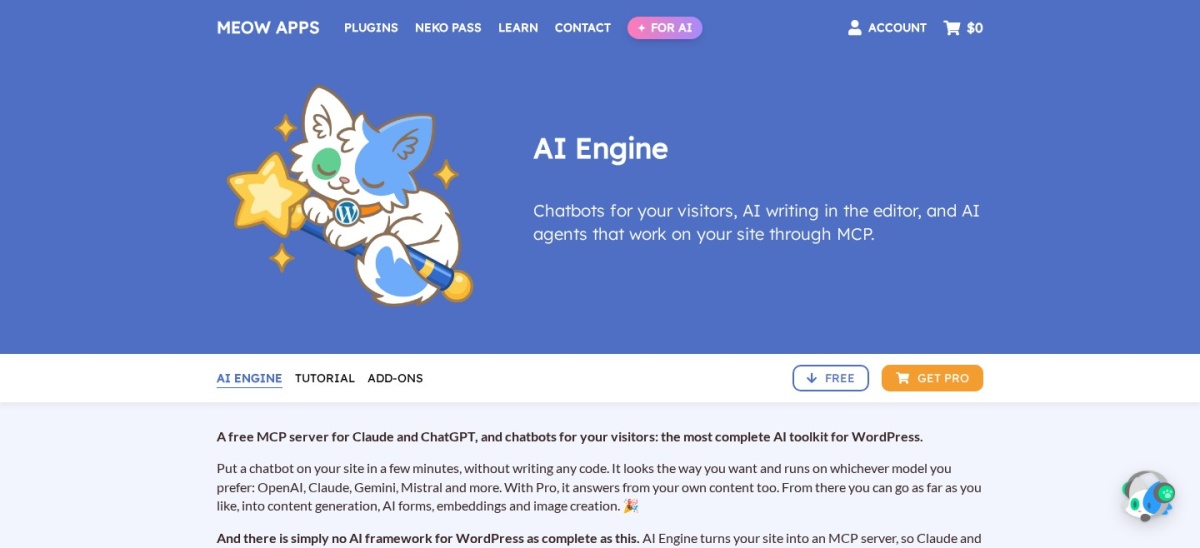
AI Engine homepage, captured Nov 2026.
AI Engine is a WordPress chatbot and AI plugin with 90,000+ active installs and a 4.9 out of 5 rating across 880 reviews. The free version lets you connect your own AI provider keys to run customizable chatbots and site tools directly in WordPress.
The trade off is that Pro starts at $59/yr for one website and you still pay your AI provider directly for token usage. It suits site owners who want full control over AI models and API keys rather than a hosted helpdesk.
What we like
4.9/5 rating from 880 WordPress.org reviews
Connects directly to your own AI API keys with no vendor token markup
Includes embeddings, knowledge base support, and function calling on Pro
Watch out for
Requires configuring external AI provider accounts and managing API usage
Focused on WordPress site AI rather than a full multi-agent helpdesk inbox
Pro adds embeddings and content awareness, AI forms, function calling, and multi-site licenses.Visit meowapps.com
03
Chaty
5/5on WordPress.org (1,247 reviews, checked Nov 2026)
Paid from$59/yr
Best for routing visitors to WhatsApp, Messenger, and chat apps
WordPress rating5.0/5 (1,247)
Active installs300,000+
Free tierYes
Entry paid plan$59/yr (1 Year)
chaty.app
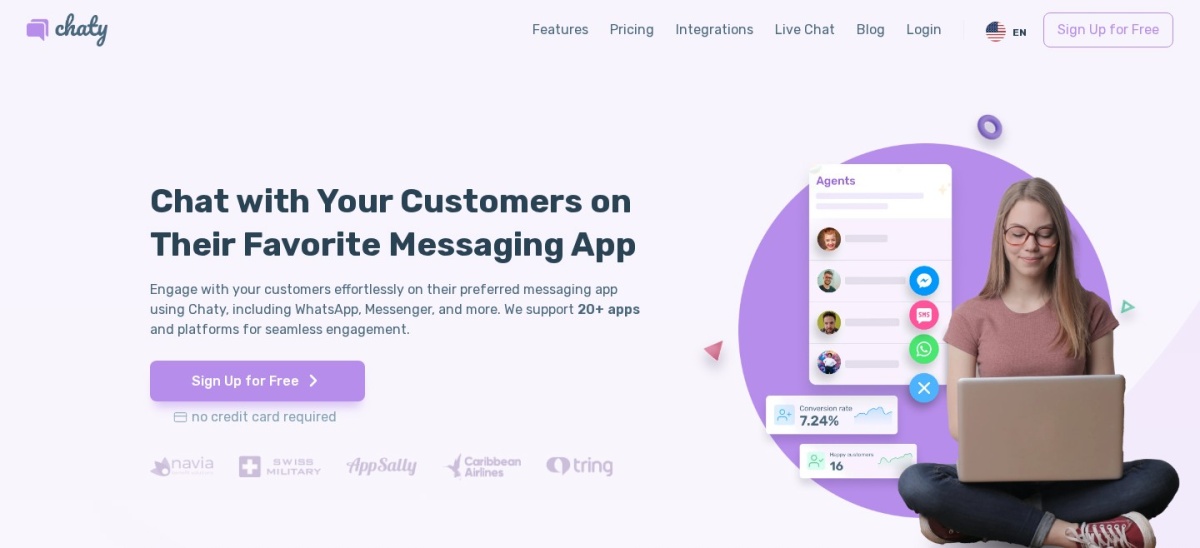
Chaty homepage, captured Nov 2026.
Chaty is a floating chat widget plugin with 300,000+ active WordPress installs and a 5.0 out of 5 rating from 1,247 reviews. Its free version lets visitors reach you through messaging channels like WhatsApp, Facebook Messenger, Telegram, email, and phone links.
The trade off is that the 1 Year plan starts at $59/yr and the plugin centers on channel buttons rather than autonomous LLM support replies. It suits businesses whose customers prefer continuing conversations inside existing messaging apps.
What we like
300,000+ active installs and a 5.0/5 rating across 1,247 reviews
Free tier supports customizable floating contact buttons and triggers
Lets visitors keep chatting on WhatsApp, Messenger, or other preferred apps
Watch out for
Does not act as a standalone AI knowledge-base chatbot out of the box
Page targeting, scheduling, and expanded channel controls require a paid license
4.7/5on WordPress.org (124 reviews, checked Nov 2026)
Paid from$39/yr
Best budget WordPress bot with built-in flows and AI options
WordPress rating4.7/5 (124)
Active installs5,000+
Free tierYes
Entry paid plan$39/yr (Starter)
wpbot.pro
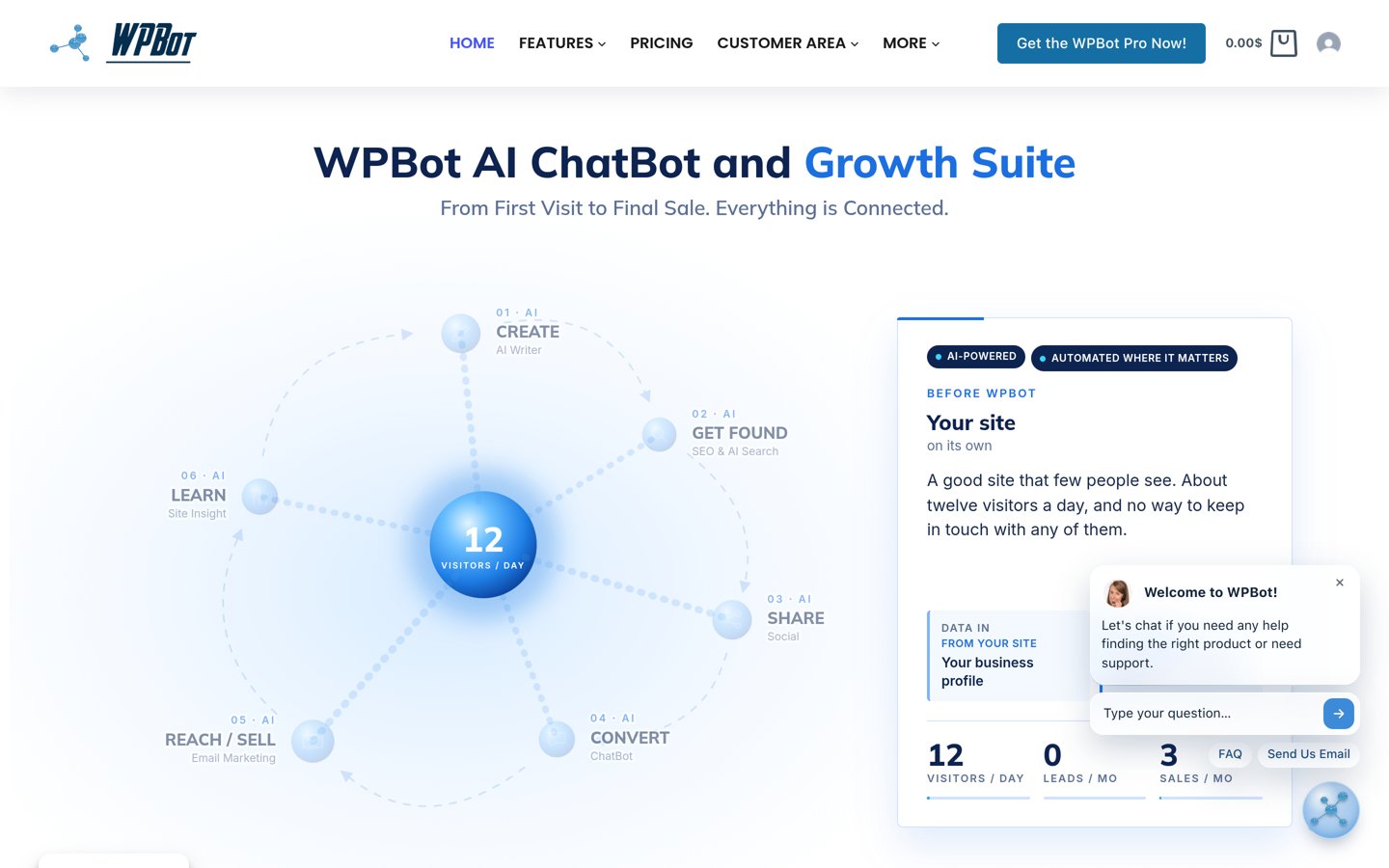
WPBot homepage, captured Nov 2026.
WPBot is a WordPress chatbot plugin holding a 4.7 out of 5 rating across 124 reviews and 5,000+ active installs. Its free version supports button-driven menus, FAQ responses, and optional AI provider integration from your WordPress dashboard.
The trade off is that Starter yearly starts at $39/yr for a single site and extra modules or AI usage add cost. It suits budget-conscious WordPress sites that want menu flows alongside optional AI answers.
What we like
Lowest entry annual paid price on this list at $39/yr for Starter
Works with both non-AI menu responses and external AI providers
Stores chat sessions and settings inside your WordPress database
Watch out for
Smaller install base on WordPress.org than Tidio, AI Engine, or Chaty
Advanced modules and multi-site licenses sit on higher tiers
Starter yearly adds premium core bot features and RAG knowledge base support for one site.Visit wpbot.pro
05
Crisp
4.6/5on WordPress.org (73 reviews, checked Nov 2026)
Paid from$45/mo
Best for teams wanting a shared inbox with chat and AI
WordPress rating4.6/5 (73)
Active installs10,000+
Free tierYes
Entry paid plan$45/mo ($540/yr)
crisp.chat
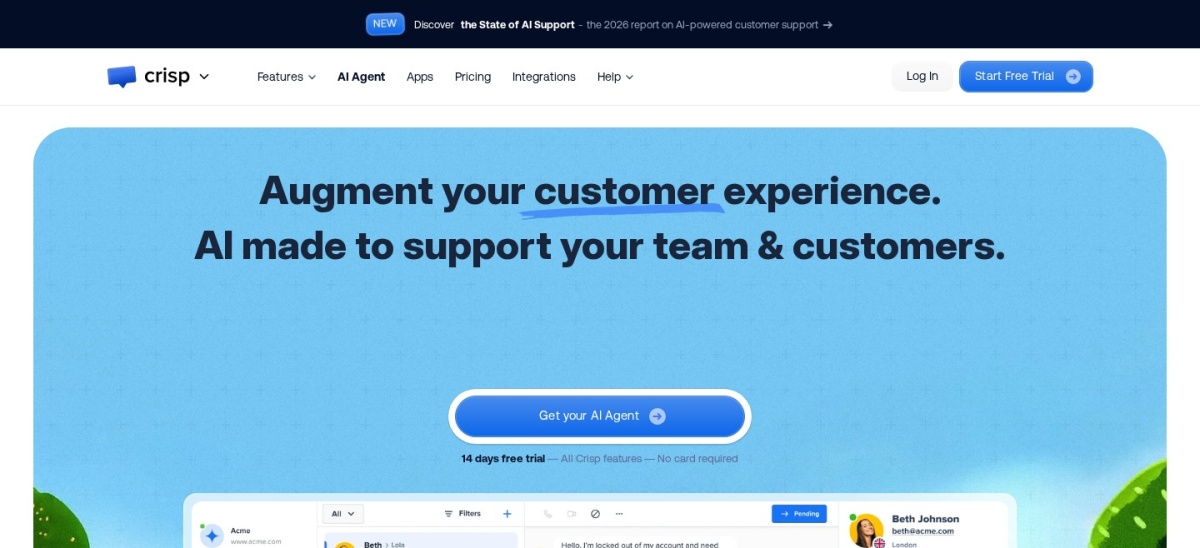
Crisp homepage, captured Nov 2026.
Crisp is a customer messaging and live chat platform with 10,000+ active WordPress installs and a 4.6 out of 5 rating from 73 reviews. Its free plan gives solo users a shared inbox and live chat widget without a paid subscription.
The trade off is that the Mini plan costs $45/mo per workspace ($540/yr) and automated AI capacity scales with plan tiers and credits. It suits growing support teams that manage live chat and shared inbox threads together.
What we like
4.6/5 rating across 73 WordPress.org reviews and 10,000+ active installs
Includes a free entry plan for basic live chat and shared inbox use
Mini includes 4 seats and AI credits alongside shared email and chat tools
Watch out for
Costs $540/yr at the $45/mo Mini workspace rate, higher than WordPress-only plugins
Mini adds collaborative shared inbox seats, shortcuts, behavioral triggers, and AI credits.Visit crisp.chat
06
HubSpot
4.3/5on WordPress.org (207 reviews, checked Nov 2026)
Paid from$240/yr
Best for teams already running live chat inside HubSpot CRM
WordPress rating4.3/5 (207)
Active installs200,000+
Free tierYes
Entry paid plan$240/yr ($20/seat/mo)
hubspot.com
HubSpot homepage, captured Nov 2026.
HubSpot provides a WordPress plugin with 200,000+ active installs and a 4.3 out of 5 rating across 207 reviews. Its free tools include live chat and basic bot flows connected directly to contact records in HubSpot.
The trade off is that Starter seats start at $20/seat/mo ($240/yr) at regular pricing, while advanced AI agent capabilities require higher tiers or usage credits. It suits teams already standardizing customer data and chat in HubSpot.
What we like
200,000+ active WordPress installs and 207 reviews on WordPress.org
Free tier offers live chat and basic bot flows tied to CRM contacts
Centralizes chat history alongside broader marketing and sales records
Watch out for
Regular Starter seat pricing adds up as you add team members
Advanced AI customer agent features sit on higher tiers and credit usage
Paid plans expand CRM automation, remove free branding limits, and unlock broader support tools.Visit hubspot.com
07
Chatbase
4.5/5on G2 (400+ reviews, checked Nov 2026)
Starts at$1,440/yr
Best for hosted AI agents trained on uploaded docs and sites
G2 rating4.5/5 (400+)
Free tierNo
Entry paid plan$120/mo ($1,440/yr)
Billing modelAnnual Basic
chatbase.co
Chatbase homepage, captured Nov 2026.
Chatbase is a hosted AI agent platform where you train a support bot on your website pages, documents, and help content without managing your own server. It does not offer a permanent free plan, starting with a 7-day trial.
The trade off is that its Basic plan is $120/mo billed yearly ($1,440/yr) and replies consume monthly message credits. It suits businesses that want a hosted AI agent and helpdesk tools without setting up raw API keys.
What we like
Trains AI agents directly on website content and uploaded files
Includes shared inbox, ticketing, and multi-channel options on Basic
Supports embedding widgets and connecting external support tools
Watch out for
No free plan, and Basic costs $1,440/yr on annual billing
Message credit consumption depends on model choice and conversation length
Basic includes 4,000 monthly message credits, 1 agent, and shared inbox and ticketing tools.Visit chatbase.co
How customer service chatbot pricing works
Most customer service chatbots separate base platform access from AI usage. A WordPress plugin may charge a flat yearly license while you pay an AI provider directly, whereas hosted platforms often charge per workspace or per seat plus message credits or resolutions.
Before committing to an annual plan, estimate how many monthly chats your bot will handle and which questions need human escalation. A low entry price can become more expensive than expected once AI quotas or extra seats come into play.
How we chose
We selected established customer service chatbots and WordPress chat tools that are actively maintained and have clear public pricing and review data.
All ratings, review counts, active install figures, and regular starting prices were checked on 22 Nov 2026 from WordPress.org listings, vendor pricing pages, and third-party review or pricing directories.
We excluded tools without verifiable current pricing or with inactive WordPress.org listings so every listed option reflects active software.
No vendor paid for a place, and we do not claim testing for this list.
How to choose the right customer service chatbot
Follow four steps to match a chatbot to your support workflow and budget.
Define the primary job of the bot. Decide whether you need instant answers from your knowledge base, live human chat, or click-to-chat buttons for messaging apps.
Check where AI and data are processed. Compare bring-your-own-key WordPress plugins against hosted platforms that manage chat widgets, inboxes, and AI credits centrally.
Calculate total annual cost at realistic volume. Look past headline entry numbers to see how annual billing, seat counts, message credits, or add-ons affect your yearly spend.
Verify human handoff and escalation. Make sure visitors can reach a real person or leave a ticket when a question falls outside what the bot can answer reliably.
FAQ
What is the best customer service chatbot overall?
Tidio is our top pick overall for combining live chat and Lyro AI support for small sites and stores, with a 4.8/5 rating across 395 WordPress.org reviews. If you prefer bring-your-own-key WordPress control at a lower entry fee, AI Engine is a strong alternative.
Are there free customer service chatbots?
Yes. Tidio, AI Engine, Chaty, WPBot, Crisp, and HubSpot all offer free tiers or free WordPress plugins with starter capabilities, though advanced AI capacity, extra seats, or higher volume limits require paid plans.
Should I pick a bring-your-own-key plugin or a hosted chatbot?
Bring-your-own-key plugins like AI Engine and WPBot let you connect your own AI provider account and keep data tied to your WordPress site. Hosted platforms like Crisp and Chatbase run chat inboxes and AI agents on their own infrastructure.
Do chatbots replace human support agents?
No. Chatbots handle repetitive questions and initial triage well, but complex account, billing, or order issues still benefit from a clear handoff to a human agent or ticketing workflow.
Why do chatbot prices vary so much between tools?
Prices depend on whether a tool is a WordPress plugin or a hosted platform, how many seats or workspaces are included, and whether AI usage is billed via your own API key, monthly credits, or per-resolution quotas.