Best Knowledge Base Software in 2026: 7 Tools Compared
WLWPLegible EditorsLast verified 22 Nov 2026How we rank12 min read
★ Short answer
Help Scout is the best knowledge base software overall for customer support teams, with a free plan covering 5 users and 1 Docs site. Freshdesk is better for combining self-service articles with ticketing and AI support, while Helpjuice suits organizations needing dedicated knowledge bases with 30 included users.
How we make this list: we compare pricing pages, product documentation and public user reviews, then re-check every price before each update. No product paid for a place. Disclosure.
Help Scout offers a free plan for 5 users and 1 Docs site, while Standard costs $25 per user/month with annual billing.
Freshdesk Growth starts at $19 per agent/month billed annually and includes a customer portal, knowledge base and 500 AI agent sessions.
Helpjuice costs $249/month for its Knowledge Base plan, including 30 users and 12GB of file storage.
Slite Basic starts at $10 per user/month billed annually and includes unlimited documents, AI answers and verification workflows.
Slab offers free knowledge management for up to 10 users, with Startup priced at $6.67 per user/month billed annually.
Tettra Scaling starts at $8 per user/month with a 10-user minimum, making its entry cost $80/month.
What to look for in knowledge base software
Knowledge base software organizes instructions, FAQs, troubleshooting guides and company knowledge in a searchable location. Businesses use it to help customers solve problems independently and give employees access to reliable internal information.
Start by deciding whether you need a public help center, a private employee wiki or both. Customer-facing platforms emphasize searchable articles, branding and support integration. Internal tools focus more on permissions, collaboration, verification and information discovery.
An effective knowledge base also needs clear content ownership. Article history, review reminders, analytics and verification workflows help prevent outdated instructions from spreading across teams.
AI search can make documentation easier to navigate, but features and usage limits vary. Compare whether AI answers are included, which information sources they can access and how the platform handles permissions.
Pricing deserves careful attention. Some platforms charge per editor or support agent, while others bundle users into a flat subscription. Compare the total cost for your team rather than relying on the advertised starting price.
For internal FAQs and Slack-based knowledge sharing
$80/mo
No free plan
4.7/5
Price ladder: cheapest paid plan per year
List prices, USD, checked Nov 2026
SlabFREE$80
Slite$120
NotionFREE$120
Freshdesk$228
Help ScoutFREE$300
Tettra$960
Helpjuice$2,988
The 7 best knowledge base software tools
01
Help Scout
4.4/5on G2 (443 reviews, checked Nov 2026)
Paid from$25/mo
Best for customer-facing knowledge bases and support
Free plan5 users, 1 Docs site
Paid planStandard, $25/user/mo
Knowledge basesMultiple on Standard
AI assistanceIncluded and metered options
helpscout.com
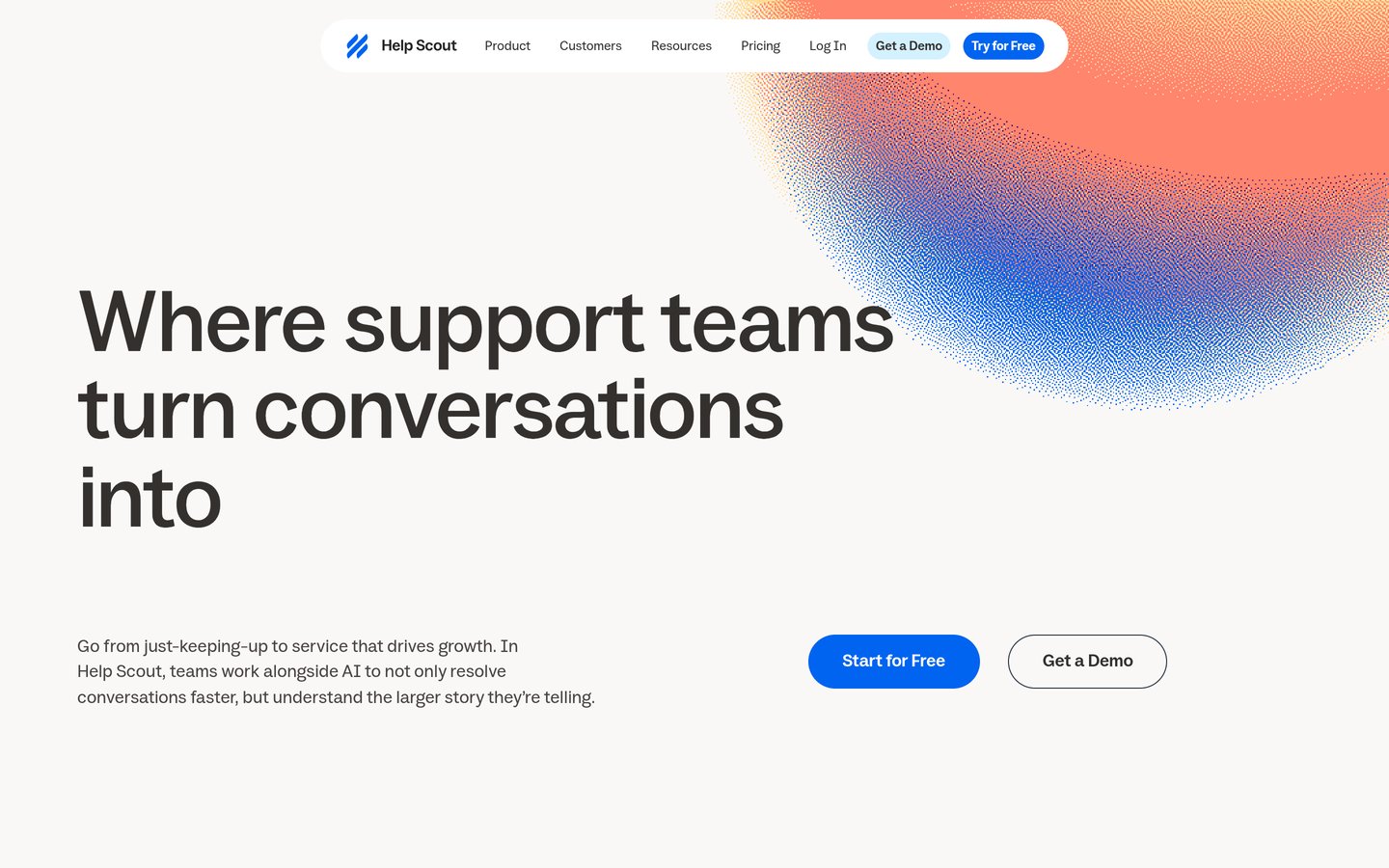
Help Scout homepage, captured Nov 2026.
Help Scout is a customer support platform with a built-in Docs knowledge base for publishing searchable help articles. Its free plan includes 5 users, 1 shared inbox and 1 Docs site. The $25/user/month Standard plan, billed annually, adds multiple knowledge bases, additional inboxes, live chat and automation features.
The trade off is that Help Scout is designed around customer support rather than standalone internal documentation. Standard costs $25 per user/month with annual billing, and some AI automation carries usage-based charges. It suits support teams that want help articles, customer conversations and self-service resources managed together.
What we like
Free Docs site with up to 5 users
Knowledge base connected to a shared inbox
Multiple knowledge bases on Standard
Live chat and support automation available
Useful for customer self-service
Watch out for
Paid pricing scales with team members
Some AI automation has separate usage charges
Less specialized for internal company wikis
Standard adds multiple Docs sites, more inboxes and support automation.Visit helpscout.com
02
Freshdesk
4.4/5on G2 (4,020 reviews, checked Nov 2026)
Starts at$19/mo
Best for knowledge bases integrated with help desk ticketing
Entry planGrowth
Subscription$19/agent/mo, annually
Knowledge baseCustomer portal included
AI sessionsFirst 500 included
freshworks.com
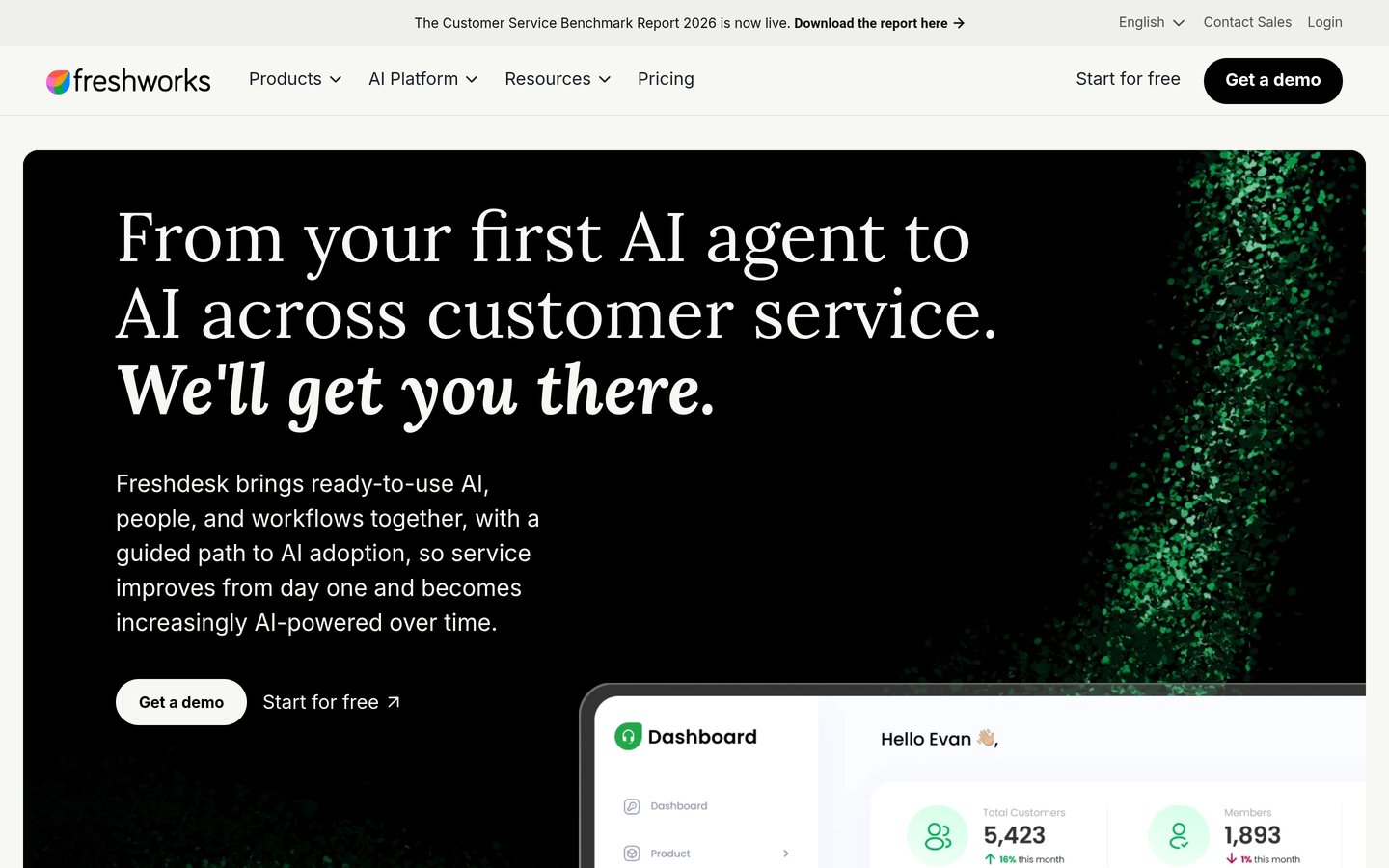
Freshdesk homepage, captured Nov 2026.
Freshdesk is customer service software combining ticket management, shared inboxes and self-service knowledge bases. Its Growth plan costs $19 per agent/month with annual billing and includes a customer portal, knowledge base, reporting and 500 Freddy AI Agent sessions. Support teams can publish solutions while handling incoming customer requests.
The trade off is that Freshdesk is primarily a support desk, so businesses needing only a documentation portal may pay for unnecessary ticketing features. Growth costs $19 per agent/month, while advanced multilingual support and additional AI capabilities require higher plans or add-ons. It suits teams handling customer inquiries across a structured support workflow.
What we like
Knowledge base and ticketing in one platform
Customer portal included on Growth
500 AI agent sessions included
Reporting and collaboration tools
Suitable for expanding support operations
Watch out for
More features than documentation-only teams need
Advanced multilingual support requires Pro
Additional AI sessions have separate charges
Pro adds multilingual help desk features, custom reporting and advanced routing.Visit freshworks.com
03
Helpjuice
4.7/5on G2 (384 reviews, checked Nov 2026)
Starts at$249/mo
Best for dedicated, customizable knowledge bases
Entry planKnowledge Base
Included users30
File storage12GB
Free trial14 days
helpjuice.com
Helpjuice homepage, captured Nov 2026.
Helpjuice is dedicated knowledge base software for creating searchable internal documentation and customer-facing help centers. Its $249/month Knowledge Base plan includes 30 users, 12GB of storage, customized branding, live collaboration, localization and content workflows. It also provides a 14-day trial and tools for managing published knowledge.
The trade off is its higher fixed starting price compared with per-seat wiki platforms. The $249/month entry plan excludes the full AI Suite, including AI Writer, AI Search and AI Chatbot capabilities available in higher tiers. It suits established support operations that need branded, structured documentation with room for multiple contributors.
What we like
30 users included in the entry subscription
Dedicated internal and external knowledge bases
Custom branding and design assistance
Collaboration, workflows and localization
14-day free trial
Watch out for
High starting price for small teams
Full AI Suite requires a higher subscription
Storage allowances vary by plan
AI-Knowledge Base adds AI Writer, AI Search, chatbot features and higher limits.Visit helpjuice.com
04
Slite
4.6/5on G2 (275 reviews, checked Nov 2026)
Starts at$10/mo
Best for internal knowledge bases with AI search
Entry planBasic
Subscription$10/user/mo, annually
DocumentsUnlimited
AI searchAsk included
slite.com
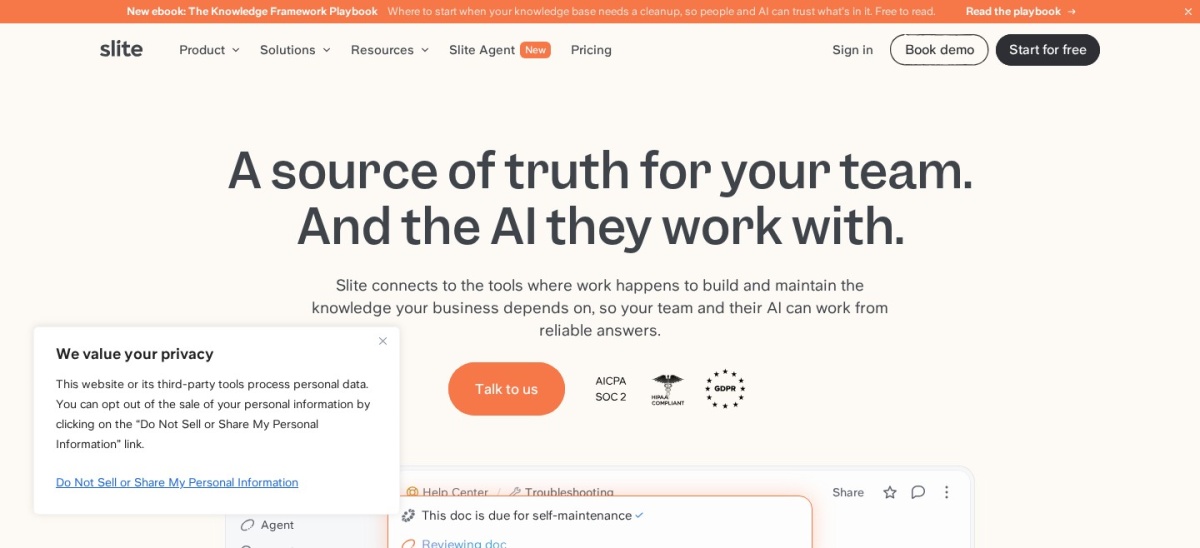
Slite homepage, captured Nov 2026.
Slite is an internal knowledge management platform for creating, organizing and maintaining company documentation. Its $10/user/month Basic plan, billed annually, includes unlimited documents, AI-powered search and answers, document verification workflows, a knowledge management panel and API access. Teams can collaborate on instructions, onboarding material and operational documentation.
The trade off is that Slite primarily serves internal knowledge management rather than traditional ticket-linked customer support. Basic costs $10 per user/month, while cross-tool agent capabilities and automated fact-checking require the $20/user/month Pro plan. It suits distributed teams that need searchable documents and structured content maintenance.
What we like
Unlimited documents on Basic
AI search and answers included
Document verification workflows
Collaborative editing and API access
Clear pricing for growing teams
Watch out for
Not a complete customer support suite
Advanced agent workflows require Pro
Costs rise with additional team members
Pro adds Slite Agent, cross-tool search, fact-checking and advanced workflows.Visit slite.com
05
Slab
4.6/5on G2 (309 reviews, checked Nov 2026)
Paid from$6.67/mo
Best for organized internal team documentation
Free usersUp to 10
Paid planStartup
Paid price$6.67/user/mo, annually
Version history365 days on Startup
slab.com
Slab homepage, captured Nov 2026.
Slab is a collaborative knowledge hub for organizing company documentation into searchable posts and topics. Its free plan supports up to 10 users, unlimited posts and topics, collaborative editing, verification and unified search. The Startup plan costs $6.67 per user/month billed annually and adds private topics, unlimited users and 365 days of version history.
The trade off is that advanced permissions, reporting and premium integrations are concentrated in higher subscriptions. Startup costs $6.67 per user/month with annual billing, while Business costs $12.50 per user/month for broader administration and history. It suits teams that want a focused internal wiki without adopting an extensive project management platform.
What we like
Free plan supports 10 users
Unlimited posts and topics
Unified search across knowledge sources
365-day version history on Startup
Simple organization for internal documentation
Watch out for
Advanced administration requires higher tiers
Free attachments limited to 10MB
Less suited to traditional customer help desks
Startup adds private topics, unlimited users, larger attachments and more history.Visit slab.com
06
Notion
4.6/5on G2 (14,021 reviews, checked Nov 2026)
Paid from$10/mo
Best for combining company wikis with everyday work
Entry planPlus
Subscription$10/member/mo, annually
Free featuresPages, databases, basic sites
Paid featuresCustom sites and collaboration
notion.com
Notion homepage, captured Nov 2026.
Notion is a connected workspace combining documents, company wikis, databases and project organization. Its free plan provides pages, databases, basic published sites and trial AI capabilities. The $10/member/month Plus plan, with annual billing, adds custom sites, collaborative features, improved file uploads and additional workspace capabilities.
The trade off is that Notion is a general workspace rather than a dedicated customer self-service platform. Plus costs $10 per member/month, and expanded AI and organization controls are associated with higher subscriptions. It suits smaller teams that want to maintain a company wiki alongside meeting notes, project plans and operational databases.
What we like
Free plan for individual knowledge organization
Flexible pages, databases and wiki layouts
Combines documentation with project workflows
Public page publishing available
Large established review base
Watch out for
Not specialized for customer support knowledge bases
Structure and governance need careful planning
Advanced AI capabilities require higher tiers
Plus expands collaboration, publishing customization and file capabilities.Visit notion.com
07
Tettra
4.7/5on G2 (161 reviews, checked Nov 2026)
Starts at$80/mo
Best for internal FAQs and Slack-based knowledge sharing
Entry planScaling
Minimum subscription$80/mo for 10 users
Per-user rate$8/mo
Free trial30 days
tettra.com
Tettra homepage, captured Nov 2026.
Tettra is internal knowledge base software for documenting company answers and making them accessible through Slack and its web application. Its Scaling plan costs $8 per user/month with a 10-user minimum, giving a $80/month entry subscription. It includes AI answers, Slack integration, Google Workspace integration, usage analytics and knowledge verification workflows.
The trade off is the 10-user minimum, which makes Tettra less economical for very small teams. Scaling starts at $80/month, while Enterprise adds capabilities such as SSO, SCIM and customized onboarding. It suits customer support and operations teams that want employees to find verified answers without leaving their daily communication tools.
What we like
AI answers available through Slack
Knowledge verification and stale-content reporting
Google Workspace integration
Unlimited storage on Scaling
30-day trial
Watch out for
Requires a minimum 10-user subscription
Enterprise security controls cost more
Focused on internal knowledge rather than help desk ticketing
Enterprise adds SSO, SCIM, custom reporting and guided onboarding.Visit tettra.com
Internal vs external knowledge bases: which do you need?
An external knowledge base is designed for customers. It typically includes public FAQs, troubleshooting instructions, product documentation and searchable support articles. Help Scout and Freshdesk are particularly relevant because their knowledge bases connect directly to customer support workflows.
An internal knowledge base stores information for employees. Common examples include company policies, onboarding instructions, operational procedures, product knowledge and technical documentation. Slab, Slite, Notion and Tettra emphasize collaborative internal knowledge management.
Some organizations need both. Helpjuice supports internal and external documentation, making it suitable for companies that want a dedicated knowledge platform rather than separate tools for employees and customers.
Access controls matter when documentation contains restricted information. Evaluate permissions, private workspaces, publishing approvals and content visibility before deciding which platform should hold your knowledge.
How much does knowledge base software cost?
Knowledge base software uses different pricing structures. Some products charge for each employee or support agent, while others offer a fixed subscription with an included number of editors.
Slab Startup costs $6.67 per user/month billed annually, while Notion Plus and Slite Basic each cost $10 per member or user/month on annual billing. These models are straightforward for smaller teams but become more expensive as membership increases.
Helpjuice takes a different approach with a $249/month Knowledge Base plan covering 30 users. That can simplify budgeting for established teams, although the initial subscription is much higher.
Check total costs before subscribing. AI consumption, additional seats, premium integrations, localization, higher storage limits and security features can change what your organization pays beyond its base subscription.
How we chose
We reviewed established knowledge base and customer support platforms with active product offerings, accessible official pricing and public user feedback. The shortlist covers customer-facing help centers, dedicated documentation systems and internal team wikis. Products were compared on publishing, organization, search, collaboration, knowledge maintenance and support integrations.
Official vendor pricing pages and G2 review profiles were consulted on November 23, 2026, using the requested November 22, 2026 editorial reference date. Monthly prices represent published regular plans, with annual-billing requirements identified where applicable. Review ratings and counts reflect the publicly available G2 profiles rather than independently conducted product testing.
We excluded products without a verifiable regular paid plan price, services dependent entirely on custom quotations and products without sufficient established review evidence. We also avoided ranking tools solely on AI marketing claims without examining their documentation and subscription details. No vendor paid for a place, and we do not claim testing for this list.
How to choose the best knowledge base software
Identify your intended readers, content requirements and support workflows before comparing subscriptions and advanced features.
Decide who needs access to the knowledge base. Choose between a public customer help center, private employee documentation or a combination. Help Scout and Freshdesk fit customer support, while Slab, Slite and Tettra focus on internal knowledge sharing.
Evaluate search and content organization. Look for article categories, searchable documentation, permission controls and straightforward editing. AI answers can improve discovery, but confirm whether they are included in the entry subscription and whether they respect existing access permissions.
Plan for ongoing content maintenance. Check whether the platform supports version history, document verification, ownership, analytics and review workflows. Slite, Slab and Tettra provide features intended to keep internal knowledge current, while customer support platforms help identify recurring questions.
Calculate your full subscription cost. Compare pricing against the number of users or agents you expect to need. Include billing commitments, AI usage charges, advanced integrations and future upgrades. A low per-seat price may be less economical than a fixed plan for a larger team.
FAQ
What is the best knowledge base software in 2026?
Help Scout is our top choice for customer support teams because it connects searchable Docs sites with a shared inbox and support workflows. Its free plan supports 5 users and 1 Docs site. Freshdesk is another strong choice for ticket-driven support, while Helpjuice focuses on dedicated knowledge bases.
What is the best free knowledge base software?
Help Scout offers a free plan with 5 users and 1 Docs site, making it useful for starting a customer help center. Slab provides a free internal wiki for up to 10 users. Notion also offers free pages and databases for organizing individual or smaller-scale knowledge.
What is the difference between a knowledge base and a help desk?
A knowledge base stores searchable instructions, answers and reference content so people can resolve questions independently. A help desk manages incoming requests, tickets and customer conversations. Products such as Help Scout and Freshdesk combine both, allowing support teams to maintain articles alongside direct customer communication.
Which knowledge base software is best for small businesses?
Help Scout is suitable for small customer support teams because its free plan includes a Docs site and shared inbox. For an internal company wiki, Slab provides free access for up to 10 users. Notion is another flexible choice when documentation must share a workspace with other activities.
Which knowledge base software is best for internal documentation?
Slite, Slab and Tettra are strong options for internal documentation. Slite includes AI answers and verification workflows, Slab focuses on organized collaborative knowledge, and Tettra connects answers to Slack. Notion is also suitable when teams want documents, databases and project information together.
Does knowledge base software reduce support tickets?
A searchable knowledge base can help customers resolve common problems without contacting support, potentially reducing repetitive requests. Results depend on content quality, discoverability and whether articles address real questions. Monitor article searches, feedback and recurring support issues to identify content that needs improvement.
How much does knowledge base software cost?
Pricing varies by product and team size. Slab Startup costs $6.67 per user/month billed annually, Help Scout Standard costs $25 per user/month annually, and Helpjuice starts at $249/month for 30 users. Additional AI, security and administration features can increase the final subscription cost.
Can AI replace a traditional knowledge base?
AI can improve information discovery, summarize documents and answer questions using approved knowledge sources. However, it still depends on accurate underlying content and appropriate access controls. A maintained knowledge base provides the reference material, ownership and review processes needed to make AI-generated answers more dependable.
Is Notion suitable for a customer-facing knowledge base?
Notion can publish pages and organize documentation, making it useful for simple public reference resources. However, it is not primarily a customer support help center. Businesses requiring support ticket integration, dedicated self-service analytics and structured customer service workflows may prefer Help Scout or Freshdesk.