Best Client Portal Software in 2026: 7 Tools Compared
WLWPLegible EditorsLast verified 22 Nov 2026How we rank13 min read
★ Short answer
SuiteDash is the best client portal software for most service businesses, combining unlimited staff, client portals, CRM and billing from $180 per year. Assembly is better for customizable client experiences and offers a free plan with 5 active contacts. Plutio suits solo freelancers who need projects, invoices and contracts together.
How we make this list: we compare pricing pages, product documentation and public user reviews, then re-check every price before each update. No product paid for a place. Disclosure.
SuiteDash leads for all-in-one value: its $180 yearly Start plan includes unlimited staff, unlimited portals and 100GB of storage.
Assembly offers a free plan with 5 active contacts, while its $29/month annual Starter plan raises the limit to 50.
Plutio costs $19/month for its Core plan, including 9 active clients, 100GB of storage and 500 workflow actions.
HoneyBook includes unlimited clients, contracts, invoicing and a client portal from $29/month billed annually.
Dubsado supports unlimited projects and clients on its $335/year Starter plan, while advanced scheduling requires Premier.
Clinked emphasizes secure collaboration, while Onehub's Standard plan starts at $12.50 per user/month annually with a 3-paid-user minimum.
What matters when choosing client portal software
Client portal software gives customers a private workspace for accessing files, checking project progress, communicating with your team and completing administrative tasks. Some products focus on document exchange, while others combine the portal with CRM, payments and project management.
Start with the actual client journey. A consultant may need contracts, invoices and appointment details, while an agency may require request queues, shared files and status updates. A document-heavy business may care more about permissions, version history and audit trails.
Branding also matters. White-label portals can replace the vendor's identity with your logo and colors, but a custom domain or removal of vendor branding may require a higher subscription.
Compare the total cost rather than the headline subscription. Some providers charge a flat fee, others bill per internal user, and some limit active clients or contacts. Check the entry plan's restrictions before choosing an annual contract.
SuiteDash is an all-in-one client management platform combining secure client portals, CRM, project management, invoicing and file exchange. Its Start plan includes unlimited staff, unlimited client portals, 100GB of storage, email marketing and an installable branded web app. A central workspace connects client records with the work being delivered.
The trade off is setup complexity because the platform includes many connected business features. Start costs $180 per year, or $19 per month on monthly billing, while more advanced proposals and client-side live chat require Thrive. It suits agencies, consultants and service businesses that want to consolidate several subscriptions.
What we like
Unlimited staff and client portals on Start
CRM, billing and projects in one system
White-label branding included
Flat subscription instead of per-user pricing
Watch out for
Broad feature set increases configuration work
Advanced proposals and live chat require Thrive
Limited appeal if only document sharing is needed
Thrive adds advanced proposals, deal pipelines, live chat and increased storage.Visit suitedash.com
02
Assembly
4.7/5on G2 (353 reviews, checked Nov 2026)
Paid from$29/mo
Best for customizable client experiences
Free contacts5 active
Starter contacts50 active
Internal users1 on Starter
App templates30+
assembly.com
Assembly homepage, captured Nov 2026.
Assembly is a client-facing operations platform combining a CRM, messaging, billing, payments and a customizable client experience. Its free plan supports 5 active contacts, 1 internal user and 75 monthly build credits. The Starter plan increases capacity to 50 active contacts and 200 monthly build credits, with access to an app builder and pre-made applications.
The trade off is that Starter costs $29 per month billed annually while retaining a single internal user. Custom domains, expanded automation and additional access controls require higher tiers. It suits consultants, accounting firms and agencies that want client-facing workflows tailored to their services.
What we like
Free plan for small client workloads
CRM, messaging and billing in one workspace
Custom applications built around client processes
Pre-made apps reduce initial setup requirements
Watch out for
Starter supports only one internal user
Custom domains require a higher tier
Active-contact limits affect scaling costs
Starter increases contacts and build credits; Professional adds custom domains, automation and API access.Visit assembly.com
03
Plutio
4.3/5on G2 (61 reviews, checked Nov 2026)
Starts at$19/mo
Best for freelancers managing client projects
Entry planCore
Active clients9
Storage100GB
Workflow actions500 included
plutio.com
Plutio homepage, captured Nov 2026.
Plutio is a business management workspace for freelancers that brings projects, proposals, contracts, scheduling, invoicing and client collaboration together. Its $19 monthly Core plan supports 9 active clients, includes 100GB of storage and provides 500 workflow actions. Clients can access shared information without relying on scattered email conversations.
The trade off is that Core does not include additional contributors, and white-label branding is an optional add-on. Growing teams must move beyond the solo-oriented entry plan. It suits independent consultants, designers and freelancers who want a client portal connected directly to everyday project administration.
What we like
Projects, contracts and invoices share a workspace
Entry pricing works for individual freelancers
Includes workflow actions and AI credits
Client communication stays attached to project work
Watch out for
Core limits active clients
No additional contributors on Core
White-label branding costs extra
Higher plans support team collaboration and larger client workloads.Visit plutio.com
04
HoneyBook
4.4/5on G2 (253 reviews, checked Nov 2026)
Starts at$29/mo
Best for client bookings and payments
Entry planStarter
Clients and projectsUnlimited
Live lead formsUp to 2
Client portalIncluded
honeybook.com
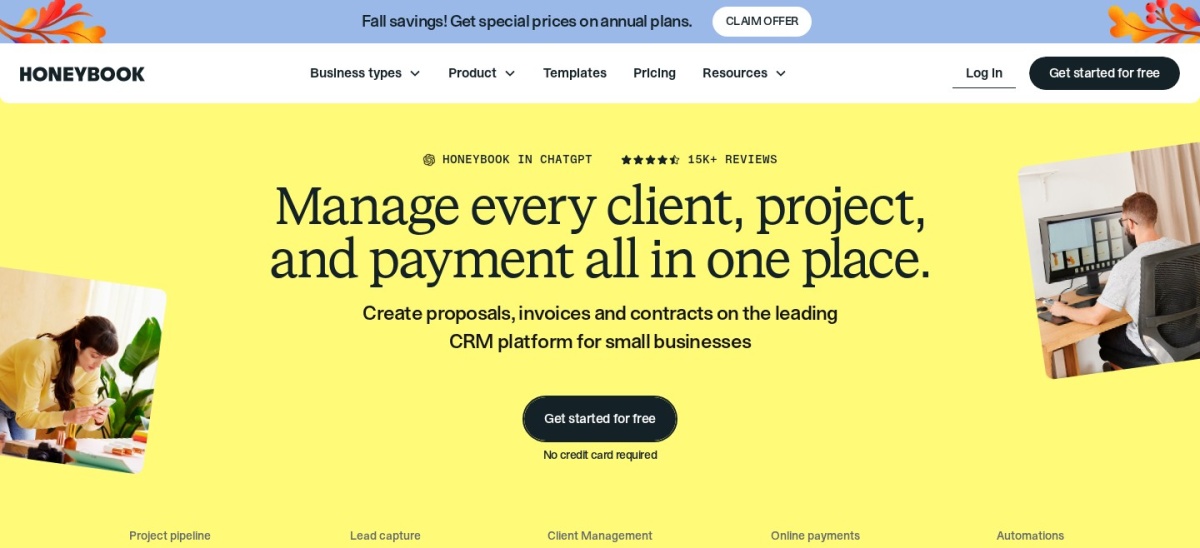
HoneyBook homepage, captured Nov 2026.
HoneyBook is a clientflow management platform combining inquiries, proposals, contracts, payments and a client portal. Its Starter plan includes unlimited clients and projects, invoices, contracts, a calendar, professional templates and up to 2 live lead forms. Clients can review project documents and handle payments through the same service.
The trade off is that Starter costs $29 per month billed annually, while automations, expanded lead forms and additional team capabilities require Essentials. Payment processing can also introduce transaction fees. It suits creative businesses and independent service providers that manage the journey from inquiry through final payment.
What we like
Unlimited clients and projects on Starter
Contracts and invoices integrated with the portal
Lead capture and payment management
Templates for client-facing documents
Watch out for
Automations require Essentials
Starter limits live lead forms
Payment processing adds transaction costs
Essentials adds automation, scheduling, more forms and additional team support.Visit honeybook.com
05
Dubsado
4.2/5on G2 (77 reviews, checked Nov 2026)
Starts at$335/yr
Best for contracts and client onboarding
Entry planStarter
Clients and projectsUnlimited
Lead capture forms1 active
Client portalsIncluded
dubsado.com
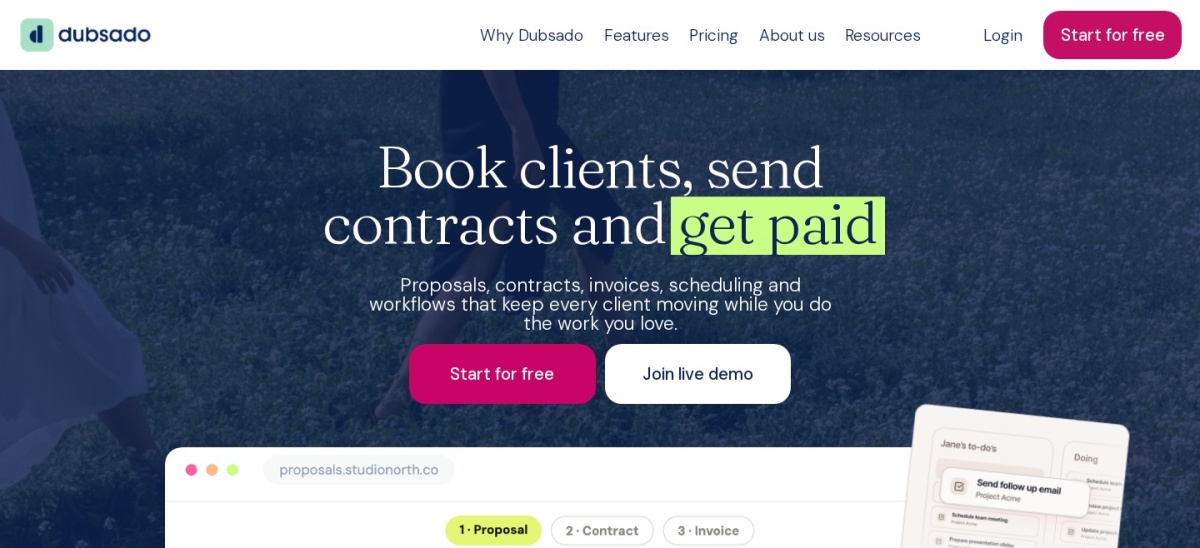
Dubsado homepage, captured Nov 2026.
Dubsado is a business management platform built around client onboarding, contracts, proposals and invoicing. Its Starter plan supports unlimited projects and clients, dedicated client portals, email integration, payment plans and document templates. Clients can receive organized project information and complete administrative steps without switching between separate systems.
The trade off is that Starter costs $335 per year and includes only 1 active lead capture form. Advanced scheduling, bookkeeping integrations and expanded automation require Premier. It suits consultants, photographers and service providers whose client processes revolve around forms, signatures and payments.
What we like
Unlimited clients and projects
Contracts, invoices and forms in one place
Dedicated portals for individual clients
Templates simplify repetitive administration
Watch out for
Scheduling requires Premier
Starter limits active lead capture forms
Workflow configuration takes time to learn
Premier adds advanced scheduling, bookkeeping integrations and expanded lead capture.Visit dubsado.com
06
Clinked
4.8/5on G2 (145 reviews, checked Nov 2026)
Starts at$11/mo
Best for secure document collaboration
Entry planStart Up
Pricing modelPer user
Storage2GB
Custom URLExcluded from Start Up
clinked.com
Clinked homepage, captured Nov 2026.
Clinked is a secure client portal and document collaboration platform for teams that share confidential information. Its Start Up offering is priced per user and includes 2GB of storage. The wider platform supports file sharing, discussion spaces, task management, document collaboration and controlled access to client information.
The trade off is that Start Up is listed from $11 per user per month, so the total subscription increases with membership. It also excludes a custom URL, while the larger Standard portal plan has a substantially higher flat subscription. It suits document-focused firms that prioritize controlled sharing over sales and billing features.
What we like
Built for secure client document collaboration
Permissions and audit capabilities across the platform
File discussions and project coordination
Higher tiers support extensive portal customization
Watch out for
Start Up has limited storage
Custom URL excluded from entry plan
Per-user pricing grows with membership
Larger branded plans cost considerably more
Standard adds a custom domain, larger storage allowance and a broader collaboration package.Visit clinked.com
07
Onehub
4.2/5on G2 (45 reviews, checked Nov 2026)
Starts at$12.50/mo
Best for secure file sharing with clients
Entry planStandard
Paid-user minimum3 users
Annual-billing rate$12.50/user/mo
Cloud storage1TB
onehub.com
Onehub homepage, captured Nov 2026.
Onehub is a cloud file-sharing and collaboration platform with workspaces that businesses can use as client portals. Its Standard plan starts with 3 paid users, supports 200 total users and includes 50 workspaces with 1TB of cloud storage. Teams can organize shared files and manage access rather than distributing documents through individual email attachments.
The trade off is that Standard costs $12.50 per paid user per month billed annually, with a 3-paid-user minimum making the starting annual commitment $450. Custom domains and white-label branding require additional spending or higher editions. It suits businesses that need controlled document exchange more than CRM or invoicing.
What we like
Structured workspaces for external file sharing
Role-based access controls
Large storage allowance on Standard
Higher plans provide detailed audit and document controls
Client portal pricing varies based on how vendors count users and customers. SuiteDash charges a flat subscription with unlimited staff and client portals, while Assembly uses active-contact allowances and internal-user limits.
Plutio limits active clients on its Core plan. Clinked uses per-user pricing, while Onehub requires a minimum number of paid users. These differences can have a larger effect on yearly spending than the advertised monthly price.
Calculate your expected internal users, active clients, external collaborators and storage requirements before comparing subscriptions. Also verify whether the entry plan includes the exact branding and permissions your clients need.
Security features worth checking before you buy
A client portal may hold contracts, identity documents, financial records and private conversations. Access permissions and secure file sharing should therefore be evaluated before cosmetic design options.
Check whether administrators can restrict individual clients to their own documents, revoke access, review activity and enforce multi-factor authentication. For document-heavy work, version history and audit trails can help establish what changed and when.
Security features can differ between pricing tiers. Ask vendors about data retention, exports, backup procedures and the controls actually included in your intended subscription before moving confidential records.
How we chose
We built this shortlist from established client portal, business management and document collaboration platforms. The comparison prioritizes actual client-facing features, secure sharing, communication, branding options and publicly accessible product documentation. G2 reviews provide an external reference for user feedback.
Vendor pricing pages and public review listings were checked for this November 2026 comparison, with the editorial comparison date set to 22 Nov 2026. Prices use published entry-level subscriptions or equivalent annual costs. Where annual billing has a different price from monthly billing, the relevant billing terms are identified.
We excluded products without confirmable public entry pricing, products with inadequate review evidence and tools focused only on generic internal project management. We also avoided treating enterprise quote requests as fixed prices. No vendor paid for a place, and we do not claim testing for this list.
How to choose the right client portal software
Identify the client activities you want to centralize before comparing features, ratings and subscription costs.
Map your client workflow. List the activities clients need to complete, such as uploading files, approving proposals, signing contracts, viewing deadlines or paying invoices. A portal designed around those activities is more useful than a long feature list.
Calculate the full subscription cost. Include internal seats, client allowances, storage, required add-ons and billing terms. Check whether the advertised entry price includes enough capacity for your expected workload.
Check branding and security controls. Confirm the availability of custom domains, logo customization, individual client permissions, authentication options and activity history. Some providers reserve important controls for higher tiers.
Validate the client experience before committing. Use a trial or demonstration to inspect the login process, file organization, notifications and mobile usability. Ask a representative client to complete a realistic workflow and identify any confusing steps.
FAQ
What is the best client portal software overall?
SuiteDash is our overall pick because its Start plan combines client portals, CRM, project management, file sharing and invoicing for $180 per year. It also includes unlimited staff and portals, making it attractive to businesses that want predictable subscription costs without paying for each additional internal user.
Is there free client portal software?
Yes. Assembly offers a free plan that supports 5 active contacts, 1 internal user and 75 monthly build credits. The free tier includes client-facing functionality, messaging and billing features. Businesses that need more contacts, additional staff or custom branding should compare its paid plans.
Which client portal software is best for freelancers?
Plutio is a suitable choice for freelancers who need project management, contracts, invoices and client collaboration in one workspace. Its Core plan costs $19 per month and supports 9 active clients. HoneyBook and Dubsado are alternatives when proposals, client intake and payment administration take priority.
Can client portal software replace a CRM?
Some platforms can. SuiteDash and Assembly include CRM functionality alongside their client portals, helping businesses maintain contact records and track customer relationships. Document-oriented products such as Onehub and Clinked are less focused on sales management, so they may need to work alongside an existing CRM.
What is white-label client portal software?
White-label software lets a business present the portal using its own brand rather than prominently displaying the vendor's identity. This may include logos, colors, domains and branded notifications. SuiteDash includes extensive branding on its entry plan, while other providers may charge more for custom domains or complete brand removal.
How much does client portal software cost?
Costs depend on the pricing model. SuiteDash has a $180 annual Start plan, Plutio's Core plan costs $19 monthly, and Assembly's Starter plan is $29 monthly with annual billing. Per-user products can cost more as teams expand. Compare the full annual commitment and any required extras.
Which client portal is best for secure document sharing?
Clinked and Onehub are relevant options for document-heavy client relationships. Clinked emphasizes secure collaborative workspaces, while Onehub offers controlled sharing and role-based permissions. The right choice depends on your requirements for audit history, document approvals, storage and external user access.
Can clients pay invoices through a client portal?
Yes. SuiteDash, Assembly, Plutio, HoneyBook and Dubsado offer billing or payment-related functionality alongside their client experiences. Available payment methods, processing fees and invoice automation differ. Confirm that your chosen plan supports your required payment workflow before moving existing customers.
What should an agency look for in client portal software?
Agencies should prioritize project visibility, file exchange, client requests, team permissions and consistent branding. SuiteDash is attractive for consolidated operations, while Assembly offers customizable client experiences. Also evaluate how easily customers can find deliverables, provide feedback and understand the progress of ongoing work.