Best Cloud Security Platforms in 2026: 7 Tools Compared
WLWPLegible EditorsLast verified 22 Nov 2026How we rank12 min read
★ Short answer
Datadog Cloud Security Management is our top pick for cloud infrastructure protection, with CSPM, vulnerability management and identity risk visibility starting at $10 per host per month. Prowler is better for transparent multicloud configuration assessments, while Cloudflare specializes in protecting public-facing websites and applications.
How we make this list: we compare pricing pages, product documentation and public user reviews, then re-check every price before each update. No product paid for a place. Disclosure.
Datadog CSM Pro starts at $10 per host per month with an annual commitment and covers CSPM, Kubernetes security and vulnerability management.
Prowler Cloud costs $79 per connected cloud account per month billed annually, while its open-source scanning engine is free.
Cloudflare Pro costs $240 per domain annually and includes a web application firewall and DDoS protection.
Snyk Team starts at $25 per month and supports code, dependency, container and infrastructure-as-code security scanning.
Twingate Teams starts at $5 per user monthly on annual billing, with a free Starter tier supporting up to 5 users.
NordLayer Lite costs $8 per user monthly with annual billing and requires at least 5 users.
What a cloud security platform should cover
Cloud security platforms help organizations discover risks, protect workloads, control access and monitor security across hosted infrastructure and applications. The right platform depends on which parts of the cloud environment you need to secure.
Cloud security posture management, or CSPM, identifies misconfigurations, excessive permissions and compliance gaps. It is especially relevant to organizations operating infrastructure across multiple cloud providers.
Cloud-native application protection platforms, or CNAPP, combine several capabilities such as posture management, workload protection, vulnerability scanning and identity risk analysis. Some vendors offer these capabilities together, while others sell separate modules.
Application and network protection solve different problems. A web application firewall blocks malicious web requests, while zero-trust access platforms restrict who can reach private applications and internal services.
Compare actual security coverage before comparing subscription prices. Per-host, per-user, per-account and per-domain licensing models are not directly equivalent, and additional resources can increase the total cost.
Datadog is an observability and security platform that connects infrastructure monitoring with cloud risk detection. Cloud Security Management Pro starts at $10 per host per month billed annually and includes cloud security posture management, Kubernetes posture checks, vulnerability management, identity entitlement analysis, asset inventory and remediation workflows.
The trade off is usage-based cost and a broad interface that can require substantial configuration. CSM Pro costs $120 per host annually at its starting rate, with additional infrastructure and container charges potentially increasing total spending. It suits cloud operations and security teams that want posture findings connected to operational context.
What we like
Combines cloud posture and vulnerability management
Supports agent and agentless scanning
Includes identity entitlement risk analysis
Connects security findings with infrastructure visibility
Offers automated remediation workflows
Watch out for
Costs increase as monitored infrastructure grows
Additional products and container usage may incur charges
Broad feature set requires configuration and operational expertise
4.3/5on AWS Marketplace (6 reviews, checked Nov 2026)
Paid from$79/mo
Best for multicloud security posture assessments
Entry paid planProwler Cloud
Annual price$948 per cloud account
Security checks2,500+
Free editionOpen-source CLI
prowler.com
Prowler homepage, captured Nov 2026.
Prowler is a cloud security platform for discovering configuration weaknesses and assessing compliance across cloud resources. Its open-source CLI and self-hosted tools are free and provide more than 2,500 checks. Prowler Cloud costs $79 per connected account per month billed annually and adds managed scanning, centralized findings, attack path analysis and collaboration tools.
The trade off is that cloud account pricing scales with the number of connected environments, while the free edition requires self-management. A single paid account costs $948 annually, compared with $99 per month without an annual commitment. It suits DevOps and security teams seeking transparent security assessments without depending entirely on proprietary scanning rules.
What we like
Free open-source scanning engine
More than 2,500 published security checks
Supports multiple cloud environments
Compliance assessments and attack path analysis
Hosted edition provides integrations and managed scanning
Watch out for
Per-account costs increase across large environments
Best for protecting cloud-hosted websites and APIs
Entry paid planPro
Annual price$240 per domain
Web firewallIncluded
DDoS protectionIncluded
cloudflare.com
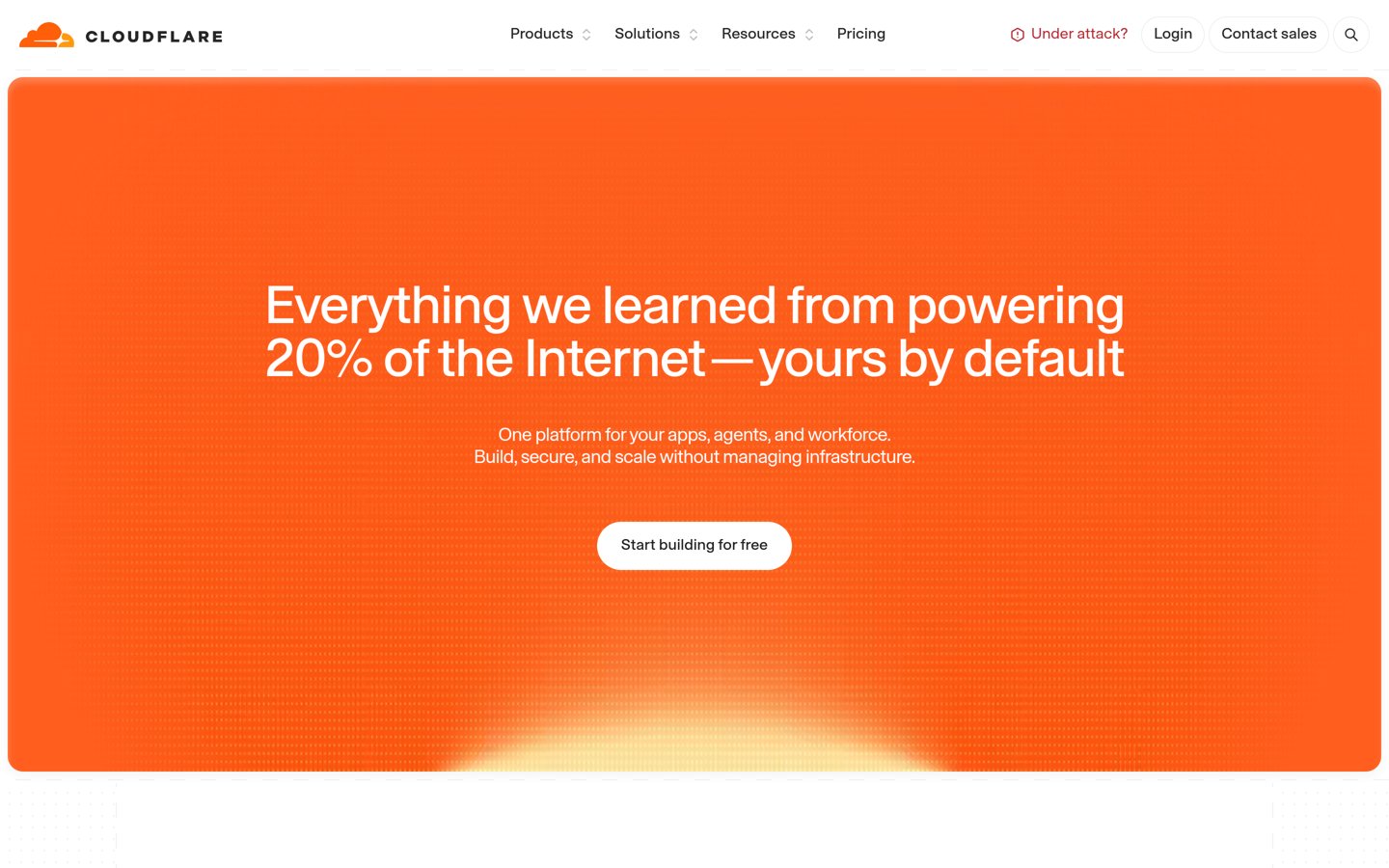
Cloudflare homepage, captured Nov 2026.
Cloudflare is a cloud-delivered application security and performance platform that helps protect websites and APIs from malicious traffic. Its free plan includes DDoS protection, DNS, CDN services and basic managed security rules. Pro costs $20 per month billed annually and adds enhanced web application firewall controls and performance features.
The trade off is that Cloudflare Pro focuses on protecting internet-facing traffic rather than scanning cloud infrastructure for misconfigurations or vulnerable workloads. Pro costs $240 annually per domain, compared with $25 on monthly billing. It suits businesses that need affordable web application protection and traffic filtering.
What we like
Free DDoS protection and managed security rules
Web application firewall included
Combines application security and content delivery
Affordable entry subscription
Works with websites hosted on different cloud providers
Watch out for
Not a replacement for cloud posture management
Advanced protections can require higher plans or add-ons
Per-domain subscriptions increase costs for multiple websites
Pro adds enhanced application controls; Business introduces additional protection and service commitments.Visit cloudflare.com
04
Snyk
4.5/5on G2 (136 reviews, checked Nov 2026)
Paid from$25/mo
Best for securing cloud application development
Entry paid planTeam
Starting annualized price$300
Free projects5
Team projects100
snyk.io
Snyk homepage, captured Nov 2026.
Snyk is a developer security platform that identifies vulnerabilities in application code, open-source dependencies, container images and infrastructure-as-code configurations. Its free plan includes access to these scanning products with usage limits. Team starts at $25 per month and increases project and testing allowances, with Jira integration and next-business-day support.
The trade off is that Snyk focuses primarily on risks introduced during development rather than providing complete runtime cloud workload protection. Team starts at an annualized $300, but actual subscription costs depend on developer and product requirements. It suits development teams that want security checks integrated into coding and deployment workflows.
What we like
Scans application code and open-source dependencies
Includes container and infrastructure-as-code security
Free plan for initial adoption
Integrates with developer workflows
Team increases scanning limits and support
Watch out for
Not a complete replacement for runtime cloud protection
Team adds higher scan allowances, more projects, Jira integration and expanded support.Visit snyk.io
05
Twingate
4.6/5on G2 (84 reviews, checked Nov 2026)
Paid from$5/mo
Best for zero-trust access to cloud applications
Entry paid business planTeams
Annual price$60 per user
Free tier usersUp to 5
Teams user capacityUp to 100
twingate.com
Twingate homepage, captured Nov 2026.
Twingate is a zero-trust network access platform that helps organizations secure connections to private cloud applications and internal systems. Its free Starter plan supports up to 5 users and includes conditional access controls and split tunneling. Teams costs $5 per user monthly on annual billing and adds SaaS application gating, device posture checks and access policies.
The trade off is that Twingate controls access rather than scanning workloads for vulnerabilities or checking cloud infrastructure compliance. Teams costs $60 per user annually, and advanced identity administration requires Business at $10 per user monthly on annual billing. It suits remote teams replacing traditional VPN access with resource-specific permissions.
What we like
Free Starter plan for small teams
Zero-trust access to private resources
Device posture and least-privilege controls
Integrates with identity and authentication workflows
Teams adds SaaS access controls and device checks; Business expands identity management and security policies.Visit twingate.com
06
NordLayer
4.3/5on G2 (125 reviews, checked Nov 2026)
Starts at$8/mo
Best for securing business internet and cloud access
Entry planLite
Annual price$96 per user
Minimum users5
Primary protectionEncrypted network access
nordlayer.com
NordLayer homepage, captured Nov 2026.
NordLayer is a cloud-delivered network security platform for protecting employee internet connections and business access. Lite costs $8 per user per month on annual billing and includes encrypted connections, basic internet threat prevention and malware protection. The subscription requires a minimum of 5 users.
The trade off is that Lite provides essential connection security rather than detailed cloud posture scanning or advanced access control. Its annualized rate is $96 per user, making the minimum team subscription $480 per year. It suits distributed businesses that need managed connection protection before deploying more specialized security services.
What we like
Encrypted connections for distributed teams
Malware protection included
Centralized business security administration
Transparent per-user subscription pricing
Higher tiers add network access controls
Watch out for
Requires a minimum of 5 users
Lite lacks advanced network access capabilities
Not designed for cloud workload vulnerability assessment
Core adds network access controls, with dedicated gateway functionality available for an additional charge.Visit nordlayer.com
07
UpGuard
4.5/5on G2 (779 reviews, checked Nov 2026)
Paid from$1,750/mo
Best for third-party cloud vendor security risk
Entry paid planVendor Risk Standard
Annual price$21,000
Included vendors50
Additional vendor$79/month
upguard.com
UpGuard homepage, captured Nov 2026.
UpGuard is a cyber risk posture management platform focused on external exposure and third-party security risks. Its Vendor Risk Standard plan costs $1,750 per month billed annually and monitors 50 vendors. It includes vendor security ratings, assessment workflows, remediation tracking and continuous monitoring for security changes.
The trade off is that Vendor Risk assesses external organizations rather than directly protecting your cloud workloads. Standard costs $21,000 annually, with additional monitored vendors priced at $79 per month. It suits established security teams responsible for evaluating cloud service providers, SaaS vendors and third-party technology risks.
What we like
Continuous monitoring of third-party security risks
Vendor security ratings and assessments
Centralized remediation workflows
Supports large vendor portfolios
Automates parts of security assessment management
Watch out for
High annual entry subscription
Vendor Risk does not directly protect cloud workloads
Larger vendor portfolios increase licensing costs
Professional adds expanded vendor capacity and management features; other UpGuard modules are licensed separately.Visit upguard.com
CSPM, CNAPP, WAF and zero-trust security explained
Cloud security is not a single product category. Different platforms protect infrastructure configurations, workloads, application traffic, developer pipelines or access to private resources.
CSPM products inspect cloud configurations for exposed storage, unsafe permissions, compliance failures and other security weaknesses. Datadog and Prowler are the most directly relevant options in this comparison.
CNAPP combines cloud posture management with additional security capabilities, potentially including vulnerability management, identity analysis and workload protection. Coverage differs between products and subscription tiers.
WAF products inspect web traffic and help block malicious requests. Cloudflare is particularly relevant for protecting public-facing applications, although its web protection plans do not replace infrastructure posture assessments.
Zero-trust network access products verify access to private resources instead of trusting users based only on network location. Twingate and NordLayer address aspects of secure connectivity.
Developer security and third-party risk monitoring provide additional layers. Snyk helps identify software vulnerabilities before deployment, while UpGuard examines security risks associated with outside vendors.
How cloud security pricing changes with infrastructure size
Cloud security products use different billing units, making headline prices difficult to compare directly. A per-host subscription is not financially equivalent to a per-domain, per-user or per-cloud-account license.
Datadog CSM Pro starts at $120 per host annually. Prowler Cloud starts at $948 annually for a connected cloud account with annual billing. Their total costs depend on different measures of infrastructure size.
Cloudflare Pro starts at $240 per domain annually, while Twingate Teams starts at $60 per user annually. These products protect different layers and cannot be substituted for each other based on price alone.
Snyk Team starts at $25 monthly, with developer and product requirements affecting the total. NordLayer Lite requires a minimum team subscription, even though its advertised price is expressed per user.
UpGuard Vendor Risk Standard costs $21,000 annually because it targets a broader vendor risk management workflow. Its price should be evaluated against the number of third-party organizations being assessed.
Calculate total annual spending using your real number of cloud accounts, monitored workloads, applications, users and vendors before selecting a platform.
How we chose
We researched established platforms serving different layers of cloud security, including posture management, application protection, developer security, network access and vendor risk monitoring. We prioritized products with documented security capabilities, public pricing and independent ratings. Prowler was retained despite limited marketplace reviews because its widely used open-source project provides substantial adoption evidence.
Vendor pricing pages and public review profiles were opened on November 23, 2026, for this comparison using November 22, 2026 as the editorial reference date. We used regular listed prices, identified applicable annual billing rates and retained each product's billing unit. Datadog's rating reflects its overall G2 product profile, while Prowler's rating comes from AWS Marketplace.
We excluded quote-only cloud security products whose regular entry prices could not be confirmed from an accessible official pricing page. We also excluded products without sufficient evidence of adoption or a usable independent rating. Some included platforms specialize in one security layer rather than offering complete CNAPP coverage. No vendor paid for a place, and we do not claim testing for this list.
How to choose a cloud security platform
Identify your main cloud security risks, then compare platform coverage, deployment requirements and total licensing costs.
Define the security layer you need. Determine whether your priority is cloud configuration assessment, vulnerability management, application traffic protection, developer security or access control. Avoid choosing a web firewall when your main requirement is infrastructure misconfiguration detection.
Map your cloud environment and integrations. List your cloud providers, accounts, workloads, containers, identity systems and applications. Confirm that shortlisted products support these environments and provide the necessary integrations with existing monitoring, ticketing and deployment tools.
Evaluate detection and remediation capabilities. Look beyond the number of findings produced. Review risk prioritization, alert quality, compliance mapping, attack path analysis and remediation workflows. Determine which actions can be automated and which require security team approval.
Calculate total costs and operational effort. Apply the vendor's licensing model to your actual number of resources, users or accounts. Include add-ons, minimum commitments and staffing requirements. Select a platform that provides useful security coverage without overwhelming the team responsible for responding to findings.
FAQ
What is the best cloud security platform?
Datadog is a strong overall choice for organizations that want cloud posture management, vulnerability scanning and identity risk visibility connected to infrastructure monitoring. Prowler is better for transparent multicloud security assessments, while Cloudflare specializes in protecting web applications and internet-facing traffic.
What is the difference between CSPM and CNAPP?
CSPM focuses on cloud configuration risks, exposed resources, unsafe permissions and compliance posture. CNAPP combines several cloud security capabilities and may include posture management, workload vulnerability detection, identity analysis and runtime protection. The exact features depend on the vendor and subscription tier.
Is there free cloud security software?
Yes. Prowler provides an open-source cloud security scanning engine without subscription fees. Cloudflare has a free web protection plan, Snyk offers a limited free developer security tier and Twingate provides free access controls for small teams. These free offerings address different risks.
How much does cloud security software cost?
Costs vary with the billing model. Datadog CSM Pro starts at $10 per host monthly with annual billing, Prowler Cloud starts at $79 per cloud account monthly when billed annually and Cloudflare Pro costs $240 per domain annually. Resource volume can increase total expenses substantially.
Does Cloudflare replace a cloud security posture management platform?
No. Cloudflare's web security plans primarily protect incoming application traffic through services such as its web application firewall and DDoS protection. CSPM platforms inspect cloud infrastructure configurations, permissions and compliance risks. Organizations may use both categories to address different parts of their security environment.
Which cloud security platform is best for developers?
Snyk is particularly relevant to developers because it scans source code, dependencies, container images and infrastructure-as-code configurations. Its integrations help teams identify vulnerabilities during development. Prowler is another useful option when developers need to evaluate security configurations in deployed cloud infrastructure.
Can one cloud security platform protect multiple cloud providers?
Some platforms support several cloud providers from a central interface. Prowler and Datadog offer multicloud security assessment capabilities. However, supported services, permissions and detection features can vary between integrations. Confirm the exact coverage for your infrastructure before purchasing.
What should businesses look for in cloud security reviews?
Focus on detection coverage, false positives, configuration effort, remediation guidance and integration quality. Review licensing costs alongside the actual number of resources being protected. Independent ratings can provide useful context, but product suitability depends on your infrastructure and security team's responsibilities.
Do small businesses need an expensive cloud security platform?
Not necessarily. A smaller organization may begin with free security scanning, basic web protection and carefully managed access controls. More expensive platforms become relevant when infrastructure grows, compliance obligations expand or the team needs centralized vulnerability prioritization and automated security workflows.