Best BI Tools for Small Businesses in 2026: 9 Tools Compared
WLWPLegible EditorsLast verified 23 Nov 2026How we rank12 min read
★ Short answer
Power BI is the best BI tool for small businesses, with a free desktop app and Pro sharing at $10 a user a month, rated 4.5 out of 5 on G2. Pick Looker Studio for free reporting and Zoho Analytics for bundled BI from $24 a month.
How we make this list: we compare pricing pages, product documentation and public user reviews, then re-check every price before each update. No product paid for a place. Disclosure.
Power BI Pro costs $10 a user a month and holds the highest G2 rating here at 4.5/5.
Looker Studio is free with unlimited reports, but it is a reporting tool, not a full BI platform.
Zoho Analytics starts free and paid plans begin at $24 a month for 2 users.
Apache Superset is free and open source, but you host and maintain it yourself.
Grow and Tableau need a quote or a $75 Creator seat, so price the builders first.
What small-business BI tools should cover
A small business needs a BI tool that one person can set up in an afternoon. If it needs a data team, it is the wrong tool for a team of five.
Start with the reports you already make by hand. Sales, cash flow, marketing results and support tickets cover most small businesses, and the tool should pull those numbers automatically.
Watch the row and user limits. Free plans cap rows, users or dashboards, and the cheapest paid plan is the one that fits your real data, not the headline price.
Pick a tool your team will actually open. A simple dashboard that gets read every morning beats a powerful platform that nobody touches.
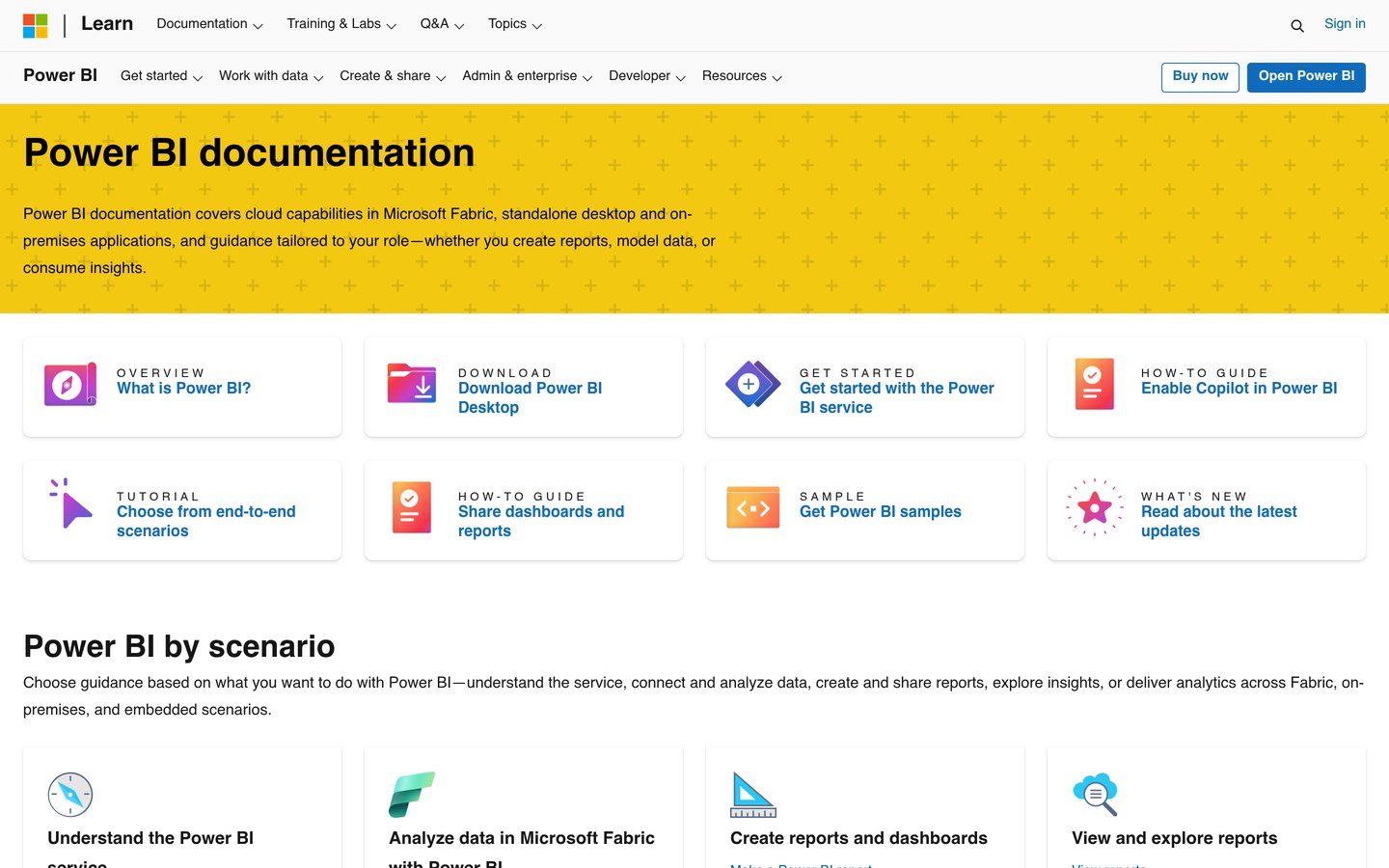
Microsoft Power BI is the best all-round BI tool for a small business, with a free desktop app for building reports and Pro sharing at $10 a user a month. It is rated 4.5 out of 5 on G2 from 1,658 reviews, the highest score in this list.
The trade off is the Windows-only builder. The desktop app does not run on Mac, and sharing needs every viewer to hold a Pro licence. It suits small teams already using Microsoft 365.
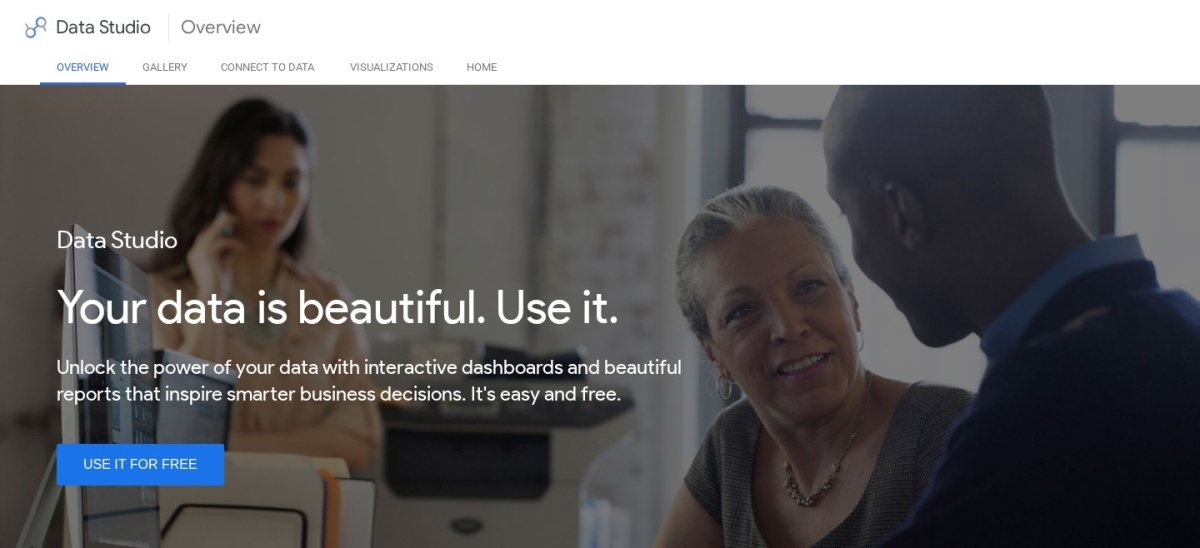
Looker Studio is Google's free dashboard tool, and the fastest free start for a small business reporting on Analytics, Ads or Sheets. It costs nothing for unlimited reports and viewers, and it is rated 4.4 out of 5 on G2 from 460 reviews.
The trade off is depth. It is a reporting tool, not a full BI platform, and large datasets can load slowly. It suits small businesses that need clean weekly reports at no licence cost.
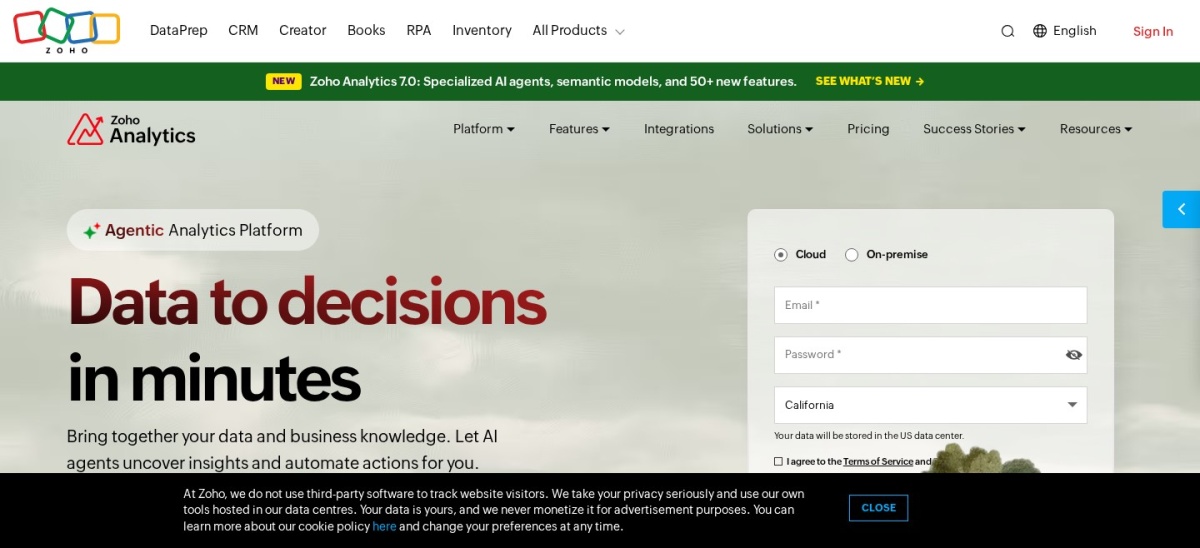
Zoho Analytics is a self-service BI tool with dashboards, data preparation and an AI assistant, plus ready-made reports for Zoho CRM and Books. The free plan covers 2 users and 10,000 rows, Basic costs $24 a month, and it is rated 4.2 out of 5 on G2 from 289 reviews.
The trade off is the row cap. Each plan limits rows, so growing data pushes you up a tier. It suits small businesses already using Zoho apps who want cheap, bundled analytics.
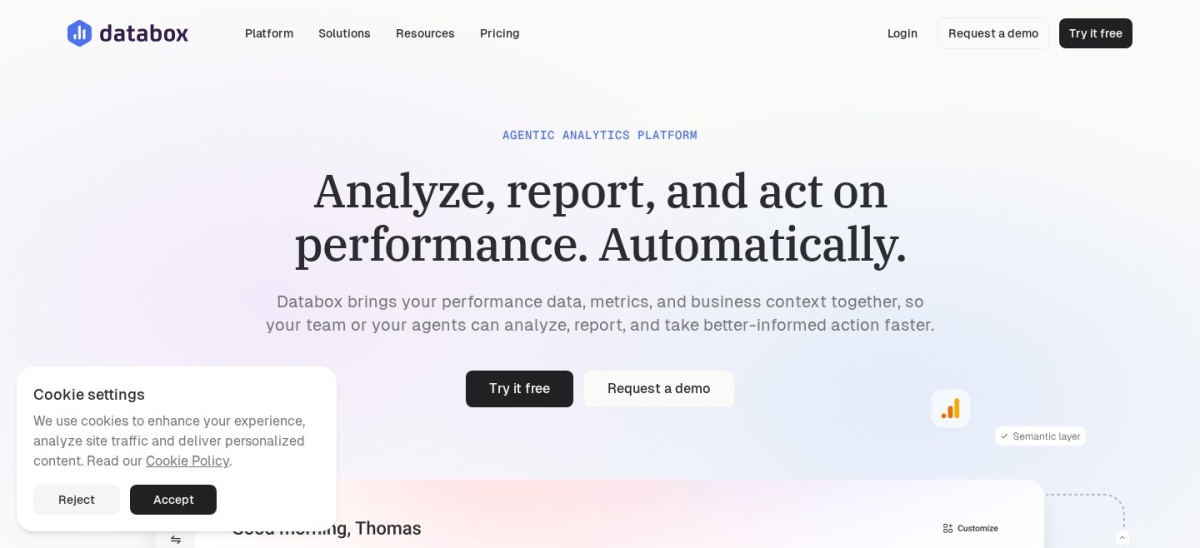
Databox pulls KPIs from over 100 apps into live dashboards, with goals, alerts and an AI analyst that answers questions. The free plan covers 3 data sources, paid plans start at $71 a month, and it is rated 4.4 out of 5 on G2 from 194 reviews.
The trade off is the price jump. The step from free to $71 a month is steep, and white-label costs extra. It suits teams that check the same numbers every morning.
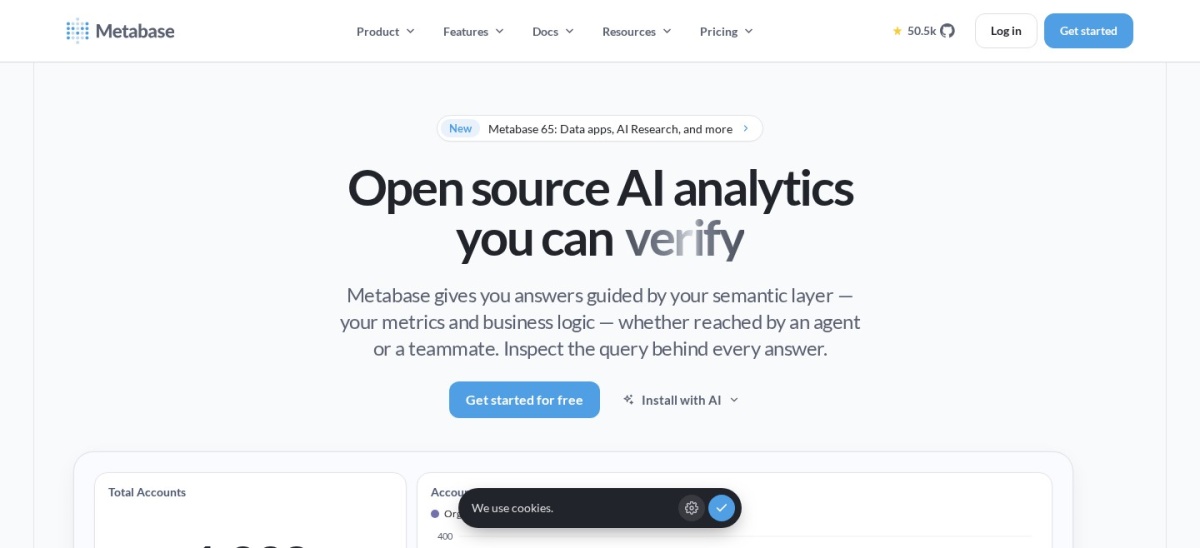
Metabase is a free, open-source analytics tool that lets staff ask questions and build dashboards without writing SQL. The open-source edition costs nothing, Starter is $85 a month for 5 users, and it is rated 4.4 out of 5 on G2 from 147 reviews.
The trade off is maintenance. The free edition runs on your own server, so someone must install and update it. It suits a small business with a technical owner or a friendly developer.
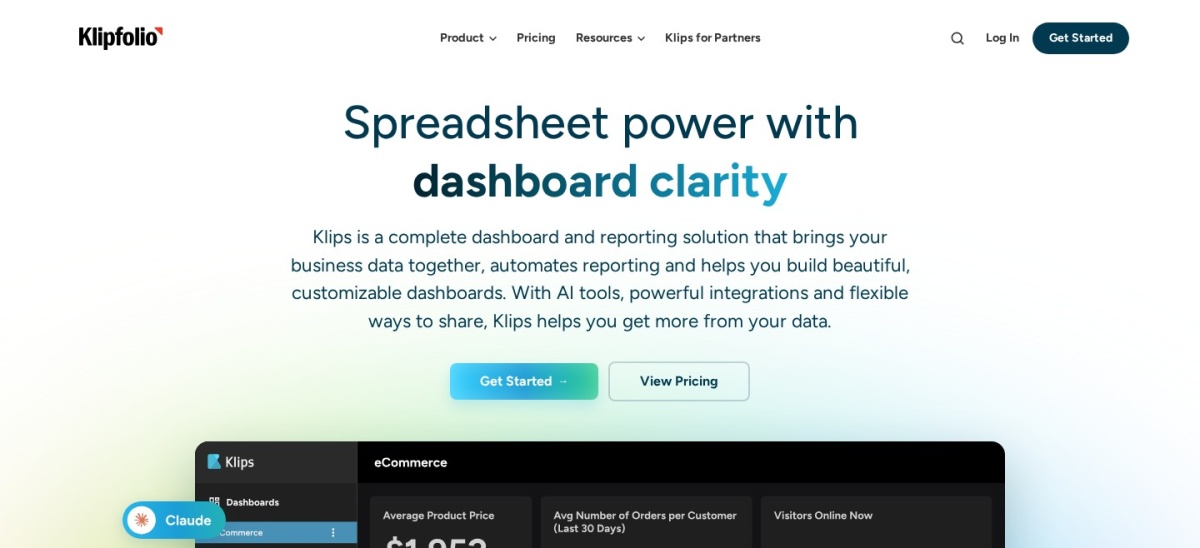
Klipfolio is a cloud dashboard tool with 130+ integrations and unlimited users on every plan, built for KPI reporting. Base costs $90 a month with 3 dashboards, and it is rated 4.5 out of 5 on G2 from 257 reviews.
The trade off is the dashboard cap. Base allows only 3 dashboards, so a growing team moves to Grow at $190 a month. It suits small businesses that share polished dashboards with clients.
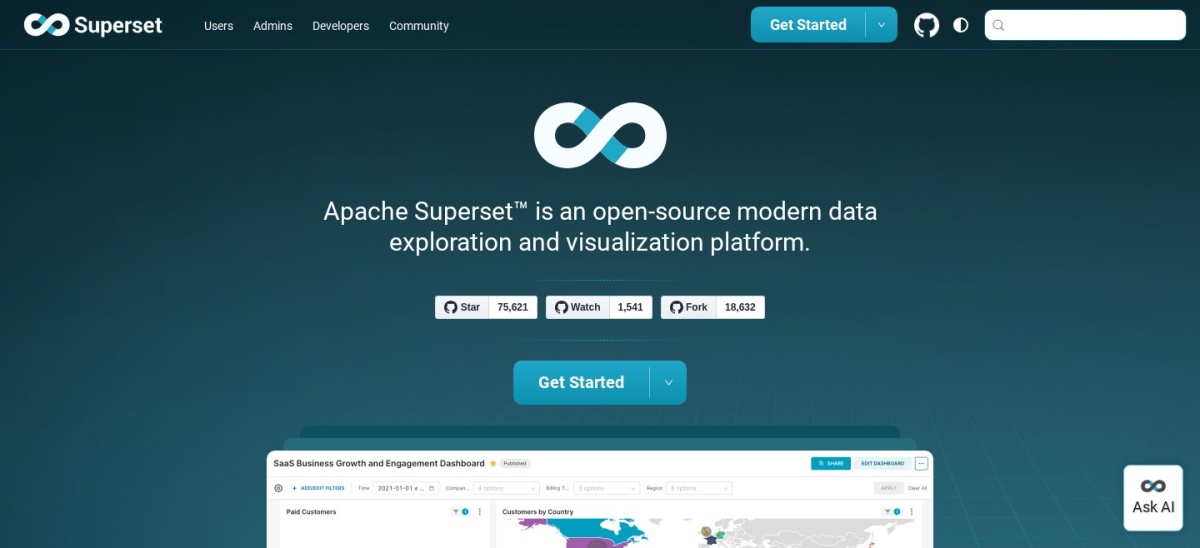
Apache Superset is a free, open-source data exploration and dashboard tool from the Apache Software Foundation, with SQL Lab for large datasets. It costs nothing to licence, and it is rated 4.4 out of 5 on G2 from 53 reviews.
The trade off is setup. You host and maintain it yourself, and it needs technical skill to install. It suits a small business with a developer who wants a free tool with no limits.
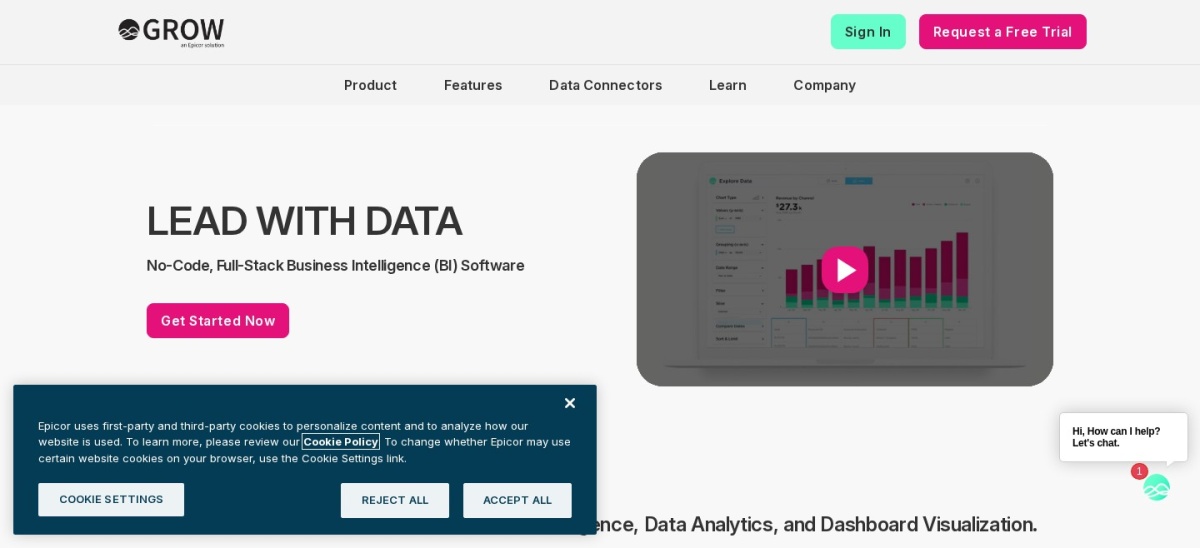
Grow is a dashboard platform built for small businesses, with no-code data prep, clear visuals and strong support scores. Pricing is by quote, and it is rated 4.3 out of 5 on G2 from 282 reviews.
The trade off is the quote. There is no published price, and reviewers often call it expensive for a small firm. It suits owners who want simple dashboards without learning a complex tool.
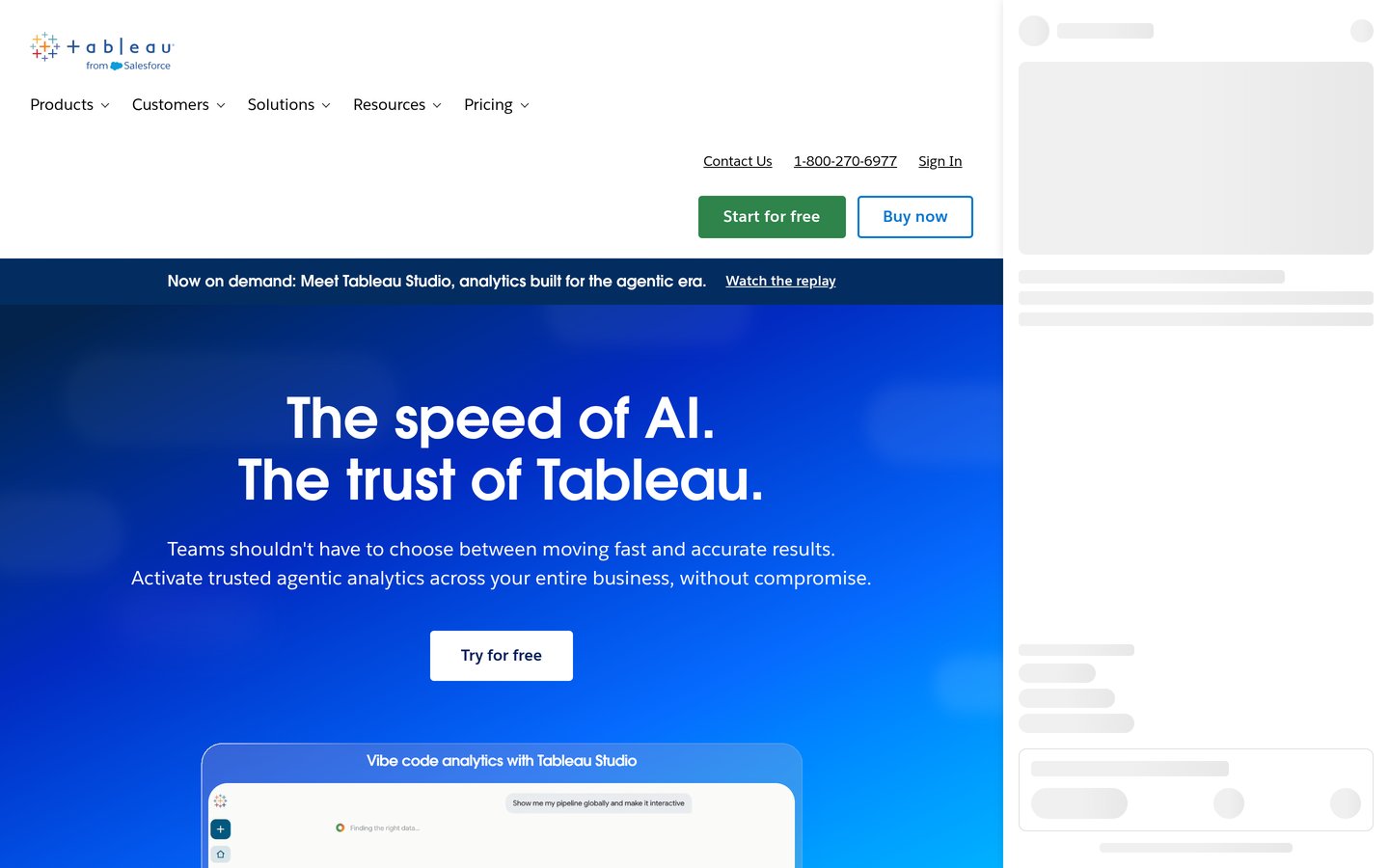
Tableau is the strongest visual analytics tool in this list, with drag-and-drop dashboards polished enough for client presentations. Viewer seats cost $15 a user a month, and it is rated 4.4 out of 5 on G2 from 3,787 reviews.
The trade off is the Creator price. Builders pay $75 a user a month, so keep building to one or two people. It suits a small business that presents data to clients and can afford one Creator seat.
Free plans cover the basics well. Looker Studio is free with unlimited reports, Metabase and Superset are free and open source, and Zoho Analytics covers 2 users and 10,000 rows at no cost.
Paid plans mostly add sharing, refreshes and scale. You get more rows, more data sources, scheduled reports and controls over who sees what.
The line between free and premium is the same trade-off in every category. Our guide to free vs premium plugins explains how to weigh a free plan against a paid upgrade before you commit.
If reporting takes hours each week, a paid plan usually pays for itself in saved time. If you report once a month, start free and upgrade only when you hit a real limit.
How we chose
We started from the BI tools tools most often named in 2026 comparisons, then kept 9 established products with published prices or a clear quote process and a public review footprint on G2.
Prices come from each vendor's pricing page, checked on 23 November 2026, with the top 3 read on their official pages. Ratings are G2 scores from the same week. Where a vendor shows a sale, the list shows the regular price.
We left out tools with no published price and no clear quote route, and niche tools with too few reviews to judge. No vendor paid for a place, and we do not claim hands-on testing for this list.
How to choose BI tools
Start with the data you already have, then check price, skills and scale before you commit.
List your data sources first. If your data lives in Google tools, a Google-native option wins. If it lives in Microsoft 365, a Microsoft tool wins.
Count the people who will build, not just view. Creator and author seats cost far more than viewer seats, so price the builders first.
Try the free tier or trial on real data. A demo with sample data hides slow queries and missing connectors, so load your own data.
Add up the real first-year cost. A $10 monthly seat costs $120 a year, while a quote-only platform can cost thousands before anyone builds a dashboard.
FAQ
What is the best BI tool for small businesses?
Power BI is the best pick for most small businesses, with a free desktop app and Pro sharing at $10 a user a month, rated 4.5 out of 5 on G2 from 1,658 reviews. Looker Studio is the best free option.
Is there really free BI software for small businesses?
Yes. Looker Studio is free with unlimited reports, Metabase and Apache Superset are free and open source, and Zoho Analytics has a free plan for 2 users. Each has limits on rows, sources or hosting.
How much should a small business pay for BI tools?
Most small teams can start at $0 to $90 a month. Zoho Analytics starts at $24 a month, Power BI Pro at $10 a user a month, and Klipfolio at $90 a month. Quote-only tools usually cost far more.
Do I need a data analyst to use a BI tool?
No, for basic dashboards. Looker Studio, Databox and Zoho Analytics are built for non-technical users. You still need someone to check that the numbers are right.
Is Power BI good for a small business?
Yes, especially if you use Microsoft 365. Pro costs $10 a user a month, and the free desktop app builds reports. The Windows-only builder is the main limit.
What is the easiest BI tool for beginners?
Looker Studio is the easiest free start, and Databox is the easiest paid start for KPI dashboards. Both need little training, and both show results on the first day.