Best Help Desk Software with SLA Tracking in 2026: 7 Tools Compared
WLWPLegible EditorsLast verified 22 Nov 2026How we rank12 min read
★ Short answer
Freshdesk is our top pick for help desk software with SLA tracking, offering ticket management from $19 per agent monthly and multiple SLA policies on its $55 Pro plan. Zoho Desk is a lower-cost alternative with Express at $7 per agent monthly, while HappyFox includes SLA management in its $24 Basic plan.
How we make this list: we compare pricing pages, product documentation and public user reviews, then re-check every price before each update. No product paid for a place. Disclosure.
Freshdesk starts at $19/agent/month with annual billing, while Pro adds multiple SLA policies at $55/agent/month.
Zoho Desk Express costs $7/user/month billed annually and includes ticket workflows and multi-level escalations.
HappyFox Basic includes SLA management and unlimited tickets at $24/agent/month billed annually.
Jira Service Management offers a free plan for 3 agents and Standard at $21.50/agent/month.
Help Scout Standard costs $25/user/month billed annually and includes one basic SLA policy; Plus adds two advanced policies.
LiveAgent Team supports 5 SLA rules and 5 SLA levels at $29/agent/month billed annually, before temporary discounts.
What matters in help desk software with SLA tracking
Service level agreements define the response and resolution commitments a support team makes to customers or employees. Help desk software with SLA tracking monitors those commitments against ticket activity.
The most useful systems distinguish first response time from resolution time. A quick acknowledgment does not necessarily mean an issue has been resolved, so separate measurements provide a more accurate view of support performance.
Look for business-hour calendars, ticket priorities, automatic escalations, deadline warnings and the ability to apply different SLA policies to different customers or support groups.
Reporting is equally important. Teams should be able to identify overdue tickets, review breached targets and determine whether missed deadlines are concentrated around specific issues or workflows.
Finally, compare the actual plan that includes the SLA features you need. Entry subscriptions may offer basic deadline tracking while reserving multiple policies, advanced reporting and complex escalation rules for higher tiers.
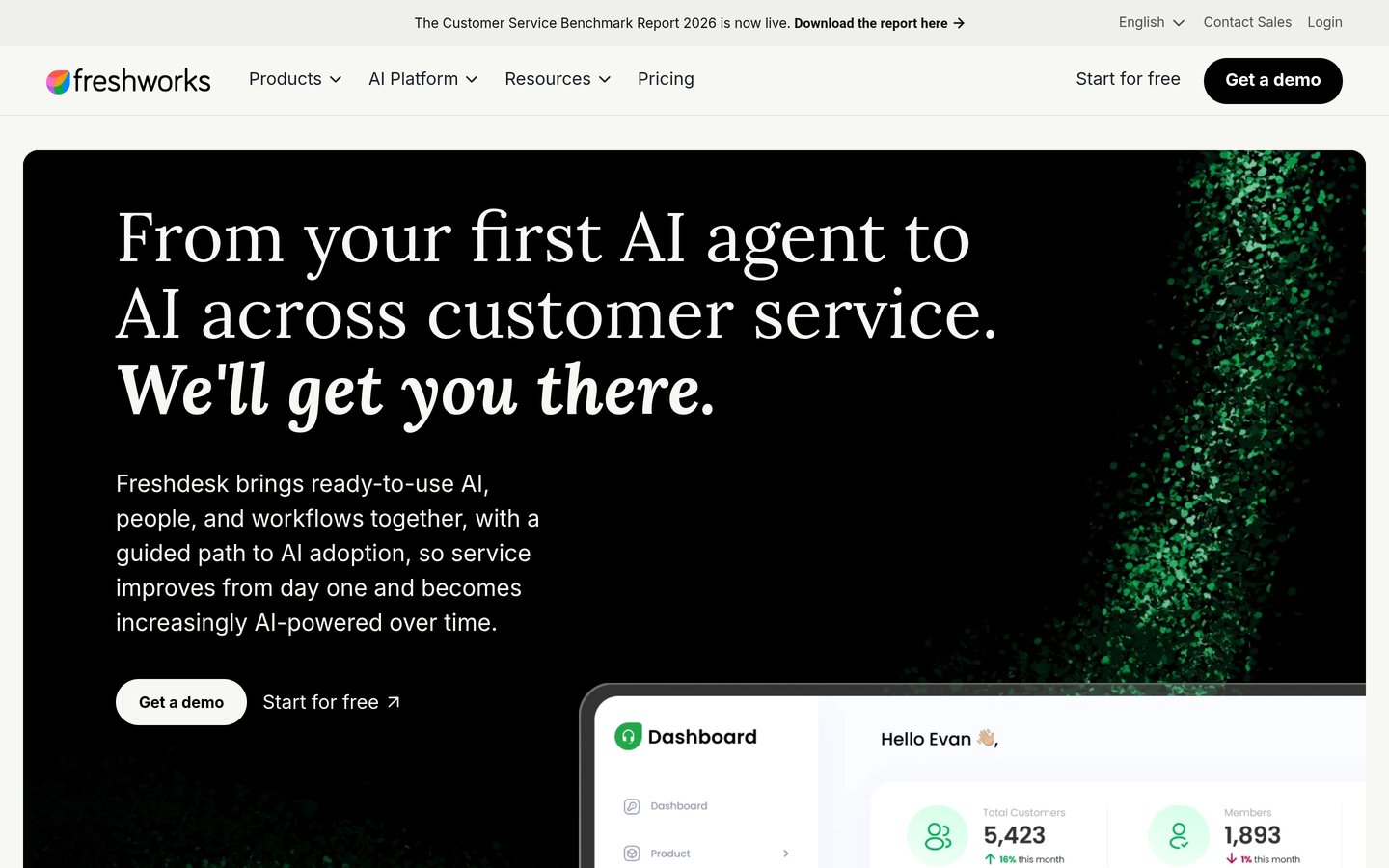
Freshdesk is a customer support platform combining shared inboxes, ticket tracking, knowledge bases, reporting and SLA management. Growth costs $19 per agent monthly with annual billing and includes ticketing, customer portals, reporting and team collaboration. Its G2 rating is 4.4/5 from 4,020 reviews.
The trade off is that multiple SLA policies and intelligent routing require Pro at $55 per agent monthly, while Enterprise costs $89 and adds advanced controls. Additional AI usage can also increase expenses. It suits growing support teams that need ticket deadlines connected to routing, reporting and customer communication.
What we like
Integrated ticketing and SLA management
Multiple SLA policies available on Pro
Customer portal and knowledge base
Reporting and intelligent routing options
Extensive public review history
Watch out for
Multiple SLA policies require Pro
Advanced routing increases subscription costs
AI usage and optional features may cost extra
Growth adds ticketing and reporting; Pro unlocks multiple SLA policies and intelligent routingVisit freshworks.com
02
Zoho Desk
4.4/5on G2 (8,117 reviews, checked Nov 2026)
Paid from$7/mo
Best affordable help desk for SLA tracking
Express usersUp to 5
EscalationMulti-level
Monthly billing$9/user/mo
Paid planExpress, $7/user/mo
zoho.com
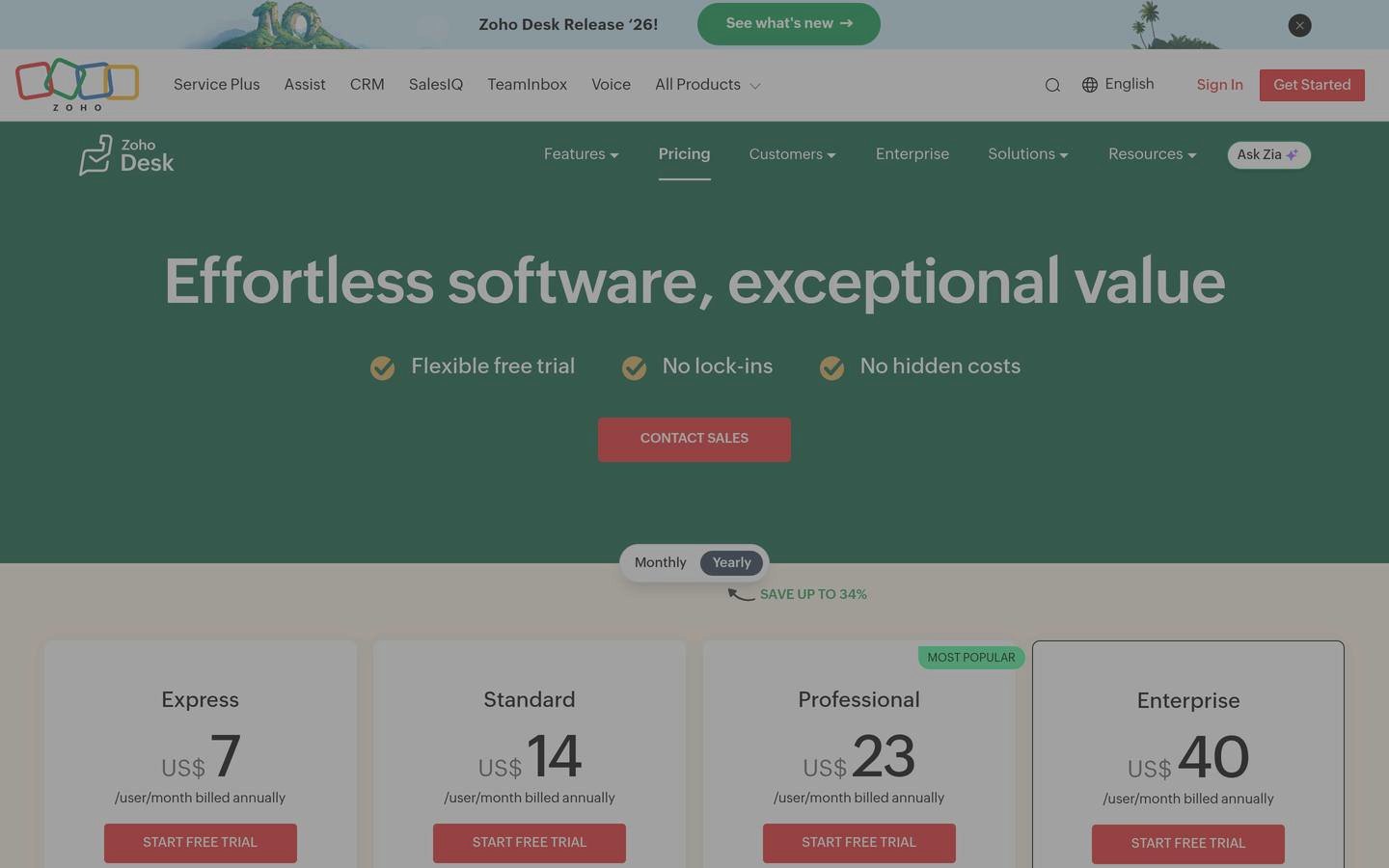
Zoho Desk homepage, captured Nov 2026.
Zoho Desk is a cloud help desk for managing support tickets, customer contacts, workflows and escalation rules. Express costs $7 per user monthly with annual billing, supports up to 5 users and includes email support, social channels, web forms, direct ticket assignment and multi-level escalations.
The trade off is that Express is limited to smaller teams and does not provide the full flexibility of higher editions. Monthly billing costs $9 per user, while more advanced functionality requires upgrades. It suits smaller businesses that want basic SLA enforcement and automatic escalation without a large software budget.
More channels and advanced reporting require upgrades
Configuration can become complex as workflows expand
Express adds workflows, assignment rules, social ticketing and multi-level escalationsVisit zoho.com
03
HappyFox
4.5/5on G2 (138 reviews, checked Nov 2026)
Starts at$24/mo
Best for straightforward SLA management
Basic agent limit5
Ticket allowanceUnlimited
SLA managementBasic included
Paid planBasic, $24/agent/mo
happyfox.com
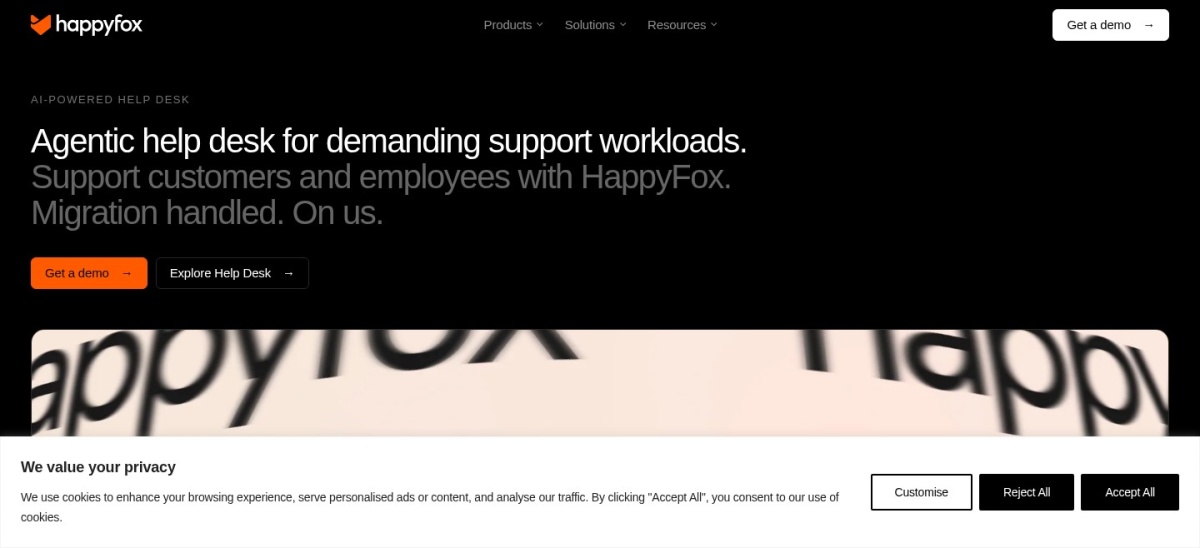
HappyFox homepage, captured Nov 2026.
HappyFox is help desk software for customer service and internal support teams, combining ticket queues, knowledge bases, automation and SLA tracking. Basic costs $24 per agent monthly with annual billing and includes unlimited tickets, omnichannel ticket creation, SLA management, single sign-on and support for up to 5 agents.
The trade off is that Basic costs $29 per agent with monthly billing and limits the team to 5 agents. Custom queues, roles and multi-brand support require Team at $49 per agent monthly with annual billing. It suits smaller support departments wanting SLA management without purchasing a premium tier.
What we like
SLA management included in Basic
Unlimited tickets
Omnichannel ticket creation
Knowledge base and single sign-on
Different agent-based and flat-price models
Watch out for
Basic limits the number of agents
Custom roles and queues require Team
Advanced administrative controls cost more
Basic includes SLA management; Team adds custom queues, roles and multi-brand supportVisit happyfox.com
04
Jira Service Management
4.3/5on G2 (1,020 reviews, checked Nov 2026)
Paid from$21.50/mo
Best for IT service desks and incident management
Free agents3
Free automation1,250 steps/mo
Standard automation3,000 steps/user/mo
Paid planStandard, $21.50/agent/mo
atlassian.com
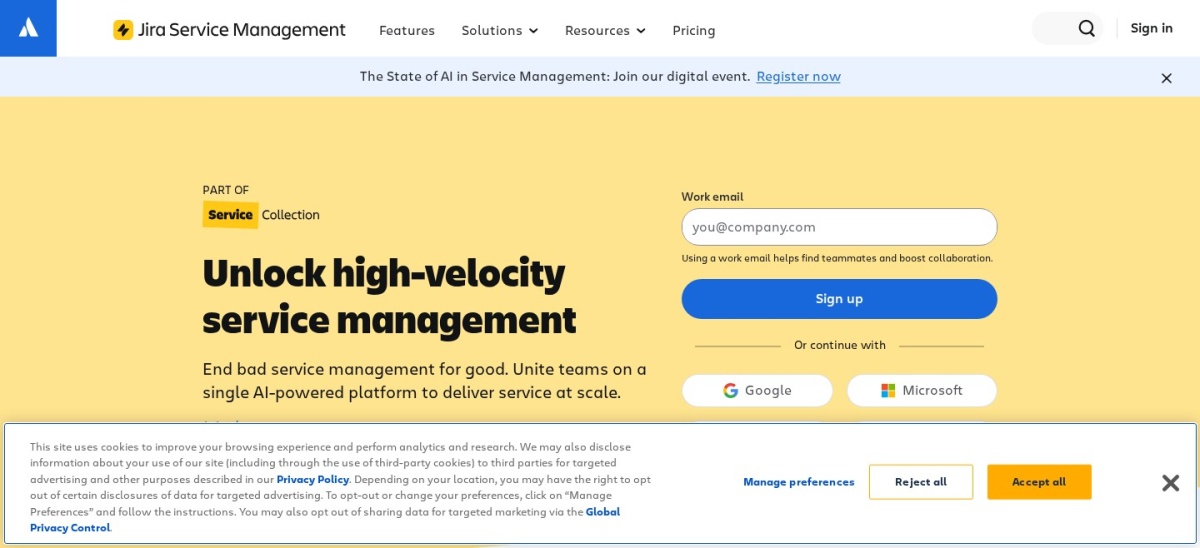
Jira Service Management homepage, captured Nov 2026.
Jira Service Management is an IT service management platform for handling employee requests, incidents, service workflows and SLA metrics. Its free plan supports 3 agents and includes customizable forms, ticket queues, incident templates, a knowledge base and 1,250 monthly automation steps.
The trade off is that configuration can require more technical knowledge than a conventional customer support inbox. Standard is listed at $21.50 per agent monthly, adding asset management, branded help centers and higher automation allowances. It suits IT teams that need SLA tracking alongside incident response and engineering workflows.
What we like
Free plan for small IT teams
Configurable service requests and queues
SLA metrics within service projects
Incident and asset management capabilities
Integration with Atlassian workflows
Watch out for
More configuration than simpler help desks
Advanced service management features require upgrades
Asset usage can create additional charges
Not optimized solely for customer email support
Standard adds asset management, branded help centers and expanded automationVisit atlassian.com
05
Help Scout
4.4/5on G2 (443 reviews, checked Nov 2026)
Paid from$25/mo
Best for email-first teams needing basic SLA policies
Free users5
Standard SLA policies1 basic
Plus SLA policies2 advanced
Paid planStandard, $25/user/mo
helpscout.com
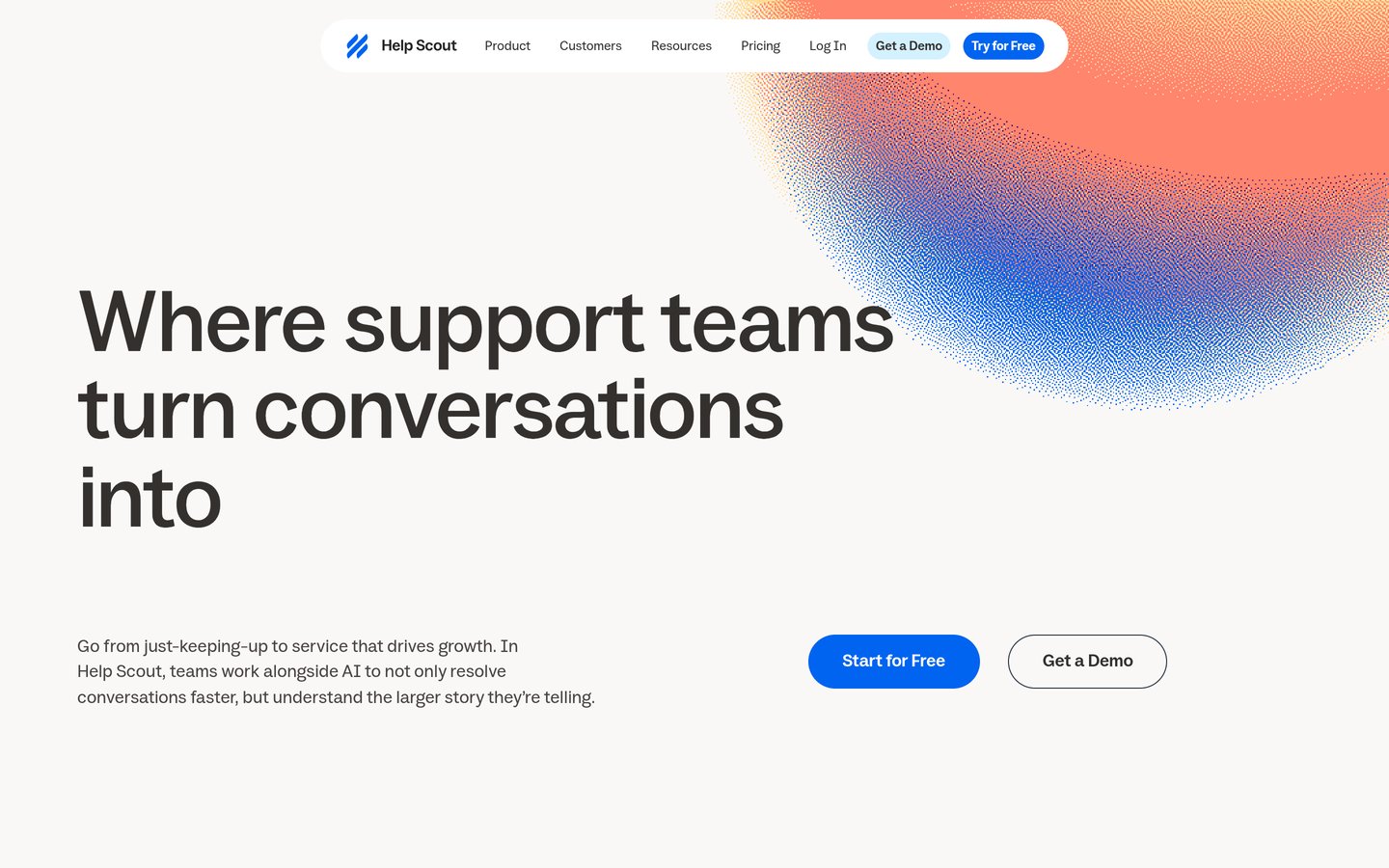
Help Scout homepage, captured Nov 2026.
Help Scout is a customer support platform centered on shared inboxes, knowledge bases, live chat and team collaboration. Its free plan supports 5 users, 1 inbox and 1 documentation site. Standard costs $25 per user monthly with annual billing and adds one basic SLA policy, workflows and additional communication channels.
The trade off is that Standard offers only one basic SLA policy. Plus costs $45 per user monthly with annual billing and adds two advanced SLA policies, advanced workflows and more integrations. It suits teams that prioritize a simple customer communication experience but still need measurable response commitments.
What we like
Straightforward shared inbox
Free plan for smaller teams
Basic SLA policy included in Standard
Advanced policies available on Plus
Knowledge base and collaboration tools
Watch out for
Free plan does not include the paid SLA feature set
Standard limited to one basic SLA policy
Advanced workflows require Plus
Less specialized for IT incident management
Standard adds a basic SLA policy; Plus unlocks advanced policies and workflowsVisit helpscout.com
06
LiveAgent
4.5/5on G2 (1,539 reviews, checked Nov 2026)
Starts at$15/mo
Best for omnichannel support with SLA reporting
Starter agent limit15
Team SLA rules5
Team SLA levels5
Paid planStarter, $15/agent/mo
liveagent.com
LiveAgent homepage, captured Nov 2026.
LiveAgent is an omnichannel help desk that combines email, live chat, telephone support, ticketing and automation. Starter costs $15 per agent monthly with annual billing and includes email, live chat, contact forms, a knowledge base and event-based automations. Its G2 rating is 4.5/5 from 1,539 reviews.
The trade off is that Starter excludes SLA rules and reporting. Team costs $29 per agent monthly with annual billing and adds 5 SLA rules, 5 SLA levels and SLA compliance reports. A temporary Black Friday offer discounts annual plans by 40% for the first year. It suits support teams managing deadlines across multiple communication channels.
What we like
Multiple support channels in one platform
SLA compliance reporting on Team
Different SLA levels for customer groups
Integrated call center on Team
Free data migration assistance on paid plans
Watch out for
Starter does not include SLA rules
Team limits SLA rules and levels
Social channels and telephone support require upgrades
AI provider usage is billed separately
Team adds SLA policies, compliance reports, social channels and telephone supportVisit liveagent.com
07
Freshservice
4.6/5on G2 (1,387 reviews, checked Nov 2026)
Starts at$19/mo
Best for structured internal IT service management
Entry planStarter
SLA managementGrowth and above
Growth price$49/agent/mo
Paid planStarter, $19/agent/mo
freshworks.com
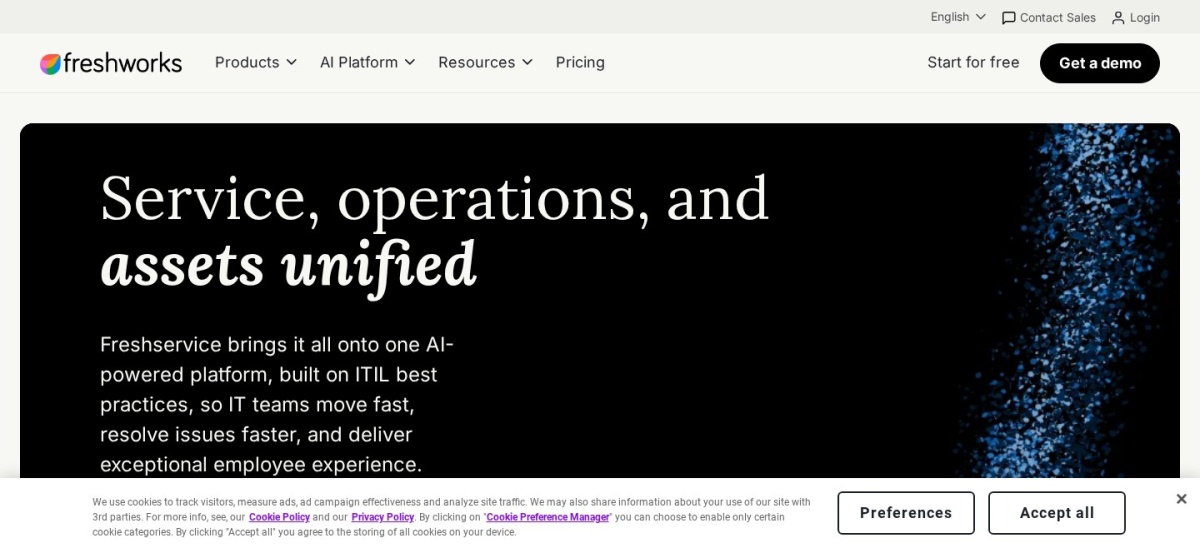
Freshservice homepage, captured Nov 2026.
Freshservice is an IT service management platform for managing employee support, incidents, requests and knowledge articles. Starter costs $19 per agent monthly with annual billing and includes incident management, knowledge management, task management and a support portal.
The trade off is that SLA management requires Growth at $49 per agent monthly, which also adds service catalogs, on-call management and cloud management. Pro costs $99 per agent monthly and expands incident, change and problem management. It suits IT departments that need service commitments connected to structured operational workflows.
What we like
Designed for internal IT service management
Dedicated SLA management on Growth
Incident and knowledge management
Service catalogs and on-call capabilities
Advanced change and problem management options
Watch out for
Starter does not include dedicated SLA management
Growth increases the subscription significantly
Advanced ITSM features require Pro
May be excessive for simple customer support teams
Growth adds SLA management, service catalogs, on-call management and cloud managementVisit freshworks.com
Which SLA metrics should a help desk track?
First response time measures how long a customer waits before an agent responds. Resolution time measures how long it takes to close the issue. Both are useful because fast replies do not guarantee fast solutions.
SLA compliance rate shows the proportion of tickets completed within their agreed targets. Breach counts identify missed deadlines, while overdue-ticket views help agents prioritize requests that require attention.
Business-hour calendars are important when teams do not operate continuously. SLA software should calculate deadlines using the working hours and holidays defined for the relevant support team.
For complex operations, consider different commitments for urgent incidents, standard requests and premium customers. Reporting should distinguish between these categories rather than combining every ticket into one average.
How SLA automation prevents missed support deadlines
SLA automation monitors ticket activity and applies predefined actions when a deadline approaches or a commitment has been breached.
A workflow might notify the assigned agent, raise ticket priority, alert a supervisor or move an unresolved request to a different queue. The available actions depend on the platform and subscription.
Zoho Desk includes multi-level escalations on Express, while HappyFox includes SLA management in Basic. LiveAgent Team supports separate SLA levels and compliance reporting.
Automation works best when ticket priorities and ownership rules are clear. Configure targets that match actual staffing capacity, then review breach reports regularly to identify processes that need improvement.
How we chose
We selected established help desk and IT service management platforms with documented ticket management, SLA measurement, escalation or deadline management features. The comparison includes customer support systems, shared inbox software and IT-focused service desks.
Official vendor pricing pages and G2 review profiles were opened on 23 November 2026, with 22 November 2026 used as the requested editorial reference date. We recorded regular entry prices instead of promotional rates and distinguished the cheapest paid subscription from the tier required for advanced SLA capabilities.
We excluded products without confirmed published paid pricing and platforms that did not clearly document SLA-related capabilities. We compared official documentation, pricing and public reviews rather than claiming software testing. No vendor paid for a place, and we do not claim testing for this list.
How to choose help desk software with SLA tracking
Define your support commitments, then compare SLA configuration, automation and reporting before choosing a subscription.
Identify the SLA targets your team must meet. Decide whether you need first-response deadlines, resolution targets or both. Consider different priorities, customer agreements and support schedules. Look for software that can calculate deadlines using your actual working hours.
Check which plan includes the necessary SLA features. Compare entry subscriptions with higher tiers. Freshdesk Pro adds multiple SLA policies, LiveAgent Team includes SLA rules, and Freshservice Growth introduces dedicated SLA management. Do not assume a platform's cheapest plan includes every advertised feature.
Evaluate escalation workflows and reporting. Look for notifications before deadlines, automatic reassignment, priority changes, breach reports and visibility into overdue tickets. Teams handling different service commitments may need separate SLA policies for different customer groups.
Calculate costs and confirm integrations. Estimate subscription expenses using the number of agents who need access. Include additional channels, AI usage and upgrades where relevant. Verify integrations with email, communication tools and internal systems before migrating existing tickets.
FAQ
What is the best help desk software with SLA tracking?
Freshdesk is our overall choice because it combines ticket management, reporting and SLA capabilities, with multiple SLA policies available on Pro at $55 per agent monthly. Zoho Desk is better for budget-conscious teams, while HappyFox includes SLA management in its Basic subscription.
What does SLA tracking mean in help desk software?
SLA tracking measures whether support requests meet agreed service deadlines. These may include first response time, resolution time and escalation requirements. The software monitors ticket activity, calculates deadlines and helps teams identify requests at risk of breaching their commitments.
Which help desk software offers affordable SLA management?
Zoho Desk Express starts at $7 per user monthly with annual billing and includes multi-level escalations. HappyFox Basic costs $24 per agent monthly with annual billing and explicitly includes SLA management. Compare their policy flexibility and reporting features before choosing.
Is there free help desk software with SLA tracking?
Jira Service Management offers a free plan for 3 agents and supports service project workflows and SLA metrics. Zoho Desk and Help Scout also provide free help desk editions, although their more advanced SLA functionality is associated with paid subscriptions.
What is the difference between response SLA and resolution SLA?
A response SLA measures the time before a support agent provides an initial reply. A resolution SLA measures the time required to complete the request. Monitoring both prevents support teams from treating a quick acknowledgment as equivalent to solving the customer's problem.
Can help desk software automatically escalate overdue tickets?
Yes. Many help desks support automated escalations based on ticket priority, status or elapsed time. Zoho Desk Express includes multi-level escalations, while other platforms provide SLA rules and workflow automation. Available actions and configuration limits depend on the subscription.
Which SLA tracking software is best for IT teams?
Jira Service Management and Freshservice are strong options for IT departments. Jira connects service requests with incidents and engineering workflows, while Freshservice provides dedicated SLA management starting with Growth. Both are more specialized for IT operations than a conventional shared support inbox.
How much does SLA help desk software cost?
Entry subscriptions range from Zoho Desk Express at $7 per user monthly to higher-priced support platforms. Advanced SLA features may require more expensive plans, such as Freshdesk Pro at $55 or Freshservice Growth at $49 per agent monthly with annual billing.
How can I improve SLA compliance?
Set realistic response and resolution targets, assign tickets promptly and configure alerts before deadlines expire. Use escalation workflows for urgent requests and review breach reports to identify recurring problems. Staffing levels and operational procedures are as important as the software.