GitHub is the best tool for practices software development life cycle work for most teams. Its free plan covers unlimited public and private repositories with pull requests and code review, and the Team plan costs 4 dollars per user per month.
How we make this list: we compare pricing pages, product documentation and public user reviews, then re-check every price before each update. No product paid for a place. Disclosure.
GitHub is the best all-round pick: free unlimited repositories, pull requests, code review and Actions CI/CD, with Team at 4 dollars per user a month.
ClickUp and Linear are the strongest planning tools here, at 7 and 8 dollars per user a month, for teams that want issues and sprints without Jira's learning curve.
GitLab covers the whole life cycle in one app, but Premium at 29 dollars per user a month is the most expensive seat in this list.
Jenkins and SonarQube Cloud both start free: Jenkins costs nothing at any team size, and SonarQube Cloud is free for private projects up to 50,000 lines of code.
Jira is the cheapest paid planning seat after Bitbucket, but its per-user price rises with team size and its interface takes time to learn.
What should practices software development life cycle tools cover?
The software development life cycle runs from planning to release, and the tools that cover it best handle more than one stage. Planning, code, build, test, release and monitoring are the six stages, and a gap in any one of them shows up as a slow release or a lost bug.
Planning tools are where most teams start, and the difference between them is how much structure they force on a team. Jira bends to almost any process but takes weeks to learn, while Linear and ClickUp trade depth for speed.
Code hosting and CI/CD are the centre of the life cycle, and GitHub, GitLab and Bitbucket all bundle repositories with pipelines. Our version control comparison covers the same tools from the repository angle.
Quality gates close the loop, and SonarQube checks every change against rules for bugs, vulnerabilities and code smells before it ships. A team that skips this stage finds its bugs in production, where they cost the most to fix.
The 9 best practices software development life cycle tools
01
GitHub
4.7/5on G2 (2,399 reviews, checked Nov 2026)
Paid from$4/user/mo
Best SDLC tool overall
Free planUnlimited public and private repos
CI/CDActions included
Code reviewPull requests and approvals
Paid planTeam, $4/user/mo
github.com
GitHub homepage, captured Nov 2026.
GitHub is the centre of the software development life cycle for most teams, covering code hosting, pull requests, code review and CI/CD in one place. The free plan includes unlimited public and private repositories, and Actions runs builds and tests on every pull request, so the path from a branch to a release stays in one tool.
The trade off is cost at scale. Team at $4 per user a month adds branch protections and code owners, but advanced security, larger Actions runners and Copilot are paid extras, and Enterprise at $21 a user is a big jump. It fits teams that want one home for code, review and automation.
What we like
Free plan covers unlimited repositories
Pull requests, code review and Actions in one place
Largest developer community, so help is easy to find
ClickUp is the planning layer of the life cycle, with sprints, backlogs, docs, goals and time tracking in one workspace. The free plan covers unlimited tasks and members, and Unlimited at $7 per user a month adds Gantt charts, dashboards and unlimited storage, so a small team can run its whole delivery process here.
The trade off is focus. ClickUp has no code hosting or CI/CD of its own, so it works beside GitHub or GitLab rather than replacing them, and its huge feature set takes time to set up. It fits teams that want flexible planning and docs around their code tools.
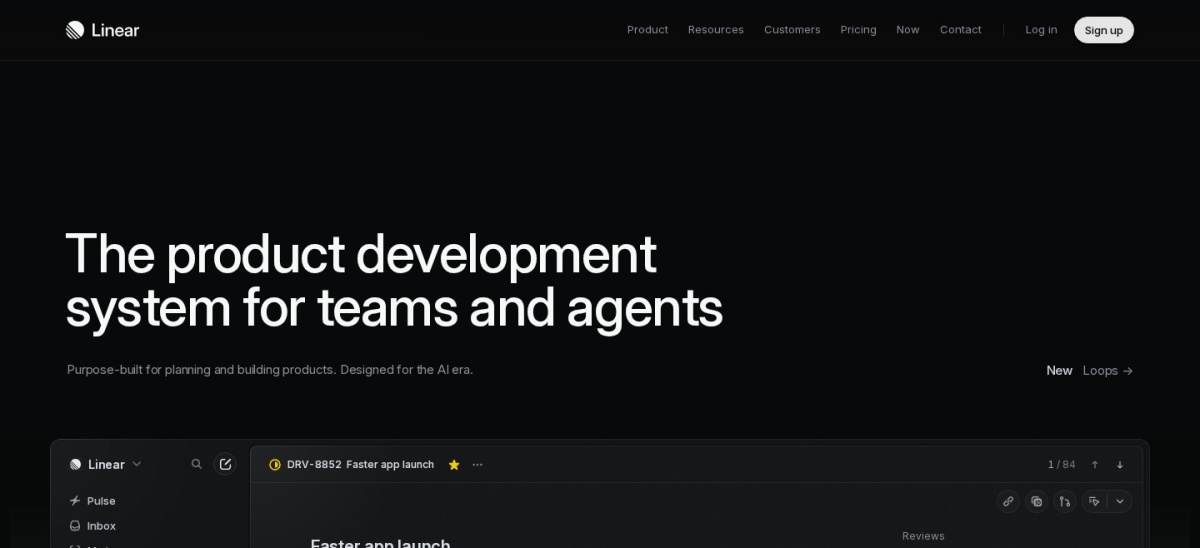
Linear is a keyboard-first issue tracker built for engineering teams that find Jira slow. Issues, cycles, roadmaps and project updates live in one fast app, and the GitHub integration links branches and pull requests to issues automatically, so the plan and the code stay in step.
The trade off is scope. Linear covers planning and tracking, not code hosting, testing or releases, and the free plan caps at 250 issues, so a growing team moves to Standard at $8 per user a month. It fits small engineering teams that value speed over features.
GitLab is the only tool here that covers the whole life cycle in one app, from planning and repositories to CI/CD, security scanning and monitoring. The free plan covers 5 users with 400 CI/CD minutes a month, and Premium at $29 per user a month adds advanced collaboration and faster code reviews.
The trade off is price. Premium is the most expensive seat in this list, and Ultimate at $99 a user is enterprise-only territory, so small teams pay a lot for features they may not use. It fits regulated teams that need security scanning and audit trails in the same tool.
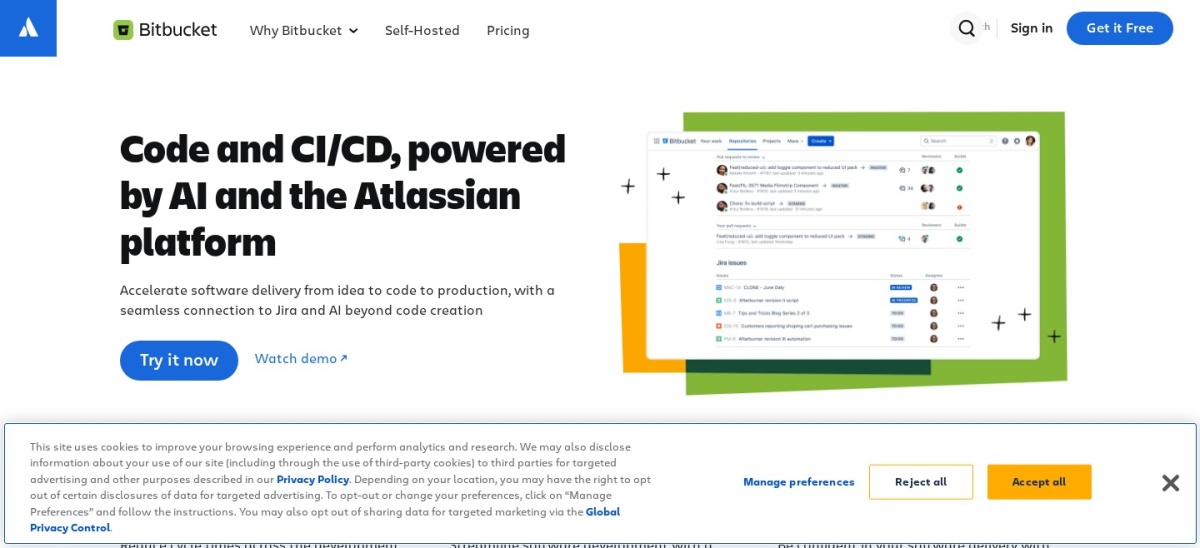
Bitbucket is Atlassian's code host, and it fits teams already running Jira, with native links between issues, branches and pull requests. The free plan covers up to 5 users, and Standard at $3 per user a month is the cheapest paid seat in this list, with Pipelines for builds and deployments.
The trade off is breadth. Bitbucket covers repos and pipelines, not planning, testing or releases, and its community is smaller than GitHub's, so answers and integrations are thinner. It fits Atlassian shops that want code and issues under one login.
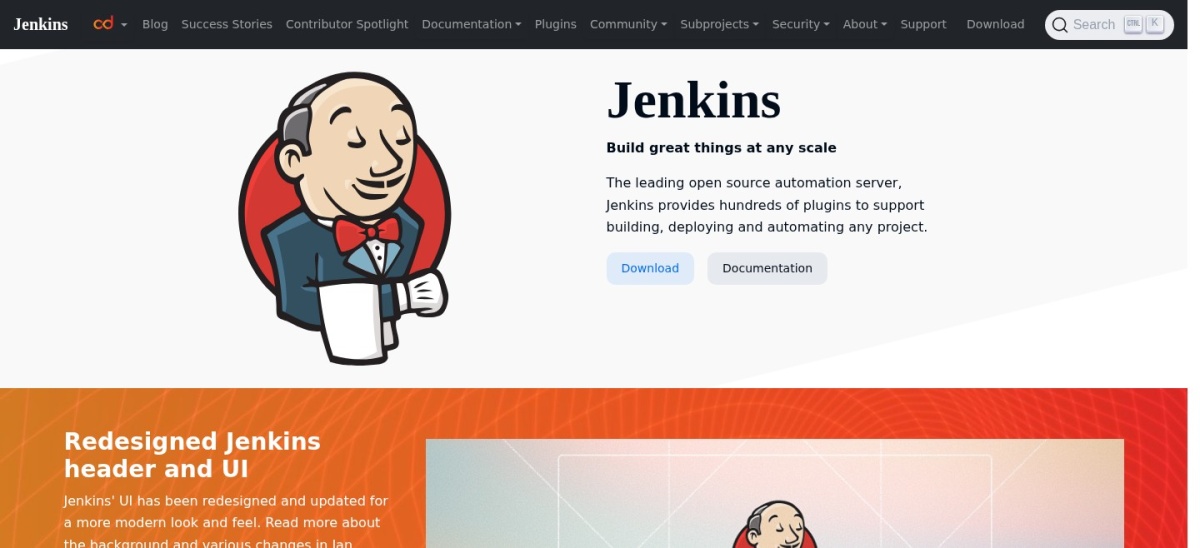
Jenkins is the free, open-source automation server behind more CI/CD pipelines than any other tool here. It builds, tests and deploys software through pipeline-as-code, and its plugin index lists more than 2,000 community plugins, so almost any stack or cloud has a ready integration.
The trade off is upkeep. You run and maintain Jenkins yourself, and plugin updates can break working pipelines, so it needs someone who owns it. It fits teams that want full control of their builds at zero licence cost.
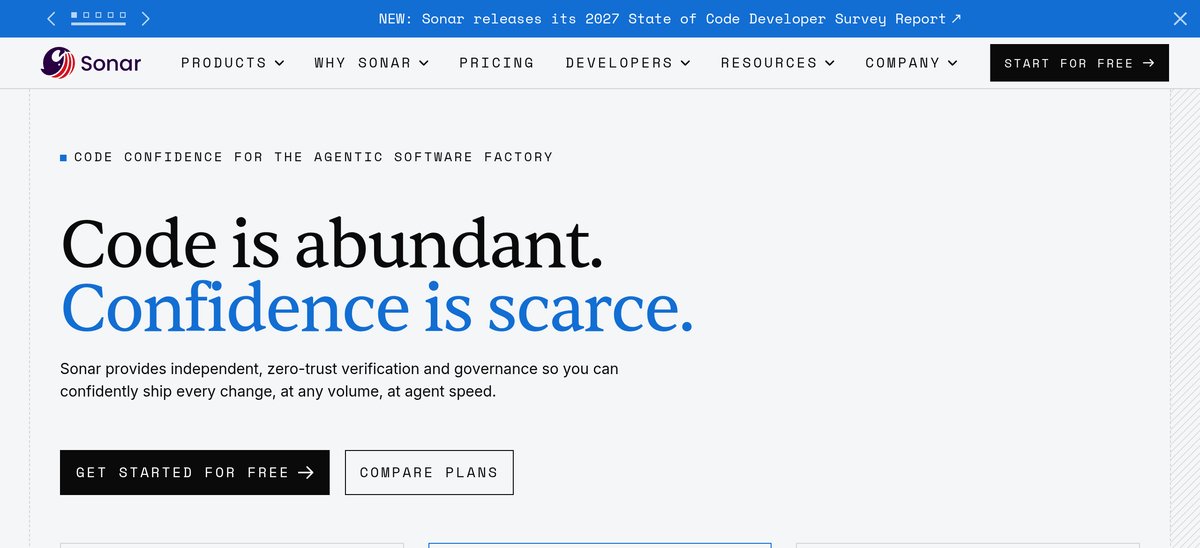
SonarQube is a static analysis tool that checks every change against rules for bugs, vulnerabilities and code smells, and blocks merges that fail its quality gates. The free Cloud plan covers private projects up to 50,000 lines of code, and Team from $34 a month adds branch and pull request analysis for larger codebases.
The trade off is pricing by code size, not seats. Team starts at $34 a month for 100,000 lines and climbs as the codebase grows, so a large monorepo costs far more than the entry price. It fits teams that want one quality gate across every repository.
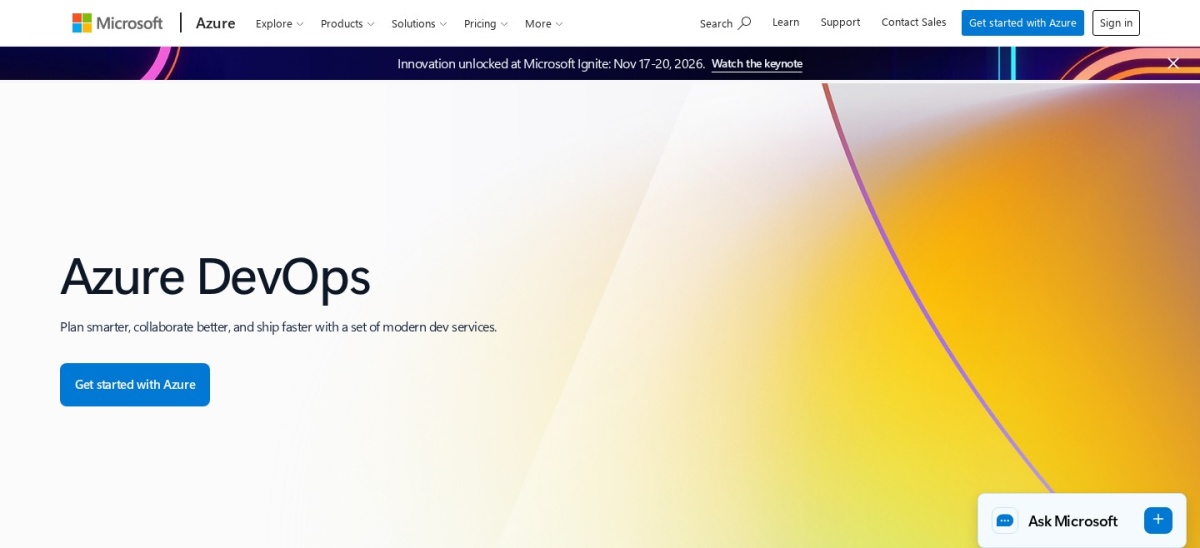
Azure DevOps is Microsoft's service for the whole life cycle, bundling boards, repositories, pipelines and artifact feeds, so a .NET or Azure team plans, builds and ships without leaving it. The first 5 Basic users are free, and each extra user costs $6 a month, with 1,800 free Microsoft-hosted pipeline minutes a month.
The trade off is the learning curve. Reviewers call the interface dense, and test plans cost $52 per user a month on top of the Basic seat, so testing is a separate budget line. It fits teams already on Azure who want one bill for the whole life cycle.
Jira is the default issue tracker for software teams, with sprints, backlogs, Scrum and Kanban boards and workflows that bend to almost any process. The free plan covers up to 10 users, and Standard at $7.91 per user a month adds user roles, audit logs and 250 GB of storage.
The trade off is complexity. New users call the interface overwhelming, and per-user pricing climbs fast as teams grow, with Premium at $14.54 a user on annual billing. It fits larger agile teams that need configurable workflows and reporting.
No single tool covers every stage well. GitLab comes closest, but most teams pair a planner with a code host and a CI/CD runner.
A common stack is Linear or Jira for planning, GitHub for code and Actions for builds, with SonarQube as the quality gate before merge.
Free tiers go a long way. GitHub, GitLab, Bitbucket, Azure DevOps and Jenkins all cost nothing to start, and only GitLab charges more than 10 dollars a seat once you pay.
Start with the stage that hurts most. If releases are slow, fix CI/CD first; if work gets lost, fix planning first.
How we chose
We started from the tools software teams use to plan, code, build, test and release, then kept the nine with a numeric rating on G2 and a published price or free plan.
Prices come from each vendor's pricing page or a review site that read the vendor page in November 2026. Ratings come from G2 on the same day. Where a vendor shows a sale, the list shows the regular price.
We left out monday dev, whose G2 page shows only 10 reviews against a vendor blog claim of 1,400, and tools with no aggregator rating at all. No vendor paid for a place, and we do not claim hands-on testing for this list.
How to choose a software development life cycle tool
Start with the stage that hurts most, then pick the tool that fixes it.
Map your life cycle stages. List planning, code, build, test, release and monitoring, and mark which stages have no tool today.
Pick one tool per gap. A planner plus a code host plus a CI/CD runner covers most teams. Do not buy a suite for one missing stage.
Check the free tier first. GitHub, GitLab, Bitbucket, Azure DevOps and Jenkins all start free, so run a real sprint before paying.
Count the whole stack. Add every seat and add-on, such as test plans or advanced security, before comparing yearly totals.
FAQ
What tools support practices in the software development life cycle?
GitHub is the best pick for most teams. Its free plan covers unlimited repositories with pull requests and code review, and Team at 4 dollars per user a month adds branch protections, while Actions handles builds and tests.
Which tool covers the whole software development life cycle?
GitLab covers the most stages in one app, from planning and repositories to CI/CD, security scanning and monitoring. Premium costs 29 dollars per user a month, so smaller teams often pair GitHub with Linear or ClickUp instead.
Is there a free software development life cycle tool?
Yes. Jenkins is free at any team size, GitHub and GitLab have free plans for small teams, and SonarQube Cloud is free for private projects up to 50,000 lines of code. Azure DevOps is also free for the first 5 users.
What is the cheapest paid tool in this list?
Bitbucket Standard at 3 dollars per user a month is the cheapest paid seat, followed by GitHub Team at 4 dollars. Both include CI/CD pipelines, so a small team can run code and builds for very little.
Do I need Jira for agile software development?
No. Linear and ClickUp cover sprints and backlogs with less setup, and both cost less per seat than Jira Standard. Jira fits larger teams that need deep workflow configuration and reporting.
What does SonarQube add to the life cycle?
SonarQube adds quality gates. It checks every change for bugs, vulnerabilities and code smells and blocks merges that fail its rules, so bad code stops before release instead of after it.
SaaS SEO and WordPress specialist with about 8 years of experience. Rakib compares WordPress plugins, themes, hosting and software using public pricing, documentation and user reviews. See how we rank.