KeeperPAM is the best privileged access management software for small IT teams that already use Keeper, adding vaulting, rotation and recorded sessions to the password vault. ManageEngine PAM360 suits teams that want a published price, and Teleport fits engineering-led teams with a free Community Edition.
How we make this list: we compare pricing pages, product documentation and public user reviews, then re-check every price before each update. No product paid for a place. Disclosure.
KeeperPAM is the easiest on-ramp for teams that already use Keeper, but its price is quote-only.
ManageEngine PAM360 is the only tool here with a full published price ladder, from $7,995 a year.
Devolutions PAM is the only per-user published PAM price here, at $50 per user a month.
Teleport Community Edition is free for companies under 100 staff, but it fits engineering teams best.
Delinea, BeyondTrust and CyberArk are all quote-only, so budget needs a written sales quote.
What should a small IT team look for in privileged access management software?
Privileged accounts are what attackers want. Admin, root and service accounts open the widest doors in a network, so a small team needs vaulting, rotation and session records even with only a few admins.
Published prices are rare in this category. Only ManageEngine PAM360 and Devolutions PAM print a price a small team can budget from, while KeeperPAM, Delinea, BeyondTrust and CyberArk all sell by quote, so expect a sales conversation before you know the cost.
Deployment shapes the real cost. Cloud tools like KeeperPAM need no servers, self-hosted PAM360 needs patching and backups, and open-source Vault needs staff time instead of licence fees. See our best PAM software guide for the broader enterprise comparison.
Free editions are real but narrow. PAM360 covers one admin and 10 resources free, Teleport Community is free under 100 staff, and Vault is free and open source, so a small team can test the real product before paying.
Ratings here are thin. PAM360 has only 10 Capterra reviews and Delinea only 44 on G2, so treat the scores as a starting point and run a trial before committing.
The 8 best privileged access management software tools for small IT teams
01
KeeperPAM
4.6/5on G2 (1,235 reviews, checked Nov 2026)
PricingCustom/yr
Best for Keeper users going cloud
Cheapest planQuote only
Free planNo, 14-day trial
DeploymentCloud
VaultZero-knowledge
keepersecurity.com
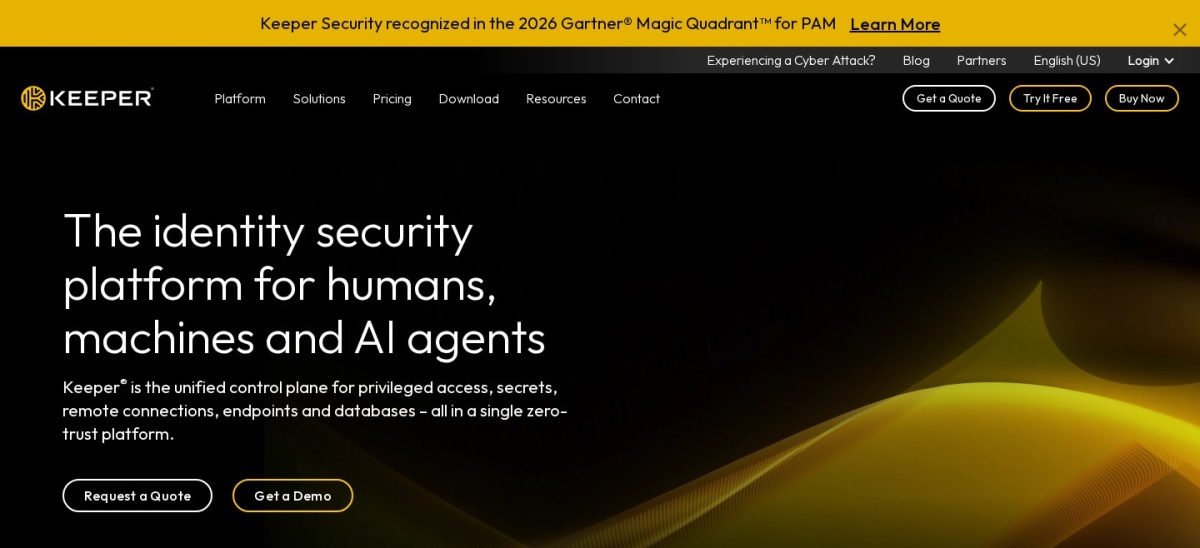
KeeperPAM homepage, captured Nov 2026.
KeeperPAM is the privileged access layer on top of Keeper's zero-knowledge password vault. It adds credential rotation, secrets management, just-in-time access and recorded remote sessions to the vault small teams already use, with a cloud console and no servers to run.
The trade off is the quote. KeeperPAM has no published price, so a small team must talk to sales before it can budget, and the PAM features sit on top of Keeper Business plans that start at $2 per user a month. It suits teams that already run Keeper and want cloud PAM without new infrastructure.
ManageEngine PAM360 is a self-hosted privileged access platform for credential vaulting, password and SSH key rotation, and session monitoring. The subscription starts at $7,995 a year for 10 administrators and 25 keys, with no limit on users or resources, and a free edition covers one admin and 10 resources.
The trade off is hosting. PAM360 is self-hosted only, so your team runs the server, applies patches and manages backups, and the entry bundle is sized by admins and keys rather than users. It suits small IT teams that want a published price and full control of their vault.
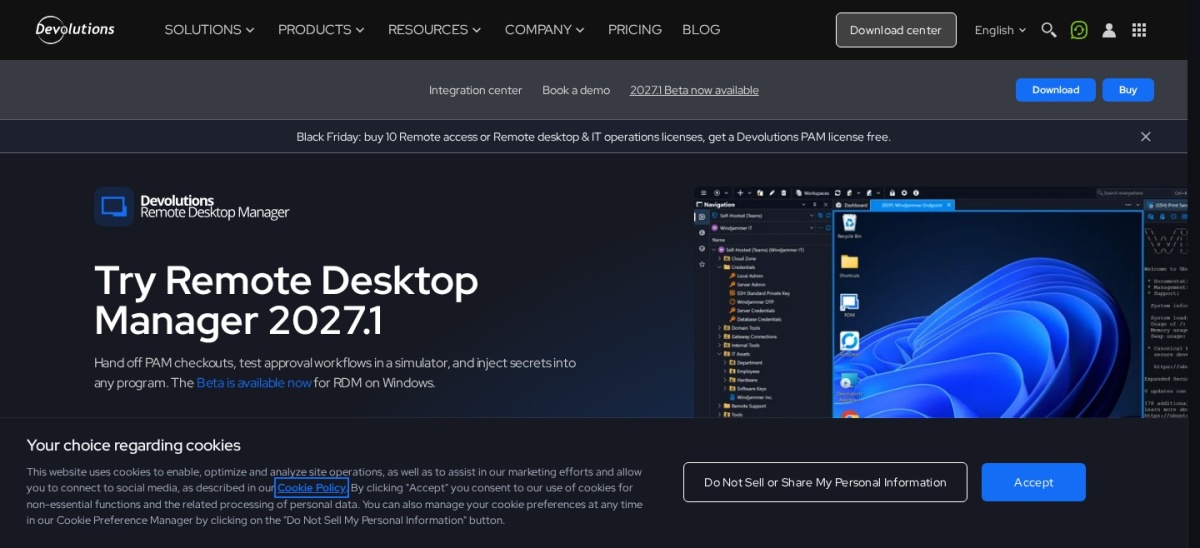
Devolutions PAM is a privileged access package built for small and mid-size IT teams. It discovers privileged accounts, rotates credentials on a schedule, grants just-in-time checkout with approval, and records sessions, running on Devolutions Server or Devolutions Cloud.
The trade off is the per-user meter. PAM costs $50 per user a month billed annually, with a Starter Pack at $25 for teams of five or fewer, so the bill grows with every privileged user. It suits teams that already live in Remote Desktop Manager and want PAM inside that workspace.
Teleport is an infrastructure access platform that replaces static credentials with short-lived certificates tied to identity. The Community Edition is free for companies under 100 staff and $10 million in revenue, and it covers servers, databases, Kubernetes and web apps.
The trade off is the learning curve. Teleport is built for engineering-led teams, and the free edition supports GitHub as its only SSO provider, so a Windows-heavy office team may find it a poor fit. It suits startups and DevOps teams that want certificate-based access without standing passwords.
Delinea Secret Server homepage, captured Nov 2026.
Delinea Secret Server is a full privileged access platform with discovery, checkout, rotation and session monitoring. It runs on-premises or in the cloud, with approval workflows for vault access and a reputation for faster deployment than the biggest enterprise tools.
The trade off is pricing and patching. Secret Server is quote-only, so budgeting needs a sales conversation, and the on-premises edition had four critical flaws disclosed in September 2026, which argues for the cloud edition if you cannot patch quickly. It suits teams that need deep vault approval workflows.
BeyondTrust Password Safe homepage, captured Nov 2026.
BeyondTrust Password Safe is enterprise privileged access software with credential vaulting, session management and privilege threat analytics. It covers password, key and secrets management with audit trails, and it is one of the most reviewed PAM products on G2.
The trade off is scale and cost. Password Safe is sold through custom annual contracts with no public price, and meaningful rollouts usually need integration work and policy design. It suits teams that want the strongest privilege threat analytics and can fund an enterprise deployment.
CyberArk Privilege Cloud homepage, captured Nov 2026.
CyberArk Privilege Cloud is the enterprise benchmark for privileged access, with vaulting, session isolation and credential rotation delivered as a service. It is the product most large teams compare everything else against, and it covers the deepest PAM feature set in this list.
The trade off is that it is built for enterprises. Privilege Cloud is quote-only and licensed per privileged account, and real value usually needs a multi-month implementation. It suits large IT teams, not small ones, but it sets the standard the others are measured against.
HashiCorp Vault is an open-source secrets management tool that stores API keys, certificates and credentials behind a single API. The free community edition runs anywhere, and the cloud edition adds managed hosting, so small teams can start without a sales call.
The trade off is that Vault is not a full PAM suite. It lacks session recording and just-in-time elevation out of the box, so teams add other tools for those jobs. It suits engineering teams that need secrets management for apps and pipelines more than vault-based admin access.
Five of the eight tools here sell by quote, so the first year cost is a conversation, not a number on a page. Ask for the quote in writing, with onboarding, support and any per-account fees listed separately.
Check what the quote counts. Some vendors bill per admin, some per privileged account, and some per user, so a quote for five admins can mean very different totals.
Ask about the renewal. Introductory discounts and first-year deals are common in this category, so confirm what year two costs before you sign.
How we chose
We started from the privileged access tools small IT teams actually buy, then kept the eight with a public rating on G2 or Capterra and a plan a small team can run.
Prices come from each vendor's pricing page, checked on 30 November 2026. Ratings and review counts come from G2 and Capterra on the same day. Where a vendor sells by quote only, the list says so instead of guessing a price.
We left out tools with no public rating and tools built only for large enterprises with no small-team path. No vendor paid for a place, and we do not claim hands-on testing for this list.
How to choose privileged access management software for a small IT team
Start with how many admins hold privileged accounts, then check whether the price is published.
Count your privileged accounts first. The bill follows admins, keys or users depending on the vendor, so map your admins and service accounts before you compare prices.
Pick cloud or self-hosted. KeeperPAM and Teleport Cloud need no servers, while PAM360 and Vault need staff time for patching, backups and upgrades.
Ask for the price in writing. Most PAM vendors sell by quote, so get a written quote that includes onboarding and support before you budget the first year.
Run the free edition or trial. PAM360, Teleport and Vault all have a free path, so test vaulting, rotation and session recording with your real accounts first.
FAQ
What is the best privileged access management software for small IT teams?
KeeperPAM is the best pick for small IT teams that already use Keeper, adding rotation, just-in-time access and recorded sessions to the vault. ManageEngine PAM360 is the best choice for teams that want a published price, starting at $7,995 a year.
How much does privileged access management software cost for a small team?
Published prices start at $7,995 a year for ManageEngine PAM360, covering 10 admins, or $50 per user a month for Devolutions PAM. Most rivals, including KeeperPAM, Delinea, BeyondTrust and CyberArk, sell by quote only.
Is there free privileged access management software for small teams?
Yes, with limits. Teleport Community Edition is free for companies under 100 staff, PAM360 has a free edition for one admin and 10 resources, and HashiCorp Vault is free and open source.
What is the difference between KeeperPAM and ManageEngine PAM360?
KeeperPAM is cloud software that builds on Keeper's password vault, with no servers to run and pricing by quote. PAM360 is self-hosted with a published price from $7,995 a year, so you run the server but you know the cost upfront.
Do small IT teams need privileged access management software?
Yes, if admins share root or service accounts. Shared privileged passwords are a common way attackers move through a network, and even a two-person team benefits from a vault, rotation and a session record.
Which PAM tool is easiest for a small team to deploy?
KeeperPAM is the easiest if the team already uses Keeper, since it adds PAM to the existing vault. Teleport Community is the easiest free start for engineering teams, while PAM360 needs a server and setup time.
SaaS SEO and WordPress specialist with about 8 years of experience. Rakib compares WordPress plugins, themes, hosting and software using public pricing, documentation and user reviews. See how we rank.