Splashtop is the best secure remote access software for most teams, with 256-bit AES encryption, two-factor login and a 4.8 out of 5 G2 rating from 547 reviews, from $6 a month. Pick Zoho Assist for a free plan, ScreenConnect for self hosting, and RemotePC for the lowest yearly price.
How we make this list: we compare pricing pages, product documentation and public user reviews, then re-check every price before each update. No product paid for a place. Disclosure.
Splashtop leads with a 4.8 out of 5 G2 rating and the lowest paid start in this list at $6 a month.
Zoho Assist has a free plan for one technician and five unattended computers, with paid plans from $10 a month.
ScreenConnect offers a free single-technician licence and a self-hosted option for teams with strict control needs.
RemotePC is the cheapest paid option per year at $29.50, with 256-bit AES encryption and unattended access.
TeamViewer and AnyDesk are the best-known names, but both cost far more than Splashtop or Zoho Assist per month.
What makes remote access secure
Secure remote access is more than a screen share. It should encrypt every session, check who is connecting, and record what happened.
Look for 256-bit AES encryption, two-factor login, single sign-on where your team needs it, and session logs you can review later. Our guide on adding two-factor authentication to WordPress explains the same login principle for sites.
Unattended access matters too. It lets you reach a work computer with nobody sitting at it, but it must be locked behind a strong password and device approval.
Price models differ a lot. Some tools charge per user, some per technician, and some per device, so compare the yearly cost for your team size, not the headline monthly figure.
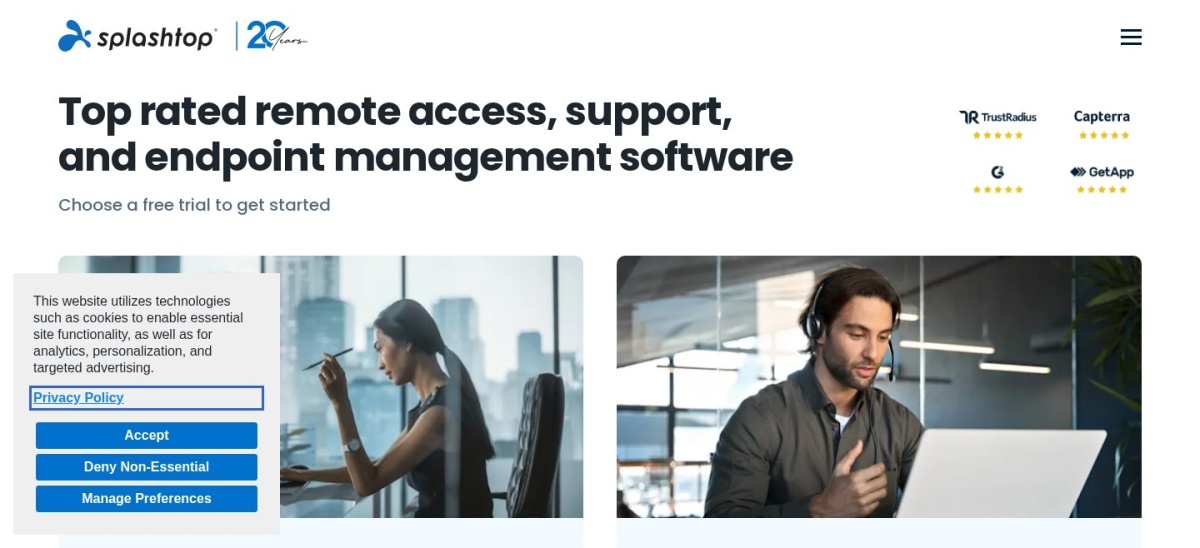
Splashtop is a remote access service for reaching your own computers from anywhere, with 256-bit AES encryption, TLS, two-factor login and device approval. The Solo plan costs $6 a month billed yearly for one user and two unattended computers, with file transfer, remote printing and multi-monitor support.
The trade off is choice. Splashtop sells several products with similar names, so check whether you need Business Access, SOS or Enterprise before you buy. It suits individuals and small teams that want fast, low-cost access to their own machines.
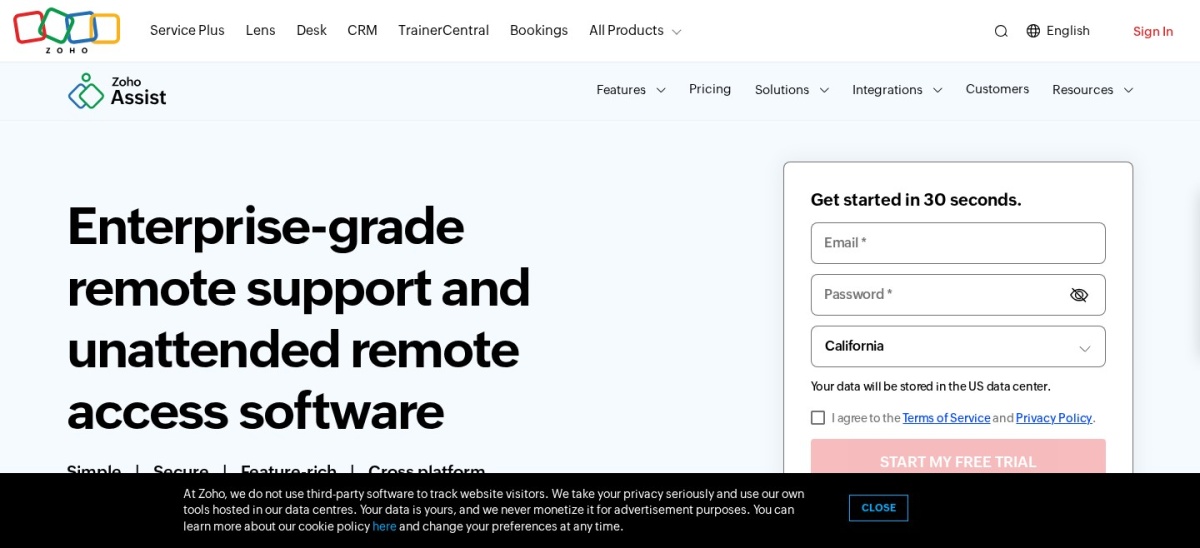
Zoho Assist is a remote support and remote access tool from Zoho, with 256-bit AES encryption, two-factor login, unattended access and session recording. The free plan covers one technician and five unattended computers, and Standard costs $10 a month billed yearly per technician.
The trade off is depth. Advanced controls such as single sign-on and deeper audit tools sit on higher plans, and the interface feels plain next to Splashtop. It suits small teams that want a real free plan and a low paid start.
What we like
Free plan covers one technician and five computers
Paid plans start at $10 a month billed yearly
Rated 4.7 out of 5 from 767 G2 reviews
Watch out for
Single sign-on needs a higher plan
Interface is plain compared with rivals
Professional adds more features at $15 a month per technicianVisit zoho.com
03
ConnectWise ScreenConnect
4.7/5on G2 (521 reviews, checked Nov 2026)
Paid from$30/mo
Best for IT teams and self hosting
Encryption256-bit AES
Two-factor loginYes
Self hostingYes, on-premise option
Paid planOne, $30/mo
connectwise.com
ConnectWise ScreenConnect homepage, captured Nov 2026.
ConnectWise ScreenConnect is a remote support and access tool for IT teams, with 256-bit AES encryption, two-factor login, unattended agents and a command-line toolbox. A free licence covers a single technician, and the One plan costs $30 a month billed yearly per concurrent technician.
The trade off is price per technician. Paid plans charge for each concurrent technician, so costs rise fast as a team grows. It suits MSPs and IT teams that want self hosting, scripting and deep control.
What we like
Free licence for a single technician
Self-hosted option for strict control needs
Rated 4.7 out of 5 from 521 G2 reviews
Watch out for
Paid plans charge per concurrent technician
Setup takes longer than simpler tools
Standard adds unlimited agents and session recording at $47 a monthVisit connectwise.com
04
RemotePC
4.7/5on Capterra (583 reviews, checked Nov 2026)
Starts at$29.50/yr
Best for the lowest yearly price
Encryption256-bit AES
Two-factor loginYes
Unattended accessYes, always-on
Paid planConsumer, $29.50/yr
remotepc.com
RemotePC homepage, captured Nov 2026.
RemotePC is a remote access service from IDrive for reaching your own computers at any time, with 256-bit AES encryption, two-factor login, file transfer and session recording. The Consumer plan costs $29.50 a year for one user and one computer, which is the lowest paid price in this list.
The trade off is polish. Reviewers note occasional lag on slow connections and a plainer interface than Splashtop or TeamViewer. It suits home users and small teams that want cheap always-on access to a few machines.
TeamViewer is the remote access tool most end users already know, with 256-bit AES encryption, two-factor login, unattended access, file transfer and session recording. Remote Access costs $24.90 a month billed yearly for one user and three managed devices, and personal use is free.
The trade off is price. Business costs $50.90 a month billed yearly for the plan most solo technicians need, and the free tier can flag suspected commercial use. It suits teams whose clients already trust the TeamViewer name.
AnyDesk is a lightweight remote access tool with 256-bit AES encryption, two-factor login, unattended access on paid plans and a small download. Solo costs $28.90 a month billed yearly for one licensed user and 100 managed devices, and personal use is free.
The trade off is connections. Solo and Standard start with one concurrent connection, so extra connections cost more, and the free version is limited. It suits solo technicians who want a fast, light client.
What we like
Lightweight app with fast connections
Rated 4.5 out of 5 from 1,102 G2 reviews
Solo covers 100 managed devices
Watch out for
Starts with one concurrent connection
Free version is limited for regular use
Standard adds team users and branding at $49.90 a monthVisit anydesk.com
07
LogMeIn Pro
4.4/5on G2 (85 reviews, checked Nov 2026)
Starts at$30/mo
Best for simple access to a few PCs
Encryption256-bit AES
Two-factor loginYes
Computers included2 on Individuals
Paid planIndividuals, $30/mo
logmein.com
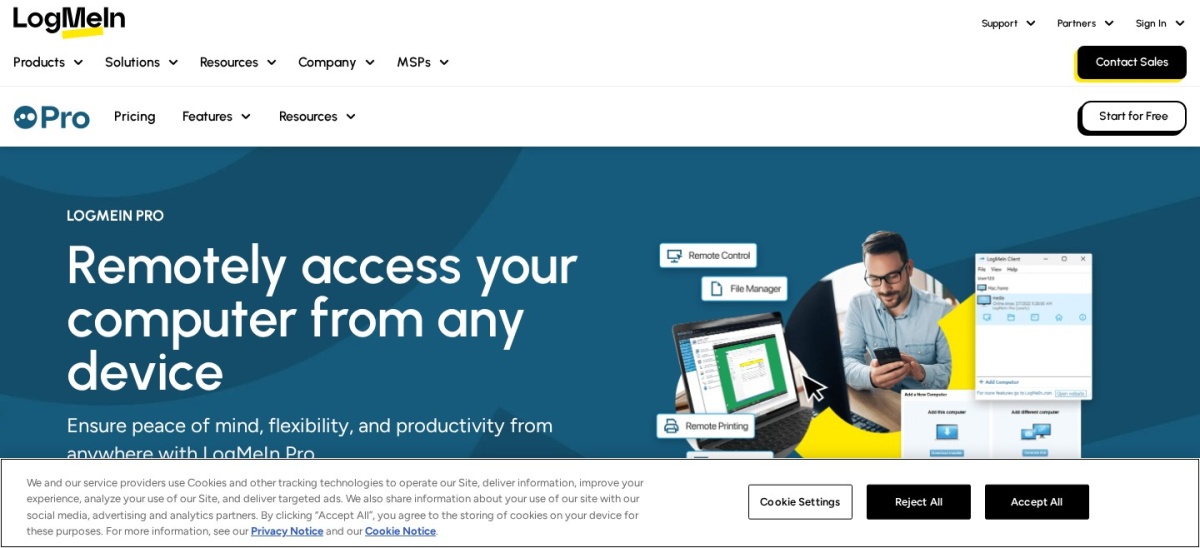
LogMeIn Pro homepage, captured Nov 2026.
LogMeIn Pro is a remote access service for reaching your office computers from a browser, desktop app or phone, with 256-bit AES encryption, two-factor login, file transfer and multi-monitor support. Individuals costs $30 a month billed yearly for access to two computers, with unlimited users on the plan.
The trade off is value. Reviewers cite rising prices, and $30 a month for two computers costs more than RemotePC or Splashtop for the same job. It suits professionals who want simple browser-based access to a couple of machines.
GoTo Resolve, now sold as LogMeIn Resolve, is an IT management suite with remote access, a help desk, patching and asset tracking in one subscription. Starter costs $29 a month billed yearly for 25 endpoints with unlimited agents, and a free tier covers up to three agents.
The trade off is bundle sprawl. Higher plans add endpoint management and automation you may not need, and the product has changed names several times. It suits small IT teams that want remote access plus ticketing in one bill.
What we like
Free tier covers up to three agents
Help desk and ticketing included
Zero-trust security model
Watch out for
Higher plans bundle features you may not need
Repeated rebranding confuses documentation
Standard adds patching and antivirus at $57 a monthVisit goto.com
09
Devolutions Remote Desktop Manager
4.7/5on G2 (204 reviews, checked Nov 2026)
Paid from$400/yr
Best for managing many connections
Encryption256-bit AES vault
Two-factor loginYes
ProtocolsRDP, VNC, SSH and more
Paid planTeam, $400/user/yr
devolutions.net
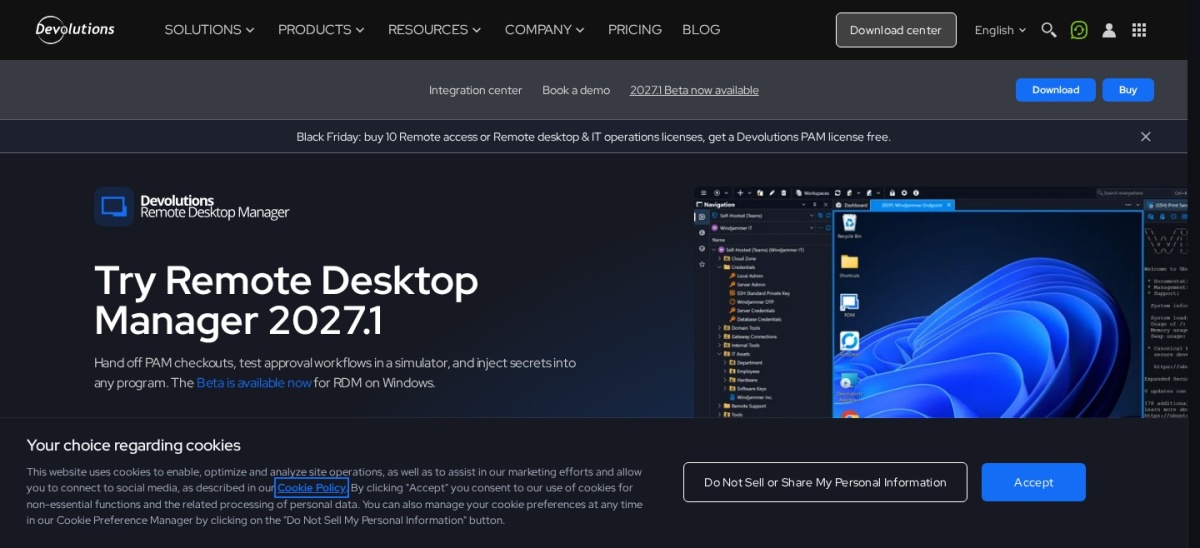
Devolutions Remote Desktop Manager homepage, captured Nov 2026.
Devolutions Remote Desktop Manager is a central hub for remote connections, with an encrypted credential vault, role-based access, session recording and just-in-time access. It supports RDP, VNC, SSH and other protocols, and the paid plan costs $400 a year per user, with a free edition for a single user.
The trade off is scope. It manages connections rather than making them, so you still need a remote access tool underneath, and team sharing can need a paid server component. It suits IT teams that manage dozens of servers and shared logins.
Free plans cover basic access well. Zoho Assist, ScreenConnect and TeamViewer all let you connect without paying, with limits on technicians, devices or sessions.
Paid plans mostly add control and proof. You get single sign-on, granular permissions, session recording and audit logs that show who did what.
If you only need to reach your own computer, a cheap paid plan such as RemotePC at $29.50 a year is often enough. Our WordPress security audit guide uses the same check-the-logs habit for sites.
For a team that supports other people, pay for the plan with the audit trail and access controls you need, not the cheapest one.
How we chose
We started from the best-known remote access tools with public pricing and public ratings on G2 or Capterra, then kept nine that cover personal use, small teams and IT departments.
Prices come from each vendor's pricing page or vendor-supplied G2 pricing data, checked on 25 November 2026. Ratings and review counts come from G2 or Capterra on the same day. Where a vendor shows a sale, the list shows the regular price.
We left out tools with no public price and tools with no public rating, including BeyondTrust Remote Support, whose listed starting price is far above the rest of this list. No vendor paid for a place, and we do not claim to have used these tools ourselves.
How to choose secure remote access software
Start with who needs access and what they need to reach, then match the security controls to that job.
Decide who connects and to what. Personal access to your own PC needs far less than a team supporting hundreds of endpoints.
Check the security basics first. Require 256-bit AES encryption, two-factor login and session logs before you compare speed or price.
Count the real yearly cost. Multiply the monthly price by 12 and check whether it is per user, per technician or per device.
Try the free plan or trial. Connect from the devices you actually use and check that unattended access, file transfer and recording work as expected.
FAQ
What is the best secure remote access software?
Splashtop is the best pick for most teams. It costs $6 a month billed yearly, uses 256-bit AES encryption with two-factor login, and is rated 4.8 out of 5 from 547 G2 reviews.
Is there a free secure remote access tool?
Yes. Zoho Assist has a free plan for one technician and five unattended computers, ScreenConnect has a free single-technician licence, and TeamViewer and AnyDesk are free for personal use.
What encryption should remote access software use?
Look for 256-bit AES encryption in transit and at rest, plus TLS for the connection. Every tool in this list uses 256-bit AES, so compare login controls and audit logs instead.
Do I need single sign-on for remote access?
Small teams can manage with two-factor login alone. Larger teams should pick a tool with single sign-on, because it lets you disable access in one place when someone leaves.
What is unattended remote access?
Unattended access lets you connect to a computer with nobody sitting at it, such as an office PC or a server. Lock it behind a strong password, device approval and two-factor login.
Is TeamViewer safe to use?
TeamViewer uses 256-bit AES encryption and two-factor login, and it is rated 4.5 out of 5 from 4,230 G2 reviews. Turn on two-factor login and limit who can connect to keep it safe.
SaaS SEO and WordPress specialist with about 8 years of experience. Rakib compares WordPress plugins, themes, hosting and software using public pricing, documentation and user reviews. See how we rank.