GitHub is the top version control platform for DevSecOps with a 4.7/5 G2 rating across 2,444 reviews and a $4/user/month Team plan. For all-in-one DevSecOps workflows, GitLab starts at $29/user/month on Premium, while Bitbucket fits Atlassian teams at $3.65/user/month on Standard.
How we make this list: we compare pricing pages, product documentation and public user reviews, then re-check every price before each update. No product paid for a place. Disclosure.
#2 Runner-up
GitLab
Unified repository and CI/CD starting at $29/user/mo
GitHub holds a 4.7/5 rating from 2,444 reviews on G2, with Team pricing at $4 per user/month.
GitLab starts at $29 per user/month on Premium and holds a 4.5/5 G2 rating from 905 reviews.
Bitbucket starts at $3.65 per user/month on Standard and rates 4.4/5 across 1,017 reviews on G2.
Azure DevOps provides free Basic access for the first 5 users and charges $6 per additional user/month.
Gitea offers a free self-hosted MIT edition and cloud pricing starting at $9.50 per seat/month.
What to look for in version control for DevSecOps
DevSecOps teams need version control platforms that enforce code review rules, branch protections, and automated security checks before code reaches production. Relying on manual checks slows releases and leaves secrets or vulnerable dependencies inside repositories.
Built-in CI/CD runners, container and artifact registries, and secret scanning reduce the number of external tools engineering teams must maintain. Comparing how each platform handles permissions, audit logs, and runner minutes helps clarify long-term operating costs.
Teams also weigh cloud-hosted convenience against self-managed control. Managed services reduce server maintenance overhead, while self-hosted instances let organizations keep repositories and build pipelines inside their own network boundaries.
Per-seat pricing scales quickly as engineering headcount grows, especially when security scanners, extra storage, or build minutes are billed as add-ons. Checking regular non-promotional plan rates alongside included quotas prevents surprise bills.
Visual Git client and code lens workflow companion
$4/user/mo
Free plan
4.8/5
Price ladder: cheapest paid plan per year
List prices, USD, checked Nov 2026
BitbucketFREE$44
GitHubFREE$48
GitKrakenFREE$48
Azure DevOpsFREE$72
GiteaFREE$114
GitLabFREE$348
Perforce P4FREE$468
The 7 best version control tools for devsecops
01
GitHub
4.7/5on G2 (2,444 reviews, checked Nov 2026)
Paid from$4/user/mo
Best overall Git platform for DevSecOps teams
Entry paid tierTeam ($4/user/mo)
Free tierYes ($0)
G2 rating4.7/5 (2,444)
HostingCloud & Enterprise
github.com
GitHub homepage, captured Nov 2026.
GitHub is a code hosting and collaboration platform built around Git repositories, pull requests, and workflow automation. Its Free tier includes unlimited public and private repositories, Dependabot security alerts, and 2,000 CI/CD minutes/month.
The trade off is that advanced security and enterprise governance add cost above the $4/user/month Team plan, with Enterprise priced at $21/user/month. It suits software teams that want wide third-party integrations and familiar Git workflows.
What we like
Large developer ecosystem and broad CI/CD action library
Free plan includes unlimited private repositories and Dependabot alerts
Clear progression from Free to Team and Enterprise tiers
Strong pull request review and branch protection controls
Watch out for
Enterprise identity and compliance controls require higher tiers
Compute and storage overages can add to monthly spend
Add-on security and AI features cost extra per seat
Paid Team plans add 3,000 CI/CD minutes/month, 2GB Packages storage, and environment deployment branches.Visit github.com
02
GitLab
4.5/5on G2 (905 reviews, checked Nov 2026)
Paid from$29/user/mo
Best all-in-one DevSecOps and CI/CD platform
Entry paid tierPremium ($29/user/mo)
Free tierYes ($0)
G2 rating4.5/5 (905)
HostingCloud & Self-Managed
gitlab.com
GitLab homepage, captured Nov 2026.
GitLab is an end-to-end DevOps and DevSecOps platform combining Git repositories, issue tracking, and CI/CD pipelines in one system. The Free tier includes 400 compute minutes/month and 10 GiB of storage.
The trade off is a higher starting price of $29/user/month on Premium, while deeper security scanning and compliance features sit in higher tiers. It suits engineering teams consolidating source control and CI/CD pipelines.
What we like
Combines repositories, CI/CD pipelines, and workflow tracking in one app
Includes 10,000 compute minutes/month and 500 GiB storage on Premium
Supports both cloud-hosted and self-managed deployments
Watch out for
Higher entry seat price than GitHub Team or Bitbucket Standard
Broad feature set can feel complex for smaller teams
Advanced security and compliance suites require top-tier plans
Paid Premium plans raise allowances to 10,000 compute minutes/month, 500 GiB storage, and $12/user/month in GitLab Credits.Visit gitlab.com
03
Bitbucket
4.4/5on G2 (1,017 reviews, checked Nov 2026)
Paid from$3.65/user/mo
Best Git platform for Jira and Atlassian workflows
Entry paid tierStandard ($3.65/user/mo)
Free tierYes (up to 5 users)
G2 rating4.4/5 (1,017)
HostingCloud & Data Center
bitbucket.org
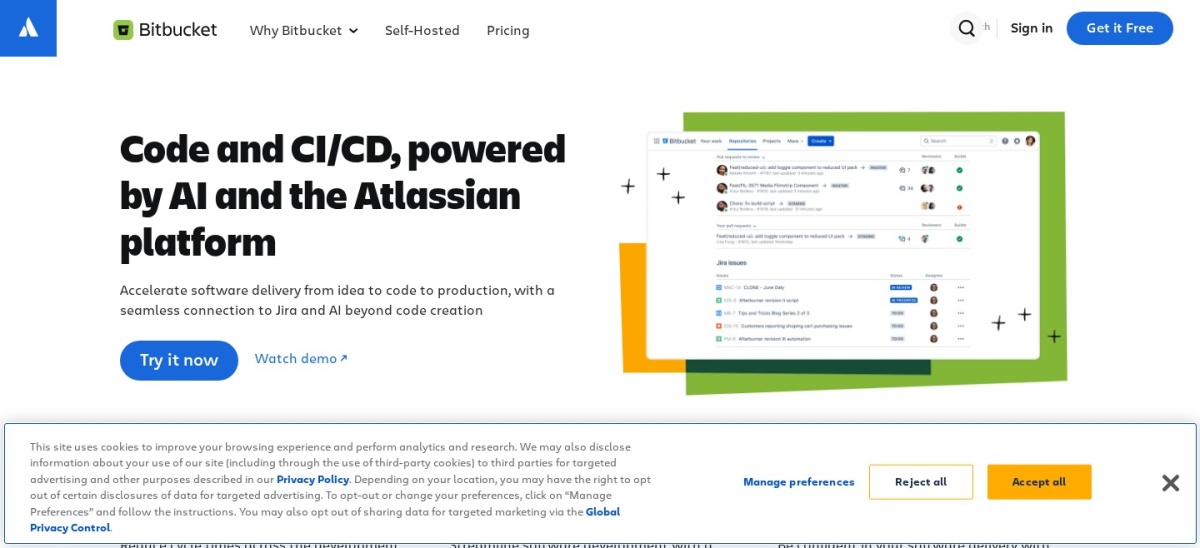
Bitbucket homepage, captured Nov 2026.
Bitbucket is a Git repository and CI/CD service from Atlassian designed to link commits and pull requests with Jira issues. Its Free plan covers up to 5 users with 1 GB LFS storage and 50 build minutes/month.
The trade off is a 5-user cap on the free plan and extra charges for build minute overages at $3.65/user/month on Standard. It suits teams already standardized on Jira and Atlassian project tracking.
What we like
Low entry seat price at $3.65/user/month on Standard
Tight integration with Jira and Confluence workflows
Includes 2,500 build minutes/month and 5 GB LFS storage on Standard
Watch out for
Free tier is limited to 5 users and 50 build minutes/month
Extra build minutes and LFS storage add recurring charges
Smaller third-party marketplace than GitHub
Paid Standard plans increase build minutes to 2,500/month and LFS storage to 5 GB with required reviewers and merge checks.Visit bitbucket.org
04
Azure DevOps
4.4/5on G2 (136 reviews, checked Nov 2026)
Paid from$6/user/mo
Best for Microsoft-centric repositories and pipelines
Entry paid tierBasic ($6/user/mo)
Free tierYes (first 5 users)
G2 rating4.4/5 (136)
HostingCloud & Server
azure.microsoft.com
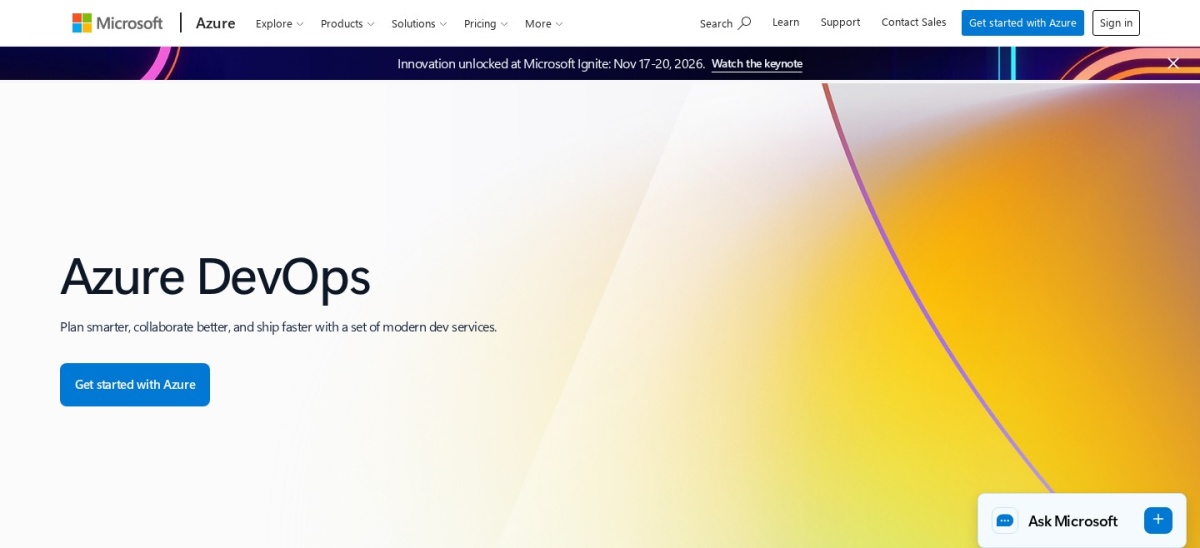
Azure DevOps homepage, captured Nov 2026.
Azure DevOps provides private Git repositories via Azure Repos alongside boards, pipelines, and artifact feeds for software teams. Its Basic plan covers the first 5 users free with 1,800 free Microsoft-hosted CI/CD minutes/month.
The trade off is paying $6/user/month beyond 5 users plus separate costs for test plans or extra parallel jobs. It suits engineering teams working across Microsoft cloud and enterprise tooling.
What we like
First 5 Basic users free with unlimited private Git repositories
Bundles Azure Boards, Repos, Pipelines, and 2 GiB free Artifacts
Supports self-hosted CI/CD jobs alongside cloud runners
Watch out for
Basic + Test Plans rises to $52/user/month
Extra Microsoft-hosted parallel jobs cost $40/month each
Security scanning add-ons are billed per committer
Paid Basic seats at $6/user/month scale team access across Azure Repos, Boards, and Pipelines beyond the first 5 users.Visit azure.microsoft.com
05
Gitea
4.7/5on G2 (17 reviews, checked Nov 2026)
Paid from$9.50/user/mo
Best lightweight self-hosted Git service
Entry paid tierEnterprise ($9.50/user/mo)
Free tierYes (Open Source)
G2 rating4.7/5 (17)
HostingSelf-Hosted & Cloud
about.gitea.com
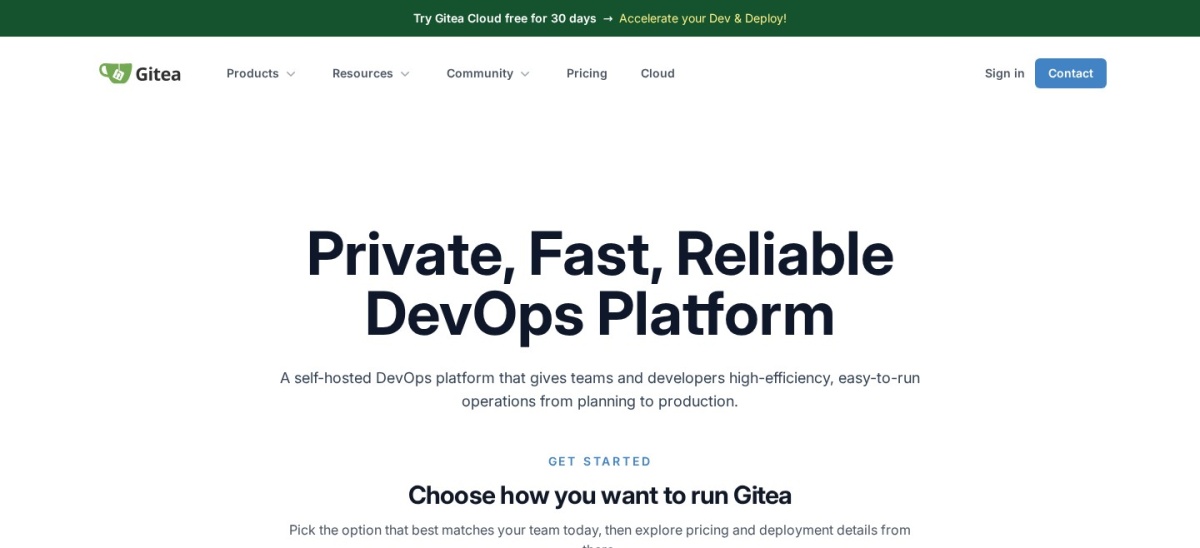
Gitea homepage, captured Nov 2026.
Gitea is a lightweight Git hosting platform offering repositories, issue tracking, and CI/CD runners with low server overhead. Its open-source edition is free to self-host under the MIT license.
The trade off is managing your own infrastructure on the free edition or paying from $9.50/user/month with a 1-year commitment. It suits teams wanting a compact, self-managed Git forge.
What we like
Low hardware footprint compared to heavier self-hosted Git platforms
Free MIT-licensed self-hosted option with unlimited repositories
Supports SAML SSO and audit logs on paid Enterprise plans
Watch out for
Self-hosting requires team time for upgrades, backups, and uptime
Smaller review footprint on G2 than major hosted platforms
Enterprise online pricing requires a 1-year commitment
Best for large binary files and game or hardware pipelines
Entry paid tierP4 Cloud ($39/user/mo)
Free tierYes (up to 5 users)
G2 rating4.2/5 (95)
HostingCloud & On-Premises
perforce.com
Perforce P4 homepage, captured Nov 2026.
Perforce P4, formerly known as Helix Core, is a version control platform built for large repositories, binary assets, and strict file locking. Its free tier covers up to 5 users with 20 workspaces and 3 Git repos.
The trade off is a $39/user/month price on P4 Cloud for teams up to 100 users, with larger deployments quote-based. It suits studios and engineering teams handling heavy binary files.
What we like
Handles large binary assets and exclusive file locking reliably
Includes a free tier for up to 5 users and 20 workspaces
Supports both cloud-hosted and on-premises deployments
Watch out for
Higher per-user cost than standard cloud Git hosting tools
Steeper administrative setup for teams used to Git-only workflows
Scale and Platform tiers rely on custom sales quotes
P4 Cloud at $39/user/month provides single-tenant cloud hosting, 64 GiB included storage, and unlimited workspaces up to 100 users.Visit perforce.com
07
GitKraken
4.8/5on G2 (4 reviews, checked Nov 2026)
Paid from$4/user/mo
Best visual Git client and code lens workflow companion
Entry paid tierPro ($4/user/mo)
Free tierYes (local/public)
G2 rating4.8/5 (4)
HostingDesktop & IDE
gitkraken.com
GitKraken homepage, captured Nov 2026.
GitKraken offers a visual Git desktop client, CLI, and GitLens code insights that connect to Git repositories and issue trackers. Its free tier supports local repositories and public remotes.
The trade off is needing a paid plan starting at $4/user/month for private repositories, while self-hosted integrations require Advanced at $14/user/month. It suits developers who prefer visual commit graphs and branch tools.
What we like
Clear visual interface for branches, merges, and commit history
Low entry pricing on Pro with a free tier for public remotes
Integrates with major Git hosting providers and issue trackers
Watch out for
Small review sample size on G2 compared to repository hosts
Private repositories require upgrading past the free tier
Self-hosted Git integrations sit on higher-priced plans
Paid Pro plans unlock private repository support, conflict detection, shared cloud workspaces, and weekly AI credits.Visit gitkraken.com
Security and governance checks to verify
Before choosing a version control platform for DevSecOps, confirm which security controls sit on your target tier rather than enterprise add-ons. Branch protection rules, required pull request approvals, and secret scanning help catch risky changes before merging.
Also check how CI/CD runners and artifacts isolate build environments. Managed runners speed setup, while self-hosted runners keep build secrets and dependencies inside private networks.
How we chose
We built this shortlist around established version control platforms and Git workflow tools used by software and DevSecOps teams, covering cloud, self-hosted, and desktop options.
All ratings, review counts, and plan prices were checked on 22 Nov 2026 from vendor pricing pages and public software review listings, using regular non-promotional paid plan rates.
We excluded unmaintained tools and products without verifiable public pricing or active maintenance signals. No vendor paid for a place, and we do not claim testing for this list.
How to choose a version control tool
Follow four practical steps to match repository hosting and security controls to your team.
Map your team size and hosting model. Decide whether you want cloud-hosted repositories with minimal server upkeep or self-managed infrastructure under your own network policies.
Check included CI/CD minutes and storage limits. Compare monthly build minute quotas, artifact or LFS storage caps, and overage rates so active pipelines do not trigger unexpected charges.
Verify required access and review controls. Confirm which plan tier includes branch protections, required code reviewers, audit logs, and single sign-on support.
Align with your existing issue and IDE stack. Pick a platform that connects cleanly with your issue tracker, cloud provider, and editor workflow without adding unnecessary tool overhead.
FAQ
Which version control tool is best for most DevSecOps teams?
GitHub is a strong starting point for most teams due to its 4.7/5 G2 rating, broad ecosystem, free tier with Dependabot alerts, and $4/user/month Team plan.
When does GitLab make more sense than GitHub?
GitLab fits teams that want Git repositories, workflow tracking, and CI/CD pipelines combined in one platform, starting at $29/user/month on Premium.
Is Bitbucket a good fit for teams already using Jira?
Yes, Bitbucket connects directly with Jira and starts at $3.65/user/month on Standard, though its free plan caps usage at 5 users and 50 build minutes/month.
Does Azure DevOps offer a free tier for small teams?
Yes, Azure DevOps offers Basic access free for the first 5 users, including Azure Repos, Boards, and Pipelines, before charging $6/user/month for extra users.
Can you self-host version control without paying for enterprise licenses?
Yes, Gitea provides an open-source self-hosted option under the MIT license, though your team is responsible for server hosting, upgrades, and backups.
Why do some teams use Perforce P4 instead of Git?
Perforce P4 is built for large repositories, binary assets, and file locking, offering a free tier for up to 5 users and P4 Cloud at $39/user/month.
SaaS SEO and WordPress specialist with about 8 years of experience. Rakib compares WordPress plugins, themes, hosting and software using public pricing, documentation and user reviews. See how we rank.