StarUML is the best UML software for developers who need dedicated software modeling, with its Standard edition costing $159 per device as a one-time purchase. Choose Lucidchart for collaborative UML diagramming in a browser or Microsoft Visio for technical documentation within the Microsoft ecosystem.
How we make this list: we compare pricing pages, product documentation and public user reviews, then re-check every price before each update. No product paid for a place. Disclosure.
StarUML V8 Standard costs $159 once per device and supports UML, ER diagrams and C4 models.
Lucidchart costs $9 per month for unlimited documents and shapes on its Individual plan.
Microsoft Visio Plan 1 costs $60 per user annually and includes UML diagramming templates.
Cacoo offers unlimited diagram sheets on its $6-per-month Pro plan.
Miro provides 3 editable boards for free, with paid subscriptions starting at $96 per member annually.
EdrawMax has a regular annual Individual subscription price of $119, while Gliffy offers free Confluence diagramming for teams of up to 10 users.
What to look for in UML software
Unified Modeling Language, or UML, gives software developers a standard way to describe system structure, behavior and interactions. It helps teams communicate architectural decisions before writing code and document existing applications.
Look for support for class, sequence, activity, use case, component and state machine diagrams. The types you need depend on whether you are documenting application behavior, object relationships or infrastructure.
Dedicated UML modeling software maintains relationships between model elements. General diagramming applications focus on drawing and presentation, making them useful for stakeholder communication but less suitable for model-driven development.
Consider code generation, reverse engineering, version compatibility and export formats. Engineering teams should also check whether model files can be maintained alongside application source code.
Pricing varies between perpetual desktop licenses and recurring cloud subscriptions. Compare the cost of every participating developer rather than only the advertised starting price.
Programming languagesJava, Python, TypeScript and others
Entry planV8 Standard, $159/device
staruml.io
StarUML homepage, captured Nov 2026.
StarUML is a dedicated software modeling application designed for developers and system architects. Its $159 Standard license includes UML, entity-relationship diagrams, C4 models, Mermaid support and programming language integrations for Java, Python, JavaScript, TypeScript and other languages.
The trade off is the upfront per-device license and potential compatibility issues between major releases. Standard costs $159, while Professional costs $249 and adds SysML, BPMN and additional programming languages. It suits engineering teams that value structured models over general-purpose whiteboards.
What we like
Dedicated UML modeling environment
Perpetual license without mandatory subscriptions
Programming language integrations
Support for multiple technical modeling standards
Watch out for
No permanent free edition
Major version upgrades can cost extra
Older extensions may require updates for V8
Professional adds SysML, BPMN and more language integrationsVisit staruml.io
02
Lucidchart
4.5/5on Capterra (2,269 reviews, checked Nov 2026)
Paid from$9/mo
Best for collaborative online UML diagrams
DeploymentCloud
UML diagramsClass, sequence, activity and more
CollaborationReal-time editing
Entry planIndividual, $9/month
lucidchart.com
Lucidchart homepage, captured Nov 2026.
Lucidchart is an online diagramming application for documenting software architecture, system relationships and business processes. Its Individual subscription costs $9 per month and removes document and shape limits, making it suitable for detailed UML diagrams.
The trade off is that the $9-per-month Individual subscription focuses on personal diagramming rather than centralized team administration. It suits developers, analysts and product managers who need technical diagrams that colleagues can understand without installing desktop modeling software.
4.5/5on Capterra (3,284 reviews, checked Nov 2026)
Starts at$5/mo
Best for Microsoft 365 environments
DeploymentWeb; desktop on higher plan
UML templatesIncluded
Cloud storage2 GB OneDrive
Entry planPlan 1, annual billing
microsoft.com
Microsoft Visio homepage, captured Nov 2026.
Microsoft Visio is a technical diagramming application that integrates with Microsoft 365 services. Visio Plan 1 costs $5 per user per month when paid annually and includes browser-based editing, UML templates and 2 GB of OneDrive storage.
The trade off is that the $60 annual Plan 1 subscription does not include the full desktop application. Advanced diagramming requirements may require Plan 2. It suits organizations that already manage technical documents and collaboration through Microsoft services.
What we like
Affordable entry subscription
Integration with Microsoft Teams
UML and general technical templates
Cloud-based document access
Watch out for
Desktop application requires Plan 2
No standalone permanent free plan
Some integrations require separate Microsoft subscriptions
Plan 2 adds the desktop application and advanced capabilitiesVisit microsoft.com
04
Cacoo
4.7/5on Capterra (178 reviews, checked Nov 2026)
Paid from$6/mo
Best for affordable collaborative diagramming
DeploymentCloud
Paid diagram sheetsUnlimited
Revision historyIncluded on Pro
Entry planPro, $6/user/month
nulab.com
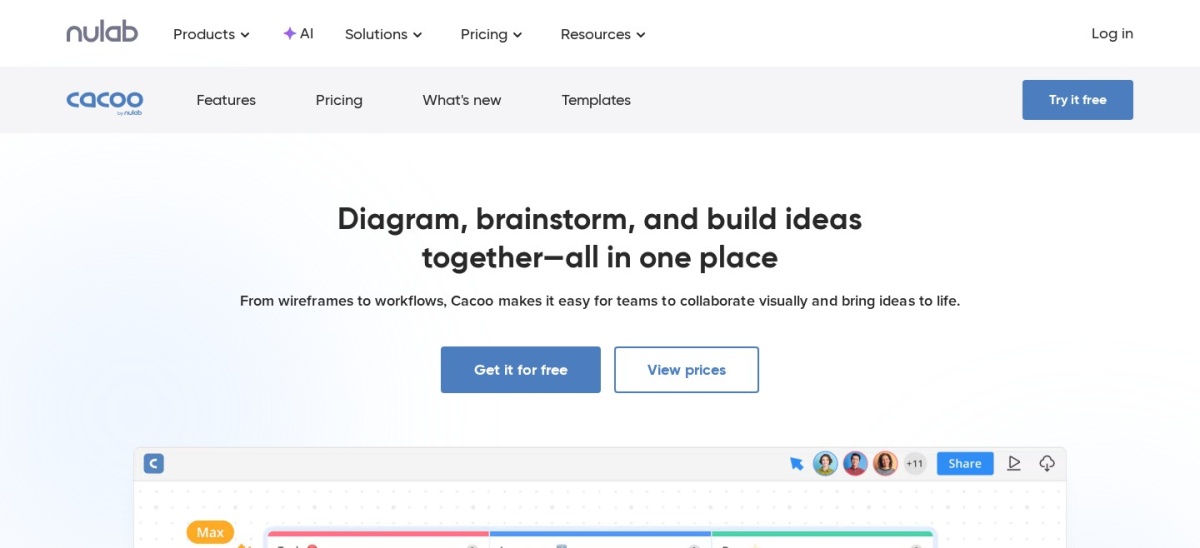
Cacoo homepage, captured Nov 2026.
Cacoo is a collaborative diagramming platform from Nulab for technical documentation and visual planning. Its $6 monthly Pro subscription includes unlimited sheets, diagram templates, export options, revision history and communication features.
The trade off is that Cacoo primarily supports visual diagram creation rather than comprehensive model-driven software development. Pro costs $72 over twelve monthly payments, with an annual billing discount also available. It suits small engineering teams that review UML diagrams together.
What we like
Unlimited sheets on paid plans
Real-time editing and commenting
Revision history
Integrated communication features
Watch out for
Free plan restricts diagram sheets
Not a dedicated code engineering environment
Advanced security requires Enterprise
Pro adds unlimited sheets, revision history and export optionsVisit nulab.com
05
Miro
4.7/5on Capterra (1,709 reviews, checked Nov 2026)
Paid from$8/mo
Best for collaborative architecture workshops
DeploymentCloud
Free editable boards3
Paid boardsUnlimited
Entry planStarter, annual billing
miro.com
Miro homepage, captured Nov 2026.
Miro is a collaborative visual workspace that combines UML diagrams with brainstorming, technical planning and architecture discussions. Its free plan provides 3 editable boards and access to templates, while Starter removes the editable board restriction.
The trade off is that Starter costs $8 per member per month when billed annually, and a shared whiteboard is not the same as a formal UML model repository. It suits cross-functional teams that discuss application design alongside product requirements and project plans.
What we like
Useful for architecture workshops
Free plan available
Shared editing and visual feedback
Supports broader product planning
Watch out for
Free boards are limited
Not designed for comprehensive model validation
Subscription costs increase with team membership
Starter adds unlimited private boards and high-resolution exportsVisit miro.com
06
EdrawMax
4.5/5on Capterra (205 reviews, checked Nov 2026)
Paid from$119/yr
Best for UML and multipurpose technical diagrams
DeploymentDesktop and web
Diagram categories210+
Annual plan storage1 GB
Entry planIndividual annual subscription
edrawsoft.com
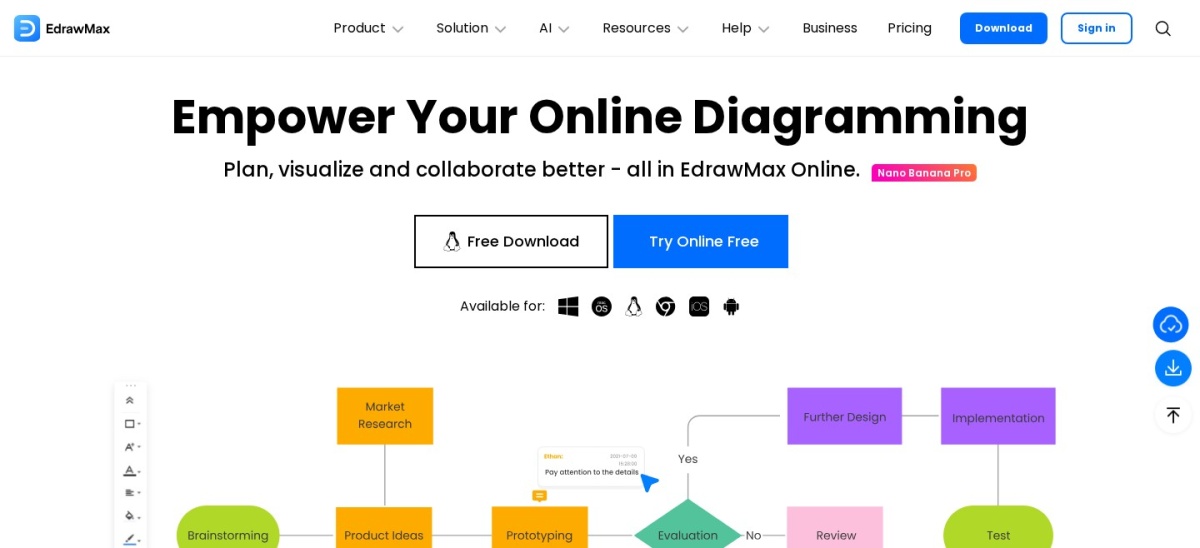
EdrawMax homepage, captured Nov 2026.
EdrawMax is a multipurpose diagramming application for UML, network architecture, engineering drawings and business documentation. Its annual Individual subscription provides access to its diagramming features and 1 GB of cloud storage, alongside desktop and online editing.
The trade off is that its regular annual subscription costs $119, and its general-purpose approach is less focused on model-driven development. The official store displayed a $99 promotional annual price when checked. It suits professionals who create UML diagrams alongside other technical illustrations.
What we like
Extensive diagram and symbol libraries
Desktop and online availability
Supports technical and business illustrations
Perpetual licensing option available
Watch out for
Higher regular annual cost than some browser tools
Less specialized than dedicated UML modelers
Optional creative assets can incur separate charges
Individual unlocks full diagramming features and cloud storageVisit edrawsoft.com
07
Gliffy
4.3/5on Capterra (72 reviews, checked Nov 2026)
Paid from$3.80/mo
Best for UML documentation inside Confluence
DeploymentConfluence Cloud integration
Free usersUp to 10
Export formatsJPEG, PNG, SVG
Paid standard tier$3.80/user/month, 11–100 users
gliffy.com
Gliffy homepage, captured Nov 2026.
Gliffy is a diagramming application that lets development teams create UML diagrams directly inside Confluence documentation. Its standard Confluence Cloud edition is free for teams of up to 10 users and includes unlimited diagrams, technical shapes and diagram export options.
The trade off is that standard paid pricing starts at $3.80 per user per month with annual billing for the 11–100 user tier, rather than an independent single-user subscription. It suits engineering organizations that maintain architecture documentation and development knowledge in Confluence.
What we like
Native Confluence integration
Free standard edition for small teams
Unlimited diagrams
Imports Visio and draw.io diagrams
Watch out for
Pricing depends on Atlassian user tiers
Confluence subscription costs are separate
Not intended for source-code engineering
Paid standard tiers extend access to larger Confluence teamsVisit gliffy.com
UML modeling software vs. general diagramming tools
A dedicated modeling application treats classes, attributes, operations and relationships as structured model elements. Developers can reuse those elements across diagrams and maintain a more consistent representation of their applications.
General diagramming tools focus on communicating information through shapes, connections and annotations. They are often easier to introduce to business analysts and product managers who do not need formal model semantics.
Choose StarUML for structured software modeling. Lucidchart, Cacoo and Miro are better suited to collaborative visual documentation, while Visio and Gliffy make sense when their respective ecosystems are already part of your workflow.
How we chose
We shortlisted established UML modeling applications and technical diagramming platforms based on diagram support, model structure, collaboration, deployment options, export capabilities and suitability for software development.
We checked official vendor pricing pages and public G2 and Capterra ratings on 27 Nov 2026. Subscription prices are annualized per user where applicable, while StarUML's perpetual license is recorded as its first-year purchase cost. Gliffy's listed price applies to its standard Confluence Cloud edition.
We excluded discontinued applications, products without sufficient public review evidence and tools whose regular entry prices could not be confirmed. Review counts can differ between directory snapshots, so we used matching rating and review-count pairs from the same displayed listings. No vendor paid for a place, and we do not claim testing for this list.
How to choose the best UML software
Compare these requirements before committing to a UML modeling or diagramming application.
Identify your required UML diagram types. List the class, sequence, activity, use case and other diagrams your development process requires. Check that the selected subscription includes the necessary modeling capabilities.
Decide whether you need formal software models. Choose dedicated modeling software if relationships, reusable model elements and programming language integrations matter. Use general diagramming software for visual documentation and stakeholder communication.
Evaluate your collaboration workflow. Determine whether colleagues need simultaneous editing, comments, document history or access through an existing documentation platform. Check whether those capabilities require higher subscription tiers.
Calculate the complete licensing cost. Compare recurring subscriptions with perpetual licenses, account for every editor or licensed device, and include potential upgrade costs and separately billed platform subscriptions.
FAQ
What is the best UML software for developers?
StarUML is our top choice for developers because it offers dedicated software modeling and programming language support through a perpetual license. Lucidchart is a better alternative when browser-based editing and stakeholder collaboration are more important.
Is there any free UML software?
Yes. Lucidchart, Cacoo, Miro and EdrawMax offer free editions with varying restrictions. Gliffy also provides a free standard Confluence edition for teams of up to 10 users. Check diagram limits before adopting a free plan.
Can Microsoft Visio create UML diagrams?
Yes. Microsoft Visio Plan 1 includes UML diagramming templates and browser-based editing. Organizations requiring the full desktop application or additional technical modeling capabilities should compare Plan 1 with the more advanced Plan 2.
What is the difference between UML and a flowchart?
A flowchart generally describes steps, decisions and process paths. UML provides standardized notation for describing software structures, object relationships, interactions and behavior. UML activity diagrams can resemble flowcharts, but the modeling language covers a broader range of technical concepts.
Which UML software is best for team collaboration?
Lucidchart and Cacoo are suitable for collaborative technical diagram editing, while Miro is useful for architecture workshops and cross-functional planning. Gliffy is particularly relevant when teams want UML diagrams embedded directly within Confluence documentation.
SaaS SEO and WordPress specialist with about 8 years of experience. Rakib compares WordPress plugins, themes, hosting and software using public pricing, documentation and user reviews. See how we rank.