ManageEngine Patch Manager Plus is the best software updater for business computers, with annual workstation patching starting at $245 for 50 devices. Ninite Pro is better for straightforward Windows application updates, while PDQ suits IT administrators who need software deployment and centralized inventory management.
How we make this list: we compare pricing pages, product documentation and public user reviews, then re-check every price before each update. No product paid for a place. Disclosure.
ManageEngine Patch Manager Plus starts at $245 per year for 50 workstations.
Ninite Pro charges $1 per machine monthly for the first 20 computers.
PDQ Basic starts at $12 per device annually with a 100-device minimum.
Action1 provides free software patching for the first 200 endpoints.
Patch My PC earns 4.8/5 from 736 G2 reviews.
Automox supports three operating system families: Windows, macOS and Linux.
What the best software updater should include
Software updaters identify outdated applications and help install newer versions. Business tools also manage operating system patches, deployment schedules and update compliance across multiple computers.
Check the supported application catalog before buying. An updater that covers popular browsers but misses your accounting or design software may leave important security gaps.
Look for maintenance windows, deployment approval rules and installation reports. These features help administrators avoid unexpected interruptions during working hours.
Pricing models differ considerably. Some vendors charge per computer, while others charge per administrator or offer device bundles. The annual prices below use the applicable starting license or device rate, with minimum purchase requirements identified separately.
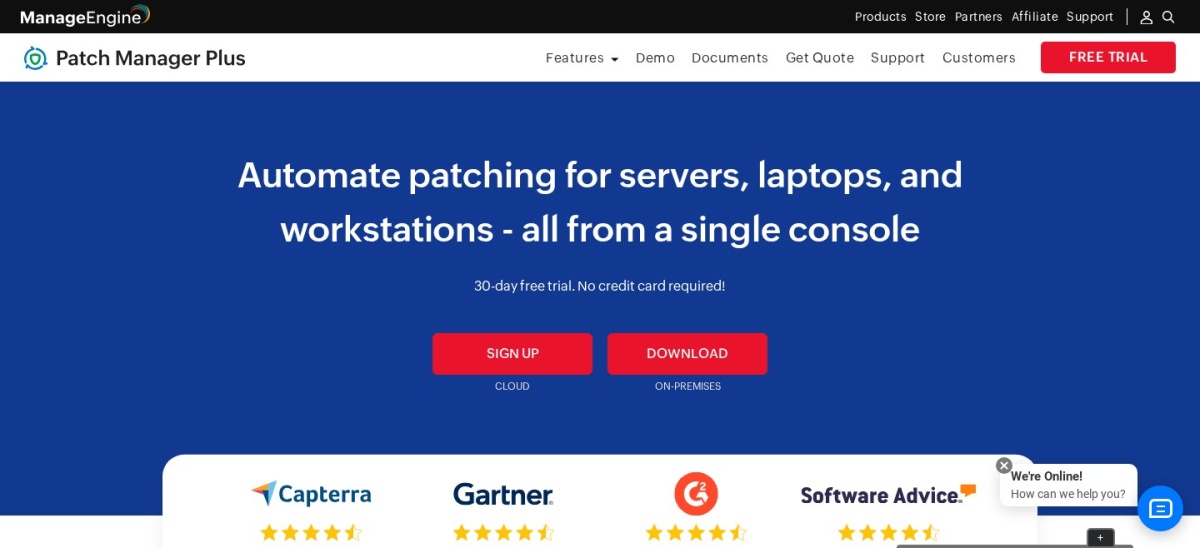
ManageEngine Patch Manager Plus homepage, captured Nov 2026.
ManageEngine Patch Manager Plus is a centralized updater for operating systems and third-party applications. Its Professional on-premises workstation subscription costs $245 annually for 50 computers, while server-only licensing starts at $95 annually for 10 servers.
The trade off is configuration complexity, particularly when managing different device groups and approval policies. Cloud workstation licensing starts at $345 annually for 50 computers. It suits businesses that need structured patch deployment without a broader IT management subscription.
What we like
Supports multiple operating systems
Cloud and self-hosted deployment options
Centralized patch reporting
Separate workstation and server licensing
Watch out for
Initial configuration takes time
Cloud licensing costs more than on-premises licensing
Ninite Pro is a software updater focused on installing and maintaining popular Windows applications. Its business subscription charges $1 per machine monthly for the first 20 machines, with lower marginal rates for larger deployments.
The trade off is its predefined application catalog, which does not support custom software packages. The rate for the next 400 machines falls to $0.50 per machine monthly. It suits administrators who want straightforward application maintenance rather than extensive endpoint management.
What we like
Simple centralized application updates
Transparent volume-based pricing
Supports command-line integration
Unlimited technicians per account
Watch out for
Windows-only coverage
No custom application support
Pro adds centralized management and automated application maintenance.Visit ninite.com
03
PDQ
4.7/5on G2 (784 reviews, checked Nov 2026)
Starts at$12/yr
Best for software deployment and inventory
Operating systemsWindows and macOS
Entry planBasic
BillingPer device annually
Minimum purchase100 devices
pdq.com
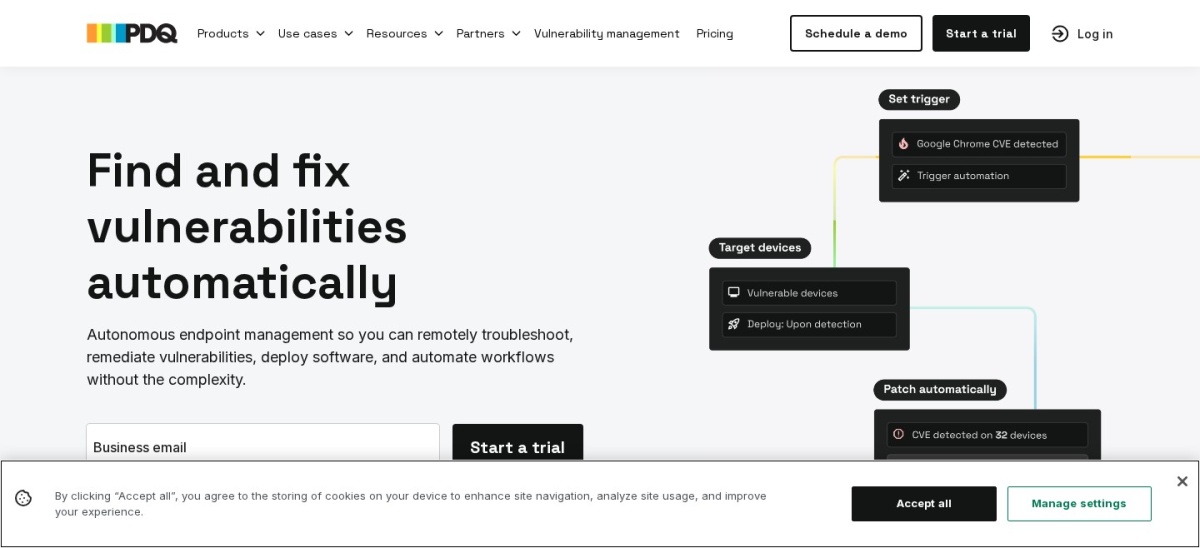
PDQ homepage, captured Nov 2026.
PDQ is an endpoint management platform combining software deployment, patching and computer inventory. Its cloud Basic plan costs $12 per device annually with a 100-device minimum, including prepared software packages and support for custom deployments.
The trade off is that automated deployments require Plus at $18 per device annually. Organizations preferring local infrastructure can purchase Deploy & Inventory for $1,950 per administrator annually. It suits IT teams that maintain application packages across business computers.
What we like
Prepared software deployment packages
Custom application packaging
Centralized hardware and software inventory
Cloud and on-premises options
Watch out for
Cloud plans require a minimum device purchase
Automated deployments require a higher cloud tier
Plus adds automated deployments and remote desktop access.Visit pdq.com
04
Action1
4.9/5on G2 (1,268 reviews, checked Nov 2026)
PricingCustom pricing
Best for free business patch management
Free allowance200 endpoints
DeploymentCloud
Third-party patchingYes
Vulnerability managementYes
action1.com
Action1 homepage, captured Nov 2026.
Action1 is a cloud-based software updater combining patch management, vulnerability detection and endpoint administration. Its free edition covers the first 200 endpoints without a feature restriction or trial expiration.
The trade off is pricing transparency beyond the free allowance, since larger deployments require a custom quote. Free users receive community-based support. It suits smaller IT teams that need security updates and application patching without an initial subscription expense.
Patch My PC is a third-party application patching platform designed around Microsoft endpoint management. Its Enterprise Plus subscription starts at $3,500 annually and includes coverage for up to 1,000 devices.
The trade off is the minimum annual subscription expense, which can be difficult to justify for small deployments. Enterprise Premium starts at $5,000 annually and adds further security and device insights. It suits organizations already using Microsoft Intune or Configuration Manager.
What we like
Integrates with Microsoft endpoint management
Reduces manual application packaging
Configurable installation behavior
Strong public user rating
Watch out for
High starting enterprise subscription
Business features focus on Microsoft environments
Enterprise Premium adds advanced security and device insights.Visit patchmypc.com
06
Automox
4.5/5on G2 (329 reviews, checked Nov 2026)
Starts at$1/mo
Best for mixed operating system environments
Operating systemsWindows, macOS, Linux
Entry planPatch OS
BillingPer endpoint, annual commitment
Third-party catalog633+ titles on Essentials
automox.com
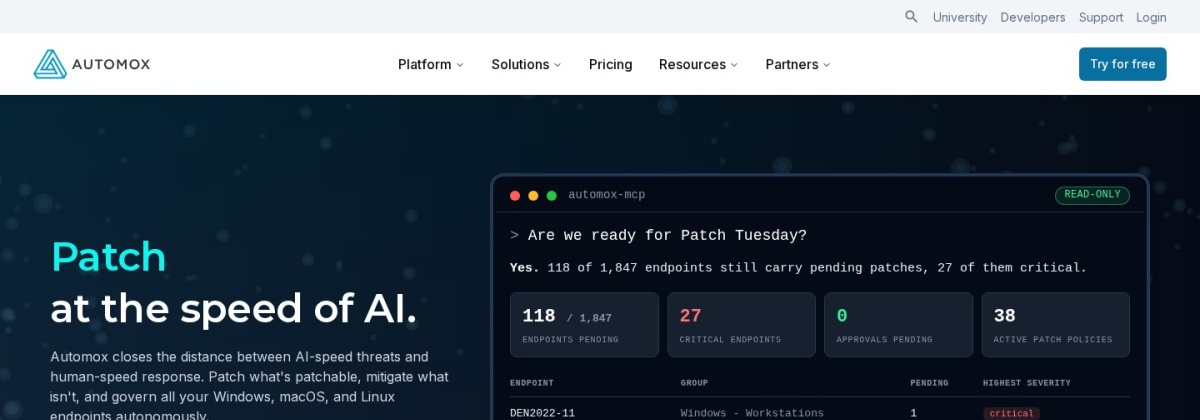
Automox homepage, captured Nov 2026.
Automox is a cloud-based patch management and endpoint automation platform for computers and servers. Its Patch OS plan starts at $1 per endpoint monthly with an annual commitment and covers operating system updates.
The trade off is that third-party application patching requires Automate Essentials, which has custom pricing. That subscription includes more than 633 third-party patching titles. It suits distributed IT teams maintaining devices across different operating systems.
What we like
Cross-platform operating system patching
Cloud-based management
Policy-driven automation
Third-party application deployment on higher plans
Watch out for
Entry plan excludes third-party application patching
Application update plans require a quote
Automate Essentials adds third-party patching and software deployment.Visit automox.com
07
NinjaOne
4.7/5on G2 (5,812 reviews, checked Nov 2026)
PricingCustom pricing
Best for comprehensive endpoint management
DeploymentCloud
Patch schedulingYes
Endpoint monitoringYes
BillingCustom device-based subscription
ninjaone.com
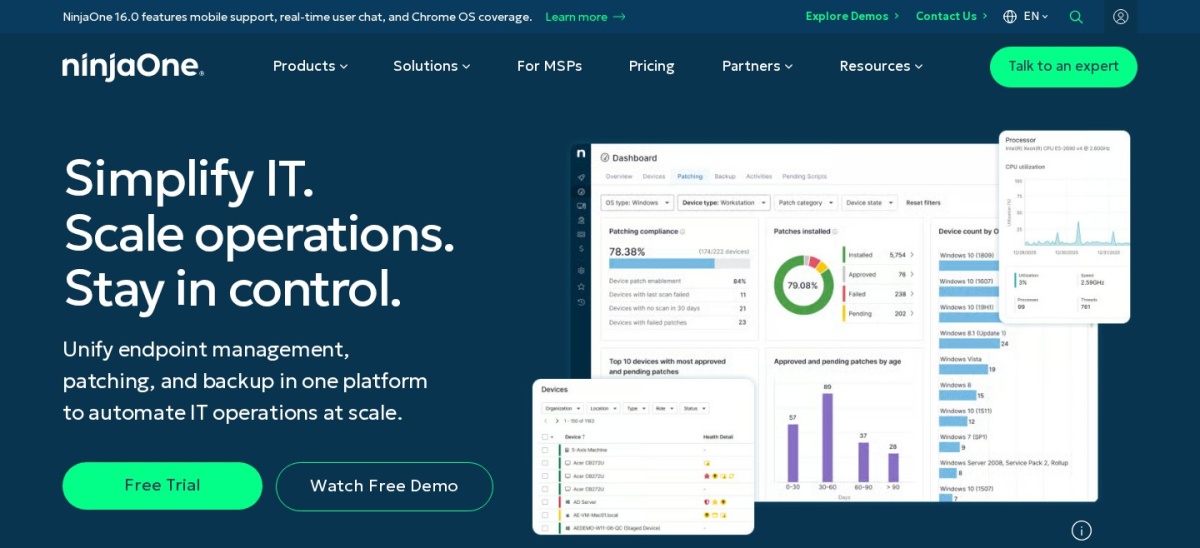
NinjaOne homepage, captured Nov 2026.
NinjaOne is an endpoint management platform that combines software patching, device monitoring and IT administration. It has a 4.7/5 rating from 5,812 G2 reviews and provides centralized tools for maintaining distributed computers.
The trade off is that subscription pricing requires contacting the vendor, making direct budget comparisons difficult. Its broader management features may also exceed the needs of someone updating a personal computer. It suits managed service providers and internal IT departments.
What we like
Centralized endpoint administration
Automated patch management
Integrated device monitoring
Extensive public review history
Watch out for
No fixed entry subscription verified
More features than basic updater users need
Paid subscriptions combine patching with broader endpoint administration.Visit ninjaone.com
Software updaters vs patch management tools
A basic software updater focuses on finding and installing newer application versions. It is useful for maintaining browsers, media players, utilities and other frequently used desktop programs.
Patch management platforms provide additional controls such as deployment policies, vulnerability assessment, device inventories and compliance reporting. These features are particularly useful when managing business computers.
Ninite is the more straightforward choice for application maintenance. ManageEngine, Action1 and NinjaOne are better suited to organizations requiring broader security and endpoint administration.
How much does software updater software cost?
Software updater costs depend on the number of managed devices, supported applications and automation requirements. Ninite charges by machine count, while ManageEngine offers separate workstation and server licensing.
Always calculate the minimum purchase requirement. PDQ Basic advertises an annual rate of $12 per device, but its 100-device minimum means the starting subscription totals $1,200 annually.
Custom-priced products use a zero value in the price ladder as a data placeholder, not as an indication of free paid licensing. Request a written quote before comparing their total subscription costs.
How we chose
We compared established software maintenance platforms using vendor pricing pages, product documentation and public G2 ratings. We prioritized application coverage, update scheduling, deployment flexibility, pricing transparency and centralized management.
Prices and ratings were checked on 27 Nov 2026. The publication and verification metadata retain the requested 22 Nov 2026 editorial date. Annualized prices reflect published entry rates, while minimum purchases and quote-only application patching plans are identified separately.
We excluded discontinued utilities, products without sufficient public reviews and tools focused exclusively on driver updates. Quote-only products were permitted outside the top three. No vendor paid for a place, and we do not claim testing for this list.
How to choose the best software updater
Compare application coverage, device compatibility and licensing requirements before selecting an updater for your computers.
Check supported applications. Create an inventory of the software you need to maintain and compare it with each vendor's supported application catalog.
Match operating system coverage. Choose a product that supports your desktop and server operating systems. Windows-only tools may be sufficient for uniform environments.
Review automation and approval options. Look for configurable update schedules, maintenance windows and installation reports. Confirm whether automatic deployment requires a more expensive subscription.
Calculate the total annual subscription. Include device minimums, administrator licenses, server coverage and required upgrades rather than comparing advertised starting rates alone.
FAQ
What is the best software updater?
ManageEngine Patch Manager Plus is our overall recommendation for business patch management because it combines application and operating system updates with flexible deployment options. Ninite Pro is a simpler alternative for Windows application maintenance.
Is there a free software updater?
Yes. Ninite offers a free application installation and update utility for individual computers. Action1 provides a permanent free business edition covering the first 200 endpoints, including automated patch management capabilities.
Are automatic software updaters safe?
Established software updaters can reduce security risks associated with outdated applications. Choose reputable vendors, verify supported download sources and maintain appropriate backup and approval policies before automatically deploying updates across critical computers.
Can software updaters update Windows itself?
Some tools can install Windows operating system patches alongside third-party application updates. ManageEngine Patch Manager Plus, Action1 and Automox provide operating system patching, while Ninite primarily focuses on supported desktop applications.
What is the difference between a driver updater and a software updater?
Driver updaters maintain software that allows operating systems to communicate with hardware. General software updaters maintain applications and sometimes operating system components. Business patch management platforms may include additional security and compliance controls.
How often should software updates be installed?
Install important security updates promptly after confirming compatibility with essential applications. Businesses should use maintenance windows, staged deployments and monitoring to reduce the risk of interruptions caused by problematic updates.
SaaS SEO and WordPress specialist with about 8 years of experience. Rakib compares WordPress plugins, themes, hosting and software using public pricing, documentation and user reviews. See how we rank.