Pinecone is the top managed vector database overall, with a free Starter tier and a $20/month Builder plan for small production workloads. For open-source flexibility or existing database stacks, Qdrant offers a 1 GB free cluster and Supabase includes pgvector starting at $25/month.
How we make this list: we compare pricing pages, product documentation and public user reviews, then re-check every price before each update. No product paid for a place. Disclosure.
Pinecone starts with a free Starter tier and a $20/month Builder tier before Standard at $50/month minimum.
Qdrant offers a free 1 GB RAM / 4 GB disk cloud cluster and holds a 4.5/5 rating across 12 G2 reviews.
Weaviate pairs a 100,000-object free cloud tier with a Flex plan starting at $45/month and a 4.4/5 rating on 52 G2 reviews.
Zilliz Cloud provides a free tier with 5 GB storage and starts Enterprise Dedicated clusters at $197/month with a 4.7/5 score on 52 G2 reviews.
Redis Cloud starts Essentials at $5/month for low-throughput memory tiers and holds a 4.5/5 rating across 137 G2 reviews.
What to look for when choosing a vector database
Vector databases index high-dimensional embeddings so applications can retrieve items by semantic similarity rather than exact keyword matches alone. Most teams pair dense vector search with metadata filtering or lexical search to keep retrieval accurate across production documents, catalogs, and agent memory.
A key architectural split separates dedicated vector engines from general-purpose databases that add vector indexes. Dedicated platforms and open-source engines handle specialized index tuning and scale well, while Postgres or document databases keep embeddings next to existing application records.
Pricing models vary sharply between flat entry tiers, hourly compute, and usage-based billing on storage, dimensions, or read and write units. Check free-tier sleep or deletion rules, storage overhead from indexes and replicas, and how costs rise as query volume grows.
For fast developer prototyping and open-source RAG
$250/mo
Free plan
4.2/5
Price ladder: cheapest paid plan per year
List prices, USD, checked Nov 2026
RedisFREE$60
PineconeFREE$240
QdrantFREE$300
SupabaseFREE$300
MongoDB AtlasFREE$360
WeaviateFREE$540
Elasticsearch$1,188
ZillizFREE$2,364
ChromaFREE$3,000
The 9 best vector database software
01
Pinecone
4.4/5on G2 (81 reviews, checked Nov 2026)
Paid from$20/mo
Best for zero-ops managed vector search
DeploymentManaged serverless
Free quota2 GB storage
Entry paid tierBuilder ($20/mo)
G2 score4.4/5 (81)
pinecone.io
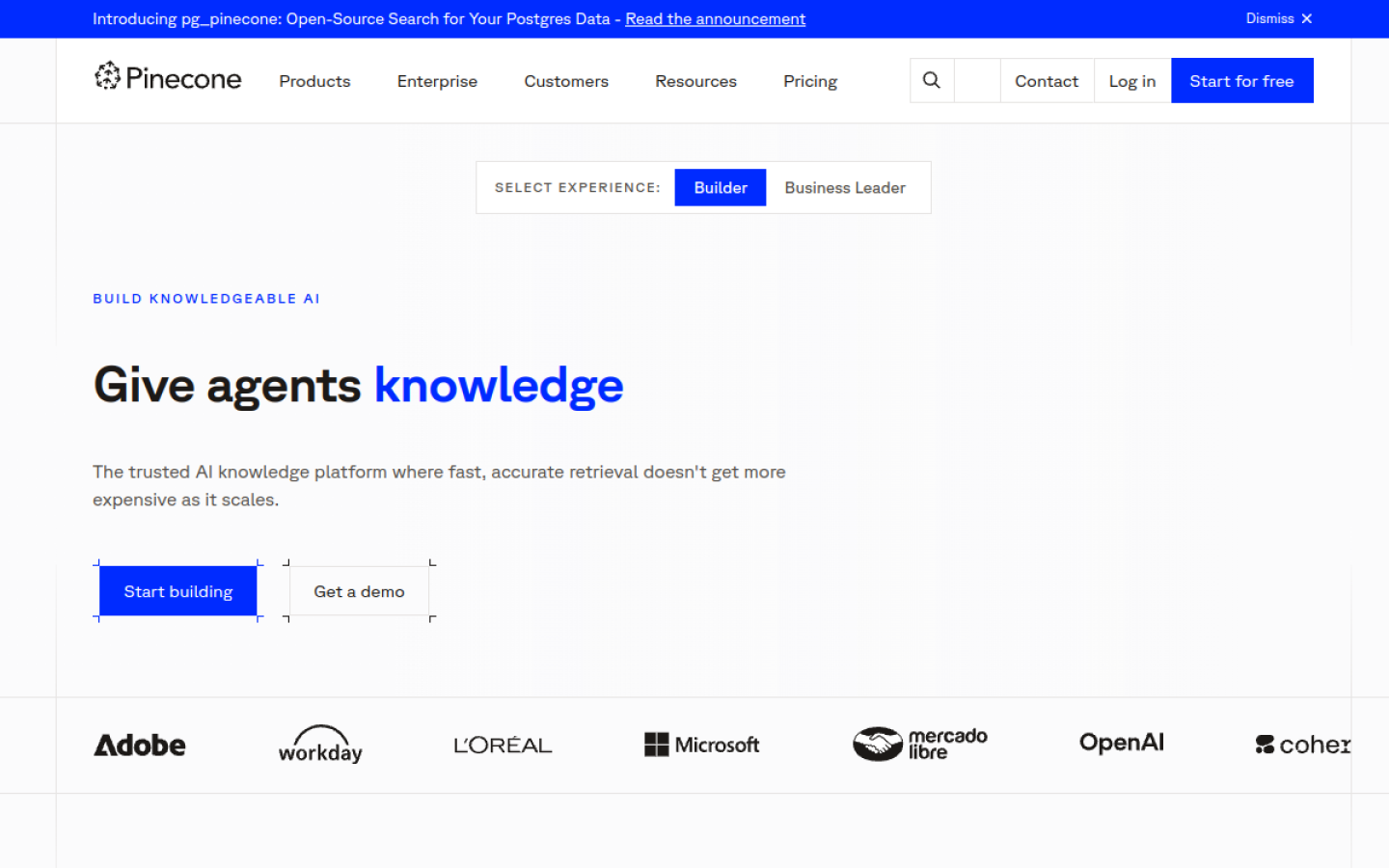
Pinecone homepage, captured Nov 2026.
Pinecone is a managed serverless vector database built for semantic search and retrieval workflows without cluster management. Its free Starter plan includes 2 GB of index storage, 2 million write units, and 1 million read units per month.
The trade off is usage-based scaling costs and closed-source deployment, starting at $20/month on Builder and $50/month minimum on Standard. It suits teams that want managed operations and quick setup over self-hosting.
What we like
No cluster sizing or server maintenance required
Permanent free Starter tier with 2 GB storage
Integrates with common RAG frameworks and hosted models
Rated 4.4/5 across 81 G2 reviews
Watch out for
Usage charges on reads, writes, and storage can climb at scale
Closed-source service with no general self-hosted option
Standard plan carries a $50/month minimum
Builder at $20/month opens production infrastructure; Standard starts at $50/month minimum with usage rates.Visit pinecone.io
02
Qdrant
4.5/5on G2 (12 reviews, checked Nov 2026)
Paid from$25/mo
Best for filtered vector search and open-source control
DeploymentOpen-source & Cloud
Free cluster1 GB RAM / 4 GB disk
Paid tierStandard Cloud
G2 score4.5/5 (12)
qdrant.tech
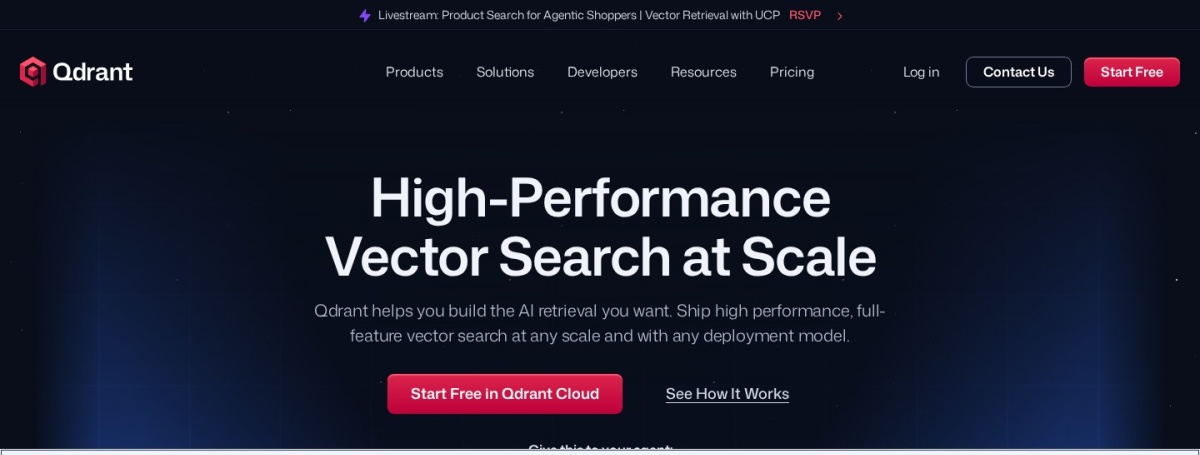
Qdrant homepage, captured Nov 2026.
Qdrant is a vector search engine written in Rust with rich payload filtering and cloud or self-hosted options. Its free cloud cluster provides 0.5 vCPU, 1 GB RAM, and 4 GB disk for testing and prototyping.
The trade off is that free clusters suspend after one week of inactivity and paid Standard Cloud starts around $25/month based on cluster sizing. It suits engineering teams that want strong metadata filtering and self-host or cloud flexibility.
What we like
Strong filtered similarity search across vector payloads
Available as open-source software and Qdrant Cloud
Free cloud tier includes 1 GB RAM and 4 GB disk
Rated 4.5/5 across 12 G2 reviews
Watch out for
Free clusters pause after 1 week without use and are deleted after 4 weeks
Multi-node production setups require cluster and resource planning
Smaller G2 review sample at 12 reviews
Standard Cloud moves off shared free resources to dedicated clusters with scheduled backups and a 99.5% uptime SLA.Visit qdrant.tech
03
Weaviate
4.4/5on G2 (52 reviews, checked Nov 2026)
Paid from$45/mo
Best for built-in hybrid search and RAG workflows
DeploymentCloud & Self-managed
Free quota100,000 objects
Entry paid tierFlex ($45/mo)
G2 score4.4/5 (52)
weaviate.io
Weaviate homepage, captured Nov 2026.
Weaviate is an AI-native vector database combining dense vectors, keyword search, and filters for retrieval applications. Its always-free sandbox tier includes 1 cluster, 100,000 objects, 1 GB memory, and 10 GB disk.
The trade off is a higher entry price on managed cloud, with Flex starting at $45/month plus usage rates on dimensions and AI services. It suits teams building hybrid search and RAG pipelines that want built-in modules.
What we like
Combines vector similarity and keyword search out of the box
Free sandbox tier supports 100,000 objects with no credit card required
Offers both managed cloud and self-managed deployments
Rated 4.4/5 across 52 G2 reviews
Watch out for
Flex paid plan starts at $45/month plus usage dimensions
Advanced index and hybrid tuning can require extra configuration
Free cluster is limited to 1 collection and up to 3 tenants
Flex at $45/month adds pay-as-you-go scaling, RBAC, and a 99.5% uptime SLA on shared cloud clusters.Visit weaviate.io
04
Redis
4.5/5on G2 (137 reviews, checked Nov 2026)
Paid from$5/mo
Best for low-latency retrieval alongside caching
DeploymentRedis Cloud & Self-host
Free quotaUp to 30 MB DB
Entry paid tierEssentials ($5/mo)
G2 score4.5/5 (137)
redis.io
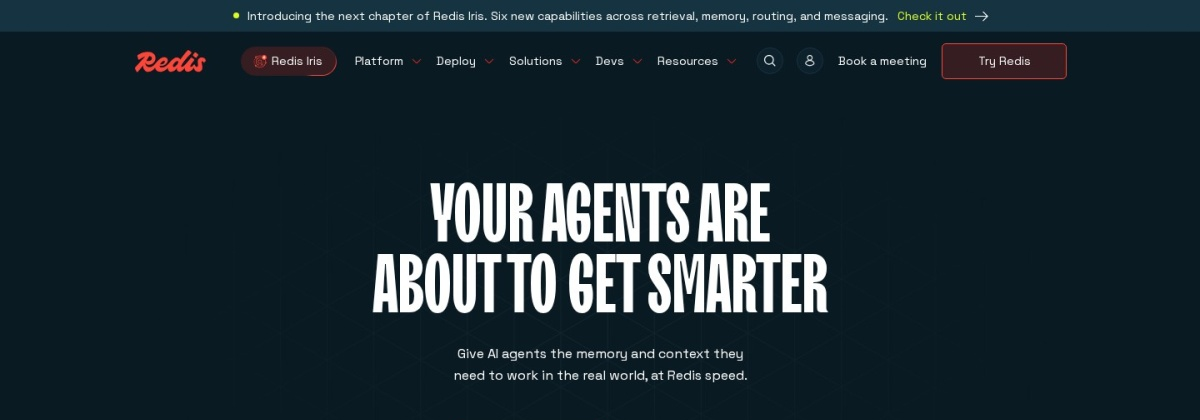
Redis homepage, captured Nov 2026.
Redis is an in-memory data platform that adds vector search alongside caching, session state, and real-time data structures. Redis Cloud offers a free tier up to 30 MB and Essentials plans starting at $5/month.
The trade off is that large RAM footprints get costly as vector datasets grow, with Essentials starting at $5/month and Pro starting from $200/month minimum. It suits applications that already use Redis for low-latency caching or real-time state.
What we like
Low-latency in-memory access alongside caching and session data
Low entry pricing with Essentials starting at $5/month
Large review footprint with 4.5/5 across 137 G2 reviews
Supports dense and sparse vector search use cases
Watch out for
Memory-heavy scaling can become expensive for large vector sets
Free plan is capped at a 30 MB single database
Cluster operations and memory sizing require care under heavy load
Essentials at $5/month expands memory and throughput tiers up to 100 GB, while Pro adds dedicated clusters and higher SLAs.Visit redis.io
05
Supabase
4.6/5on G2 (243 reviews, checked Nov 2026)
Paid from$25/mo
Best for storing vectors inside PostgreSQL
DeploymentManaged Postgres
Free quota500 MB DB size
Paid tierPro ($25/mo)
G2 score4.6/5 (243)
supabase.com
Supabase homepage, captured Nov 2026.
Supabase is a hosted PostgreSQL platform with pgvector support so teams can keep embeddings alongside relational tables and auth. Its free plan includes a 500 MB database size, 50,000 monthly active users, and 5 GB egress.
The trade off is that free projects pause after one week of inactivity and paid Pro starts at $25/month plus usage overages. It suits teams already running on Postgres with moderate vector scale.
What we like
Keeps vector embeddings next to relational data in Postgres
High developer satisfaction at 4.6/5 across 243 G2 reviews
Pro plan includes 8 GB disk size and $10/month compute credits
Avoids running a separate vector database for smaller workloads
Watch out for
Free projects pause after 7 days of inactivity
Pro starts at $25/month and jumps to $599/month on Team
Less specialized at massive vector scale than dedicated vector engines
Pro at $25/month removes inactivity pausing, raises disk and egress limits, and adds daily backups with 7-day retention.Visit supabase.com
06
MongoDB Atlas
4.5/5on G2 (908 reviews, checked Nov 2026)
Paid from$30/mo
Best for vector search alongside JSON documents
DeploymentMulti-cloud managed
Free quota512 MB storage
Entry paid tierFlex (up to $30/mo)
G2 score4.5/5 (908)
mongodb.com
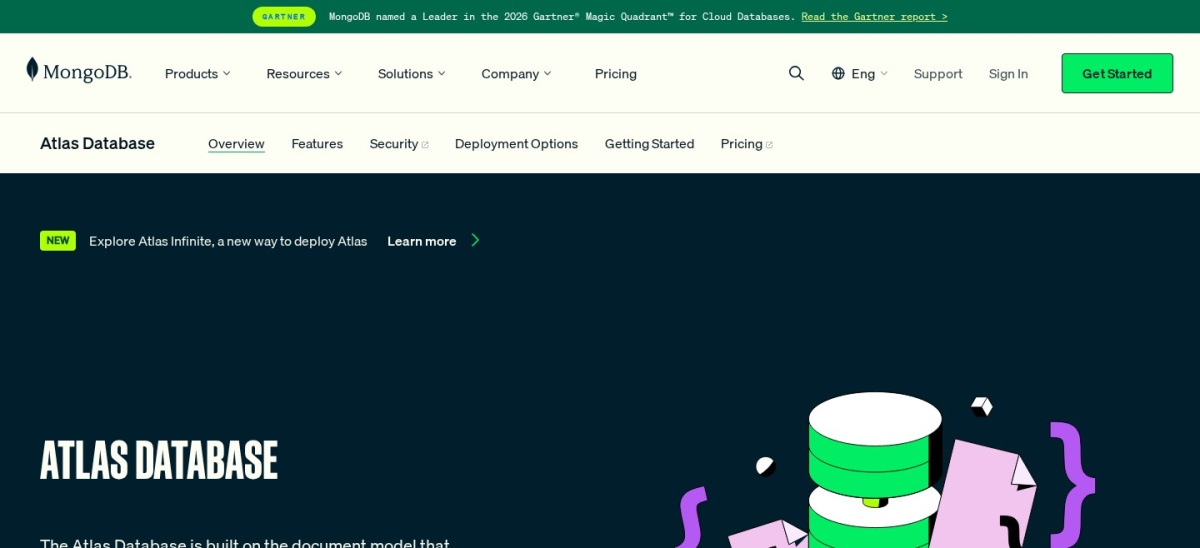
MongoDB Atlas homepage, captured Nov 2026.
MongoDB Atlas is a managed cloud database offering vector search alongside document collections, metadata, and operational data. Its free tier includes 512 MB of storage to test clusters and vector queries.
The trade off is moving from shared tiers into dedicated nodes for heavier production throughput, with Flex at $0.011/hour capped at $30/month and Dedicated starting at $0.08/hour. It suits applications that already store JSON documents in MongoDB.
What we like
Stores vectors and JSON documents in one database without data sync
Large review base at 4.5/5 across 908 G2 reviews
Flex tier offers low hourly pricing capped at $30/month with 5 GB storage
Supports multi-cloud deployment across major cloud providers
Watch out for
Dedicated clusters add ongoing hourly compute costs for larger workloads
Less specialized for pure billion-scale vector search than dedicated engines
Schema and index design still need careful tuning at scale
Flex at $0.011/hour up to $30/month expands storage to 5 GB, while Dedicated clusters start at $0.08/hour from 10 GB to 4 TB.Visit mongodb.com
07
Elasticsearch
4.5/5on G2 (316 reviews, checked Nov 2026)
Starts at$99/mo
Best for lexical and vector search in one engine
DeploymentElastic Cloud & Self-host
Free tierTrial / self-hosted
Cloud HostedStandard ($99/mo)
G2 score4.5/5 (316)
elastic.co
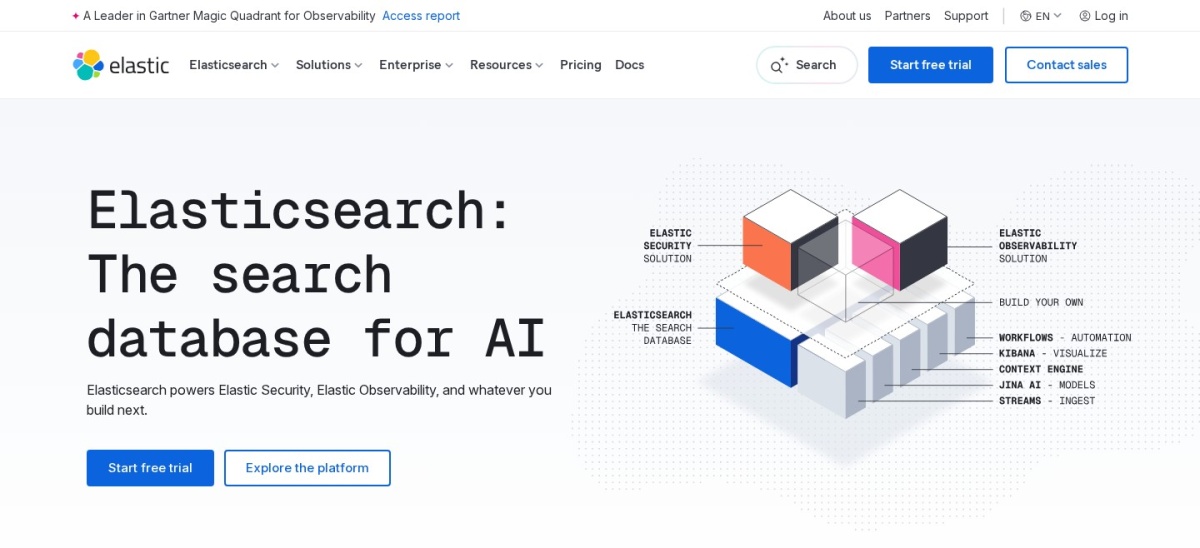
Elasticsearch homepage, captured Nov 2026.
Elasticsearch is a search and analytics engine that pairs keyword relevance, aggregations, and filtering with dense and sparse vector search. Elastic Cloud Hosted Standard starts at $99/month across AWS, Azure, and GCP.
The trade off is heavier resource demands and higher starting cloud pricing, with Cloud Hosted Standard at $99/month. It suits teams that already run search or observability on Elastic and want vectors alongside text search.
What we like
Combines full-text search, facets, and vector retrieval in one system
Strong review track record at 4.5/5 across 316 G2 reviews
Mature tooling for indexing, aggregations, and enterprise security
Available across AWS, Azure, and GCP
Watch out for
Higher starting price on Elastic Cloud Hosted at $99/month
Memory and cluster tuning require operational experience
Heavier footprint than lightweight single-purpose vector stores
Higher Cloud Hosted tiers such as Gold ($114/mo), Platinum ($131/mo), and Enterprise ($184/mo) add broader features and support.Visit elastic.co
08
Zilliz
4.7/5on G2 (52 reviews, checked Nov 2026)
Paid from$197/mo
Best for managed Milvus and large-scale vector sets
DeploymentZilliz Cloud (Milvus)
Free quota5 GB storage
Enterprise Ded.From $197/mo
G2 score4.7/5 (52)
zilliz.com
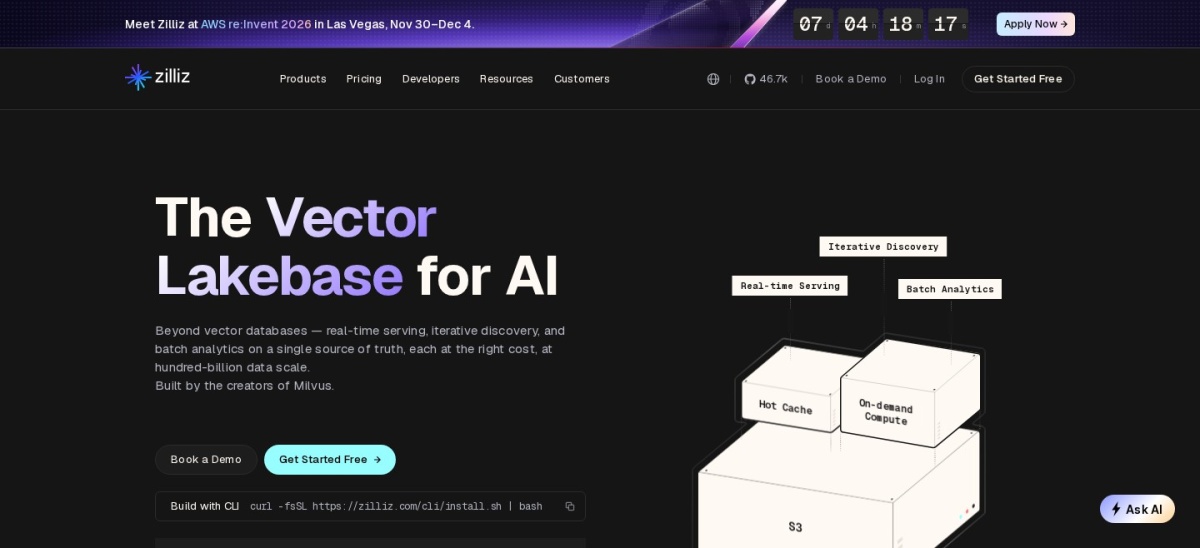
Zilliz homepage, captured Nov 2026.
Zilliz is the managed cloud service built around Milvus for large-scale vector indexing, hybrid search, and multi-vector retrieval. Its free tier includes 5 GB storage, 2.5 million vCUs per month, and 5 collections.
The trade off is a higher paid floor once you move past free or serverless usage, with Enterprise Dedicated starting at $197/month. It suits teams scaling large vector collections that want managed Milvus without self-hosting clusters.
What we like
Generous free tier with 5 GB storage and 5 collections
High rating at 4.7/5 across 52 G2 reviews
Built for large vector collections and hybrid retrieval
Offers Serverless, Dedicated, and BYOC deployment options
Watch out for
Enterprise Dedicated starts at $197/month
More complex schema and scale concepts than simple embedded tools
Dedicated clusters cost more than entry plans on smaller tools
Enterprise Dedicated from $197/month adds isolated production resources, a 99.95% SLA, SSO, and audit logs.Visit zilliz.com
09
Chroma
4.2/5on G2 (6 reviews, checked Nov 2026)
Paid from$250/mo
Best for fast developer prototyping and open-source RAG
DeploymentOpen-source & Cloud
Free credits$5 on Starter
Team plan$250/mo + usage
G2 score4.2/5 (6)
trychroma.com
Chroma homepage, captured Nov 2026.
Chroma is an open-source and cloud database for storing and querying vector embeddings, full-text search, and metadata in AI applications. Its Starter plan is $0/month plus usage with $5 in free credits and up to 10 databases.
The trade off is a steep jump to the Team plan at $250/month plus usage and a small G2 review count of 6. It suits developers prototyping RAG apps or running self-hosted open-source experiments.
What we like
Quick developer setup for local experiments and RAG apps
Open-source roots with easy data export from Chroma Cloud
Starter plan begins at $0/month plus usage with $5 free credits
Supports vector, full-text, and metadata search
Watch out for
Team plan starts at $250/month plus usage
Smaller G2 review count at 6 reviews
Less proven at very large scale than specialized engines
Team at $250/month includes $100 in usage credits, up to 100 databases, 30 team members, and SOC II.Visit trychroma.com
Architecture fit: dedicated vector engine vs. existing database
Dedicated vector engines and search platforms such as Pinecone, Qdrant, Weaviate, Zilliz, and Chroma focus on indexing and querying embeddings with specialized filters or hybrid retrieval. They shine when vector search is a core product capability or when you want managed vector infrastructure without database sprawl.
Adding vectors to an existing system such as Supabase, MongoDB Atlas, Elasticsearch, or Redis keeps embeddings close to relational rows, JSON documents, search indices, or cache state. That approach reduces operational overhead when your dataset fits comfortably within your current database tier.
How we chose
We selected established vector databases and search platforms with vector support that remain actively maintained across managed cloud and open-source deployments.
Pricing tiers, free limits, and G2 ratings and review counts were checked on 22 Nov 2026 from vendor pricing pages and G2 product listings.
We excluded unmaintained or purely experimental libraries without clear commercial or managed paths, and dropped any option where pricing could not be confirmed from public pages. No vendor paid for a place, and we do not claim testing for this list.
How to choose a vector database
Follow four steps to pick the right vector database for your workload.
Check your existing database stack first. If your application data already lives in Postgres or MongoDB, test pgvector or Atlas Vector Search before adding another service.
Match search and filtering needs to your queries. Confirm whether you only need dense vector similarity or also require metadata filtering, keyword search, or hybrid ranking.
Model costs beyond the entry price. Factor in storage, dimensions, index replicas, read and write operations, and free-tier inactivity rules as your data grows.
Decide how much infrastructure your team can run. Pick a fully managed service if you want zero cluster operations, or choose an open-source option if you prefer self-hosting control.
FAQ
What is the best vector database for most teams?
Pinecone is a strong default for managed vector search because it removes cluster management and offers a free Starter tier and a $20/month Builder plan. Teams that want open-source control or existing database integration often prefer Qdrant or Supabase.
Do I need a dedicated vector database if I already use Postgres?
Not always. If your embeddings fit within your Postgres capacity and query needs, using pgvector through a platform like Supabase keeps relational data and vectors together without introducing another database system.
Are free vector database tiers enough for production?
Free tiers are best for prototypes, testing, and small initial workloads rather than production traffic. Many free plans cap storage or memory and pause or expire idle projects, such as Qdrant and Supabase pausing inactive free instances after one week.
What is hybrid search in a vector database?
Hybrid search combines semantic vector similarity with lexical keyword matching, such as BM25, in a single query. It helps when users search for exact codes, SKUs, or specific terms alongside natural-language concepts.
Why do vector database bills rise as apps scale?
Costs increase with vector count, embedding dimensions, index overhead, replication, and query or write volume. Higher-dimensional embeddings and strict latency or uptime SLAs also add to monthly spend.
Should I self-host an open-source vector database or use cloud?
Use a managed cloud service when you want automated upgrades, backups, and minimal operations overhead. Choose self-hosting when you have infrastructure capacity and want direct control over hardware, networking, or custom deployments.
SaaS SEO and WordPress specialist with about 8 years of experience. Rakib compares WordPress plugins, themes, hosting and software using public pricing, documentation and user reviews. See how we rank.