Lucidchart is the best software for network diagrams for most teams: its Individual plan costs $9 a month and includes unlimited documents, premium templates and Visio import. Pick diagrams.net if you want a free tool, or Visio if your team already uses Microsoft 365.
How we make this list: we compare pricing pages, product documentation and public user reviews, then re-check every price before each update. No product paid for a place. Disclosure.
Lucidchart leads at $9 a month, rated 4.5 out of 5 from 9,142 G2 reviews.
diagrams.net and yEd cost nothing, with no document limits and no account needed.
Visio Plan 1 is $5 per user a month, the cheapest paid plan here, but it has no free plan.
Miro is the highest rated tool at 4.6 out of 5 from 13,821 G2 reviews, with Starter at $8 a member a month.
Paid entry prices run from $5 to $10.95 a month; SmartDraw is the priciest entry at $131.40 a year.
What to look for in network diagram software
A network diagram has to stay readable as it grows. Look for network, server, cloud and firewall shapes, plus templates for LAN, WAN and rack layouts, so you are not drawing every switch from scratch.
Sharing matters as much as drawing. If the diagram is a living document for a team, real-time editing and comments beat a file passed around by email. If it is a one-off record, a free desktop tool is enough.
Diagrams also drift from reality as hardware changes. Our guide on avoiding enormous network payloads in WordPress is a reminder that what a network carries changes over time, so pick a tool your team will actually update.
Price is mostly per user per month, so a tool that looks cheap for one person can cost far more for a team of ten. The price ladder below shows the cheapest paid plan per year for one user.
Lucidchart is a web-based diagramming platform with network, AWS and Azure templates, data linking and real-time collaboration. The free plan allows 3 editable documents with 75 shapes each and 100 templates, while Individual costs $9 a month billed yearly and adds unlimited documents and shapes, premium templates, Visio import and export, and 1 GB of storage.
The trade off is the free plan, which is tight for anyone documenting a whole network. Team features such as revision history and admin controls need the Team plan at $10 per user a month with a 3-user minimum. It suits teams that draw together and want polished diagrams.
What we like
Strong real-time collaboration and commenting
Large template library, including network diagrams
Visio import and export on paid plans
Data linking keeps shapes tied to spreadsheet data
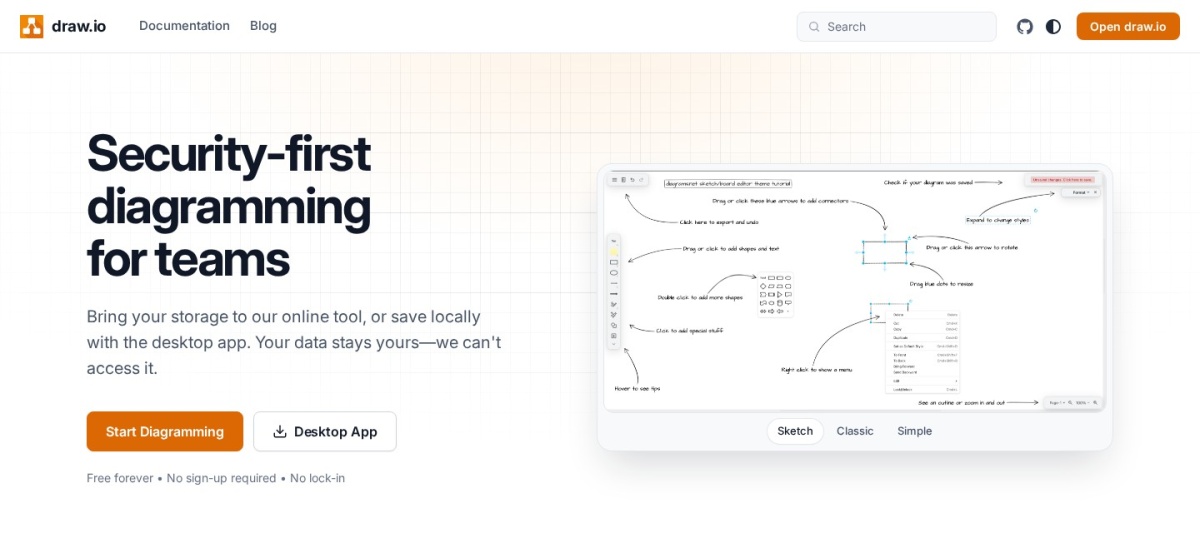
diagrams.net, still widely known as draw.io, is a free, open-source diagram editor that runs in the browser, as a desktop app and inside VS Code. Every shape library and export format is included, files stay in your own Google Drive, OneDrive or device storage, and no account is needed.
The trade off is polish and live editing. The interface looks dated next to Lucidchart, and real-time collaboration depends on where you save the file rather than being built in. It suits solo engineers and anyone documenting a network on a zero budget.
4.5/5on Capterra (3,282 reviews, checked Nov 2026)
Starts at$5/mo
Best for Microsoft 365 teams
Free planNo, 30-day trial
Network stencilsYes, 250,000+ shapes
Desktop appPlan 2, Windows only
Paid planPlan 1, $5/user/mo
microsoft.com
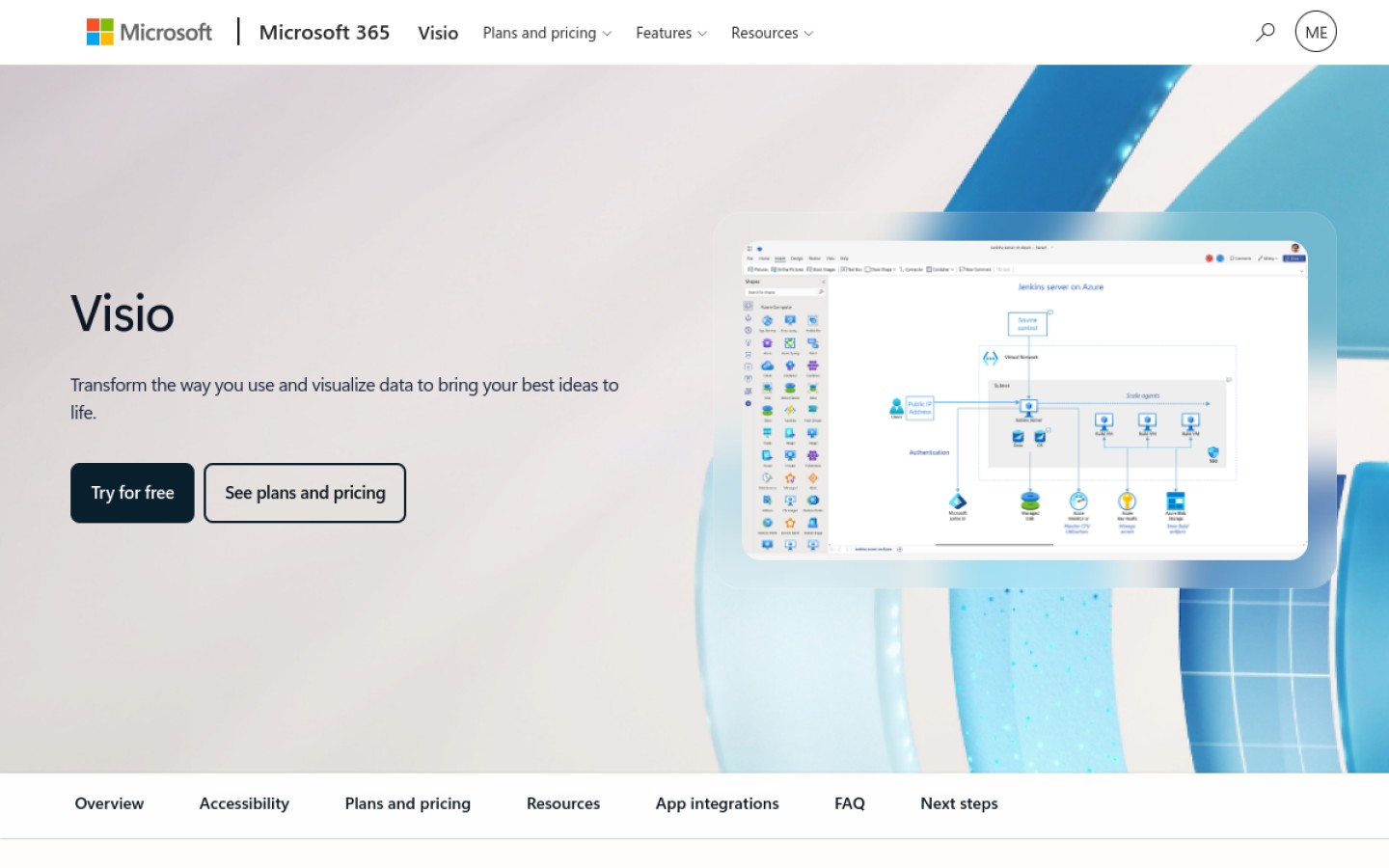
Microsoft Visio homepage, captured Nov 2026.
Microsoft Visio is the long-standing standard for formal network documentation, with deep stencil libraries for LAN, WAN, rack and cloud diagrams. Plan 1 costs $5 per user a month billed yearly for the web app, and a basic web version is included in some Microsoft 365 commercial plans.
The trade off is collaboration and platform. The full desktop app comes only with Plan 2 at $15 per user a month and runs on Windows only, and live co-editing lags behind cloud-native tools. It suits Microsoft 365 shops that already standardise on Visio files.
What we like
Deepest stencil library in this list
Works inside Microsoft 365 and Teams
Familiar Office-style interface
Plan 2 adds AutoCAD support and engineering diagrams
Miro is a visual workspace built around an infinite canvas, where teams map networks live during workshops and planning sessions. The free plan allows 3 editable boards, while Starter costs $8 per member a month billed yearly and adds unlimited boards, private sharing, high-resolution exports and Visio and Lucidchart import.
The trade off is focus. Miro is a general whiteboard, so its network-specific templates are thinner than Lucidchart or Visio, and the jump to Business at $20 per member a month is steep. It suits teams that plan networks together rather than drafting formal documentation.
What we like
Best live collaboration in this list
Huge range of templates beyond diagrams
Imports Visio and Lucidchart files
AI features can draft diagrams from a prompt
Watch out for
Free plan allows only 3 editable boards
Per-seat cost grows quickly with team size
Not a dedicated diagramming tool
Starter adds unlimited boards and private sharingVisit miro.com
05
Creately
4.4/5on G2 (1,394 reviews, checked Nov 2026)
Paid from$5/mo
Best budget team diagramming
Free plan45 shapes per canvas
Network diagramsYes, with templates
Data syncExcel and Sheets, on Business
Paid planPro, $5/editor/mo
creately.com
Creately homepage, captured Nov 2026.
Creately is an online visual workspace for diagrams, flowcharts, org charts and database models. The free plan allows unlimited canvases capped at 45 items each, while Pro costs $5 per editor a month billed yearly and adds unlimited items, 20 folders, 30-day version history, 5 GB of storage and all export formats.
The trade off is the free tier, which limits exports to PNG and JPEG and caps each canvas at 45 items. Two-way data sync with Excel and Google Sheets needs the Business plan at $89 per organisation a month. It suits small teams that want cheap, shared diagramming.
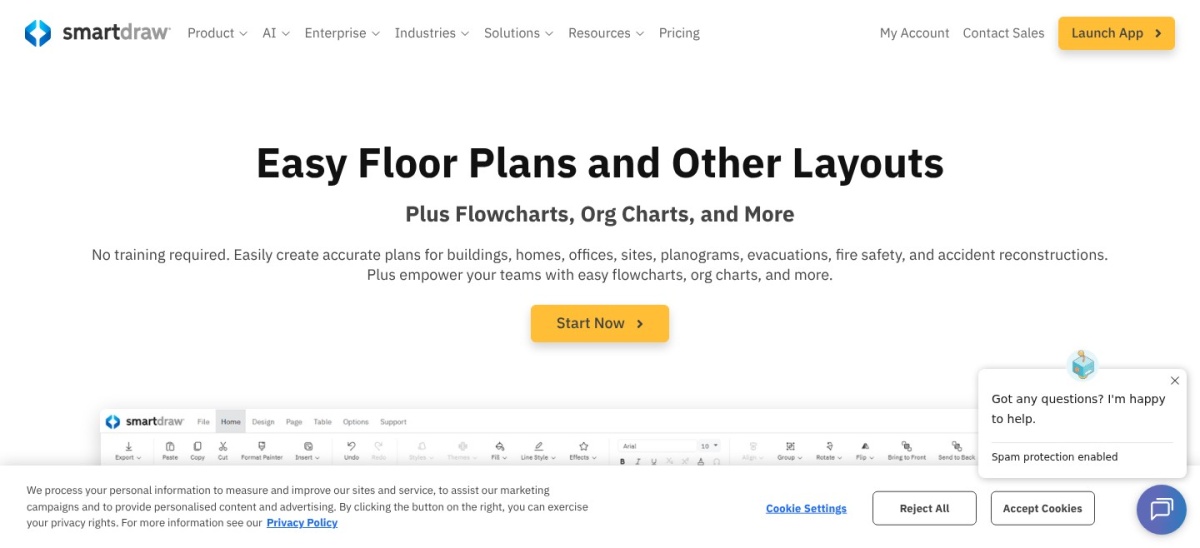
SmartDraw is a diagramming tool with an automatic formatting engine that aligns and spaces shapes for you, plus a large library of network, floor plan and flowchart templates. The Individual plan costs $10.95 a month billed yearly, and the site also lists a $4.95 introductory rate for new customers.
The trade off is price and the lack of a free plan. There is only a free trial, and the introductory rate rises to the regular $10.95 a month after the first term. It suits users who want a finished-looking map quickly from a template.
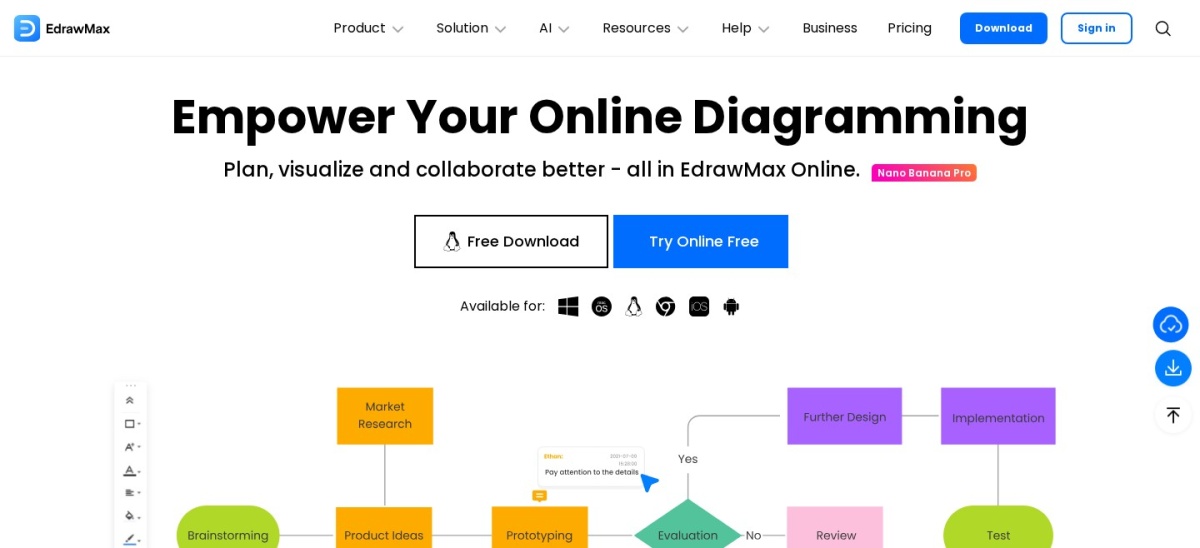
EdrawMax, by Wondershare, is an all-in-one diagramming tool with more than 210 diagram types, including network, electrical and floor plan diagrams. The free version covers basic diagramming with watermarked exports, while the Annual plan costs $99 a year for 3 PCs and mobiles plus the web app, 1 GB of cloud storage and the full template library.
The trade off is the free version, which watermarks exports and locks premium symbols and templates. A perpetual licence costs $198 as a one-time payment for the desktop version. It suits users who want a Visio-style desktop tool on Windows, Mac or Linux.
Cacoo, by Nulab, is a simple online diagramming tool with real-time editing, in-app video chat and AWS architecture shapes. The free plan allows unlimited users but only 6 sheets with PNG export, while Pro costs $5 per user a month on annual billing and adds unlimited sheets, revision history and multiple export formats.
The trade off is scale. The free plan is small at 6 sheets, the Pro plan covers a single user, and monthly billing is $6 per user a month. It suits small teams that want live editing and chat inside the diagram.
yEd Graph Editor, by yWorks, is a free desktop diagram editor for Windows, Mac and Linux, built around automatic layout algorithms that arrange large, tangled graphs neatly. It handles flowcharts, network diagrams and UML, imports data from spreadsheets, and exports to many formats including PDF, SVG and PNG.
The trade off is that it is a solo desktop tool. There is no real-time collaboration or cloud storage, files live on your own machine, and the interface looks dated. It suits technical users untangling large graphs that would take hours to lay out by hand.
For a single network map that changes rarely, diagrams.net or yEd cover the job at no cost. Both handle large diagrams and export to formats your team can open without a licence.
Pay when the diagram is shared work. Real-time editing, comments, version history and private sharing are the features that sit behind paid plans in Lucidchart, Miro, Creately and Cacoo.
A middle path works for many teams: draw the formal record in diagrams.net, and use a paid whiteboard only for the workshops where the network is planned.
How we chose
We started from the diagramming tools most often recommended for network maps, then kept nine with a public price or a free plan and a public rating on G2 or Capterra.
Prices come from each vendor's pricing page, checked on 26 November 2026. Ratings and review counts come from G2 or Capterra on the same day. Where a vendor shows a sale, the list shows the regular price.
We left out auto-discovery tools such as NetBrain and SolarWinds Network Topology Mapper because they are priced by quote, with no public plan to compare. No vendor paid for a place, and we do not claim to have used these tools ourselves.
How to choose software for network diagrams
Start with who will edit the diagram, then match the tool to that job.
Decide whether the diagram is a record or a workshop. A formal record needs clean templates and exports, so Lucidchart, Visio or diagrams.net fit. A planning session needs live editing, so Miro, Creately or Cacoo fit better.
Check what your team already pays for. A Microsoft 365 plan may already include a basic Visio web app, and a Miro or Lucidchart seat may already exist. Do not buy a second tool that duplicates one you own.
Start with the free plan before paying. Draw one real network map in the free tier first. If the shape cap or export limit blocks you, that tells you which paid plan you actually need.
Check exports and sharing before you commit. Make sure the tool exports to PDF, PNG or SVG and imports Visio files if your team already has .vsdx diagrams. A map nobody can open is not documentation.
FAQ
What is the best software for network diagrams?
Lucidchart is the best pick for most teams. Its Individual plan costs $9 a month, includes unlimited documents and premium network templates, and is rated 4.5 out of 5 from 9,142 G2 reviews.
Is there a free network diagram tool?
Yes. diagrams.net is completely free with no document limits, and yEd is a free desktop editor with strong automatic layout. Both suit solo work, though neither offers the live collaboration of paid tools.
Can I draw network diagrams in Visio?
Yes. Visio Plan 1 costs $5 per user a month and covers network, Azure and AWS diagrams in the web app. Plan 2 at $15 adds the Windows desktop app with engineering diagrams and AutoCAD support.
Do any tools build diagrams automatically from the live network?
Yes, but not the tools in this list. Auto-discovery tools such as NetBrain and SolarWinds Network Topology Mapper scan the live network and draw the map for you, but they are priced by quote for enterprise teams.
Which tool is best for a small team on a budget?
Creately Pro and Cacoo Pro both cost $5 a user a month on annual billing, and Visio Plan 1 is $5 a user a month. For a single user, diagrams.net or yEd cost nothing at all.
Can I import Visio files into these tools?
Lucidchart, diagrams.net, Miro and Cacoo all import Visio .vsdx files, and SmartDraw and EdrawMax do as well. That makes it easy to move an existing Visio diagram into a cheaper or more collaborative tool.
SaaS SEO and WordPress specialist with about 8 years of experience. Rakib compares WordPress plugins, themes, hosting and software using public pricing, documentation and user reviews. See how we rank.