Stata is the best software for regression analysis for most researchers. Its scripted workflow covers linear, logistic, panel and instrumental-variable models, and it is rated 4.5 out of 5 on Capterra. Pick SPSS for menu-driven work and jamovi if you need a free tool.
How we make this list: we compare pricing pages, product documentation and public user reviews, then re-check every price before each update. No product paid for a place. Disclosure.
Stata leads on reproducible regression: scripted linear, logistic, panel and instrumental-variable models for $1,015 a year.
SPSS is the menu-driven classic at $109 a month, but advanced models such as mixed models need $87-a-month add-ons.
Minitab is the priciest pick at $2,394 a year, and it pairs regression with design of experiments and control charts.
GraphPad Prism is the lab pick at $595 a year for corporate users, with academic pricing from $265 a year.
Three tools cost nothing to start: Posit with R, KNIME and jamovi, while Excel for the web is free with 5 GB of OneDrive.
What to look for in regression software
Regression analysis turns a data set into a model: which variables predict an outcome, how strong each effect is, and how much the model explains. The keyword covers statistical regression, which is what this list compares. Software-testing regression suites, which rerun code tests after a change, are a different product class and are not in this list.
Start with the models you need. Simple and multiple linear regression run almost anywhere, while logistic, panel, mixed and regularised models narrow the field to Stata, SPSS with add-ons, or R-based tools such as Posit and jamovi.
Then decide between menus and code. SPSS, Minitab, Prism and jamovi work from menus, while Stata and Posit reward people who want scripts that rerun exactly. A model that drives a business or research decision should be rerunnable by someone else.
Finally, count the real cost per named user per year. Most licences here are per person, so multiply by the people who actually fit models, not everyone who reads the results. Free tools cover a lot of ground before you commit to a licence.
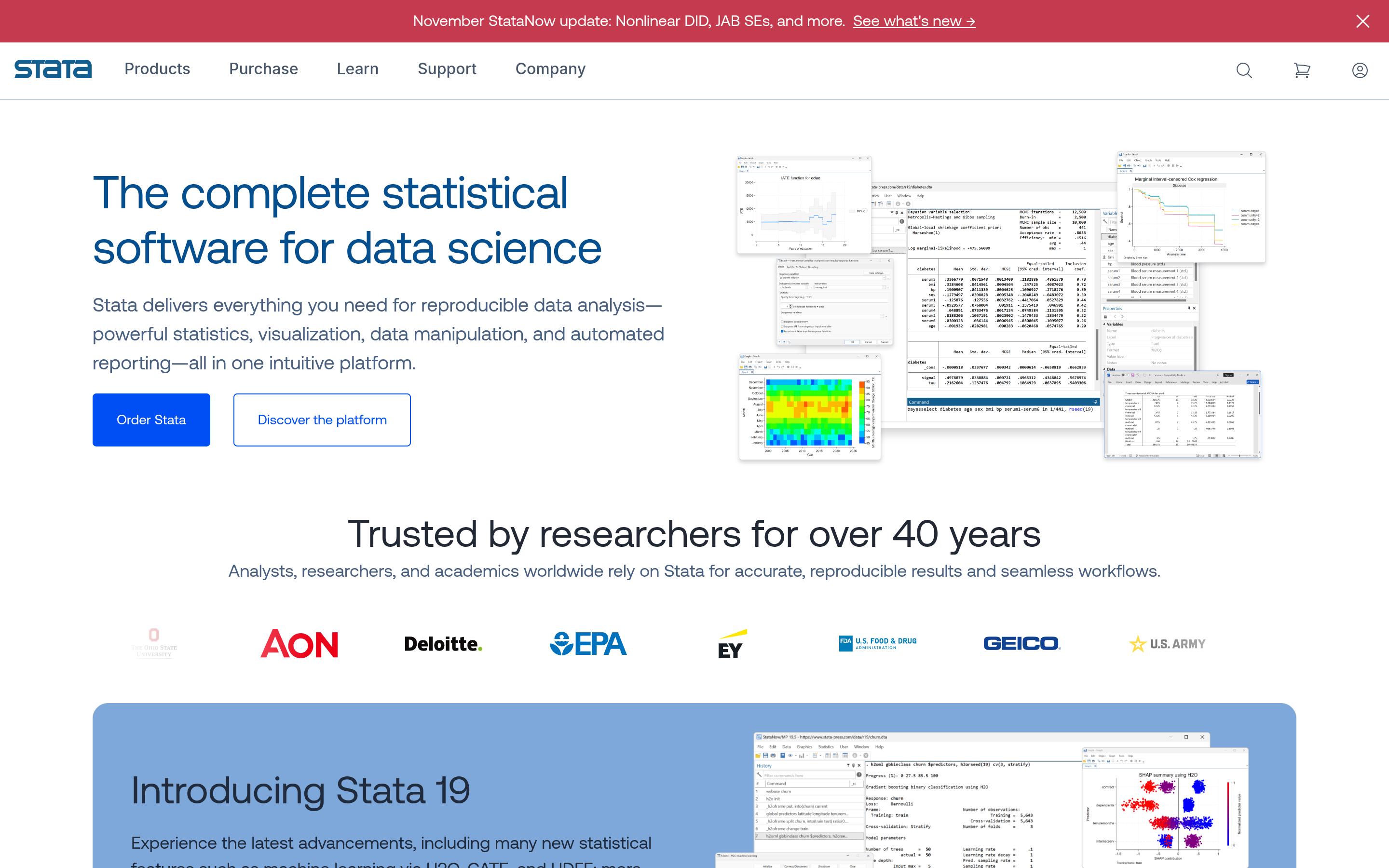
Stata is the regression workhorse of economics, public health and policy research. Linear, logistic, panel and instrumental-variable estimators sit alongside data management, graphing and automated reporting, and everything runs from scripts that make the analysis reproducible.
The trade off is price and learning time. A business single-user annual licence costs $1,015 a year for Stata/SE, $1,195 for Stata/MP 2-core and $1,315 for Stata/MP 4-core, and the command-driven workflow takes longer to learn than menus. It suits researchers who run regression every week.
What we like
Deepest regression library in this list
Scripted workflow makes results reproducible
Annual licences receive new features as they ship
Watch out for
No free plan, and $1,015 a year is the entry point
Command-driven workflow takes time to learn
Faster MP editions cost more as you add cores
Paid licences only; student pricing starts lower with proof of statusVisit stata.com
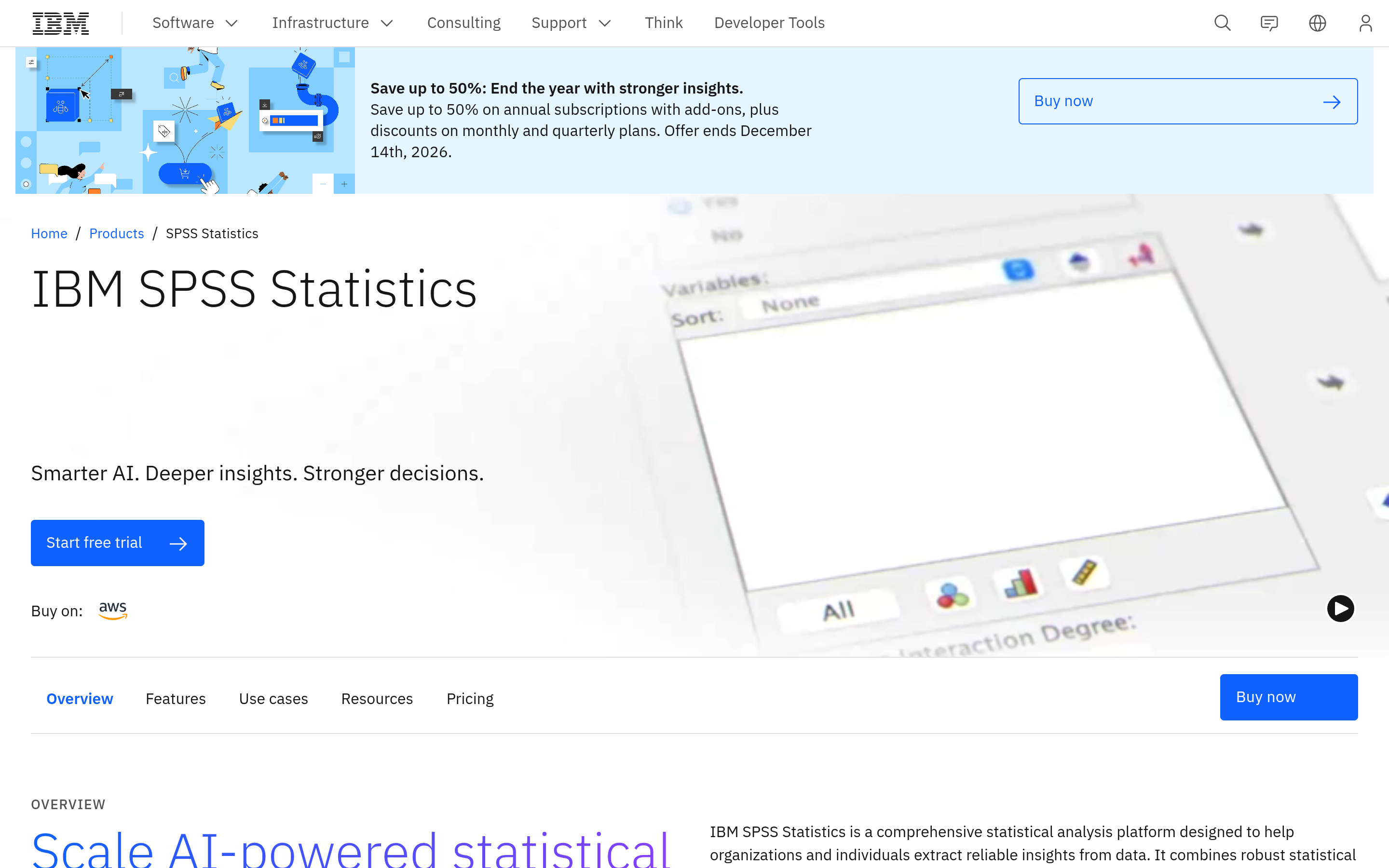
IBM SPSS Statistics is the menu-driven classic for survey and social science work. Load a data set, pick a regression from the menus and get formatted output tables without writing a line of code, with syntax available for repeatable jobs.
The trade off is that the base is only the start. Advanced models such as generalised linear models, mixed models, 2SLS, Lasso and Elastic Net need add-ons at $87 a user a month each. It suits analysts and teachers who want a familiar, teachable package.
What we like
No coding needed for standard regression
Huge user base, so help is easy to find
Syntax keeps menu work repeatable
Watch out for
Add-ons push the real price well above $109 a month
IBM calls its prices indicative and they vary by country
Interface feels dated next to newer tools
Add-ons for advanced statistics, forecasting and sampling cost extraVisit ibm.com
03
Minitab
4.6/5on G2 (227 reviews, checked Nov 2026)
Starts at$2,394/yr
Best for quality and Six Sigma teams
Cheapest paid planSolution Center Core, $2,394/yr
Regression modelsLinear, logistic, nonlinear
WorkflowGuided menus, cloud and desktop
Free trialYes, 14 days
minitab.com
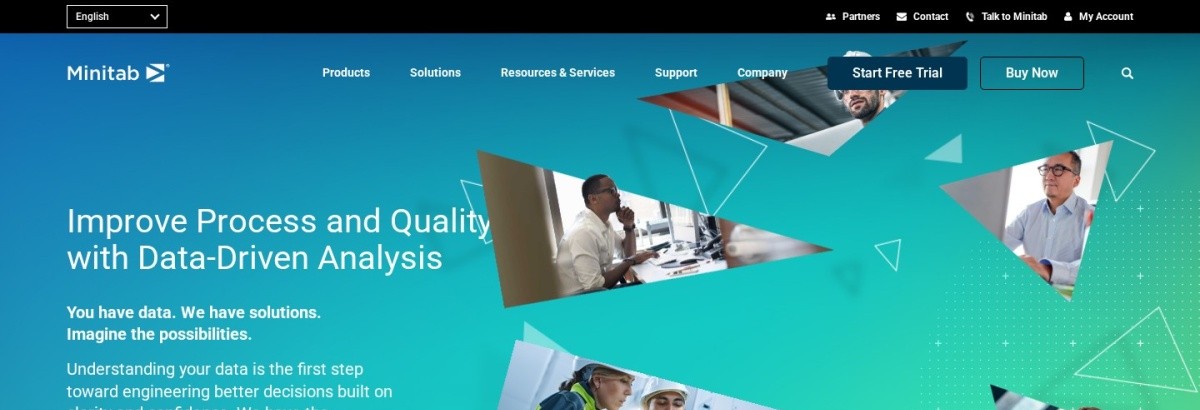
Minitab homepage, captured Nov 2026.
Minitab is regression software for the factory floor and the quality lab. Its Statistical Software sits at the core of Minitab Solution Center, where regression lives next to design of experiments, capability analysis and control charts.
The trade off is price. Solution Center Core costs $2,394 a year for a single named user, which is the highest list price here, and it is expensive for occasional use. It suits Six Sigma teams that fit a model and act on it in the same tool.
What we like
Regression, DOE and control charts in one subscription
Plain-language output guides less experienced users
Rated 4.6 out of 5 on G2 from 227 reviews
Watch out for
Highest list price in this list at $2,394 a year
Priced per named user, so teams pay for every analyst
Less suited to panel or econometric models
Core bundles Minitab DOE by Effex and Minitab WorkspaceVisit minitab.com
04
GraphPad Prism
4.7/5on Capterra (144 reviews, checked Nov 2026)
Starts at$595/yr
Best for lab scientists
Cheapest paid planStandard corporate, $595/yr
Regression modelsLinear and nonlinear curves
WorkflowGuided menus, no coding
Free trialYes
graphpad.com
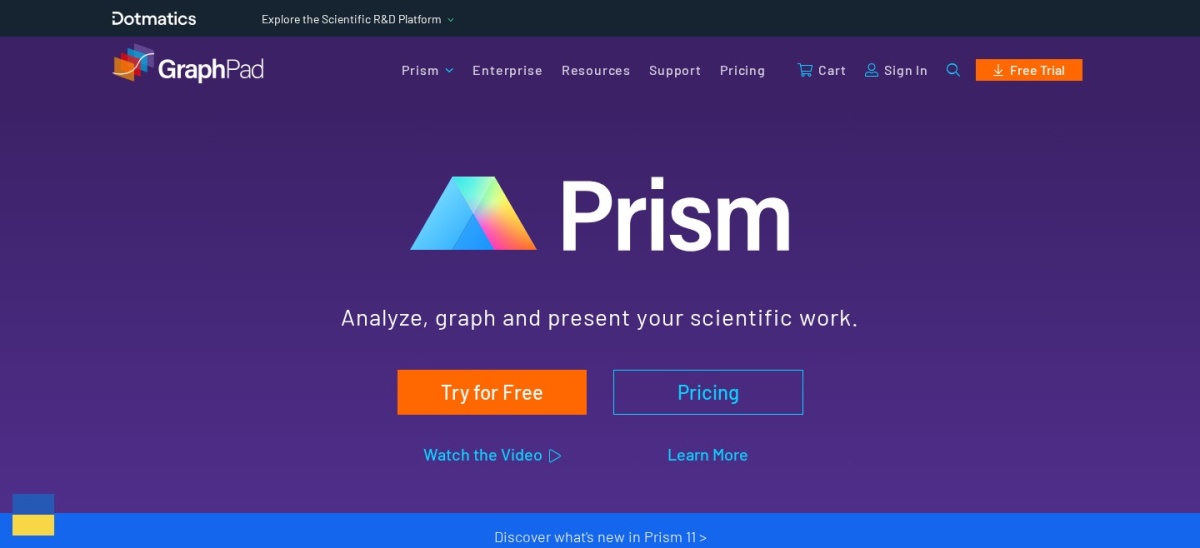
GraphPad Prism homepage, captured Nov 2026.
GraphPad Prism is the regression tool most biology and pharmacology labs already know. It fits linear and nonlinear curves such as dose-response models and turns them into graphs that are ready for a paper or poster, with no separate charting tool.
The trade off is scope. A corporate personal subscription costs $595 a year for Standard and $750 for Pro, while academic users pay $265 and $360 and students $142 and $213. It suits bench scientists, not general-purpose data teams.
What we like
Statistics and publication graphs in one desktop app
Guided analyses explain which test fits the data
Highest Capterra rating here at 4.7 out of 5
Watch out for
Narrower scope than SPSS, Stata or R
Personal licences cannot be shared with other users
Pro is needed for multiple-variable analyses
Pro adds clustering, multifactor ANOVA and multiple-variable analysesVisit graphpad.com
05
JMP
4.5/5on G2 (213 reviews, checked Nov 2026)
PricingQuote/yr
Best for visual, interactive discovery
Cheapest paid planQuote only
Regression modelsLinear, logistic, predictive
WorkflowDrag, link and drill into data
Free trialYes
jmp.com
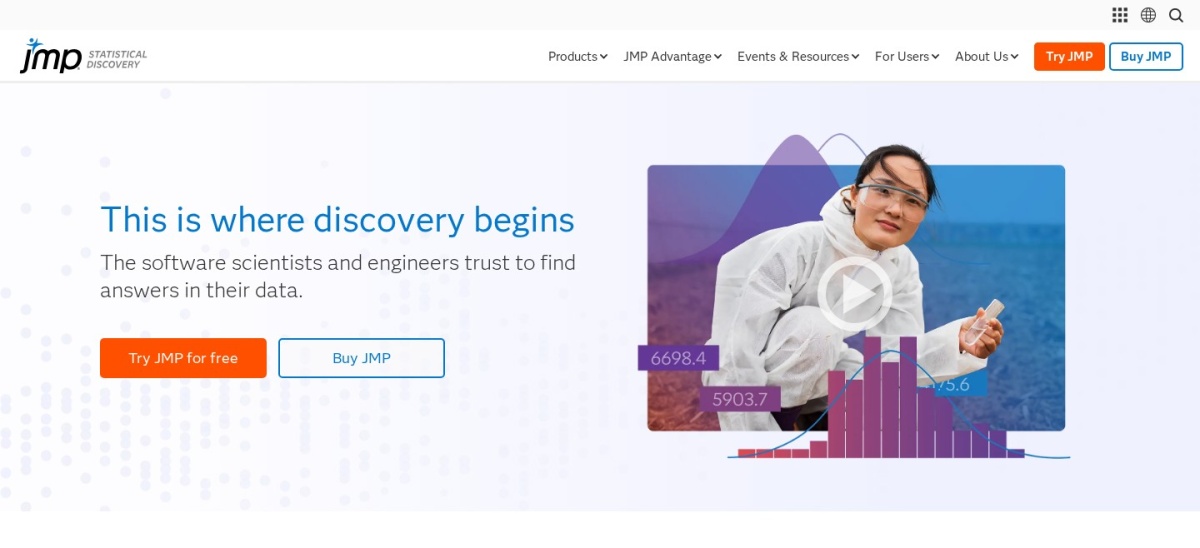
JMP homepage, captured Nov 2026.
JMP, from SAS, is statistical discovery software built around interactive visualisation. Drag, link and drill into data to find patterns, with regression, design of experiments and predictive modelling in the same view, and JMP Pro adds further predictive analytics.
The trade off is pricing. JMP publishes no list price, so you must request a quote before you can budget, and its workflow differs from traditional statistics packages. It suits scientists and engineers who think visually rather than in code.
What we like
Interactive exploration finds patterns fast
Used by all of the 10 largest pharmaceutical companies, per JMP
JMP Clinical serves trial safety and efficacy work
Watch out for
No published price, so budgeting needs a sales quote
Different workflow from menu or script packages
Pro features cost extra on top of the base licence
Pricing is quote-based; a free trial is available from the siteVisit jmp.com
06
Posit (RStudio)
4.5/5on G2 (575 reviews, checked Nov 2026)
PriceFree
Best free code-first regression
Cheapest paid planRStudio Desktop, free
Regression modelsEvery model in the R ecosystem
WorkflowCode, scripts and notebooks
Free trialFree desktop, no trial needed
posit.co
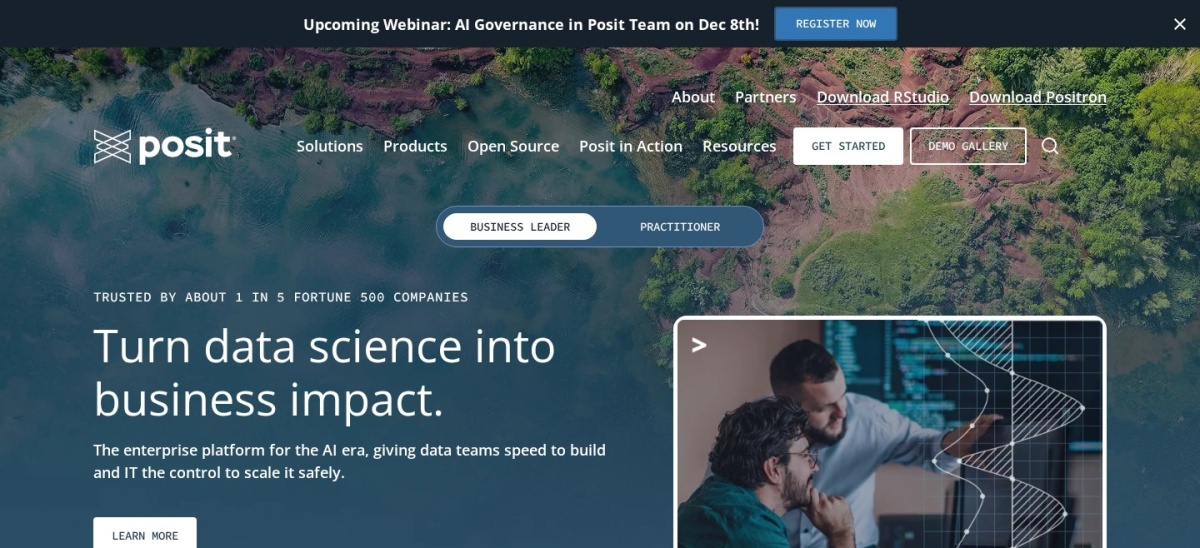
Posit (RStudio) homepage, captured Nov 2026.
Posit (RStudio) is the free, open-source route to regression through R. R is the free software environment behind much of modern statistics, with 25,769 packages on CRAN covering every method from standard regression to the newest techniques, and R Markdown weaves code and results into reproducible reports.
The trade off is programming skill and vigilance. Package quality varies, dependency management needs discipline, and there is no menu to fall back on. It suits research teams with statistical programming capacity who want the widest method library at no licence cost.
What we like
Completely free with the largest method library available
Scripts and R Markdown make work fully reproducible
Rated 4.5 out of 5 on G2 from 575 reviews
Watch out for
Programming is required, with no menu-driven fallback
Package quality varies and versioning needs care
Paid Posit Team tiers add cost for collaboration
Paid Posit tiers add collaboration, publishing and supportVisit posit.co
07
KNIME
4.5/5on G2 (118 reviews, checked Nov 2026)
Paid from$19/mo
Best for repeatable regression workflows
Cheapest paid planPro, $19/mo
Regression modelsLinear, logistic, tree-based
WorkflowVisual nodes that rerun on new data
Free trialFree desktop, no trial needed
knime.com
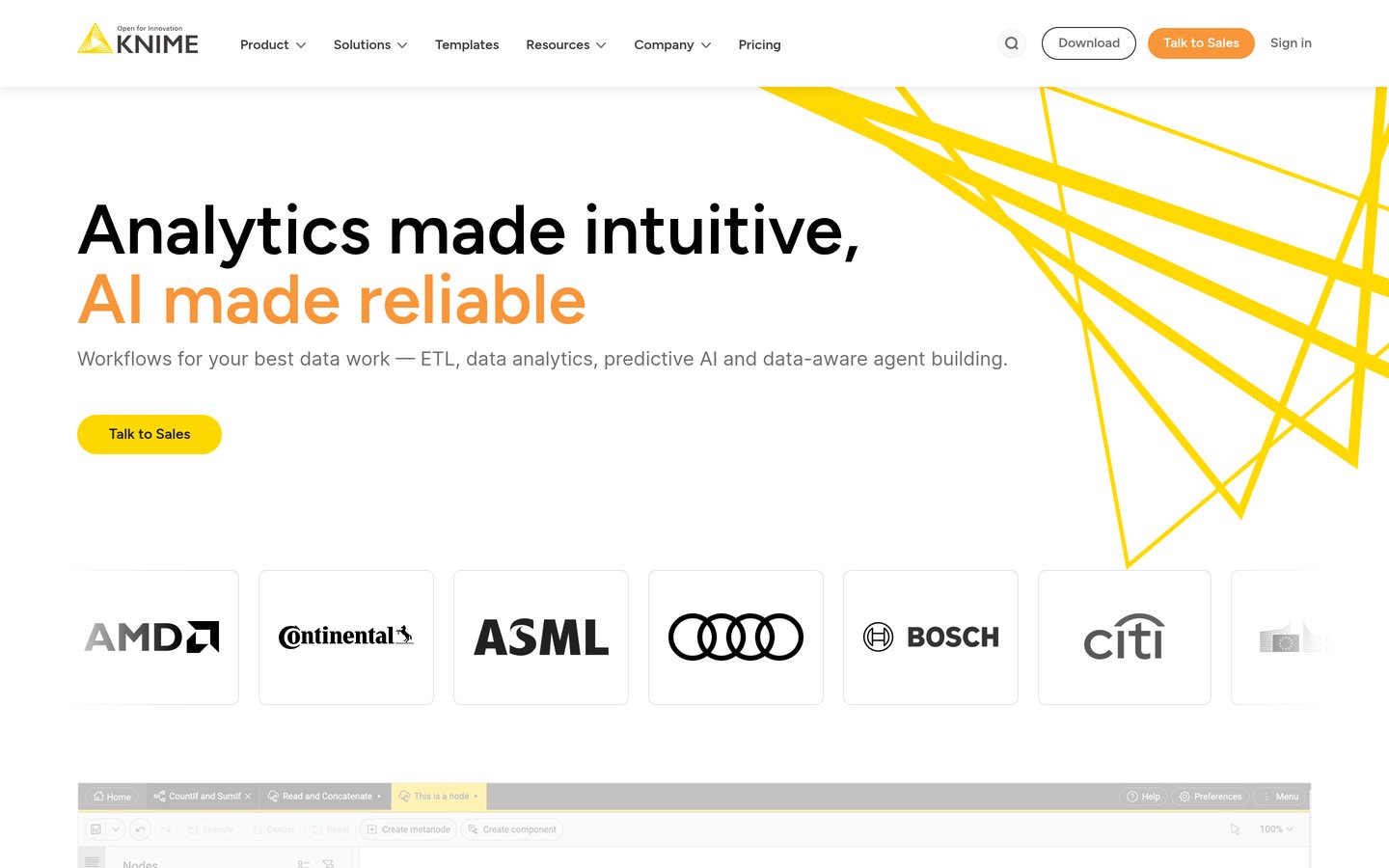
KNIME homepage, captured Nov 2026.
KNIME builds regression as a visual workflow: read the data, clean it, fit a regression learner, score new rows and export the results, all as connected nodes that rerun with one click when next month's data arrives. The desktop Analytics Platform is free and open source, with 300-plus connectors.
The trade off is depth and polish. Pro costs $19 a month and adds scheduling, data apps and REST services, while charts are weaker than a statistics package and large data sets can run slowly on your own machine. It suits analysts who rerun the same model on fresh data.
What we like
Free desktop with unlimited local execution
Workflows rerun exactly on new data
300-plus connectors for data sources
Watch out for
Scheduling and sharing need a paid Hub plan
Visualisation is weaker than Prism or JMP
Business Hub pricing is quote-only
Pro adds scheduling, data apps and REST services for $19 a monthVisit knime.com
08
jamovi
4.2/5on Techjockey (4 reviews, checked Nov 2026)
Paid from$5/mo
Best free menu-driven regression
Cheapest paid planCloud Priority, $5/user/mo
Regression modelsLinear and logistic
WorkflowMenus with visible R syntax
Free trialFree desktop, no trial needed
jamovi.org
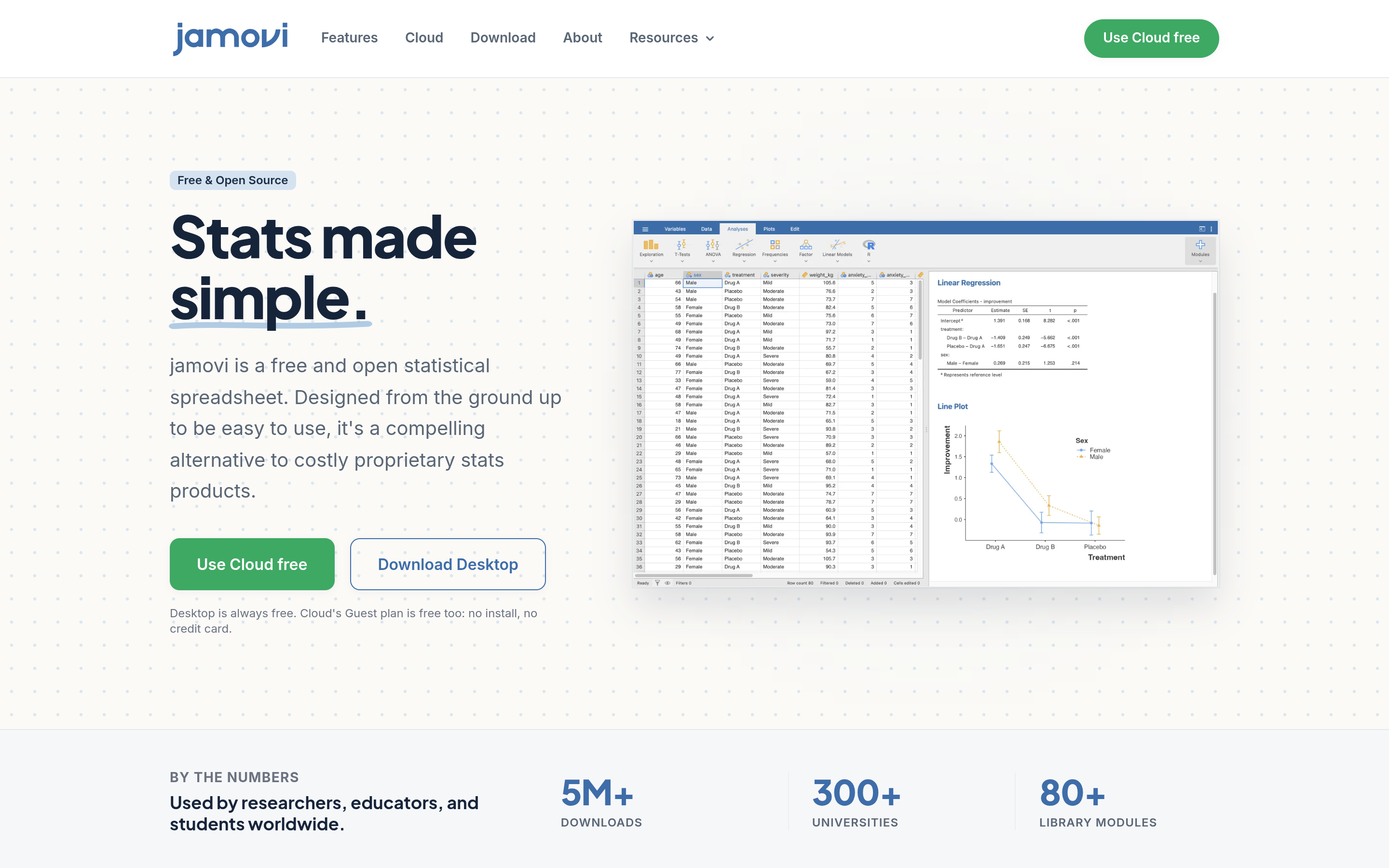
jamovi homepage, captured Nov 2026.
jamovi is the free alternative to SPSS that many universities now teach with. It is a statistical spreadsheet: drag variables into a regression, set options and the results update instantly, and it shows the exact R syntax behind every analysis. Its site reports 5M-plus downloads and 300-plus universities using it.
The trade off is depth. It covers standard linear and logistic models well, but fewer advanced estimators than Stata or SPSS add-ons without extra modules, and its public rating base is thin at 4 verified ratings. It suits students, teachers and researchers on standard models.
What we like
Free and open-source desktop that works offline
Shows the R syntax behind every analysis
80-plus library modules extend the built-in analyses
Watch out for
Thin public rating base, only 4 verified ratings found
Fewer advanced estimators than paid packages
Built for teaching and research, not large production data
Cloud Priority at $5 a month adds a hosted workspaceVisit jamovi.org
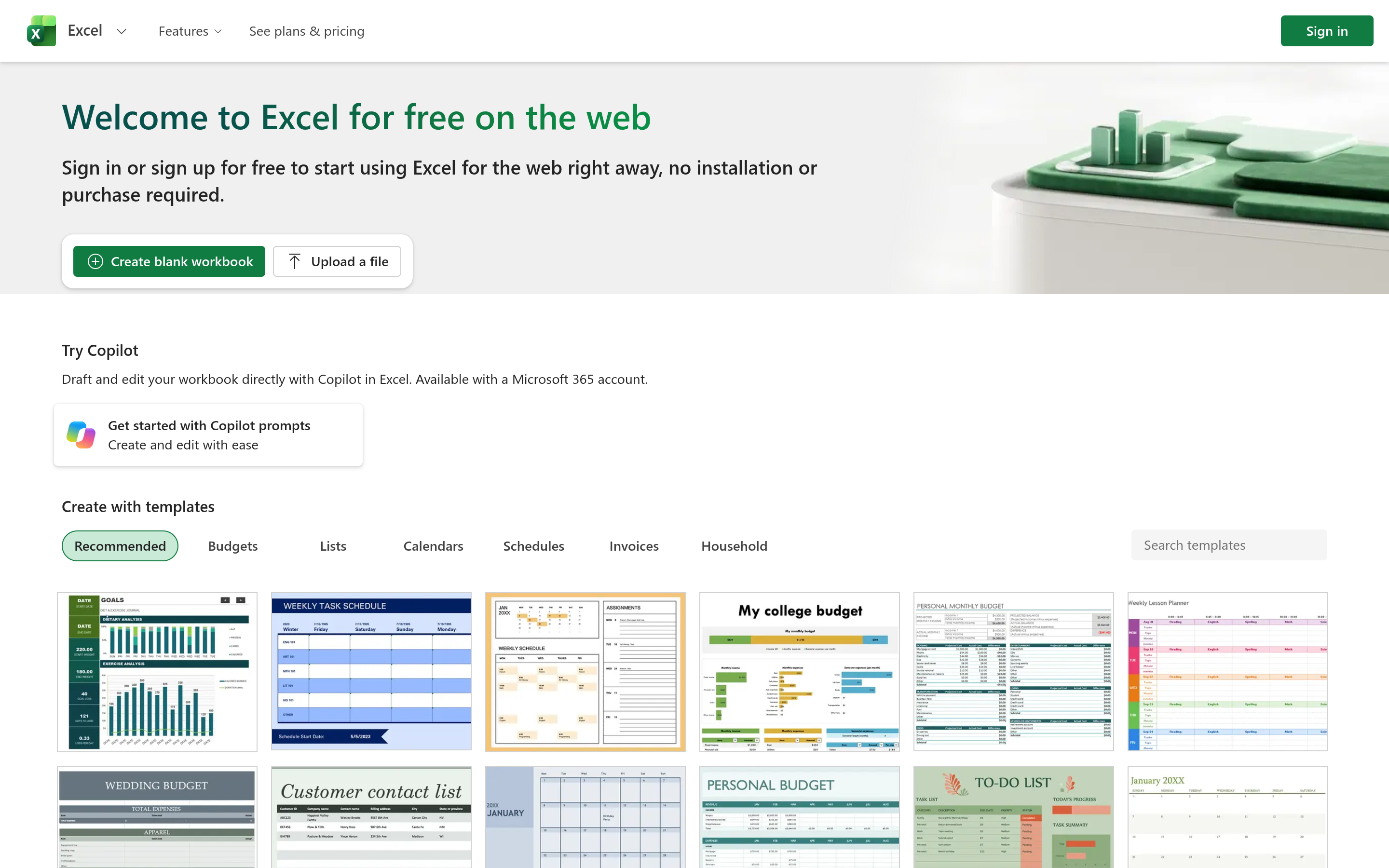
Microsoft Excel is where most business regression actually happens. Trend lines on a chart, the LINEST function and the Analysis ToolPak add-in cover simple and multiple linear regression on data that is already in a workbook, and the grid holds 1,048,576 rows.
The trade off is depth. Logistic, panel or mixed models need add-ins or another tool, and the full desktop app needs a paid Microsoft 365 subscription at $9.99 a month or $99.99 a year. It suits a quick fit, with a dedicated package when the model drives a real decision.
What we like
Data already lives in the spreadsheet
Largest review base here at 4.7 out of 5 on G2
Excel for the web is free with 5 GB of OneDrive
Watch out for
Only linear regression without add-ins
Full desktop app needs a paid subscription
No scripted reproducibility like Stata or R
Microsoft 365 Personal adds the desktop apps and 1 TB of OneDriveVisit microsoft.com
What this list does not cover: software-testing regression
The phrase regression analysis also names a software-testing practice: rerunning tests after a code change to catch new bugs. Tools for that job, such as test automation suites, are a different product class.
This list compares statistical regression only: fitting models to data and reading coefficients, fit and diagnostics. If you searched for test regression, look for test automation tools instead.
Free vs paid: what you give up
Free tools cover standard regression well. Posit with R, KNIME and jamovi all fit linear and logistic models at no licence cost, and Excel for the web is free too.
Paid tools mostly add depth, guidance and support. You get panel and mixed models, guided analyses, validated workflows and someone to call when the model will not run.
If a model drives a published paper or a business decision, the cheapest tool is often the one your reviewers already trust. Stata at $1,015 a year is cheap next to a rejected paper or a wrong forecast.
How we chose
We started from the statistical packages researchers actually name for regression: Stata, SPSS, Minitab, Prism, JMP, R through Posit, KNIME, jamovi and Excel, then checked each one against the models it covers and the price a single user pays.
Prices come from each vendor's pricing page or a published price list, checked on 26 November 2026. Ratings and review counts come from Capterra, G2 or Techjockey on the same day, and the source is named on each tool. Where a vendor shows a sale, the list shows the regular price.
We left out tools with no published price and no public rating, and tools whose rating base was too thin to report without a warning. No vendor paid for a place, and we do not claim to have used these tools ourselves.
How to choose regression analysis software
Start with the models you need, then match the tool to the people who will run them.
List the models you must fit. Simple and multiple linear regression run almost anywhere, while logistic, panel, mixed and regularised models narrow the field to Stata, SPSS with add-ons, or R-based tools.
Decide between menus and code. SPSS, Minitab, Prism and jamovi work from menus, while Stata and Posit reward people who want scripts or workflows that rerun exactly.
Check reproducibility before you buy. A model that drives a business or research decision should be rerunnable by someone else, through scripts, saved workflows or jamovi's single-file output.
Price per named user, per year. Most licences here are per person, so multiply by the people who actually fit models, and remember that free tools cover standard models at no cost.
FAQ
What is the best software for regression analysis?
Stata is the best pick for most researchers. Its scripted workflow covers linear, logistic, panel and instrumental-variable models, it is rated 4.5 out of 5 on Capterra, and a business Stata/SE licence costs $1,015 a year.
Is there free software for regression analysis?
Yes. Posit with R, KNIME and jamovi are all free and open source, and Excel for the web is free with 5 GB of OneDrive. They cover standard linear and logistic models well, though advanced estimators usually need a paid package.
What is the cheapest paid regression tool here?
jamovi is the cheapest paid option at $5 a month for Cloud Priority, while its desktop app is free. KNIME Pro costs $19 a month, and Excel through Microsoft 365 Personal costs $9.99 a month or $99.99 a year.
Can Excel do regression analysis?
Yes, for linear regression. Trend lines, the LINEST function and the Analysis ToolPak cover simple and multiple linear regression. Logistic, panel or mixed models need add-ins or a dedicated statistics package.
Do I need Stata or SPSS for regression?
Not always. If you run standard linear or logistic models, jamovi or Posit with R will do the job for free. Stata and SPSS earn their price when you need panel models, advanced estimators or output your reviewers already trust.
What is the difference between statistical regression and software regression testing?
Statistical regression fits a model to data to predict an outcome. Software regression testing reruns tests after a code change to catch new bugs. This list covers statistical regression only.
Which regression tool is best for students?
jamovi is the best free pick for students, with menus, visible R syntax and a free desktop app. Posit with R is free too, and Stata offers student pricing with proof of status.
SaaS SEO and WordPress specialist with about 8 years of experience. Rakib compares WordPress plugins, themes, hosting and software using public pricing, documentation and user reviews. See how we rank.