memoQ is the best translation memory software for professional translators, offering context-aware translation matching and terminology management for $436 per year. Choose Trados for browser-based translation and agency compatibility, or Wordfast Pro for a desktop translation workflow with a longer license period.
How we make this list: we compare pricing pages, product documentation and public user reviews, then re-check every price before each update. No product paid for a place. Disclosure.
memoQ costs $436/yr and supports more than 100 languages.
Trados Go has a regular annual subscription price of $420 and includes cloud translation memory.
Wordfast Pro costs $480 for a three-year license, equivalent to $160 per year.
Smartcat starts at $1,200/yr with unlimited users on its Adapt plan.
Lokalise earns 4.6/5 from 804 G2 reviews and focuses on collaborative localization.
What translation memory software should cover
Translation memory software stores previously translated segments and retrieves them when similar content appears in subsequent projects. This reduces repeated work and helps maintain consistent wording across documents.
Look for exact matching, fuzzy matching and context matching. These features help translators identify reusable content while checking whether previous translations remain suitable for the current document.
Terminology databases complement translation memories by storing approved words and expressions. Automated quality checks can identify inconsistent terminology, missing numbers and formatting problems before delivery.
Check whether the software supports Translation Memory eXchange (TMX), bilingual document alignment and your existing file formats. These capabilities help preserve translation assets when moving between platforms.
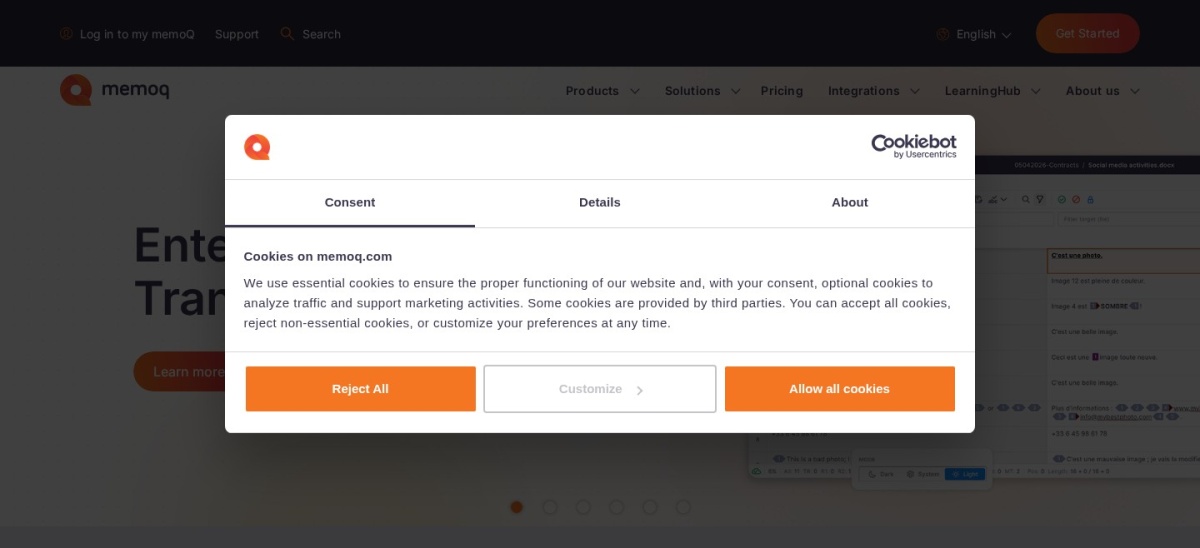
memoQ is a computer-assisted translation application that stores bilingual segments alongside contextual information. Its translator pro subscription costs $436 annually and includes terminology management, document alignment through LiveDocs and support for more than 100 languages.
The trade off is that the desktop editor requires Windows, while centralized team workflows require a separate TMS subscription. Monthly billing costs $54. It suits professional translators working with recurring technical, commercial and multilingual documents.
What we like
Context-aware translation memory matching
Integrated terminology management
Bilingual document alignment
Compatibility with agency translation packages
Watch out for
Desktop editor requires Windows
Team management requires separate licensing
translator pro includes software updates and technical support.Visit memoq.com
02
Trados
4/5on G2 (156 reviews, checked Nov 2026)
Starts at$420/yr
Best for agency-compatible translation workflows
Entry productTrados Go
Translation memoryCloud-based
Terminology managementYes
Annual target words1 million
trados.com
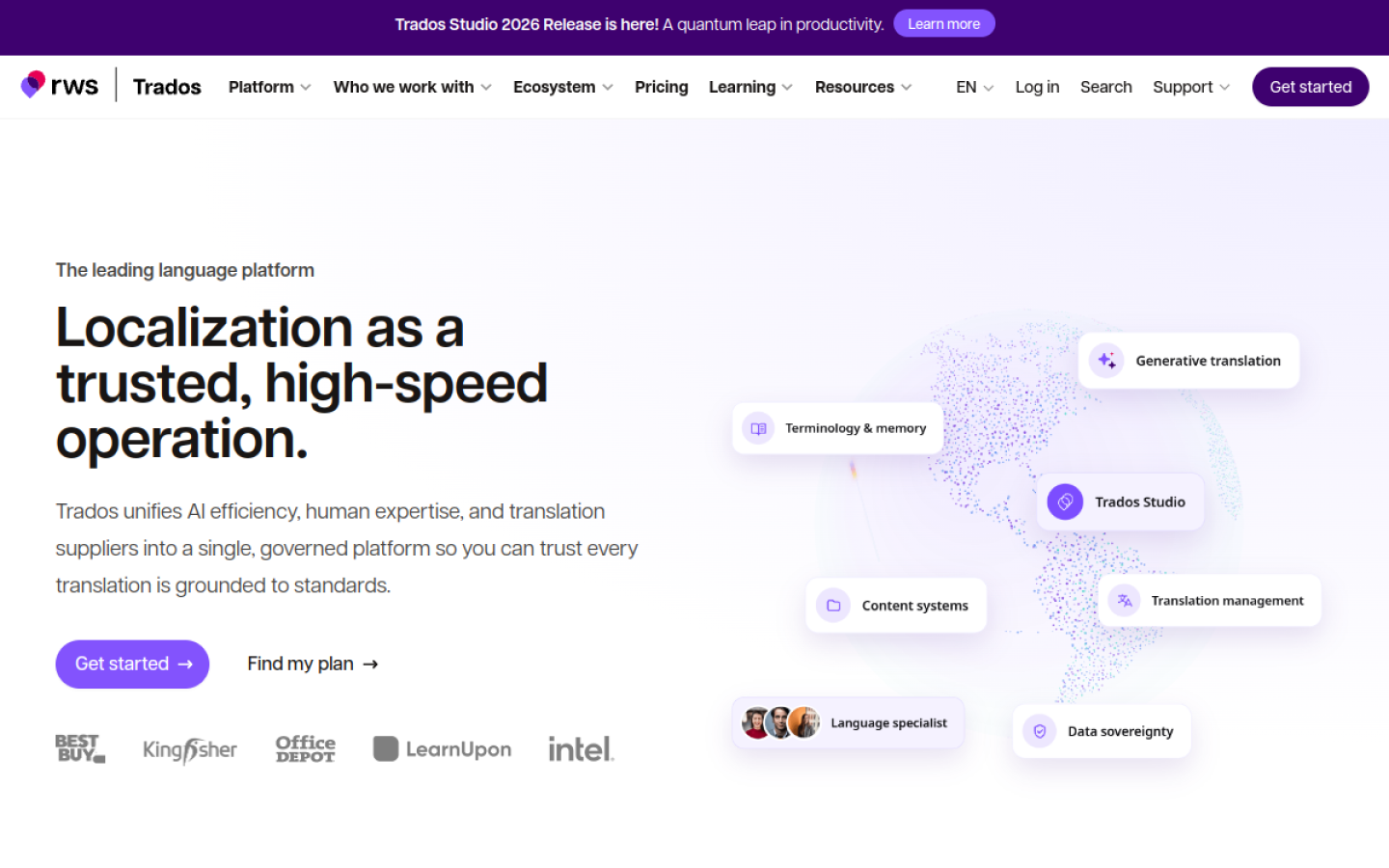
Trados homepage, captured Nov 2026.
Trados is a translation software family covering document translation, terminology and translation project management. Its browser-based Go product includes cloud translation memories, termbases and automated quality checks, with a published allowance of one million target words annually.
The trade off is that Trados Go lacks the full offline desktop workflow of Trados Studio. Its regular Annual Saver price is $420, with a lower introductory offer advertised separately. It suits freelancers who need browser access and compatibility with professional translation workflows.
What we like
Established translation industry ecosystem
Reusable translation memories and termbases
Browser-based editing
Automated translation quality checks
Watch out for
Desktop Studio requires separate licensing
Entry cloud subscription has a word allowance
Trados Go includes cloud translation resources and an online editor.Visit trados.com
03
Wordfast Pro
4.3/5on Capterra (31 reviews, checked Nov 2026)
Starts at$480/3 years
Best for affordable desktop translation
License duration3 years
Operating systemsWindows, macOS, Linux
Translation memoryLocal and remote
License renewal50% of prevailing list price
wordfast.com
Wordfast Pro homepage, captured Nov 2026.
Wordfast Pro is a desktop computer-assisted translation application for freelancers and language service providers. Its $480 license remains valid for three years and includes software upgrades, technical support and access to Wordfast Anywhere.
The trade off is the upfront payment and potential compatibility problems with newer macOS releases. The initial license averages $160 annually, although it must be purchased upfront. It suits independent translators who prefer desktop tools and less frequent license renewals.
What we like
Three-year software license
Support for multiple desktop operating systems
Batch document processing
Local translation memory management
Watch out for
Upfront license payment
Newer macOS compatibility needs checking
The license includes updates and support throughout its three-year term.Visit wordfast.com
04
Smartcat
4.6/5on G2 (183 reviews, checked Nov 2026)
Starts at$1,200/yr
Best for collaborative translation teams
Entry planAdapt
User accountsUnlimited
Supported languages280+
BillingAnnual
smartcat.com
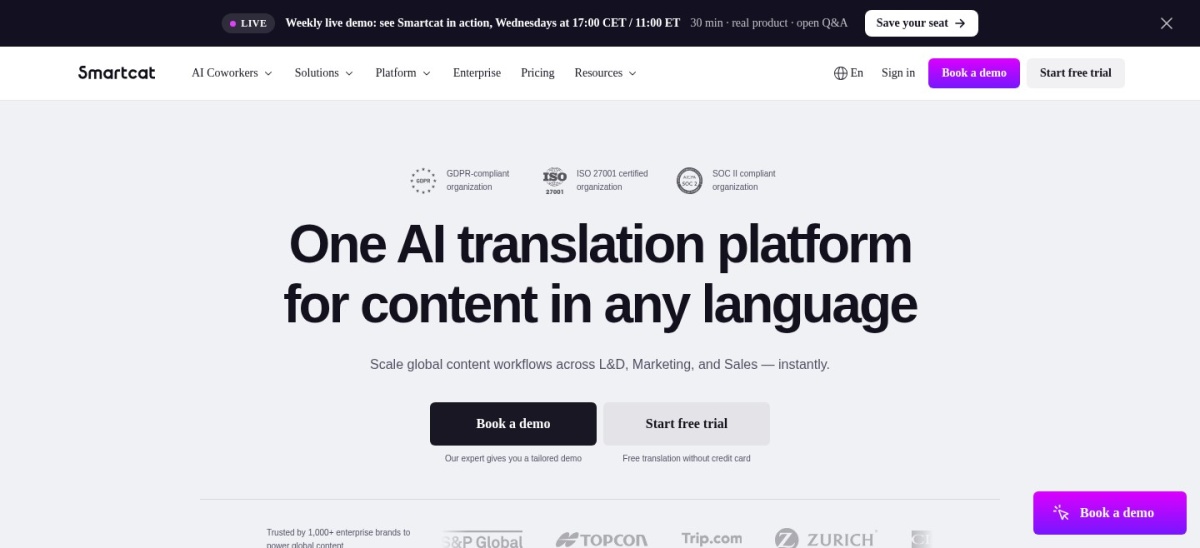
Smartcat homepage, captured Nov 2026.
Smartcat is a cloud translation platform combining computer-assisted translation, reusable linguistic resources and AI-assisted content production. Its Adapt subscription starts at $1,200 annually and includes unlimited users, content translation and linear approval workflows.
The trade off is that advanced vendor collaboration and marketplace access are associated with higher packages. The $1,200 starting price also needs evaluating against expected translation usage. It suits teams managing shared translation resources across multiple contributors.
What we like
Unlimited users on the entry plan
Shared translation memories
Browser-based collaboration
Support for multiple content formats
Watch out for
Higher annual entry cost than desktop tools
Advanced collaboration requires an upgrade
Adapt includes content translation and creation workflows.Visit smartcat.com
05
Lokalise
4.6/5on G2 (804 reviews, checked Nov 2026)
Starts at$149/mo
Best for software product localization
Entry planExplorer
Translation memoryAvailable
Repository integrationsAvailable
Editing environmentBrowser
lokalise.com
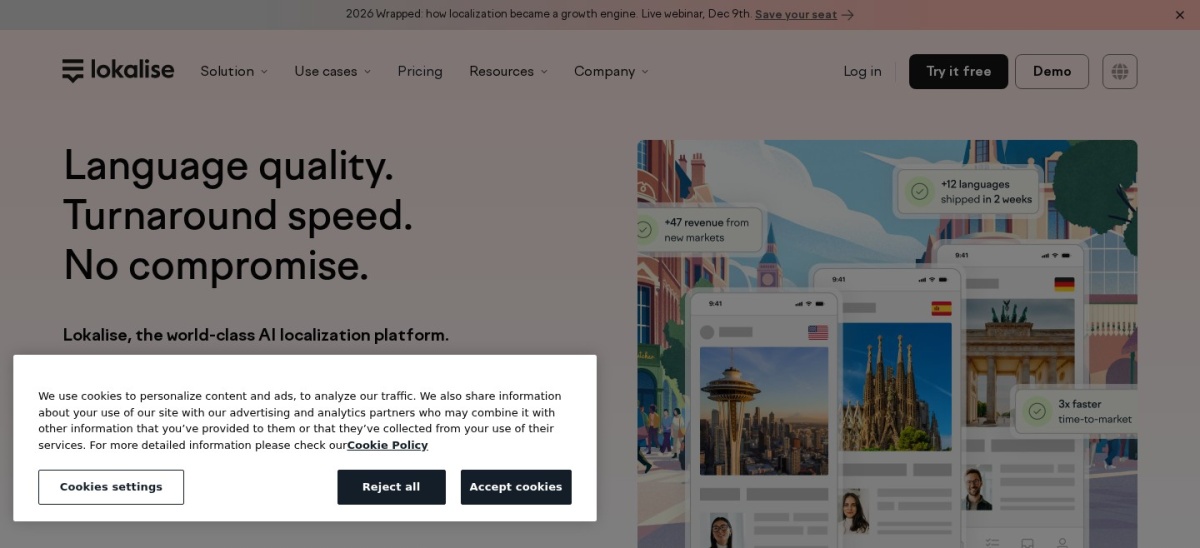
Lokalise homepage, captured Nov 2026.
Lokalise is a localization management platform that connects translators, designers and developers. Its Explorer subscription starts at $149 per month, while the broader platform offers translation memory, terminology resources, contextual editing and repository integrations.
The trade off is that advanced translation memory administration and workflow automation depend on the subscription tier. Annualized entry pricing is $1,788. It suits software companies coordinating translations across frequent product releases.
What we like
Collaborative translation editor
Developer-oriented integrations
Contextual translation workflows
Translation asset migration support
Watch out for
Advanced memory controls may require upgrades
Less economical for individual translators
Higher plans expand automation and localization management capabilities.Visit lokalise.com
06
Phrase
4.5/5on G2 (1,374 reviews, checked Nov 2026)
Starts at$27/mo
Best for cloud-based translation management
Entry planFreelancer
TMS seats1
Translation memoryIncluded
BillingAnnual
phrase.com
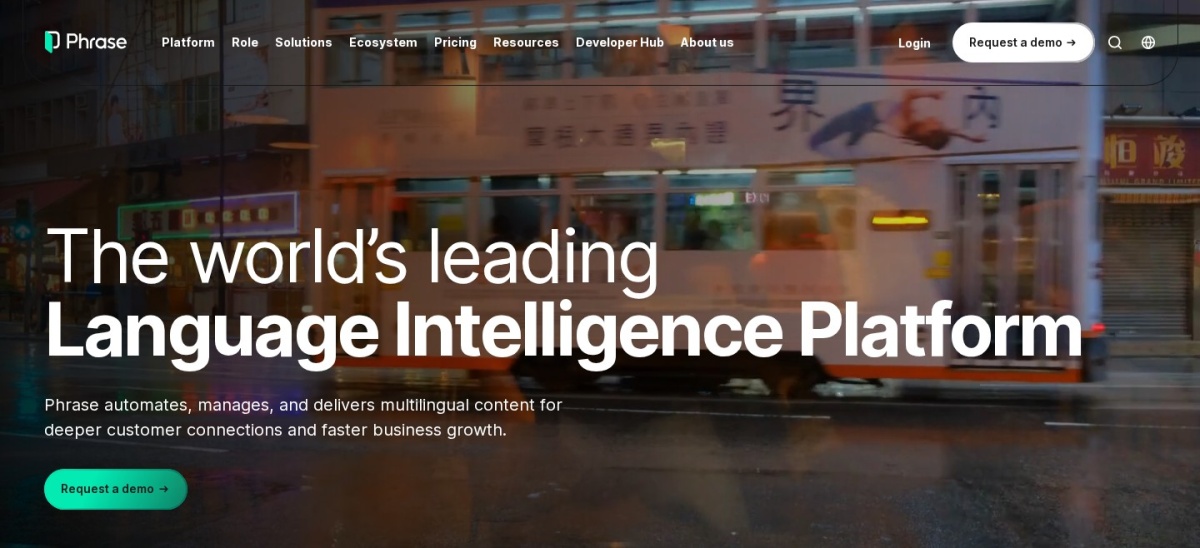
Phrase homepage, captured Nov 2026.
Phrase is a cloud localization platform combining translation memories, terminology databases and computer-assisted translation workflows. Its Freelancer subscription costs $27 per month billed annually and includes one TMS seat, quality assurance and document translation capabilities.
The trade off is that the $324 annual Freelancer subscription does not include Phrase Strings seats. Advanced workflow management requires higher subscriptions. It suits independent translators and language service providers looking for centralized translation resources.
What we like
Translation memory included in the entry plan
Integrated terminology and quality checks
Browser-based translation environment
Repository integrations
Watch out for
Freelancer plan limited to one TMS seat
Advanced automation requires higher plans
Professional adds vendor management, reporting and customizable workflows.Visit phrase.com
07
Localazy
4.8/5on G2 (78 reviews, checked Nov 2026)
Starts at$34/mo
Best for cross-project software translation memory
Entry planProfessional
Managed source keys1,000
User seatsUnlimited
Free trial14 days
localazy.com
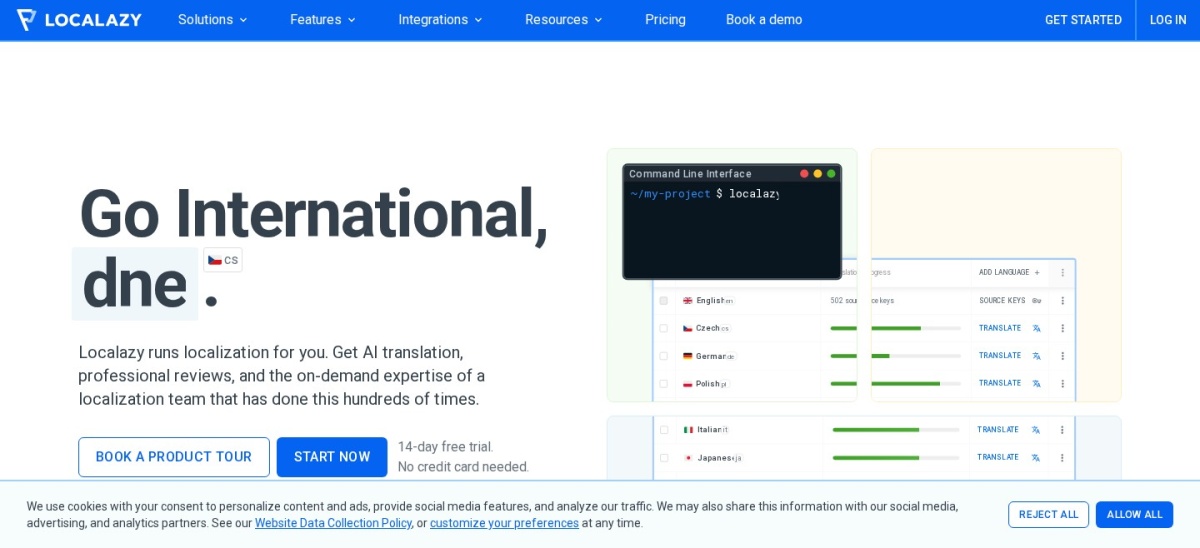
Localazy homepage, captured Nov 2026.
Localazy is a software localization platform with cross-project translation memories, glossaries and developer integrations. Its Professional subscription starts at $34 per month billed annually, supporting 1,000 source keys and unlimited user seats.
The trade off is that the $408 annual subscription limits the number of managed source strings. Projects with larger content libraries need higher plans. It suits development teams that want to reuse approved translations across applications and software releases.
What we like
Cross-project translation memory
Unlimited user seats
Developer API and CLI integrations
Terminology and contextual translation tools
Watch out for
Subscription cost scales with source keys
Less focused on traditional document translation
Higher subscriptions increase source key capacity and AI translation allowances.Visit localazy.com
Translation memory vs machine translation
Translation memory retrieves previously stored human-approved translations. Machine translation generates new translations automatically, even when no corresponding segment exists in a translation memory.
Professional translation workflows often combine both approaches. Translators review memory matches first, use machine translation for unfamiliar segments and save approved translations for future reuse.
Translation memory is especially useful for recurring technical manuals, product descriptions, contracts and software interface strings. Its value grows as an organization accumulates accurate bilingual content.
How we chose
We selected established computer-assisted translation and localization platforms that support reusable translation memories. Our comparison considers segment matching, terminology management, document compatibility, collaboration and published user feedback.
Official pricing pages and public review sources were checked on 27 Nov 2026. Annual subscriptions are compared at their published rates, and Wordfast Pro's three-year license is divided by its validity period. Trados pricing uses its published regular USD product rate because the main pricing page displays another currency.
We excluded standalone machine translation engines, products without sufficient review evidence and platforms whose regular subscription prices could not be confirmed. Ratings for product families may include feedback on multiple editions. No vendor paid for a place, and we do not claim testing for this list.
How to choose the best translation memory software
Evaluate translation memory platforms against your existing linguistic assets, document formats, collaboration requirements and expected translation workload.
Check translation memory compatibility. Confirm that the software supports TMX imports and exports, existing bilingual resources and the translation packages your clients provide.
Compare matching and terminology features. Look for fuzzy matching, contextual matches, concordance searches, terminology suggestions and automated quality checks.
Choose between desktop and cloud deployment. Desktop applications suit independent translators requiring offline access, while cloud platforms help distributed teams share linguistic resources.
Calculate the complete subscription cost. Consider annual fees, license duration, user limits, managed source strings, translation allowances and optional machine translation services.
FAQ
What is the best translation memory software?
memoQ is our top pick for professional translation memory management because it combines contextual matching, terminology databases and bilingual document alignment. Its translator pro subscription costs $436 annually and supports more than 100 languages.
What does translation memory software do?
Translation memory software stores source text alongside corresponding approved translations. When similar or identical segments appear in future documents, the application retrieves relevant matches so translators can reuse previous work and maintain consistent wording.
Is translation memory the same as machine translation?
No. Translation memory retrieves existing bilingual segments, while machine translation automatically generates new translations. Many computer-assisted translation platforms combine these technologies, allowing translators to review existing matches before requesting machine-generated suggestions for unfamiliar content.
What is the cheapest translation memory software in this comparison?
Wordfast Pro has the lowest annualized entry cost at $160, based on its $480 three-year license. Phrase offers a cloud-based alternative for $324 annually, although its Freelancer subscription is limited to one TMS seat.
Can I transfer translation memories between different platforms?
Yes. Many professional translation applications support TMX, a standard format for exchanging bilingual translation memory data. Before migrating, check whether contextual metadata, terminology databases, custom attributes and language variants will transfer correctly.
SaaS SEO and WordPress specialist with about 8 years of experience. Rakib compares WordPress plugins, themes, hosting and software using public pricing, documentation and user reviews. See how we rank.