GitHub is the best source code management tool for most development teams, offering unlimited private and public repositories and a Team plan at $4 per user per month. Choose GitLab for integrated DevOps workflows or Bitbucket for development teams already using Jira.
How we make this list: we compare pricing pages, product documentation and public user reviews, then re-check every price before each update. No product paid for a place. Disclosure.
GitHub earns 4.7/5 from 2,444 G2 reviews and offers unlimited free repositories.
GitLab Premium costs $348 per user annually and combines repository management with advanced CI/CD.
Bitbucket offers free hosting for up to 5 users, with Standard costing $3.65 per user monthly.
Git provides distributed version control without software licensing fees and earns 4.7/5 on G2.
Perforce P4 supports asset-heavy development projects and offers free access for up to 5 users and 20 workspaces.
What to look for in source code management tools
Source code management software tracks changes to application code, configuration files and other development assets. It helps developers work independently while preserving a shared project history.
Look for branching, merging, access permissions and code review workflows. Repository hosting platforms should also support branch protection and integration with automated testing systems.
Git-based platforms suit most application development teams, while centralized version control can be more practical for projects involving large binary files and digital assets.
Compare subscription costs per developer alongside storage allowances, build minutes and administrative requirements. Free software can still require spending on hosting, maintenance and backups.
GitHub is a repository hosting and collaboration platform with unlimited public and private repositories on its free plan. Developers can manage pull requests, track issues and automate workflows with 2,000 monthly CI/CD minutes.
The trade off is that additional private repository governance features require Team at $4 per user monthly, while some security features cost extra. It suits development teams seeking a widely supported Git platform.
What we like
Unlimited free repositories
Extensive developer integrations
Integrated pull requests and issue tracking
Built-in workflow automation
Watch out for
Additional security features can increase costs
CI/CD usage allowances apply
Team adds required reviewers, code ownership and additional CI/CD minutes.Visit github.com
02
GitLab
4.5/5on G2 (905 reviews, checked Nov 2026)
Paid from$29/user/mo
Best for integrated DevOps workflows
Version controlGit
DeploymentCloud or self-managed
Code reviewMerge requests
Paid planPremium, billed annually
gitlab.com
GitLab homepage, captured Nov 2026.
GitLab is a DevOps platform combining Git repository management, merge requests and software delivery automation. Its free edition covers basic source control, while Premium costs $29 per user monthly with annual billing.
The trade off is the $348 annual per-user commitment for Premium and the learning requirements of its broader DevOps features. It suits engineering teams consolidating development, review and deployment workflows.
What we like
Integrated software delivery workflows
Self-managed deployment available
Centralized merge request management
Built-in project planning
Watch out for
Higher entry price than GitHub
Advanced governance requires higher tiers
Premium adds advanced CI/CD, team planning and priority support.Visit gitlab.com
03
Bitbucket
4.4/5on G2 (1,017 reviews, checked Nov 2026)
Paid from$3.65/user/mo
Best for teams using Jira
Version controlGit
Free usersUp to 5
CI/CDBitbucket Pipelines
Paid planStandard
atlassian.com
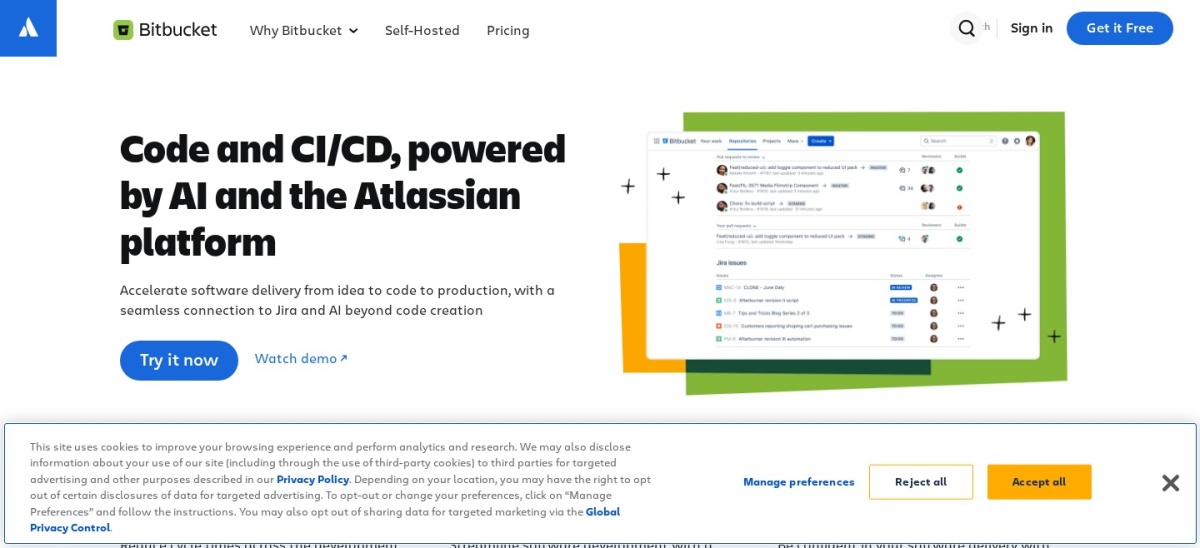
Bitbucket homepage, captured Nov 2026.
Bitbucket is a Git hosting platform from Atlassian that connects repository activity with Jira development tasks. Its free cloud plan supports up to 5 users, with pull requests and integrated pipeline workflows.
The trade off is that growing teams need Standard at $3.65 per user monthly, and pipeline resources can create additional costs. It suits development teams already organizing software projects in Jira.
What we like
Direct Jira integration
Free hosting for small teams
Integrated deployment pipelines
Competitive entry-level pricing
Watch out for
Free plan limits team size
Less attractive outside the Atlassian ecosystem
Standard supports growing teams and expanded development resources.Visit atlassian.com
04
Azure DevOps
4.4/5on Capterra (148 reviews, checked Nov 2026)
Paid from$6/user/mo
Best for Microsoft development environments
Version controlGit and TFVC
Free Basic users5
Private Git repositoriesUnlimited
Paid planBasic
azure.microsoft.com
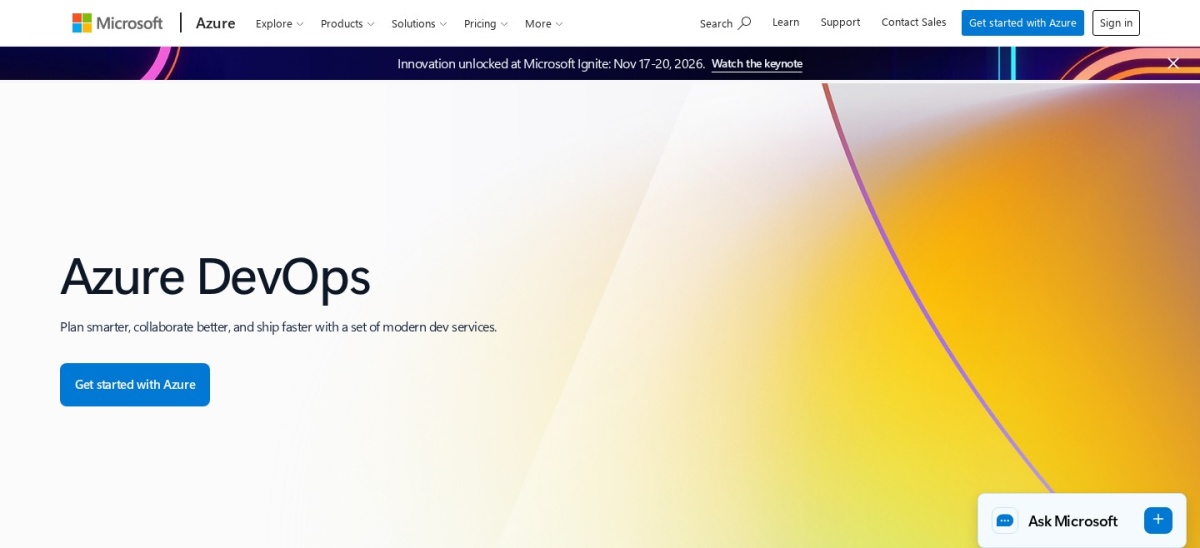
Azure DevOps homepage, captured Nov 2026.
Azure DevOps is a software development platform combining source code management, project planning and deployment automation. Its Basic plan includes unlimited private Git repositories and free access for the first 5 users.
The trade off is the complexity of configuring permissions, pipelines and project settings, with additional Basic users costing $6 monthly. It suits organizations already using Microsoft development infrastructure.
What we like
Supports distributed and centralized version control
Integrated development pipelines
Unlimited private Git repositories
Free Basic access for small teams
Watch out for
Configuration requires technical knowledge
Advanced testing features cost extra
Paid Basic licenses extend repository and development access beyond the free user allowance.Visit azure.microsoft.com
05
Git
4.7/5on G2 (540 reviews, checked Nov 2026)
PriceFree
Best for free distributed version control
Version controlDistributed
LicenseOpen source
Offline commitsSupported
Paid planNone
git-scm.com
Git homepage, captured Nov 2026.
Git is a free distributed version control system that lets developers maintain local repositories, create branches and merge changes. It earns 4.7/5 from 540 G2 reviews and supports independent development without continuous network access.
The trade off is that Git does not include managed repository hosting, a graphical review interface or integrated project management. The software is free, and it suits developers who want control over their development environment.
What we like
No software licensing fees
Supports offline development
Flexible branching and merging
Extensive hosting and integration ecosystem
Watch out for
Command-line workflows require learning
Hosted collaboration requires separate services
No paid edition; commercial hosting and graphical clients are available separately.Visit git-scm.com
06
Perforce P4
4.2/5on G2 (95 reviews, checked Nov 2026)
PricingCustom pricing
Best for game development and large assets
Version controlCentralized
Free usersUp to 5
Free workspacesUp to 20
Paid planContact sales
perforce.com
Perforce P4 homepage, captured Nov 2026.
Perforce P4 is a version control platform formerly known as Helix Core, designed for large repositories and digital assets. Its free edition supports up to 5 users and 20 workspaces, with file locking and branching capabilities.
The trade off is that larger deployments require custom pricing and more specialized administration than typical hosted Git services. It suits game studios, animation teams and engineering organizations managing substantial binary assets.
What we like
Designed for large binary assets
Exclusive file locking
Detailed repository permissions
Cloud and on-premises deployment options
Watch out for
Commercial pricing requires a quote
Specialized administration requirements
Less familiar to Git-focused developers
Commercial licensing supports deployments beyond the free allowance.Visit perforce.com
07
Apache Subversion
3.9/5on G2 (64 reviews, checked Nov 2026)
PriceFree
Best for free centralized version control
Version controlCentralized
LicenseApache License 2.0
DeploymentSelf-hosted
Paid planNone
subversion.apache.org
Apache Subversion homepage, captured Nov 2026.
Apache Subversion is an open-source centralized version control system for maintaining project files and revision histories. It remains actively maintained, with version 1.15.0 released in October 2026, and requires no software licensing fees.
The trade off is its dependence on a central repository and less convenient distributed development workflows compared with Git. It suits organizations maintaining established SVN repositories or preferring centralized source control.
Distributed vs. centralized source code management
Distributed version control gives developers local repository histories, allowing them to create commits and branches without connecting to a central server. Git, GitHub, GitLab and Bitbucket support this development model.
Centralized version control keeps the primary repository on a shared server. Apache Subversion and Perforce P4 suit organizations that prefer centralized repository administration, although their workflows and asset-handling capabilities differ.
Choose distributed version control for most web and application development projects. Consider centralized systems when existing infrastructure, file locking or large digital assets influence your requirements.
How much does source code management software cost?
Public paid entry prices in this comparison range from $3.65 per user monthly for Bitbucket Standard to $29 per user monthly for GitLab Premium. GitHub Team costs $48 per user annually at its listed monthly rate.
Git and Apache Subversion have no software licensing fees. However, teams using self-managed repositories should budget for infrastructure, monitoring, backups and ongoing maintenance.
The price ladder compares annualized entry-level licensing costs per user where applicable. Perforce P4 requires a commercial quote, so its zero numeric price is a custom-pricing placeholder rather than a free commercial license.
How we chose
We selected established source code management products from public software review platforms, official documentation and vendor product pages. The comparison covers repository hosting, distributed version control and centralized systems.
We checked official pricing, free-plan availability and published G2 and Capterra ratings on 27 Nov 2026. Annualized prices exclude optional services, infrastructure expenses and usage overages.
We excluded GitKraken and Assembla because their current regular prices could not be confirmed from accessible official pricing pages, and AWS CodeCommit because its official pricing page stated that new customers could not access the service. Perforce P4 is included under the permitted custom-pricing exception. No vendor paid for a place, and we do not claim testing for this list.
How to choose the best source code management tool
Compare repository requirements, development workflows and ownership costs before selecting your source control platform.
Identify your version control requirements. Choose distributed Git workflows for general application development or evaluate centralized systems when file locking, asset size or existing infrastructure requires them.
Check development integrations. Confirm compatibility with your code editors, project management software, testing frameworks and deployment environments. Existing integrations can reduce migration and administration work.
Evaluate security and repository governance. Review access permissions, branch protection, approval requirements, authentication options and audit capabilities. Confirm which features are included in the plan you intend to purchase.
Calculate the complete annual cost. Multiply per-user subscription prices by your expected team size and include storage, pipeline usage, hosting, backups and support. Request commercial quotes where public prices are unavailable.
FAQ
What is the best source code management tool?
GitHub is our top overall pick because it combines unlimited free repositories, code review and workflow automation. GitLab is a better fit for integrated DevOps requirements, while Bitbucket suits teams already using Jira.
What is the difference between Git and GitHub?
Git is an open-source distributed version control system that records changes to project files. GitHub is a commercial hosting and collaboration platform built around Git, adding pull requests, issue tracking and development automation.
Are there free source code management tools?
Yes. Git and Apache Subversion are free open-source version control systems. GitHub, GitLab, Bitbucket, Azure DevOps and Perforce P4 also offer free access, although their hosted services or commercial features have different limitations.
Which source code management tool is best for game development?
Perforce P4 is a suitable choice for game development because it handles large digital assets and supports exclusive file locking. These features help teams coordinate changes to binary files that are difficult to merge.
What is the cheapest paid source code management platform?
Bitbucket Standard has the lowest confirmed regular paid entry price among the hosted platforms compared here, at $3.65 per user monthly. GitHub Team is close behind at $4 per user monthly, excluding optional usage charges.
Can source code management tools be self-hosted?
Yes. Git, Apache Subversion, GitLab and Perforce P4 support self-managed workflows or deployments. Self-hosting offers greater infrastructure control but transfers responsibility for security, maintenance, availability and repository backups to your organization.
SaaS SEO and WordPress specialist with about 8 years of experience. Rakib compares WordPress plugins, themes, hosting and software using public pricing, documentation and user reviews. See how we rank.