ClickUp is the best Notion alternative for most teams, with docs, tasks and whiteboards from $9 per user a month. Obsidian suits personal notes you own, while Coda fits teams that build tools from documents.
How we make this list: we compare pricing pages, product documentation and public user reviews, then re-check every price before each update. No product paid for a place. Disclosure.
ClickUp is the closest all-in-one replacement, with docs and tasks from $9 per user a month.
Obsidian is the only pick that stores notes as local files you own, free for personal use.
Coda is the closest like-for-like replacement for Notion docs, with Pro from $12 per Doc Maker a month.
Airtable suits teams built around structured data, but long-form writing is secondary at $20 a month.
Evernote still has the strongest web clipper, but its free plan caps at 50 notes on one device.
How do you choose the best Notion alternative?
Notion blends notes, wikis, and light project tracking into one tool, so the right alternative depends on which side you use most. Note-takers need capture and search, while teams need tasks, wikis, or databases.
Local control splits the list. Obsidian stores notes as Markdown files on your device with no account needed, while ClickUp, Coda, and Airtable run in the cloud with collaboration built in.
Prices run from free for Obsidian to $20 a month for Airtable Team, with ClickUp at $9 and Coda at $12 in between. The cheapest plan is rarely the whole bill once AI add-ons and extra seats are counted.
Review bases are strong across this list. ClickUp, monday.com, and Asana each carry more than 13,000 G2 reviews, so scores here mean more than in thinner categories.
ClickUp is a project management tool that adds docs, chat, and whiteboards on top of task boards, so teams track work and write docs in one login. The Free Forever plan covers unlimited tasks, and Core costs $9 per user a month billed annually.
The trade off is complexity. ClickUp packs in so many features that setup takes longer than Notion, and the interface can feel busy. It suits teams that need tasks and projects more than long-form notes.
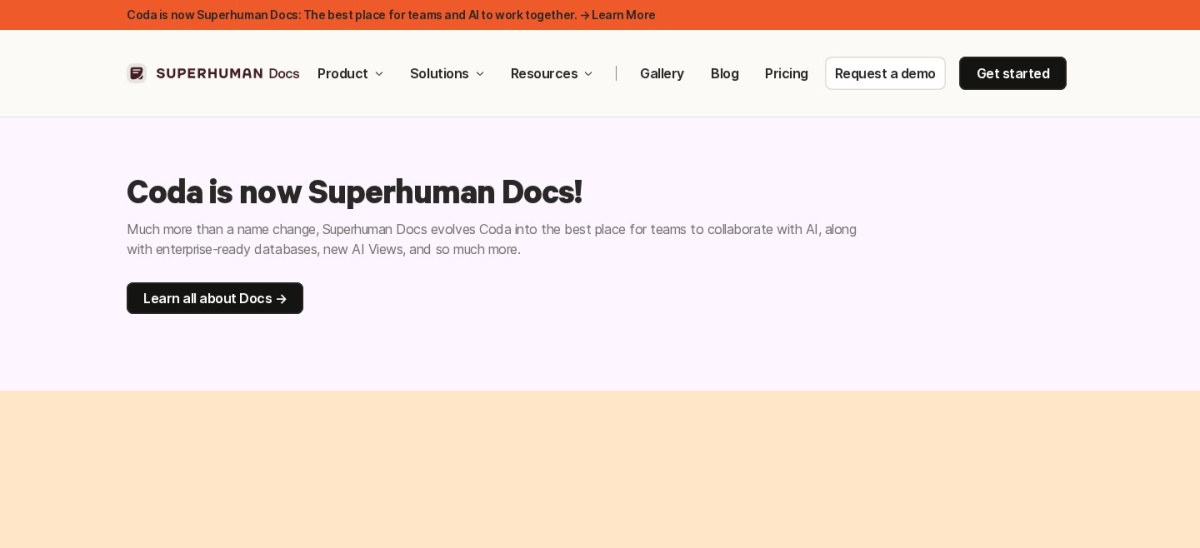
Coda is the closest direct replacement for Notion docs plus powerful databases and automations, now presented as Superhuman Docs. A page can hold text, tables, and interactive controls, and tables use formulas, buttons, and automations to act like a small app.
The trade off is the seat model. Coda charges for Doc Makers while viewers read free, so costs depend on how many people edit. Pro costs $12 per Doc Maker a month billed annually. It suits teams that build trackers and tools from documents.
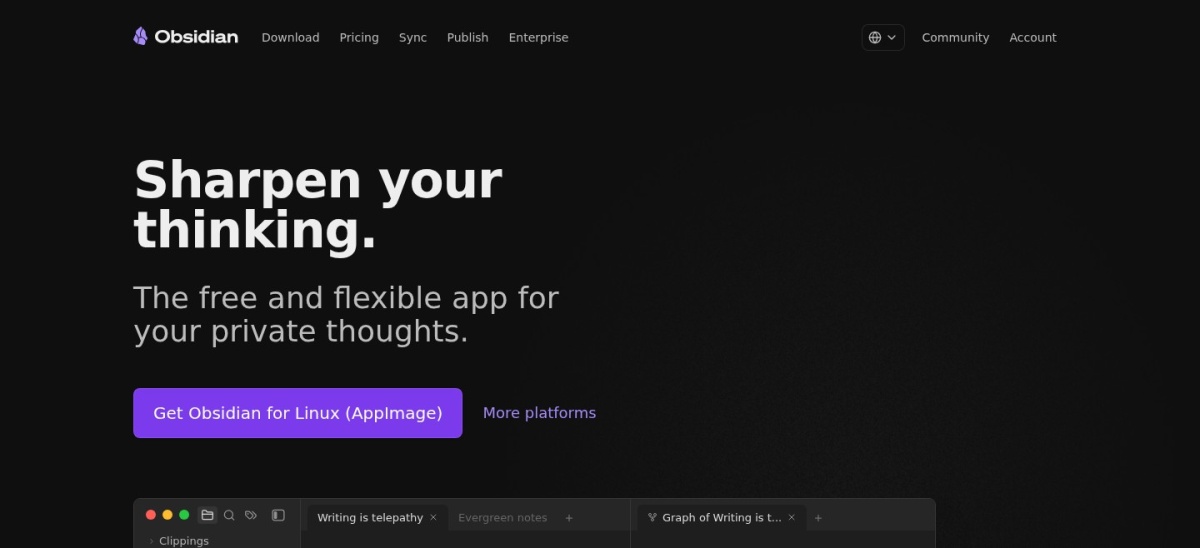
Obsidian is a local-first notes app that stores notes as plain Markdown files on your device, linked together with backlinks and a graph view. The core app is free for personal use, and Sync costs $4 per user a month billed annually.
The trade off is collaboration. Obsidian is built for one person, so team wikis and shared editing need workarounds or other tools. It suits people who want offline access and long-term control over their notes.
Airtable is a no-code platform for building apps from relational databases, with tables, linked records, and automations for operational work. The free plan covers small bases, and Team costs $20 per user a month billed annually.
The trade off is long-form writing. Airtable is built around structured data, so docs and wikis are secondary, and the price climbs fast with editors. It suits teams built around structured data and workflows.
monday.com is a visual work platform with boards, timelines, and docs attached to items, so teams plan and track work in a format anyone can read. The free plan covers up to two seats, and Basic costs $9 per seat a month billed annually.
The trade off is depth. monday.com is stronger on visual tracking than on long-form notes or databases, and the three-seat minimum raises the real entry price. It suits teams that want boards, not databases.
Asana is a work management platform that connects tasks, projects, and goals with timelines, dependencies, and portfolios. The free Personal tier covers small teams, and Starter costs $10.99 per user a month billed annually.
The trade off is docs. Asana Pages cover basic notes, but it is not a wiki, so teams that write long docs need a second tool. It suits teams that want structured project tracking with clear owners and dates.
4.1/5on G2 (Not published reviews, checked Nov 2026)
Paid from$5.78/mo
Best for Jira teams and wikis
WikiPages with version history
Free planYes, up to 10 users
Jira integrationLive Jira embeds
Paid planStandard, $5.78/user/mo
atlassian.com
Confluence homepage, captured Nov 2026.
Confluence is Atlassian's wiki and documentation tool, built for teams that need version history, page permissions, and live Jira embeds. The free plan covers up to ten users, and Standard costs about $5.78 per user a month for small teams.
The trade off is weight. Confluence administration can get heavy, and it has no task boards of its own, so planning stays in Jira. It suits teams already paying for Jira that need a real wiki.
Evernote is a note app built for capture, with the strongest web clipper in this list and search inside documents, images, and PDFs. The free plan caps at 50 notes on one device, and Starter costs $8.25 a month billed annually.
The trade off is the free plan. Fifty notes, one notebook, and one device make the free tier a trial in practice, and collaboration is basic. It suits people who save articles and research PDFs more than they write.
OneNote is Microsoft's free-form notebook app, with pages that take typed notes, handwriting, audio, and clipped web pages in any layout. The free version covers 5GB of OneDrive storage, and Microsoft 365 Personal costs $99.99 a year with 1TB included.
The trade off is structure. OneNote has no databases or linked pages like Notion, so large knowledge bases get messy. It suits Microsoft 365 teams that want free-form notes across every device.
Local-first tools give you files you own. Obsidian stores notes as Markdown on your device, works offline, and keeps working if the vendor changes course.
Cloud tools give you collaboration. ClickUp, Coda, and Airtable let teams edit together in real time, with comments, mentions, and shared workspaces built in.
Most people need one side more than the other. Pick local if you write alone and value control, and pick cloud if your team edits the same pages every day.
How we chose
We started from the workspace tools buyers compare with Notion, then kept the nine with a verifiable G2 or Capterra rating and a published price. Ratings come from G2 or Capterra, checked on 29 November 2026.
Prices come from each vendor's pricing page, checked on 29 November 2026, and show the regular price in US dollars, not a sale. Where two sources disagree on a price, we use the vendor's annual-billing figure and say so in the notes.
We left out tools with no verifiable rating on G2 or Capterra, such as Logseq and Capacities. No vendor paid for a place, and we do not claim hands-on testing for this list.
How to choose a Notion alternative
Work out whether you need notes, tasks, or databases most, then test the free plan.
List what Notion does for you today. Notes, wikis, tasks, and databases are four different jobs. The tool that wins depends on which one you actually use.
Test the free plan with real pages. Import a real project, not a blank page, and check search, offline access, and sharing before you pay.
Count the seats you will pay for. Some tools bill every viewer, others only editors. A $9 plan can cost more than a $12 plan once seats are counted.
Check your exit before you enter. Make sure you can export your pages as Markdown or CSV, so your notes survive if you switch again.
FAQ
What is the best Notion alternative in 2026?
ClickUp is the best Notion alternative for most teams. It combines docs, tasks, whiteboards, and goals in one workspace from $9 per user a month, and it is rated 4.6 out of 5 on G2 from 14,878 reviews.
What is the best free alternative to Notion?
Obsidian is the best free alternative to Notion. The core app is free for personal use with no account needed, and notes live as local Markdown files you own, with Sync at $4 a month if you want it.
Is ClickUp or Coda better than Notion?
ClickUp is better than Notion for teams that need tasks and projects more than long-form notes. Coda is better for teams that build trackers and tools from documents, with stronger formulas and automations than Notion.
Which Notion alternative is best for personal notes?
Obsidian is the best Notion alternative for personal notes. It stores notes locally as Markdown, works offline, and links ideas with backlinks and a graph view, free for personal use.
How much do Notion alternatives cost?
Paid plans run from $4 a month for Obsidian Sync to $20 a month for Airtable Team, with ClickUp at $9, Coda at $12, and monday.com at $9 in between. Most offer free plans, and Microsoft OneNote is free with a Microsoft account.
Can I import my notes from Notion?
Yes, most alternatives offer a Notion importer. ClickUp, Confluence, and Evernote all import Notion pages, and Obsidian takes a Markdown export. Databases and relations usually need rebuilding by hand.
SaaS SEO and WordPress specialist with about 8 years of experience. Rakib compares WordPress plugins, themes, hosting and software using public pricing, documentation and user reviews. See how we rank.