Notion is the best note taking app for most people, with a generous free plan and databases that turn notes into a workspace. Pick Obsidian if you want local Markdown files you own, and Evernote if web clipping and searching inside documents matter most.
How we make this list: we compare pricing pages, product documentation and public user reviews, then re-check every price before each update. No product paid for a place. Disclosure.
Notion leads for most people: free unlimited pages for one person, with Plus at $10 per member per month billed yearly.
Obsidian is the only app here that is fully free with no account, and Sync costs $4 per user per month billed annually.
Evernote still has the strongest web clipper and search inside documents, but Starter costs $99 a year.
Bear, GoodNotes and Notability are the best writing and handwriting surfaces, all under $30 a year.
Roam Research is the most expensive pick at $15 a month, and it suits networked-thinking fans only.
What to look for in a note taking app
A note app is only useful if capture is fast and search finds the note later. The best apps open quickly, sync without fuss and search the full text of every note.
Free plans differ more than prices do. Notion gives unlimited pages to one person, Obsidian gives the whole app away free, and Evernote caps its free plan at 50 notes, one notebook and one device.
Sync is where the money goes. If you take notes on a phone and a laptop, check what sync costs before you commit, because some apps charge per user and some charge once.
Export matters when you leave. Plain Markdown files, as Obsidian keeps them, move anywhere, while database-style notes need an export step. Our guide on choosing note taking tools covers the AI-assisted side of the same choice.
Notion is a workspace where every note is a page that can hold text, tables, boards and databases. The free plan covers unlimited pages and blocks for one person, with 10 guests and a 5 MB upload cap, and Plus at $10 per member per month billed yearly adds unlimited file uploads and 30-day page history.
The trade off is speed and simplicity. Large workspaces can feel slow, and the flexibility that makes Notion powerful also means more setup than a plain notes app. It suits people and small teams who want notes, docs and a wiki in one place.
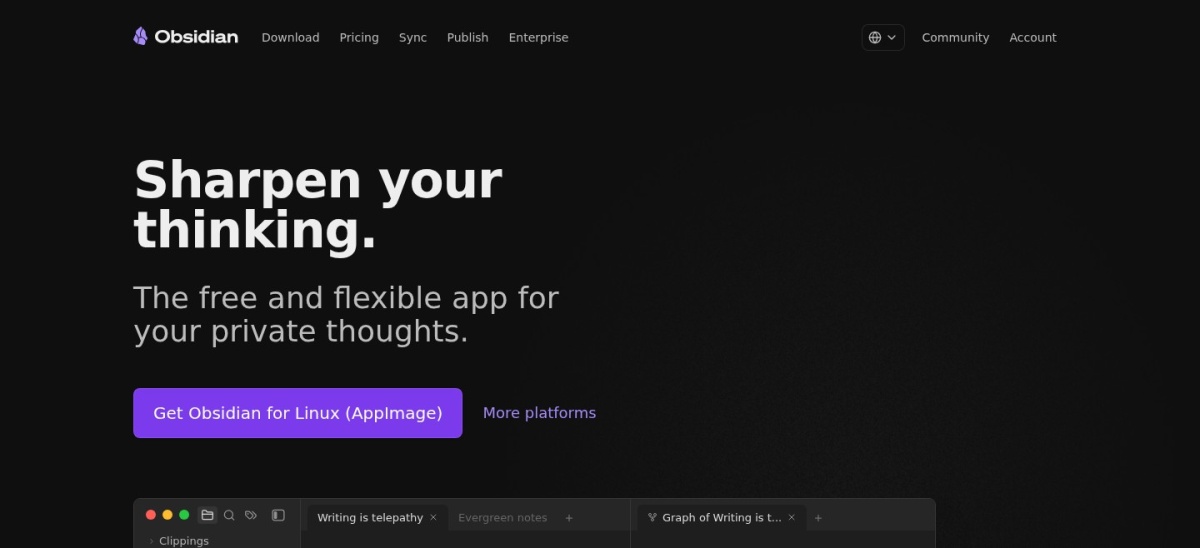
Obsidian is a local-first notes app that stores every note as a plain Markdown file on your own device. The full app is free for personal and commercial use, with backlinks, a knowledge graph and more than 1,600 community plugins, and no account is needed to start.
The trade off is that sync and publishing cost extra. Obsidian Sync is $4 per user per month billed annually, with end-to-end encryption and version history, and there is no built-in real-time collaboration. It suits solo researchers and writers who want to own their files.
What we like
Full app free, no account needed
Notes are plain files you own outright
Fast full-text search, even at scale
Huge plugin library for extra features
Watch out for
Sync costs $4 a month on top
No native real-time collaboration
Setup takes longer than simpler apps
Sync adds encrypted sync; Publish is $8 per site per monthVisit obsidian.md
03
Evernote
4.3/5on G2 (2,035 reviews, checked Nov 2026)
Paid from$99/yr
Best for web clipping and search
Free planYes, 50 notes, 1 notebook
Paid planStarter, $99/yr
Web clipperYes, the most established
PlatformsWeb, Mac, Windows, iOS, Android
evernote.com
Evernote homepage, captured Nov 2026.
Evernote is the original capture app: clip web pages, save PDFs, scan paper and search inside documents from one inbox. The free plan covers 50 notes, one notebook, one device and 1 GB of uploads, while Starter at $99 a year raises the cap to 1,000 notes and 20 notebooks.
The trade off is the free plan, which is now very tight, and a price that has risen while rivals give more away. Advanced at $249.99 a year adds the full AI suite. It suits people with years of clipped material who live in search.
Microsoft OneNote is a free-form notebook where you can type, draw, paste and record anywhere on the page. The app itself is free, with notebooks, sections and pages, handwriting with a stylus, and audio notes, and it syncs through OneDrive across every device.
The trade off is that the cheapest paid route is a Microsoft 365 Personal subscription at $99.99 a year, which mainly buys Office apps and 1 TB of storage. It suits people already inside Microsoft 365 who want unlimited-feeling notes for no extra app cost.
What we like
Full app free with no note cap
Free-form canvas suits handwriting and sketches
Deep links to Word, Excel and Outlook
Strong sync through OneDrive
Watch out for
No paid tier of its own; M365 is the upgrade
Notebook structure can get messy at scale
Search is weaker than Evernote for documents
Microsoft 365 Personal adds Office apps and 1 TB storageVisit onenote.com
05
Bear
4.5/5on G2 (45 reviews, checked Nov 2026)
Paid from$29.99/yr
Best focused writing on Apple devices
Free planYes, one Apple device
Paid planPro, $29.99/yr
SynciCloud, Pro only
PlatformsMac, iPhone, iPad only
bear.app
Bear homepage, captured Nov 2026.
Bear is a focused Markdown writing app for Apple devices, with nested tags instead of folders and a clean editor that stays out of the way. The free tier covers local notes on one Apple device, and Pro at $29.99 a year adds iCloud sync, encryption, themes and OCR search inside PDFs and images.
The trade off is the Apple-only wall. There is no Windows, Android or web version, and no databases or collaboration. It suits Mac and iPhone writers who want a fast, beautiful place to write long notes.
What we like
Calm, fast editor with lovely typography
Nested tags replace rigid notebooks
Cheap Pro plan at $29.99 a year
Encryption and OCR search included in Pro
Watch out for
Apple devices only, no web or Windows
Sync needs the paid Pro plan
No databases or team features
Pro adds iCloud sync, encryption and extra themesVisit bear.app
06
GoodNotes
4.7/5on G2 (123 reviews, checked Nov 2026)
Paid from$9.99/yr
Best for handwritten notes on iPad
Free planYes, 3 notebooks
Paid planGoodNotes 6, $9.99/yr
HandwritingYes, with Apple Pencil
PlatformsiPad, iPhone, Mac, Windows, Android
goodnotes.com
GoodNotes homepage, captured Nov 2026.
GoodNotes is a handwriting-first notes app built around digital paper, with Apple Pencil support, PDF annotation and searchable handwriting. The free tier covers 3 notebooks, and the paid plan at $9.99 a year unlocks unlimited notebooks, AI features and sync across iPad, iPhone, Mac, Windows and Android.
The trade off is that typed, linked notes are not its strength. It has no backlinks or knowledge graph, and the best experience still needs an iPad and a stylus. It suits students and anyone who thinks best with a pen.
Zoho Notebook is a free notes app that organises notes as colourful cards for text, checklists, audio, sketches and files. The app is free with sync across devices, smart cards, grouping and a web clipper, with no paid tier to unlock.
The trade off is depth. There are no backlinks, databases or plugins, and the card layout suits short notes better than long research documents. It suits anyone who wants a pleasant free app with no subscription at all.
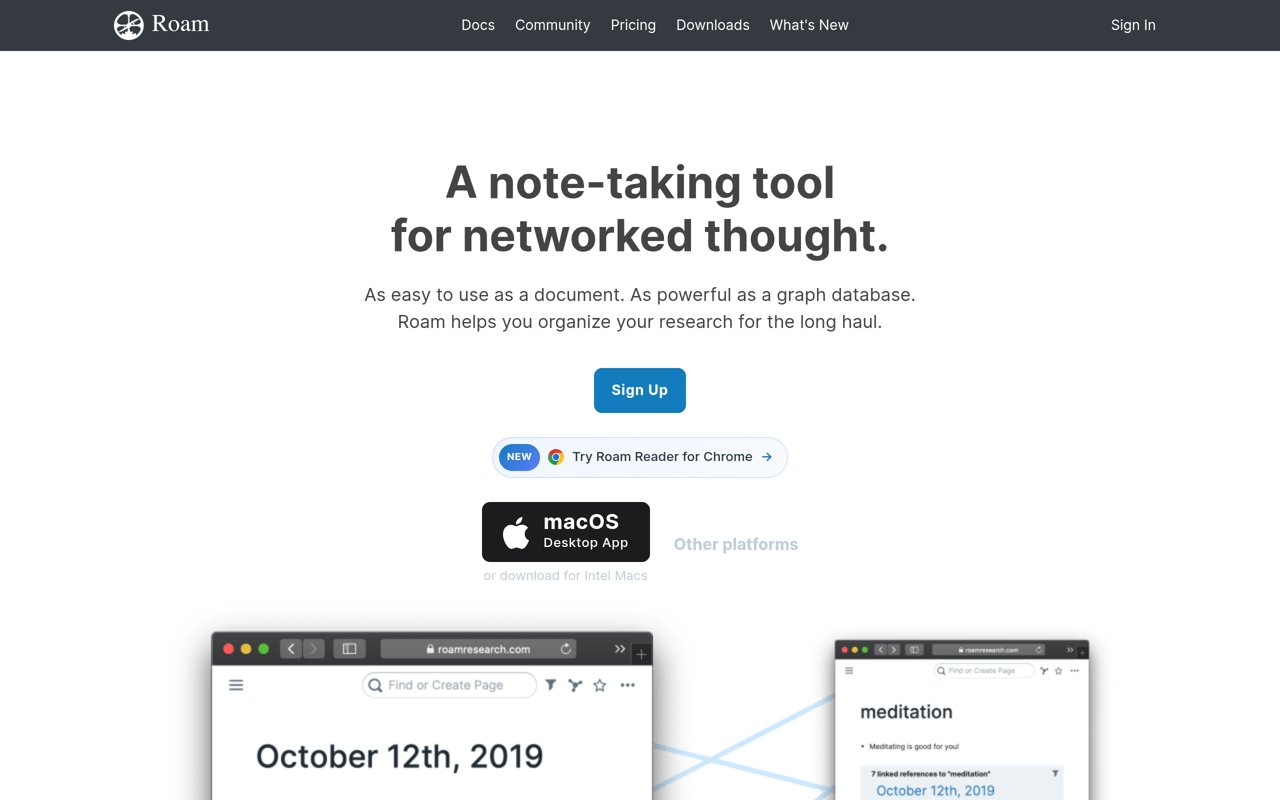
Roam Research is the original networked-thought app, where every bullet is a block that can be referenced from anywhere and daily notes build a journal automatically. It pioneered bidirectional linking and block references, and it still suits researchers who develop ideas across many connected notes.
The trade off is price and lock-in. At $15 a month, or $165 a year, with no free tier beyond a 31-day trial, it costs far more than Obsidian or Logseq, and notes live in the cloud only. It suits committed users of block-level thinking who accept the cost.
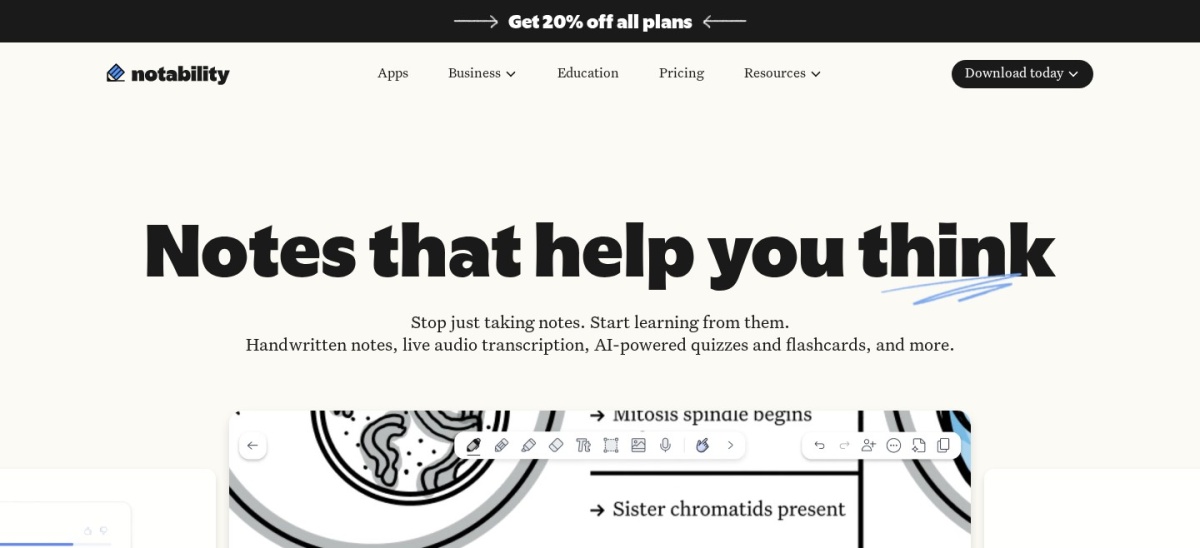
Notability is a note taking app for lectures and meetings that records audio and syncs it to what you write, so tapping a word replays what was said. The free tier covers basic note taking, and Plus at $14.99 a year adds unlimited editing, iCloud sync, handwriting recognition and math conversion.
The trade off is the Apple-only platform and a free tier that limits edits. There is no Windows or Android version, and typed, linked knowledge work fits other apps better. It suits students who record lectures and review them later.
Most note apps give away a usable free tier. Notion, Obsidian, OneNote and Zoho Notebook all let you take real notes without paying.
Paid plans mostly buy sync, storage and AI. Bear needs Pro for sync, Evernote needs Starter for more than 50 notes, and Notion keeps full AI on Business.
If you only write on one device, the free tier is often enough. Pay when you need sync, more storage, or handwriting search across devices.
How we chose
We started from the note apps with the largest review bases on G2 and Capterra, then kept those with a useful free plan or a clear paid step.
Prices come from each vendor's pricing page, checked on 25 November 2026. Ratings and review counts come from G2 or Capterra on the same day. Where a vendor shows a sale, the list shows the regular price.
We left out apps with no verifiable rating on G2 or Capterra, such as Capacities and Logseq. No vendor paid for a place, and we do not claim hands-on testing for this list.
How to choose a note taking app
Start with where you take notes, then match the app to that habit.
List the devices you write on. If you switch between phone and laptop, sync matters more than features. Pick an app with sync included or a cheap sync add-on.
Decide how you want notes stored. Local Markdown files move anywhere, while cloud databases are easier to share. Obsidian suits owners; Notion suits sharers.
Check the free plan limits first. Evernote caps free users at 50 notes, while Notion, Obsidian and Zoho Notebook give far more away. Do not pay before you hit a limit.
Try handwriting only if you write by hand. GoodNotes and Notability win for stylus users, but they add little if you type everything. Pick one main app and stick with it.
FAQ
What is the best note taking app?
Notion is the best note taking app for most people, with a generous free plan and databases that turn notes into a workspace. Obsidian is the best pick if you want local Markdown files you own, and Evernote leads for web clipping.
Is there a completely free note taking app?
Yes. Obsidian gives the full app away free with no account, and Zoho Notebook is completely free with sync included. Notion and OneNote also have generous free plans with no time limit.
Which note app is best for students?
GoodNotes is the best pick for handwritten lecture notes on iPad, while Notability adds audio that syncs to what you wrote. Notion suits students who organise courses, deadlines and reading in one workspace.
Can I move my notes to another app?
It depends on the format. Obsidian stores plain Markdown files that open anywhere, and most apps export to common formats. Database-style notes from Notion need an export step, so check the export options before you commit.
Does Obsidian really cost nothing?
Yes, the Obsidian app is free for personal and commercial use with no account. You only pay if you want Sync at $4 per user per month billed annually, Publish at $8 per site per month, or a Catalyst licence.
Why is Evernote so expensive now?
Evernote raised prices while tightening its free plan to 50 notes, one notebook and one device. Starter costs $99 a year, and Advanced is $249.99 a year. It still leads on web clipping and searching inside documents.
SaaS SEO and WordPress specialist with about 8 years of experience. Rakib compares WordPress plugins, themes, hosting and software using public pricing, documentation and user reviews. See how we rank.