Notion is the best AI note taking app for most people, with a 4.6/5 G2 rating from 13,767 reviews and a free plan for solo users. Pick ClickUp if your notes live next to team tasks, or Evernote if you clip and search lots of web pages and PDFs.
How we make this list: we compare pricing pages, product documentation and public user reviews, then re-check every price before each update. No product paid for a place. Disclosure.
Notion leads the list with a 4.6/5 G2 rating from 13,767 reviews and a free plan for solo users.
ClickUp is the pick when notes sit next to team work, with a regular Core price of $12 per user a month.
Evernote's free plan caps at 50 notes in one notebook, so most people will need Starter at $99 a year.
Obsidian and Logseq keep your notes as plain files you own, but AI comes from plugins, not the app.
Bear Pro rose to $39.99 a year for new subscribers on 24 November 2026, and it now includes Bear Web.
Mem is out: it shuts down on 15 January 2027, so do not start new notes there.
What to look for in an AI note taking app
AI note apps promise to do more than store text. The useful ones summarise long notes, answer questions from your own pages, and turn a messy meeting into a short list of tasks.
The AI itself differs a lot. Some apps build it in, like Notion AI and Evernote AI, while others, like Obsidian and Logseq, leave AI to plugins. Check whether the AI you want is in the plan you would actually pay for.
Free plans matter too. Most of these apps let you start free, but the limits decide how far you get: Evernote caps free users at 50 notes, Craft at 1,500 blocks, and Bear keeps free notes on one device. Our guide on using AI to write blog posts in WordPress shows the same idea in a WordPress workflow.
Price is the last filter. Paid plans here run from $39.99 to $144 a year, and two apps are free outright. A cheap plan is no bargain if the AI features you need sit in a higher tier.
Notion is a workspace that combines notes, wikis, databases and tasks in one place. The free plan covers unlimited pages for solo users with 5 MB file uploads and 7-day page history, and Notion AI can summarise pages, draft text and answer questions across the workspace.
The trade off is price. The Plus plan costs $10 per user a month on yearly billing, and the full AI features, including AI meeting notes, sit in the Business plan at $20 a month. It suits people who want notes, docs and planning in one tool.
What we like
Free plan covers solo users with no page cap
AI can summarise and search across the workspace
Databases, tasks and wikis in one place
Largest review base in this list
Watch out for
Full AI features need the $20 Business plan
Learning curve is steep for new users
Business adds full AI, meeting notes and enterprise searchVisit notion.com
02
ClickUp
4.6/5on G2 (13,731 reviews, checked Nov 2026)
Paid from$12/mo
Best for notes tied to team work
Free planYes, unlimited tasks
AI featuresClickUp Brain search and drafting
Cheapest paidCore, $12/mo regular
PlatformsWeb, Mac, Windows, iOS, Android
clickup.com
ClickUp homepage, captured Nov 2026.
ClickUp is a work platform with docs, tasks, whiteboards and an AI assistant called ClickUp Brain. The free plan includes unlimited tasks and members, collaborative docs and 60 MB of storage, and Brain can search docs, summarise notes and draft updates.
The trade off is size. ClickUp does far more than take notes, so setup takes longer than a simple notes app, and the regular price of the Core plan is $12 per user a month on yearly billing. It suits teams that want notes tied to real work.
What we like
Free plan includes unlimited tasks and members
Brain searches and summarises across docs
Notes live next to tasks and projects
Watch out for
Overkill if you only want a simple notes app
Setup takes longer than a focused notes app
Core adds unlimited storage, Gantt charts and custom fieldsVisit clickup.com
03
Evernote
4.3/5on G2 (2,046 reviews, checked Nov 2026)
Paid from$8.25/mo
Best for clipping and searching notes
Free plan50 notes, 1 notebook
AI featuresAI search, transcribe and edit
Cheapest paidStarter, $8.25/mo
PlatformsWeb, Mac, Windows, iOS, Android
evernote.com
Evernote homepage, captured Nov 2026.
Evernote is a note app built around clipping, search and organisation. The free plan allows 50 notes in one notebook on one device with 1 GB of storage, and paid plans add AI search, AI transcribe for meetings, and AI edit for writing and summaries.
The trade off is the free plan. Fifty notes and one notebook run out fast, and the Starter plan costs $8.25 a month on yearly billing for 1,000 notes and 3 devices. It suits people who save lots of web pages, PDFs and scans.
Obsidian is a local-first notes app that stores notes as plain Markdown files on your device. The core app is free with no sign-up and no cap on notes or vaults, and links, backlinks and a graph view connect notes together. AI help comes from community plugins.
The trade off is sync. Notes stay on one device unless you pay for Obsidian Sync at $4 a month on yearly billing, or set up your own cloud folder. It suits writers and researchers who want to own their notes as plain files.
Bear is a Markdown notes app for Mac, iPhone, iPad and the web. The free version covers the full editor with tags, backlinks and tables on one device, and Bear Pro adds sync across devices, encryption, themes and export to PDF, Word and HTML.
The trade off is reach. Bear has no Windows or Android app, and Pro costs $3.99 a month or $39.99 a year for new subscribers from 24 November 2026. It suits Apple users who want a fast, focused writing app.
What we like
Clean, fast editor with live formatting
Tags and backlinks keep notes organised
Cheapest paid plan in this list
Watch out for
No Windows or Android app
No built-in AI features
Free version does not sync between devices
Pro adds sync, Bear Web and full export optionsVisit bear.app
06
Craft
4.6/5on G2 (41 reviews, checked Nov 2026)
Paid from$8/mo
Best good-looking notes for Apple users
Free plan1,500 blocks, 1 GB
AI featuresSummaries, rewrite, extend
Cheapest paidPlus, $8/mo
PlatformsMac, iPhone, iPad, web
craft.do
Craft homepage, captured Nov 2026.
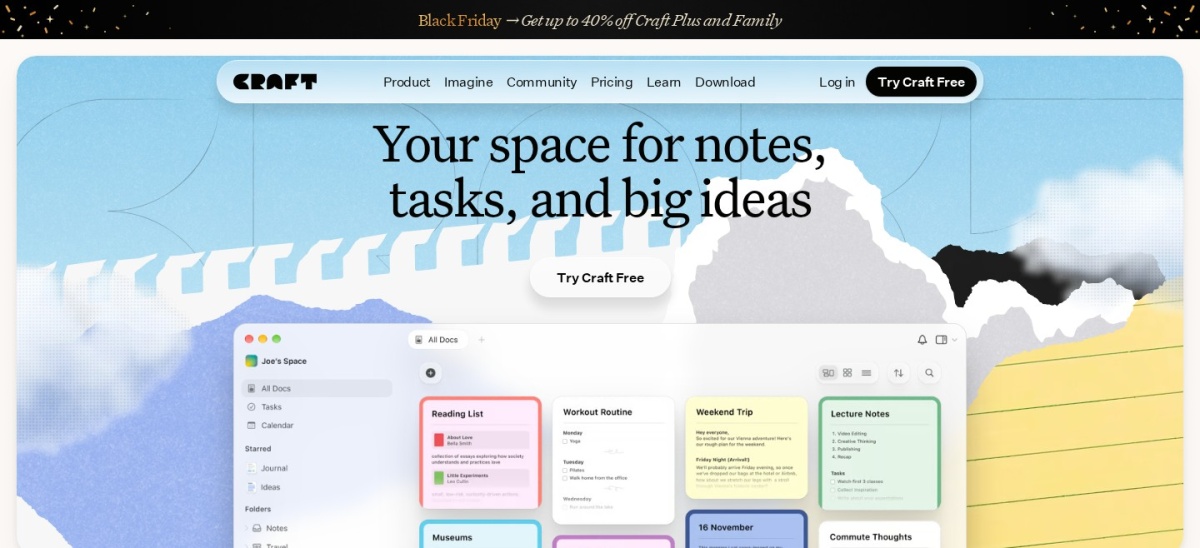
Craft is a notes and docs app for Apple devices and the web with a clean, visual editor. The free plan allows 1,500 blocks and 1 GB of storage, and Craft AI can summarise, rewrite and extend text, while daily notes and calendars link notes to plans.
The trade off is platform. Craft is built for Apple first, and the Plus plan costs $8 a month on yearly billing for unlimited content and 30-day version history. It suits Apple users who want good-looking notes and docs.
What we like
Attractive editor with cards and tables
AI summaries and rewrites built in
Daily notes link to calendar and tasks
Watch out for
Apple-first, with a thinner Windows story
Free plan caps at 1,500 blocks
Plus adds unlimited content and 30-day historyVisit craft.do
07
Microsoft OneNote
4.5/5on G2 (1,865 reviews, checked Nov 2026)
PriceFree
Best free notebook overall
Free planYes, full app
AI featuresCopilot needs paid plan
Cheapest paidFree, no paid tier
PlatformsWeb, Windows, Mac, iOS, Android
onenote.com
Microsoft OneNote homepage, captured Nov 2026.
Microsoft OneNote is a free digital notebook organised into notebooks, sections and pages. It handles typed notes, handwriting, drawings, audio and clipped web pages, and it syncs through OneDrive across Windows, Mac, web, iPhone and Android.
The trade off is AI. Copilot in OneNote needs a paid Microsoft 365 plan, so the free app has no built-in AI assistant. It suits anyone who wants a capable free notebook, especially in a Microsoft household.
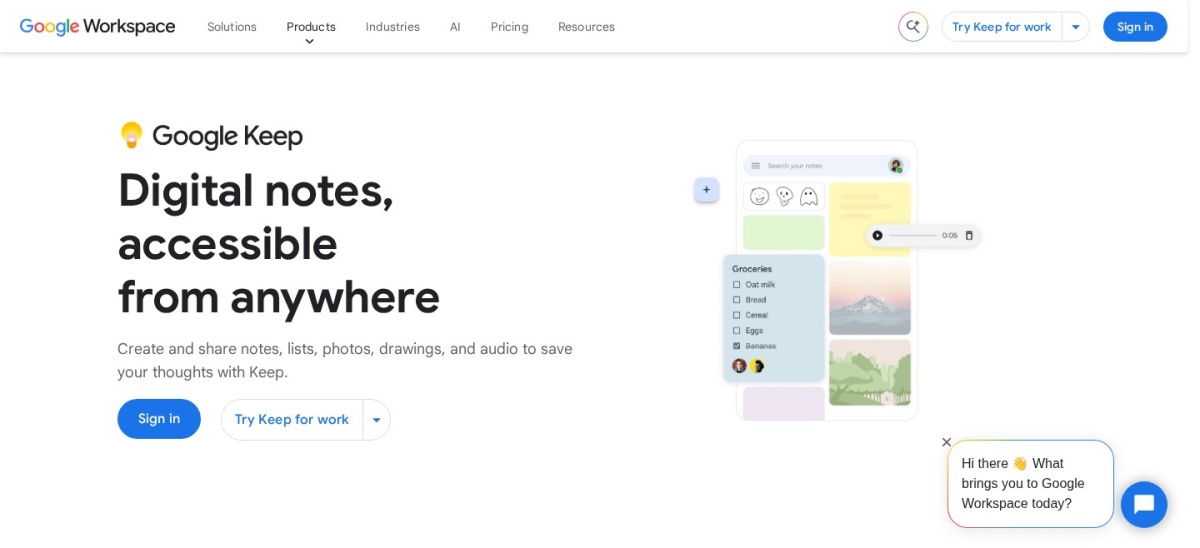
Google Keep is a free app for quick notes, lists, photos and voice memos. It is free with a Google account, syncs across web, Android and iPhone, and labels, colours and pins keep short notes easy to find. Gemini can turn a prompt into a list on supported devices.
The trade off is depth. Keep has no folders, no rich formatting and no desktop app, so long notes and research outgrow it fast. It suits quick capture, shared shopping lists and reminders.
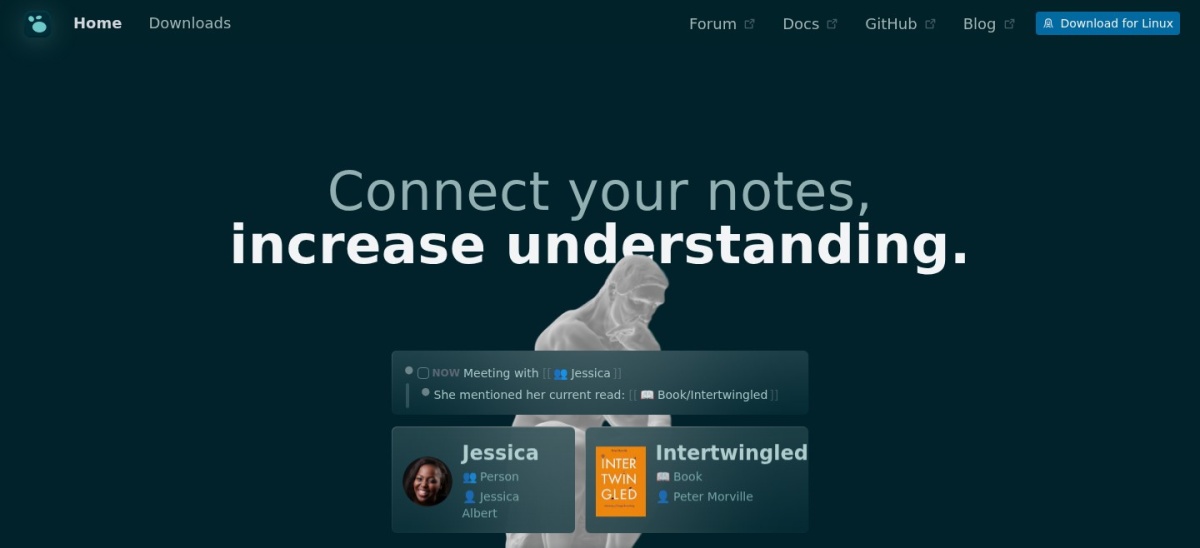
Logseq is a free, open-source outliner that stores notes as plain Markdown files on your device. Daily journals, block-level links, tasks and a graph view build a linked notebook, and PDF annotation is built in. AI features come from plugins and outside tools.
The trade off is polish. Logseq Sync costs $5 a month for backers, and the outliner style and mobile apps take getting used to. It suits people who think in bullets and want their notes as files they own.
Free plans cover capture and basic organisation well. Most include sync, search and a usable editor at no cost.
Paid plans mostly add room and AI. You get more notes, more devices, longer history and the AI tools that summarise and draft.
If you only take short notes, a free plan may be enough for years. If you keep research or meeting notes, check the AI tier before you commit, since the cheapest paid plan does not always include it.
Two apps in this list, OneNote and Google Keep, are free with no paid note-taking tier. They are the simplest choice when the budget is zero.
How we chose
We started from the best-known note apps with built-in AI or a clear AI route, then kept nine with a free plan or a free core app and a public rating.
Prices come from each vendor's pricing page, checked on 25 November 2026. Ratings come from G2 or Capterra on the same day. Where a vendor shows a sale, the list shows the regular price.
We left out Mem, which announced on its homepage that it shuts down on 15 January 2027. No vendor paid for a place, and we do not claim to have used these tools ourselves.
How to choose an AI note taking app
Start with the AI jobs you need, then check the free plan and the price of the AI tier.
List the AI jobs you need. Summaries, meeting notes, search and drafting are different features. Pick the app that includes the ones you will use weekly.
Check the free plan limits first. Count your notes and devices against the cap. Evernote allows 50 notes free, while Notion and Obsidian do not cap note counts.
Test the AI on your own notes. Use the free plan or trial with real notes before paying. See our guide on using AI to write blog posts in WordPress for a simple AI writing workflow.
Mind the price of the AI tier. The cheapest paid plan may not include AI. Notion's full AI sits in Business at $20 a month, so check the tier, not just the headline price.
FAQ
What is the best AI note taking app?
Notion is the best pick for most people. It combines notes, wikis and tasks with an AI assistant, holds a 4.6 out of 5 G2 rating from 13,767 reviews, and its free plan covers solo users.
Are AI note taking apps free?
Most have a free plan, and OneNote and Google Keep are free outright. Free plans usually limit notes, devices or AI use, so check the caps: Evernote allows 50 notes free, while Notion and Obsidian do not cap note counts.
Which AI note taking app is best for meetings?
ClickUp and Evernote are the strongest here. ClickUp Brain can summarise docs and draft follow-ups, while Evernote AI can transcribe meetings and summarise them. Notion Business also adds AI meeting notes.
Is Obsidian good for AI note taking?
Obsidian is good for owning your notes, less so for built-in AI. The core app is free and stores notes as plain Markdown files, but AI features come from community plugins rather than the app itself.
What happened to Mem?
Mem announced it is shutting down. Notes become read-only on 18 December 2026 and the service closes on 15 January 2027, so existing users should export their notes before then.
Which AI note taking app is cheapest?
OneNote and Google Keep cost nothing. Among paid plans, Bear Pro is cheapest at $39.99 a year for new subscribers, followed by Obsidian Sync at $48 a year.
SaaS SEO and WordPress specialist with about 8 years of experience. Rakib compares WordPress plugins, themes, hosting and software using public pricing, documentation and user reviews. See how we rank.