Notion is the best cross-platform note-taking app for most people, with a free plan for individuals and Plus at $10 a month billed yearly, rated 4.6/5 on G2 from 13,767 reviews. Pick Obsidian for private local notes with cheap sync, or Evernote if web clipping and search matter most.
How we make this list: we compare pricing pages, product documentation and public user reviews, then re-check every price before each update. No product paid for a place. Disclosure.
Notion is the best all-round pick: free for individuals, Plus at $120 a year, and rated 4.6/5 on G2 from 13,767 reviews.
Obsidian is free for every use, and its Sync Standard plan costs $48 a year for encrypted sync across devices.
Evernote Starter costs $99 a year but caps you at 1,000 notes, 20 notebooks and 3 devices.
OneNote and Google Keep are free, with no paid note-taking tier of their own.
Zoho Notebook Pro and UpNote Premium both cost $1.99 a month, the lowest paid prices in this list.
Joplin and Standard Notes keep notes encrypted, but Joplin's paid cloud is priced in euros.
What to look for in a cross-platform note app
A cross-platform note app should run on Windows, Mac, iOS and Android, plus the web, and keep the same notes on each one without manual export.
Sync is the real dividing line. Some apps include it free, some sell it as an add-on, and some let you sync through storage you already pay for.
Offline access matters when you write on a plane or in a dead zone. Local-first apps keep full copies on each device, while cloud apps may only cache recent notes.
Price also varies more than it looks. Our guide on creating a content calendar shows how notes feed into publishing plans, so pick an app you will still use in a year.
List prices in each vendor's currency, checked Nov 2026
OneNoteFree
Google KeepFree
ZohoFREE$24
UpNoteFREE$24
JoplinFREE€29
ObsidianFREE$48
StdNotesFREE$90
EvernoteFREE$99
NotionFREE$120
The 9 best cross-platform note-taking apps
01
Notion
4.6/5on G2 (13,767 reviews, checked Nov 2026)
Paid from$10/mo
Best cross-platform note app overall
PlatformsWindows, Mac, iOS, Android, web
Free planUnlimited pages, 1 user
Offline useCached notes
Paid planPlus, $10/mo billed yearly
notion.com
Notion homepage, captured Nov 2026.
Notion is an all-in-one workspace for notes, docs, tasks and wikis that runs on Windows, Mac, iOS, Android and the web. The free plan gives individuals unlimited pages and blocks, 10 guests and 7-day page history, while Plus adds unlimited file uploads, 30-day history and 100 guests.
The trade off is that Plus costs $10 per member a month billed yearly, or $12 billed monthly, so the bill grows with each seat. It suits people and small teams who want notes, tasks and docs in one place rather than a notes-only app.
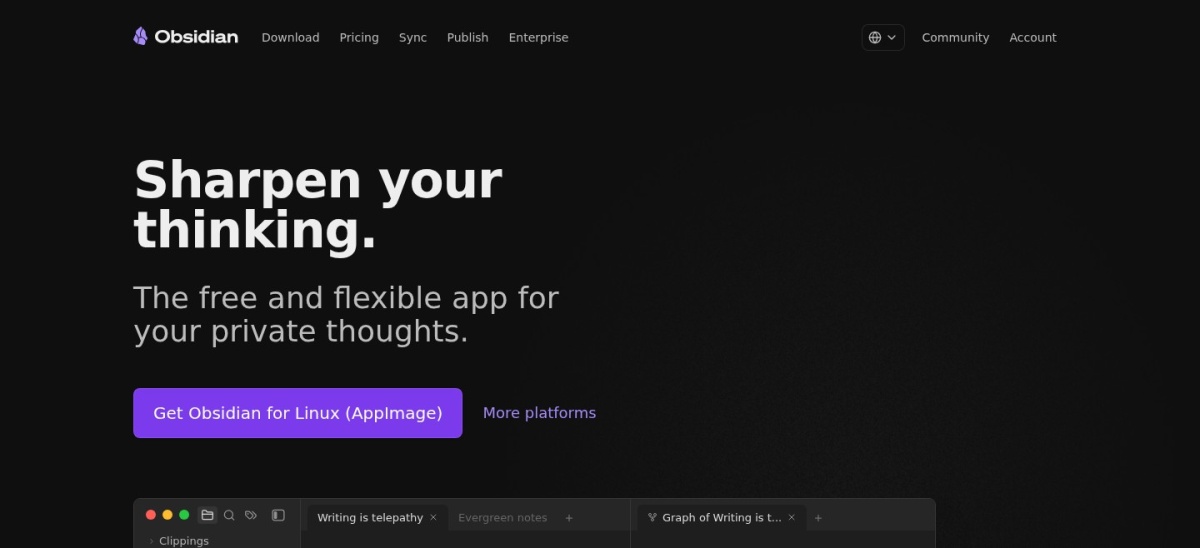
Obsidian is a free Markdown note app that stores every note as a plain-text file on your device, with apps for Windows, Mac, Linux, iOS, Android and the web. Backlinks, a graph view and community plugins turn notes into a linked knowledge base, and the app is free for personal and commercial use.
The trade off is sync. Sync Standard costs $4 a month billed yearly, or $5 billed monthly, for one vault with 1 GB of storage and a 5 MB file limit. It suits writers and researchers who want to own their files and pay only for sync.
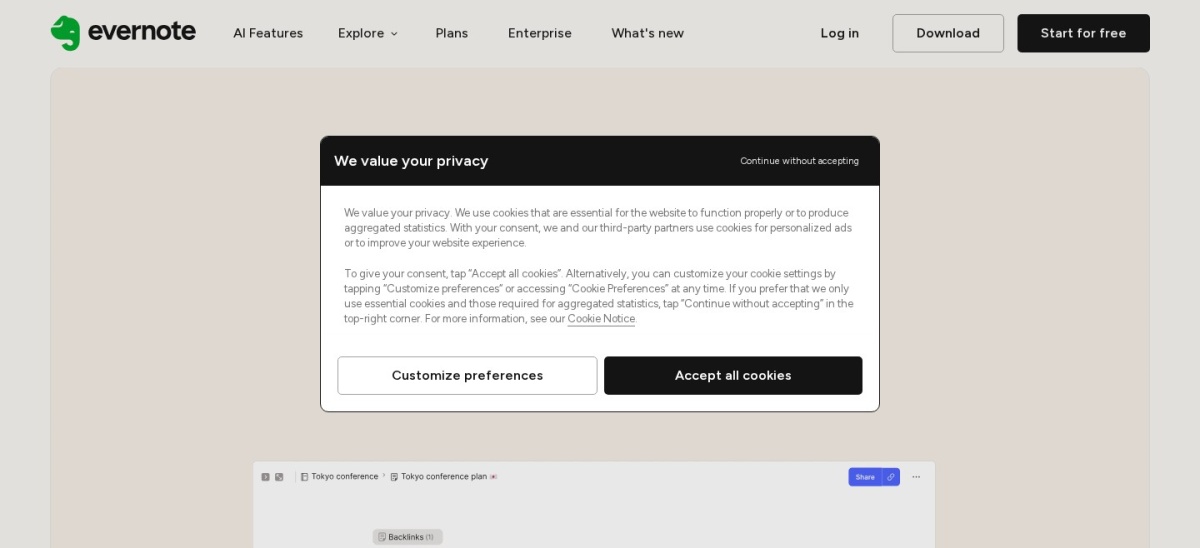
Evernote is a cloud note app with apps for Windows, Mac, iOS, Android and the web, built around clipping, search and organisation. The free plan holds 50 notes in one notebook on one device, while Starter allows 1,000 notes, 20 notebooks and 3 devices with 5 GB of storage.
The trade off is price and limits. Starter costs $99 a year, or $14.99 a month, and Advanced costs $249.99 a year for unlimited notes and devices. It suits people who clip articles and PDFs all day and search inside them.
Microsoft OneNote is a free digital notebook for Windows, Mac, iOS, Android and the web, organised into notebooks, sections and pages. It supports typed notes, handwriting and drawing, audio recording, clipped web pages and search inside images, and it is free with a Microsoft account.
The trade off is structure. Notebooks can grow messy without discipline, and AI features need a paid Microsoft 365 plan. It suits students and Microsoft 365 users who want a free notebook that works everywhere.
What we like
Free, with no paid note-taking tier
Rated 4.5 out of 5 on G2 from 1,873 reviews
Handwriting, drawing and audio in one notebook
Works well with Word, Excel and Outlook
Watch out for
Free-form pages can turn messy fast
Search is weaker than Evernote for clipped files
Sync depends on OneDrive and a Microsoft account
Microsoft 365 adds desktop Office apps and more storageVisit onenote.com
05
Google Keep
4.7/5on Capterra (242 reviews, checked Nov 2026)
PriceFree
Best for quick notes and reminders
PlatformsAndroid, iOS, web
Free planFull app, free
RemindersTime and location
Paid planNone
keep.google.com
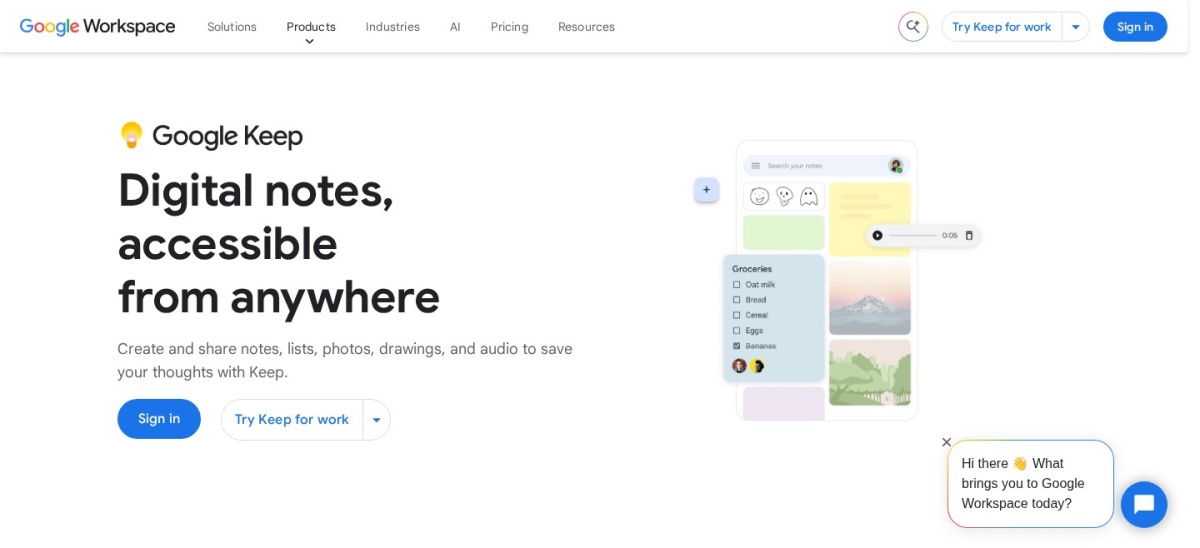
Google Keep homepage, captured Nov 2026.
Google Keep is a free note app from Google for Android, iOS and the web, with a Chrome extension and an Android widget for quick capture. Notes can be colour-coded, labelled, pinned, shared, and set with time or location reminders, and voice notes are transcribed automatically.
The trade off is depth. Keep has no folders, no rich text and no Markdown, so long documents and large archives get hard to manage. It suits quick lists, reminders and short notes inside a Google account.
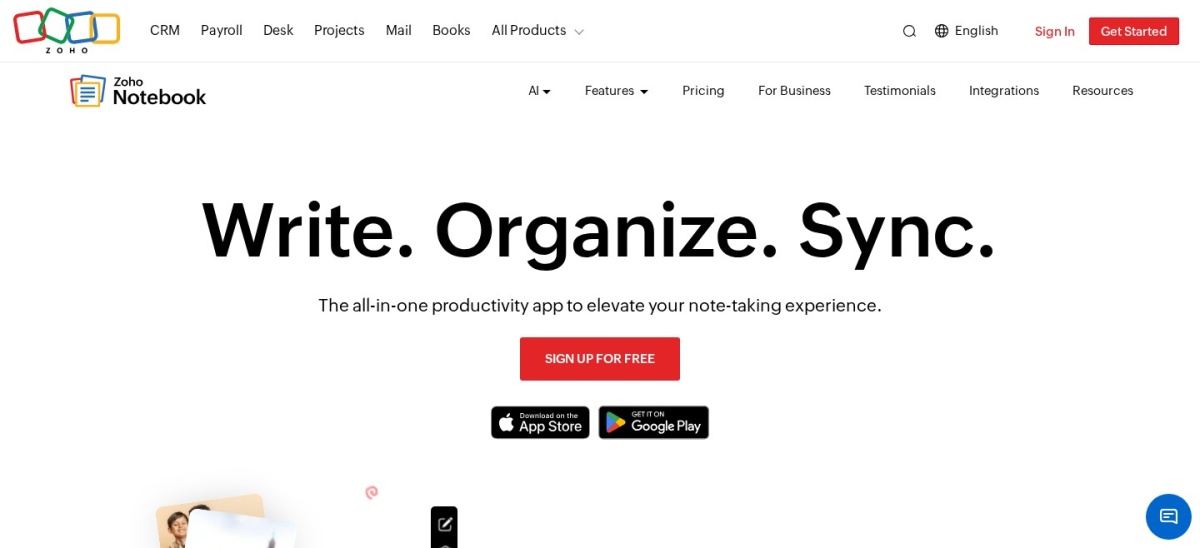
Zoho Notebook is a free card-based note app for Windows, Mac, iOS, Android and the web. It syncs notes across unlimited devices on the free plan, and supports text, audio, photo and checklist notes, a web clipper and note locking.
The trade off is storage. The free plan shares 5 GB of storage across Zoho apps, so heavy users will need Pro at $1.99 a month. It suits people who want a simple, visual notebook with free sync on every device.
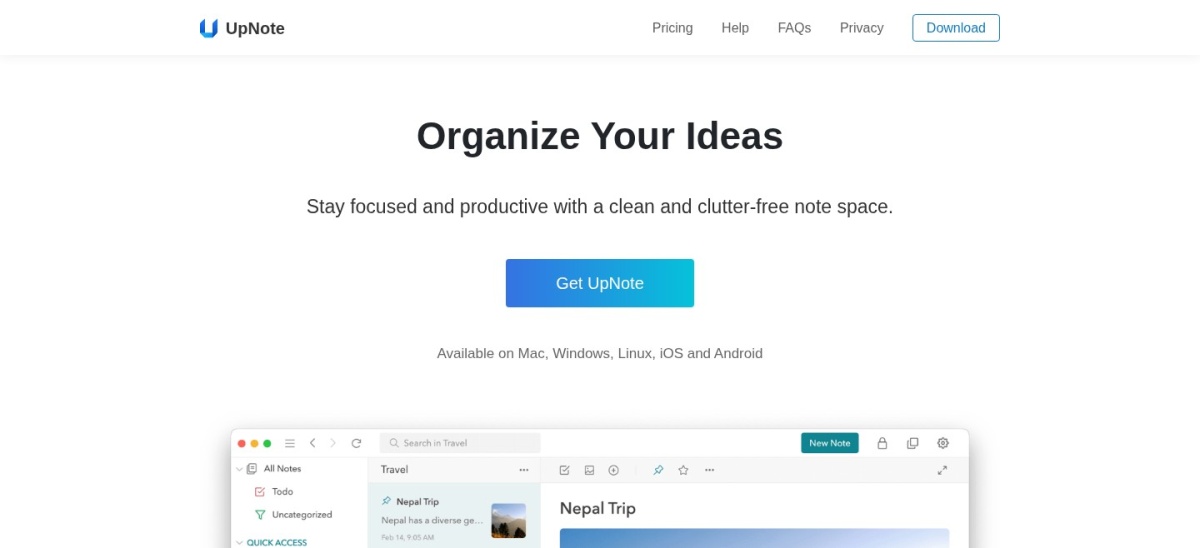
UpNote is a clean note app for Mac, Windows, Linux, iOS and Android, with rich text, Markdown, tables, attachments and notebook covers. The free plan holds 50 notes and syncs across all devices, while Premium removes the cap and adds locks, themes and export.
The trade off is buying. Premium costs $1.99 a month or $39.99 for lifetime access, but it can only be bought inside the Mac, iOS or Android app. It suits people who want a simple app on every platform and would rather pay once than subscribe.
What we like
Rated 4.7 out of 5 on G2 from 135 reviews
Lifetime Premium costs $39.99 once
Runs on Mac, Windows, Linux, iOS and Android
Clean editor with Markdown and tables
Watch out for
Free plan stops at 50 notes
No end-to-end encryption
Premium cannot be bought in the Windows or Linux app
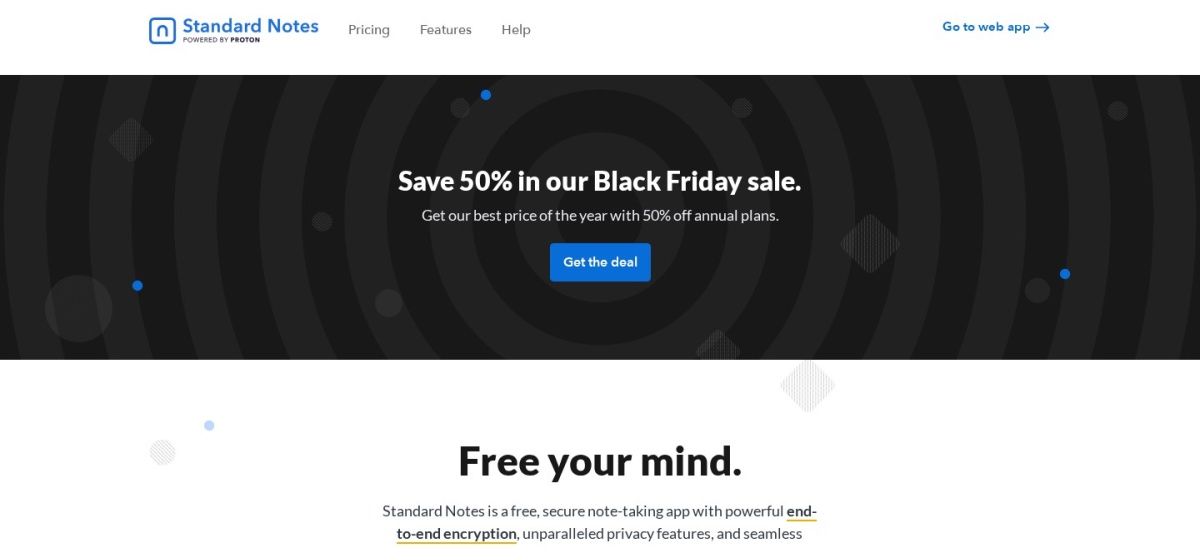
Standard Notes is an open-source note app with end-to-end encryption on every plan, including free, and apps for Windows, Mac, Linux, iOS, Android and the web. The free Standard plan includes unlimited notes, unlimited device sync and a plain-text editor, and Proton has owned it since April 2024.
The trade off is that Markdown, rich text, checklists and folders need the Productivity plan at $90 a year, or $7.50 a month billed annually. It suits people who store sensitive writing and want encryption by default.
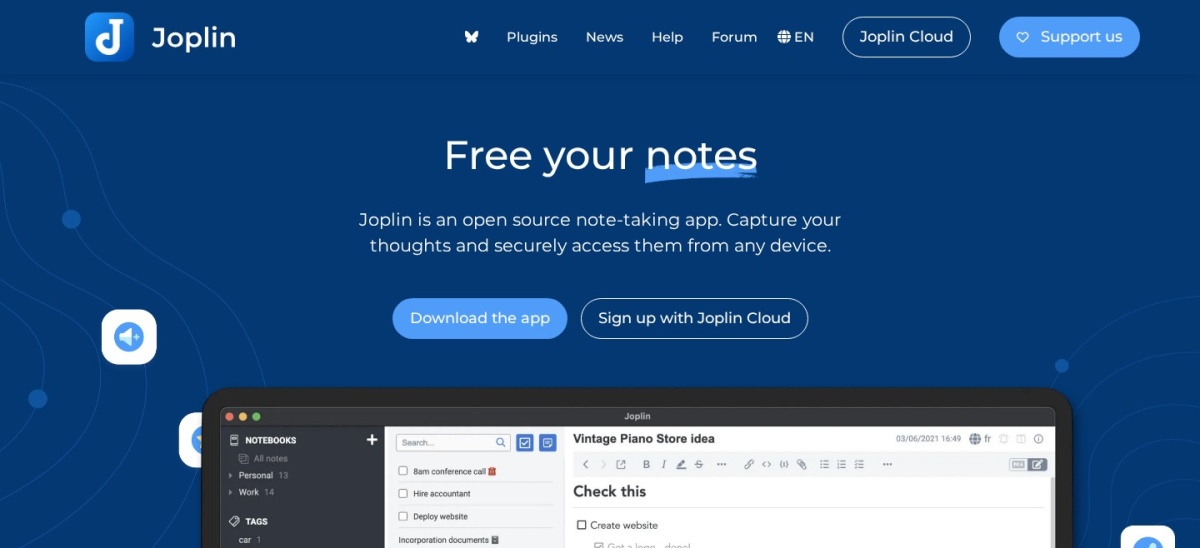
Joplin is a free, open-source Markdown note app for Windows, Mac, Linux, iOS, Android and the web, with notebooks, tags, to-dos and end-to-end encryption. You can sync free through Dropbox, OneDrive, Nextcloud or WebDAV, or pay for the hosted Joplin Cloud service.
The trade off is that Joplin Cloud is priced in euros: Basic lists at €2.40 a month billed yearly, for 2 GB of storage and a 10 MB note size. It suits technical users who want open-source notes and full control over where they sync.
Free plans cover daily notes well. Most include unlimited notes, sync on at least one or two devices, and search.
Paid plans mostly add device limits, storage and history. Evernote Starter lifts the free plan from 50 notes to 1,000, and Notion Plus adds 30-day page history.
Local-first apps flip the deal. Obsidian, Joplin and Standard Notes give you the full app free and only charge for their own sync service.
Whatever you pick, keep a copy outside the app. Our 3-2-1 backup rule guide explains why three copies on two media types still matter for notes.
How we chose
We started from the note apps with desktop, mobile and web versions, then kept those with a free plan and an established user base.
Prices come from each vendor's pricing page, checked on 25 November 2026. Ratings come from G2 or Capterra on the same day. Where a vendor shows a sale, the list shows the regular price.
We left out Apple-only apps such as Bear and Apple Notes, because they do not run natively on Windows and Android. No vendor paid for a place, and we do not claim to have used these tools ourselves.
How to choose a cross-platform note-taking app
Start with the devices you actually write on, then check sync, export and price in that order.
List the devices you write on. If you switch between Windows, Mac, a phone and a tablet, every app in this list covers you. Apple-only apps did not make the cut.
Check how sync works before you commit. Free sync is included by Notion, OneNote, Keep, Zoho Notebook and Standard Notes. Obsidian and Joplin charge for their own sync, or let you use your own storage.
Test export with a few real notes. Plain-text and Markdown export keeps your notes portable if you ever leave. Check the export options in the free plan first.
Pay for the cheapest plan that fits. Most people need only the entry paid plan. Start free, and upgrade only when you hit a note, device or storage limit.
FAQ
What is the best cross-platform note-taking app?
Notion is the best all-round pick for most people. Its free plan covers individuals, Plus costs $10 a month billed yearly, and it is rated 4.6 out of 5 on G2 from 13,767 reviews. Obsidian suits private local notes, and Evernote suits heavy web clipping.
Is there a truly free cross-platform note app?
Yes. Microsoft OneNote and Google Keep are free with no paid note-taking tier, and Obsidian, Joplin and Standard Notes give away the full app. Paid plans in this list start at $1.99 a month for Zoho Notebook Pro and UpNote Premium.
Which note app works offline?
Obsidian, Joplin and Standard Notes keep full local copies, so they work offline by design. Notion, Evernote and OneNote cache notes for offline use, but check the limits on the free plan before relying on it.
Can I move my notes to another app later?
Usually, yes, but the effort varies. Markdown apps such as Obsidian and Joplin export clean plain-text files, while Notion exports Markdown, CSV and PDF. Evernote imports from other apps, and UpNote imports from Evernote.
Is Evernote still worth it in 2026?
It depends on your archive. Starter costs $99 a year and caps you at 1,000 notes and 3 devices, which suits light users. If you hold thousands of notes, Advanced costs $249.99 a year, so Obsidian or Notion may fit better.
Which note app is best for privacy?
Standard Notes encrypts every note end to end on the free plan, and Joplin offers the same with open-source code. Obsidian keeps notes as local files you control, and only its optional Sync service moves them to a server.
SaaS SEO and WordPress specialist with about 8 years of experience. Rakib compares WordPress plugins, themes, hosting and software using public pricing, documentation and user reviews. See how we rank.