Seafile is the best Nextcloud alternative for self-hosted file synchronization, offering a free open-source Community Edition and a 4.4/5 G2 rating. Choose ownCloud for familiar private-server collaboration or Microsoft OneDrive for affordable managed cloud storage without maintaining your own infrastructure.
How we make this list: we compare pricing pages, product documentation and public user reviews, then re-check every price before each update. No product paid for a place. Disclosure.
Seafile offers a free Community Edition and a $100/year Professional Edition package for nine users.
ownCloud supports unlimited users in its free self-hosted Community Edition, with commercial Standard subscriptions starting at 25 users.
Microsoft OneDrive offers 100 GB of managed storage through Microsoft 365 Basic for $19.99/year.
Dropbox Plus provides 2 TB of storage at a regular annual-billing rate of $9.99/month.
Box includes 10 GB of free storage, while Bitrix24 Basic provides 24 GB and five user accounts for $49/month with annual billing.
How do you choose the right Nextcloud alternatives?
Hosting control is the biggest difference between Nextcloud alternatives. Seafile and ownCloud let you operate your own file-sharing infrastructure, while managed cloud services remove the need to maintain storage servers, databases and application updates.
File synchronization does not require an entire productivity suite. If you mainly need shared folders, file versioning and desktop synchronization, a specialized platform can be easier to maintain than a workspace containing communication, calendar and office applications.
Free software is not the same as free infrastructure. Self-hosted platforms may require paid hosting, backup storage, monitoring and administrator time, even when the software license costs nothing.
Subscription comparisons need consistent billing units. Seafile offers a $100 annual package for nine users, Microsoft OneDrive charges $19.99 annually for an individual subscription, and Bitrix24 Basic charges $49 monthly for an organization when billed annually.
Migration involves more than copying files. Existing sharing permissions, public links, version histories, calendars and application data may need separate migration processes. Identify these dependencies before replacing Nextcloud.
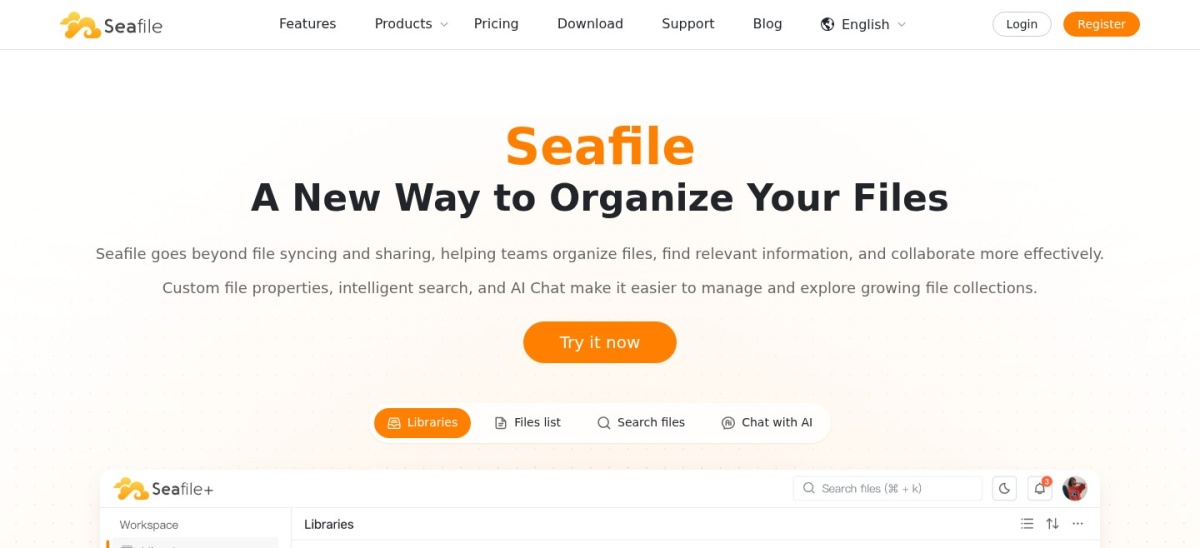
Seafile is a file synchronization and collaboration platform designed around organized file libraries. Its free Community Edition supports self-hosted deployments, while the Professional Edition is free for three users. Desktop synchronization, mobile access and file versioning make it a practical replacement for Nextcloud Files.
The trade off is that Seafile concentrates more heavily on file management than Nextcloud's wider application ecosystem. Its nine-user Professional Edition package costs $100 per year, excluding hosting expenses. It suits technically confident users and organizations that prioritize private file synchronization over an extensive collection of productivity applications.
What we like
Free open-source Community Edition
Professional Edition available free for three users
File synchronization and version history
Self-hosted and managed deployment options
Affordable Professional Edition package for small teams
Watch out for
Self-hosting requires server administration
Less suitable for replacing every Nextcloud application
Advanced business capabilities depend on the edition
Professional Edition adds advanced file management and enterprise capabilities.Visit seafile.com
02
ownCloud
4.3/5on G2 (240 reviews, checked Nov 2026)
PricingCustom pricing
Best for a familiar Nextcloud replacement
DeploymentSelf-hosted or managed
Community usersUnlimited
Commercial minimum25 users for Standard
Paid planStandard, contact sales
owncloud.com
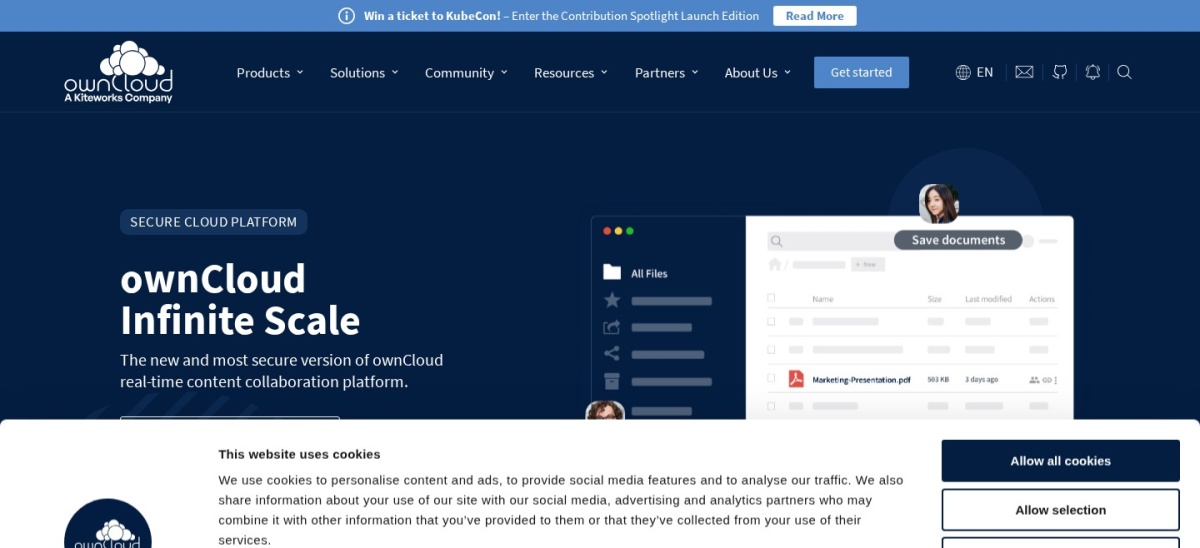
ownCloud homepage, captured Nov 2026.
ownCloud is a file-sharing platform that supports private infrastructure and centralized access to documents. Its open-source Community Edition allows unlimited users and includes desktop and mobile applications, making it particularly relevant to existing Nextcloud administrators.
The trade off is that organizations requiring commercial support must request pricing for the Standard subscription, which starts at 25 users. Managed hosting is also available through separate packages. It suits organizations that want to retain infrastructure control while moving to another established file collaboration platform.
What we like
Unlimited users in Community Edition
Supports private-server deployments
Desktop and mobile synchronization
Commercial support available
Familiar file-sharing approach for Nextcloud users
Watch out for
Commercial Standard pricing requires a sales inquiry
Existing Nextcloud applications may need replacements
Commercial subscriptions add vendor support and additional enterprise features.Visit owncloud.com
03
Microsoft OneDrive
4.3/5on G2 (10,459 reviews, checked Nov 2026)
Paid from$19.99/yr
Best for affordable managed cloud storage
DeploymentManaged cloud
Entry paid storage100 GB
Office integrationMicrosoft 365
Paid planMicrosoft 365 Basic
microsoft.com
Microsoft OneDrive homepage, captured Nov 2026.
Microsoft OneDrive is a managed cloud storage service integrated with Microsoft's productivity ecosystem. Microsoft 365 Basic includes 100 GB of cloud storage for one person at $19.99 per year, providing an inexpensive alternative for personal documents and everyday file sharing.
The trade off is that Microsoft manages the infrastructure rather than giving users a self-hosted deployment. The $19.99 annual Basic subscription is intended for individuals, while organizational controls require business subscriptions; the G2 rating shown here covers OneDrive for Business. It suits users who want accessible files without maintaining servers.
What we like
Low annual entry price
Integration with Microsoft productivity applications
Desktop and mobile file access
No server administration required
Extensive business review history
Watch out for
No self-hosted deployment
Basic subscription is intended for individuals
Business administration requires a separate subscription
Microsoft 365 Basic adds 100 GB of cloud storage and additional account benefits.Visit microsoft.com
04
Dropbox
4.4/5on G2 (31,504 reviews, checked Nov 2026)
Paid from$9.99/mo
Best for sharing large creative files
DeploymentManaged cloud
Free storage2 GB
Plus storage2 TB
File recovery30 days on Plus
dropbox.com
Dropbox homepage, captured Nov 2026.
Dropbox is a managed file synchronization and sharing service with desktop, mobile and browser access. Its free Basic account provides 2 GB of storage, while Plus increases capacity to 2 TB and includes 30 days of file recovery.
The trade off is the limited free storage and lack of self-hosting. Plus normally costs $9.99 per month with annual billing, although a temporary promotion advertises an effective $7.99 monthly rate through additional subscription months. It suits photographers, freelancers and creative professionals who frequently exchange large files.
What we like
2 TB on the entry paid personal plan
Accessible sharing links for external collaborators
Desktop synchronization across devices
Deleted file recovery on Plus
Large public review base
Watch out for
Free storage limited to 2 GB
No private-server deployment
Organizational administration requires team subscriptions
Plus adds 2 TB of storage, larger file transfers and additional recovery options.Visit dropbox.com
05
Box
4.2/5on G2 (5,379 reviews, checked Nov 2026)
Paid from$5/mo
Best for document sharing and approvals
Free storage10 GB
Free upload limit250 MB per file
Business Starter$5/user/month, billed annually
Minimum commitment3 Business Starter users
box.com
Box homepage, captured Nov 2026.
Box is a managed content collaboration platform combining cloud storage, document sharing and electronic signatures. Its free Individual account includes 10 GB of storage and a 250 MB file upload limit, while Business Starter provides team-oriented collaboration capabilities.
The trade off is that the $5 monthly Business Starter rate requires at least three users and annual billing, making the minimum annual commitment $180. Individuals can instead purchase Personal Pro for $10 per month with annual billing. It suits document-focused teams that need collaboration and signature workflows.
What we like
10 GB of free personal storage
Built-in electronic signature capabilities
Microsoft 365 and Google Workspace integrations
Shared folders and document collaboration
Separate individual and business subscriptions
Watch out for
Business Starter requires three paid users
Restrictive free file upload limit
No self-hosted server option
Business Starter adds team collaboration, additional file versions and technical support.Visit box.com
06
Bitrix24
4.1/5on G2 (617 reviews, checked Nov 2026)
Paid from$49/mo
Best for replacing the wider productivity suite
Free storage5 GB
Free users1–2 users
Basic storage24 GB
Basic user allowance5 users
bitrix24.com
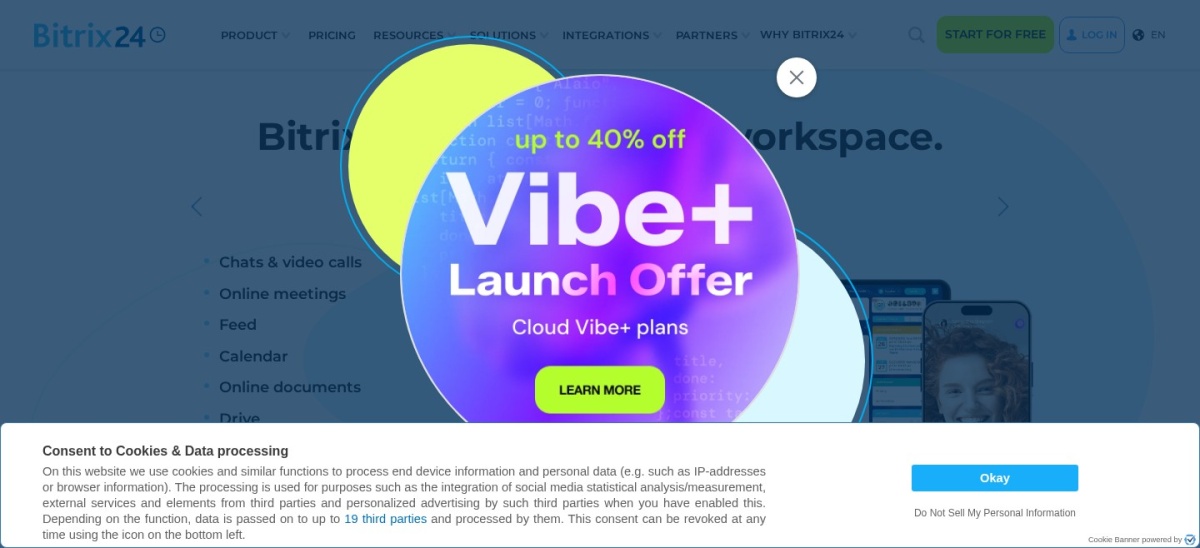
Bitrix24 homepage, captured Nov 2026.
Bitrix24 is a business workspace that combines file storage with task management, calendars, communication and customer relationship management. Its free plan supports one or two users with 5 GB of storage, making it a broader alternative to Nextcloud than standalone cloud drives.
The trade off is that file storage is only one component of a larger business platform, so the interface includes features some users will not need. Basic costs $49 per organization per month with annual billing and includes five users. It suits small businesses consolidating several collaboration applications.
What we like
File storage alongside task and project management
Shared calendars and team communication
Flat organization-based cloud pricing
Free plan for individual users and pairs
Separate on-premise deployment offering
Watch out for
Limited free user allowance
Entry storage capacity is relatively small
More complex than a dedicated file-sharing service
Self-hosted licensing is separate from cloud pricing
Basic adds more storage, five user accounts and additional business tools.Visit bitrix24.com
07
Egnyte
4.4/5on G2 (1,194 reviews, checked Nov 2026)
Starts at$22/mo
Best for business file governance
DeploymentManaged business platform
Office collaborationMicrosoft 365 and Google Workspace
Access managementFile and folder permissions
Business plan$22/user/month, billed annually
egnyte.com
Egnyte homepage, captured Nov 2026.
Egnyte is a business content management platform focused on controlled document access, collaboration and centralized administration. Its publicly priced Business subscription costs $22 per user per month when billed annually and includes document collaboration with established office applications.
The trade off is the higher subscription expense and the need to purchase more advanced governance capabilities through higher tiers. Business costs $264 per user annually, with smaller-team arrangements requiring separate confirmation through the vendor's Team offering. It suits organizations that prioritize managed file access and business content administration.
What we like
Centralized business file administration
Granular document access controls
Integration with established office applications
File versioning and locking capabilities
Higher tiers for advanced governance requirements
Watch out for
Higher entry price than consumer cloud storage
No permanent free plan identified
Advanced governance requires higher subscriptions
Separate Team offering requires pricing confirmation
Business includes managed collaboration, document permissions and office integrations.Visit egnyte.com
Should you replace Nextcloud with self-hosted or managed storage?
Self-hosted storage makes sense when infrastructure ownership is essential. Seafile and ownCloud allow administrators to choose their storage environment, configure network access and establish independent backup policies. This flexibility also creates responsibility for software updates and recovery.
Managed storage makes sense when maintenance is the main reason for leaving Nextcloud. OneDrive, Dropbox and Box provide accessible file-sharing environments without requiring customers to operate application servers. The compromise is reduced infrastructure control and greater dependence on subscription terms.
Business productivity platforms address a different problem. Bitrix24 is relevant when you also need project management, calendars and communication, while Egnyte focuses on managing organizational content and permissions. Neither should be selected solely because it provides online file storage.
What should you check before migrating from Nextcloud?
Start by creating an independent backup of your current Nextcloud files and application data. Keep that backup outside both the original installation and the destination service so migration errors do not remove your only recoverable copy.
Document existing user accounts, groups, folder permissions and external sharing links. Copying files between platforms does not necessarily preserve access rules, file versions or collaboration history.
Run a limited migration before moving the entire organization. Verify file integrity, synchronization behavior, document editing and access permissions using representative files and users.
Keep the original environment available until the replacement has been validated. Recreate necessary integrations, notify collaborators about changed sharing links and establish a recovery procedure before decommissioning the previous installation.
How we chose
We selected established Nextcloud competitors covering self-hosted file synchronization, managed cloud storage and broader business collaboration. The shortlist prioritizes tools that can replace meaningful Nextcloud workflows rather than applications offering unrelated productivity features.
We checked official pricing pages and G2's public competitor listings on 29 Nov 2026. Prices use regular annual-billing rates where available, with monthly rates converted into annual figures. Quote-based subscriptions use zero as a comparison placeholder rather than indicating free service. Per-user prices and organization-wide prices are distinguished in the product descriptions.
We excluded services with insufficient review histories, unconfirmed entry prices or limited relevance to Nextcloud's file collaboration features. Egnyte's separate Team offering requires additional pricing confirmation, so its comparison uses the publicly priced Business subscription. No vendor paid for a place, and we do not claim testing for this list.
How to choose a Nextcloud alternative
Compare deployment requirements, collaboration features and the full cost of ownership before moving your files to another platform.
Decide whether self-hosting is essential. Choose Seafile or ownCloud if you need control over the underlying infrastructure. Consider managed alternatives when your primary goal is reducing maintenance and simplifying access for users.
Identify the Nextcloud features you actually use. List your requirements for file synchronization, shared folders, office editing, calendars, communication and external collaboration. A specialized file service may replace your existing workflow without duplicating every Nextcloud application.
Calculate the complete annual cost. Include subscription fees, minimum seat requirements, server hosting, storage expansion, backups and administrator time. Box's entry business rate requires three users, while Bitrix24 Basic includes five users under one organization subscription.
Validate migration and recovery options. Use representative folders and user accounts to assess whether the replacement preserves your required workflows. Confirm export options, backup procedures and permission settings before moving production data.
FAQ
What are the best Nextcloud alternatives in 2026?
Seafile is the best overall alternative for users who want self-hosted file synchronization. ownCloud is another strong option for private infrastructure, while Microsoft OneDrive is better for users seeking affordable managed storage without operating their own servers.
What is the best free open-source alternative to Nextcloud?
Seafile Community Edition is the best free open-source alternative for dedicated file synchronization. ownCloud Community Edition is also worth considering because it supports unlimited users. Both require suitable infrastructure and ongoing administration when deployed on your own server.
Is Seafile better than ownCloud?
Seafile is better for users prioritizing file synchronization and affordable small-team licensing. ownCloud is better suited to organizations seeking familiar private-server file collaboration and commercial support. Seafile publishes a $100 annual package for nine users, while ownCloud Standard requires a pricing inquiry.
What is the cheapest paid Nextcloud alternative?
Microsoft OneDrive has the lowest confirmed public annual subscription in this comparison. Microsoft 365 Basic costs $19.99 per year and includes 100 GB of cloud storage for one person. Self-hosted open-source alternatives may avoid software fees but still require infrastructure.
What is the easiest Nextcloud alternative for beginners?
Microsoft OneDrive is a practical choice for beginners who already use Microsoft productivity applications. Dropbox is another accessible option for straightforward file sharing. Both remove the responsibility of installing, updating and maintaining a private file storage server.
Which Nextcloud alternative is best for small businesses?
Seafile is a good choice for small businesses with technical administration resources. Bitrix24 suits businesses that also need task management and team communication, while Box offers managed document collaboration. The right choice depends on infrastructure requirements, storage needs and the number of users.
Can I replace Nextcloud without losing control of my data?
Yes, self-hosted alternatives such as Seafile and ownCloud allow you to retain control over the underlying storage infrastructure. You must still manage access policies, backups and software updates. Managed alternatives provide convenience but involve placing data within provider-operated infrastructure.
Can I migrate my Nextcloud files to another cloud service?
Yes, ordinary files and folders can generally be transferred to another storage platform. However, sharing permissions, existing public links, file versions and application-specific data may require separate migration procedures. Create an independent backup and validate a limited migration before transferring everything.
SaaS SEO and WordPress specialist with about 8 years of experience. Rakib compares WordPress plugins, themes, hosting and software using public pricing, documentation and user reviews. See how we rank.