Zapier is the best Nintex alternative for most teams, with 9,000+ app connections, a free plan and a 4.5/5 G2 rating from 2,186 reviews. Choose Make for cheaper visual workflows at $9 a month, or Power Automate if your team already runs on Microsoft 365.
How we make this list: we compare pricing pages, product documentation and public user reviews, then re-check every price before each update. No product paid for a place. Disclosure.
Zapier is the top pick, with 9,000+ app connections, a free plan and a 4.5/5 G2 rating from 2,186 reviews.
Make is the cheapest paid plan at $9 a month, with the clearest visual builder for multi-step workflows.
Power Automate is the pick for Microsoft 365 teams, at $15 a user a month for Premium.
Pipefy is the closest process-platform match, built for approvals, SLAs and request tracking.
Paid plans run from $9 a month for Make to $1,500 a month for Kissflow, and 7 of the 9 tools have a free plan.
How do you choose the best Nintex alternative?
Nintex is built for governed, enterprise process automation, so the best replacement depends on which part of Nintex you actually use. Teams that mainly connect apps need Zapier or Make, while teams that run structured approvals need Pipefy or Kissflow.
Price models differ more than features do. Zapier bills per task, Make bills per credit and n8n bills per execution, while monday.com, ClickUp and Airtable bill per seat and Kissflow starts at a flat $1,500 a month.
Free plans are useful for a trial, but they cap volume hard. Zapier's free plan covers 100 tasks a month, Make's covers 1,000 credits and Airtable's covers 100 automation runs, so estimate your monthly volume before you pick a plan.
Governance is where enterprise tools earn their price. Approvals, audit trails, SSO and admin controls sit on higher plans for most tools here, so confirm they are included at the tier you will actually buy. Our guide on whether Fluent Forms Pro integrates with Zapier shows how one app connection works in practice.
Zapier is a no-code automation tool that connects more than 9,000 apps with multi-step workflows called Zaps. The free plan covers 100 tasks a month with two-step Zaps, while Professional at $19.99 a month billed yearly raises that to 750 tasks and adds multi-step Zaps, premium apps and webhooks.
The trade off is cost at volume. Every completed action counts as a task, so busy workflows climb through the task tiers fast, and Team starts at $69 a month. It suits teams that want the widest app coverage and the quickest setup.
What we like
Widest app coverage in this list at 9,000+ apps
Free plan for simple two-step automations
Multi-step Zaps, filters and paths on paid plans
Rated 4.5/5 from 2,186 G2 reviews
Watch out for
Task-based billing gets costly at high volume
Single-user focus on the Professional plan
Advanced admin controls need the Team plan
Professional adds multi-step Zaps, premium apps and webhooksVisit zapier.com
02
Make
4.6/5on G2 (512 reviews, checked Nov 2026)
Paid from$9/mo
Best value visual automation builder
Free plan1,000 credits/mo
Paid planCore, $9/mo
Visual builderCanvas with routers
Apps1,800+
make.com
Make homepage, captured Nov 2026.
Make is a visual automation builder where each workflow, called a scenario, shows every step as a box on a canvas. The free plan includes 1,000 credits a month, and Core at $9 a month billed yearly raises that to 10,000 credits with unlimited active scenarios and 1-minute scheduling.
The trade off is the learning curve. Routers, filters and error routes give more control than Zapier, but they take longer to learn, and some visitors see a $12 Core price instead of $9. It suits teams that build multi-step workflows and want the lowest paid plan here.
What we like
Cheapest paid plan in this list at $9 a month
Visual canvas with branching, filters and error routes
Free plan with 1,000 credits a month
Rated 4.6/5 from 512 G2 reviews
Watch out for
Harder to learn than Zapier
Credit use is hard to forecast
Some visitors see a $12 Core price
Core adds 10,000 credits a month and unlimited scenariosVisit make.com
03
Microsoft Power Automate
4.4/5on G2 (1,094 reviews, checked Nov 2026)
Paid from$15/mo
Best for Microsoft 365 teams
Free planFree license, standard connectors
Paid planPremium, $15/user/mo
Desktop RPAAttended flows included
Process plan$150/bot/mo
microsoft.com
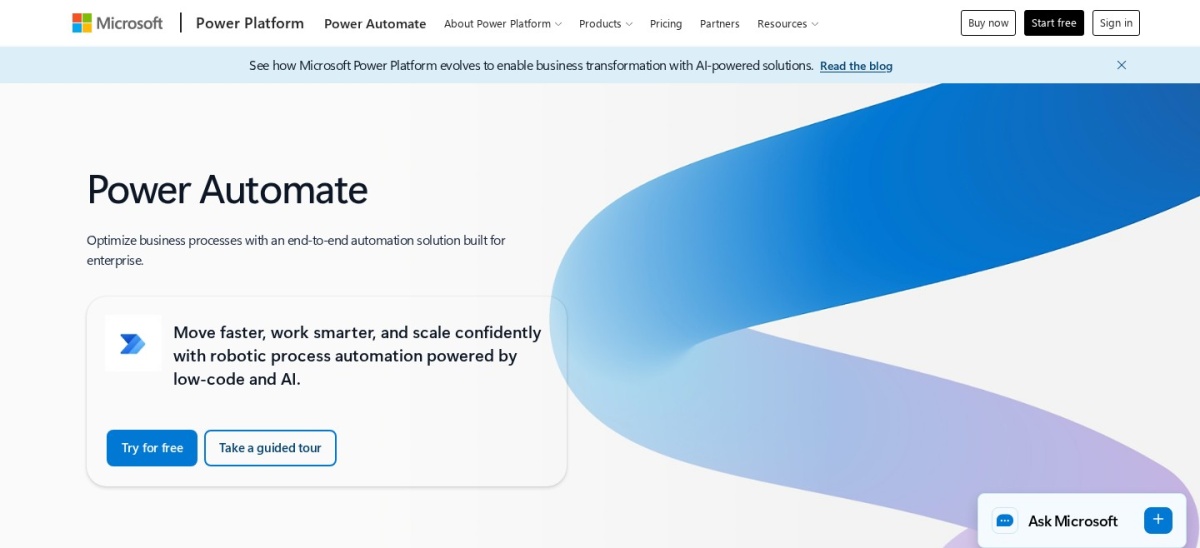
Microsoft Power Automate homepage, captured Nov 2026.
Microsoft Power Automate is a low-code automation platform for cloud flows, desktop flows and AI Builder, built into Microsoft 365 and the Power Platform. Premium costs $15 a user a month billed yearly and adds unlimited cloud flows, premium connectors, attended desktop flows and AI Builder credits.
The trade off is the Microsoft lock-in. It is the natural pick inside Microsoft 365, but premium connectors, RPA add-ons and the $150-a-month Process plan push costs up fast. It suits teams already paying for Microsoft 365 that want approvals and document flows beside Outlook, SharePoint and Teams.
What we like
Deep Microsoft 365 and SharePoint integration
Desktop RPA included on Premium
AI Builder credits on paid plans
Rated 4.4/5 from 1,094 G2 reviews
Watch out for
Best value only inside Microsoft 365
Premium connectors and RPA add-ons add cost
Error messages can confuse non-technical users
Premium adds premium connectors, desktop flows and AI BuilderVisit microsoft.com
04
Pipefy
4.6/5on G2 (231 reviews, checked Nov 2026)
Starts at$33/mo
Best for structured approval processes
Free planStarter, free 90 days
Paid planBusiness, $33/user/mo
ProcessesUnlimited on Business
UsersUnlimited, per-user billing
pipefy.com
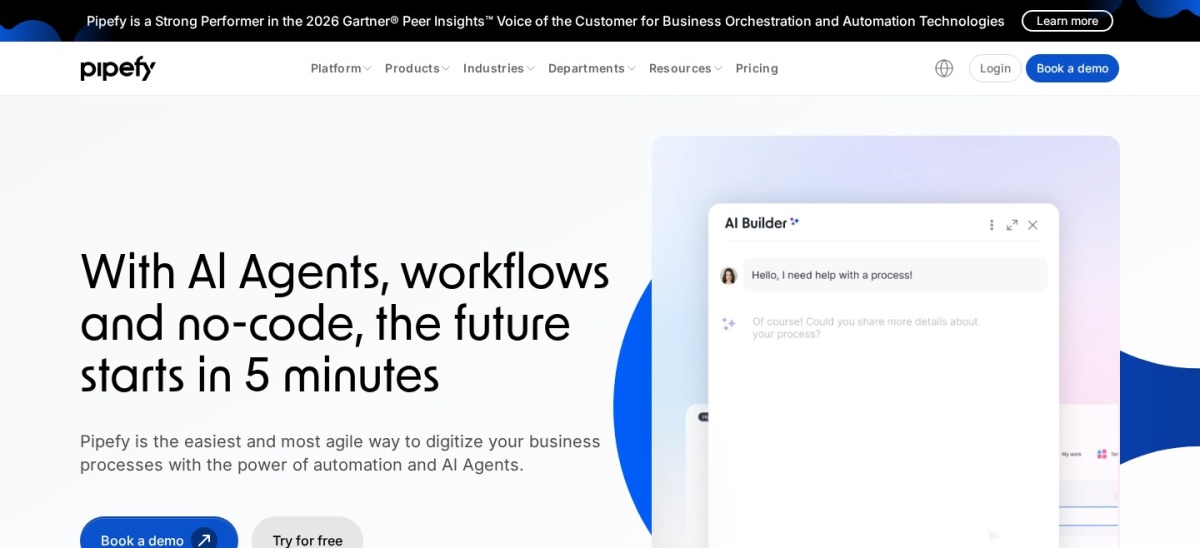
Pipefy homepage, captured Nov 2026.
Pipefy is a no-code process platform for building request, approval and service workflows with forms, SLAs and dashboards. Starter is free for up to 90 days with 5 processes and 10 users, and Business adds unlimited processes, unlimited users, conditional logic and API access.
The trade off is price clarity. Business is listed at $33 a user a month on G2, while Pipefy's own pricing page now asks for a sales quote, so confirm the price before budgeting. It suits operations, HR and finance teams that run repeatable request and approval processes.
What we like
Built for structured request and approval processes
Unlimited processes and users on Business
Pipefy AI and ready-made process templates
Rated 4.6/5 from 231 G2 reviews
Watch out for
Business price is quote-only on Pipefy's own site
Advanced features need higher plans
Smaller review base than Zapier or monday.com
Business adds unlimited processes, API access and SLAsVisit pipefy.com
05
n8n
4.7/5on G2 (319 reviews, checked Nov 2026)
Paid from$20/mo
Best for technical teams and self-hosting
Free planCommunity, self-hosted
Paid planStarter, $20/mo
Executions2,500/mo on Starter
UsersUnlimited on every plan
n8n.io
n8n homepage, captured Nov 2026.
n8n is a node-based workflow automation tool where each workflow is a canvas of triggers, actions and code steps. The Community Edition is free to self-host with no execution cap, and Cloud Starter costs $20 a month billed yearly for 2,500 executions with unlimited users and unlimited steps per workflow.
The trade off is technical skill. n8n gives the deepest control of any tool here, but building and maintaining workflows needs a developer, and Business at $800 a month is self-hosted only. It suits technical teams with high-volume or complex workflows.
What we like
Free self-hosted edition with no execution cap
No per-seat pricing on Cloud plans
Rated 4.7/5 from 319 G2 reviews
Unlimited steps per workflow execution
Watch out for
Steep learning curve for non-developers
Business plan is self-hosted only
Support is forum-only on Starter
Cloud Starter adds 2,500 executions a month and AI nodesVisit n8n.io
06
monday.com
4.7/5on G2 (17,182 reviews, checked Nov 2026)
Paid from$9/mo
Best visual boards with automations
Free planUp to 2 seats
Paid planBasic, $9/seat/mo
AutomationsFrom Standard, $12/mo
Seat minimum3 seats on paid plans
monday.com
monday.com homepage, captured Nov 2026.
monday.com is a visual work platform where projects run on colour-coded boards with status columns, owners and due dates. The free plan covers up to 2 seats, and Basic at $9 a seat a month billed yearly adds unlimited items, unlimited free viewers and 1,000 AI credits a month.
The trade off is automation access. Basic has no automations at all, so most teams land on Standard at $12 a seat a month for 250 automation actions, and paid plans need at least 3 seats. It suits teams that want visible boards with approvals and handoffs on top.
What we like
Clearest visual boards in this list
Free plan for up to 2 seats
Rated 4.7/5 from 17,182 G2 reviews
250 automation actions a month on Standard
Watch out for
No automations on the Basic plan
3-seat minimum on paid plans
Timeline and Gantt need Standard
Standard adds automations, Gantt views and guest accessVisit monday.com
07
ClickUp
4.6/5on G2 (13,731 reviews, checked Nov 2026)
Paid from$12/mo
Best all-in-one workspace
Free planUnlimited tasks, 100 MB
Paid planBusiness, $12/user/mo
Automations5,000 executions/mo on Business
AIBrain add-on, extra
clickup.com
ClickUp homepage, captured Nov 2026.
ClickUp is an all-in-one work platform that combines tasks, docs, whiteboards, chat and automations in one workspace. The free plan covers unlimited tasks and members with 100 MB of storage, and paid plans run from $7 a user a month for Unlimited to $12 for Business, both billed yearly.
The trade off is complexity. ClickUp replaces several tools at once, but the workspace can feel crowded, and AI features are a separate add-on. It suits small teams that want tasks, docs and automations in one place instead of three tools.
What we like
Generous free plan with unlimited tasks
Tasks, docs, chat and automations in one workspace
Rated 4.6/5 from 13,731 G2 reviews
5,000 automation executions a month on Business
Watch out for
Interface can feel crowded for new users
AI features cost extra as an add-on
Two paid tiers with close prices confuse buyers
Business adds advanced automations, Google SSO and workload viewsVisit clickup.com
08
Airtable
4.6/5on G2 (3,276 reviews, checked Nov 2026)
Paid from$20/mo
Best for data-driven approval workflows
Free plan1,000 records/base
Paid planTeam, $20/user/mo
Automations25,000 runs/mo on Team
Records50,000/base on Team
airtable.com
Airtable homepage, captured Nov 2026.
Airtable is a spreadsheet-style database where teams build request trackers, approval queues and content pipelines over linked records. The free plan covers 1,000 records per base and 100 automation runs, and Team at $20 a user a month billed yearly raises that to 50,000 records and 25,000 automation runs.
The trade off is per-seat pricing. Every editor needs a paid seat, so costs rise with each collaborator, and the jump to Business at $45 a user a month is steep. It suits teams whose processes run on structured data, approvals and linked records.
What we like
Flexible database views: grid, kanban, calendar and Gantt
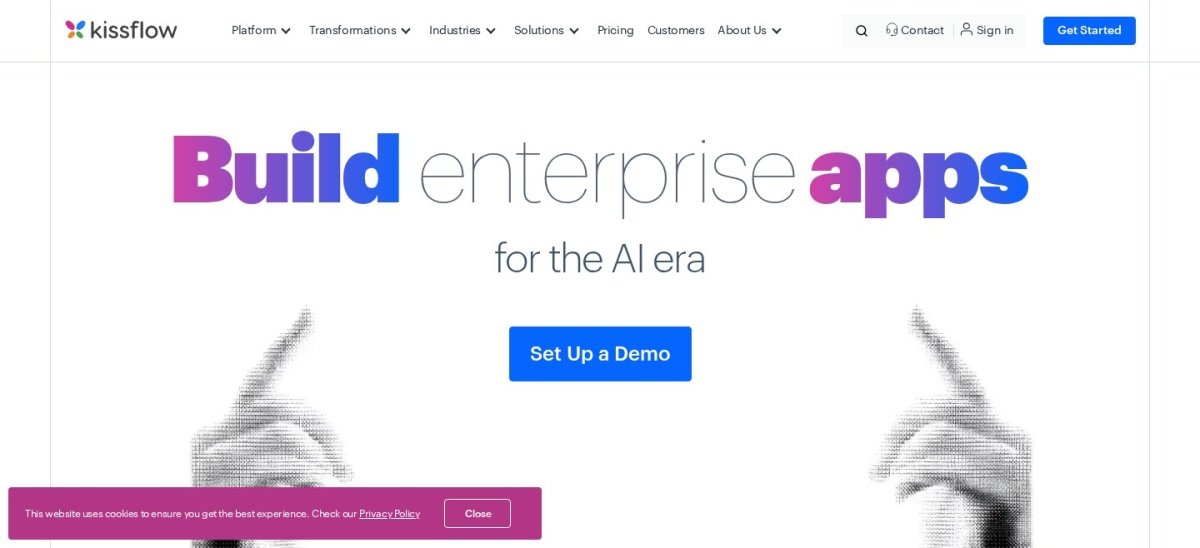
Kissflow is a low-code platform for building process apps, approval workflows and case management without developers. Basic starts at $1,500 a month for limited features and simple use cases, while Enterprise is custom-quoted and adds unlimited apps and integrations, advanced governance and private cloud options.
The trade off is price. Kissflow is the most costly tool in this list by a wide margin, and the full cost needs a sales quote. It suits mid-size and large teams that want to replace email approvals with governed, low-code process apps.
What we like
Low-code builder for process apps and approvals
Governed workflows with audit trails
Rated 4.3/5 from 590 G2 reviews
No-code forms, boards and reports
Watch out for
Basic starts at $1,500 a month
Enterprise pricing needs a sales quote
No free plan, demo only
Enterprise adds unlimited apps, governance and private cloudVisit kissflow.com
Nintex vs its alternatives: what changes
You trade a process suite for a toolkit. Nintex bundles forms, workflows, document generation and RPA, while most alternatives cover one or two of those, so teams often pair Zapier or Make with a separate forms tool.
Approvals move from process apps to boards and automations. Pipefy and Kissflow keep the structured approval model, while monday.com and ClickUp run approvals as board automations with due dates and owners.
Pricing moves from annual contracts to monthly plans. Most tools here publish monthly prices and a free plan, while Nintex and Kissflow price by quote or annual agreement.
How we chose
We started from the tools G2 lists as Nintex alternatives and the process-automation tools with the largest review bases, then kept the nine with a public rating and a published or vendor-supplied price.
Prices come from each vendor's pricing page, checked on 29 November 2026. Ratings and review counts come from G2 on the same day. Where a vendor shows a sale, the list shows the regular price.
We left out tools with no public rating or no published price. No vendor paid for a place, and we do not claim to have used these tools ourselves.
How to choose a Nintex alternative
Start by listing the Nintex features you use every week, then match the tool to that list.
List the workflows you cannot lose. Approvals, forms, document generation and RPA need different tools. A team that only connects apps needs Zapier or Make, not a low-code platform.
Count the volume, not the users. Task, credit and execution billing punish busy workflows, while per-seat billing punishes large teams. Estimate monthly runs before you pick a plan.
Try the free plan on one real process. Rebuild a single approval flow end to end and check the audit trail, notifications and error handling before you move the rest.
Check governance before you sign. SSO, audit logs and admin controls sit on higher plans for most tools here, so confirm they are included at the tier you will buy.
FAQ
What is the best free alternative to Nintex?
Make is the best free alternative to Nintex. Its free plan includes 1,000 credits a month and the full visual scenario builder, which covers more volume than Zapier's free 100 tasks a month. Pipefy's Starter is free for 90 days, and n8n is free to self-host.
How much do Nintex alternatives cost?
Paid plans run from $9 a month for Make Core to $1,500 a month for Kissflow Basic. Most teams pay $9 to $33 a user a month, and 7 of the 9 tools in this list have a free plan for trying one workflow first.
Which Nintex alternative is best for small teams?
Make is the best Nintex alternative for small teams. Core costs $9 a month billed yearly, the visual builder needs no developers, and the free plan covers 1,000 credits a month. monday.com is the better pick when the work is mostly project tracking.
Is there a Nintex alternative for Microsoft 365?
Microsoft Power Automate is the Nintex alternative for Microsoft 365 teams. Premium costs $15 a user a month and connects Outlook, SharePoint, Teams and Excel, with desktop RPA included. It is the only tool here built into the Microsoft stack.
Zapier vs Make: which is the better Nintex alternative?
Zapier is better for breadth, with 9,000+ app connections and the easiest setup, while Make is better for value and complex logic, with a visual canvas and Core at $9 a month. Pick Zapier for simple connections across many apps and Make for multi-step workflows.
Which Nintex alternative is best for developers?
n8n is the best Nintex alternative for developers. Its node-based canvas supports code steps, webhooks and self-hosting, and Cloud Starter costs $20 a month for 2,500 executions with unlimited users. The Community Edition is free to self-host.
Can I migrate my Nintex workflows to another tool?
There is no one-click migration from Nintex to any tool in this list. Plan to rebuild each workflow, starting with the most-used approval flow, and run the old and new versions side by side until the new one is proven.
SaaS SEO and WordPress specialist with about 8 years of experience. Rakib compares WordPress plugins, themes, hosting and software using public pricing, documentation and user reviews. See how we rank.