Plugin how-tos · Info
Can Fluent Forms Pro Integrate with Zapier? The Short Answer
Short answer
Yes, Fluent Forms Pro integrates with Zapier. You create a Zap with a webhook trigger, paste its URL into a Zapier feed in your form settings, and each submission is sent to Zapier. The free version does not include it, and Zapier's webhook app usually needs a paid plan.
Key takeaways
- Zapier is a Fluent Forms Pro feature, not a free one.
- The connection uses a Zapier webhook URL.
- Zapier feeds support conditional logic.
- Webhooks by Zapier usually needs a paid Zapier plan.
- Check native integrations before adding Zapier.
Can Fluent Forms Pro integrate with Zapier?
Yes, Fluent Forms Pro includes a Zapier integration that sends each form submission to a Zapier webhook, which can then pass the data to thousands of other apps.
The connection works through a webhook URL. Zapier gives you the URL, and you paste it into a Zapier feed inside your form's settings.
Fluent Forms lists Zapier on its Zapier integration page, and the setup is covered in the Fluent Forms documentation.
The integration is part of the paid Pro add-on. The free plugin on WordPress.org covers the form builder and several basic features.
If you are still deciding on the plugin, our overview of what Fluent Forms does is a good place to start.
Is the Zapier integration in the free version?
No, Zapier is a Pro feature, so you need the Fluent Forms Pro add-on installed and active alongside the free core plugin to use it.
Fluent Forms is split into a free core plugin and a paid Pro add-on. Advanced integrations sit in Pro.
Our guide on whether Fluent Forms is free lists what the free version includes.
For current Pro pricing and license tiers, see how much Fluent Forms costs or check the vendor pricing page directly.
Feature lists can change between releases. Confirm on the vendor site before buying if Zapier is the main reason you need Pro.
Do you need a paid Zapier plan as well?
Most likely yes, because the Fluent Forms connection uses Zapier's webhook trigger, and Zapier treats Webhooks by Zapier as a premium app on its paid plans.
Zapier's plans also limit the number of tasks per month. Every form submission that runs through a Zap uses at least one task.
Check the Zapier pricing page for the current plan limits and which apps are premium.
If you only send a few submissions a month, Zapier's costs may be higher than you expect. Compare it with Fluent Forms' native integrations first.
Plan details change, so confirm before you build a workflow that depends on it.
How do you connect Fluent Forms Pro to Zapier?
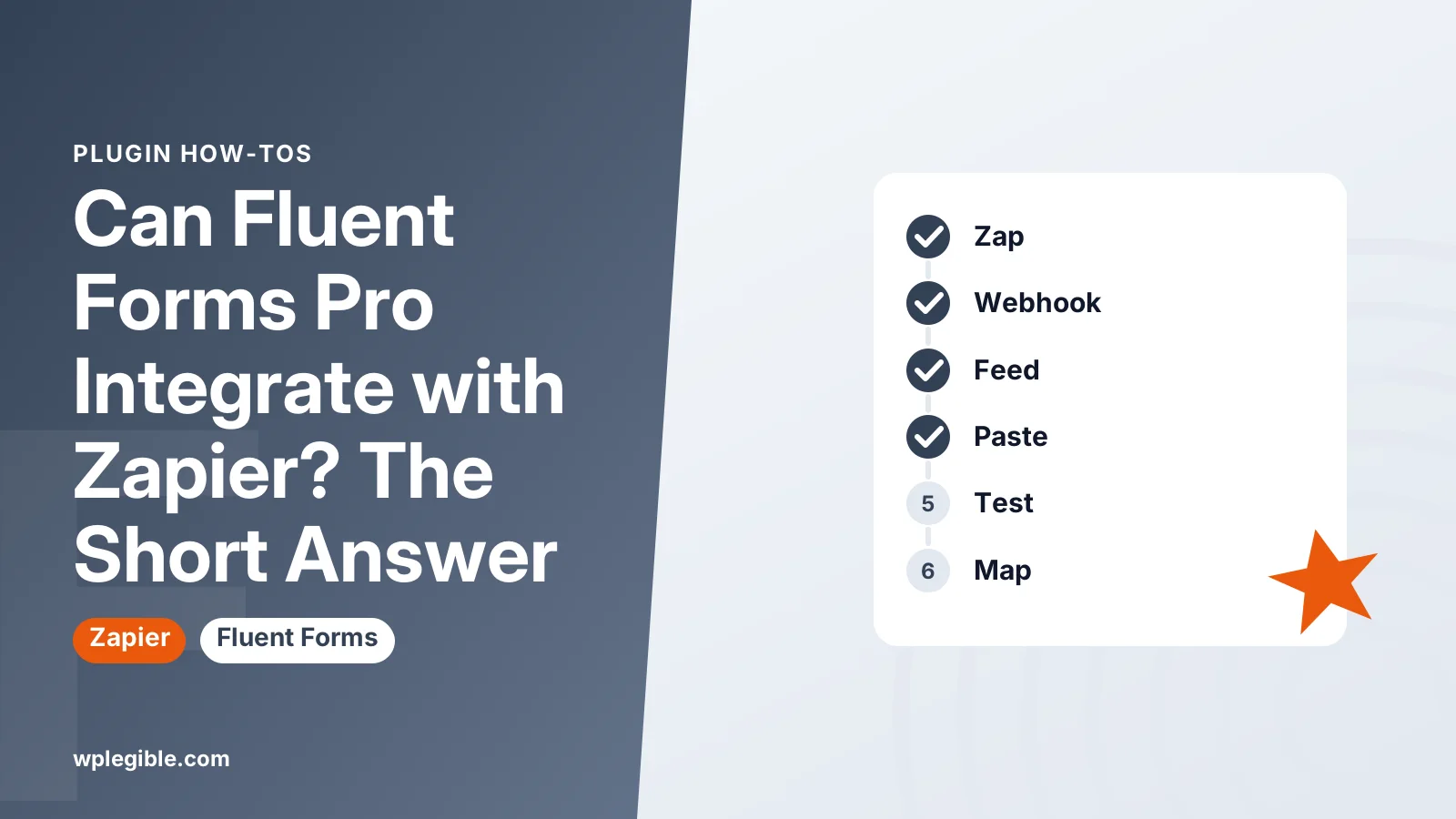
Create a Zap with a webhook trigger, copy its URL, enable the Zapier module in Fluent Forms, add a Zapier feed to your form, paste the URL, and send a test submission.
- In Zapier, create a new Zap and choose Webhooks by Zapier as the trigger app, with the Catch Hook event.
- Copy the custom webhook URL that Zapier shows.
- In WordPress, go to Fluent Forms > Integrations and make sure the Zapier module is turned on.
- Open your form, then go to its Settings & Integrations area and find the Zapier section.
- Add a new Zapier feed, give it a name, and paste the webhook URL.
- Save the feed, then submit a test entry on the live form.
- Back in Zapier, test the trigger. Zapier should show the fields from your test entry.
- Add the action step, such as a Google Sheets row or a CRM contact, and map the fields.
Menu labels can shift between plugin versions. Follow the Fluent Forms documentation if a label looks different.
Zapier's Webhooks by Zapier app page explains the catch hook trigger and what it can connect to.
What data does Fluent Forms send to Zapier?
Fluent Forms sends the submitted field values to the webhook, and Zapier lets you map each field into the next app in your Zap.
Use clear field names and labels in your form. They make mapping much easier in Zapier.
Submit a test entry with every field filled in. Zapier only learns about fields that appear in its sample data.
If you add new fields to the form later, send a fresh test submission and reload the sample in Zapier.
Be careful with sensitive data. Anything in the form passes through Zapier's servers to the destination app.
Can you send only some submissions to Zapier?
Yes, Zapier feeds in Fluent Forms Pro support conditional logic, so you can send a submission only when certain field values match, and Zapier filters add a second layer.
For example, send only quote requests above a certain budget to your sales CRM.
You can also add several Zapier feeds to one form. Each feed can point to a different Zap with its own conditions.
Inside Zapier, a Filter step can stop a Zap when data does not meet your rules. Filters are useful for checks the form cannot do.
Keep the logic simple. Many small conditions spread across two tools are hard to debug later.
What are the alternatives to Zapier?
Fluent Forms Pro has many native integrations and a general webhook feature, and tools like Make or n8n can replace Zapier for some workflows.
| Option | Where it runs | Good for |
|---|---|---|
| Zapier feed | Zapier cloud | Connecting to apps with no native integration |
| Native integration (e.g. Mailchimp, Google Sheets) | Inside Fluent Forms | Common tools without extra subscriptions |
| Webhook feed | Any service that accepts a POST request | Custom APIs, Make, n8n |
| FluentCRM | Your WordPress site | Email marketing kept on your own server |
| Automation plugins | Your WordPress site | WordPress-only workflows |
The Fluent Forms plugin page lists the integrations included in each version.
Native integrations avoid per-task fees. Check them first before adding Zapier to the stack.
What problems come up with the Zapier connection?
The usual issues are a wrong or old webhook URL, a Zap that is turned off, conditional logic that blocks the feed, or a form that fails before submission.
Check the Zap history in Zapier first. If no run appears, the data never left WordPress.
Confirm the feed is enabled and the URL matches the current Zap. Recreating a Zap creates a new URL.
Look at the form's entry details in Fluent Forms. Many versions show integration logs or notes for each submission.
If submissions themselves fail, the issue is on the form. Our guide on stopping contact form spam covers anti-spam settings that can block real users.
Some integrations run in the background on scheduled tasks. If those stall, see does WP-Cron run automatically.
Should you use Zapier with Fluent Forms?
Use Zapier when you need to reach an app that Fluent Forms does not connect to natively, and skip it when a built-in integration already does the job.
Zapier is flexible and easy to set up. The trade-off is a monthly bill and another service between your form and your data.
For simple email list signups, a native integration is usually cheaper and has fewer moving parts.
For multi-step workflows, such as adding a CRM contact, posting to Slack and creating a task, Zapier can save real time.
If you are weighing Pro overall, our review of whether Fluent Forms is worth it covers more than the Zapier feature.
Frequently asked questions
Does Fluent Forms free work with Zapier?
Not through the built-in Zapier feed, which is part of Fluent Forms Pro. Free users would need a separate connector plugin or a different workflow, so check the current feature list before relying on a workaround.
Can one form send data to several Zaps?
Yes. You can add more than one Zapier feed to a form, each with its own webhook URL and conditions. This lets one submission trigger different workflows depending on the answers.
Why is Zapier not receiving my Fluent Forms entries?
Check that the Zapier module and feed are enabled, the webhook URL matches the current Zap, the Zap is turned on, and conditional logic is not blocking the feed. Then send a fresh test entry.
Are file uploads sent to Zapier?
File upload fields usually pass a link to the stored file rather than the file itself. The destination app then fetches it from that link, so the file must remain accessible on your site.
Is Make or n8n an option instead of Zapier?
Yes. Both accept incoming webhooks, so you can use the Fluent Forms webhook feature to send submissions to them. They can cost less at higher volumes, but setup takes a little more effort.
Sources
- Zapier integration Fluent Forms
- Zapier Integration documentation WPManageNinja
- Fluent Forms plugin WordPress.org
- Zapier pricing Zapier
Is your product missing, or something out of date?
Tell us what to add or correct. We read every note and reply when we need a source. A message does not buy a ranking.
Thanks — we review requests within 3 business days.
Related guides



About the editors
Researched from the primary sources listed above and checked against our editorial rules before publishing.