Developer · Info
Does WP-Cron Run Automatically? How WordPress Scheduling Really Works
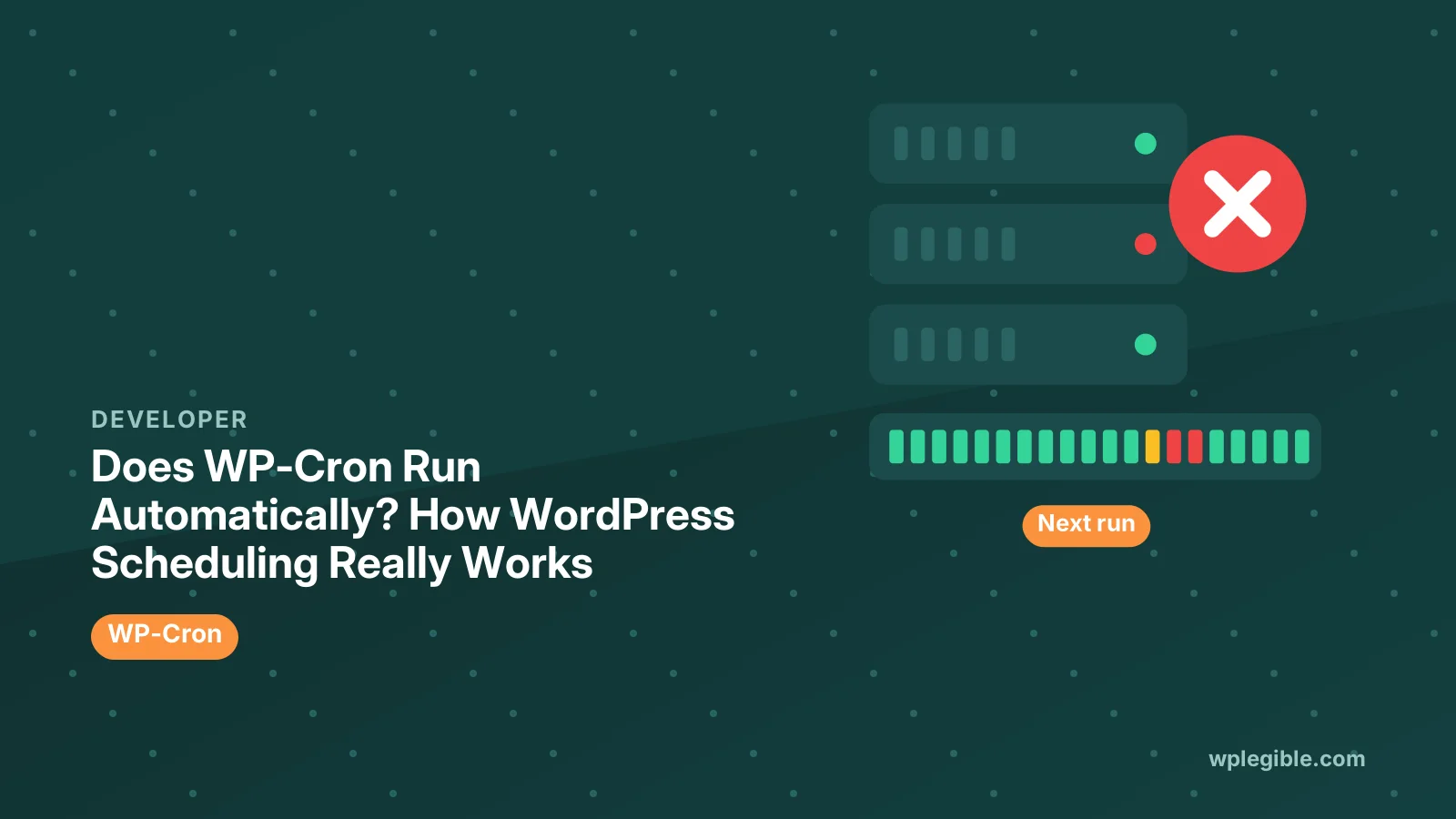
Short answer
Yes, but only when your site gets visits. WP-Cron is triggered by page loads: on each request, WordPress checks whether any scheduled tasks are due and runs them in the background. On busy sites this feels automatic, but on quiet sites tasks such as scheduled posts, backups and emails can run late, which is why many sites use a real server cron job instead.
Key takeaways
- WP-Cron is triggered by visits, not by a real clock.
- Quiet sites can see scheduled tasks run late.
- Very busy sites may run WP-Cron checks more often than needed.
- A server cron job can trigger WP-Cron on a fixed schedule.
- WP-CLI and WP Crontrol show which events are scheduled.
Does WP-Cron run on its own?
WP-Cron runs automatically in the sense that you do not have to start it, but it only checks for due tasks when someone loads a page, so it depends on traffic rather than a clock.
The WordPress Plugin Handbook's cron chapter explains that WP-Cron checks scheduled tasks on each page load and runs any that are due.
This design lets WordPress schedule work on shared hosting where users cannot set up system cron jobs.
It also means WordPress works the same way on almost any server, without needing special setup.
The trade-off is timing. Tasks run at the first visit after their scheduled time, not at that exact moment.
For most blogs this delay is harmless. It matters more for stores, newsletters and anything customers expect at a precise time.
What does WP-Cron handle?
WP-Cron runs scheduled tasks such as publishing scheduled posts, checking for updates, sending queued emails, running backups, clearing old data and triggering plugin jobs.
| Task | Who schedules it |
|---|---|
| Scheduled posts | WordPress core |
| Update checks | WordPress core |
| Trash and transient clean-up | WordPress core |
| Backups | Backup plugins |
| Email queues and syncs | Many plugins |
| WooCommerce background jobs | Action Scheduler, started by WP-Cron |
If WP-Cron stops, many of these quietly stop too.
There is usually no warning. Missed backups or emails often go unnoticed until someone needs them.
Our explainer on Action Scheduler covers the job queue WooCommerce runs on top of WP-Cron.
Why do scheduled tasks run late?
On sites with few visitors, hours can pass without a page load, so a task scheduled for 9am may only run when the next visitor arrives.
Caching makes this worse. Visitors served from a full-page cache or CDN may never reach WordPress, so no WP-Cron check happens.
Scheduled posts that show missed schedule are the most visible symptom. Our guide on fixing missed schedule posts covers that case.
Blocked loopback requests can also stop WP-Cron, even on busy sites.
Sites behind password protection, such as staging sites, often block loopbacks by design, so their scheduled tasks pile up.
How does WP-Cron start its tasks?
When a page loads and a task is due, WordPress sends a quick background request to wp-cron.php on the same site, which then runs the tasks without making the visitor wait.
This background request is called a loopback request.
If the server, a firewall or basic authentication blocks it, WP-Cron cannot run tasks.
Tools > Site Health reports failed loopback requests, which is a quick way to spot this problem.
Hosting firewalls sometimes block requests from the server to itself. Ask your host if Site Health reports loopback errors you cannot explain.
How do you check whether WP-Cron is working?
Use a plugin such as WP Crontrol to list scheduled events and their next run times, or run wp cron event list with WP-CLI and look for events that are overdue.
The free WP Crontrol plugin shows every event, its schedule and whether it is late.
The wp cron command reference includes a test command that checks whether WP-Cron can spawn.
If many events are overdue, WP-Cron is not firing properly.
A few seconds or minutes late is normal. Events that are hours or days overdue point to a real problem.
What is the alternative to visit-based WP-Cron?
Disable the visit trigger with DISABLE_WP_CRON in wp-config.php, then set up a real server cron job that calls wp-cron.php, or runs WP-CLI, every few minutes.
This makes tasks run on a predictable schedule regardless of traffic.
Our guide on disabling WP-Cron and using a real cron job walks through both steps.
The crontab format is described in the Linux crontab manual page.
Should every site use a real cron job?
Not every site needs one, but stores, membership sites, sites with heavy caching and quiet sites with important scheduled tasks benefit most.
Busy sites with light scheduled work can usually keep the default.
Every few minutes is a common server cron interval. Running it every minute is rarely necessary and adds load.
Does disabling WP-Cron stop scheduled tasks?
Yes, if you disable it without adding a server cron job; DISABLE_WP_CRON only stops the visit trigger, so something else must call WP-Cron or tasks never run.
Always set up the replacement before or at the same time as disabling it.
Test right away by scheduling a post a few minutes ahead and checking that it publishes on time.
After switching, check scheduled events again to confirm they run on time.
Our guide on running WordPress cron from the server covers host control panel setups.
Does WP-Cron slow down a site?
Usually not much, but on busy sites the frequent checks and heavy plugin tasks running during visits can add load, which a server cron job spreads out more evenly.
WordPress uses a short lock so it does not start WP-Cron on every single request.
Heavy tasks, such as large backups, are better scheduled at quiet hours.
Long tasks also have to finish within PHP's time limit, set by max_execution_time, or they stop part way through.
If a site slows at regular intervals, look at which cron events run then.
How do developers schedule WP-Cron tasks?
Developers use functions such as wp_schedule_event for recurring tasks and wp_schedule_single_event for one-off tasks, then attach their code to the event's hook.
Our guide on scheduling events with wp_schedule_event shows the basic pattern.
Custom intervals, such as every five minutes, can be added with a filter.
Always clear scheduled events when a plugin is deactivated, so orphaned events do not pile up.
What if WP-Cron is not running at all?
Check for DISABLE_WP_CRON without a replacement, blocked loopback requests, security plugins or firewalls blocking wp-cron.php, and fatal errors in scheduled tasks.
Our troubleshooting guide for WP-Cron not running walks through each cause.
Run the WP-CLI cron test to see the exact error.
A single broken task can fail repeatedly. Remove or fix events that never complete.
Does WP-Cron run on managed hosting?
Often the host replaces the visit trigger with its own server cron, so WP-Cron runs on a fixed schedule; check your host's documentation to see how it handles cron.
If the host already runs cron for you, do not add a second server cron job without checking.
Ask support how often their cron runs if timing matters for your tasks.
Write down how cron runs on each site you manage. It saves time when someone later asks why a scheduled email went out late.
Frequently asked questions
Does WP-Cron run automatically?
Yes, but only when someone visits the site. Each page load checks for due tasks, so quiet sites may see scheduled tasks run late.
Why did my scheduled post miss its time?
WP-Cron only runs on visits, and caching or blocked loopback requests can stop it. A real server cron job makes timing reliable.
What happens if I set DISABLE_WP_CRON to true?
WordPress stops triggering cron on page loads. You must add a server cron job, or scheduled tasks will stop running.
How can I see scheduled WP-Cron events?
Use the free WP Crontrol plugin or the WP-CLI command wp cron event list to see each event and its next run time.
Should I replace WP-Cron with a real cron job?
It helps quiet sites, heavily cached sites, stores and membership sites. Busy sites with light scheduled work can usually keep the default.
Sources
- Cron WordPress Plugin Handbook
- wp cron WP-CLI Command Reference
- WP Crontrol WordPress.org Plugins
- crontab(5) Linux manual pages
Is your product missing, or something out of date?
Tell us what to add or correct. We read every note and reply when we need a source. A message does not buy a ranking.
Thanks — we review requests within 3 business days.
Related guides

About the editors
Researched from the primary sources listed above and checked against our editorial rules before publishing.