Reclaim is the best of these motion alternatives: it auto-schedules tasks and defends focus time for $10 a month, with a free Lite plan, and it holds a 4.8 out of 5 rating on G2 from 144 reviews. Pick Akiflow for a keyboard-first daily planner, or Todoist if you want the cheapest solid task list at $5 a month.
How we make this list: we compare pricing pages, product documentation and public user reviews, then re-check every price before each update. No product paid for a place. Disclosure.
Reclaim is the closest swap for Motion: it auto-schedules tasks and defends focus time, rated 4.8 out of 5 on G2, with a free Lite plan and Starter at $10 a month.
Motion has no free plan and charges $19 per seat a month for teams, or $29 a month for a solo user billed yearly, so every tool here undercuts it except Akiflow at the same $19.
Sunsama is the dearest daily planner here at $17 a month billed yearly, with no free plan by design, while TickTick Premium costs $49.99 a year.
ClickUp changed its plans: the cheapest paid plan is now Core at $12 a month regular price ($9 on sale), not the old Unlimited plan at $7.
If you only need projects and boards, Todoist at $5 a month and Trello at $5 a user a month beat Motion on price, but neither auto-schedules your day.
How do you choose the best motion alternatives?
Start with the part of Motion you actually miss. If it is the auto-scheduling, only Reclaim and Morgen plan your calendar for you, while Sunsama and Akiflow ask you to place tasks yourself.
A free plan changes the maths. Reclaim, Todoist, ClickUp, Asana, TickTick and Trello all let you start free, while Sunsama, Akiflow and Morgen offer only a trial, so try the free tools first before paying $15 to $19 a month.
Price is per seat almost everywhere, so a team of five pays five times the headline rate. Our guide on adding a booking calendar to WordPress shows the same per-seat trap in scheduling tools.
Check the calendar support before you buy. Reclaim works on Google Calendar and Outlook only, Morgen also covers iCloud, and the project tools rely on calendar sync rather than a calendar of their own.
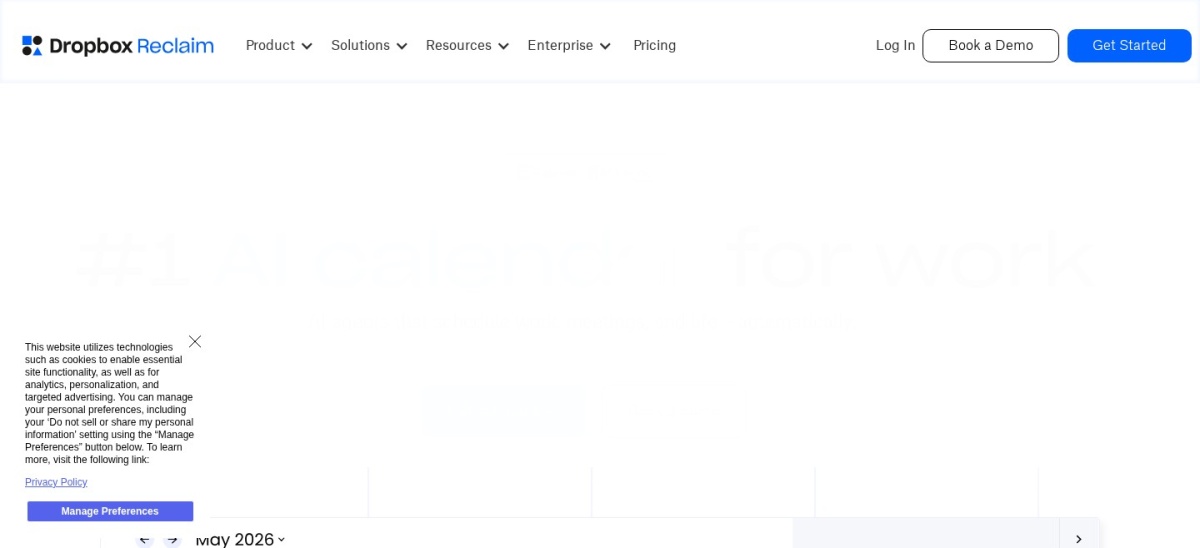
Reclaim is an AI scheduler that sits on top of Google Calendar or Outlook and manages the calendar for you. It defends focus time blocks, auto-schedules tasks, adds travel and break buffers, and reschedules everything when meetings move. The free Lite plan covers one calendar sync, one scheduling link and unlimited tasks.
The trade off is that it needs a separate task app to work well, since it does not capture tasks itself. Starter costs $10 per user a month billed yearly and adds unlimited focus time, 3 calendar syncs and an 8-week scheduling range. It suits people whose weeks are eaten by meetings.
What we like
Highest G2 rating in this list, 4.8 out of 5
Free Lite plan with no card needed
Auto-reschedules when meetings move
Watch out for
Needs a separate task manager
Works on Google and Outlook only, no iCloud
Lite plan scheduling range is only one week
Starter adds more calendars, links and a longer rangeVisit reclaim.ai
02
Akiflow
4.8/5on G2 (99 reviews, checked Nov 2026)
Starts at$19/mo
Best for pulling tasks from many tools
Universal inboxSlack, email, Asana
Free planNo, 7-day trial
Time blockingDrag tasks to calendar
Paid planPro, $19/mo yearly
akiflow.com
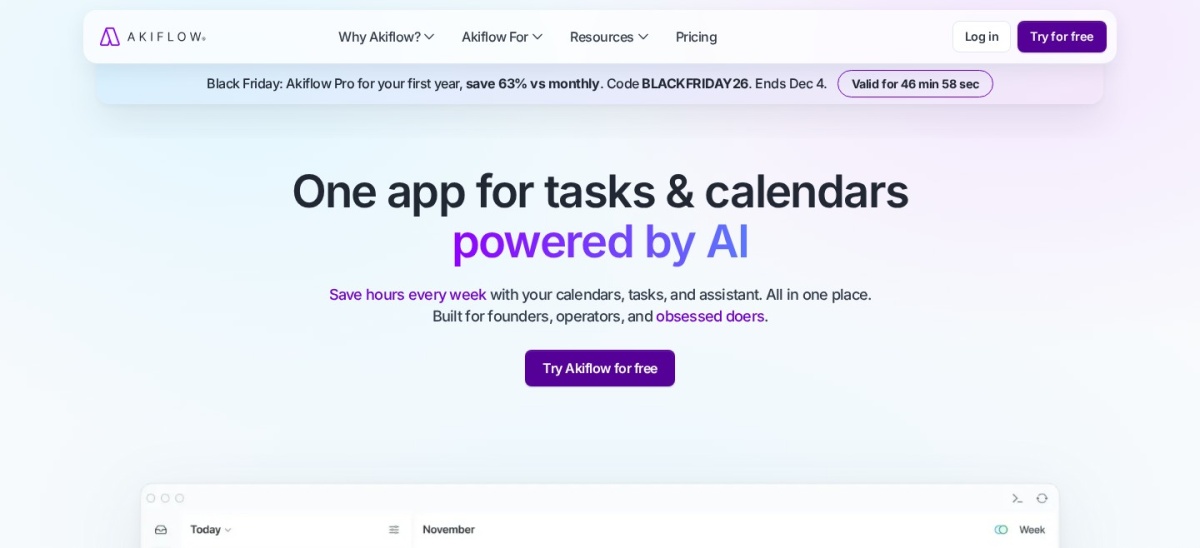
Akiflow homepage, captured Nov 2026.
Akiflow is a daily planning app that merges tasks, calendar and meetings into one fast workspace. Its universal inbox pulls tasks from Slack, email, Asana and other tools, then you drag them onto the calendar to time-block the day, with a command bar and shortcuts for quick capture.
The trade off is price. Pro costs $19 a month billed yearly, or $34 billed monthly, with no free plan, only a 7-day trial that needs a card. It suits keyboard-first power users whose work is scattered across five or more apps.
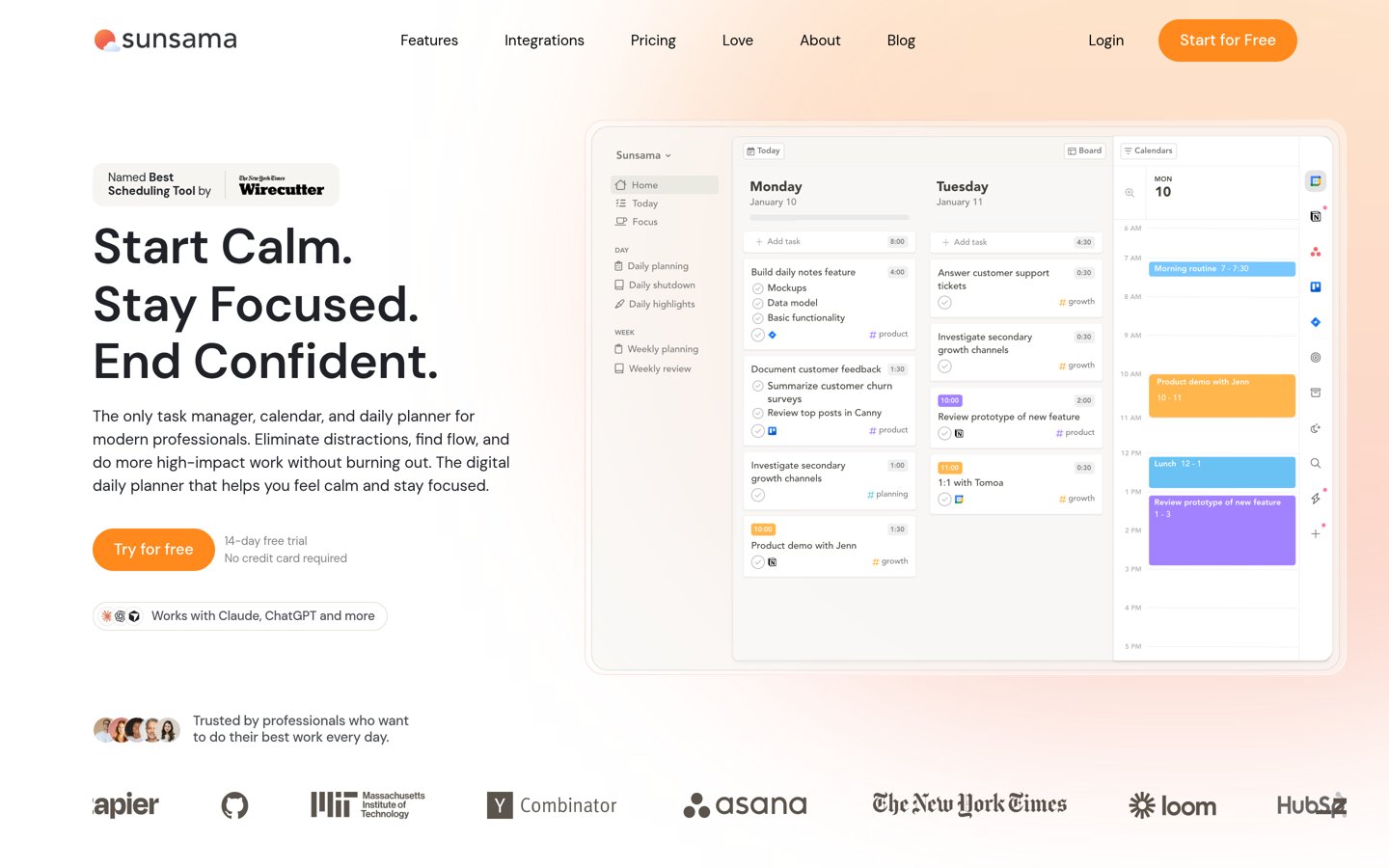
Sunsama is a daily planner built around a guided ritual: you choose what to do today, estimate how long each task takes, and drag it onto your calendar. It pulls tasks from Trello, Asana, GitHub and more, and ends the day with a shutdown routine that carries work forward.
The trade off is that it never plans the day for you, and it has no free plan on principle, only a 14-day trial with no card. Pro costs $17 a month billed yearly, or $22 billed monthly. It suits people who overcommit and want to plan less, on purpose.
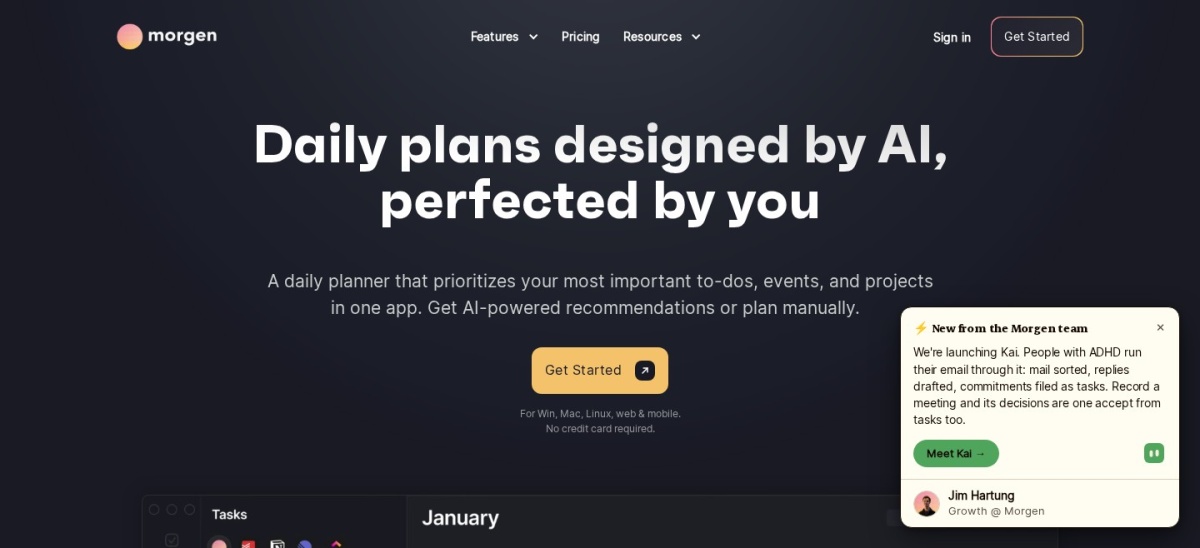
Morgen is a calendar-first planner that merges Google, Outlook, iCloud and other calendars into one view and pulls in tasks from Notion, Todoist, Linear and ClickUp. Its Planner suggests a daily plan you approve, and you drag tasks onto the calendar to time-block them.
The trade off is that there is no free plan, only a 14-day trial, and monthly billing doubles the price to $30 a month. Individual costs $15 a month billed yearly. It suits people juggling three or more calendars plus a task app.
What we like
Rated 4.8 out of 5 on G2
Best multi-calendar handling in this list
Planner suggests a plan instead of moving tasks itself
Watch out for
No free plan, trial only
Monthly billing is $30 a month
Thin task management on its own
Team plans start at $10 a seat a month billed yearlyVisit morgen.so
05
Todoist
4.5/5on G2 (866 reviews, checked Nov 2026)
Paid from$5/mo
Best cheap task list without auto-scheduling
Free planYes, 5 projects
Natural languageYes, dates in plain words
Calendar layoutPro
Paid planPro, $5/mo yearly
todoist.com
Todoist homepage, captured Nov 2026.
Todoist is a task manager built around fast capture: type a task in plain language, add a date and a project, and move on. The free Beginner plan covers 5 personal projects, and Pro adds 300 projects, calendar and table layouts, task duration, custom reminders and 150 filter views.
The trade off is that nothing is auto-scheduled, so you place tasks on the calendar yourself, and two-way Google Calendar sync was switched off in March 2025. Pro costs $5 a month billed yearly, or $7 billed monthly. It suits people who want a dependable list on every device.
ClickUp is an all-in-one work platform that combines tasks, docs, whiteboards, chat, goals and time tracking in one workspace. The Free Forever plan covers unlimited tasks and members, and Core adds unlimited storage, custom fields, Gantt charts and 1,000 automations a month.
The trade off is setup. ClickUp changed its plans in 2026: the cheapest paid plan is now Core at $12 per user a month regular price, $9 on sale, and Business is $25 regular. It suits teams that want one tool for tasks, docs and projects instead of a calendar scheduler.
Asana is a work management platform for coordinating tasks, projects and goals across teams, with list, board, timeline and calendar views. The free Personal plan covers unlimited tasks and projects for up to 2 users, and Starter adds timeline and Gantt views, workflow builder, forms and Asana AI.
The trade off is the tier gap. Portfolios, goals, workload and time tracking sit behind the Advanced plan at $24.99 per user a month, more than double Starter at $10.99. It suits cross-functional teams that need clean coordination without heavy configuration.
TickTick is a to-do list and planning app that packs tasks, a calendar, a habit tracker, a Pomodoro timer and an Eisenhower matrix into one app on phone, desktop and web. The free plan covers 9 lists with 99 tasks each, and Premium raises that to 299 lists with 999 tasks each.
The trade off is price drift. Premium now lists at $49.99 a year on TickTick's own upgrade page, up from $35.99 a year, which G2 and Capterra still show. It suits solo users who want the most features for the lowest yearly price in this list.
Trello is a visual board tool: cards move across lists, with checklists, due dates, attachments and comments on each card. The free plan covers 10 boards per workspace with unlimited cards, and Standard adds unlimited boards, 250 MB attachments, advanced checklists and 1,000 automation runs a month.
The trade off is depth. Trello has no auto-scheduling, no timeline on the free plan and no built-in time tracking, so complex projects outgrow it fast. Standard costs $5 per user a month billed yearly. It suits small teams who think in boards, not lists.
Free plans cover the basics well. Six of the nine tools here let you start free, and Reclaim's free Lite plan even auto-schedules tasks.
Paid plans mostly add range and capacity. You get more calendars, more projects, longer scheduling horizons and more automations.
The two dearest tools, Akiflow and Sunsama, have no free plan at all. Their trials last 7 and 14 days, so decide fast or pick a free tool first.
If your week is mostly meetings, pay for Reclaim. If it is mostly tasks, Todoist Pro at $60 a year or TickTick Premium at $49.99 a year covers it.
How we chose
We started from the tools most often named as Motion replacements in 2026 comparisons, then kept those with a public numeric rating and a published pricing page.
Prices come from each vendor's pricing page, checked on 29 November 2026. Ratings and review counts come from G2 on the same day, except Sunsama, which uses Capterra. Where a vendor shows a sale, the list shows the regular price.
We left out Clockwise, which shut down on 27 March 2026, and tools with no public rating. No vendor paid for a place, and we do not claim hands-on testing for this list.
How to choose a Motion alternative
Start with the part of Motion you actually used, then match the tool to that job.
Name the job Motion did for you. Auto-scheduling points to Reclaim or Morgen, daily planning points to Sunsama or Akiflow, and team projects point to ClickUp, Asana or Trello.
Try a free plan first. Reclaim, Todoist, TickTick, Trello, ClickUp and Asana all have one. Use it for a full week before paying for a trial-only tool.
Count the seats, not the headline price. Most prices are per user a month, so multiply by your team size and check the yearly total before you commit.
Check your calendars. Reclaim covers Google and Outlook only, Morgen adds iCloud, and the project tools need a calendar sync to show meetings beside tasks.
FAQ
What is the best Motion alternative in 2026?
Reclaim is the best Motion alternative for most people. It auto-schedules tasks, defends focus time and reschedules when meetings move, it is rated 4.8 out of 5 on G2 from 144 reviews, and its free Lite plan means you can try the core behaviour before paying $10 a month for Starter.
What is the cheapest Motion alternative?
TickTick is the cheapest paid plan here at $49.99 a year for Premium, with a free plan covering 9 lists. Todoist Pro and Trello Standard both cost $60 a year, and Reclaim Starter costs $120 a year, though Reclaim is the only one of the four that auto-schedules.
Is there a free alternative to Motion?
Yes. Reclaim has a free Lite plan that auto-schedules tasks on one calendar, and Todoist, ClickUp, Asana, TickTick and Trello all have free plans. Motion itself has no free plan, only a trial, and charges $19 per seat a month for teams.
Which Motion alternative is best for solo users?
Reclaim suits solo users who want auto-scheduling for $10 a month, while Sunsama at $17 a month suits solo users who prefer a guided daily ritual. Morgen at $15 a month is the pick for solo users juggling three or more calendars.
Reclaim vs Akiflow: which is better?
Reclaim is better if you want the calendar planned for you, with a free plan and a 4.8 out of 5 G2 rating. Akiflow is better if you want to plan the day yourself from one inbox of tasks pulled from Slack, email and Asana, and you are happy to pay $19 a month with no free plan.
Reclaim vs Sunsama: which is better?
Reclaim auto-schedules and reschedules tasks for you at $10 a month with a free plan, while Sunsama asks you to plan each day yourself in a guided ritual at $17 a month with no free plan. Pick Reclaim for automation and Sunsama for a calmer, deliberate routine.
SaaS SEO and WordPress specialist with about 8 years of experience. Rakib compares WordPress plugins, themes, hosting and software using public pricing, documentation and user reviews. See how we rank.