Mural is the best of the Miro alternatives for teams that run workshops, with a 4.6/5 G2 rating from 1,473 reviews and unlimited boards from $12 per user a month. FigJam costs just $3 per editor a month for Figma teams, while Lucidspark suits brainstorming that turns into diagrams at $9 a month.
How we make this list: we compare pricing pages, product documentation and public user reviews, then re-check every price before each update. No product paid for a place. Disclosure.
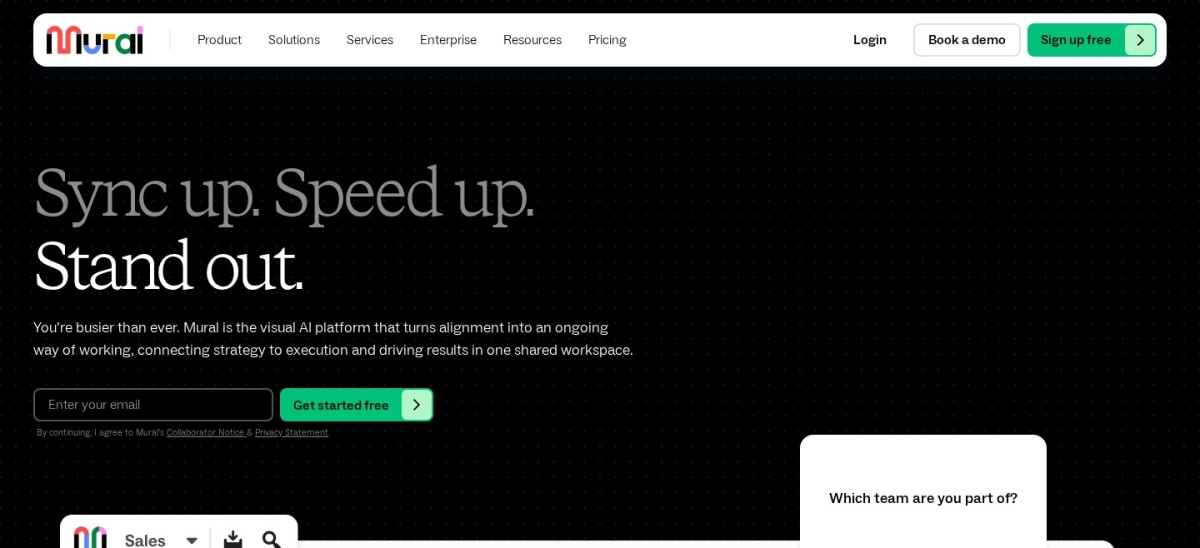
Mural is the closest Miro replacement for facilitated workshops, rated 4.6/5 on G2 from 1,473 reviews.
FigJam is the cheapest paid pick at $3 per editor a month, but it only makes sense inside Figma.
All 8 tools have a free plan, and Microsoft Whiteboard is the only one with no paid plan at all.
Miro Starter costs $8 per member a month billed yearly, so FigJam, Excalidraw and Lucidspark all undercut it.
ClickUp is the pick when whiteboard ideas must become tracked tasks, at $12 per user a month.
What should you look for in Miro alternatives?
Price is per seat, not per team. Miro charges every member, so a $12 board costs $120 a month for 10 editors, and the same maths applies to Mural and Lucidspark.
Free plans differ more than paid ones. Mural and Miro both cap free boards at 3, Excalidraw saves one scene, and Microsoft Whiteboard has no board cap but fewer features.
Facilitation decides the winner for workshops. Timer, voting and templates matter more than canvas size when 20 people share one board.
Figma teams get the cheapest route. FigJam costs $3 per editor a month on a Collab seat, and our guide on importing Figma to WordPress shows how Figma files move into a site.
Mural is a visual collaboration board built for facilitated workshops, with templates for design thinking, agile ceremonies and planning. The free plan allows unlimited members but caps usage at 3 murals, and paid plans add unlimited boards and privacy controls.
The trade off is the per-seat price. Team+ costs $12 per user a month, so a 10-person workshop team pays $120 a month before any discount. It suits teams that run structured sessions every week and need voting, timer and anonymous input.
What we like
Strong facilitation tools: timer, voting and outlines
Large template library for workshops
Unlimited members on the free plan
Watch out for
Per-seat pricing adds up fast for big teams
Free plan caps editable boards at 3
Mobile app can feel slow on large boards
Team+ adds unlimited murals and privacy controlsVisit mural.co
02
FigJam
4.6/5on G2 (464 reviews, checked Nov 2026)
Paid from$3/mo
Best cheap whiteboard for Figma teams
Free planYes, 3 shared files
Paid planProfessional, $3/editor/mo
Figma linkOpen designs in Figma
Guest access24-hour open sessions
figma.com
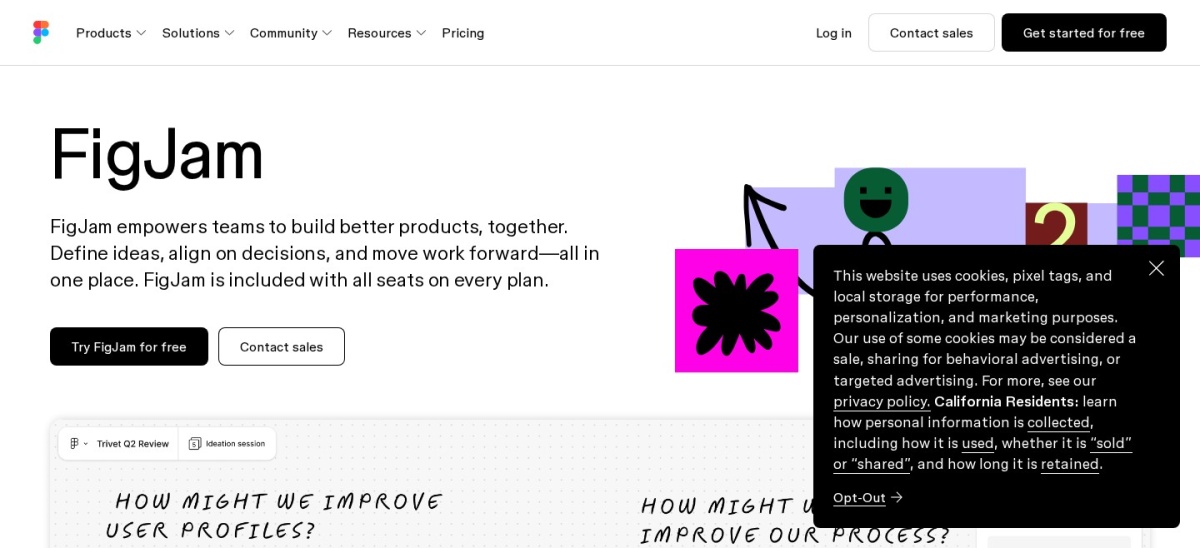
FigJam homepage, captured Nov 2026.
FigJam is Figma's online whiteboard, with sticky notes, shapes, stamps and live cursors on a clean canvas. The free Starter plan covers 3 shared FigJam files plus unlimited personal drafts, and a Professional Collab seat at $3 per editor a month billed yearly adds unlimited files, team libraries, audio and voting.
The trade off is depth. FigJam feels light once work leaves brainstorming and design, with fewer diagramming shapes than Lucid tools. It suits design and product teams already in Figma who want the cheapest paid board here.
What we like
Cheapest paid plan in this list
Tight integration with Figma design files
Fast to learn and easy to run
Watch out for
Free plan caps shared files at 3
Fewer diagramming shapes than Lucid tools
Needs a Figma account to run
Professional adds unlimited files and team librariesVisit figma.com
03
Lucidspark
4.5/5on G2 (1,884 reviews, checked Nov 2026)
Paid from$9/mo
Best for brainstorming into diagrams
Free planYes, 3 boards
Paid planIndividual, $9/mo
Team planTeam, $10/user/mo
Diagram linkOpen boards in Lucidchart
lucidspark.com
Lucidspark homepage, captured Nov 2026.
Lucidspark is the collaborative whiteboard from Lucid Software, built for brainstorming that turns into structured diagrams. The free plan covers 3 editable boards with unlimited shapes, plus import from Miro, Mural and FigJam, and Individual at $9 a month adds unlimited boards.
The trade off is the team floor. The Team plan costs $10 per user a month and needs at least 3 users, so a small team pays $30 a month at minimum. It suits teams that sketch ideas first and then need a proper diagram.
What we like
Smooth move from sticky notes to Lucidchart diagrams
Whimsical is a visual workspace that covers whiteboards, flowcharts, mind maps, wireframes and docs on one canvas. The free plan is limited, and Pro costs $10 per editor a month billed yearly, with unlimited boards, 90-day version history and 500 AI actions a month.
The trade off is the next tier. Business now costs $20 per editor a month billed yearly, up from $15, and it holds the private teams and single sign-on. It suits small product teams that want one visual tool instead of three.
ClickUp is an all-in-one work hub with whiteboards, docs, tasks, dashboards and time tracking in one workspace. The free plan covers unlimited tasks and users with 100MB of storage, and the paid Unlimited plan costs $12 per user a month.
The trade off is focus. The whiteboard is one feature among many, and the learning curve is steep compared with a single-purpose board. It suits teams that want brainstorm output tracked as tasks in the same tool.
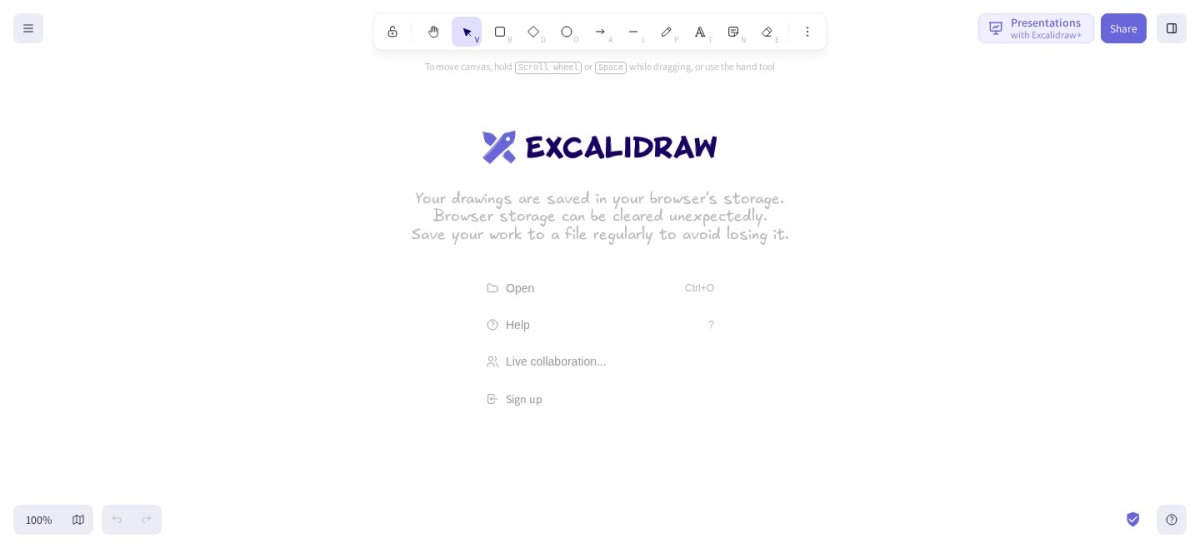
Excalidraw is an open-source whiteboard with a hand-drawn style that opens in a browser, so you can start sketching and share a link without an account. The free editor gives full drawing access with one scene stored in your browser and 10 AI requests a day, and Plus at $6 per user a month billed yearly adds unlimited cloud-saved scenes.
The trade off is filing, not drawing. One saved scene is enough for a quick sketch, but a team that keeps many diagrams needs Plus. It suits engineers sketching systems, user flows and meeting notes.
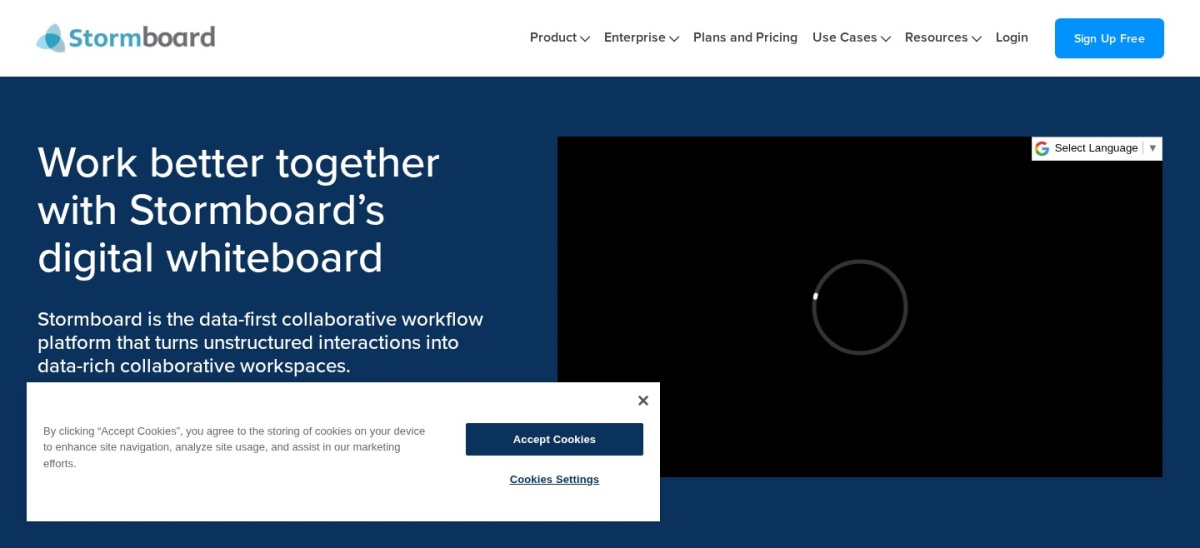
Stormboard is a cloud-based board built around sticky-note brainstorming, with reporting that turns a session into structured, actionable notes. The free Personal plan covers teams of up to 5 users with 5 open Storms, and Business at $10 per user a month adds unlimited Storms and users per Storm.
The trade off is range. Its template library is narrower than Mural's, and G2 lists the plan at $8.33 per user a month rather than the $10 list price. It suits workshops that need a written record, not just a photo of a board.
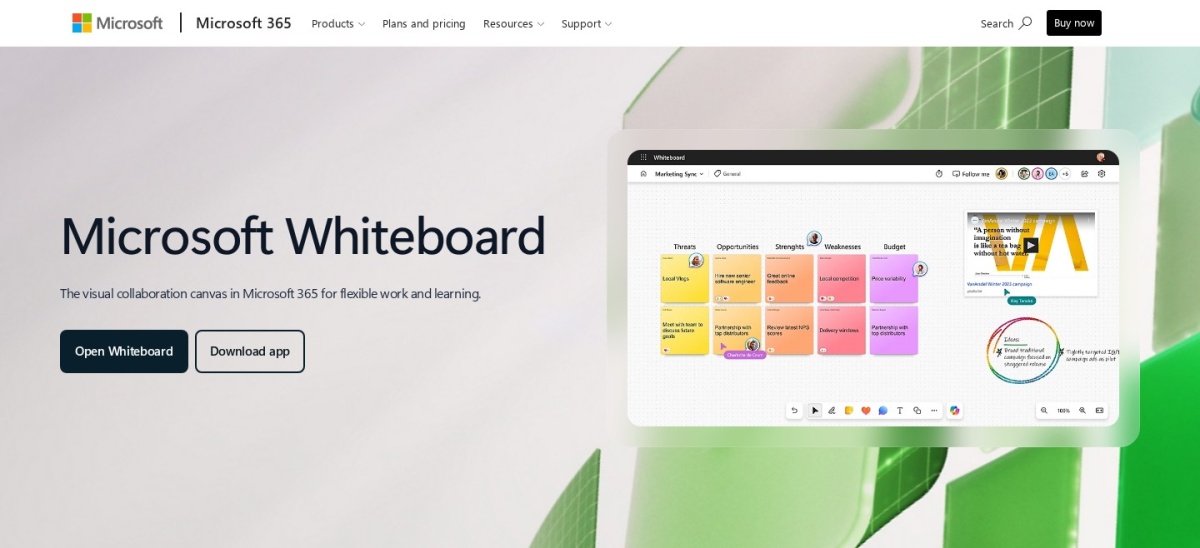
Microsoft Whiteboard is a free collaborative canvas built into Microsoft 365 and Teams, with pens, sticky notes, shapes and more than 60 templates. The web, Windows, iPhone and Android apps are free with a Microsoft account, and there is no paid plan of its own.
The trade off is depth. There is no voting or timer, export is an image, and boards made with a personal account lose collaborative cursors. It suits Microsoft shops that want a no-cost board inside meetings.
Free plans are enough to try a board, not to run a team on it. Most cap boards at 3 or save a single scene.
Paid plans mostly add unlimited boards and privacy. Mural Team+ at $12 a user a month and Lucidspark Individual at $9 a month both remove the board cap.
Miro Starter at $8 a member a month sits in the middle of this list. FigJam at $3 and Excalidraw at $6 undercut it, while Mural at $12 costs more for a similar seat.
If the board is only for occasional brainstorms, the free plan plus a guest link is enough. Pay when boards pile up or guests need private access.
How we chose
We started from the whiteboards reviewers compare with Miro most often, then kept those with a public rating and a published price.
Prices come from each vendor's pricing page, checked on 29 November 2026. Ratings and review counts come from G2 on the same day. Where a vendor shows a sale, the list shows the regular price.
We left out tools with no public rating and tools sold only by quote. No vendor paid for a place, and we do not claim to have used these tools ourselves.
How to choose a Miro alternative
Count your editors first, then match the board to how you actually meet.
Count editors, not viewers. Miro and Mural charge per member, while FigJam and Whimsical let viewers in free. Your bill follows the editor count.
Try the free plan with a real session. Run one workshop on the free plan before paying. Three boards is enough to learn whether the templates and timer fit.
Check the exit route. Look for export and import before you commit. Lucidspark imports Miro boards, and most tools export as image or PDF.
Match the tool to the follow-up. Pick ClickUp when ideas must become tasks, Lucidspark when they must become diagrams, and Mural when the workshop itself is the work.
FAQ
What is the best Miro alternative in 2026?
Mural is the best Miro alternative for most teams, rated 4.6 out of 5 on G2 from 1,473 reviews. It matches Miro on workshops and templates, with unlimited boards from $12 per user a month.
What is the best free alternative to Miro?
Microsoft Whiteboard is the best free alternative if your team already uses Microsoft 365, because it costs nothing and opens inside Teams. Excalidraw is the best free pick outside Microsoft, with a full editor and no account needed.
How much do Miro alternatives cost?
Paid plans in this list run from $3 to $12 per user a month. FigJam is cheapest at $3 per editor a month, Excalidraw Plus costs $6, and Mural Team+ is the dearest at $12. Miro Starter itself costs $8 per member a month billed yearly.
Is there a free alternative to Miro with unlimited boards?
Microsoft Whiteboard has no board cap on its free plan, and Excalidraw's free editor has no collaborator cap but saves only one scene. Mural, FigJam and Lucidspark all cap free boards at 3.
Which Miro alternative is best for small teams?
FigJam suits small teams already in Figma at $3 per editor a month. Whimsical suits small product teams that also need flowcharts and docs, with Pro at $10 per editor a month.
Mural vs FigJam: which is better?
Mural is better for facilitated workshops, with timer, voting and a large template library. FigJam is better for cheap, everyday whiteboarding inside Figma, at $3 per editor a month against Mural's $12 per user a month.
Can I import my Miro boards into an alternative?
Lucidspark imports Miro boards directly, and Mural and FigJam both offer import tools for moving boards across. Check the import page for each tool before you cancel Miro, because some formatting rarely survives the move.
SaaS SEO and WordPress specialist with about 8 years of experience. Rakib compares WordPress plugins, themes, hosting and software using public pricing, documentation and user reviews. See how we rank.