Miro is the best of the Milanote alternatives, with unlimited boards from $8 per user a month billed yearly and a 4.6 out of 5 G2 rating from more than 13,800 reviews. FigJam is the cheapest paid pick at $3 per editor a month, while Notion is the best choice when boards must become documents and databases.
How we make this list: we compare pricing pages, product documentation and public user reviews, then re-check every price before each update. No product paid for a place. Disclosure.
Miro leads with unlimited boards from $8 a user a month and a 4.6 out of 5 G2 rating from more than 13,800 reviews.
FigJam is the cheapest paid pick at $3 per editor a month, but its free plan caps at 3 files.
Notion Plus costs $10 a member a month and turns boards into documents, databases and wikis.
Obsidian is the only fully offline pick here, with a free core app and Sync from $4 a month.
Paid plans in this list run from $3 to $12.42 a month, and every tool has a free plan.
How do you choose the best Milanote alternatives?
Milanote's free plan is the wall most people hit. It caps free users at 100 cards, so a board with reference images, notes and tasks fills up fast, and Pro costs $9.99 per user a month billed yearly while a team plan costs $49 a month for up to 10 people.
The best replacement depends on what your board becomes next. If it becomes a workshop, Miro or Mural fit best; if it becomes documents and trackers, Notion or Nuclino fit best; and if it stays a personal reference board, Obsidian or xTiles fit best.
Price is per person in almost every tool here, so count seats before you compare monthly figures. A $3 FigJam seat and a $12 Mural seat look close on a pricing page and far apart on a 10-person invoice, and free plans cap boards, files or items in every tool in this list.
Ratings here come from G2, checked on 29 November 2026, and prices are the regular annual-billing rates from each vendor's pricing page or G2's vendor-supplied pricing. Where a vendor's own page and G2 disagreed, the list notes the conflict rather than picking the lower figure.
Miro is an online whiteboard with an infinite canvas for brainstorming, diagramming and planning. The free plan allows 3 editable boards with unlimited members, and paid plans add unlimited boards, voting, timers and 25 AI credits per member each month.
The trade off is cost at scale. Every member on a paid plan takes a paid seat, so a large team pays $8 per member each month on Starter, billed yearly. It suits teams that run workshops every week and want one board for brainstorming, planning and diagrams.
What we like
Free plan with unlimited members
Timer, voting and facilitation controls
250+ integrations with other tools
Watch out for
Free plan caps at 3 editable boards
Large boards can feel slow, per G2 reviews
Starter adds unlimited boards and visitor editingVisit miro.com
02
Notion
4.6/5on G2 (13,876 reviews, checked Nov 2026)
Paid from$10/mo
Best for docs and databases
Free planYes, personal use
Paid planPlus, $10/mo
File uploads5 MB free, unlimited paid
Page history7 days free, 30 paid
notion.com
Notion homepage, captured Nov 2026.
Notion is a flexible workspace that combines documents, wikis, databases and project tracking in one place. The free plan covers personal use with 7-day page history and 5 MB file uploads, and Plus adds unlimited file uploads, unlimited guests and 30-day page history.
The trade off is the missing freeform board. Notion has no Milanote-style mood board by default, so visual planning needs a board view or a linked canvas. It suits teams whose boards were really documents, trackers and wikis all along.
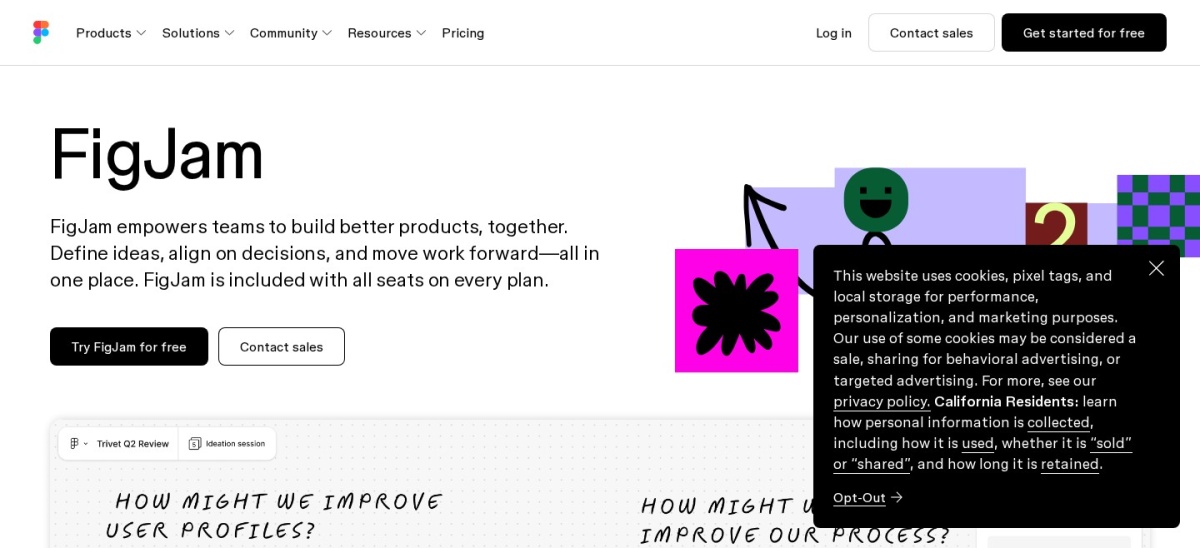
FigJam is Figma's online whiteboard for brainstorming, diagramming and planning on a shared canvas. The free Starter plan covers 3 FigJam files, and Professional adds unlimited files, open sessions, team libraries, audio conversations and voting.
The trade off is the file cap and the Figma tie-in. Three free files run out fast, and the best value lands with teams already using Figma. It suits design teams that want a shared thinking canvas at near-zero added cost.
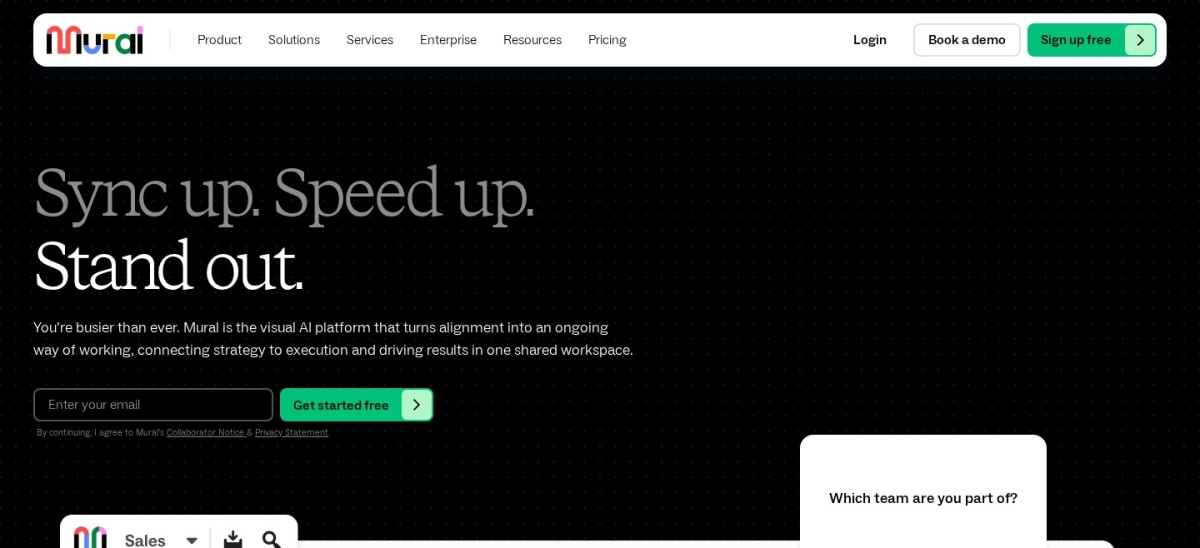
Mural is a visual collaboration workspace built for facilitated workshops, with templates, timers and anonymous voting. The free plan allows unlimited members but caps use at 3 murals, and Team+ adds unlimited murals and privacy controls.
The trade off is price for occasional use. Team+ costs $12 per user each month, so a team that only runs a workshop now and then pays for seats it barely uses. It suits consultants and teams that run structured workshops every week.
Whimsical is a visual workspace for flowcharts, mind maps, wireframes and sticky notes on one board. The free plan covers unlimited workspace members but caps use at 3 team boards, and Pro adds unlimited files and tasks with 90-day version history.
The trade off is that only editors pay, which helps, but Pro still costs $10 per editor each month billed yearly. It suits product teams that sketch flows and wireframes beside their docs and tasks.
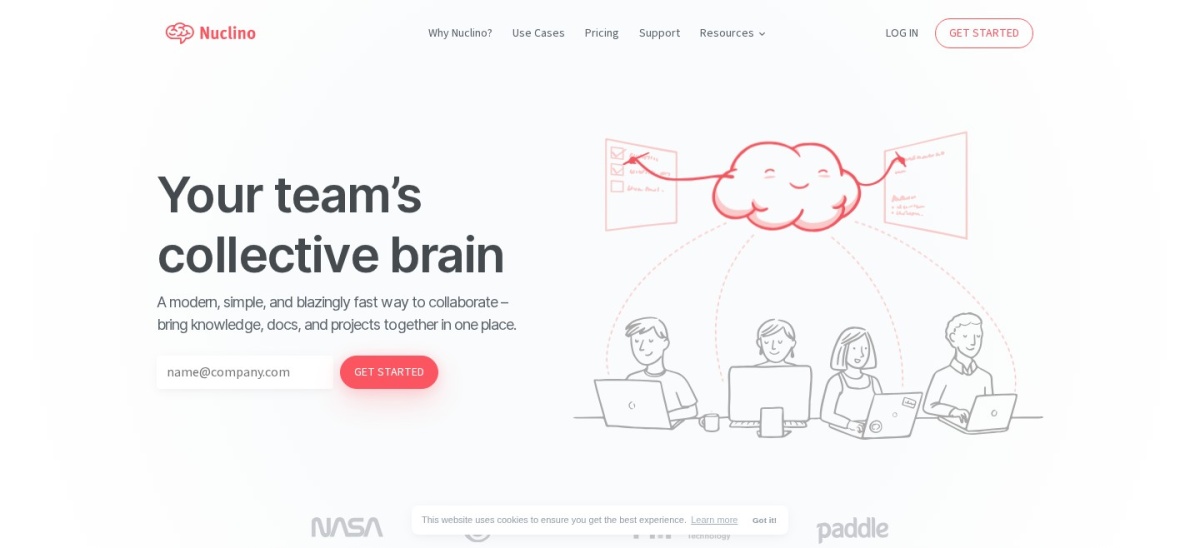
Nuclino is a lightweight workspace that pairs a visual canvas with linked documents, collections and shared project documentation. The free plan covers up to 50 items, 3 canvases and 2 GB of storage, and Starter adds unlimited items and canvases with 10 GB per user.
The trade off is scale. Nuclino stays simple by design, so large teams that need deep permissions or heavy automation will outgrow it. It suits small teams that want visual planning beside organised docs without Notion's setup work.
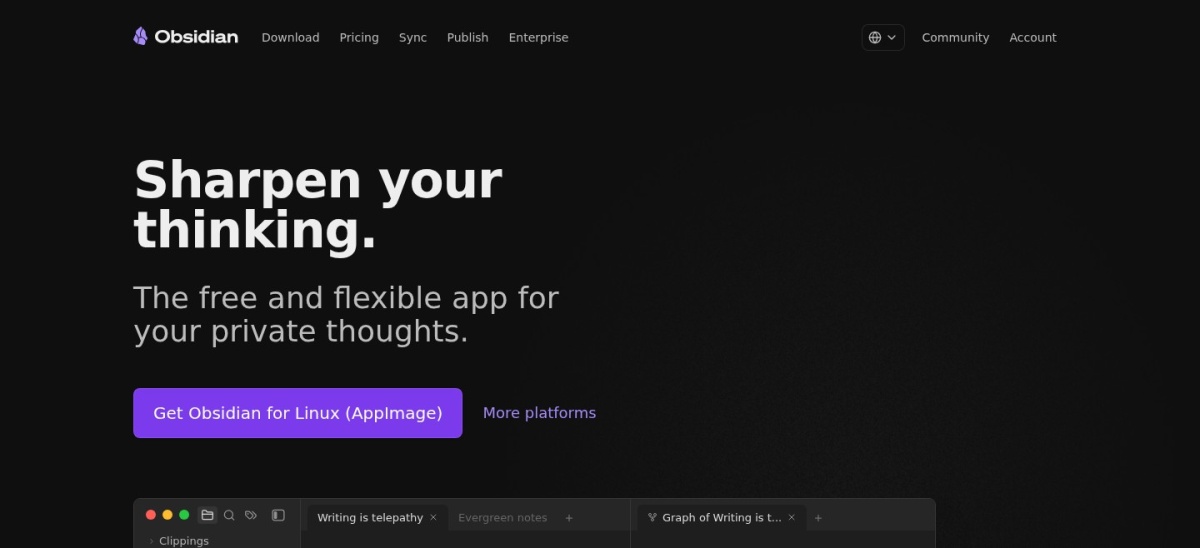
Obsidian is a local-first notes app that stores notes as plain Markdown files on your own device, with a visual Canvas for arranging notes and images. The core app is free with no sign-up, and optional Sync starts at $4 per user a month billed yearly.
The trade off is collaboration. Real-time shared editing needs paid Sync or a technical workaround such as Git, and the learning curve is steep for beginners. It suits solo creators who want private, offline boards they fully own.
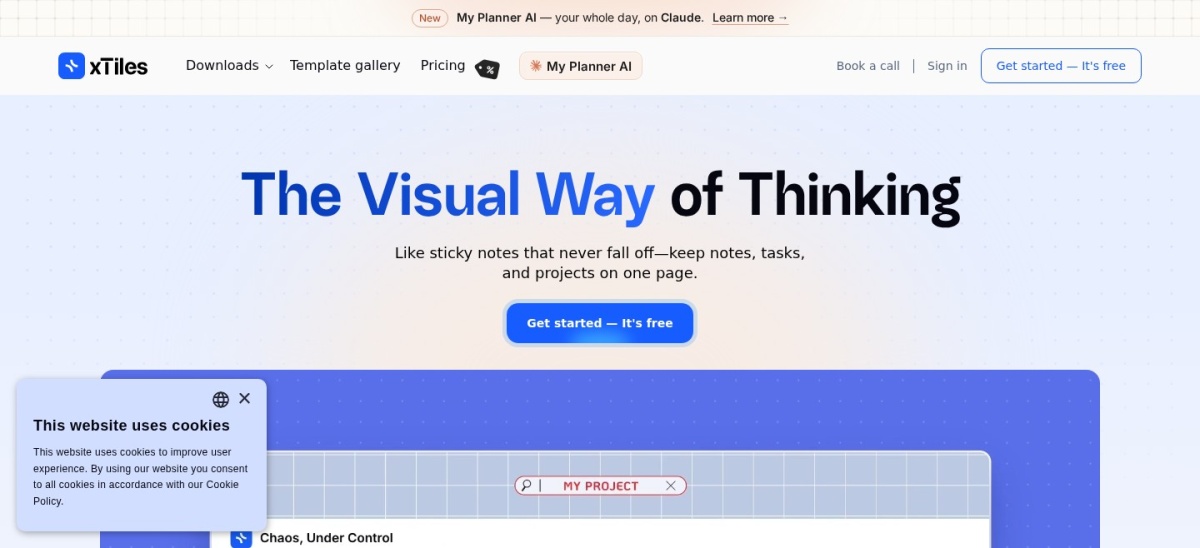
xTiles is a visual planner that organises notes, tasks, bookmarks and calendar deadlines on a tile-based canvas. The free plan covers unlimited pages and projects with 3 personal spaces, and Plus adds unlimited spaces, unlimited AI and 100+ extra templates.
The trade off is team sharing. Shared spaces need the Pro plan at $24.92 per user a month billed yearly, so Plus suits individuals more than teams. It suits visual thinkers who want a Milanote-style board with more structure.
ClickUp is an all-in-one work platform with whiteboards, docs, tasks, chat, goals and time tracking in one workspace. The free plan allows unlimited tasks and members with 100 MB of storage, and Unlimited adds unlimited storage, Gantt charts and custom fields.
The trade off is complexity. Reviewers consistently say the breadth that makes ClickUp powerful also takes weeks to learn, and AI is sold separately. It suits teams that want their mood board to turn into tracked tasks in the same tool.
Milanote still wins on templates and mobile apps, and its board layout is calmer than Miro's for a solo creative collecting references.
If your free board stays under 100 cards and your projects are short, the free plan may be enough, and Pro at $9.99 per user a month is cheaper than Mural or Notion for one person.
Switch when the 100-card cap bites every week, when you need workshops with timers and voting, or when your boards must become documents, tasks or databases that Milanote cannot hold.
How we chose
We started from the tools G2 lists as Milanote competitors and from Milanote-alternative guides, then kept tools with a numeric G2 rating and a published paid plan.
Prices come from each vendor's pricing page or G2's vendor-supplied pricing, checked on 29 November 2026, and show the regular annual-billing rate. Ratings and review counts come from G2 on the same day.
We left out tools with no public rating, such as PureRef and Soleil Clusters, and tools whose pricing could not be pinned down, such as Padlet. No vendor paid for a place, and we do not claim hands-on testing for this list.
How to choose a Milanote alternative
Start with the board you already have, then match the tool to what it must become.
Count your cards and your seats. If your Milanote board is near the 100-card free cap, you need a generous free plan; if five or more people edit, multiply the per-seat price before you compare.
Decide what the board becomes next. Pick Miro or Mural for workshops, Notion or Nuclino for documents and trackers, and Obsidian or xTiles for a personal reference board.
Check the free plan's real cap. Miro caps free boards at 3, FigJam caps free files at 3, and Nuclino caps free items at 50, so test with a real board, not an empty one.
Try one board end to end. Move a finished Milanote board across, share it with a teammate, and export it before you pay, so you learn the export and sharing limits first.
FAQ
What are the best Milanote alternatives in 2026?
Miro is the best Milanote alternative for most creative teams, with unlimited boards from $8 per user a month and a 4.6 out of 5 G2 rating. FigJam is the cheapest paid pick at $3 per editor a month, and Notion is the best pick when boards must become documents and databases.
What is the best free alternative to Milanote?
Obsidian is the best free alternative for solo work, because its core app is free with no feature limits and its Canvas works offline. xTiles is the best free Milanote-style board, with unlimited pages and 3 personal spaces on its free plan.
How much do Milanote alternatives cost?
Cheapest paid plans in this list run from $3 per editor a month for FigJam to $12.42 per user a month for xTiles Plus, billed yearly. Miro starts at $8, Notion at $10, and Milanote's own Pro costs $9.99 per user a month billed yearly.
Which Milanote alternative is best for workshops?
Miro is the best workshop pick for most teams, with timers, voting and unlimited boards from $8 a user a month. Mural is the better pick for facilitated workshops with a set agenda, but it costs $12 per user a month.
Is there a Milanote alternative that works offline?
Yes, Obsidian is the offline pick in this list. It stores notes as plain Markdown files on your own device, and its Canvas works without an internet connection, though syncing across devices needs the $4-a-month Sync add-on.
Miro or Notion: which is the better Milanote alternative?
Miro is better when the work stays visual, with an infinite canvas, workshop tools and unlimited boards from $8 a user a month. Notion is better when the board must become documents, databases and wikis, with Plus at $10 a member a month.
SaaS SEO and WordPress specialist with about 8 years of experience. Rakib compares WordPress plugins, themes, hosting and software using public pricing, documentation and user reviews. See how we rank.