Miro is the best Microsoft Whiteboard alternative for most teams, rated 4.6/5 on G2 from 13,821 reviews, with a Starter plan at $8 per user a month. Pick FigJam at $3 per editor a month if your team already uses Figma, or Mural at $9.99 a month for facilitated workshops.
How we make this list: we compare pricing pages, product documentation and public user reviews, then re-check every price before each update. No product paid for a place. Disclosure.
Miro leads the list with a 4.6/5 G2 rating from 13,821 reviews, far more than any other board here.
FigJam is the cheapest paid option at $3 per editor a month, and it is included with every Figma seat.
Padlet has the highest rating in the list at 4.9/5 on G2, but it is built for classrooms first.
Every tool here has a free plan, and paid plans start at $3 to $10 per user a month.
Microsoft is retiring the standalone Whiteboard apps in 2026, so personal-account users need a new home for their boards.
What should you look for in Microsoft Whiteboard alternatives?
A good replacement starts with the free plan, because that is where most teams try the tool first. Free plans here range from 3 boards on Miro, Mural and Lucidspark to 3 padlets on Padlet, so check the cap before you move a whole team across.
Workshops need more than a blank canvas. Timers, voting and templates decide whether a session runs itself or needs a facilitator driving every step, and Mural, Lucidspark and Stormboard put those controls front and centre.
Price is per seat, so a small difference grows fast. FigJam at $3 per editor a month costs $36 a year per person, while Whimsical at $10 costs $120, so a 10-person team pays $840 a year more for the dearer pick.
Moving your old boards takes planning. Microsoft Whiteboard exports boards as images only, so sticky notes and ink do not arrive editable anywhere else, and you should budget time to rebuild the boards that matter.
The 2026 deadline is real. Microsoft is retiring the standalone Whiteboard apps in 2026 and personal Microsoft accounts have already lost the ability to create or edit boards, so the switch is a matter of when, not if.
Miro is a visual workspace where teams brainstorm, plan and run workshops on one shared canvas. The free plan allows 3 editable boards, and the Starter plan at $8 per user a month, billed annually, adds unlimited boards, private sharing and high-resolution exports.
The trade off is cost at scale. Starter is $10 per user a month on monthly billing, and the jump to Business at $20 a month is steep for teams that only need a few extra controls. It suits teams that run workshops every week and want the widest template and integration library.
What we like
Largest review base in this list at 13,821 G2 reviews
Unlimited boards from the $8 Starter plan
Templates for workshops, mapping and planning
Works with Teams, Slack, Jira and Figma
Watch out for
Free plan stops at 3 editable boards
Business plan costs 2.5 times Starter
Costs add up fast on large teams
Starter adds unlimited boards, private sharing and version historyVisit miro.com
02
Mural
4.6/5on G2 (1,518 reviews, checked Nov 2026)
Paid from$9.99/mo
Best for facilitated workshops
Free murals3 murals, unlimited members
Paid planTeam+ $9.99/user/mo
FacilitationTimers, voting, templates
Monthly price$12/user/mo without annual billing
mural.co
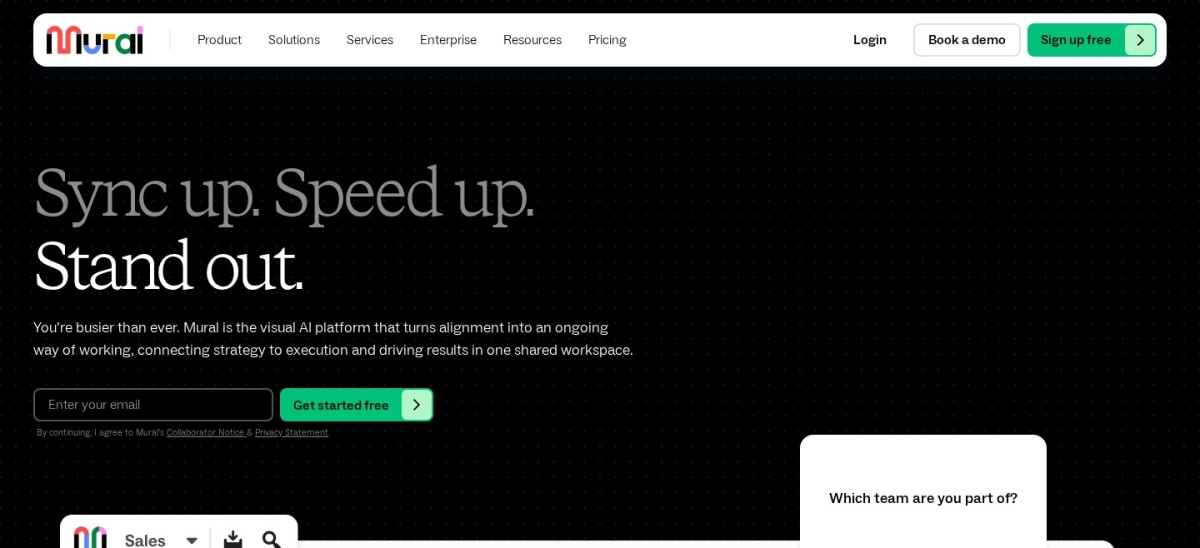
Mural homepage, captured Nov 2026.
Mural is a visual workspace built around facilitated workshops, with templates, timers and voting that keep large sessions on track. The free plan allows unlimited members but only 3 murals, and Team+ at $9.99 per user a month, billed annually, unlocks unlimited murals and privacy controls.
The trade off is the monthly price. Paying month to month costs $12 per user, and the Business plan at $17.99 a month is needed for SSO and advanced security. It suits consultants and teams that run structured workshops with guests who join for a single session.
Some reviewers report slow performance on large boards
Team+ adds unlimited murals, private rooms and guest controlsVisit mural.co
03
FigJam
4.6/5on G2 (464 reviews, checked Nov 2026)
Paid from$3/mo
Cheapest paid plan for Figma teams
Free files3 FigJam files, 3 Figma files
Paid planProfessional $3/editor/mo
Figma linkDesigns flow into Figma files
Guest access24-hour open sessions on Pro
figma.com
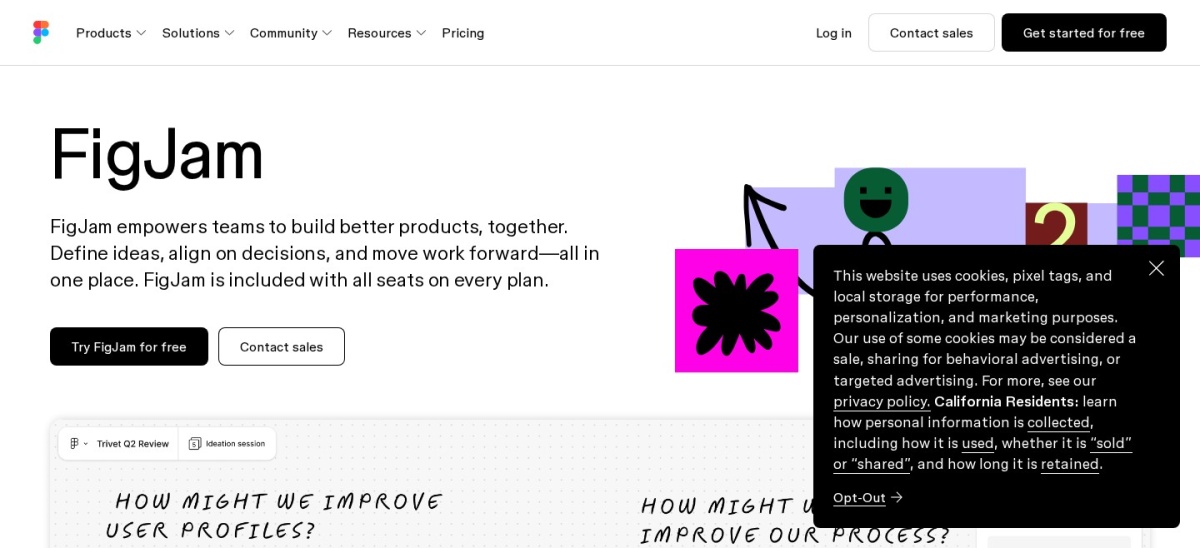
FigJam homepage, captured Nov 2026.
FigJam is Figma's collaborative whiteboard for product and design teams, and it is included with all seats on every Figma plan. The free Starter tier allows 3 FigJam files, and the Professional plan at $3 per editor a month adds unlimited files, open sessions, team libraries and audio conversations.
The trade off is that it fits Figma teams best. Outside the Figma ecosystem it offers less than Miro, and the free file cap forces regular users to delete boards or pay. It suits product teams that already live in Figma and want ideas to flow straight into design files.
What we like
Cheapest paid plan in this list at $3 a month
Included with every Figma seat
Unlimited files from the Professional plan
Open sessions let guests join for 24 hours
Watch out for
Free tier stops at 3 FigJam files
Weakest fit for teams outside Figma
Fewer templates than Miro or Mural
Professional adds unlimited files, team libraries and votingVisit figma.com
04
Lucidspark
4.5/5on G2 (1,884 reviews, checked Nov 2026)
Paid from$9/mo
Best for brainstorming that turns into plans
Free boards3 editable boards
Paid planIndividual $9/mo
Team minimum3 seats on the Team plan
Suite bundleVisual Collaboration Suite $13/mo
lucidspark.com
Lucidspark homepage, captured Nov 2026.
Lucidspark is Lucid Software's virtual whiteboard for brainstorming, with sticky notes, freehand drawing and voting on an open canvas. The free plan allows 3 editable boards, and the Individual plan at $9 a month, billed annually, adds unlimited boards, premium visual activities and Lucid Cards that turn notes into trackable work.
The trade off is the Team plan. It costs $10 per user a month and needs at least 3 paid seats, so a small team pays $30 a month at minimum. It suits teams that already use Lucidchart and want brainstorming to flow into diagrams and plans.
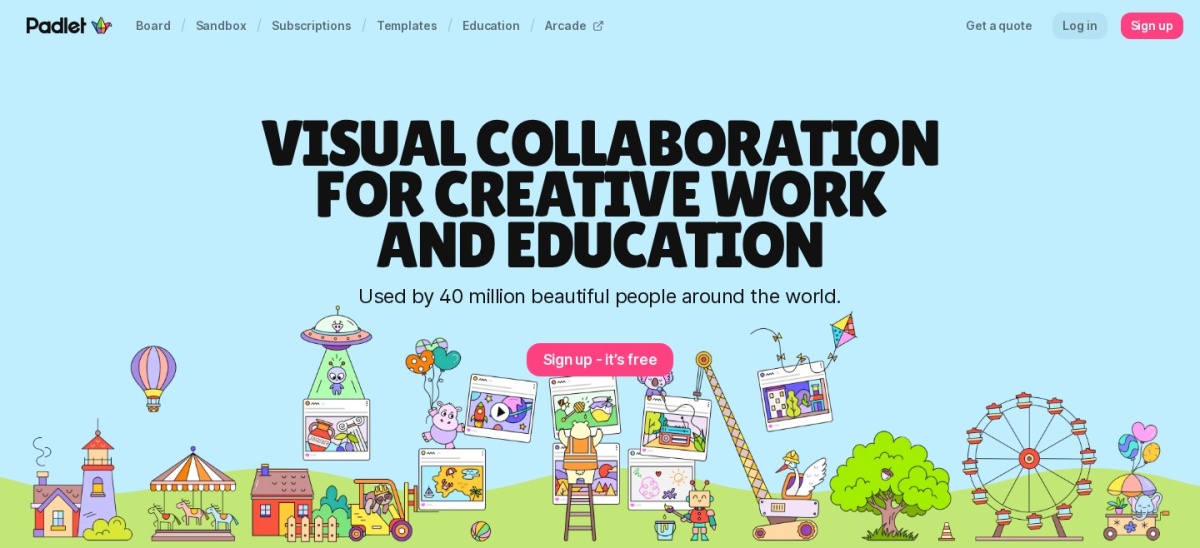
Padlet is a visual board for collecting and organising multimedia content, from notes and links to images, video and documents. The free plan allows 3 padlets with 20MB uploads, and the Gold plan at $6.99 a month adds 20 padlets, 100MB uploads and longer recordings.
The trade off is focus. Padlet is built for educators first, so it lacks the facilitation timers, voting and diagram tools that Mural and Miro offer for workshops. It suits teachers and small teams that want a simple board anyone can use without training.
Whimsical is a visual workspace for product teams that combines whiteboards with flowcharts, mind maps, wireframes and docs. The free plan allows 3 team boards, and the Pro plan at $10 per editor a month, billed annually, adds unlimited files and tasks, 90-day version history and admin roles.
The trade off is price for whiteboarding alone. At $10 per editor a month it costs more than Miro's Starter, and AI credits beyond the first 10 are sold in bundles. It suits product teams that want one tool for boards, flows and specs instead of three.
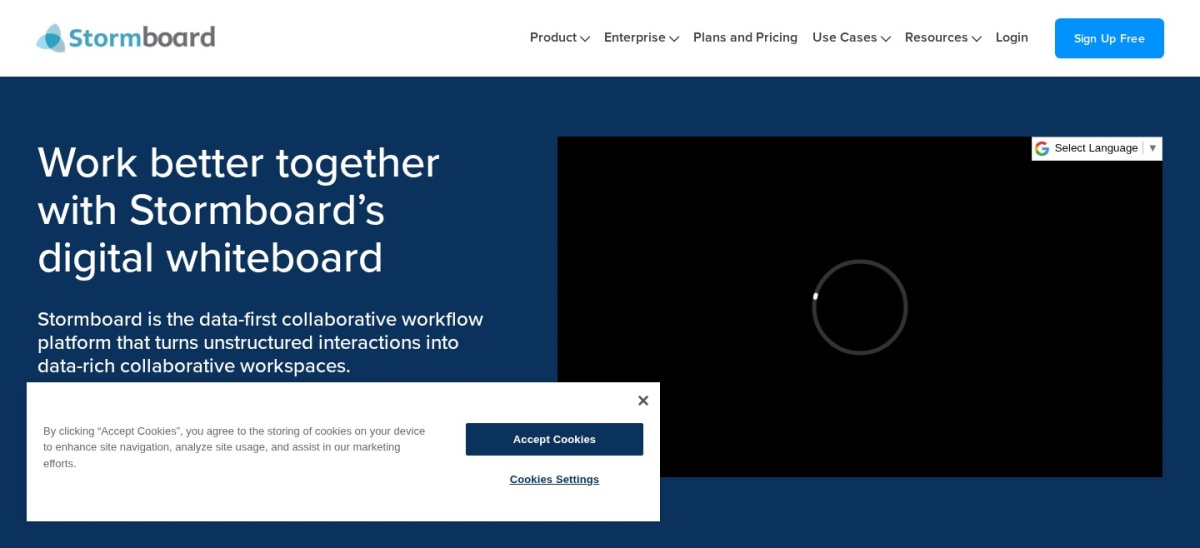
Stormboard is a data-first whiteboard that turns group discussions into structured, usable output. The free Personal plan covers solo use, and the Business plan at $8.33 per user a month, billed annually, adds team boards and one-click export of a board to a formatted Word, PowerPoint or Excel document.
The trade off is polish. Reviewers praise the reporting but call the interface awkward at times, and the free plan is limited for teams. It suits teams that need a written record after every workshop, not just a board full of notes.
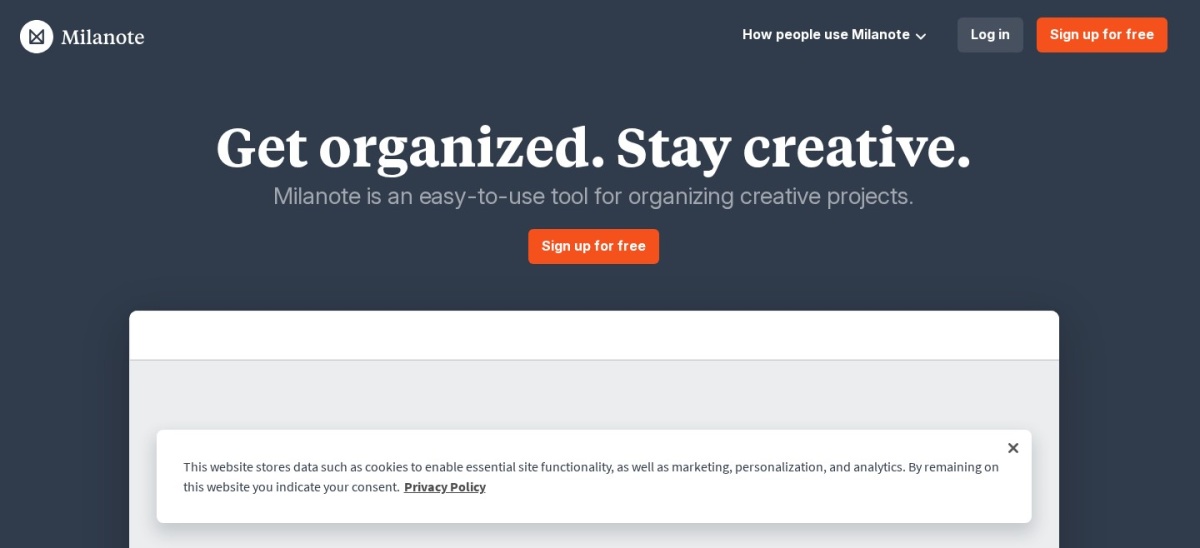
Milanote is a visual workspace for organising creative projects on boards that mix notes, images, links, videos and sketches. The free plan includes every feature but stops at 100 notes and 10 uploads, and the Pro plan at $9.99 a month, billed annually, removes those limits.
The trade off is scope. Milanote has no integrations or API, so boards stay separate from the rest of a team's tools, and team plans are billed annually only. It suits designers and creative teams building moodboards, storyboards and briefs.
Why teams are leaving Microsoft Whiteboard in 2026
Microsoft is retiring the standalone Whiteboard apps in 2026, and personal Microsoft accounts have already lost the ability to create or edit whiteboards. Enterprise users keep Whiteboard inside Microsoft 365 and Teams, but the free personal version is gone.
Google Jamboard retired on 31 December 2024, and Google pointed departing users to FigJam, Lucidspark and Miro, all three of which appear in this list. The two retirements together pushed many teams to pick one paid board and stay with it.
If you used Whiteboard on a personal account, Excalidraw-style free sketching or Padlet's free plan is the closest no-cost landing spot, while Miro's free plan covers 3 boards for a team that wants to try before paying.
How we chose
We started from the boards most often named as Microsoft Whiteboard replacements in 2026 round-ups, then kept only tools with a numeric rating on G2 and a published paid price.
Prices come from each vendor's pricing page and G2 pricing data, checked on 29 November 2026. Ratings and review counts come from G2 on the same day. Where a vendor shows a sale, the list shows the regular price.
We left out Google Jamboard and InVision Freehand, both retired, and tools with no public rating on G2, Capterra or Trustpilot. No vendor paid for a place, and we do not claim hands-on testing for this list.
How to choose a Microsoft Whiteboard alternative
Start with how your team actually used Whiteboard, then match the board to that job.
Count the boards you need to move. Free plans here cap at 3 boards or padlets, so list the boards worth rebuilding before you pick a free tier.
Match the tool to the session. Pick Mural or Stormboard for facilitated workshops, FigJam for design work, and Padlet or Milanote for simple visual boards.
Price it per seat, per year. A $3 plan costs $36 a year per person and a $10 plan costs $120, so multiply by your team size before you commit.
Check the export before you switch. Whiteboard exports as an image only, so rebuild the boards that matter and keep the old ones as reference images.
FAQ
What is the best Microsoft Whiteboard alternative in 2026?
Miro is the best Microsoft Whiteboard alternative for most teams, rated 4.6/5 on G2 from 13,821 reviews, with unlimited boards from $8 per user a month. It has the widest template library and the most integrations in this list.
What is the best free alternative to Microsoft Whiteboard?
Miro's free plan is the best free starting point for teams, with 3 editable boards and no card required. Padlet's free plan is simpler for classrooms, with 3 padlets, while FigJam gives Figma users 3 free files.
What is the cheapest Microsoft Whiteboard alternative?
FigJam is the cheapest paid option at $3 per editor a month, or $36 a year, and it is included with every Figma seat. Padlet Gold at $6.99 a month is the next cheapest, followed by Miro Starter at $8 a month.
Is Miro or Mural better than Microsoft Whiteboard?
Both are better for workshops than Microsoft Whiteboard, which has no timers or voting. Miro suits everyday team boards with 13,821 G2 reviews behind it, while Mural suits facilitated sessions with guests and structured templates.
Can I move my Microsoft Whiteboard boards to another tool?
Only as images. Microsoft Whiteboard exports boards as PNG or SVG, so sticky notes and ink do not arrive editable in Miro, Mural or FigJam, and you need to rebuild the boards you want to keep working on.
Does FigJam work if my team does not use Figma?
Yes, but it is a weaker pick outside Figma. FigJam works as a standalone board at $3 per editor a month, yet teams without Figma get more templates and integrations from Miro at $8 a month.
SaaS SEO and WordPress specialist with about 8 years of experience. Rakib compares WordPress plugins, themes, hosting and software using public pricing, documentation and user reviews. See how we rank.