Google Workspace is the best of these office alternatives, rated 4.6 out of 5 from 48,350 G2 reviews, with Docs, Sheets and Slides plus Gmail from $7 per user a month. LibreOffice is the best free desktop pick, and WPS Office is the closest low-cost match for Microsoft file formats.
How we make this list: we compare pricing pages, product documentation and public user reviews, then re-check every price before each update. No product paid for a place. Disclosure.
Google Workspace is the top pick at $7 per user a month, rated 4.6 out of 5 from 48,350 G2 reviews.
LibreOffice and Apple iWork cost $0 and cover documents, spreadsheets and presentations in full.
WPS Office Premium costs $29.99 a year and is the cheapest paid upgrade in this list.
Zoho Workplace Standard costs $3 per user a month, the lowest paid per-user price here.
ONLYOFFICE Docs has free desktop editors and the closest look to Microsoft Office in this list.
SoftMaker Office NX Universal costs €49.90 a year and uses DOCX, XLSX and PPTX as its native formats.
How do you choose the best office alternatives?
The best office alternative is the one that opens your files without breaking them. Most people switch to save money, so file compatibility with Word, Excel and PowerPoint formats matters more than a long feature list.
Free suites cover the basics well. LibreOffice, Apple iWork and the free editions in this list all handle documents, spreadsheets and presentations, and they cost nothing to install.
Cloud suites win on sharing and teamwork. Google Workspace and Zoho Workplace let several people edit the same file at once, with no install and no version to email around. Our guide on backing up WordPress to Google Drive shows how Google storage fits into a wider workflow.
Desktop suites win offline and for heavy files. LibreOffice, WPS Office and SoftMaker Office run on your computer, so a slow connection never blocks your work.
Price is per user for cloud suites and per install for desktop suites. A $7 monthly plan costs $84 a year for each person, while a $29.99 yearly desktop licence covers one computer.
List prices in each vendor's currency, checked Nov 2026
LibreOfficeFree
iWorkFree
ONLYOFFICEFree
WPS OfficeFREE$30
ZohoFREE$36
SoftMakerFREE€50
Workspace$84
The 7 best office alternatives
01
Google Workspace
4.6/5on G2 (48,350 reviews, checked Nov 2026)
Starts at$7/mo
Best office alternative overall
Word processorDocs
SpreadsheetSheets
PresentationsSlides
Entry planBusiness Starter, $7/user/mo
workspace.google.com
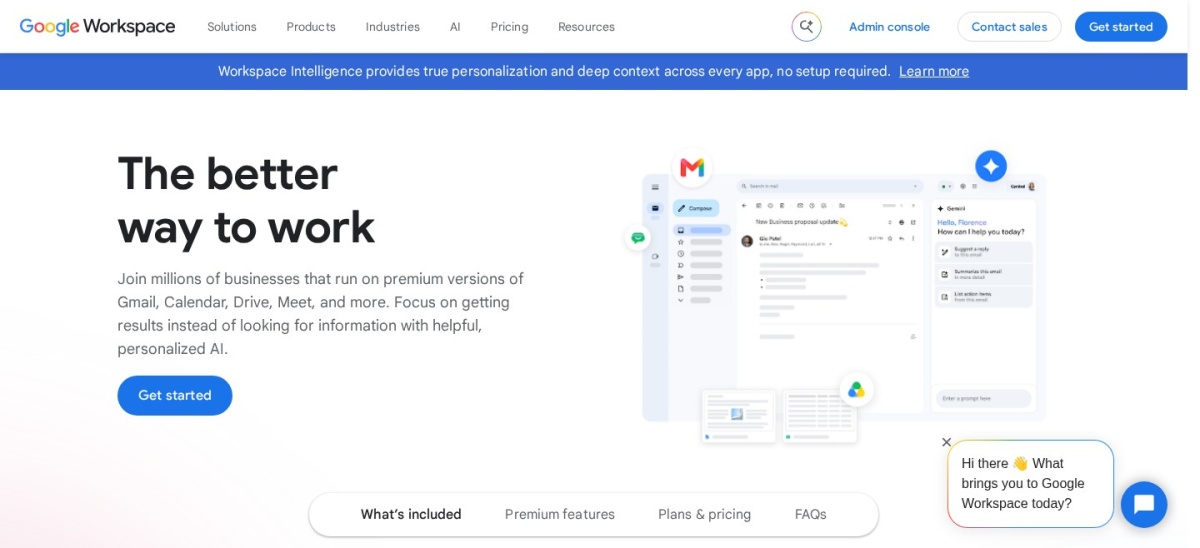
Google Workspace homepage, captured Nov 2026.
Google Workspace is the cloud office suite built around Docs, Sheets and Slides, plus Gmail, Drive, Meet and Calendar. The Business Starter plan costs $7 per user a month and includes 30 GB of pooled storage per user, custom email on your domain and shared drives for team files.
The trade off is the monthly per-user price. A five-person team pays $35 a month, or $420 a year, and the free personal Google apps do not include custom email or admin controls. It suits teams that live in the browser and share files every day.
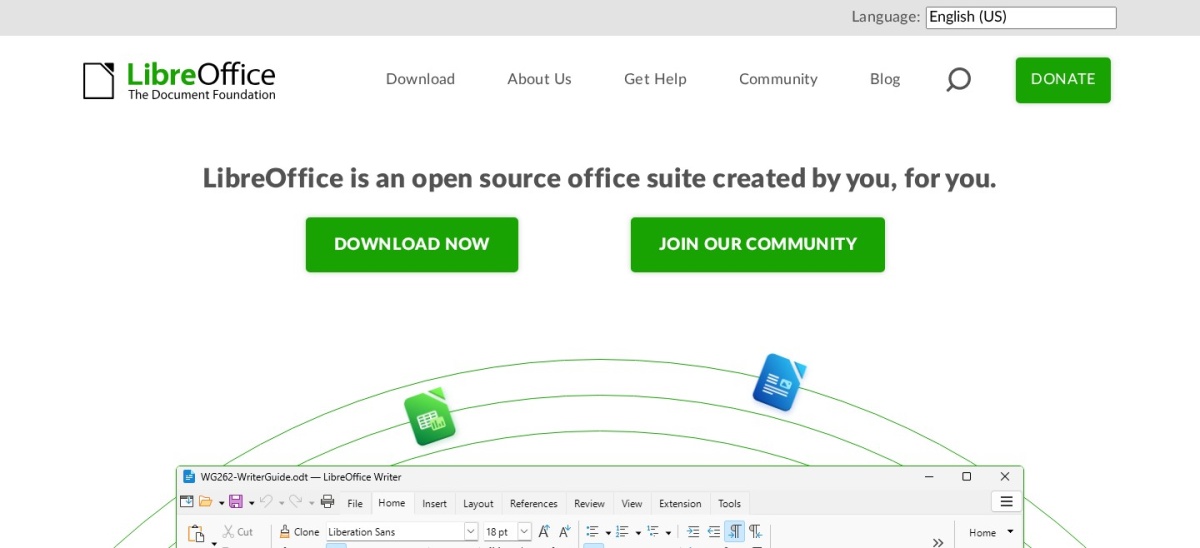
LibreOffice is a free, open-source office suite with Writer for documents, Calc for spreadsheets, Impress for presentations, plus Draw, Base and Math. It runs on Windows, Mac and Linux, opens DOCX, XLSX and PPTX files, and costs nothing for any number of users.
The trade off is polish and support. The interface looks dated next to paid suites, complex Microsoft files can shift in layout, and help comes from the community rather than a support desk. It suits anyone who wants a full desktop suite for $0.
What we like
Completely free with no ads or account needed
Runs on Windows, Mac and Linux
Opens and saves Microsoft Office formats
Rated 4.3 out of 5 from 272 G2 reviews
Watch out for
Dated interface compared with paid suites
Complex Microsoft files can lose formatting
No built-in cloud storage or real-time editing
Paid support is available from third-party partners; the suite itself stays freeVisit libreoffice.org
03
WPS Office
4.4/5on G2 (337 reviews, checked Nov 2026)
Paid from$29.99/yr
Best low-cost Microsoft Office match
Word processorWriter
SpreadsheetSpreadsheets
PresentationsPresentation
Entry planPremium, $29.99/yr
wps.com
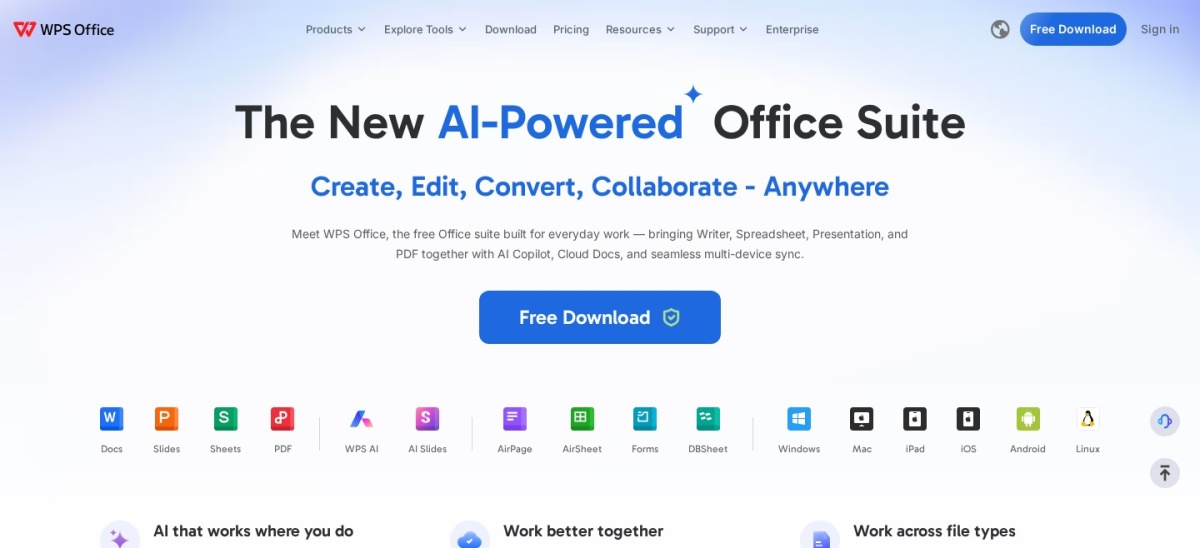
WPS Office homepage, captured Nov 2026.
WPS Office is a light office suite with Writer, Spreadsheets, Presentation and built-in PDF tools in one app. The free version covers everyday documents, spreadsheets and slides, opens DOCX, XLSX and PPTX files, and runs on Windows, Mac, Linux, Android and iOS.
The trade off is the free version itself. It shows ads and upgrade prompts, and full PDF editing, extra cloud storage and the AI tools need Premium at $29.99 a year. It suits people who want a familiar, Microsoft-style suite for very little money.
What we like
Closest free look to Microsoft Office here
Built-in PDF editing and conversion tools
Light and fast, even on older computers
Rated 4.4 out of 5 from 337 G2 reviews
Watch out for
Free version shows ads and upgrade prompts
Complex Excel files can render imperfectly
Full PDF tools need the Premium plan
Premium adds full PDF tools, extra cloud storage and AI featuresVisit wps.com
04
Apple iWork
4.6/5on G2 (22 reviews, checked Nov 2026)
PriceFree
Best free suite for Apple users
Word processorPages
SpreadsheetNumbers
PresentationsKeynote
Entry planFree on Apple devices
apple.com
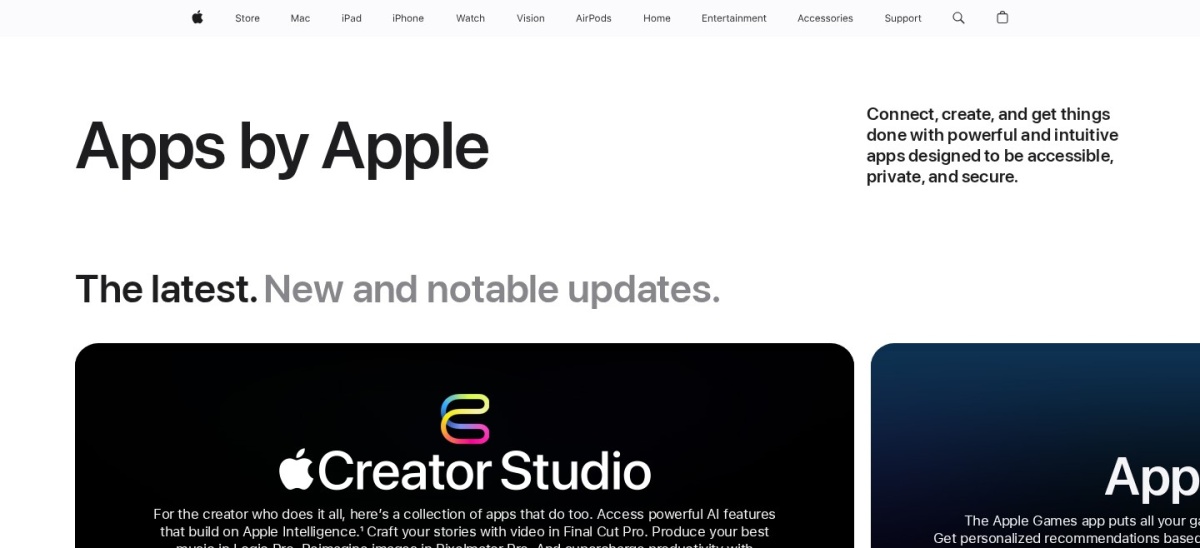
Apple iWork homepage, captured Nov 2026.
Apple iWork is the free suite of Pages, Numbers and Keynote that comes with Mac, iPhone and iPad. It syncs through iCloud, supports real-time editing with other Apple users, and exports to Word, Excel and PowerPoint formats as well as PDF.
The trade off is the Apple-only focus. There is no Windows or Android app, Numbers handles heavy spreadsheet work less well than Excel or Calc, and sharing with non-Apple users means exporting first. It suits Apple households and small teams already on Mac and iPhone.
What we like
Free on every Mac, iPhone and iPad
Rated 4.6 out of 5 from 22 G2 reviews
Keynote makes polished slides quickly
Clean, simple interface with good templates
Watch out for
No native Windows or Android apps
Numbers is weaker for heavy spreadsheet work
Sharing outside Apple means exporting files
Extra iCloud storage is the only paid add-on most users ever needVisit apple.com
05
ONLYOFFICE Docs
4.6/5on G2 (26 reviews, checked Nov 2026)
PriceFree
Best for Microsoft-format fidelity
Word processorDocument Editor
SpreadsheetSpreadsheet Editor
PresentationsPresentation Editor
Entry planFree desktop editors
onlyoffice.com
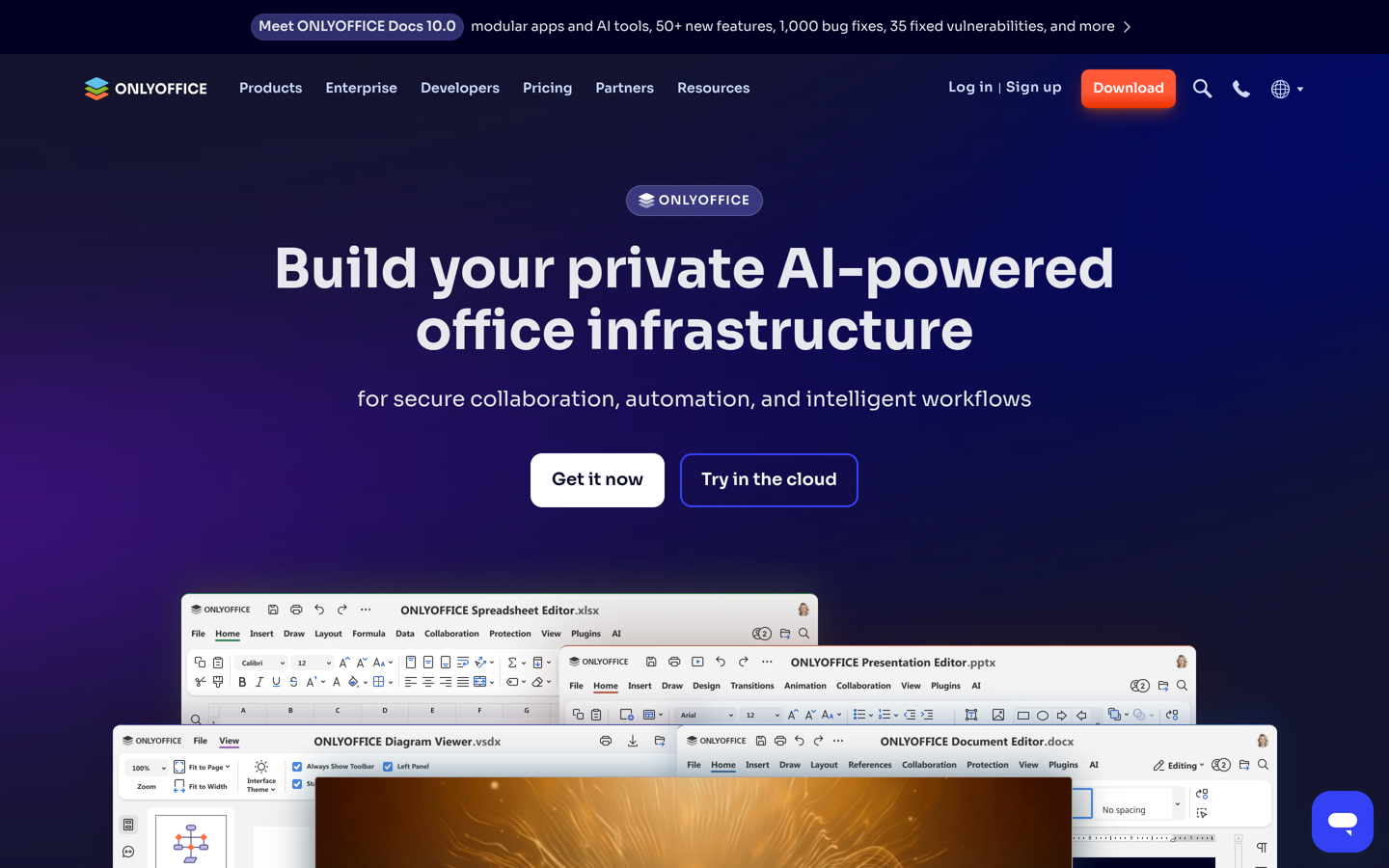
ONLYOFFICE Docs homepage, captured Nov 2026.
ONLYOFFICE Docs is an office suite for documents, spreadsheets, presentations, forms and PDFs, with a ribbon interface close to Microsoft Office. The free desktop editors run on Windows, Mac and Linux, and the cloud version adds real-time co-editing, comments and version history.
The trade off is setup and scale. Self-hosted team installs take technical work, very large documents can load slowly, and the paid cloud and Enterprise plans are priced for businesses. It suits teams that need faithful Microsoft formatting without Microsoft prices.
What we like
Closest formatting match to Microsoft files here
Free desktop editors for Windows, Mac and Linux
Rated 4.6 out of 5 from 26 G2 reviews
Built-in PDF editor and fillable forms
Watch out for
Self-hosted setup needs technical skill
Large documents can load slowly
Paid cloud plans are business-priced
DocSpace cloud and Enterprise plans add team rooms and admin controlsVisit onlyoffice.com
06
Zoho Workplace
3.8/5on Trustpilot (6,218 reviews, checked Nov 2026)
Paid from$3/mo
Best budget cloud suite for small teams
Word processorWriter
SpreadsheetSheet
PresentationsShow
Entry planWorkplace Standard, $3/user/mo
zoho.com
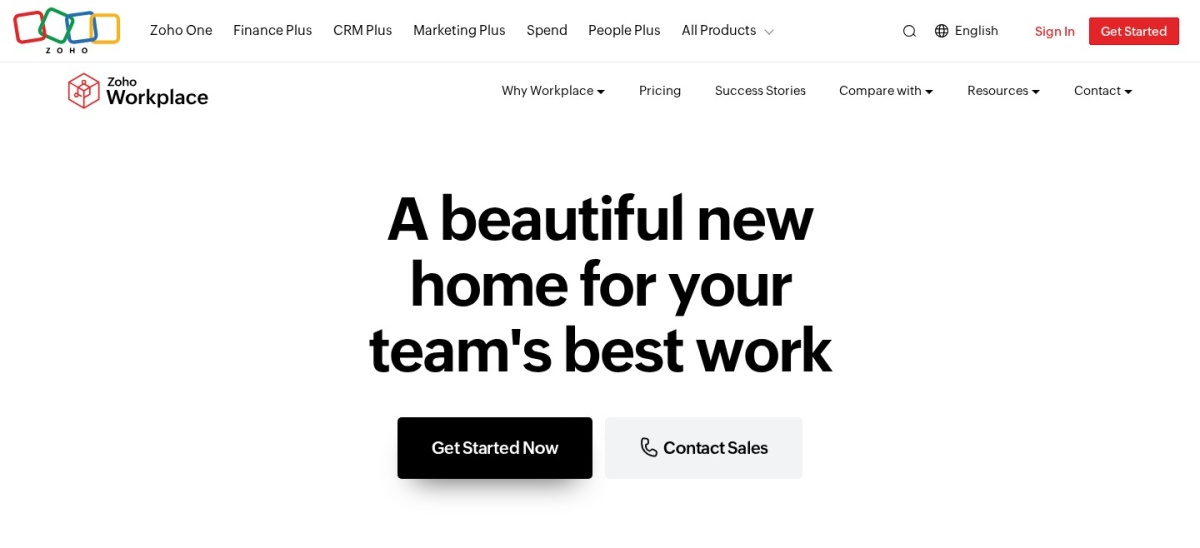
Zoho Workplace homepage, captured Nov 2026.
Zoho Workplace is a cloud suite with Writer, Sheet and Show, plus business email, file storage, chat and meetings. The Standard plan costs $3 per user a month billed yearly and includes 30 GB of mail storage per user, 100 GB of shared team storage and the full office apps.
The trade off is depth and polish. The office apps cover everyday work well but lack some advanced desktop features, and the free tier is mail-only for up to 5 users. It suits small teams that want email and office apps in one cheap plan.
What we like
Lowest paid per-user price in this list at $3 a month
Email, office apps, chat and meetings in one plan
Free office apps for personal use
30 GB of mail storage per user on Standard
Watch out for
Fewer advanced features than desktop suites
Free tier covers email only, not the full suite
Interface can feel slow on older devices
Workplace Professional adds 100 GB of mail storage and 1 TB of team storageVisit zoho.com
07
SoftMaker Office
4.3/5on G2 (12 reviews, checked Nov 2026)
Paid from€49.90/yr
Best desktop suite for file compatibility
Word processorTextMaker
SpreadsheetPlanMaker
PresentationsPresentations
Entry planNX Universal, €49.90/yr
softmaker.com
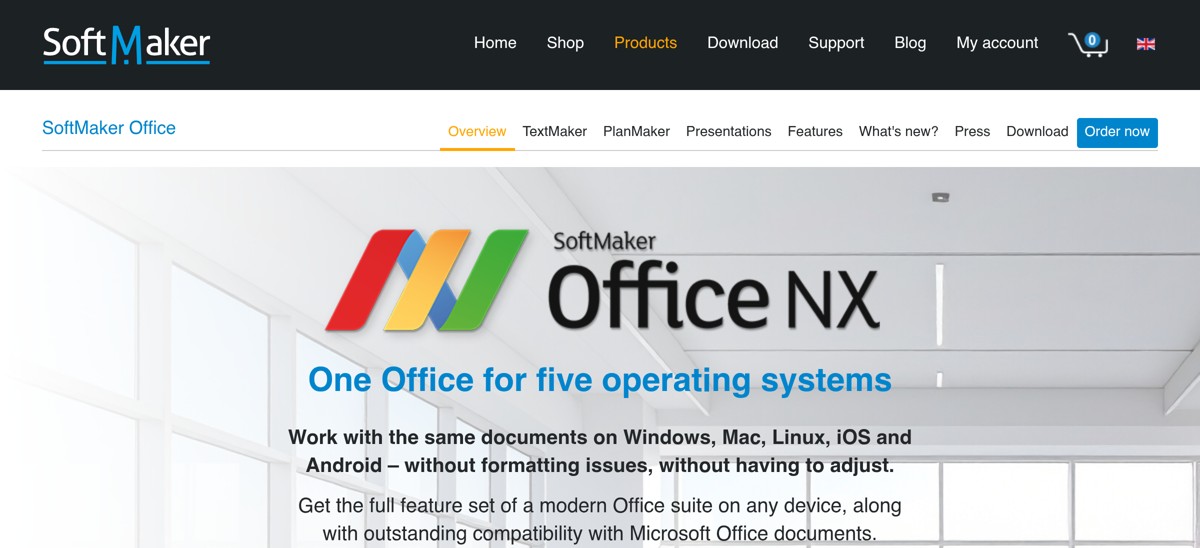
SoftMaker Office homepage, captured Nov 2026.
SoftMaker Office is a desktop suite with TextMaker, PlanMaker and Presentations that uses DOCX, XLSX and PPTX as its native file formats. It runs on Windows, Mac, Linux, iOS and Android, and its free edition, FreeOffice, covers the same three apps with fewer features.
The trade off is price and cloud. The NX Universal subscription costs €49.90 a year, there is no built-in cloud drive for live co-editing, and the G2 review base is small at 12 reviews. It suits people who want desktop speed and exact Microsoft file handling.
What we like
DOCX, XLSX and PPTX are the native formats
Fast and light on Windows, Mac and Linux
Rated 4.3 out of 5 from 12 G2 reviews
FreeOffice edition covers the basics for $0
Watch out for
No built-in cloud co-editing
Smallest G2 review base in this list
Store price is shown in euros, not dollars
NX Universal adds AI tools, translations and every new versionVisit softmaker.com
Free vs paid: what the $0 options leave out
Free suites cover documents, spreadsheets and presentations well. LibreOffice, iWork and the free editions of WPS Office, ONLYOFFICE and SoftMaker Office all open Microsoft formats without a licence fee.
Paid plans mostly add cloud storage, real-time teamwork and support. Google Workspace at $7 per user a month and Zoho Workplace at $3 are the two cloud options here, and both charge for every person on the team.
If you work alone on one computer, a free desktop suite is usually enough. If several people edit the same files, the paid cloud plans save more time than they cost.
How we chose
We started from the established office suites that cover documents, spreadsheets and presentations, then kept those with a public rating and a published price or a free plan.
Prices come from each vendor's pricing page, checked on 29 November 2026. Ratings and review counts come from G2 on the same day, except Zoho, where no product-level G2 rating exists and the Trustpilot company rating is used instead. Where a vendor shows a sale, the list shows the regular price.
We left out suites with no public rating at all, including Apache OpenOffice and Collabora Online. No vendor paid for a place, and we do not claim to have used these tools ourselves.
How to choose an office alternative
Start with how you work today, then match the suite to that pattern.
Check what files you must open. If you swap Word, Excel and PowerPoint files daily, pick a suite with strong Microsoft format support, such as WPS Office, ONLYOFFICE Docs or SoftMaker Office.
Decide between cloud and desktop. Pick Google Workspace or Zoho Workplace for live teamwork in the browser, or LibreOffice and WPS Office for offline desktop work.
Count the people, not just the price. Cloud plans charge per user, so multiply the monthly price by your team size before comparing it with a one-computer desktop licence.
Try the free version first. LibreOffice, iWork and the free editions here cost nothing, so test your real files in them before paying for anything.
FAQ
What is the best free alternative to Microsoft Office?
LibreOffice is the best free alternative for most people. It is a full desktop suite with Writer, Calc and Impress, it opens Microsoft formats, and it costs $0 with no ads or account needed.
What are the best office alternatives for small teams?
Google Workspace is the best for teams that share files daily, at $7 per user a month. Zoho Workplace is the cheapest team option at $3 per user a month, with email and office apps in one plan.
Is Google Workspace free?
No, Google Workspace is a paid business plan starting at $7 per user a month. The personal Google apps, Docs, Sheets and Slides, are free for individual use but do not include custom email or admin controls.
Which office alternative is best for beginners?
WPS Office is the easiest starting point for beginners. Its layout closely matches Microsoft Office, the free version covers everyday documents, spreadsheets and slides, and Premium costs $29.99 a year.
Google Workspace vs LibreOffice: which should I pick?
Pick Google Workspace if your team edits shared files together online and needs Gmail and Drive in one plan. Pick LibreOffice if you work alone on a desktop, want to pay nothing, and do not need live collaboration.
Do these office alternatives open Microsoft Word and Excel files?
Yes, all seven open DOCX, XLSX and PPTX files. WPS Office, ONLYOFFICE Docs and SoftMaker Office keep Microsoft formatting most faithfully, while LibreOffice and iWork can shift the layout of complex files.
SaaS SEO and WordPress specialist with about 8 years of experience. Rakib compares WordPress plugins, themes, hosting and software using public pricing, documentation and user reviews. See how we rank.