Angry IP Scanner is the best free Nmap alternative for most admins, because it scans IP ranges and ports fast on Windows, macOS and Linux at no cost, with a 4.3 out of 5 SourceForge rating. Pick Advanced IP Scanner on Windows-only networks, or PRTG when you also want ongoing monitoring.
How we make this list: we compare pricing pages, product documentation and public user reviews, then re-check every price before each update. No product paid for a place. Disclosure.
Angry IP Scanner is the closest free replacement for Nmap: fast IP and port scans on Windows, macOS and Linux, rated 4.3 out of 5 on SourceForge.
Advanced IP Scanner is free and Windows-only, with remote control and Wake-on-LAN built in, but its 4.6 G2 rating rests on only 5 reviews.
PRTG holds the joint-highest G2 rating here at 4.7 out of 5, with 100 sensors free and paid plans from $200 a month.
Domotz is the highest rated tool in this list at 4.8 out of 5 on G2, with automatic discovery from $35 a month per collector.
Nessus and Qualys VMDR add vulnerability checks on top of discovery, but start at $4,790 and $596 a month, so they suit security teams, not quick subnet scans.
Five of the ten tools cost nothing to start, and the cheapest paid step is Fing Premium at $79.99 a year.
What should you look for in Nmap alternatives?
The first split is the job itself. Nmap maps a network and probes ports from the command line, so a replacement should scan IP ranges, list open ports and identify devices without forcing you into a terminal.
Speed matters more than depth for a first scan. Angry IP Scanner and Advanced IP Scanner finish a subnet sweep in seconds and show results in a table, while Nessus, Qualys VMDR and OpenVAS take longer because they also check each host for known vulnerabilities.
Free tiers cover small networks well. Angry IP Scanner and OpenVAS cost nothing, PRTG covers 100 sensors free and Lansweeper covers 100 assets free, so a home lab or a small office can scan without paying.
Paid plans charge by very different units. PRTG bills per sensor, Domotz per collector, Lansweeper per asset and Qualys VMDR per host, so work out the bill at your real device count before comparing headline prices. Our guide on running a WordPress security audit shows the same count-first thinking applied to a site.
Discovery and vulnerability scanning are different jobs. If you only need to know what is on the network, a scanner is enough; if you need to know which hosts are exposed, pick a tool that checks for known flaws as well.
4.3/5on SourceForge (87 reviews, checked Nov 2026)
PriceFree
Best free Nmap alternative overall
Scan rangeAny IP range + ports
PlatformsWindows, macOS, Linux
ExportCSV, XML, TXT
LicenceFree, open source
angryip.org
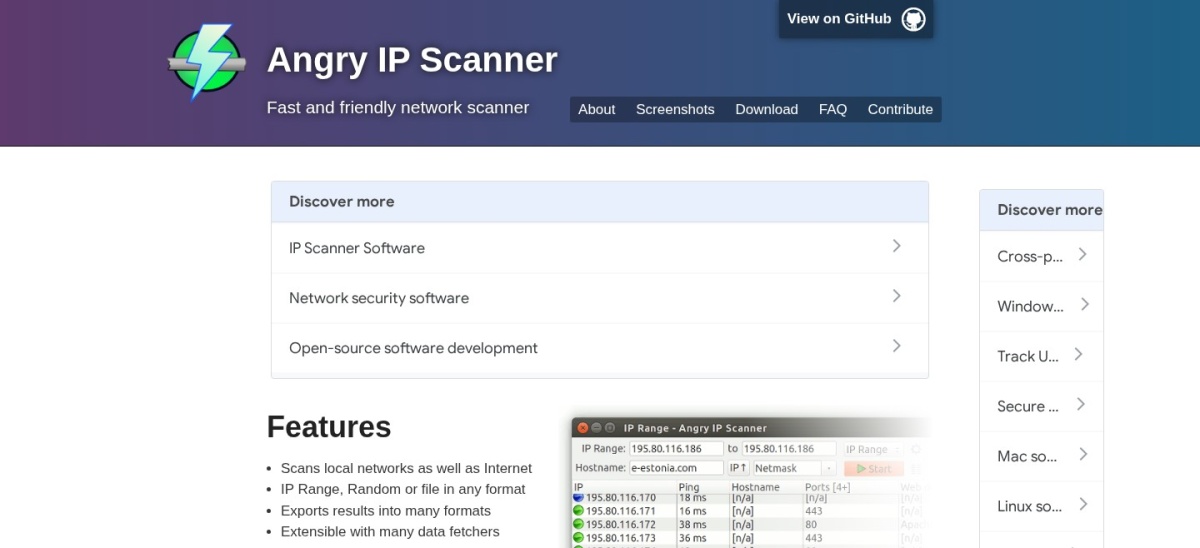
Angry IP Scanner homepage, captured Nov 2026.
Angry IP Scanner is a free, open-source IP address and port scanner that sweeps an address range with multithreaded scans and shows live results per host, including hostname, MAC address and open ports. It runs on Windows, macOS and Linux, exports results to CSV, XML or TXT, and costs nothing.
The trade off is depth. It finds hosts and open ports but does not check for vulnerabilities, and older reviews warn that the Windows installer once bundled extra software, so download it from the project site. It suits admins who want a quick, repeatable subnet sweep without a command line.
Advanced IP Scanner is a free network scanner for Windows that scans a LAN in seconds and lists every device with its IP, MAC address, hostname and shared folders. It adds remote control over RDP and Radmin, Wake-on-LAN, and shutdown of remote machines, all from the same window.
The trade off is reach. It runs on Windows only, so Mac and Linux admins need another tool, and its 4.6 G2 rating rests on only 5 reviews, which is the thinnest evidence base in this list. It suits Windows admins who want one free tool for scanning and basic remote control.
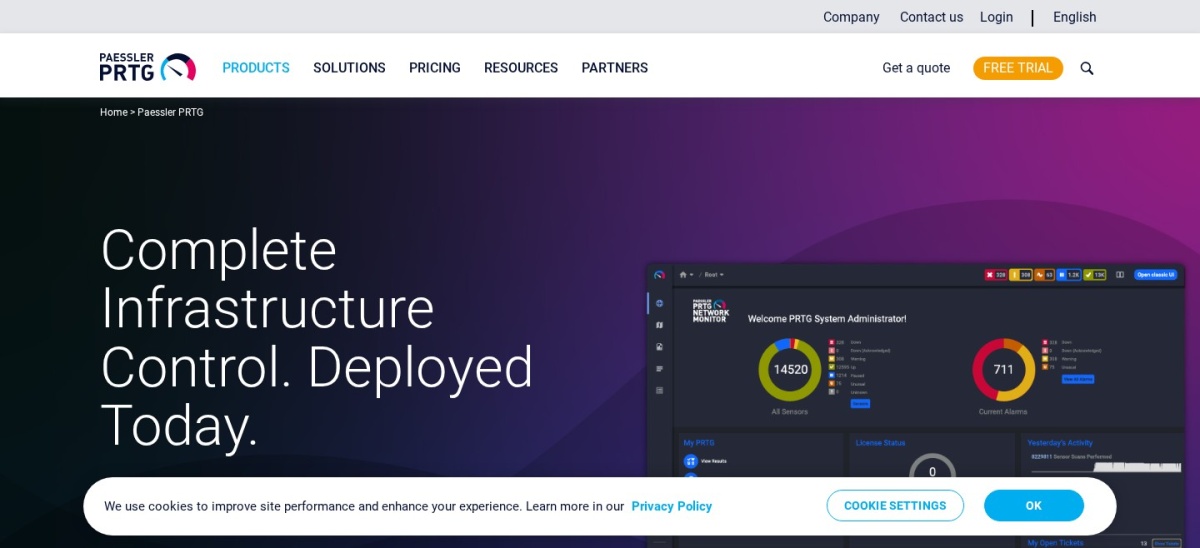
PRTG Network Monitor is a sensor-based monitoring platform from Paessler that discovers devices on the network by itself, then keeps watching them with sensors for traffic, uptime and hardware health. The freeware edition covers 100 sensors with no time limit, which is about 10 devices.
The trade off is the billing unit. A sensor is one metric on one device, so a busy switch can use dozens of sensors, and the first paid tier, PRTG 500, costs $200 a month billed annually. It suits teams that want discovery plus alerts, not just a one-off scan.
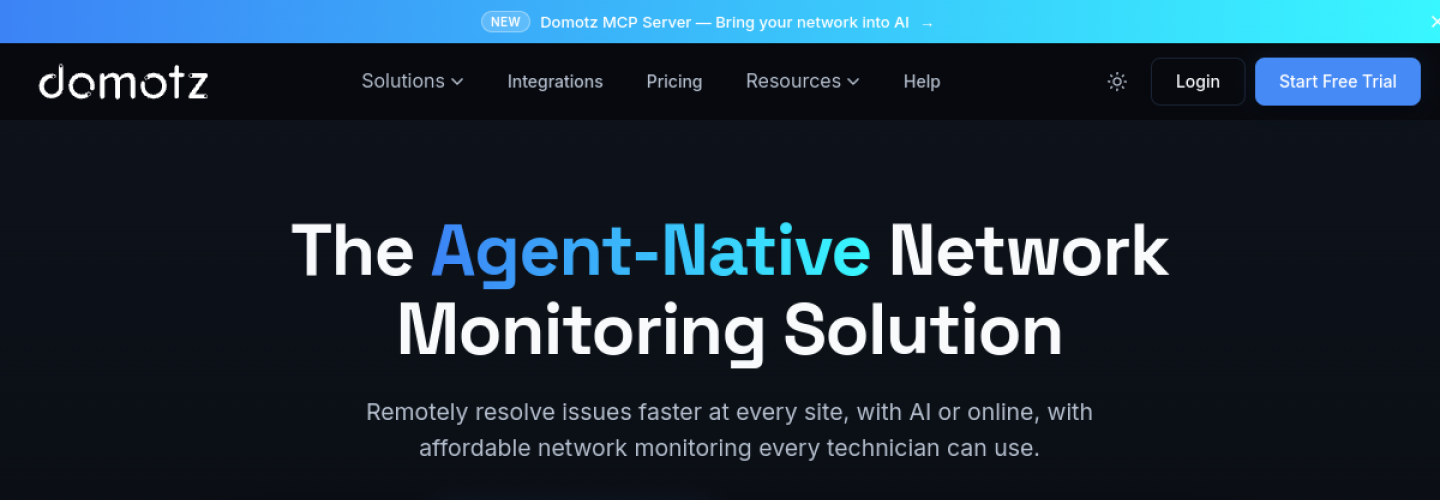
Domotz is a cloud network monitoring platform that discovers every device on a network automatically and maps it, with a free tier covering one managed device and unlimited discovery. Paid plans start at $35 a month per collector, or $1.50 per managed device a month, and it holds a 4.8 out of 5 G2 rating from 105 reviews.
The trade off is that it is built for managed service providers and small IT teams, so single-network home users get less from its multi-site dashboards. It suits MSPs and small teams that manage several networks and want discovery that never stops.
What we like
Highest G2 rating in this list at 4.8 out of 5
Unlimited discovery even on the free tier
You choose which devices are billable
Watch out for
Free tier covers only one managed device
Aimed at MSPs, so solo users pay for team features
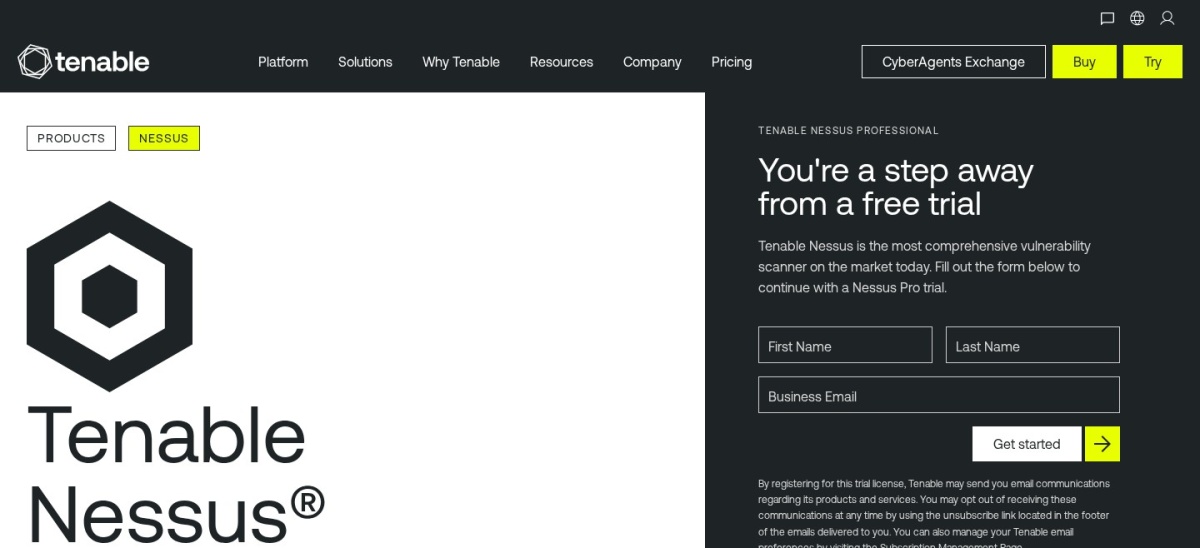
Tenable Nessus is a vulnerability assessment scanner that finds hosts on a network and then checks them against known flaws, misconfigurations and missing patches. Nessus Essentials is free for up to 16 IPs, while Professional scans unlimited IPs with pre-built policies for configuration and compliance audits.
The trade off is price. Professional costs $4,790 a year for a one-year licence, which is the dearest paid plan in this list, and the free tier is limited to non-commercial use on 16 IPs. It suits security teams that need to know which hosts are exposed, not just which hosts exist.
What we like
Deepest vulnerability coverage in this list
Free Essentials tier for up to 16 IPs
Rated 4.5 out of 5 on G2 from 321 reviews
Watch out for
Highest yearly price in this list
Free tier is limited to 16 IPs
Overkill for a quick subnet sweep
Nessus Expert adds web and attack-surface scans at $6,790/yrVisit tenable.com
06
Lansweeper
4.4/5on G2 (80 reviews, checked Nov 2026)
Paid from$245/mo
Best Nmap alternative for asset inventory
Free tier100 assets
Starter plan$245/mo, 2,000 assets
DiscoveryAgentless
Pro planFrom $449/mo
lansweeper.com
Lansweeper homepage, captured Nov 2026.
Lansweeper is an agentless discovery platform that finds every device on the network, in the cloud and on the factory floor, then keeps the inventory current without manual entry. The free tier covers 100 assets with full detail, and the vendor says it is trusted by more than 30,000 environments.
The trade off is price. Starter starts at $245 a month billed annually for 2,000 assets, and vulnerability and lifecycle insights need the Pro plan from $449 a month. It suits IT teams with mixed fleets who want the inventory to build itself after the scan.
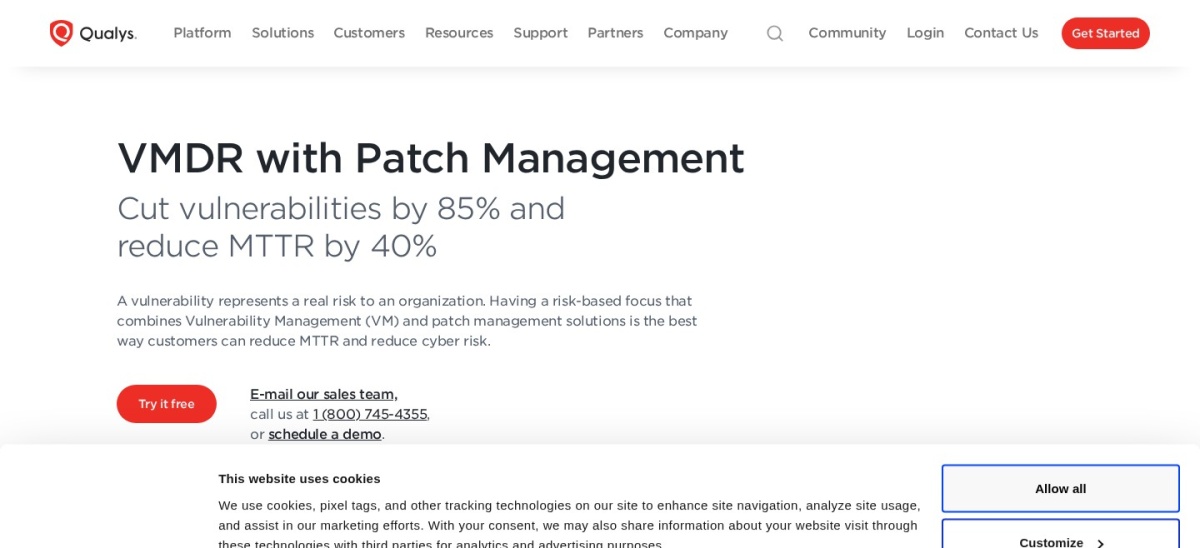
Qualys VMDR is a cloud platform that discovers assets, scans for vulnerabilities and CIS misconfigurations, and ranks each finding with its TruRisk score, which blends CVSS, EPSS and CISA KEV data. Virtual scanners, Cloud Agents and container sensors are unlimited in the licence, so coverage scales by asset count.
The trade off is packaging. Patch deployment, cloud security and container assessment sit in add-ons, and the 128-host entry tier lists at $596 a month, so the real bill depends on which modules you buy. It suits compliance-driven teams that report vulnerability posture to auditors.
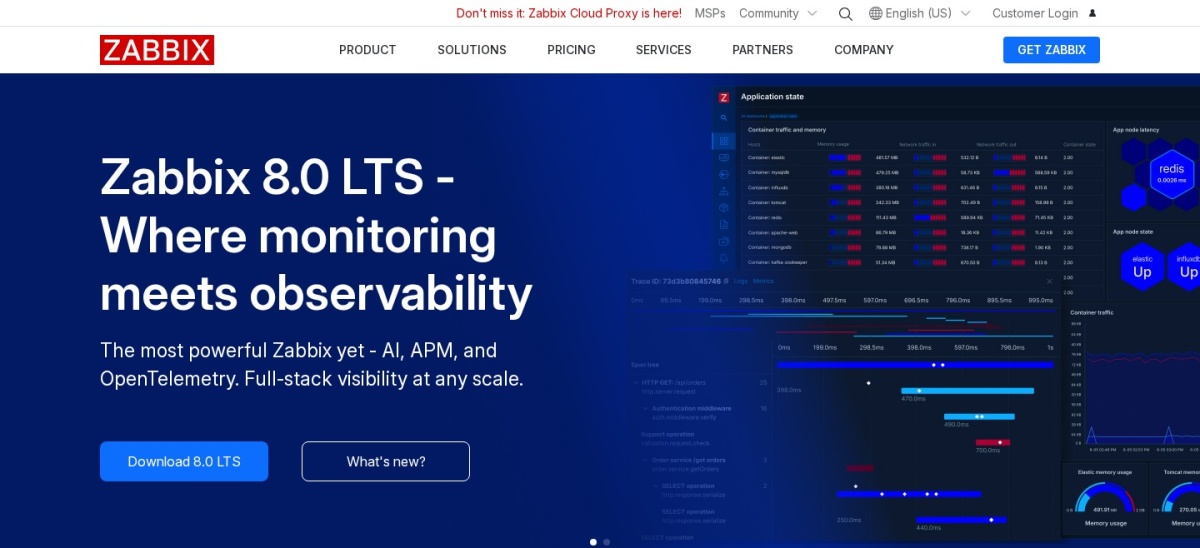
Zabbix is a free, open-source monitoring platform that discovers network devices automatically and watches them with templates for servers, switches and services. The self-hosted edition costs nothing to licence, and paid support and cloud hosting start at $50 a month.
The trade off is setup. Zabbix needs a server, a database and time to tune templates and triggers, so it takes longer to start than a desktop scanner. It suits technical teams that want free discovery plus ongoing monitoring they control.
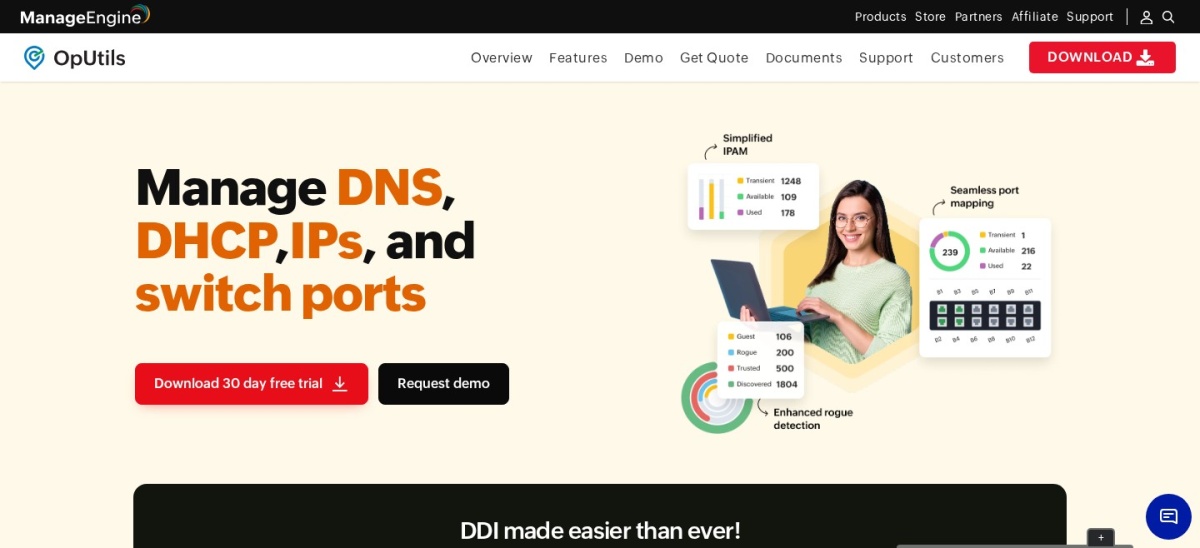
ManageEngine OpUtils is a network troubleshooting tool that scans IP addresses, manages switch ports and tracks DHCP and DNS from one console. It holds a 4.4 out of 5 rating on Capterra from 129 reviews, and the Professional edition lists at $345 as a one-time licence.
The trade off is the licence model. The $345 price is a one-time payment rather than a yearly subscription, so renewal and support terms need checking on the pricing page before you budget. It suits Windows-based IT teams that want IP address management beside their scans.
4.5/5on Trustpilot (1,394 reviews, checked Nov 2026)
Paid from$79.99/yr
Best Nmap alternative for home networks
Free tier3 scans a day
Premium$79.99/yr
Networks monitored2 on Premium
DesktopWindows + macOS
fing.com
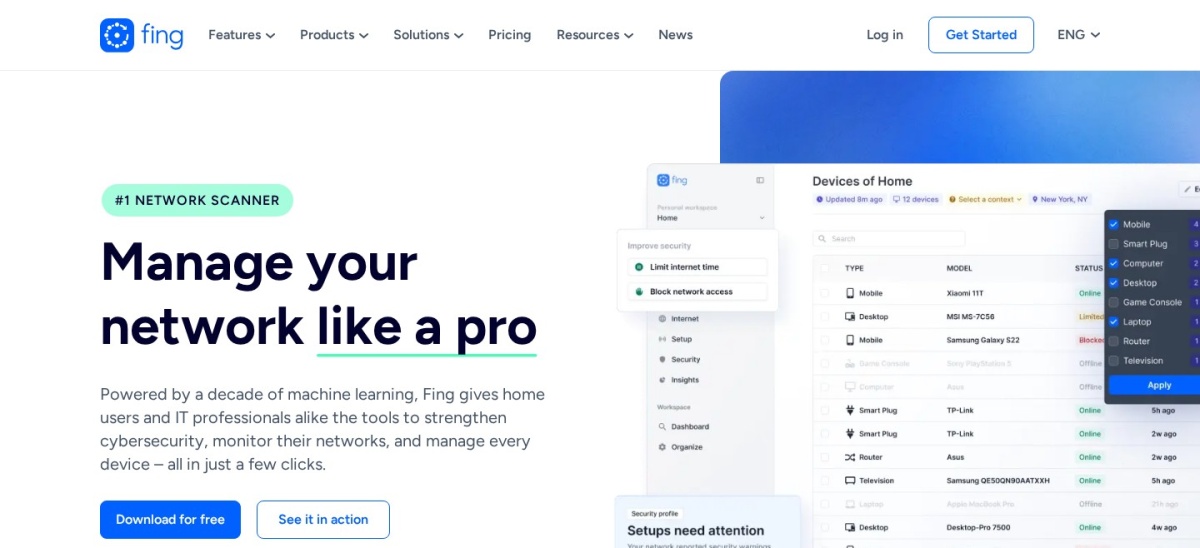
Fing homepage, captured Nov 2026.
Fing is a network scanner and monitoring tool for home users and small teams that discovers every device on a network, identifies it by manufacturer and model, and keeps a timeline of what joined and left. The free plan allows up to three scans a day, and Premium costs $79.99 a year with continuous monitoring.
The trade off is that continuous monitoring needs an active Fing Desktop or Fing Agent, so the mobile app alone cannot watch a network around the clock. It suits home offices and small teams that want a clear device list without running a server.
What we like
Easiest scanner in this list to start with
Recognises devices by manufacturer and model
Rated 4.5 out of 5 on Trustpilot from 1,394 reviews
Watch out for
Free plan allows only 3 scans a day
Continuous monitoring needs Desktop or Agent running
No vulnerability scanning
Professional adds more networks and shared workspaces at $179.99/yrVisit fing.com
Free vs paid: what the free tiers actually cover
Five tools in this list cost nothing to start. Angry IP Scanner and Advanced IP Scanner are free outright, Zabbix is free to self-host, and PRTG and Lansweeper give free tiers for 100 sensors and 100 assets.
Free tiers cover discovery, not depth. Vulnerability checks, patching and continuous monitoring sit on paid plans in most tools here, so a free tier works best when someone on the team runs scans on a schedule.
Trials are not free plans. Nessus Essentials and the Qualys trial have hard limits, so budget for the first paid year before you scan a full estate.
The cheapest paid step in this list is Fing Premium at $79.99 a year, and the dearest is Nessus Professional at $4,790 a year. That gap is the cost of vulnerability depth: tools that check for flaws charge for it.
How we chose
We started from the tools buyers compare with Nmap most often, then kept the ten with a published starting price and a public numeric rating on G2, Capterra, Trustpilot or SourceForge.
Prices come from each vendor's pricing page, checked on 29 November 2026. Ratings and review counts come from G2, Capterra, Trustpilot or SourceForge on the same day. Where a vendor shows a sale, the list shows the regular price.
We left out quote-only tools such as Auvik and SolarWinds IP Address Manager, and open-source scanners with no public rating such as Masscan, Zmap and Netdisco. Wireshark was left out because it is a packet analyser, not a scanner. No vendor paid for a place, and we do not claim to have used these tools ourselves.
How to choose a Nmap alternative
Start with the network you actually scan, then match the tool to the way you will run it.
Decide if you need ports or flaws. If you only need hosts and open ports, a free scanner such as Angry IP Scanner is enough. If you need to know which hosts are exposed, pick Nessus, Qualys VMDR or OpenVAS.
Count what you will pay for. Some tools charge per sensor, some per asset and some per host. Work out your bill at your real device count, not the headline rate.
Check the free tier limits. Angry IP Scanner has no limits, PRTG stops at 100 sensors and Lansweeper at 100 assets. Pick the tier you will still fit in six months from now.
Run a scan on a trial before you buy. Scan your own subnet, check the export format and confirm the results match what you already know. If the first scan feels slow, it will feel slower at full size.
FAQ
What is the best Nmap alternative in 2026?
Angry IP Scanner is the best free Nmap alternative for most admins. It scans IP ranges and ports fast on Windows, macOS and Linux at no cost, and it holds a 4.3 out of 5 rating on SourceForge from 87 reviews.
Is there a free alternative to Nmap?
Yes. Angry IP Scanner, Advanced IP Scanner and Zabbix are all free, and PRTG covers 100 sensors free while Lansweeper covers 100 assets free. The free tools cover discovery well, but vulnerability checks need a paid plan in this list.
Which Nmap alternative is best for Windows?
Advanced IP Scanner is the best pick for Windows-only networks. It is free, scans a LAN in seconds, and adds remote control over RDP and Radmin plus Wake-on-LAN, which Nmap does not offer on its own.
Angry IP Scanner vs Advanced IP Scanner: which should I choose?
Choose Angry IP Scanner if you use more than one operating system, since it runs on Windows, macOS and Linux. Choose Advanced IP Scanner if you only use Windows and want remote control and Wake-on-LAN in the same free tool.
Do I need a paid Nmap alternative?
Not for a quick subnet scan. Free tools cover discovery well. Pay when you need ongoing monitoring, an asset inventory or vulnerability checks, which is where PRTG, Lansweeper, Nessus and Qualys VMDR earn their price.
Which Nmap alternative is best for a small business?
Fing is the best pick for a home office or small team, because the free plan scans three times a day and Premium costs $79.99 a year. Domotz suits small IT teams managing several sites, with discovery from $35 a month per collector.
SaaS SEO and WordPress specialist with about 8 years of experience. Rakib compares WordPress plugins, themes, hosting and software using public pricing, documentation and user reviews. See how we rank.