Paessler PRTG is the best network monitoring software for most enterprise teams, with sensor-based monitoring from 200 dollars a month and a free tier for 100 sensors. Datadog suits cloud-native teams at 15 dollars a host a month, while Zabbix is free and open source for teams that run their own server.
How we make this list: we compare pricing pages, product documentation and public user reviews, then re-check every price before each update. No product paid for a place. Disclosure.
PRTG is the best all-round pick, with the highest G2 rating and a free tier for 100 sensors.
Datadog is the cloud-native pick at $15 a host a month, with network monitoring from $5 a host on top.
SolarWinds NPM, LogicMonitor and Auvik are quote-based, so get per-device pricing in writing.
Zabbix is free and open source; Site24x7 is the cheapest hosted start at $9 a month.
Count sensors, devices and hosts before comparing prices, because every vendor bills a different unit.
What enterprise network monitoring software should cover
Enterprise network monitoring watches every switch, router, firewall, server and link, and alerts the team before users notice a failure. A good tool discovers devices automatically, maps the network, tracks bandwidth and uptime, and shows which device or path is at fault when something turns red.
Pricing in this market is hard to compare, because every vendor counts something different. PRTG charges per sensor, OpManager per device, LogicMonitor per hybrid unit, Datadog per host and Nagios per node, so count your devices, hosts and sensors before you compare any headline price.
Deployment splits the list in two. PRTG, OpManager, Nagios XI and Zabbix run on a server you own, which suits teams that want their data in-house, while Datadog, LogicMonitor, Auvik and Site24x7 run as hosted services, which suits teams that would rather not maintain a monitoring server.
Free options are real here. Zabbix costs nothing to licence, PRTG covers 100 sensors free, OpManager covers 3 devices free, Nagios XI covers 7 nodes free and Site24x7 covers 50 resources free, so a small network can run real monitoring before spending anything.
The 9 best network monitoring software for enterprise tools
01
Paessler PRTG
4.7/5on G2 (208 reviews, checked Nov 2026)
Paid from$200/mo
Best network monitoring software overall
Free planYes, 100 sensors
Cheapest paid planPRTG 500, $200/mo
Sensors on PRTG 500500, about 50 devices
Trial30 days, unlimited
paessler.com
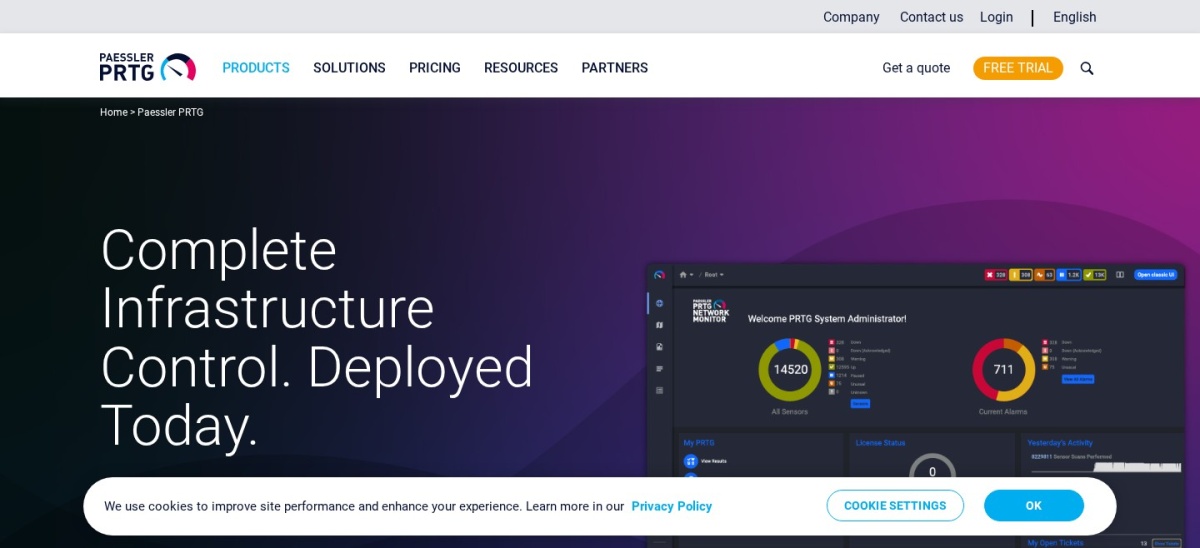
Paessler PRTG homepage, captured Nov 2026.
Paessler PRTG is sensor-based network monitoring for small and mid-size IT teams, covering SNMP, WMI, NetFlow, packet sniffing and syslog in one install. PRTG 500 costs $200 a month billed annually for 500 sensors, about 50 devices, and the freeware edition covers 100 sensors. It holds 4.7 out of 5 on G2 from 208 reviews.
The trade off is the sensor meter. One busy server can use ten or more sensors, so a network that looks small on a device count can cost far more than the headline tier, and overage is billed at $2.20 per sensor a month. It suits teams that count their sensors before they buy.
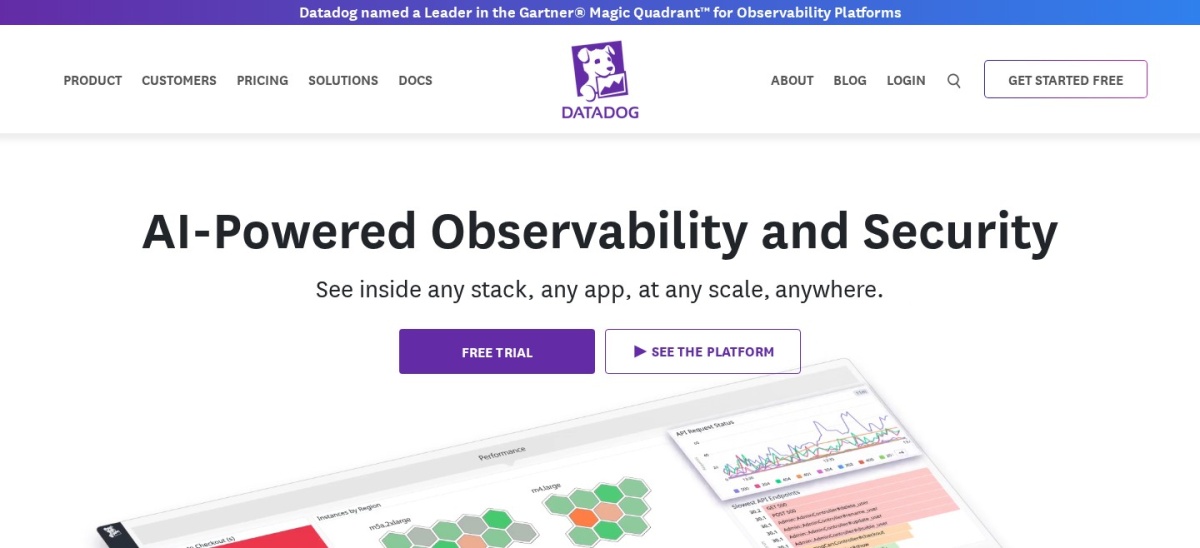
Datadog is cloud observability that unifies infrastructure, network, application and log data in one console, with more than 1,000 integrations. Infrastructure Pro costs $15 a host a month billed annually, with Cloud Network Monitoring from $5 a host and Network Device Monitoring at $7 a device a month on top. It holds 4.4 out of 5 on G2 from 726 reviews.
The trade off is the bill. Every host, metric and network SKU adds up, so a large estate costs far more than the $15 headline, and pure network depth is thinner than SolarWinds NPM. It suits cloud-native teams that already run Datadog for infrastructure and logs.
What we like
Network, server, container and app data in one console
More than 1,000 integrations
Network Device Monitoring at $7 a device a month
Strong alerting and anomaly detection
Watch out for
Costs scale fast with host and metric volume
Network monitoring needs an Infrastructure plan too
SolarWinds NPM is the deepest pure network tool in this list, with automatic discovery, topology maps, SNMP monitoring and NetPath tracing. Pricing is by quote only, licensed per monitored element, with third parties reporting a starting figure of about $1,638 a year. It holds 4.3 out of 5 on G2 from 863 reviews under the SolarWinds Observability profile.
The trade off is opacity. There is no public price list, no free plan and no clean NPM-only G2 rating, since G2 now groups NPM feedback under the broader Observability profile. It suits large enterprises with dedicated network engineers that want the reference standard.
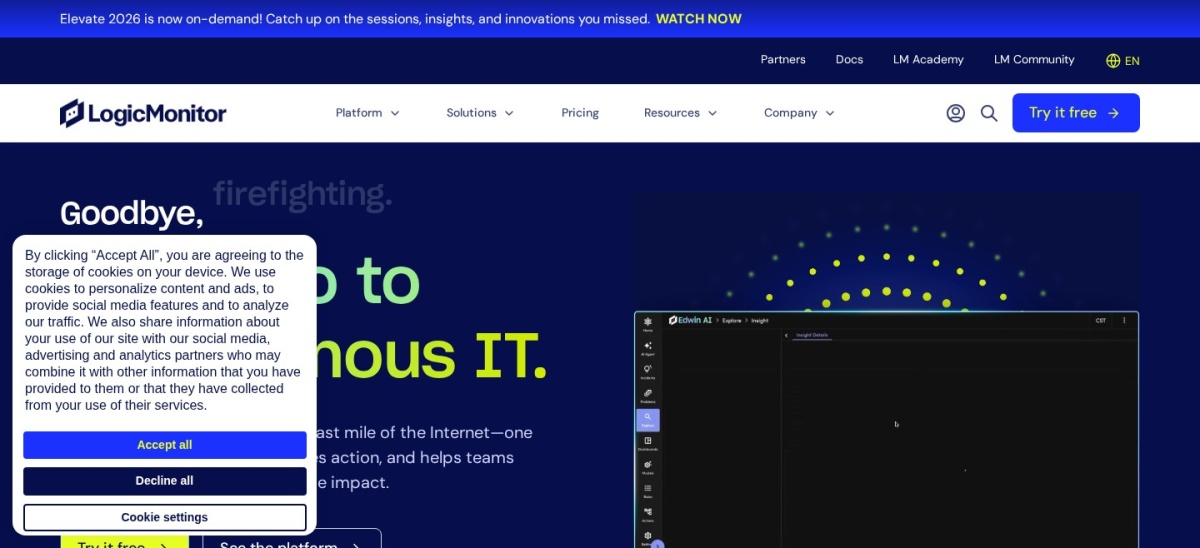
LogicMonitor is SaaS infrastructure monitoring for hybrid estates, with collectors on site feeding a cloud platform that covers networks, servers, cloud accounts and databases. Pricing is per Hybrid Unit, with published figures from $16 a unit a month on the Essentials tier. It holds 4.5 out of 5 on G2 from 644 reviews.
The trade off is the quote gate. The vendor publishes a starting unit price but most deals are quoted, and reported figures range from $16 to $22 a unit a month, so the real bill only appears after a sales call. It suits enterprises that want broad hybrid monitoring without running the backend.
Auvik is cloud network monitoring for managed service providers and mid-market IT teams, with automatic discovery, live topology maps, traffic analysis and configuration backups. Install the collector and the map builds itself in under an hour, covering more than 700 vendors. It holds 4.5 out of 5 on G2 from 380 reviews.
The trade off is cost at scale. Pricing is per billable device and quote-gated, with no public rate sheet, so a growing device count pushes the bill up faster than expected. It suits teams that manage many networks and need the map and documentation to keep up.
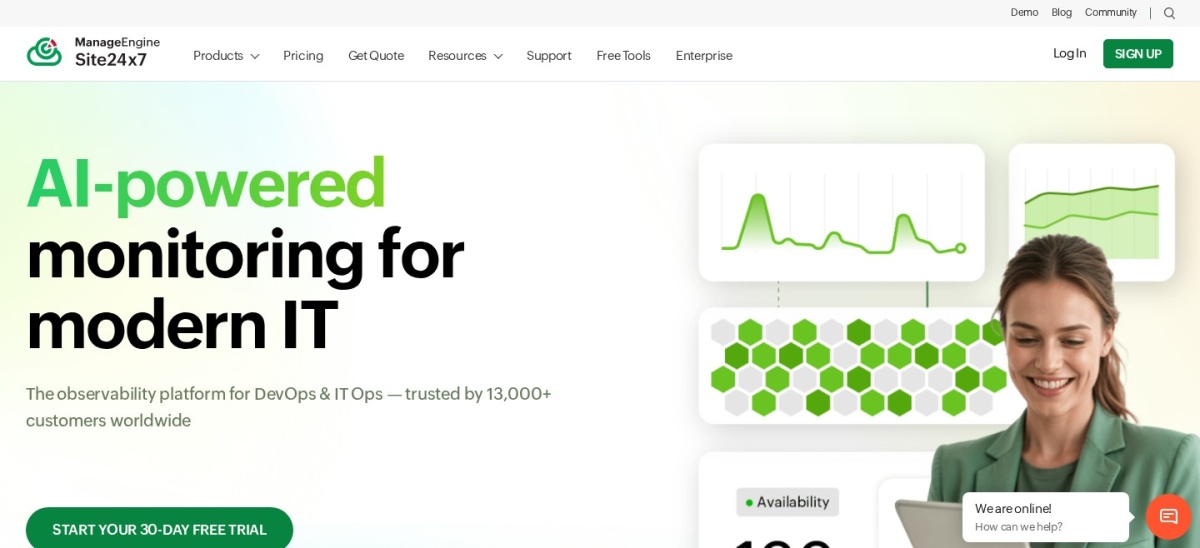
Site24x7 is a hosted monitoring platform from ManageEngine that covers servers, websites, networks and cloud hosts in one account. Its free plan covers uptime checks for up to 50 resources, and the Starter plan costs $9 a month on annual billing for 10 websites or servers, with 1-minute checks. It holds 4.6 out of 5 on G2 from 425 reviews.
The trade off is scope. Starter covers a small fleet, and larger fleets move to Pro at $35 a month or add monitors, while deep network features such as flow analysis are thinner than the dedicated network tools. It suits small teams that want one cheap hosted account.
What we like
Cheapest hosted start at $9 a month
Free plan covers up to 50 resources
Servers, websites, networks and cloud in one account
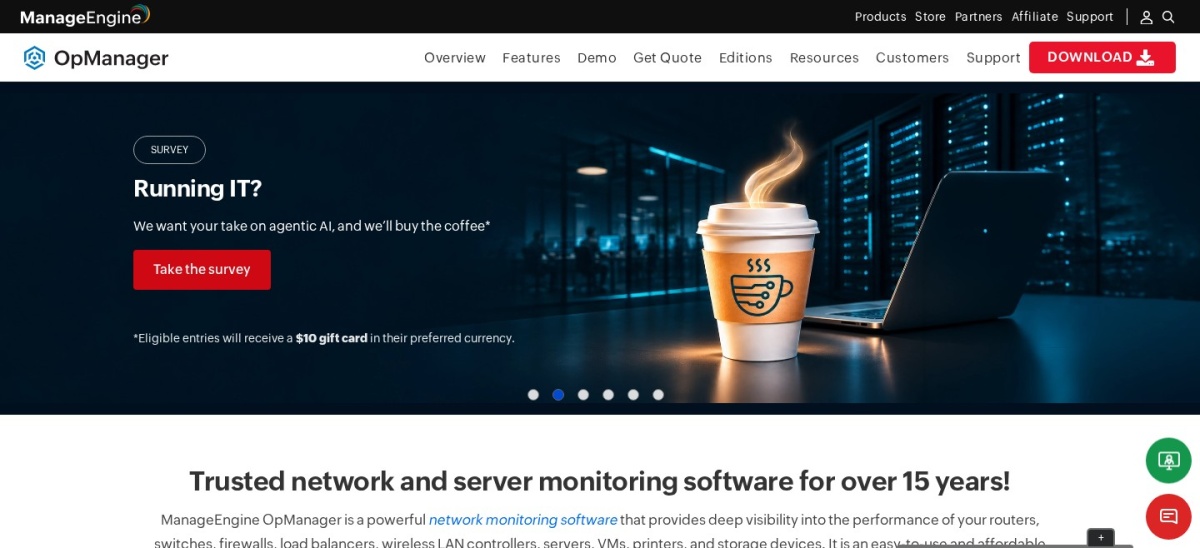
ManageEngine OpManager homepage, captured Nov 2026.
ManageEngine OpManager is self-hosted network and server monitoring for Windows-centric IT teams, with SNMP, WMI, syslog and flow analysis in one install. Standard starts at $245 for 25 devices, with unlimited interfaces and sensors per device, and a free edition covers 3 devices. It holds 4.5 out of 5 on G2 from 191 reviews.
The trade off is the licence maze. Standard and Professional cap at 1,000 devices on one server, failover and configuration management sit on higher tiers, and the $245 figure carries no stated billing term on the vendor page. It suits teams that want their data in-house at a low entry price.
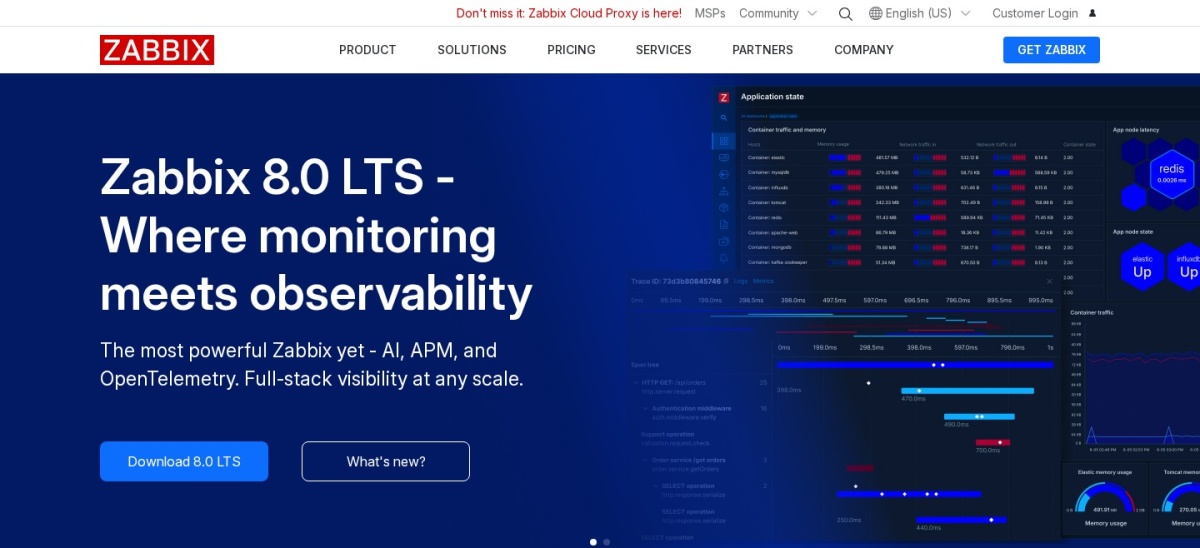
Zabbix is free and open source infrastructure monitoring that you run on your own server, with no licence fees, no device limits and no feature gates. It polls SNMP, agents and APIs, with templates, triggers and maps that scale to thousands of devices. It holds 4.3 out of 5 on G2 from 209 reviews.
The trade off is effort. Zabbix costs nothing to licence, but your team owns the install, the configuration, the upgrades and the server it runs on, which is a poor bargain for a two-person IT department. It suits experienced teams that want full control for no licence cost.
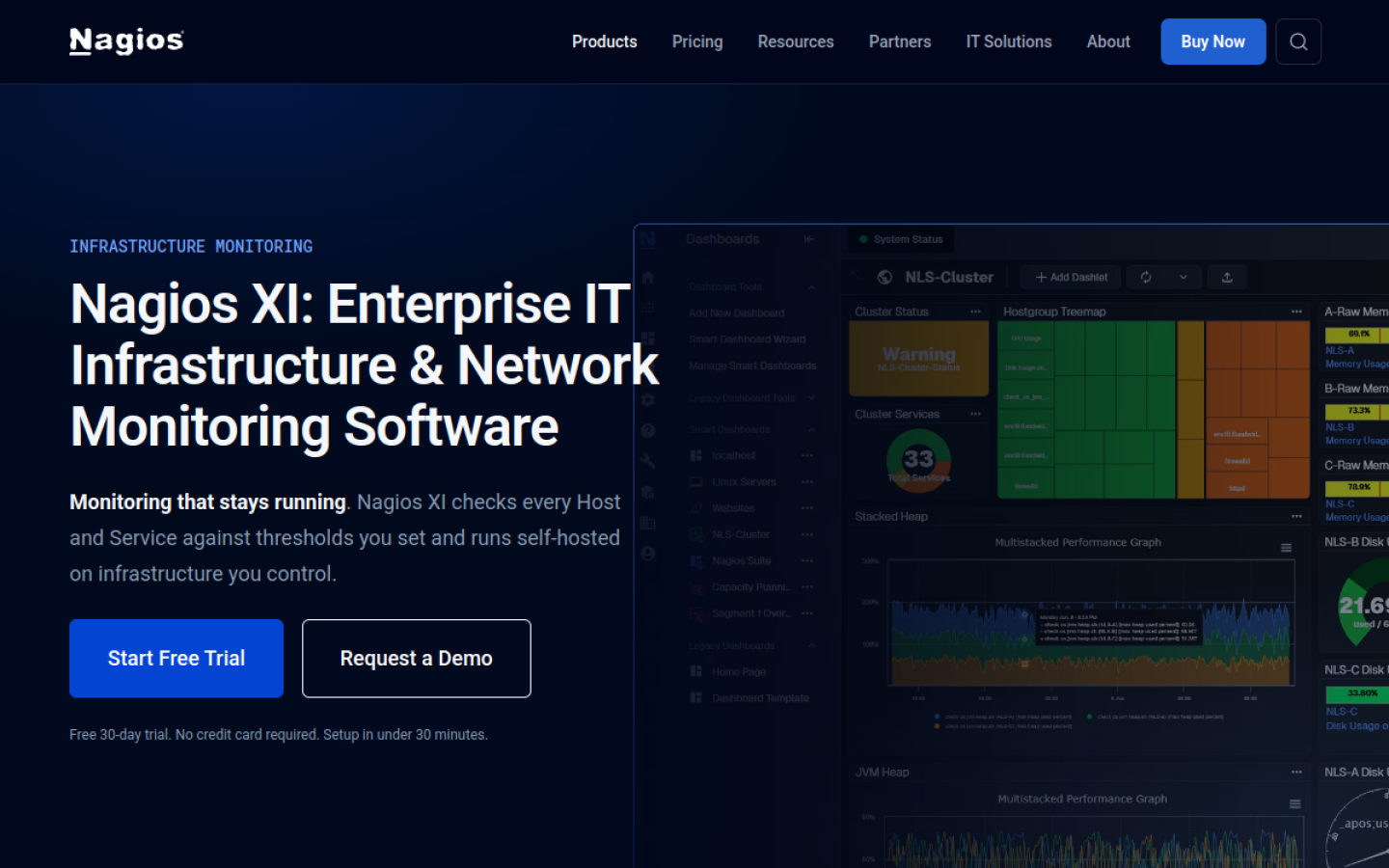
Nagios XI is commercial server and network monitoring built on the open source Nagios Core engine, with wizards, dashboards and reporting on top. Its free edition covers 7 nodes or 100 services, and the Standard edition lists at $2,595 one-time for 100 nodes, with a 30-day trial. It holds 4.5 out of 5 on G2 from 58 reviews.
The trade off is age and scale. Its G2 review base is the smallest here at 58 reviews, the interface feels older than the hosted tools, and older sources still list $1,995, so confirm the $2,595 figure on the vendor page before you buy. It suits teams that already run Nagios plugins.
What we like
One-time licence, no monthly subscription
Thousands of community plugins
Free edition covers 7 nodes or 100 services
Runs on infrastructure you own
Watch out for
Thinnest G2 review base here at 58 reviews
Interface feels older than hosted tools
Per-node pricing climbs past a few hundred devices
Per sensor, per device or per host: how the billing works
Every vendor in this list bills a different unit, and the unit decides the bill. PRTG counts sensors, OpManager counts devices, LogicMonitor counts hybrid units, Datadog counts hosts and Nagios counts nodes.
A single server can use ten or more PRTG sensors, so a 50-device network can need 500 sensors and cost $200 a month. The same network on OpManager is 50 devices on a $245 plan, which shows why the headline price alone tells you nothing.
Hosted tools add a second meter. Datadog charges $15 a host a month for Infrastructure Pro, then $5 a host for Cloud Network Monitoring and $7 a device for Network Device Monitoring, so budget the base plan plus the network SKUs together.
Quote-based tools hide the meter entirely. SolarWinds NPM, Auvik and LogicMonitor all sell by quote, so ask for per-device or per-unit math for your exact device count before you compare them with published prices.
How we chose
We compared nine established network monitoring tools for enterprise teams, starting with the ones IT departments actually run: PRTG, Datadog, SolarWinds NPM, LogicMonitor, Auvik, Site24x7, OpManager, Zabbix and Nagios XI. Every tool here has a public review profile on G2, and we checked each rating and review count on 26 November 2026.
Prices come from the vendor pricing pages we opened on 26 November 2026, or from the vendor selling by quote only. PRTG at 200 dollars a month and Datadog at 15 dollars a host a month were confirmed on their own pricing pages today, and the network add-ons at 5 dollars a host and 7 dollars a device were confirmed on the same page.
We ranked the tools by overall fit for an enterprise network team, not by rating alone. A high score from a small review base counts for less than a solid score from hundreds, and a cheap per-host price means little if the billing unit does not match how your network is built.
How to choose network monitoring software for enterprise
Start by counting devices, hosts and sensors, then check which billing unit matches your network.
Count what you will monitor. List every switch, router, firewall, server and access point. PRTG counts sensors, OpManager counts devices and Datadog counts hosts, so the same network costs very different amounts on each.
Check the free tier first. Zabbix is free, PRTG covers 100 sensors, OpManager covers 3 devices and Nagios XI covers 7 nodes. Run the free tier on a real segment before you pay.
Test alerting on a real failure. Pull a cable, stop a service and watch how fast the alert arrives and how clearly it names the fault. A monitor that pages the wrong team is worse than no monitor.
Get quote-based pricing in writing. SolarWinds NPM, Auvik and LogicMonitor sell by quote, so ask for per-device or per-unit math for your exact device count before you compare them with published prices.
FAQ
What is the best network monitoring software for enterprise?
Paessler PRTG is the best pick for most enterprise teams, with sensor-based monitoring from 200 dollars a month and a free tier for 100 sensors. It holds 4.7 out of 5 on G2 from 208 reviews, the highest rating in this list.
How much does Datadog network monitoring cost?
Datadog Infrastructure Pro costs 15 dollars a host a month billed annually, and network monitoring sits on top: Cloud Network Monitoring from 5 dollars a host a month and Network Device Monitoring at 7 dollars a device a month. Both prices were confirmed on the vendor pricing page on 26 November 2026.
Is there free network monitoring software for enterprise?
Yes. Zabbix is free and open source with no device limits, PRTG covers 100 sensors free, OpManager covers 3 devices free, Nagios XI covers 7 nodes free and Site24x7 covers 50 resources free. Free tiers suit small networks and labs; large estates need a paid plan.
Does SolarWinds NPM publish its pricing?
No, SolarWinds NPM sells by quote only and does not publish a price list. Third parties report a starting figure of about 1,638 dollars a year, but you need a sales call for a firm number, and G2 now groups NPM reviews under the SolarWinds Observability profile.
What is the difference between PRTG and Zabbix?
PRTG is a commercial tool with a polished setup, auto-discovery and support, priced per sensor from 200 dollars a month with 100 sensors free. Zabbix is free and open source with no licence cost, but your team installs, configures and maintains the server itself.
How much does PRTG cost per month?
PRTG 500 costs 200 dollars a month billed annually for 500 sensors, about 50 devices. Larger tiers run 358 dollars for 1,000 sensors, 742 dollars for 2,500 and 1,642 dollars for 10,000, and the freeware edition covers 100 sensors for about 10 devices.
Which network monitoring tool is best for MSPs?
Auvik is the strongest pick for managed service providers, with automatic discovery, live topology maps and configuration backups across many client networks. It holds 4.5 out of 5 on G2 from 380 reviews, but pricing is by quote, so get per-device figures in writing.
Can network monitoring tools watch cloud and on-premises together?
Yes. Datadog, LogicMonitor, Auvik and Site24x7 are hosted platforms that watch cloud hosts and on-premises devices from one console. PRTG, OpManager, Nagios XI and Zabbix run on your own server but can poll cloud resources through agents and APIs.
SaaS SEO and WordPress specialist with about 8 years of experience. Rakib compares WordPress plugins, themes, hosting and software using public pricing, documentation and user reviews. See how we rank.