Fing is the best home network monitoring software for most homes, with a free app that finds every device on your Wi-Fi in seconds and Premium always-on monitoring for $79.99 a year. Pick GlassWire to see which apps use your bandwidth, or PRTG if you run a serious home lab.
How we make this list: we compare pricing pages, product documentation and public user reviews, then re-check every price before each update. No product paid for a place. Disclosure.
Fing is the best starting point: its free app finds every device on your home Wi-Fi in seconds.
GlassWire shows exactly which apps use your bandwidth on Windows, free for 24 hours of history.
PRTG gives home labs 100 sensors free forever, but the first paid tier jumps to $2,400 a year.
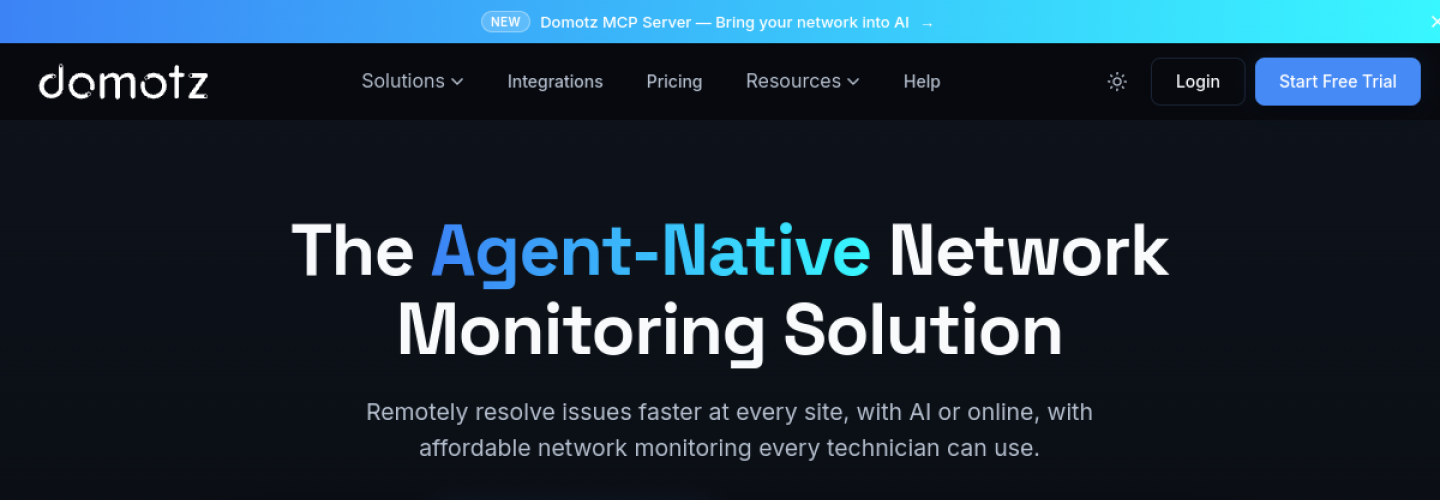
Domotz is the pick for watching a second home remotely, at $35 a month per site with unlimited devices.
Zabbix, Netdata and Checkmk are free and powerful, but they need a server and setup time.
What a home network monitor should show you
A home network monitor answers three questions: what is connected, what is using the bandwidth, and is anything down. Most homes only need the first one, and a free phone app covers it.
Start with device discovery. A scanner such as Fing lists phones, laptops, TVs and smart home gear, and alerts you when something new joins. Our guide on how to monitor a WordPress site covers the same idea for a website: watch what matters and get told when it changes.
If the internet feels slow, you need traffic data, not just a device list. GlassWire shows which app on a PC is using the connection, while PRTG and Netdata watch the whole network from a server.
Free plans are strong in this category. Seven of the eight tools here have a free plan, and the paid plans mostly add always-on monitoring, longer history or remote access.
4.5/5on Trustpilot (1,394 reviews, checked Nov 2026)
Paid from$79.99/yr
Best for most homes
Free scans3 per day
Monitored networks2 on Premium
Device blockingPremium
Paid planPremium, $79.99/yr
fing.com
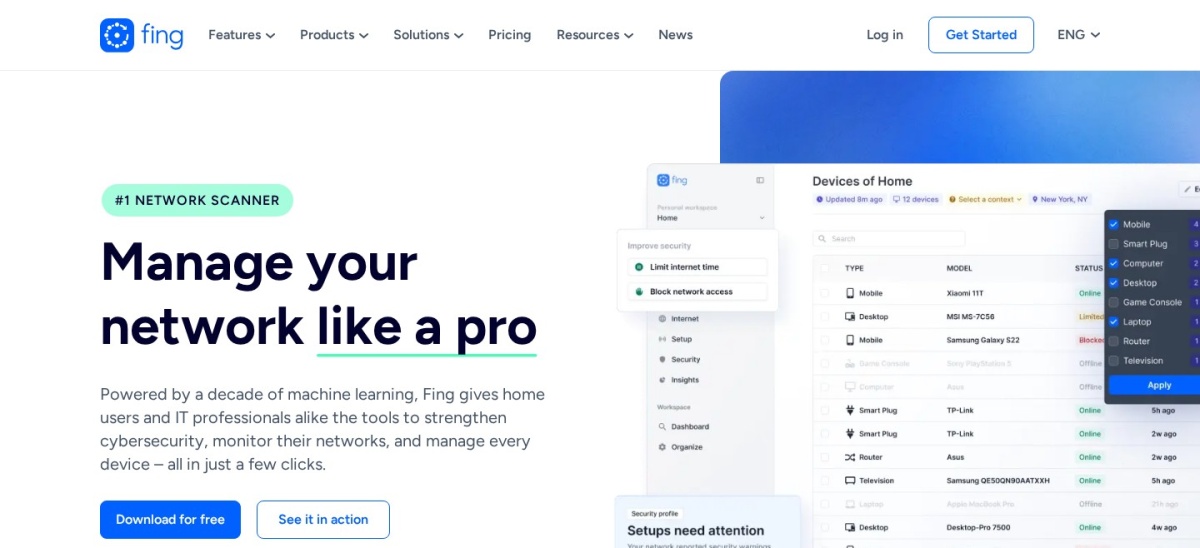
Fing homepage, captured Nov 2026.
Fing is a network scanner app for phones and computers that lists every device on your home Wi-Fi in seconds and names each one by maker and type. The free plan covers up to 3 scans a day, speed tests and basic troubleshooting, and the app flags unknown devices as they join.
The trade off is that round-the-clock monitoring needs Premium at $79.99 a year, plus Fing Desktop or Fing Agent running at home on a computer, Raspberry Pi or NAS. It suits most homes that want a quick answer to who is on the Wi-Fi without touching the router.
What we like
Finds every device on your Wi-Fi in seconds
Free plan covers daily scans and speed tests
Block and limit devices on Premium
Works on phones, desktops and Raspberry Pi
Watch out for
Always-on monitoring needs Premium and a device left running
Blocking can fail on some modern routers
Premium adds 24/7 monitoring, full history and blockingVisit fing.com
02
GlassWire
4.6/5on G2 (50 reviews, checked Nov 2026)
Paid from$35.88/yr
Best per-app bandwidth view
Free history24 hours
Per-app traffic graphYes
Built-in firewallYes, click-to-block
Paid planPersonal, $35.88/yr
glasswire.com
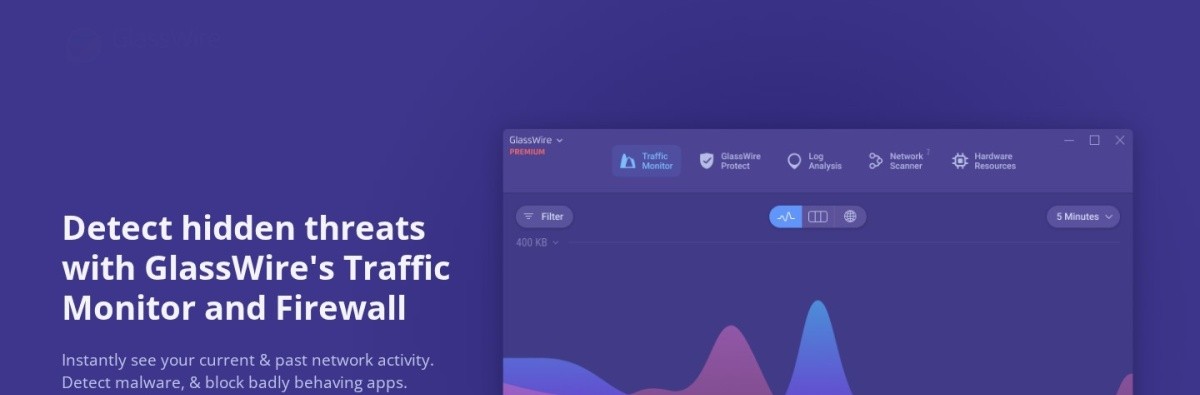
GlassWire homepage, captured Nov 2026.
GlassWire is a Windows and Android app that graphs exactly which programs use your network, when, and where they connect. The free version keeps 24 hours of history and monitors bandwidth and new connections, with a built-in firewall that blocks apps in one click.
The trade off is scope. GlassWire watches one computer per license, not your whole network, and the full history and firewall controls need Premium at $35.88 a year. It suits anyone whose slowdown comes from one PC and wants to see which app is the cause.
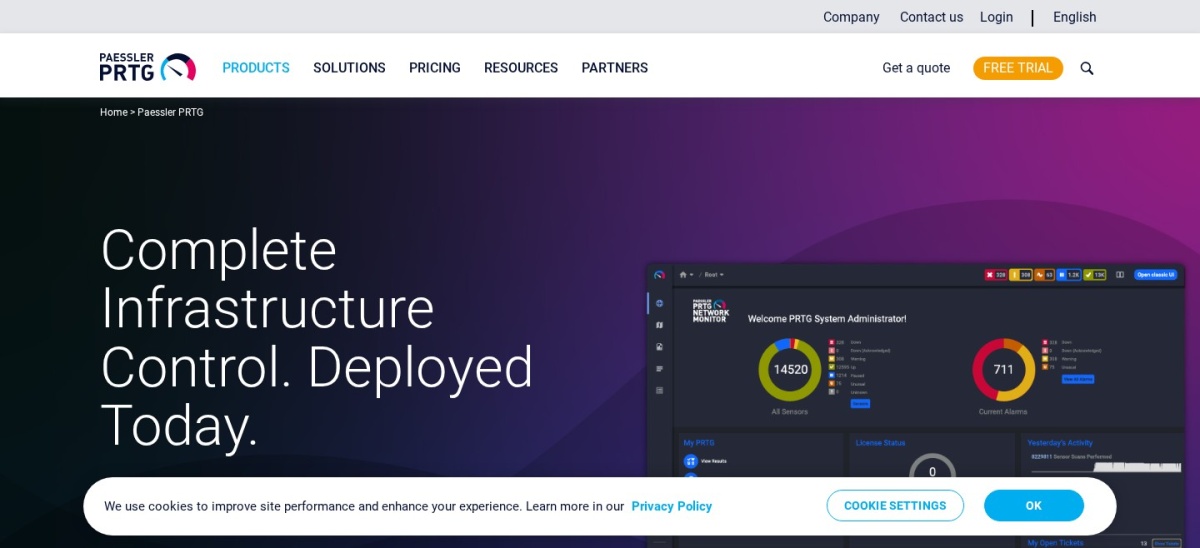
PRTG Network Monitor is a professional monitoring system from Paessler that auto-discovers devices and watches ping, bandwidth, services and more through sensors. The free version covers 100 sensors with the full feature set, which handles about 10 devices in a home lab.
The trade off is the jump to paid. The first paid tier, PRTG 500, costs $200 a month paid annually, and the core server runs on Windows only. It suits home labs with a server or NAS that stays on and owners who enjoy detailed dashboards.
Domotz is a cloud monitoring platform that watches every device at a site through a small collector installed on hardware you own. One collector covers one site with unlimited devices, and the web app adds remote access, power control and config backups for $35 a month.
The trade off is price and fit. There is no free plan, only a 14-day trial, and $420 a year is steep for a single home. It suits people who look after a second home, a family network or several small sites from one dashboard.
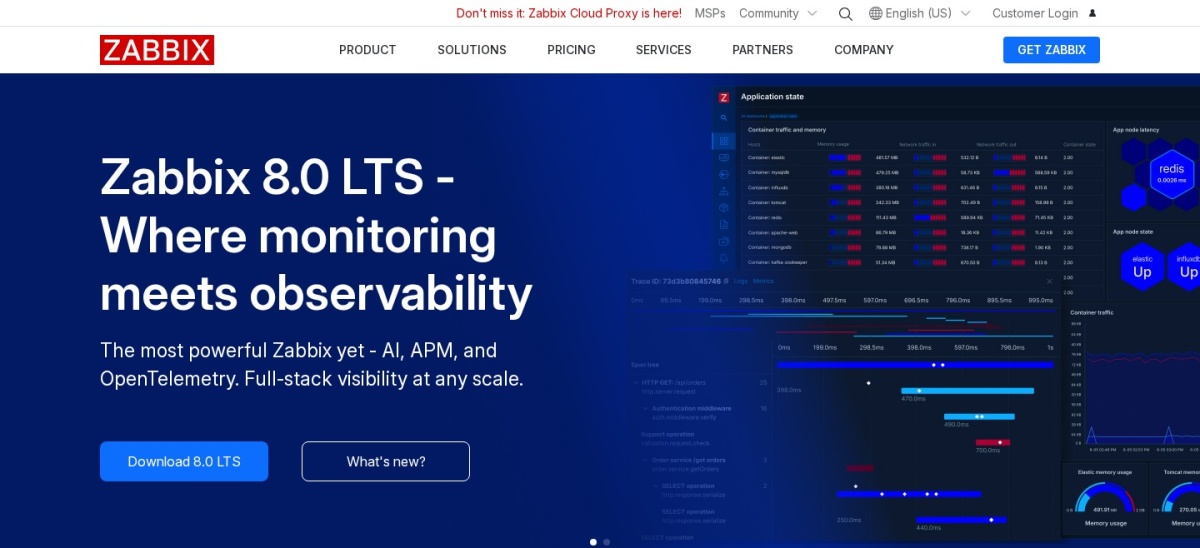
Zabbix is free, open-source monitoring software you install on your own Linux server, with no cap on hosts or devices. It collects metrics over SNMP and other protocols, draws graphs, and sends alerts when thresholds break, with thousands of ready-made templates.
The trade off is setup. Zabbix needs a Linux server and real configuration time, and hosted Zabbix Cloud starts at $50 a month for the Nano tier. It suits home lab owners who want enterprise-grade monitoring for free and enjoy running their own server.
What we like
Free and open source with no host limit
Thousands of ready-made templates
Handles networks, servers and cloud
Watch out for
Needs a Linux server and setup time
Interface takes learning
Zabbix Cloud adds hosted monitoring from $50 a monthVisit zabbix.com
06
Netdata
4.6/5on G2 (54 reviews, checked Nov 2026)
Paid from$7/mo
Best real-time per-second view
Free nodesUp to 5
Metric speedPer second
SNMP monitoringIncluded
Paid planBusiness, $7/node/mo
netdata.cloud
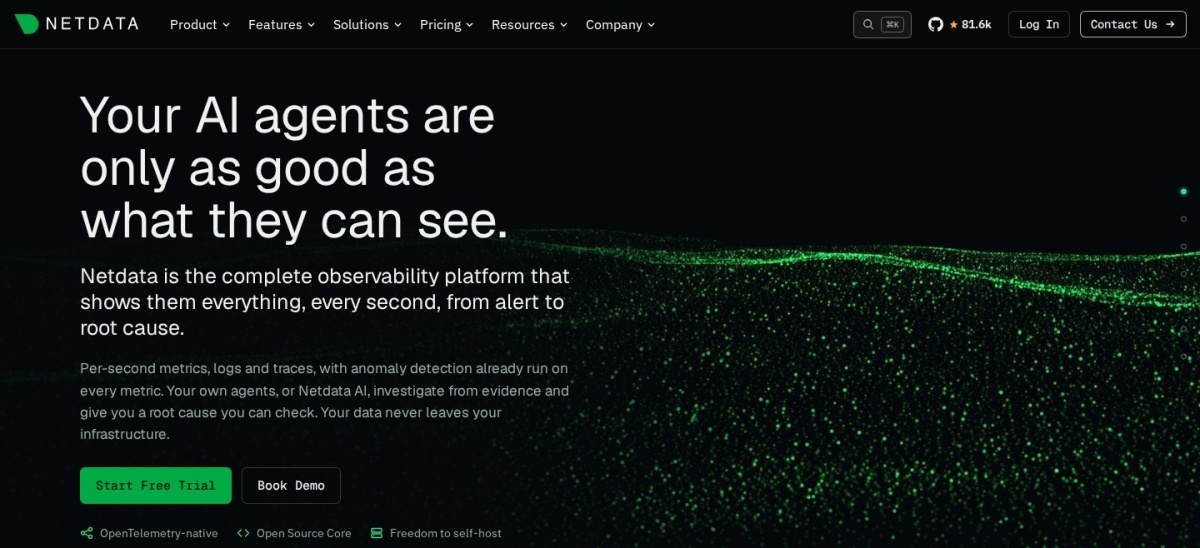
Netdata homepage, captured Nov 2026.
Netdata is an open-source monitor that streams per-second metrics for servers, containers and network devices to live dashboards with no setup. The free Community plan covers up to 5 connected nodes, and built-in SNMP monitoring and alerts work out of the box.
The trade off is scale and depth. More than 5 nodes, longer retention and NetFlow analysis need Business from $7 per node a month, billed annually. It suits home labs that want instant, detailed graphs of a few machines without configuring anything.
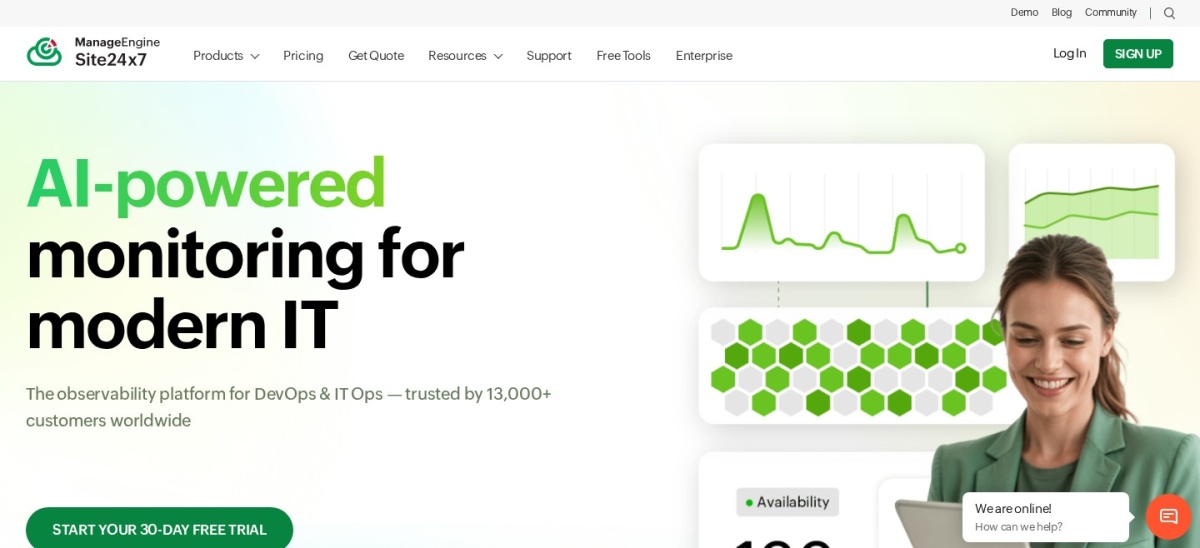
Site24x7 is a cloud monitoring service from ManageEngine that watches websites, servers and network devices from one dashboard. The free forever plan covers uptime checks for up to 50 resources, and the Starter plan adds more monitors for $9 a month.
The trade off is that it is a cloud service, so your monitoring data lives on ManageEngine servers, and deeper features sit on higher plans. It suits homes and small setups that want simple cloud monitoring without installing or maintaining a server.
What we like
Free forever plan for up to 50 resources
Cloud setup with nothing to install
Covers websites, servers and networks in one place
Checkmk is a monitoring platform with a free Community edition for small setups, covering about 100 hosts with more than 2,000 ready-made checks. It auto-discovers hosts and services, draws dashboards and alerts you when something goes down.
The trade off is complexity and price. Paid plans are aimed at businesses, with Cloud from $2,880 a year, and the interface takes time to learn. It suits experienced home lab owners who want a powerful free monitor and may grow into paid features later.
Free plans cover the basics well. Most include device discovery, live graphs and alerts for a few devices or a short history window.
Paid plans mostly add time and reach. You get round-the-clock monitoring, months of history and remote access, as in our guide on checking your hosting uptime.
For one home, start free. Pay only when you need monitoring that keeps running while you are away, or history longer than a day.
How we chose
We started from the tools home users and small labs actually mention for network monitoring, then kept those with a published price and a public rating on G2 or Trustpilot.
Prices come from each vendor's pricing page, checked on 25 November 2026. Ratings come from G2 or Trustpilot on the same day. Where a vendor shows a sale, the list shows the regular price.
We left out tools with no public rating and quote-only tools such as Auvik. No vendor paid for a place, and we do not claim hands-on testing for this list.
How to choose home network monitoring software
Start with what you want to see, then pick the simplest tool that shows it.
Decide what you need to see. Device lists, per-app bandwidth and uptime alerts are different jobs. A phone scanner covers the first; a server monitor covers the other two.
Check what can stay on. Always-on monitoring needs a computer, Raspberry Pi or cloud service running day and night. If nothing stays on, pick a tool you run on demand, such as Fing.
Try the free plan first. Most tools here have a free tier. Run it for a week and see whether the alerts and history answer your questions before paying.
Count the cost per year, not per month. Monthly prices hide the yearly total. PRTG at $200 a month is $2,400 a year, while GlassWire at $35.88 a year costs less than one month of Domotz.
FAQ
What is the best home network monitoring software?
Fing is the best pick for most homes. Its free app lists every device on your Wi-Fi in seconds and names each one, and Premium adds round-the-clock monitoring for $79.99 a year. GlassWire is better for per-app bandwidth, and PRTG for serious home labs.
Is there a free home network monitor?
Yes. Fing, GlassWire, PRTG, Zabbix, Netdata, Site24x7 and Checkmk all have free plans. PRTG is the most generous for a home lab with 100 sensors free, while Fing is the easiest free start from a phone.
Can I monitor my home network from my phone?
Yes. Fing runs on phones and shows every device on your Wi-Fi, with alerts when new devices join. Domotz and Site24x7 also offer mobile access to their cloud dashboards for remote checks.
Do I need a server to monitor my network?
Not for the basics. Fing and GlassWire run on a phone or PC. PRTG, Zabbix, Netdata and Checkmk need a computer or server that stays on, which is why they suit home labs more than casual users.
What is the cheapest paid home network monitor?
GlassWire is the cheapest paid plan here at $35.88 a year for one computer. Netdata Business starts at $7 per node a month, and Fing Premium costs $79.99 a year for always-on monitoring.
Will a network monitor make my internet faster?
No. A monitor shows what is using your connection and which devices are online, but it does not speed anything up. Use what it shows to find the hogging app or device, then fix that problem directly.
SaaS SEO and WordPress specialist with about 8 years of experience. Rakib compares WordPress plugins, themes, hosting and software using public pricing, documentation and user reviews. See how we rank.