Google Docs is the best collaborative editing software for content teams, because it is free, shows every edit live and lets reviewers suggest changes without touching the original text. Pick Notion when your team also needs a wiki, or Microsoft Word when clients expect formal documents.
How we make this list: we compare pricing pages, product documentation and public user reviews, then re-check every price before each update. No product paid for a place. Disclosure.
Google Docs is the best free pick, with the strongest live editing and suggestion mode in a browser.
Microsoft Word stays the standard for formal documents, and Word for the web costs nothing.
Notion is the best all-in-one choice, pairing docs with a wiki and a content pipeline.
Confluence is the cheapest paid plan at 5.78 dollars a user a month, and fits teams already on Jira.
Coda rebranded to Superhuman Docs in 2026, and Pro now costs 12 dollars per Doc Maker a month.
What makes collaborative editing software work for content teams?
Content teams need two things from an editor: live co-editing and a review flow that does not destroy the draft. Google Docs set that standard, and every tool here is judged against it.
The draft and the library are different jobs. A browser editor wins for drafting and review with outside collaborators, while a wiki wins for the living documentation that changes every week.
Free plans cover most small teams. Google Docs, Word for the web, Notion, Confluence, ClickUp, Coda, Zoho Writer, Nuclino and Slab all offer a free tier, so the paid price only matters once the team grows.
Price per user is the wrong comparison on its own. A 12-dollar Doc Maker plan can cost less than a 7-dollar per-user plan when only two people build docs and everyone else reads them.
The 9 best collaborative editing tools for content teams
01
Google Docs
4.7/5on Capterra (29206 reviews, checked Nov 2026)
Paid from$7/mo
Best for content teams overall
Free planYes
Workspace Starter$7/user/mo
Offline editingYes, with Chrome
Capterra rating4.7/5, 29,206 reviews
docs.google.com
Google Docs homepage, captured Nov 2026.
Google Docs is a free online word processor from Google that set the standard for live document editing. Multiple people can type in the same document at once, with every cursor visible, comments in the margin and a suggestion mode that lets editors propose changes without touching the original text.
The trade off is that Google Docs is weak on long-form structure, with no database or wiki view for a growing content library. It suits content teams that draft, review and publish together every day, and pair it with a wiki such as Notion when the library grows.
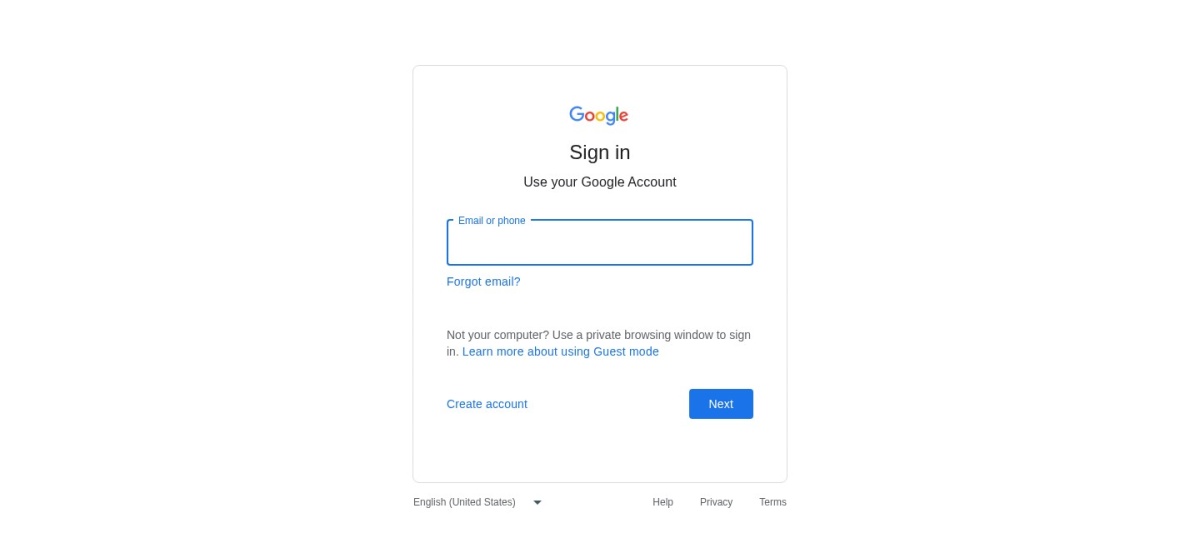
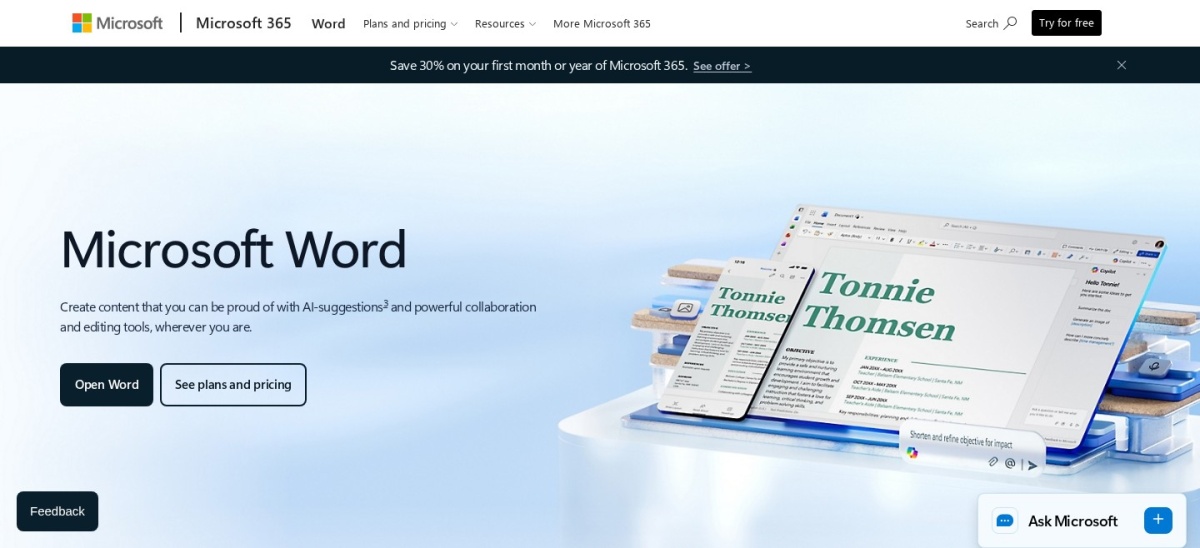
Microsoft Word is the word processor most clients, lawyers and publishers expect, and Word for the web is free for anyone with a Microsoft account. Real-time co-authoring shows every editor's changes live, with comments, track changes and version history built in.
The trade off is that Word's web version is lighter than the desktop app, so heavy formatting still needs the desktop version. It suits content teams that deliver formal documents to clients who work in Microsoft 365, with Business Basic at $7 per user a month.
Notion is an all-in-one workspace where docs, databases and wikis live together, so a content team can draft articles, track them in a pipeline and publish a style guide from the same pages. Plus costs $10 per seat a month with annual billing, and the free plan covers small teams.
The trade off is that Notion's live editing lags behind Google Docs with more than eight simultaneous editors, and guests outside the team get a weaker review experience. It suits content teams that want their drafts, calendar and knowledge base in one place.
What we like
Docs, wiki and pipeline in one place
Strong templates for content teams
Free plan for small teams
Watch out for
Live editing lags past eight editors
Weak review flow for outsiders
Business adds SSO and bulk PDF export at $20/seat/moVisit notion.com
04
Confluence
4.1/5on G2 (4368 reviews, checked Nov 2026)
Paid from$5.78/mo
Best for Jira teams
Free planYes, up to 10 users
Standard$5.78/user/mo
Jira integrationYes
G2 rating4.1/5, 4,368 reviews
atlassian.com
Confluence homepage, captured Nov 2026.
Confluence is Atlassian's team wiki, built for structured documentation with spaces, page trees, templates and permissions. Standard costs $5.78 per user a month, and the free plan covers up to 10 users, making it the cheapest paid wiki on this list.
The trade off is the lowest rating here at 4.1 out of 5 on G2, with reviewers calling it slow and heavy for quick drafts. It suits content teams already using Jira, where docs can link directly to tickets and releases.
ClickUp is an all-in-one work platform where Docs live next to tasks, so a content brief can link straight to the tasks that produce it. Core costs $9 per user a month, and the free plan includes unlimited tasks and members.
The trade off is that ClickUp Docs is simpler than Google Docs, with fewer review tools for outside editors. It suits content teams that already plan work in ClickUp and want briefs, drafts and deadlines in the same system.
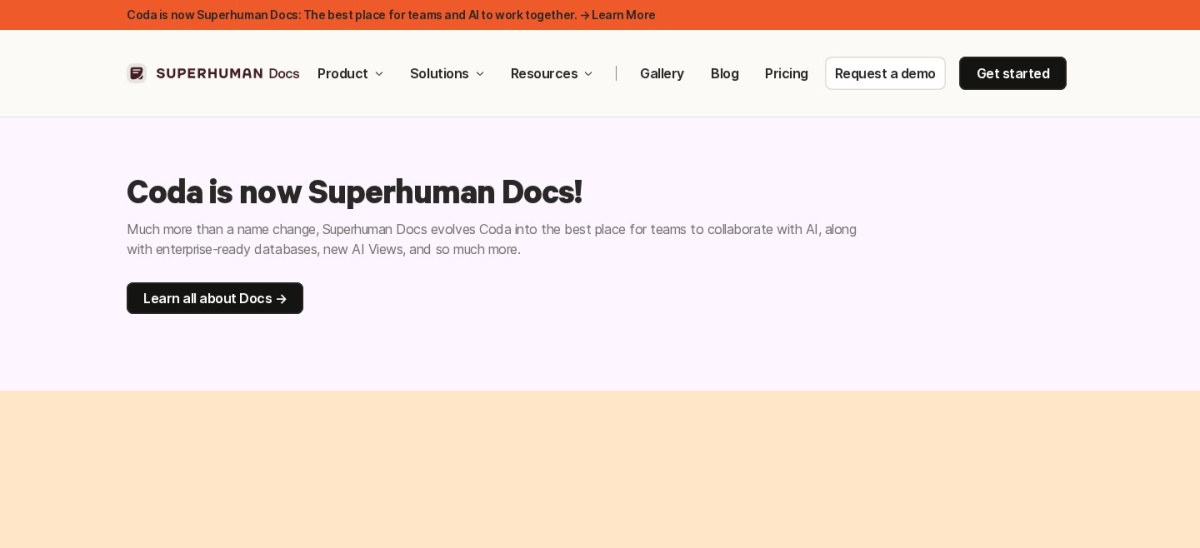
Coda is a collaborative doc platform that blends writing with live tables, buttons and automations, so a content calendar can update itself as articles move through review. It rebranded to Superhuman Docs in 2026, and Pro costs $12 per Doc Maker a month billed yearly.
The trade off is that only Doc Makers pay, which is cheap for small teams, but the learning curve is steep for editors used to plain docs. It suits content teams that want their editorial calendar and their drafts in the same document.
What we like
Docs that behave like apps
Calendar and drafts in one doc
Only Doc Makers pay
Watch out for
Steep learning curve
Rebrand may confuse buyers
Business adds unlimited version history at $33/Doc Maker/moVisit coda.io
07
Zoho Writer
4.4/5on G2 (97 reviews, checked Nov 2026)
Paid from$3/mo
Best budget pick
Free planYes, standalone
Workplace Standard$3/user/mo billed yearly
Offline editingNo
G2 rating4.4/5, 97 reviews
zoho.com
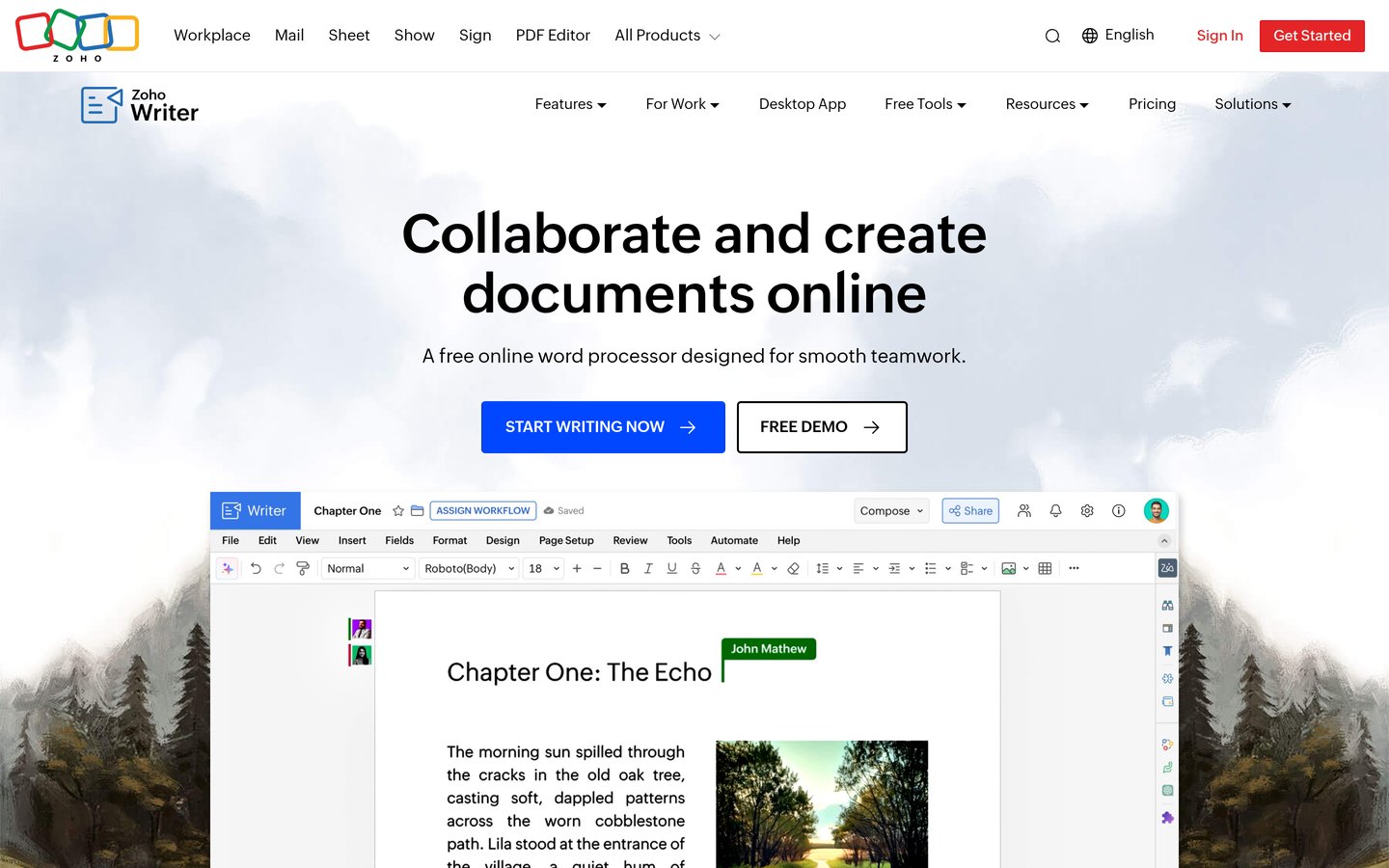
Zoho Writer homepage, captured Nov 2026.
Zoho Writer is a free browser-based word processor with page layout controls, rich formatting and collaborative editing, including inline comments and mention-style access inside shared documents. The cheapest paid route is Zoho Workplace Standard at $3 per user a month billed yearly.
The trade off is a smaller review base, with only 97 G2 reviews, and weaker integrations outside Zoho's own suite. It suits budget-conscious content teams that want a Word-style editor at the lowest paid price in this list.
What we like
Free standalone editor
Cheapest paid plan in this list
Word-style layout controls
Watch out for
Small review base
Weak outside Zoho's suite
Workplace adds mail and chat at the same $3/user/moVisit zoho.com
08
Nuclino
4.8/5on Capterra (80+ reviews, checked Nov 2026)
Paid from$5/mo
Best for small, fast teams
Free planYes, up to 50 items
Standard$5/user/mo
Real-time editingYes
Capterra rating4.8/5, 80+ reviews
nuclino.com
Nuclino homepage, captured Nov 2026.
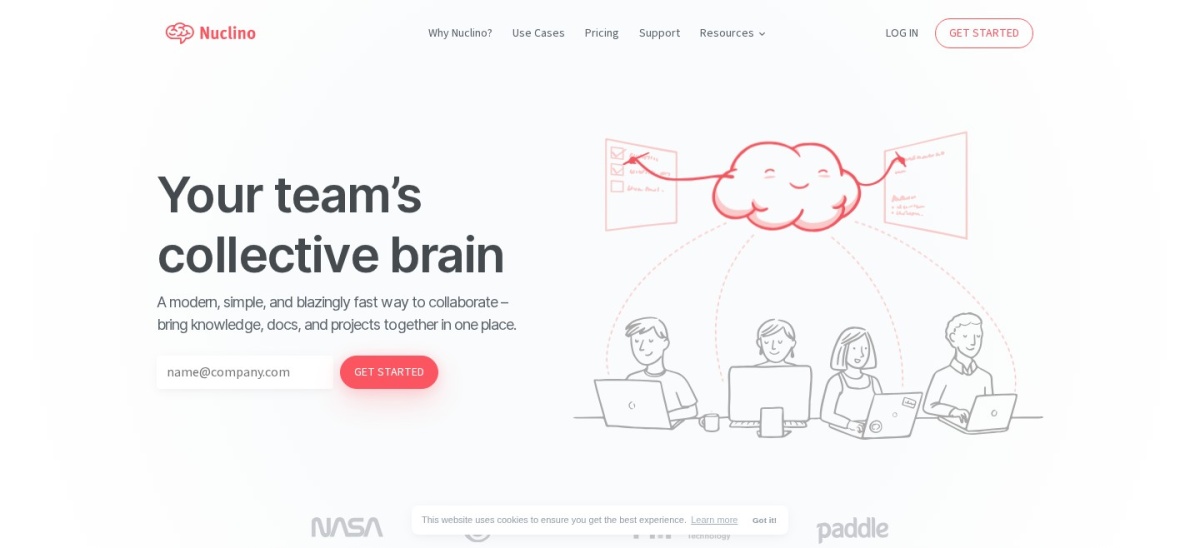
Nuclino is a fast, simple workspace for team docs, wikis and light project notes, built for speed over features. The free plan covers up to 50 items, and Standard costs $5 per user a month, with real-time editing and a clean, minimal editor.
The trade off is that Nuclino's 4.8 out of 5 Capterra rating rests on just over 80 reviews, and it lacks the databases and automations of Notion or Coda. It suits small content teams that want a wiki up in an afternoon without learning a new system.
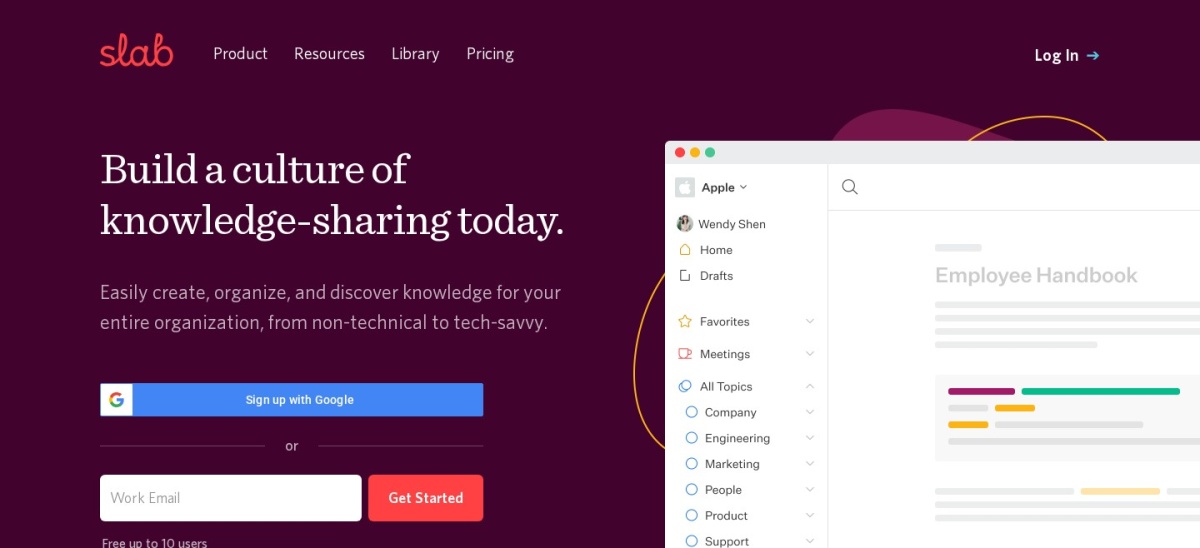
Slab is a clean, focused internal wiki for small companies, with unified search, templates and deep Google Drive integration. The free plan covers up to 10 users, and Startup costs $6.67 per user a month billed yearly.
The trade off is that Slab is a wiki first, so drafting long articles is less comfortable than in Google Docs or Word. It suits content teams that need a searchable home for style guides, briefs and process docs.
A doc is for drafting. A wiki is for keeping. Content teams need both, but they rarely need both from the same tool.
Google Docs and Word are the best drafters here, with live cursors, comments and suggestion modes that reviewers understand without training. Notion, Confluence, Nuclino and Slab are the best keepers, with page trees, search and templates for style guides and briefs.
The usual mistake is buying a wiki and expecting it to draft, or buying an editor and expecting it to organise. Pick the drafting tool first, then add the wiki when the library outgrows a folder.
How we chose
We started from the document editors content teams actually write in, from browser editors to workspace tools, and kept nine with a public G2 or Capterra rating and a free plan or published price.
Prices come from each vendor's own pricing page, checked on 30 November 2026. Microsoft's and Nuclino's pages did not render prices in our fetch, so their figures are flagged second-hand, and Slab's price rests on two November 2026 sources.
We left out Dropbox Paper, whose mobile and desktop apps were discontinued in October 2025, leaving it web-only and deprioritised. No vendor paid for a place, and we do not claim hands-on testing for this list.
How to choose collaborative editing software for your content team
Count editors against readers first, then test the review flow with a real outsider before you pay.
Count editors vs readers. If only a few people write and most read, a per-Doc-Maker plan such as Coda can cost less than a per-user plan.
Test the review flow with an outsider. Send a draft to a client or freelancer and check whether they can suggest changes without an account.
Check the wiki need. If your style guides and briefs need a permanent home, pick a tool with a wiki, not just an editor.
Run a real week of drafts. Draft, review and publish one full week of content before paying, because live-editing feel only shows up in real use.
FAQ
What is the best collaborative editing software for content teams?
Google Docs is the best collaborative editing software for content teams. It is free, shows every edit live, and its suggestion mode lets reviewers propose changes without touching the original text.
Is Google Docs free for content teams?
Yes. Google Docs is free for personal use with a Google account. Teams that need admin controls and more storage can move to Google Workspace Business Starter at 7 dollars per user a month.
Which tool is best for a content wiki?
Notion is the best pick for a content wiki, because docs, databases and wikis live in the same workspace. Confluence is better for teams already using Jira, and Slab is the cleanest focused wiki.
Is Microsoft Word good for collaborative editing?
Yes. Word for the web is free and offers real-time co-authoring with comments and version history. Track changes remains the best review tool for formal documents, though the desktop app needs a paid plan.
What is the cheapest collaborative editing software?
Zoho Writer is the cheapest route here. The editor is free on its own, and the cheapest paid path is Zoho Workplace Standard at 3 dollars per user a month billed yearly. Confluence Standard at 5.78 dollars a user a month is next.
Is Coda still called Coda?
Coda rebranded to Superhuman Docs in 2026, and its pricing page now carries the new name. Pro costs 12 dollars per Doc Maker a month billed yearly, with a free tier for small teams.
SaaS SEO and WordPress specialist with about 8 years of experience. Rakib compares WordPress plugins, themes, hosting and software using public pricing, documentation and user reviews. See how we rank.