Google Docs is the best real-time document collaboration tool for most teams, free for personal use and rated 4.7/5 on Capterra from more than 29,000 reviews. Pick Notion if you want docs plus databases, or Microsoft Word if your team already works in Microsoft 365.
How we make this list: we compare pricing pages, product documentation and public user reviews, then re-check every price before each update. No product paid for a place. Disclosure.
Google Docs is free for personal use and rated 4.7 out of 5 on Capterra from more than 29,000 reviews.
Google Docs and Microsoft Word both offer real-time co-editing at no cost, and paid plans for each start at $7 per user per month.
Notion Plus costs $10 per user per month with annual billing and pairs live docs with databases and wikis.
Zoho Writer is the cheapest paid route here at $3 per user per month through Zoho Workplace Standard.
Every tool on this list has a free plan except Slite, which starts with a 14-day trial.
Confluence is the lowest-rated pick at 4.1 out of 5 on G2, but it fits teams already using Jira.
What to look for in a real-time collaboration tool
Real-time document collaboration means several people can type in the same document at once and see each other's changes as they happen. Coloured cursors show who is where, and comments and suggestions keep the discussion attached to the text.
The tools in this list all offer live editing, but they differ in what surrounds it. Some are plain word processors, while others add wikis, databases or task lists, so the right pick depends on what else your team needs from the same tool.
Version history matters as much as live editing. Our guide on limiting post revisions in WordPress explains why a clear history saves work when an edit goes wrong, and the same idea applies to shared documents.
Price is mostly per user per month, so a small difference adds up across a team. Free plans cover individuals and small teams well, while paid plans add storage, permissions and admin controls.
4.7/5on Capterra (29,206 reviews, checked Nov 2026)
Paid from$7/user/mo
Best real-time collaboration overall
Real-time editingYes, live cursors
Free planYes, personal
Version historyYes, automatic
Paid planWorkspace Starter, $7/user/mo
google.com
Google Docs homepage, captured Nov 2026.
Google Docs is a free online word processor from Google, and it set the standard for live document editing. Several people can type in the same document at once, with coloured cursors, comments, suggestions and a full version history. A free Google account includes 15 GB of storage shared with Drive, and the mobile apps work on phones and tablets.
The trade off is control. Docs has fewer advanced formatting and mail-merge features than Microsoft Word, and large documents with many images can feel slow. Paid plans start at $7 per user per month with Google Workspace Business Starter, which adds a business email address and admin controls. It suits almost any team that wants free, simple live editing.
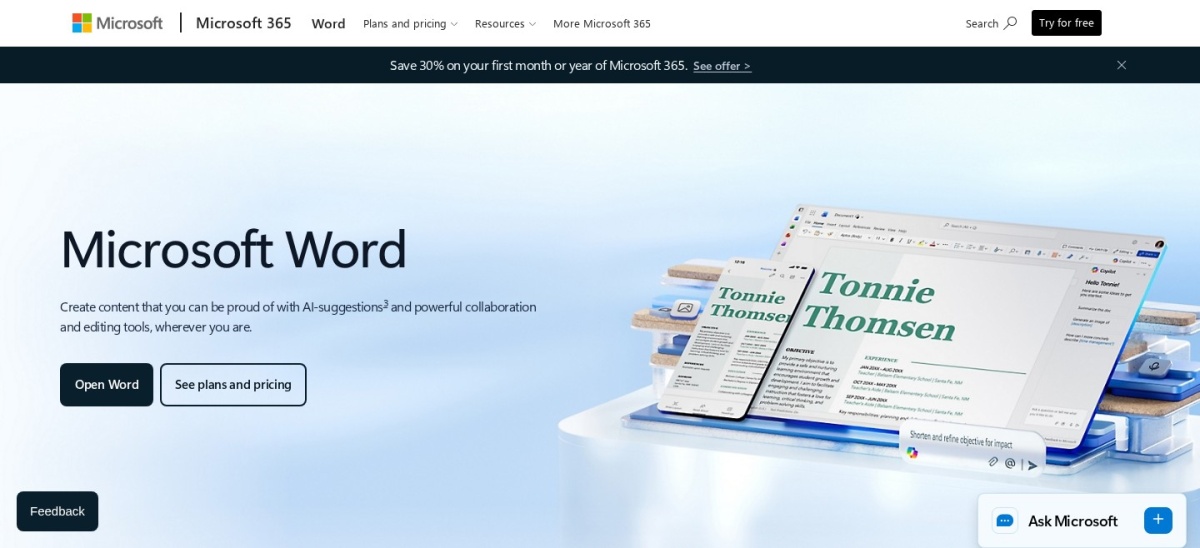
Microsoft Word is the most widely used word processor, and Word for the web is free with a Microsoft account. Several people can edit the same document at the same time, with comments, tracked changes and version history. The desktop apps come with a Microsoft 365 plan, and files open in Word, on the web and on mobile.
The trade off is price for teams. The free web version covers most editing, but desktop apps and 1 TB of OneDrive storage per user need Microsoft 365 Business Basic at $7 per user per month with annual billing. It suits teams that already use Outlook, Teams and SharePoint.
What we like
Familiar editor with the deepest formatting tools
Real-time co-authoring in the web and desktop apps
Tracked changes and comments suit formal review
1 TB of OneDrive storage per user on paid plans
Watch out for
Desktop apps need a paid Microsoft 365 plan
Business Basic rose from $6 to $7 in July 2026
Web version has fewer features than the desktop app
Notion is a workspace that pairs live documents with databases, wikis and task lists in one place. Pages update live as teammates type, and comments, mentions and page history keep the discussion attached to the work. The free plan covers individuals, and Plus adds unlimited file uploads, 30-day page history and more guests.
The trade off is structure. Notion is flexible, so a team needs agreed templates or pages drift into a mess, and its editor is weaker than Word for long formatted documents. Plus costs $10 per user per month with annual billing, or $12 month to month. It suits teams that want docs, wikis and light project tracking together.
ClickUp is a work platform with Docs built in, so a document can sit next to the tasks it describes. Docs update live as teammates type, with comments, mentions and nested pages, and you can link a doc straight to a task or turn text into tasks. The Free Forever plan includes Docs, and paid plans add more storage and permissions.
The trade off is size. ClickUp is a full work platform, so teams that only want a document editor get a lot of extra menus and settings to learn. Unlimited costs $12 per user per month, the regular price, and adds unlimited storage and guest permissions. It suits teams that already plan work in ClickUp.
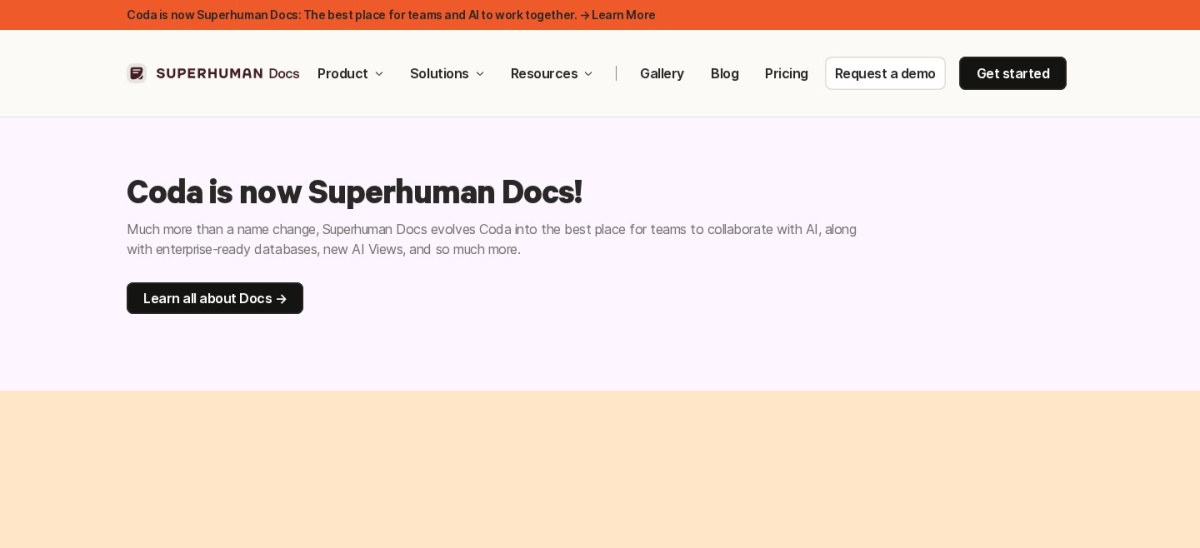
Coda is a collaborative document tool that mixes text with tables, buttons and automations, and it is now sold as Superhuman Docs. Several people can edit the same doc at once, with comments and a full version history, and tables can act like simple databases. The free plan covers small teams, and editors are free while only Doc Makers pay.
The trade off is the learning curve and the rename. Building with tables and automations takes time to learn, and the July 2026 move to the Superhuman name means older guides still call it Coda. Pro costs $12 per Doc Maker per month with annual billing, or $15 month to month. It suits teams that want docs that also track work.
Confluence is Atlassian's team wiki, built for pages that many people write together. Pages update live as teammates edit, with comments, page history and templates for meeting notes, plans and how-to guides. The free plan covers up to 10 users, and it links closely with Jira for teams that track work there.
The trade off is rating and feel. Confluence scores 4.1 out of 5 on G2, the lowest in this list, and reviewers often call search and navigation confusing. Standard costs $5.78 per user per month and adds advanced permissions, page insights and 250 GB of storage. It suits software teams already using Jira.
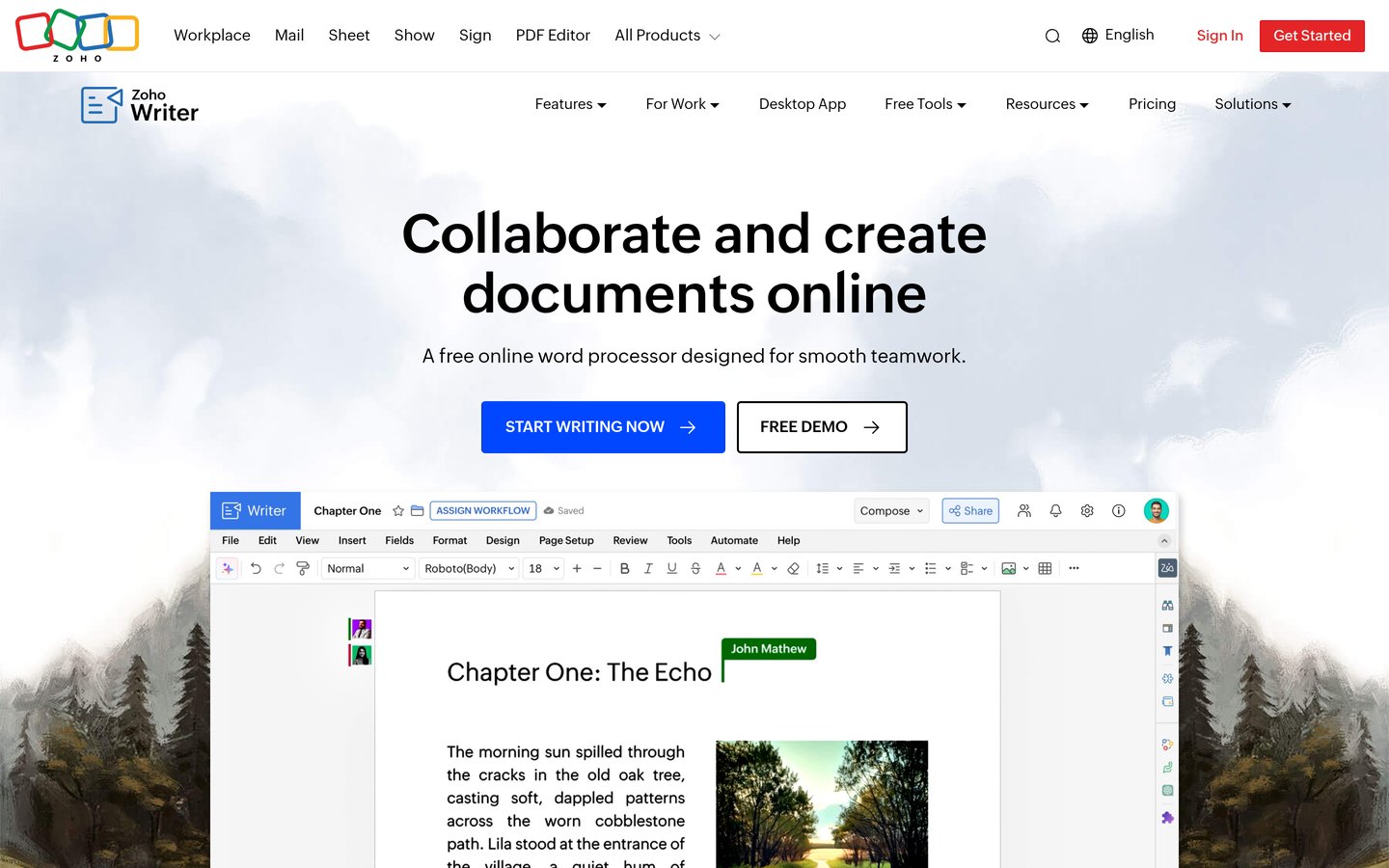
Zoho Writer is a free online word processor from Zoho, with live collaboration built in. Several people can edit the same document at once, with comments, tracked changes and version history, and files open in Word format without conversion trouble. Individuals get all features free, and business use comes through Zoho Workplace.
The trade off is polish. Writer's apps feel less refined than Google Docs or Word, and some reviewers report save and sync problems. Workplace Standard costs $3 per user per month with annual billing and adds mail, chat, file storage and meetings. It suits small teams that want a full office suite at a low price.
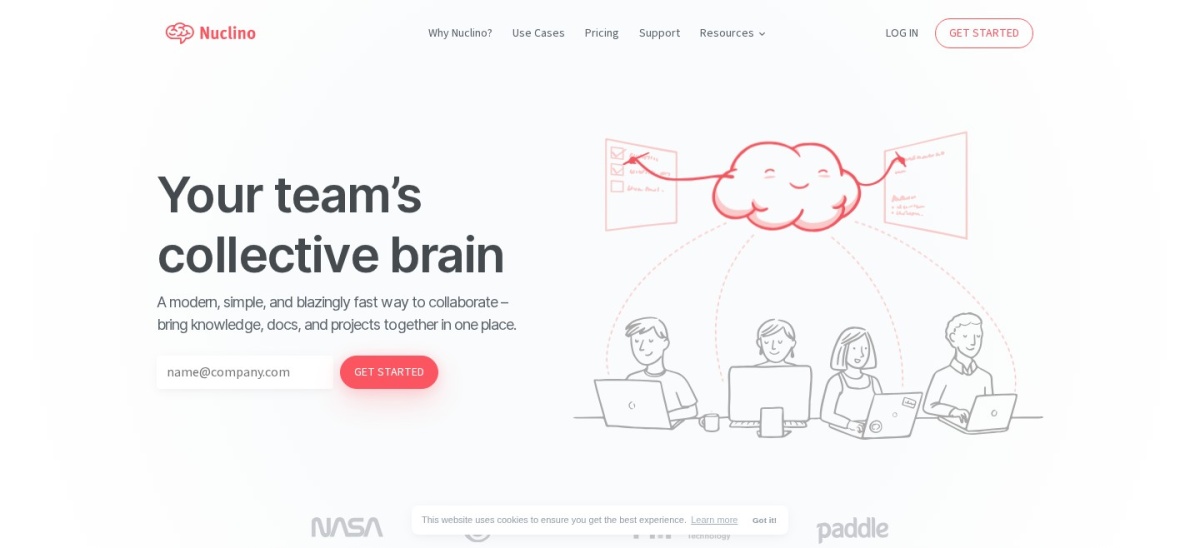
Nuclino is a fast, simple workspace for team docs, wikis and light project notes. Pages update live as teammates type, and the same content can be viewed as a list, board, table or graph. The free plan covers up to 50 items and 2 GB of storage, which is enough for a small team to start.
The trade off is depth. Nuclino has fewer features than Notion or Confluence, and its 4.7 out of 5 G2 rating rests on only 30 reviews. Standard costs $5 per user per month with annual billing, or $6 month to month, and adds unlimited items and 30-day version history. It suits small teams that value speed and simplicity.
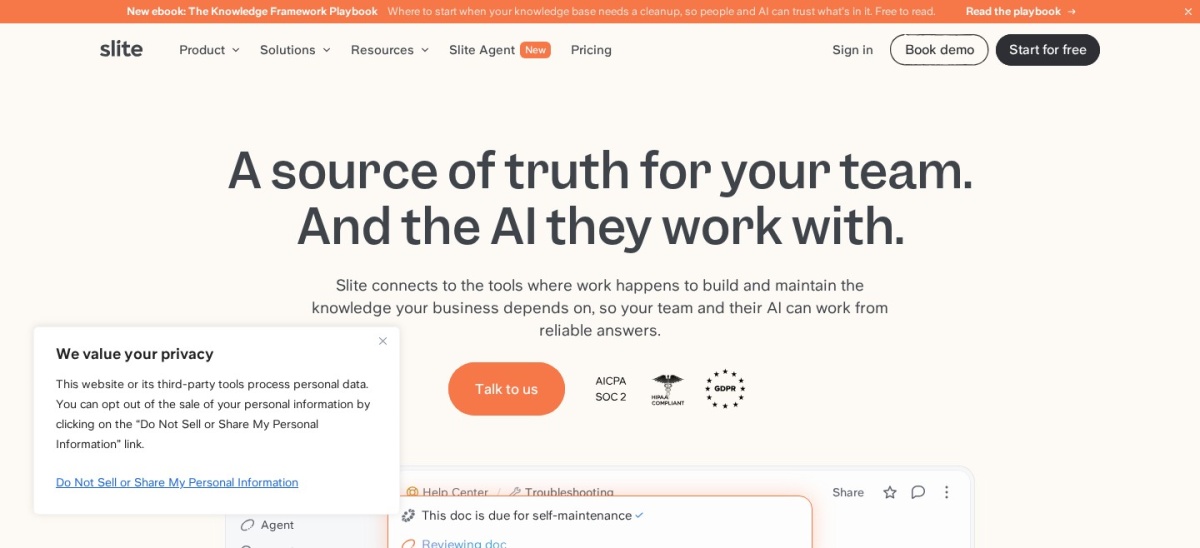
Slite is a team knowledge base with live document editing and an AI search tool called Ask that answers from your docs. Pages update in real time as teammates type, and docs can be marked verified so the team knows which version to trust. There is no free plan, but a 14-day trial needs no card.
The trade off is price and scope. Basic costs $10 per user per month with annual billing, and the AI answers are capped at 30 per user per month on that plan. Slite is built for internal wikis, so it is a poor fit for public help centres or personal notes. It suits remote teams that want verified docs with AI search.
Free plans cover live editing well. Every tool here except Slite lets you co-edit for free, with comments and version history included.
Paid plans mostly add control and room. You get more storage, longer version history, guest permissions and admin settings.
The cheapest paid route is Zoho Writer through Zoho Workplace Standard at $3 per user per month with annual billing. Google Docs and Microsoft Word both start at $7 per user per month.
How we chose
We started from the best-known document tools with live co-editing, then kept the nine with a free plan or trial, public ratings and published pricing.
Prices come from each vendor's pricing page, checked on 26 November 2026. Ratings and review counts come from G2 or Capterra on the same day. Where a vendor shows a sale, the list shows the regular price.
We left out tools with no public rating, tools that stopped development, and tools that only edit files without live collaboration. No vendor paid for a place, and we do not claim to have used these tools ourselves.
How to choose a real-time document collaboration tool
Start with the tools your team already uses, then check the gaps.
List what your team already pays for. Google Docs comes with Workspace and Word with Microsoft 365, so check those first before buying another tool.
Test live editing with a real document. Open a shared doc with two or three teammates and watch cursors, comments and version history work together.
Check permissions before you share. Make sure you can limit who edits, who comments and who only views. If your team also edits in WordPress, see how to add users and set roles in WordPress.
Count the cost per user, not per month. A $3 difference per user becomes $360 a year for a team of 10, so compare the yearly price before you commit.
FAQ
What is the best real-time document collaboration tool?
Google Docs is the best pick for most teams. It is free for personal use, rated 4.7 out of 5 on Capterra from more than 29,000 reviews, and shows every edit live with comments, suggestions and version history built in.
Is Google Docs really free?
Yes, for personal use. A free Google account includes Docs, Sheets and Slides with 15 GB of storage shared with Drive. Teams that need a business email address, admin controls and more storage pay from $7 per user per month with Google Workspace Business Starter.
Can I collaborate in real time in Microsoft Word?
Yes. Word for the web is free with a Microsoft account and supports live co-authoring with comments and tracked changes. Desktop apps and 1 TB of OneDrive storage per user need Microsoft 365 Business Basic at $7 per user per month with annual billing.
What is the cheapest paid option?
Zoho Writer through Zoho Workplace Standard costs $3 per user per month with annual billing, the lowest paid price in this list. It bundles Writer with mail, chat, file storage and meetings, which suits small teams that want one low-cost suite.
Is Notion good for real-time collaboration?
Yes. Notion pages update live as teammates type, with comments, mentions and page history. It works best when a team also wants wikis and databases in the same workspace, rather than a plain word processor alone.
Do these tools work offline?
Google Docs and Word for the web support offline editing once you set it up in the browser, and their mobile apps can edit offline too. Notion lets paid users download pages for offline use, while Confluence, Coda, Nuclino and Slite mostly need a connection.
Which tool is best for a team wiki?
Confluence fits software teams already using Jira, while Nuclino suits small teams that want speed and simplicity. Slite adds AI search across verified docs, and Notion works well when the wiki also needs databases and task lists.
SaaS SEO and WordPress specialist with about 8 years of experience. Rakib compares WordPress plugins, themes, hosting and software using public pricing, documentation and user reviews. See how we rank.