WLWPLegible EditorsLast verified 24 Nov 2026How we rank10 min read
★ Short answer
Notion is the best wiki software for most teams, with a free plan and Plus at $10 a user a month that covers wikis, docs, databases and projects in one workspace. Pick Confluence if your team already uses Jira, or Slab for the cleanest dedicated wiki from $6.67 a user a month.
How we make this list: we compare pricing pages, product documentation and public user reviews, then re-check every price before each update. No product paid for a place. Disclosure.
Notion Plus costs $10 a user a month billed yearly, with wikis, docs, databases and projects in one workspace.
Confluence Standard costs $5.78 a user a month on Atlassian's own pricing page, with a free plan for up to 10 users.
Slab Startup costs $6.67 a user a month billed yearly, with a free plan for up to 10 users and unified search.
Tettra Basic costs $4 a user a month, the cheapest paid plan here, with a Slack-native wiki and named experts.
Guru and Document360 are both priced by quote, with G2 ratings of 4.7 out of 5.
What wiki software should cover
A wiki only works if people actually use it. The best ones make writing easy, finding fast and stale pages obvious, so knowledge stops living in chat threads and inboxes.
The category splits two ways. All-in-one workspaces such as Notion cover wikis plus docs, databases and projects, while dedicated wikis such as Confluence, Slab and Guru add verification workflows so docs do not go stale.
The right pick depends on your stack. Jira teams want Confluence, Slack teams want Tettra, and small teams want Nuclino's simplicity. Our project management guide covers the projects your wiki will document.
Watch the pricing unit. Most tools charge per user per month, and Atlassian's price falls as your team grows, so count your users before you compare.
Notion is the default wiki for modern teams, with pages, meeting notes, project databases and handbooks in one block-based workspace. The free plan covers individuals and small teams, and Plus costs $10 a user a month billed annually, with unlimited file uploads and 30-day page history.
The trade off is verification. Notion has no stale-page workflow like Slite or Guru, and its AI pricing draws complaints. It suits teams that want a wiki plus docs, databases and project tracking in one place.
Confluence is Atlassian's dedicated wiki, built for teams already using Jira or Bitbucket. The free plan covers up to 10 users with 2 GB of storage, and Standard costs $5.78 a user a month with 250 GB of storage, Rovo search and 25 Rovo credits per user a month.
The trade off is speed at scale. Confluence is praised for its Jira fit but criticised for slowing down on large wikis. It suits mid-market and enterprise teams already on the Atlassian stack.
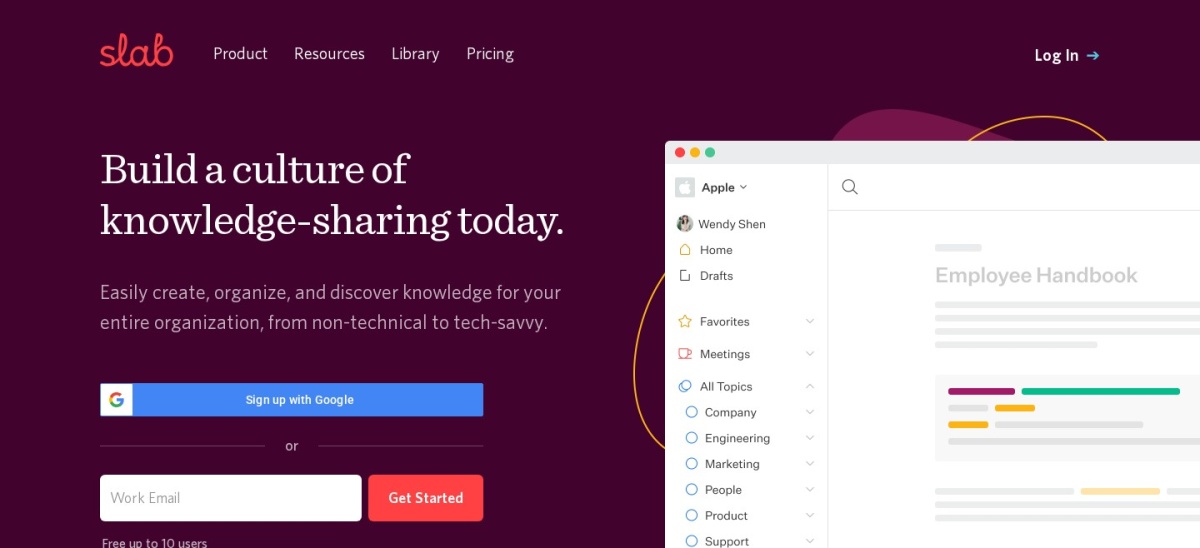
Slab is a clean, focused wiki that does one thing well: being a knowledge base. The free plan covers up to 10 users, and Startup costs $6.67 a user a month billed annually, with verification, templates and unified search across Slab, Slack and Google Drive.
The trade off is scope. Slab will not replace your project tracker or your docs database, and SSO needs Enterprise. It suits engineering and product teams that want a focused wiki without Notion-style sprawl.
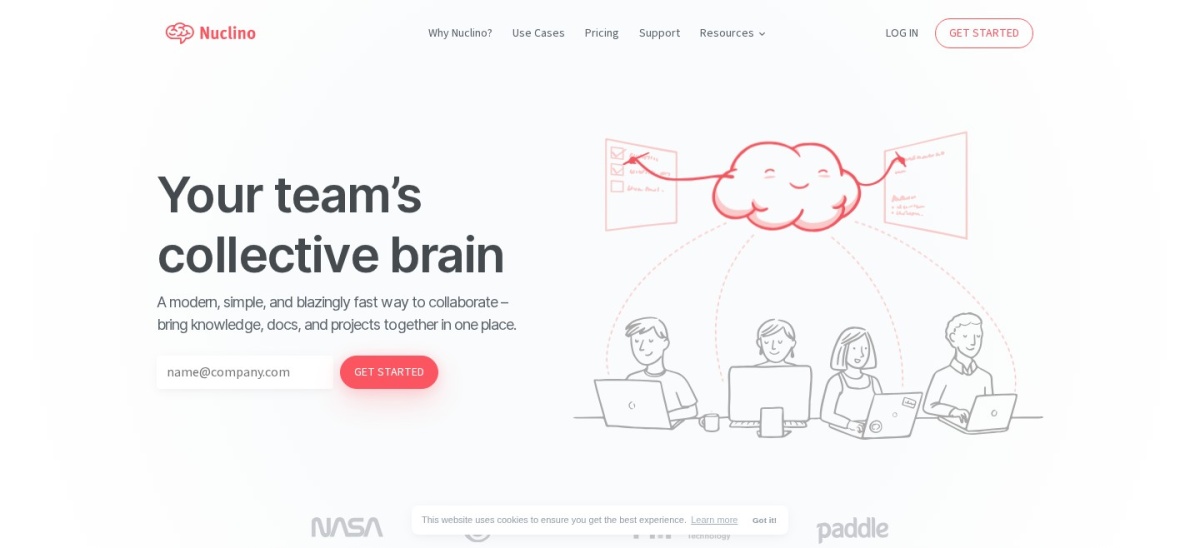
Nuclino is what a wiki looks like when you strip away everything that is not writing and finding. The free plan covers 50 items with 2 GB of storage, and Starter costs $6 a user a month billed annually, with boards, tables and a graph view of how docs connect.
The trade off is the thin review base. Nuclino scores 4.7 out of 5 on G2 but from only 27 reviews. It suits small teams that want the simplest possible shared wiki.
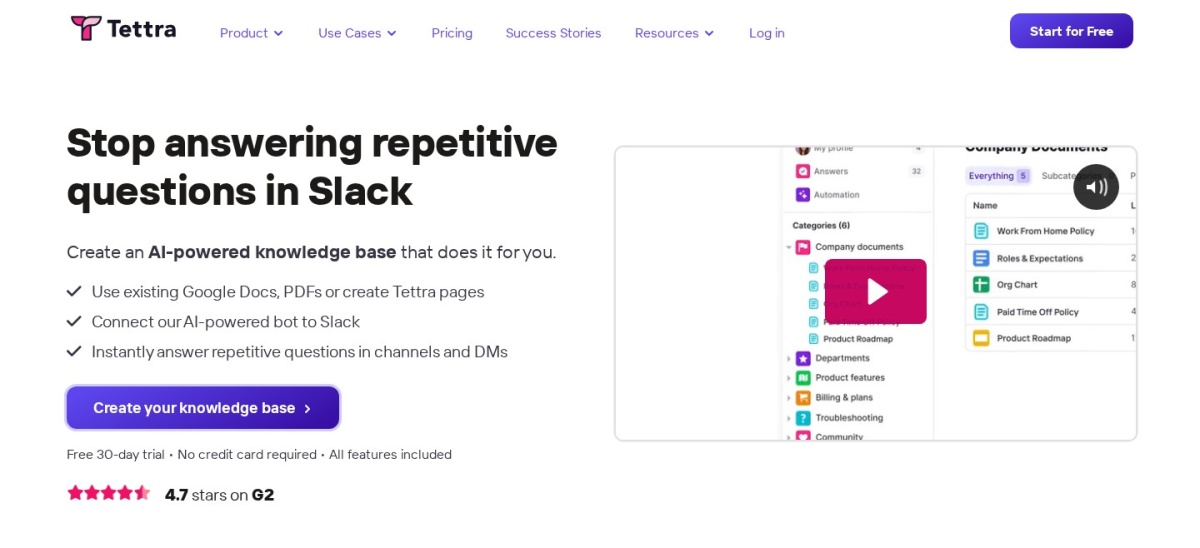
Tettra is a Slack-native wiki that puts answers where your team already asks questions. Basic costs $4 a user a month with a 10-user minimum, and Scaling at $8 adds more, with named experts behind every answer so teams trust what they read.
The trade off is the price history. One November 2026 read lists Tettra from $8 a user a month, against $4 in an October read. It suits distributed teams on Slack that want a wiki and knowledge workflow in one place.
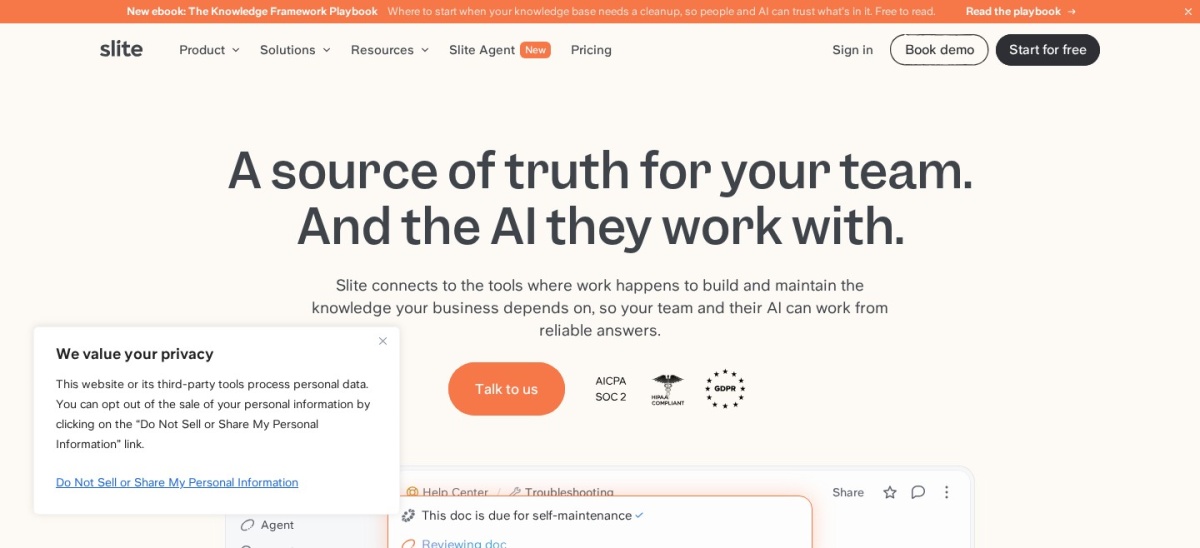
Slite is a knowledge base built to stay accurate on its own. Basic costs $10 a user a month billed annually, with AI answers drawn from your docs, verification workflows and, on Pro, an AI agent that drafts doc fixes when reality changes.
The trade off is the free plan. Slite has none, only a 14-day trial, and its G2 base is smaller than Notion's. It suits teams whose docs go stale fast and need verification built in.
4.7/5on G2 (Not published reviews, checked Nov 2026)
PricingCustom/yr
Best verified knowledge
Entry planCustom quote
Free planNone, demo on request
VerificationScheduled re-verification
Free trialDemo via sales
getguru.com
Guru homepage, captured Nov 2026.
Guru is a verified-knowledge platform that delivers answers inside Slack, Teams and AI tools, with explicit content ownership and periodic re-verification. It no longer publishes a per-seat price; pricing is now a tailored engagement scoped per organisation.
The trade off is budgeting. With no public price, teams need a sales conversation before they can plan. It suits support, customer-success and sales teams that need auditable knowledge accuracy.
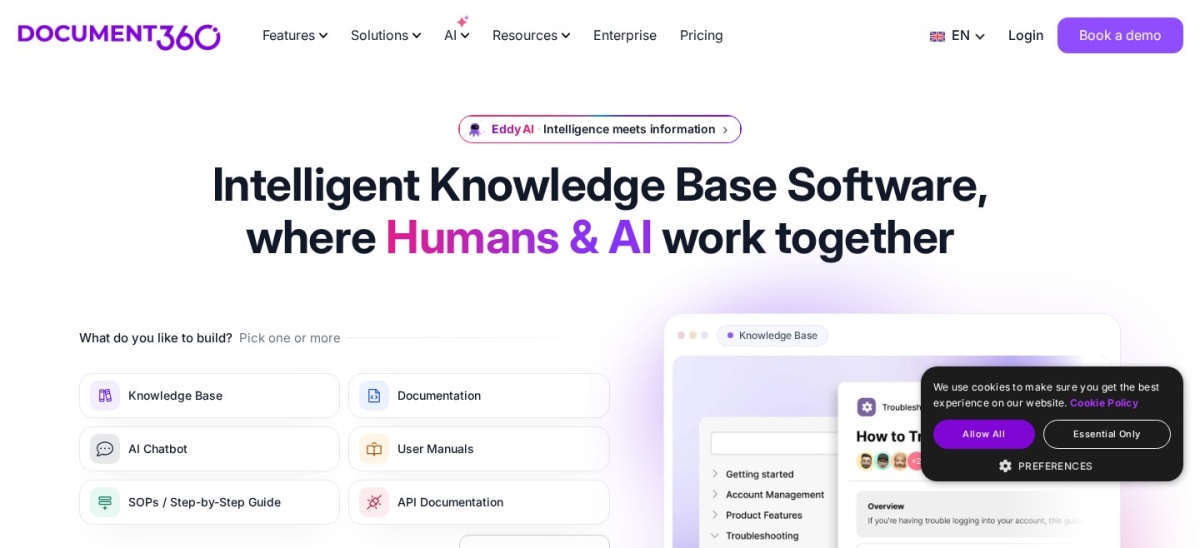
Document360 is a structured knowledge base for staff and customers, with AI search, search analytics and the Eddy AI writing agent. It is priced by quote with no public price, and a trial is available.
The trade off is price transparency and cost for small teams. Document360 is praised for support and analytics but is pricey for small teams. It suits teams that need search analytics and a structured knowledge base.
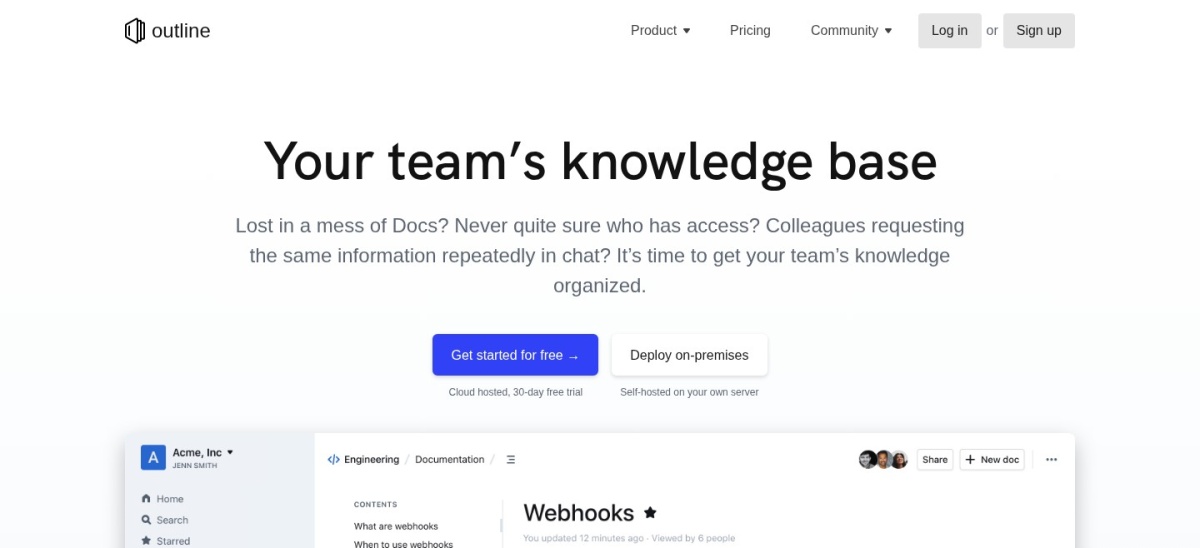
Outline is an open-source wiki with a hosted cloud plan that charges one flat fee: $79 a month for 11 to 100 members, with no per-user maths. It offers a clean editor, collections and permissions, and teams can self-host it free if they prefer.
The trade off is the thin review base. Outline scores 4.4 out of 5 on G2 from only 30 reviews. It suits teams of 11 to 100 who want a hosted wiki for one predictable fee.
Dedicated wikis such as Confluence, Slite, Slab and Guru add verification: named owners, expiry dates and stale-page flags so docs do not mislead anyone.
All-in-one workspaces such as Notion trade some of that for flexibility. The same page can be a doc, a table and a kanban board, and your wiki sits next to your projects.
Self-hosted wikis such as Wiki.js and BookStack are free and give full control, but need a server and an admin. Outline is the hosted middle ground at $79 a month flat.
How we chose
We started from every established wiki tool with a published price or a free plan and a G2 rating, then kept the nine with the widest adoption.
Confluence Standard at $5.78 a user a month comes from Atlassian’s own pricing page, opened on 24 November 2026. Notion and Slab pages were opened the same day but did not expose prices, so their prices come from independent November 2026 reads. Other prices come from November 2026 reads; Confluence, Nuclino and Tettra prices conflict across sources, so all three are flagged in the notes.
We left out tools with no verifiable rating. No vendor paid for a place, and we do not claim hands-on testing for this list.
How to choose wiki software
Start with where your team already works, then match the wiki to it.
List where your team already works. Jira teams should start with Confluence, Slack teams with Tettra, and everyone else with Notion or Slab. A wiki that fits your stack gets used.
Decide whether you need verification. If stale docs are dangerous, pick a dedicated wiki with named owners and expiry dates, such as Slite, Guru or Document360. See our CRM guide for the customer knowledge your wiki will hold.
Count your users and check the free tier. Confluence and Slab are free for up to 10 users, Nuclino is free up to 50 items, and Notion is free with limited blocks.
Test with your real docs, not a demo. Import a messy folder of existing docs and see whether search finds them. A wiki that cannot find your docs will not get used.
FAQ
What is the best wiki software?
Notion is the best wiki software for most teams, with a free plan and Plus at $10 a user a month covering wikis, docs, databases and projects. Confluence is best for Jira teams, and Slab is best for a clean dedicated wiki.
How much does wiki software cost?
Entry prices here run from $4 a user a month for Tettra to $5.78 for Confluence Standard, $6.67 for Slab and $10 for Notion Plus. Guru and Document360 are priced by quote.
Is there free wiki software?
Yes. Notion, Confluence, Slab and Nuclino all have free plans, and Wiki.js and BookStack are free to self-host. Slite, Tettra, Guru and Document360 offer free trials instead.
What is the difference between Notion and Confluence?
Notion is an all-in-one workspace with wikis, docs, databases and projects from $10 a user a month. Confluence is a dedicated wiki from $5.78 a user a month, built for teams already using Jira.
How do wikis stop docs going stale?
Dedicated wikis add verification workflows: named owners, expiry dates and stale-page flags. Slite's AI agent even drafts doc fixes when reality changes, and Guru re-verifies knowledge on a schedule.
Can I self-host a wiki?
Yes. Wiki.js, BookStack, DokuWiki and MediaWiki are free and open source, and Outline offers a hosted cloud plan at $79 a month for 11 to 100 members.