Leonardo AI is the best of the ComfyUI alternatives for most creators, with 80+ models, a free daily token allowance and a $12-a-month Essential plan. Pick Recraft for editable vector logos and Adobe Firefly for commercially safe images inside Adobe apps.
How we make this list: we compare pricing pages, product documentation and public user reviews, then re-check every price before each update. No product paid for a place. Disclosure.
Leonardo AI leads with 80+ models, a free daily allowance and trainable personal models from $12 a month.
Recraft is the only pick with native editable SVG output, but free images cannot be used commercially.
Adobe Firefly is the safest pick for client work, with licensed training data and 2,000 credits for $9.99 a month.
Midjourney makes the most distinctive images, but it has no free plan and charges $10 a month to start.
NightCafe is the cheapest paid plan at $5.99 a month, while Krea's Trustpilot score of 3.6 is the lowest here.
How do you choose the best ComfyUI alternative?
Start with what you are leaving behind. ComfyUI's strength is its node graph, and every alternative here trades some of that control for speed, so the right pick depends on which part of the graph you actually used.
Local control and hosted convenience are the real fork in the road. Hosted tools need no GPU and no install, but they charge by the token or credit, while local tools are free to run and cost you setup time instead.
Ratings in this niche split by platform, so read both sides. G2 scores run high for the established tools, while Trustpilot scores for the same tools run lower, mostly over billing and support rather than image quality.
Price means little without the meter behind it. A $9 plan can cost more than a $15 plan once you count tokens per image, so check how many images your plan actually buys before you commit.
Free plans are trials with different shapes. Some refresh daily, some give a one-time credit pool, and some keep your images public, so the free tier that fits a hobbyist may not fit client work.
Leonardo AI is a hosted image and video studio that replaces ComfyUI's node graph with model presets, a canvas and prompt controls. The free plan gives 150 fast tokens a day, and paid plans open 80+ models, including Leonardo's own Lucid and Phoenix models plus FLUX, with private generations from Essential.
The trade off is token math. Plans sell tokens, not images, so a heavy month can run out fast, and free creations are public. Essential costs $12 a month for 8,500 fast tokens. It suits creators who want model choice and a consistent style without running a local GPU.
What we like
80+ models in one account
Train personal models for a consistent style
Free daily tokens, no install
Token bank rolls unused tokens over
Watch out for
Token costs vary by model and setting
Free generations are public
Essential adds private generations and 10 personal models a monthVisit leonardo.ai
02
Recraft
4.7/5on G2 (456 reviews, checked Nov 2026)
Paid from$12/mo
Best for logos and vector design
Free planDaily credits
Vector outputEditable SVG
ModelsRecraft V4.1 plus Flux
Paid planBasic, $12/mo
recraft.ai
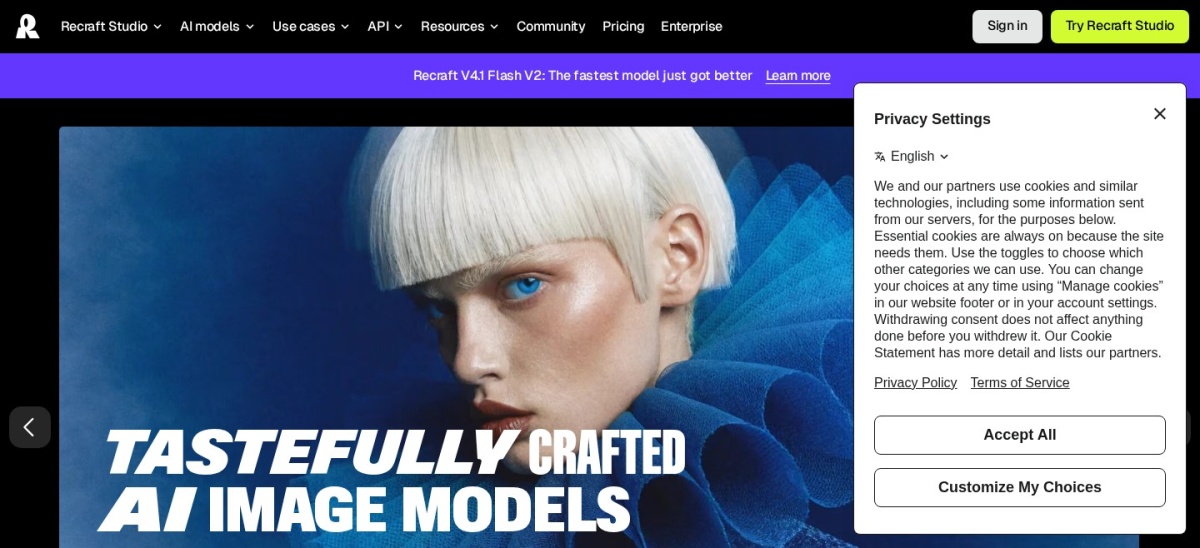
Recraft homepage, captured Nov 2026.
Recraft is a browser canvas for AI images and vector design, built around its own V4.1 models plus partner models such as Flux and Nano Banana. The free plan gives daily credits for raster and vector generation, and paid plans add outside models, editing tools and a commercial licence.
The trade off is the free plan's licence. Free images are public, owned by Recraft and not licensed for commercial use, so client work needs Basic at $12 a month for 1,000 credits. It suits designers who need logos, icons and illustrations as files they can edit and own.
What we like
Only tool here with native editable SVG output
Style library keeps a brand look consistent
Outside models such as Flux and Nano Banana on paid plans
Canvas editing with palettes and mockups
Watch out for
Free images cannot be used commercially
Credits do not roll over month to month
Basic adds commercial rights, private images and 1,000 creditsVisit recraft.ai
03
Adobe Firefly
4.3/5on G2 (594 reviews, checked Nov 2026)
Paid from$9.99/mo
Best for commercially safe Adobe work
Free planDaily generations
Monthly credits2,000 on Standard
ModelsAdobe plus Google, OpenAI
Paid planStandard, $9.99/mo
firefly.adobe.com
Adobe Firefly homepage, captured Nov 2026.
Adobe Firefly is Adobe's hosted generator for images, video and audio, with its own Firefly models plus partner models from Google and OpenAI. The free plan gives limited daily generations, and Standard at $9.99 a month adds 2,000 generative credits, Firefly Boards and Express Premium.
The trade off is the credit meter. Standard's 2,000 credits buy up to 400 images or 20 five-second videos, so video-heavy months need a higher tier. It suits Adobe users who want commercially safe output with Content Credentials and no extra install.
What we like
Trained on licensed content, with indemnity for business use
Midjourney is a hosted image and video generator known for its distinctive look, with a web app and Discord bot, an editor and image-to-video. Basic costs $10 a month for 3.3 hours of Fast GPU time, and Standard at $30 adds 15 hours and unlimited Relax image generation.
The trade off is the meter and the missing free plan. There is no free tier, generations are public by default below Pro, and extra Fast GPU time costs $4 an hour. It suits creators who want striking concept art and can live with a subscription.
Ideogram is a hosted image generator built for posters, ads and packaging, with Canvas editing, Magic Fill, Remix and character consistency. The free plan gives weekly slow credits, and Plus at $20 a month adds 2,400 priority credits, private generation and unlimited slow credits.
The trade off is the credit split. Slow credits queue behind paid work, and the free plan's generations are public, so private client work needs Plus. It suits designers whose images carry words, where Ideogram still spells more reliably than its rivals.
What we like
Best text rendering in this list
Character consistency across images
Canvas, Magic Fill and batch generation
Open-weight Ideogram 4.0 model
Watch out for
Free plan is public and slow
Trustpilot rating is mixed on billing and support
Plus adds private generation and 2,400 priority creditsVisit ideogram.ai
06
Playground
4.4/5on G2 (549 reviews, checked Nov 2026)
Paid from$15/mo
Best for design templates and print
Free plan5 images per 3 hours
Monthly credits150 on Pro
ModelsPlayground v3 plus Nano Banana
Paid planPro, $15/mo
playground.com
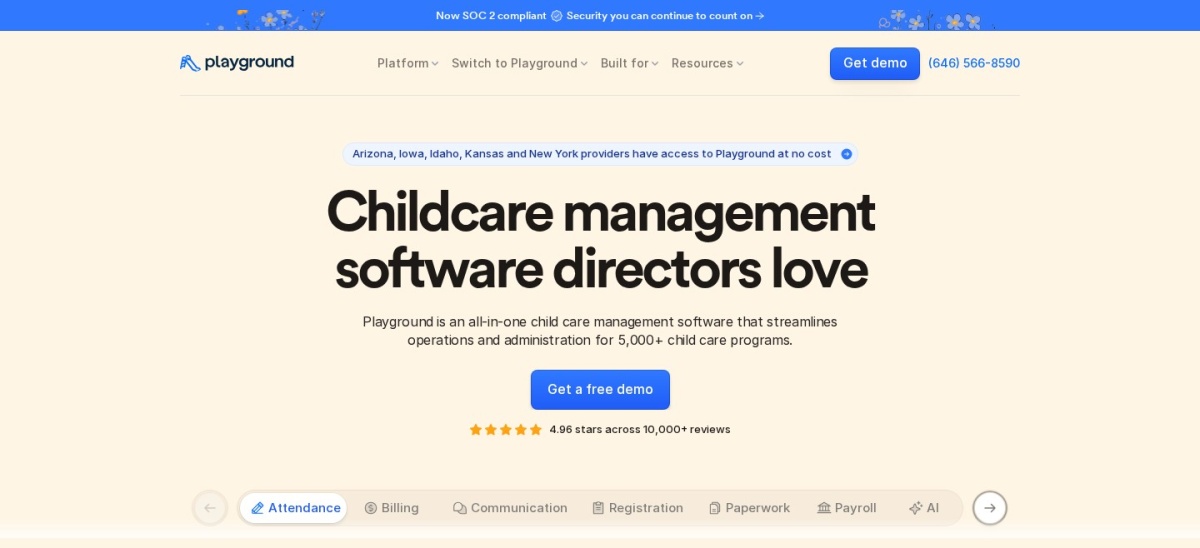
Playground homepage, captured Nov 2026.
Playground is a browser design app that turns prompts and templates into posters, logos, stickers and social posts. The free plan gives 5 Playground v3 images every three hours plus 6 monthly credits, and Pro at $15 a month adds 150 credits and a commercial licence.
The trade off is the free plan's size. Six monthly credits across premium models run out in a day of real work, and 4K editing needs Pro Plus. It suits beginners and print-on-demand sellers who want templates and editing in one place.
What we like
Free plan includes a worldwide commercial licence
Templates for logos, posters and merch
Editing and upscaling up to 2K on Pro
Simple interface for beginners
Watch out for
Free premium-model allowance is only 6 credits a month
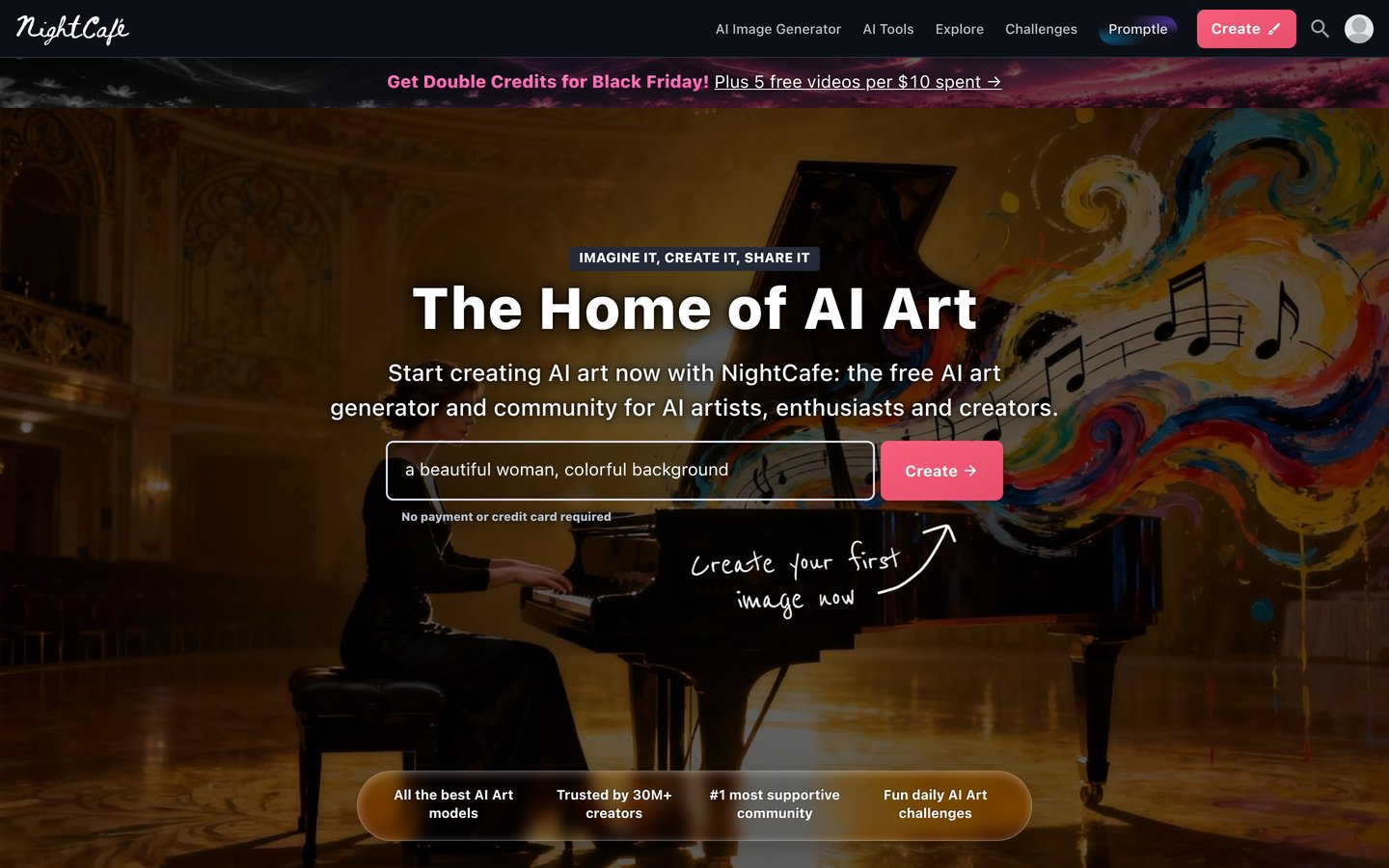
NightCafe is a community art studio with many models, daily challenges and a public gallery. The free plan gives unlimited base Stable Diffusion generations plus daily login credits, and AI Beginner at $5.99 a month adds 100 monthly credits, 310 SDXL images and a monthly fine-tune.
The trade off is polish. The interface is a community gallery first and a production tool second, and credits roll over but never expire, which suits slow use. It suits hobbyists who create a little every day and want the cheapest paid plan in this list.
3.6/5on Trustpilot (186 reviews, checked Nov 2026)
Paid from$9/mo
Best for real-time canvas work
Free plan100 units a day
Monthly units5,000 on Basic
ModelsKrea 2 plus third-party models
Paid planBasic, $9/mo
krea.ai
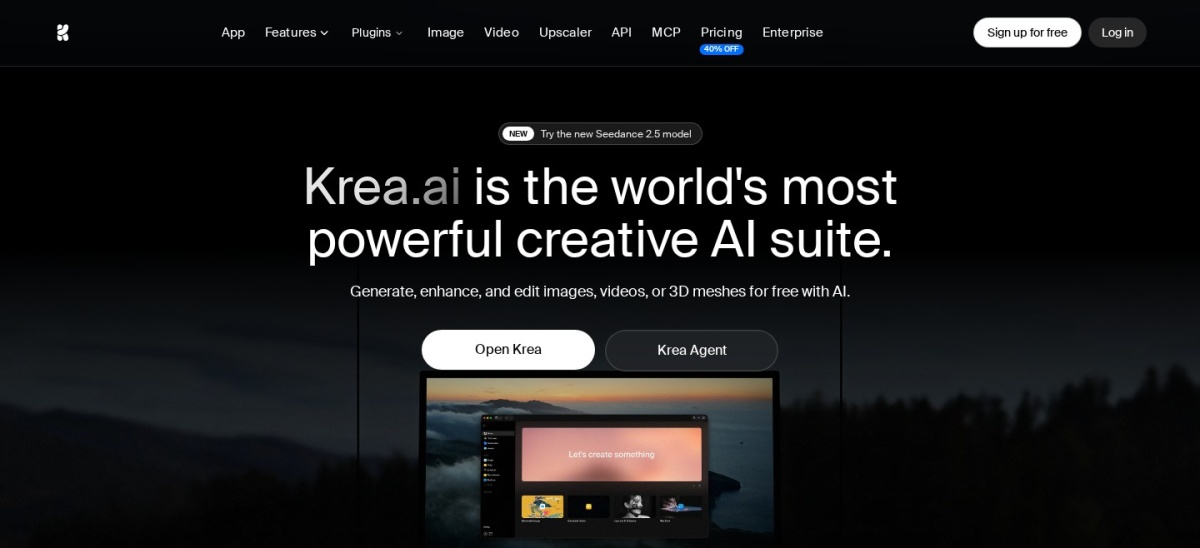
Krea homepage, captured Nov 2026.
Krea is a browser workspace for images, video and 3D, with a real-time canvas, LoRA style training and upscaling to 22K. The free plan gives 100 compute units a day, and Basic at $9 a month adds 5,000 units, a commercial licence and LoRA training.
The trade off is the unit meter. Different models burn units at very different rates, so a month of premium video can cost far more than the sticker price, and Trustpilot reviewers report slow support. It suits visual explorers who want to draw and see results instantly.
What we like
Real-time canvas shows images as you draw
Own Krea 2 model plus third-party models
Upscaling to 22K on paid plans
Node workflows on Pro
Watch out for
Unit costs vary widely between models
Trustpilot score is the lowest in this list
Basic adds 5,000 units a month and a commercial licenceVisit krea.ai
09
OpenArt
3.8/5on Trustpilot (949 reviews, checked Nov 2026)
Starts at$14/mo
Best for many models in one account
Free plan40 one-time trial credits
Monthly credits4,000 on Essential
Models100+ premium models
Paid planEssential, $14/mo
openart.ai
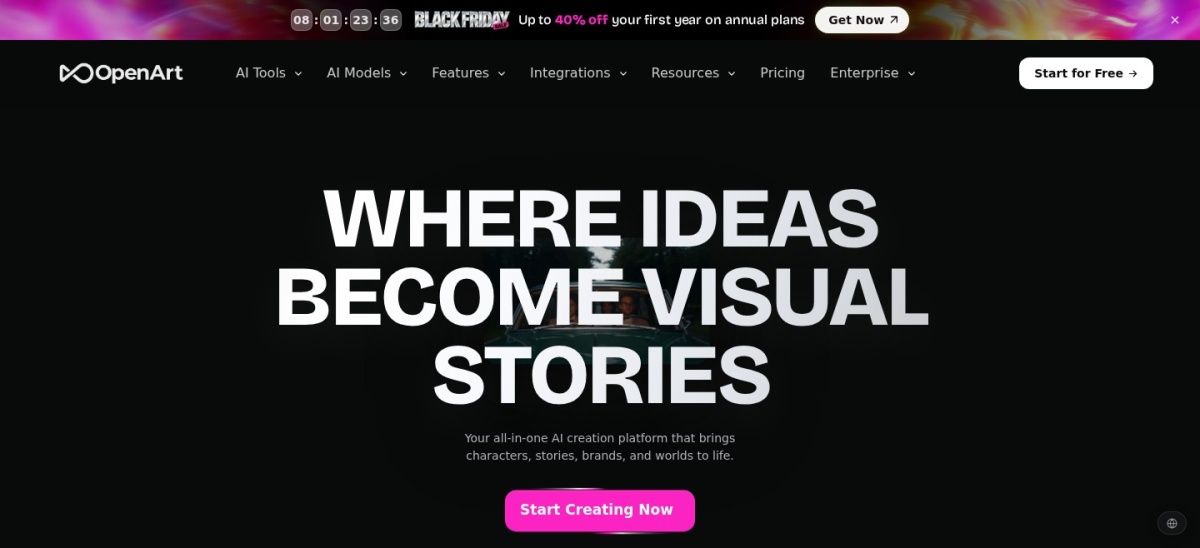
OpenArt homepage, captured Nov 2026.
OpenArt is a browser workspace with 100+ image and video models, a workflow builder, character training and a community feed. The trial gives 40 one-time credits, and Essential at $14 a month adds 4,000 credits, 8 parallel generations and watermark-free exports.
The trade off is credit burn. Video and premium models eat credits fast, and reviewers report billing disputes, so start monthly and watch the first bill. It suits sellers who need consistent characters and product visuals across many models.
Local tools cost nothing per image once they are installed. You pay with setup time, a capable GPU and your own maintenance when a model update breaks a workflow.
Hosted tools cost nothing to start and nothing to maintain. You pay per token or credit, and the bill grows with every re-roll, so heavy users can outspend a GPU in a few months.
Privacy splits the same way. Local generation keeps your prompts and images on your machine, while hosted free plans often make generations public by default.
How we chose
We started from the tools people name most often as ComfyUI replacements, in local-app roundups and hosted image-generator lists, then kept the established tools with a public price and a public rating.
Prices come from each vendor's pricing page, checked on 29 November 2026, with monthly billing as the listed price. Ratings come from G2, Capterra or Trustpilot on the same day. Where a vendor shows a sale, the list shows the regular price.
We left out the closest local replacements, InvokeAI, AUTOMATIC1111, Fooocus and SwarmUI, because none of them has a public G2, Capterra or Trustpilot rating, and this list does not invent ratings. No vendor paid for a place, and we do not claim to have used these tools ourselves.
How to choose a ComfyUI alternative
Start with the workflow you miss most, then match it to a price you can predict.
Decide local or hosted. If you have a good GPU and want unlimited generations, a local app saves the subscription. If you want to start in minutes, pick a hosted tool with a free plan.
Count what a plan buys. Tokens and credits are not images. Work out how many generations your monthly allowance covers on the models you will actually use.
Check who owns the output. Some free plans keep images public or owned by the vendor. Paid plans usually add private generations and commercial rights.
Try the free tier first. Generate the same prompt on two or three tools, then compare the results side by side before paying for a year.
FAQ
What is the best ComfyUI alternative in 2026?
Leonardo AI is the best ComfyUI alternative in 2026 for most creators. It offers 80+ models, a free daily token allowance, trainable personal models and private generations from $12 a month, without needing a local GPU or a node graph.
Is there a free alternative to ComfyUI?
Yes. Leonardo AI, Adobe Firefly, Ideogram, Playground, NightCafe and Krea all have free plans, and NightCafe's free plan includes unlimited base Stable Diffusion generations. Midjourney has no free plan, and OpenArt offers only 40 one-time trial credits.
Which ComfyUI alternative is cheapest?
NightCafe is the cheapest paid plan in this list at $5.99 a month for AI Beginner. Krea Basic at $9 a month and Adobe Firefly Standard at $9.99 a month are the next cheapest, while Leonardo AI and Recraft both start at $12 a month.
Which ComfyUI alternative is best for beginners?
Playground is the easiest start, with templates, a design-style interface and a free plan that includes a commercial licence. Leonardo AI is the next step up once you want more models and trainable styles.
Leonardo AI vs Recraft: which is better?
Leonardo AI is better for most creators because it covers 80+ models, video and trainable styles from $12 a month. Recraft is better for designers who need editable SVG logos and brand assets, which Leonardo AI does not produce.
Can I use ComfyUI alternatives for commercial work?
Yes, on paid plans. Leonardo AI, Recraft, Adobe Firefly, Playground and Krea all include commercial rights on paid tiers. Free plans often keep images public or restrict commercial use, so check the licence before using free output for clients.
Do ComfyUI alternatives run locally?
Most tools in this list are hosted and run in the browser, so they need no GPU or install. The closest local replacements, InvokeAI and AUTOMATIC1111, run on your own hardware but have no public review-site rating, so they are not ranked here.
SaaS SEO and WordPress specialist with about 8 years of experience. Rakib compares WordPress plugins, themes, hosting and software using public pricing, documentation and user reviews. See how we rank.