Leonardo AI is the best free AI art software for most creators. Its free plan gives 150 fast tokens every day, with many models and private generations from $12 a month, while Adobe Firefly suits commercial-safe images and Ideogram handles readable text.
How we make this list: we compare pricing pages, product documentation and public user reviews, then re-check every price before each update. No product paid for a place. Disclosure.
Leonardo AI gives the most generous free plan: 150 fast tokens a day, every day, with no card required.
Adobe Firefly is the safest pick for commercial work, with models trained on licensed content and a $9.99 a month Standard plan.
Ideogram renders words inside images more reliably than the others, but its free plan only gives weekly credits.
NightCafe is the only tool here with unlimited free generations on its base Stable Diffusion models.
All 9 tools have a free plan. Paid upgrades start at $9.99 a month and climb to $20 a month for the cheapest paid plan.
What to look for in free AI art software
Free AI art tools all work the same way at the start: you type a prompt and the tool returns images. What differs is how much you can make for free, who owns the result and how good the images look.
Free allowances come in different shapes. Some reset daily, some weekly and some never refill at all, so a tool that looks generous on day one can run dry by week two.
Commercial use matters as soon as you sell anything or use an image for a client. Adobe Firefly and Leonardo AI both allow commercial use of free-plan images, but check the terms before you publish.
Text inside images is still the hardest job for these tools. If you make posters, logos or book covers, read our guide on generating images with AI in WordPress before you pick a tool for that job.
Leonardo AI is a browser-based art studio with more than 80 image and video models, from its own Phoenix and Lucid models to FLUX. The free plan gives 150 fast tokens every day, with basic quality settings and access to the Auto model, and free images can be used commercially.
The trade off is privacy and choice. Free generations are public, and only the Auto model is included, so you cannot pick a specific style model without paying. Essential costs $12 a month for 8,500 tokens and private generations. It suits creators who generate a little every day.
What we like
Most generous daily free allowance in this list
Wide choice of models and styles on paid plans
Train personal models for a consistent style
Free images can be used commercially
Watch out for
Free generations are public
Free plan is limited to the Auto model
Token costs vary by model, so budgeting is fiddly
Essential adds private generations and 8,500 tokens a monthVisit leonardo.ai
02
Adobe Firefly
4.4/5on G2 (373 reviews, checked Nov 2026)
Paid from$9.99/mo
Best for commercial-safe images
Free allowanceLimited daily generations
Paid credits2,000 a month on Standard
Commercial useYes, trained on licensed content
Paid planStandard, $9.99/mo
adobe.com
Adobe Firefly homepage, captured Nov 2026.
Adobe Firefly is Adobe's generative AI studio for images, video and vectors, built on Adobe's own models plus partner models such as Nano Banana. The free plan gives limited daily generations with no card required, and images open directly in Photoshop and Express.
The trade off is the size of the free allowance. Adobe does not publish an exact daily image count, so the free plan works as a way to try prompts rather than a daily workflow. Standard costs $9.99 a month for 2,000 credits. It suits designers already inside Adobe apps.
What we like
Trained on licensed content, so commercial use is clear
Opens straight into Photoshop and Express
Cheapest paid plan in this list
Image, video and vector generation in one place
Watch out for
Free plan has no published daily image count
Best features need Photoshop or Express
Credits run out fast on video and partner models
Standard adds 2,000 monthly credits and more modelsVisit adobe.com
03
Ideogram
4.4/5on G2 (30 reviews, checked Nov 2026)
Paid from$20/mo
Best for readable text in images
Free allowanceWeekly credits, amount varies
Paid credits2,400 priority credits a month
Private generationsPaid plans only
Paid planPlus, $20/mo
ideogram.ai
Ideogram homepage, captured Nov 2026.
Ideogram is a text-to-image tool built for images that contain words, such as posters, packaging and logos. Its free plan gives weekly credits when you sign in with Google, Apple or Microsoft, and free images can be used for any purpose, including commercial use.
The trade off is the small free allowance. The weekly credit amount varies, and free generations are public and run in the slow queue. Plus costs $20 a month for 2,400 priority credits and private generation. It suits anyone whose art needs spelled-out text.
What we like
Best text rendering in this list
Free images can be used commercially
Quality export and editing tools on paid plans
Pay-as-you-go credits available at 1 cent each
Watch out for
Free plan is only a small weekly allowance
Free generations are public and slow
Plus is the priciest entry plan in this list
Plus adds 2,400 priority credits and private generationVisit ideogram.ai
04
Canva
4.7/5on G2 (7,529 reviews, checked Nov 2026)
Paid from$15/mo
Best for finished designs, not just images
Free allowanceLimited AI uses on the free plan
AI featuresMagic Media and Dream Lab
Paid creditsAbout 500 AI credits a month
Paid planPro, $15/mo or $120/yr
canva.com
Canva homepage, captured Nov 2026.
Canva is a design editor with AI image generation built in, through Magic Media and Dream Lab, which runs on Leonardo models. The free plan includes a limited number of AI uses, and generated images drop straight into social posts, flyers and presentations.
The trade off is the free credit limit. The allowance is small and does not refill generously, so regular AI use needs Pro at $15 a month or $120 a year. It suits small businesses that need the image inside a finished design.
What we like
Highest user rating in this list
Images land straight in a finished design
Huge template and stock library included
Easy enough for people with no design background
Watch out for
Free AI allowance is small and runs out fast
Generated images are low resolution by default
Less control over style than dedicated art tools
Pro adds about 500 AI credits a month and Brand KitVisit canva.com
05
NightCafe
4.2/5on G2 (3 reviews, checked Nov 2026)
Paid from$12.49/mo
Best free community art studio
Free allowance5 credits a day, plus challenges
Base modelsUnlimited Stable Diffusion images
Paid credits200 Fast Credits a month
Paid planAI Hobbyist, $12.49/mo
creator.nightcafe.studio
NightCafe homepage, captured Nov 2026.
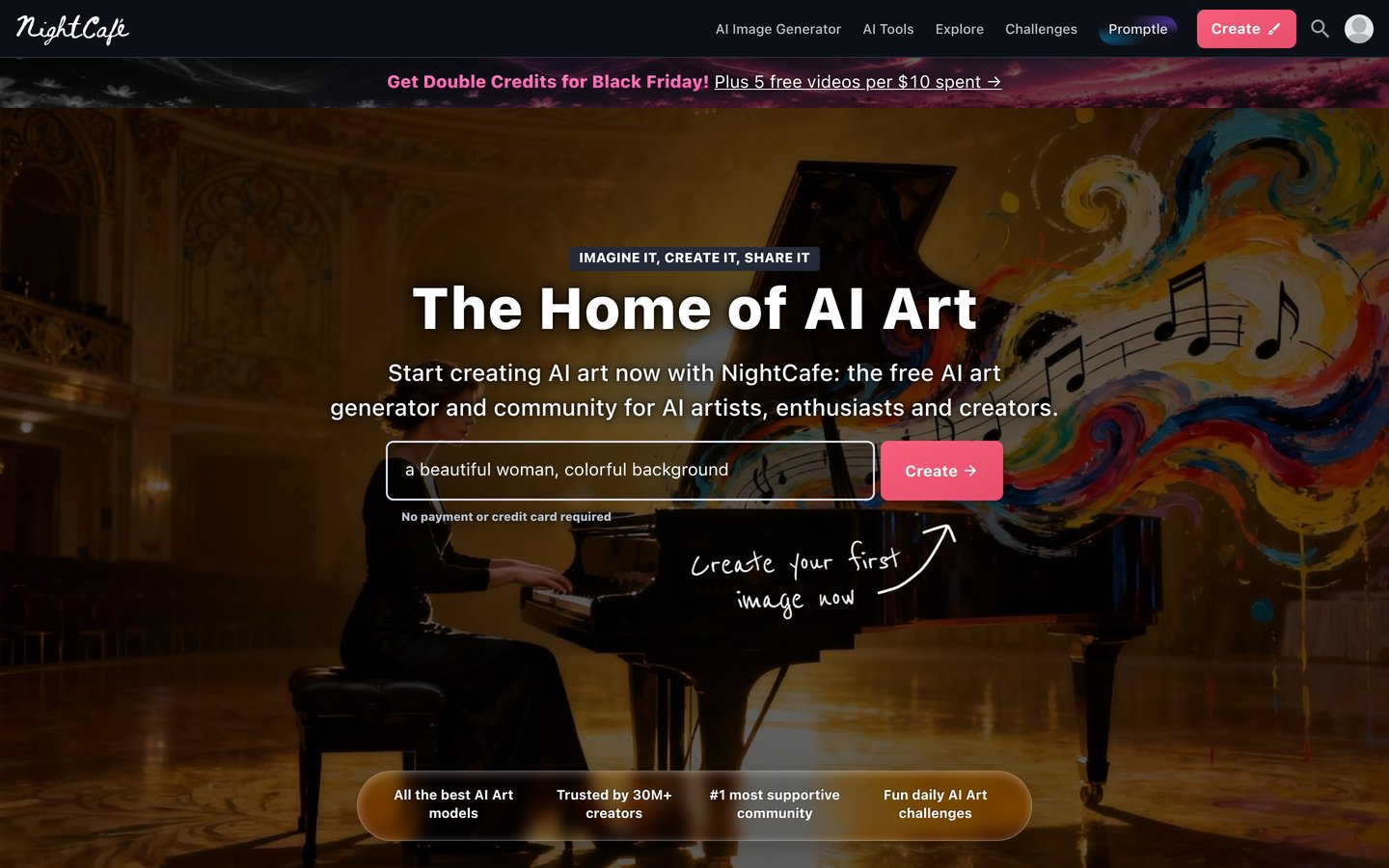
NightCafe is a long-running AI art community that puts dozens of models, from Stable Diffusion to FLUX and DALL-E, behind one prompt box. The free plan gives 5 credits a day for logging in, plus more from daily challenges, and base Stable Diffusion images are unlimited.
The trade off is speed and model access. Free generations run in the standard queue, and the best models cost credits. AI Hobbyist costs $12.49 a month for 200 Fast Credits and access to all image models. It suits hobbyists who like challenges and sharing work.
Playground is a template-led AI design studio for stickers, merch, posters and social graphics, built on models including Nano Banana, Seedream and GPT Image 2. The free plan gives 5 Playground v3 images every 3 hours, plus 6 monthly credits for the other models.
The trade off is that the free plan is now small. It used to give far more images a day, and premium models get only a few generations a month. Pro costs $15 a month, or $12 a month billed yearly, for 1,500 credits. It suits makers of print-on-demand designs.
What we like
Strong templates for stickers and merch
Several leading image models in one studio
Commercial licence included on every plan
Rolling 3-hour window, not a hard daily cap
Watch out for
Free plan is much smaller than it used to be
Only 2 downloads a day on the free plan
Premium models get only a few free generations a month
Freepik is an AI creative suite that pairs image, video and audio generation with a large stock library. The free plan gives up to 20 AI images a day on the in-house model, with free stock content only and attribution required. Freepik rebranded to Magnific in April 2026.
The trade off is price and licensing. Free images are for personal use with attribution, and the cheapest paid plan costs $20 a month. Premium adds 20,000 credits a month and full commercial use. It suits designers who use stock and AI together.
What we like
Up to 20 free AI images a day
Stock library and AI tools in one subscription
30+ models, including FLUX and Imagen
Built-in upscaling and editing tools
Watch out for
Free images need attribution and are personal use only
Premium is the joint-priciest entry plan here
Credit costs vary a lot by model and size
Premium adds 20,000 credits a month and a commercial licenceVisit freepik.com
08
Craiyon
4/5on TechJockey (14 reviews, checked Nov 2026)
Paid from$12/mo
Best for no-signup quick images
Free allowanceUnlimited Lite generations
Sign-upNo account needed for free use
Free imagesWatermarked and public
Paid planSupporter, $12/mo
craiyon.com
Craiyon homepage, captured Nov 2026.
Craiyon is a free, browser-based image generator that started life as DALL-E mini. You can generate images with no account, no card and no sign-up, with unlimited Lite generations plus 2 Pro generations a day, and each prompt returns a grid of 9 images.
The trade off is quality and polish. Free images are watermarked, public and square only, and the base model trails modern tools on detail and prompt accuracy. Supporter costs $12 a month and removes watermarks. It suits quick ideas, memes and rough drafts.
What we like
No account or card needed to start
Unlimited free Lite generations
9 image variations per prompt
Built-in editing, upscale and animate tools
Watch out for
Lowest rating in this list
Free images are watermarked and public
Image quality trails newer models
Square format only on the free plan
Supporter removes watermarks and adds 100 edit credits a monthVisit craiyon.com
09
StarryAI
4.2/5on TechJockey (4 reviews, checked Nov 2026)
Paid from$11.99/mo
Best mobile-first art app
Free allowanceDaily free images, no watermark
StylesHundreds of art styles
PlatformsWeb, iOS and Android
Paid planPro, $11.99/mo
starryai.com
StarryAI homepage, captured Nov 2026.
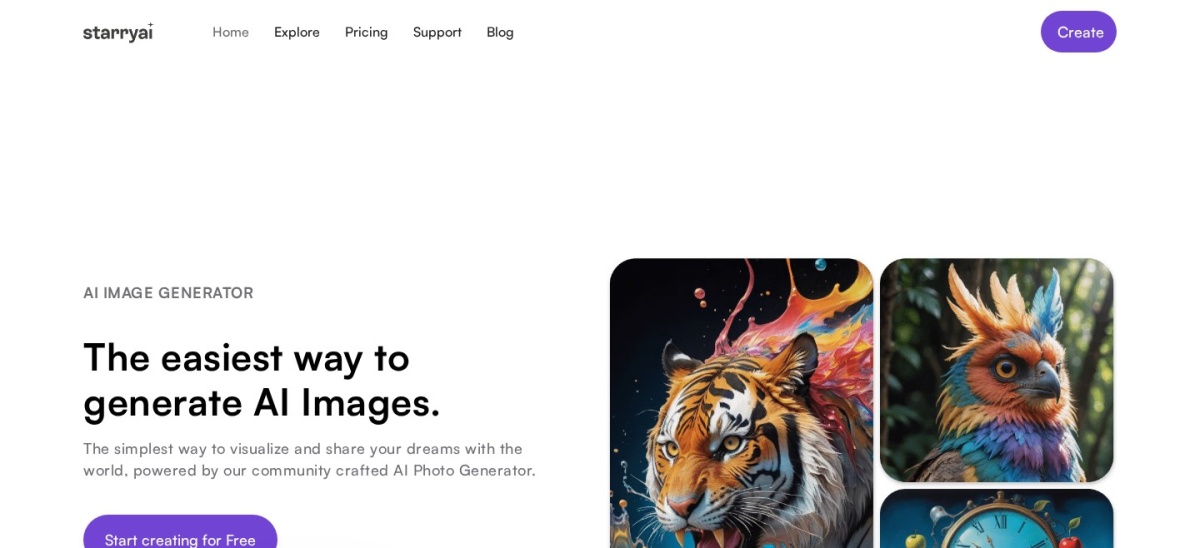
StarryAI is a mobile-first AI art generator that turns prompts into artwork, anime or photoreal images in hundreds of styles. The free plan gives daily free images with no watermark, plus 5 Lumens on sign-up, and 1 Lumen makes 4 images at base settings.
The trade off is that anything beyond the basics costs Lumens. Edits, video and larger upscales all spend Lumens, and web plan prices only show after sign-in. Pro costs $11.99 a month in the app store. It suits phone-first creators who make art daily.
Free plans cover trying things out well. Most give you a daily or weekly allowance, a few models and images you can share or use with limits.
Paid plans mostly add privacy, speed and choice. You get private generations, faster queues, more models and higher resolution.
If you sell your art or use it for clients, the paid plan is usually worth it for the licence alone. Free images are often public, watermarked or personal use only.
Start free on two or three tools, make the same image in each, and only pay for the one whose style and limits fit how often you create.
How we chose
We started from the best-known free AI art tools with a real free plan, then kept those with an established user base and a public pricing page.
Prices come from each vendor's pricing page or, where the vendor page did not render, from pricing trackers that read it in November 2026. Ratings come from G2, checked on 25 November 2026, except Playground (Toolradar blended figure) and Freepik, Craiyon and StarryAI (TechJockey), where no usable G2 base was found. Where a vendor shows a sale, the list shows the regular price.
We left out Midjourney, which has no free plan, and tools with no public pricing. No vendor paid for a place, and we do not claim hands-on testing for this list.
How to choose free AI art software
Start with how often you create, then match the free allowance to that habit.
Count how many images you need a week. A daily creator needs a daily allowance like Leonardo AI. A weekly poster maker can live on Ideogram's weekly credits.
Check the licence before you publish or sell. Free images can be public, watermarked or personal use only. Firefly and Leonardo AI allow commercial use of free images.
Test text rendering if your art has words. Make the same poster in Ideogram and one other tool. Ideogram spells words more reliably than the rest of this list.
Pay only when the free plan runs out. Upgrade when you hit the daily cap every day, not before. The cheapest paid plans here start at $9.99 a month.
FAQ
What is the best free AI art software?
Leonardo AI is the best free pick for most creators. Its free plan gives 150 fast tokens every day, with many models to choose from, and free images can be used commercially. Adobe Firefly is the safer choice for client work.
Is there a completely free AI art generator?
Yes. Craiyon needs no account and gives unlimited Lite generations, though free images are watermarked and public. NightCafe gives unlimited free base-model images, plus 5 credits a day for premium models.
Can I sell AI art made with a free plan?
It depends on the tool. Leonardo AI and Ideogram allow commercial use of free-plan images, and Adobe Firefly images are trained on licensed content. Freepik and Craiyon free images need attribution or an upgrade, so read the terms first.
Which free AI art tool is best for text in images?
Ideogram is the best choice when your image needs readable words, such as posters, logos or book covers. Its models are built around text rendering, while most other tools still misspell words in longer phrases.
Do free AI art tools put watermarks on images?
Some do and some do not. Craiyon watermarks free images, while StarryAI and Leonardo AI do not. A paid plan removes watermarks on the tools that use them, and it also makes your generations private.
Why do free allowances differ so much between tools?
Each vendor counts usage differently, with tokens, credits or Lumens, and each model costs a different amount. Daily allowances suit regular creators, while weekly or lifetime allowances suit occasional use, so match the pattern to how often you create.
SaaS SEO and WordPress specialist with about 8 years of experience. Rakib compares WordPress plugins, themes, hosting and software using public pricing, documentation and user reviews. See how we rank.