Vercel is the best web development platform overall, pairing zero-config Git deployments with a $0 Hobby tier and $20/mo Pro plans rated 4.6/5 on G2. For full-stack containers with built-in databases, pick Render ($7/mo) or Railway ($5/mo), while Webflow ($15/mo) suits visual builders.
How we make this list: we compare pricing pages, product documentation and public user reviews, then re-check every price before each update. No product paid for a place. Disclosure.
Vercel leads for modern frontend frameworks at $20/mo on Pro with $20 in included usage credit and a 4.6/5 G2 rating.
Netlify drops per-seat billing on its $20/mo Pro tier (3,000 credits) and offers a $9/mo Personal plan for solo builders.
Railway ($5/mo minimum usage) and Render ($7/mo Starter service) let full-stack teams deploy containers and databases without managing servers.
Supabase bundles managed Postgres, auth, storage, and edge functions starting free or $25/mo on Pro with 100,000 monthly active users.
Webflow ($15/mo Basic) and Framer ($10/mo Basic) bridge visual design and production hosting, though custom code export remains limited.
How do you choose the best web development platform?
The right web development platform depends on whether your team ships custom application code or visual marketing pages. Frontend clouds like Vercel and Netlify automate Git builds and global edge caching, while full-stack hosts like Render, Railway, and DigitalOcean App Platform run persistent backend containers and databases.
Pricing models split sharply between flat seat subscriptions, credit pools, and metered compute. A low headline sticker price can climb quickly once you add extra team seats, always-on databases, bandwidth overages, or CMS collections.
Free tiers are widely available for prototypes, yet almost all carry production limits. Free services on Render and Railway sleep during inactivity, Supabase pauses free databases after seven days, and visual builders restrict custom domains to paid plans.
Vercel is a frontend cloud platform built around Git-triggered builds, global CDN delivery, and serverless functions. Its free Hobby tier includes automatic CI/CD, DDoS mitigation, Web Application Firewall protection, and instant preview URLs for personal projects.
The trade off is per-seat and metered usage scaling on Pro at $20/mo ($240/yr), where extra deploying members cost $20/mo each and bandwidth or function spikes bill past the included $20 credit. It suits frontend and Next.js teams prioritizing fast preview workflows.
What we like
Automatic preview URLs on every pull request
Native support for Next.js, ISR, and edge middleware
Generous free Hobby tier with global CDN and SSL
4.6 out of 5 rating on G2 across 94 reviews
Watch out for
Extra deploying team seats add $20/mo each
Serverless function and ISR cache usage can spike bills
Free Hobby tier is restricted to non-commercial use
Pro adds commercial hosting, $20/mo usage credit, cold-start prevention, and team collaboration.Visit vercel.com
02
Netlify
4.4/5on G2 (83 reviews, checked Nov 2026)
Paid from$9/mo
Best for team collaboration without per-seat fees
G2 rating4.4 out of 5 (83 reviews)
Free planFree ($0/mo, 300 credits)
Entry paid plan$9/mo Personal (1,000 credits)
Core focusStatic sites, serverless & edge
netlify.com
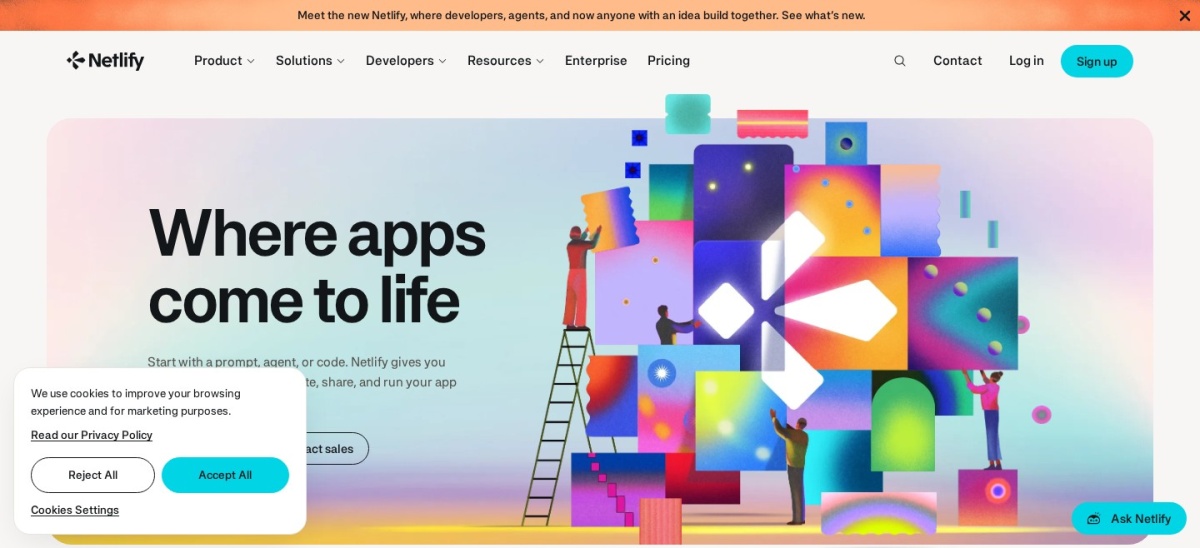
Netlify homepage, captured Nov 2026.
Netlify is a web deployment platform that combines Git-based continuous builds, global CDN hosting, serverless functions, and deploy previews under one credit pool. The Free plan includes 300 monthly credits, custom domains, unlimited deploy previews, and free Reviewer seats.
The trade off is that hitting the 300-credit cap pauses free sites until the next cycle, while paid Personal plans start at $9/mo ($108/yr) for 1,000 credits and Pro runs $20/mo ($240/yr). It suits solo developers and multi-seat teams avoiding per-user fees.
What we like
Pro plan ($20/mo) includes unlimited team members
Single credit pool covers deploys, bandwidth, and compute
Affordable $9/mo Personal tier for solo developers
Free custom domains and unlimited deploy previews
Watch out for
Free plan enforces a hard 300-credit monthly pause limit
Credit consumption across five meters takes planning
Concurrent builds cost $40/mo each beyond plan limits
Personal raises monthly credits to 1,000 and adds smart secret detection and priority email support.Visit netlify.com
03
Render
4.7/5on G2 (85 reviews, checked Nov 2026)
Paid from$7/mo
Best for full-stack apps and managed Postgres
G2 rating4.7 out of 5 (85 reviews)
Free planHobby ($0/mo + free tier limits)
Entry paid plan$7/mo Starter web service
Core focusFull-stack web services, workers & DBs
render.com
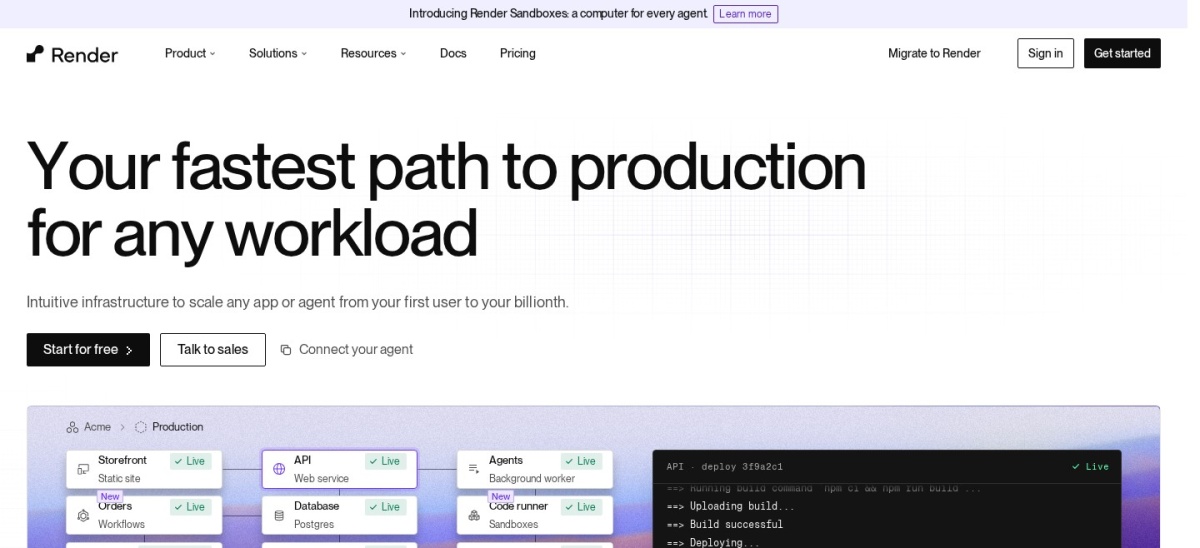
Render homepage, captured Nov 2026.
Render is a managed cloud platform for running web services, background workers, cron jobs, static sites, and managed PostgreSQL databases from Git or Docker. Its free tier hosts static sites with 100 GB monthly bandwidth and spins up free web instances.
The trade off is that free web services sleep after 15 minutes of inactivity and free Postgres expires after 90 days; always-on Starter services start at $7/mo ($84/yr) plus $6/mo for basic Postgres. It suits small engineering teams replacing Heroku or raw AWS.
What we like
Highest G2 score on this list at 4.7 out of 5 (85 reviews)
Supports Node, Python, Go, Rust, Ruby, Elixir, and Docker
Always-on Starter web services begin at $7/mo
Native managed PostgreSQL, Redis, and background workers
Watch out for
Free web instances suffer 30-to-60-second cold starts
Production teams must add a $25/mo Pro workspace fee
Bandwidth overages cost $0.15/GB above included quotas
Paid Starter instances eliminate sleep spin-downs and keep web services running continuously.Visit render.com
04
Railway
4.8/5on G2 (34 reviews, checked Nov 2026)
Paid from$5/mo
Best for usage-billed containers and quick databases
G2 rating4.8 out of 5 (34 reviews)
Free planFree ($0/mo, $1 monthly credit)
Entry paid plan$5/mo Hobby ($5 usage included)
Core focusContainers, Postgres, MySQL & Redis
railway.com
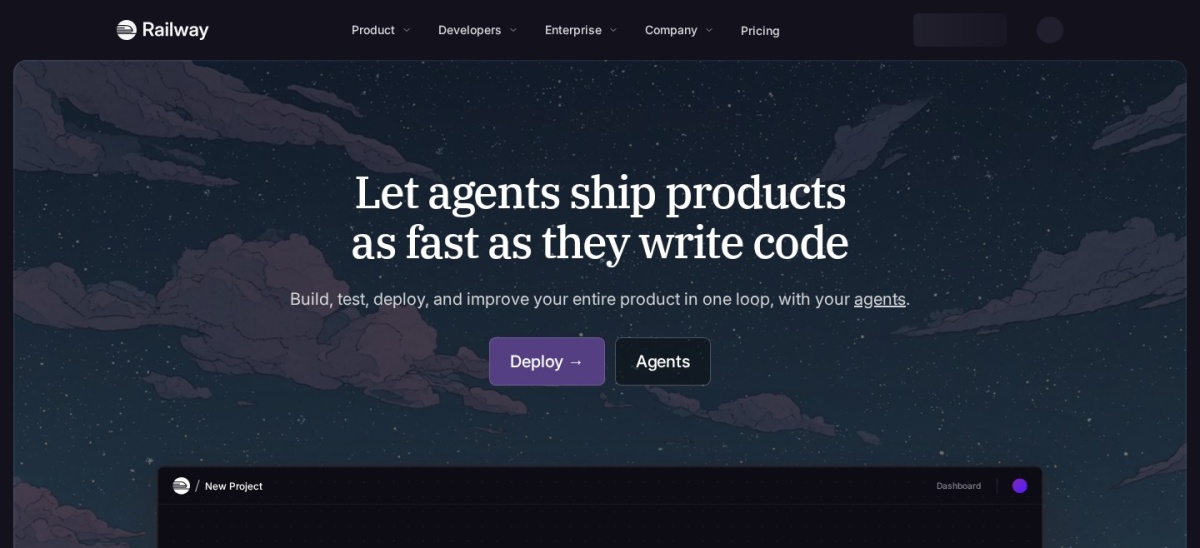
Railway homepage, captured Nov 2026.
Railway is a container-based deployment platform that provisions web services alongside one-click PostgreSQL, MySQL, Redis, and MongoDB databases. New accounts receive a 30-day trial with $5 in credits, followed by a permanent Free tier with $1/mo in usage.
The trade off is that idle containers still consume per-second vCPU and RAM charges once you move to Hobby at $5/mo ($60/yr) or Pro at $20/mo ($240/yr). It suits indie developers and startups wanting zero cold starts and fast multi-service orchestration.
What we like
Per-second vCPU, RAM, and volume billing with no request fees
One-click managed Postgres, MySQL, Redis, and MongoDB
No cold starts on always-on Hobby ($5/mo) and Pro ($20/mo) plans
Pro plan includes unlimited workspace seats
Watch out for
Always-on containers accrue compute fees even when traffic is low
Free tier services sleep after 5 to 10 minutes without outbound traffic
Fewer compliance and multi-region controls than enterprise clouds
Hobby includes $5/mo of resource credits, 5 GB storage, and always-on container execution.Visit railway.com
05
Supabase
4.6/5on G2 (115 reviews, checked Nov 2026)
Paid from$25/mo
Best open-source backend-as-a-service
G2 rating4.6 out of 5 (115 reviews)
Free planFree ($0/mo, 2 projects)
Entry paid plan$25/mo Pro (1 Micro project included)
Core focusPostgreSQL backend, auth & realtime
supabase.com
Supabase homepage, captured Nov 2026.
Supabase is an open-source backend development platform built on PostgreSQL that bundles authentication, auto-generated REST and GraphQL APIs, file storage, realtime subscriptions, and edge functions. Its Free plan covers two projects with 500 MB database storage each and 50,000 monthly active users.
The trade off is that free projects pause after seven days of inactivity, and upgrading to Pro costs $25/mo ($300/yr) plus roughly $10/mo per additional project. It suits full-stack teams building SaaS apps that need SQL control without managing backend servers.
What we like
Full PostgreSQL database with Row Level Security and SQL editor
Built-in authentication, file storage, and realtime websockets
Unlimited API requests on every plan tier
Pro plan includes $10/mo compute credit, 8 GB disk, and daily backups
Watch out for
Free projects automatically pause after one week of low activity
Custom domains and point-in-time recovery cost extra on Pro
Row Level Security policies carry a learning curve for beginners
Pro removes project pausing and includes 100,000 monthly active users, 250 GB egress, and daily backups.Visit supabase.com
06
DigitalOcean App Platform
4.6/5on G2 (762 reviews, checked Nov 2026)
Paid from$5/mo
Best predictable PaaS inside a cloud ecosystem
G2 rating4.6 out of 5 (762 reviews)
Free planFree Tier (3 static sites)
Entry paid plan$5/mo shared container instance
Core focusManaged app containers & cloud infra
digitalocean.com
DigitalOcean App Platform homepage, captured Nov 2026.
DigitalOcean App Platform is a managed application host that builds and deploys code directly from GitHub and GitLab onto DigitalOcean infrastructure. Its Free Tier hosts up to three static sites with global CDN delivery, automatic HTTPS, custom domains, and unlimited team members.
The trade off is that dynamic web services require paid containers starting at $5/mo ($60/yr), and development Postgres databases add $7/mo without automated backups. It suits developers who want simple PaaS deploys alongside Droplets and Spaces object storage.
What we like
Free tier hosts 3 static sites with custom domains and DDoS mitigation
Paid dynamic containers start at a predictable $5/mo
Low outbound transfer overage rate at $0.02 per GiB
Backed by 762 G2 reviews averaging 4.6 out of 5
Watch out for
Development database ($7/mo) lacks backups and destroys with the app
Managed production databases start separately at $15/mo
Fewer edge-routing features than Vercel or Netlify
Webflow is a visual web development platform that translates CSS flexbox, grid, and custom interactions into clean semantic HTML without manual coding. The free Starter plan lets you build two pages and 50 CMS items on a webflow.io subdomain.
The trade off is that the $15/mo ($180/yr billed annually) Basic plan excludes the CMS entirely, forcing content sites onto Premium at $25/mo ($300/yr) plus $15–$39/mo per extra editor seat. It suits designers and marketing teams building custom sites without backend engineers.
What we like
Granular visual control over CSS grid, flexbox, and animations
Clean semantic markup with built-in SEO and AEO controls
Global CDN hosting and REST/Content Delivery APIs on CMS plans
4.4 out of 5 rating across 999 G2 reviews
Watch out for
Cheapest $15/mo Basic plan does not include Webflow CMS
Extra workspace editor seats add $15 to $39/mo each
Steeper learning curve than template-only website builders
Basic connects a custom domain with 10 GB bandwidth; Premium ($25/mo) unlocks the 20,000-item CMS.Visit webflow.com
08
Framer
4.5/5on G2 (165 reviews, checked Nov 2026)
Paid from$10/mo
Best for interactive marketing sites and prototypes
G2 rating4.5 out of 5 (165 reviews)
Free planFree ($0/mo, 1,000 pages)
Entry paid plan$10/mo Basic billed yearly
Core focusDesign-to-web publishing & animations
framer.com
Framer homepage, captured Nov 2026.
Framer is a design-focused web platform that lets product designers publish responsive, animated websites directly from a Figma-like freeform canvas. Its Free plan includes up to 1,000 pages, 10 CMS collections, global CDN hosting, and 500 one-time AI agent credits.
The trade off is that custom domains require Basic at $10/mo ($120/yr billed yearly), additional editors cost $20/mo each, and you cannot export clean standalone code. It suits startups and designers shipping high-craft marketing sites fast.
What we like
Familiar canvas workflow with built-in spring animations
Fast global CDN hosting with built-in SEO and localization
Generous free plan with 10 CMS collections for non-commercial use
Entry Basic plan starts at $10/mo on annual billing
Watch out for
No clean code export creates platform lock-in
Each additional editor seat costs $20/mo
Monthly billing is significantly higher than annual plans
Basic unlocks custom domain connection, 50 GB monthly bandwidth, and 1,000 monthly AI credits.Visit framer.com
Should you pick a developer cloud or a visual web platform?
Developer clouds like Vercel, Netlify, Render, and Railway give you full ownership of your Git repository, package dependencies, and runtime environment. If your site needs custom authentication, relational database queries, or background workers, start with a code-first host paired with Supabase.
Visual platforms like Webflow and Framer eliminate server maintenance and let designers ship layout changes in minutes. They work best for marketing websites, landing pages, and content hubs where custom backend logic is minimal and speed of iteration matters most.
How we chose
We evaluated leading web development platforms across four categories: frontend edge clouds, full-stack container PaaS hosts, backend-as-a-service platforms, and visual web builders. Every candidate needed verified public user reviews and transparent, self-serve pricing.
All prices, plan limits, G2 ratings, and review counts were checked directly against official vendor pricing pages and G2 product profiles on 29 Nov 2026. Yearly figures reflect regular entry paid plans without temporary promotional discounts.
We excluded enterprise-only platforms with hidden quote-only pricing and legacy builders without active modern developer workflows. No vendor paid for a place, and we do not claim testing for this list.
How to pick the right web development platform
Follow these four steps to match your architecture and budget to the right platform:
Separate static frontends from stateful backends. If your site is mostly pre-rendered pages and API routes, Vercel or Netlify handles edge caching automatically; if you need long-running servers or WebSockets, choose Render or Railway.
Calculate total cost across seats, databases, and bandwidth. Multiply per-seat fees by your active editors or developers, then add managed database and bandwidth tiers so your monthly bill does not double after launch.
Verify free-tier sleep rules before launching. Free web services on Render and Railway spin down after minutes of inactivity and Supabase pauses inactive free databases after seven days, so budget at least $5 to $25/mo for live customer apps.
Check lock-in and export paths early. Git-backed platforms let you move Docker containers or Node apps between hosts in hours, whereas visual builders like Webflow and Framer tie your layout and CMS to proprietary hosting.
FAQ
What is the best web development platform in 2026?
Vercel is the best web development platform overall for modern web applications, offering Git-triggered deployments, instant preview links, a free Hobby plan, and a $20/mo Pro plan with a 4.6/5 G2 rating. Full-stack teams needing databases should consider Render or Railway.
Which web development platform has the best free tier?
Netlify and Vercel offer the strongest free tiers for frontend sites with global CDNs, custom domains, and automatic SSL. For full-stack backends, Supabase provides two free PostgreSQL projects with 500 MB storage and 50,000 monthly active users, though inactive projects pause after seven days.
What is the cheapest paid web development platform?
Railway and DigitalOcean App Platform offer the lowest entry paid tiers at $5/mo ($60/yr) for always-on container workloads, followed closely by Render at $7/mo ($84/yr). For visual no-code websites, Framer Basic starts at $10/mo ($120/yr) when billed annually.
How do Vercel and Netlify compare in 2026?
Vercel ($20/mo per deploying seat on Pro) excels at Next.js features like Incremental Static Regeneration and edge middleware. Netlify ($9/mo Personal, $20/mo Pro) uses a unified credit pool and includes unlimited team members on Pro without charging per seat.
Is Webflow or Framer better for building websites without code?
Webflow ($15/mo Basic, $25/mo Premium with CMS) gives deeper control over CSS grid, semantic structure, and large CMS collections up to 20,000 items. Framer ($10/mo Basic) feels closer to Figma, launches faster for animated marketing pages, and costs less upfront.
When should I use Render or Railway instead of Vercel?
Choose Render ($7/mo) or Railway ($5/mo) when your web app requires persistent containers, background workers, cron jobs, or co-located PostgreSQL and Redis databases without serverless timeout limits or cold starts.
SaaS SEO and WordPress specialist with about 8 years of experience. Rakib compares WordPress plugins, themes, hosting and software using public pricing, documentation and user reviews. See how we rank.